starlight-share-highlight
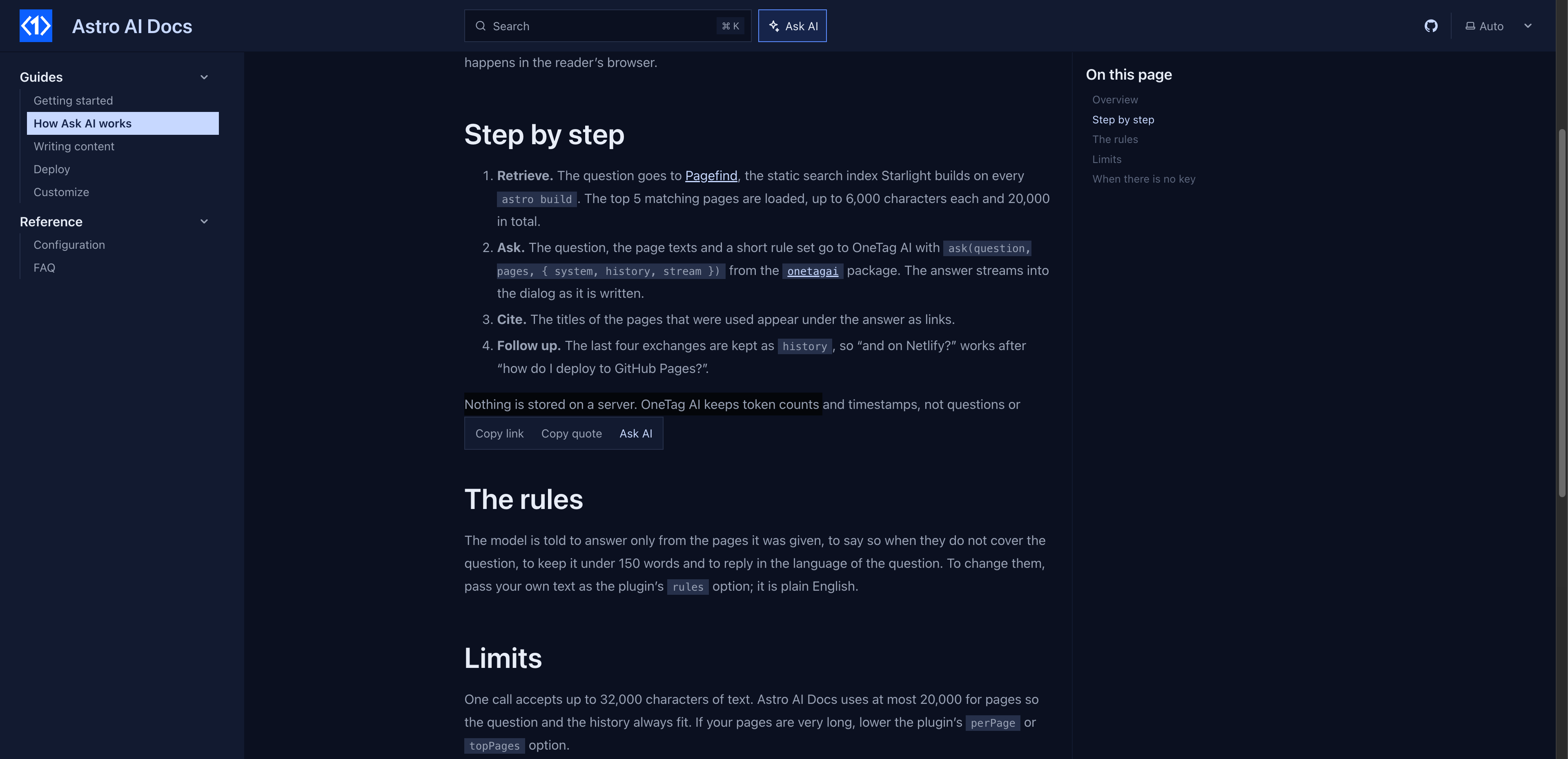
Select text in Starlight docs to copy a link that jumps to and highlights exactly that text, or copy it as a quote. Free, no account, no backend.
- 0
- JavaScript
- MIT
- 2 wk ago
A minimalist plugin that collapses Starlight's sidebars and expands the main content to full width, creating a distraction-free, fullscreen-like reading experience. Toggle with a single click to focus purely on your content.
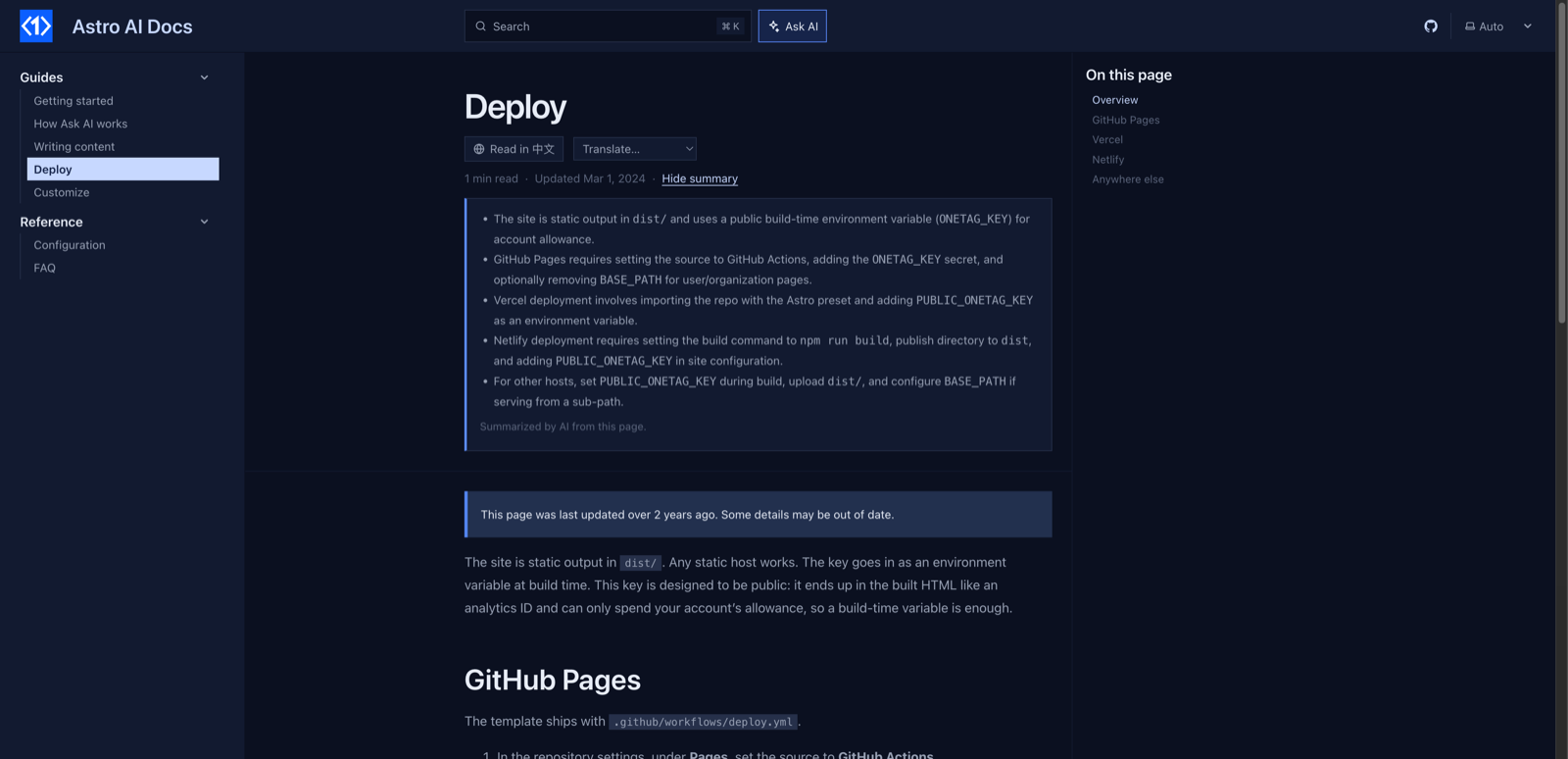
Reading time, last-updated date and an outdated-page note for Starlight docs. Handles Chinese, Japanese and Korean. Free, no backend.
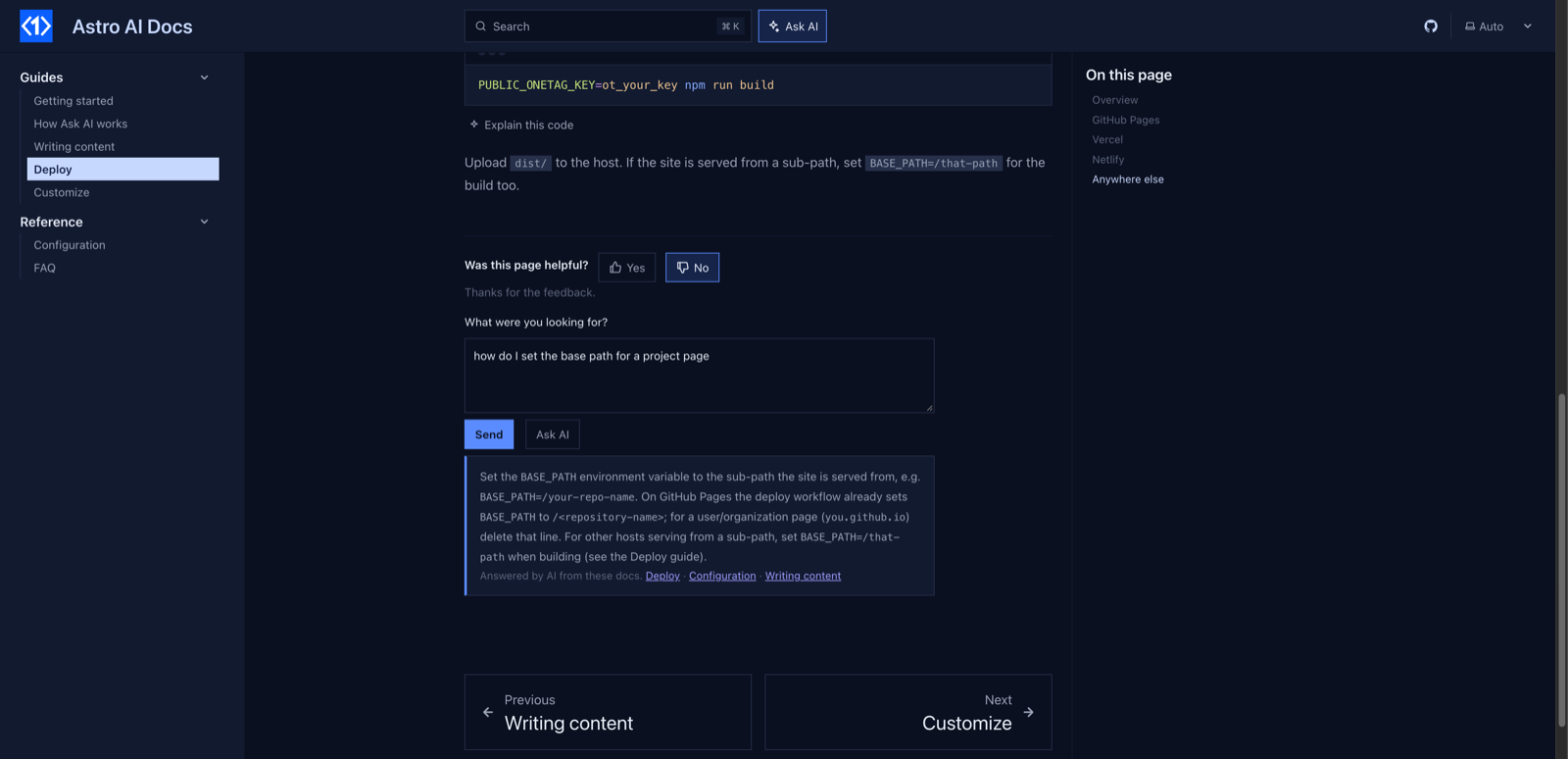
Was this page helpful? for Starlight docs: votes go to your existing analytics or a prefilled GitHub issue. Free, no account, no backend.
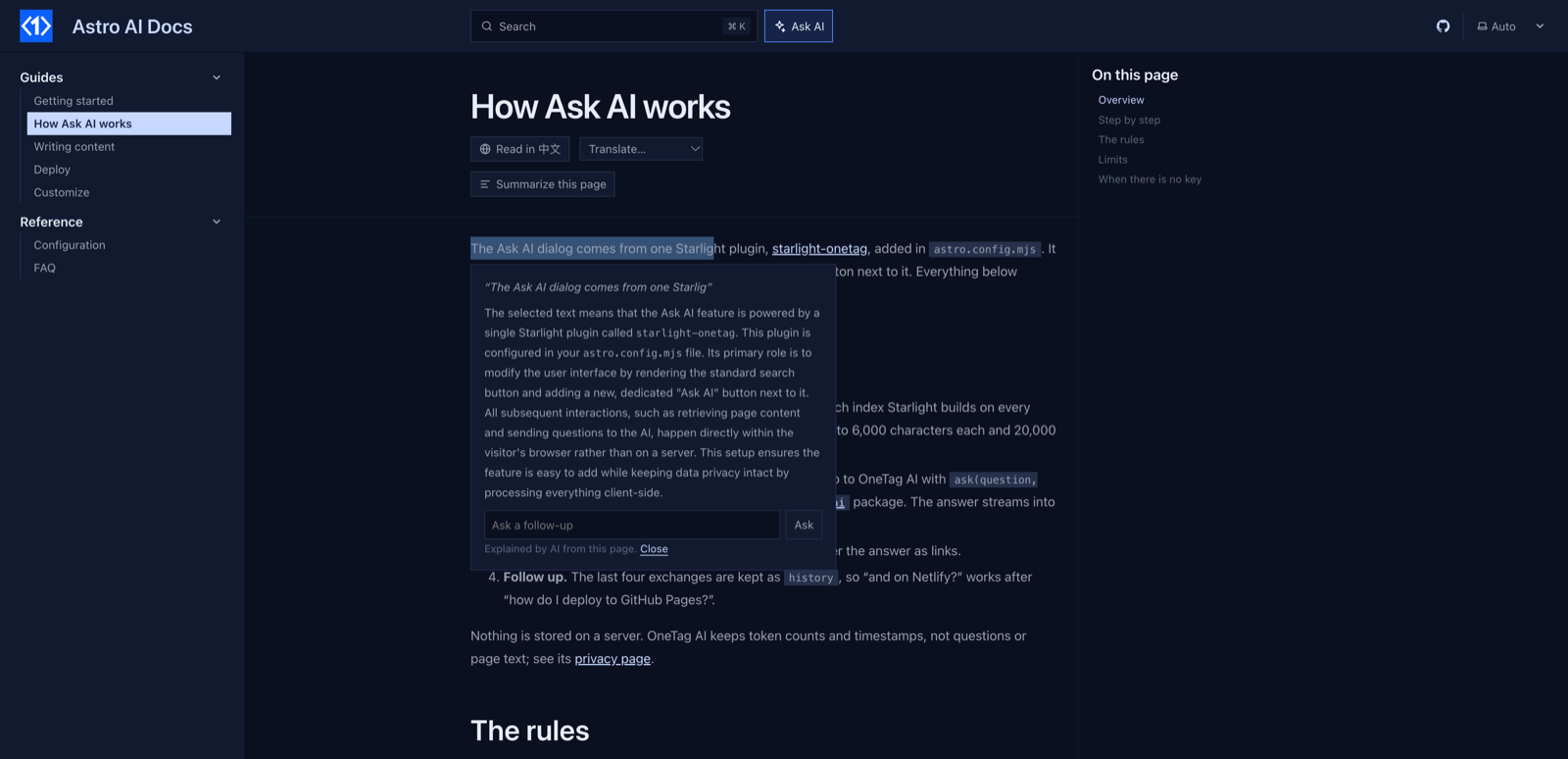
Select any text in Starlight docs and ask AI about it: an Ask AI button next to the selection explains it in context.
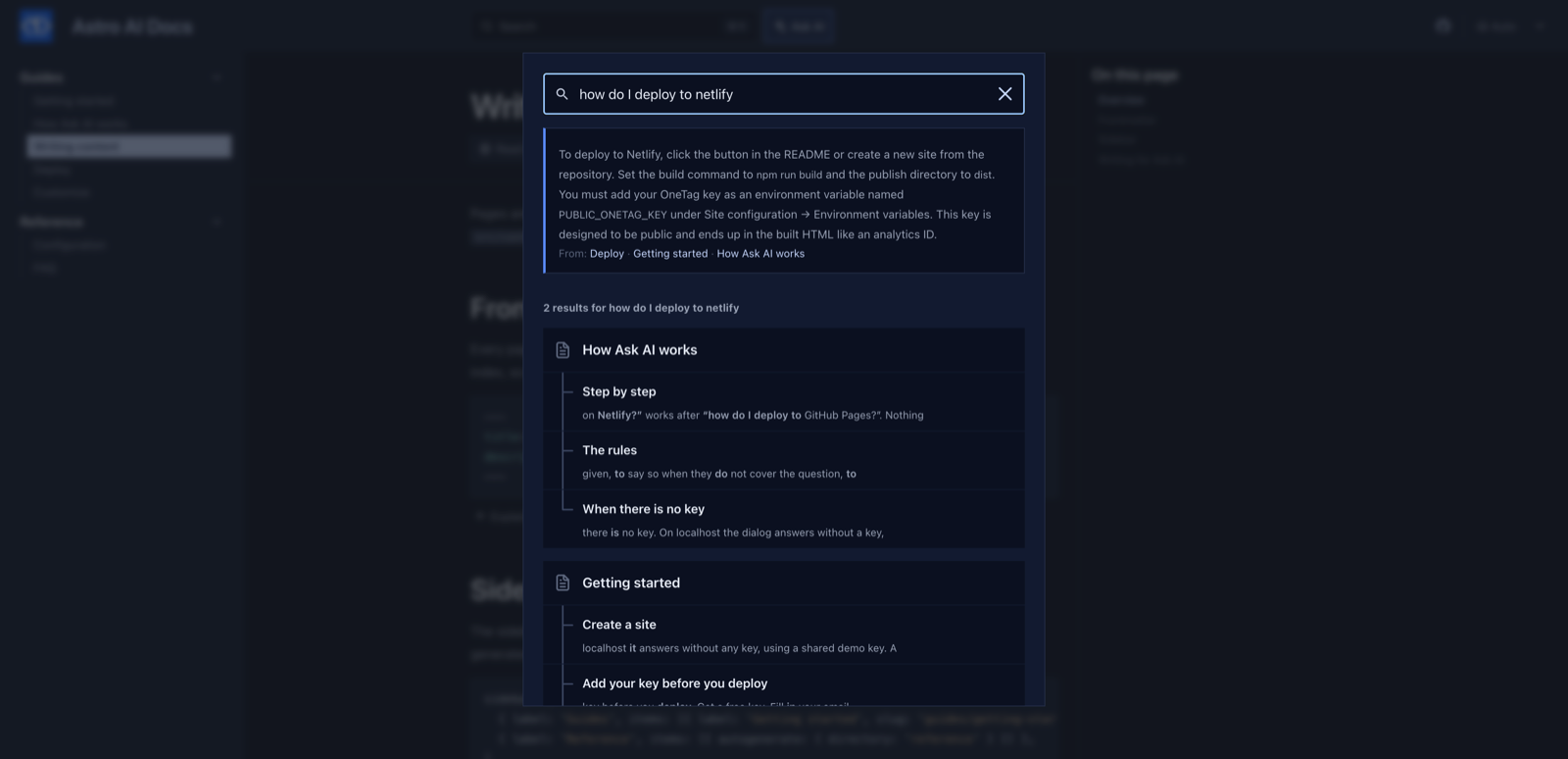
AI answers inside Starlight search: ask a question in the search box, get an answer from your docs above the Pagefind results.
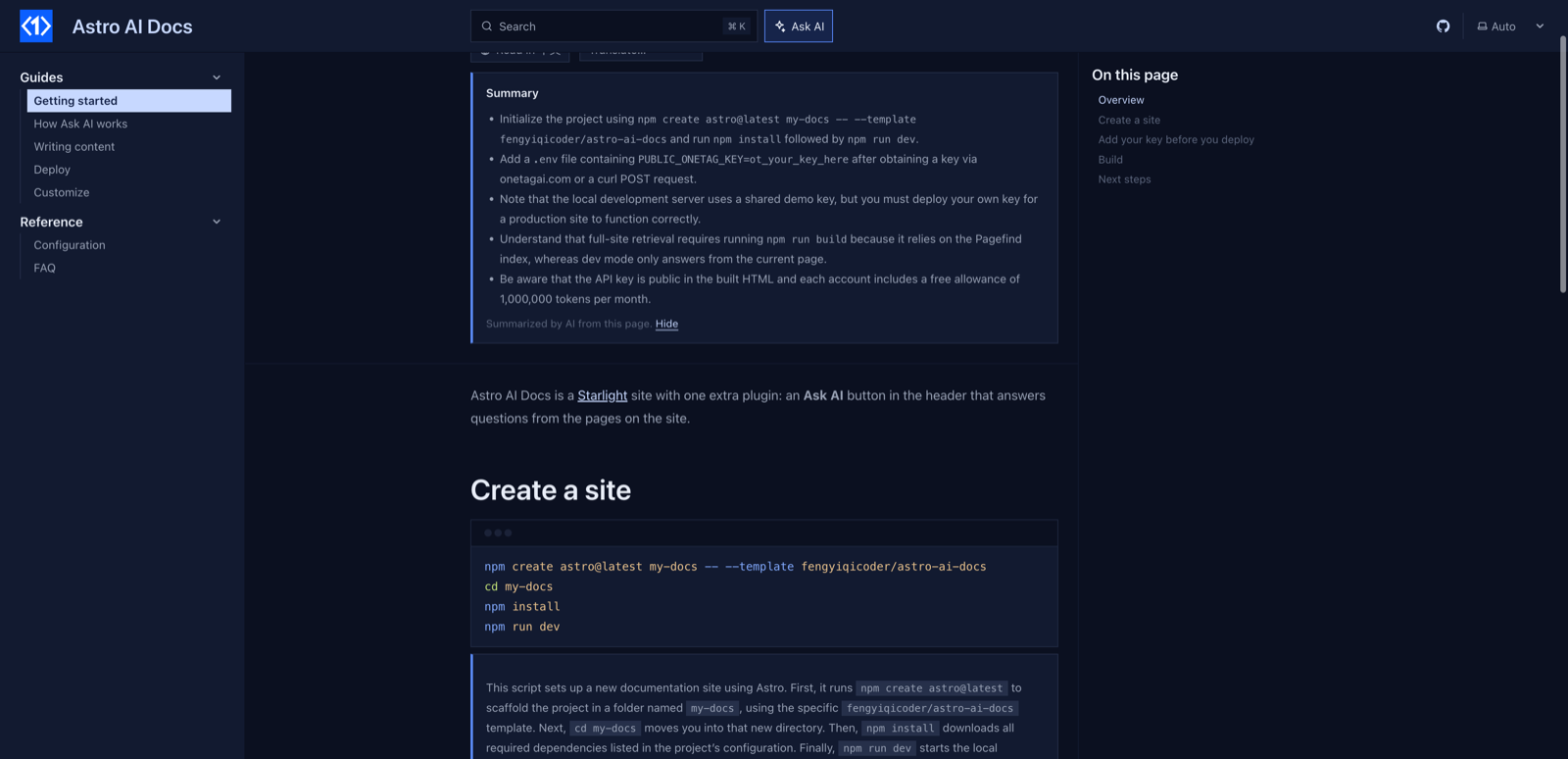
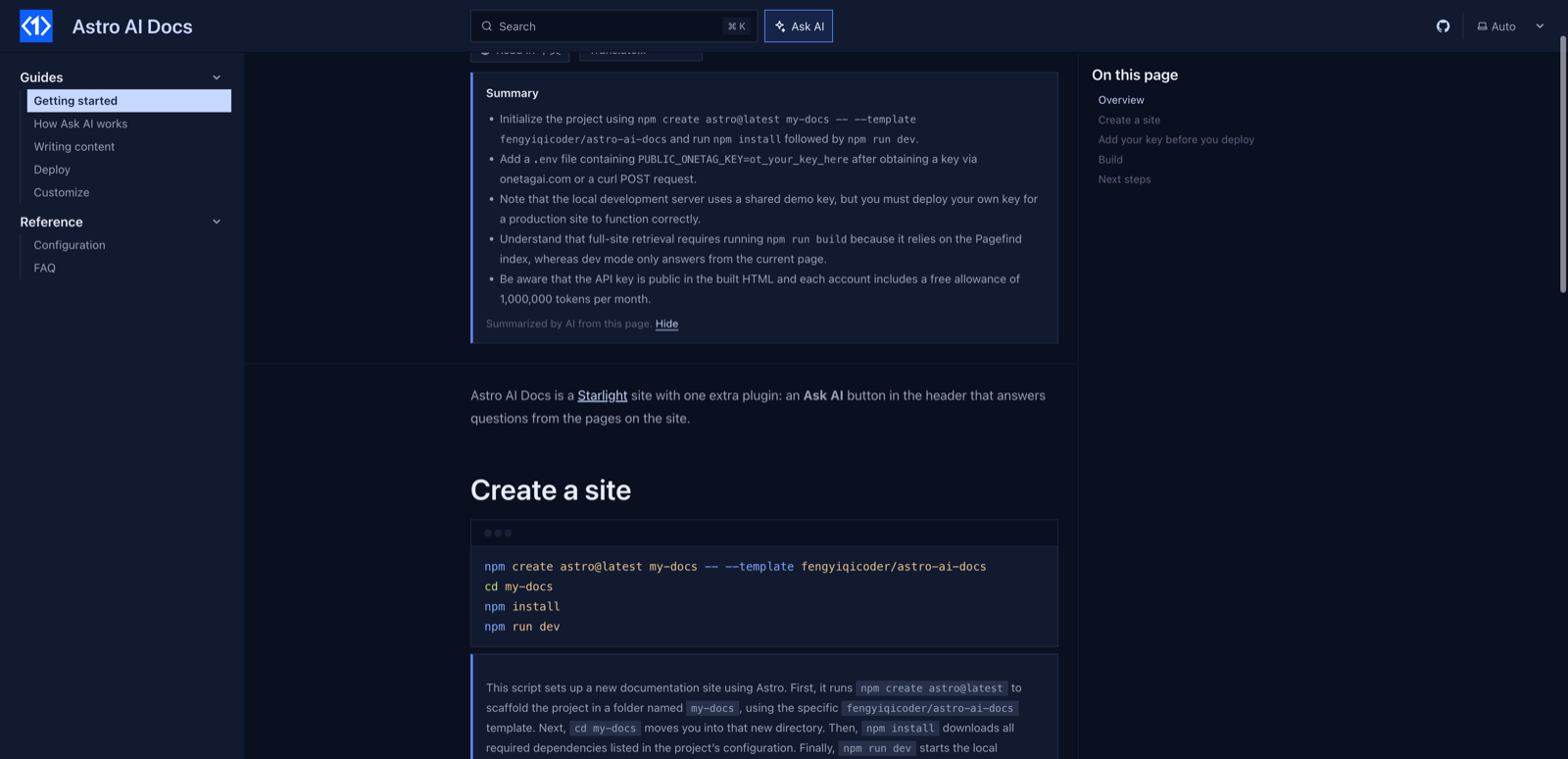
A one-click AI summary at the top of every Starlight docs page: the key points in a few bullets, no backend.
An Explain button under every code block in Starlight docs: plain-language AI walkthroughs, in the browser, no backend.
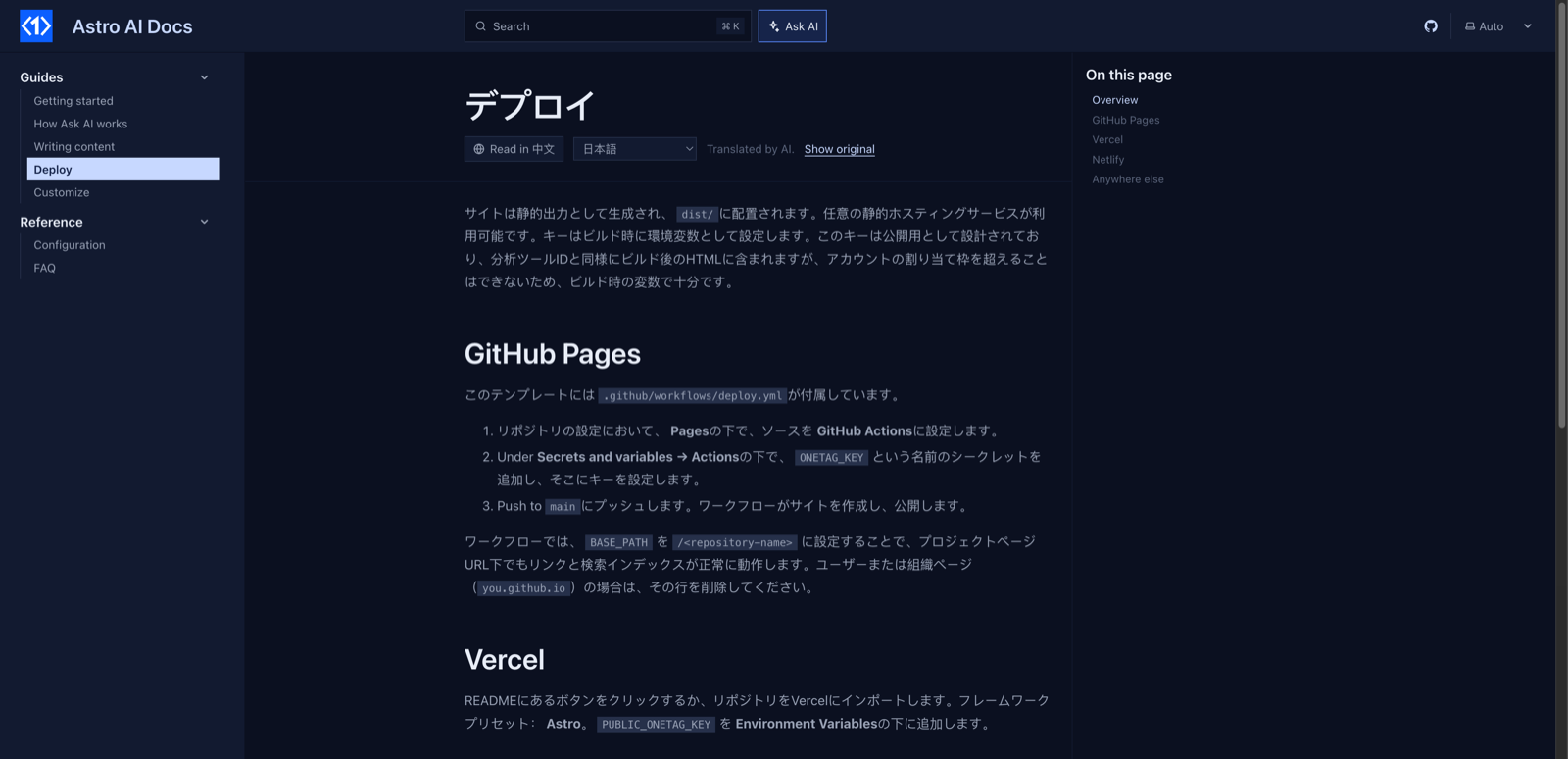
Translate any Starlight docs page for the reader in one click: AI translation in the browser, no backend, no translation files.
Ask AI for Starlight docs: answers from your own pages using the Pagefind index Starlight already builds. No backend (OneTag AI, public key). Works without a key.
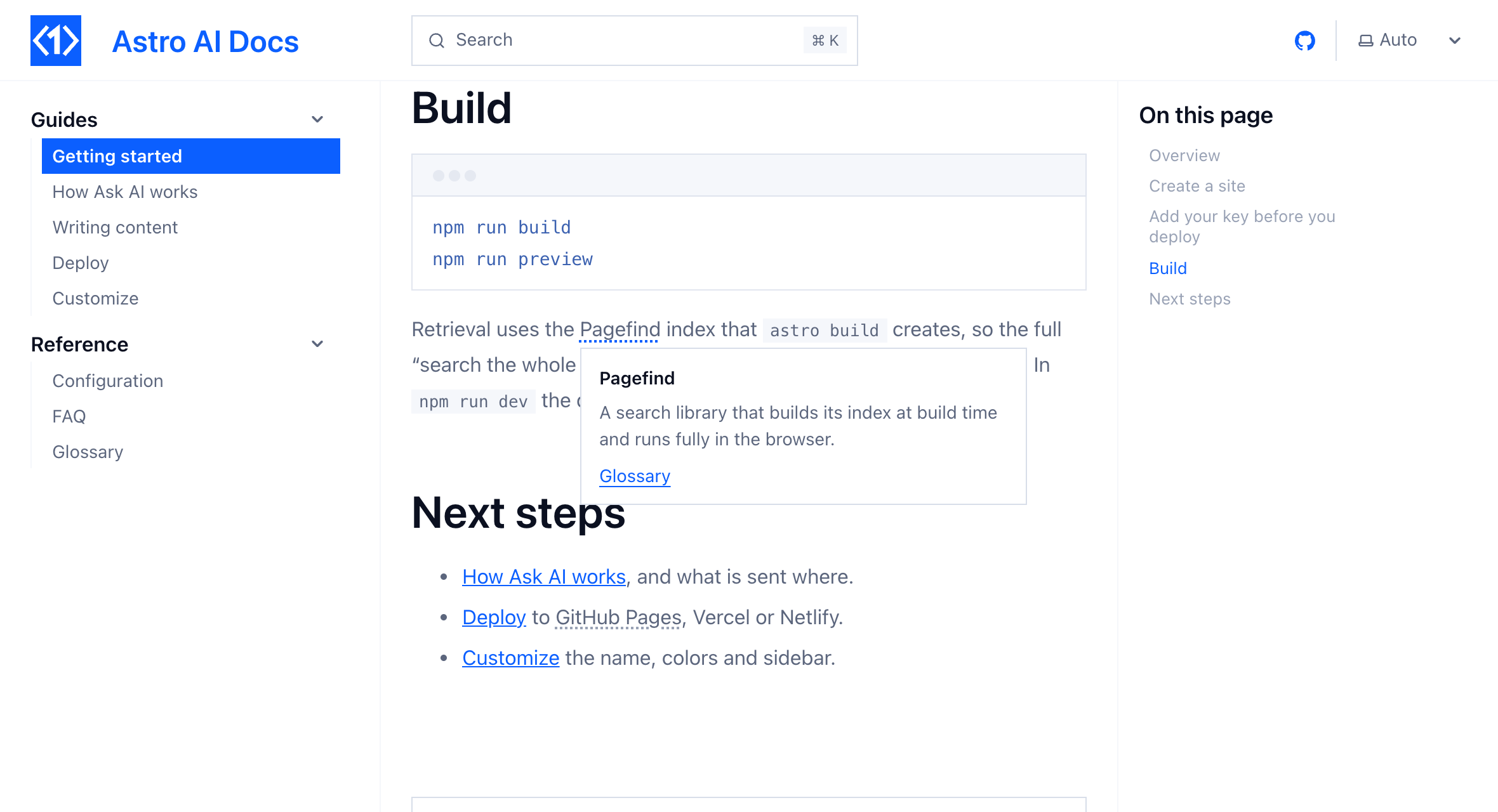
Glossary for Starlight docs: terms from one list get a tooltip with their definition wherever they appear, plus a generated glossary page. Free, no account, no backend.