awesome-seo
Curated SEO, GEO & AI Search resources — technical SEO, agent discoverability, analytics, and traffic monetization.
- 2.9k
- MIT
- 5 wk ago
30 open-source SEO skills (SKILL.md) for Claude Code, Cursor, Codex & AI agents: technical SEO roasts, Ahrefs & DataForSEO SERP workflows, first-hand proof KBs, backlinks & GEO.
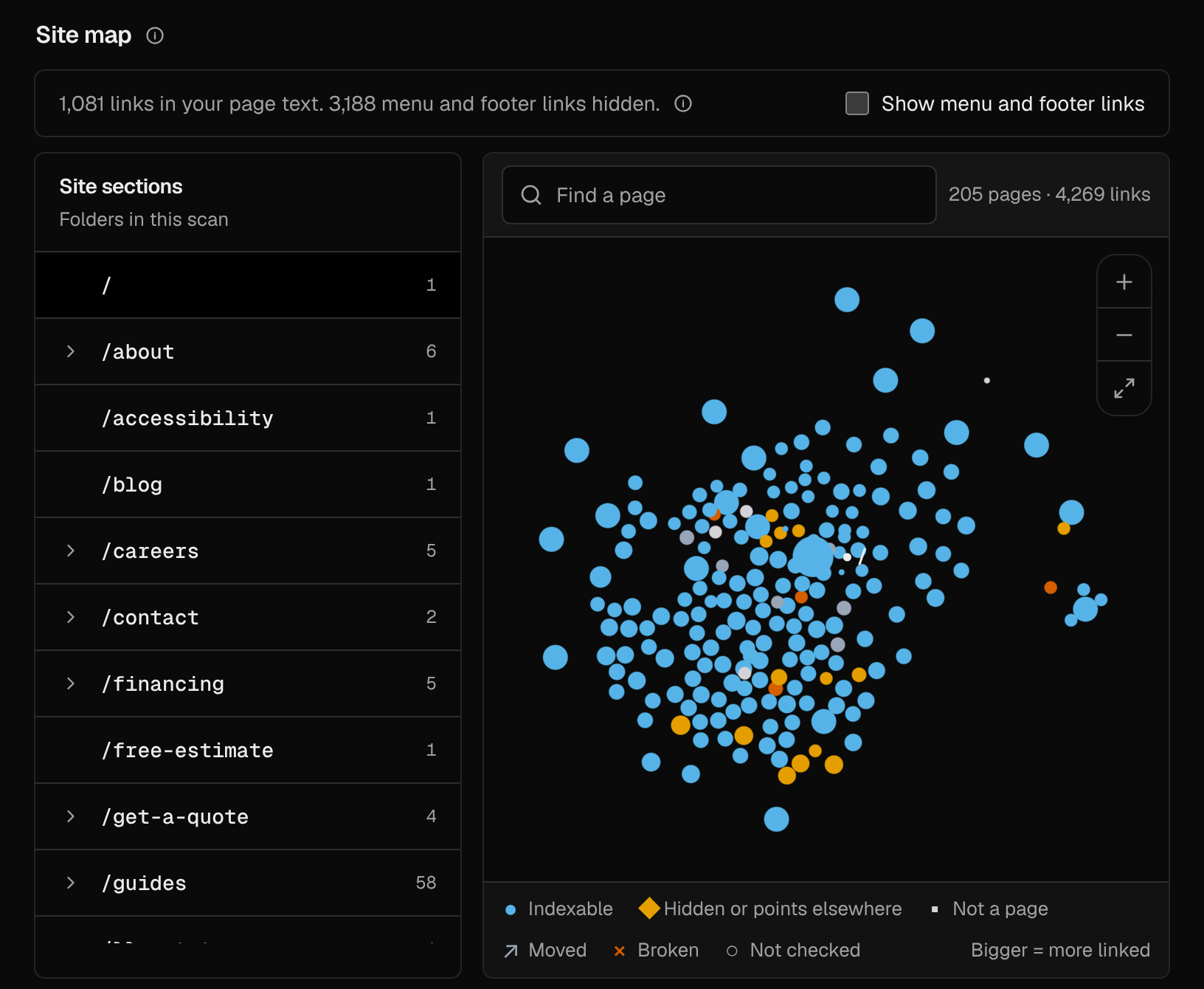
An SEO tool that analyzes the structure of a site, crawls the site, count words in the body of the site and warns of any technical SEO issues.
Turn a page, draft, or SEO export into a sourced fix plan inside ChatGPT.
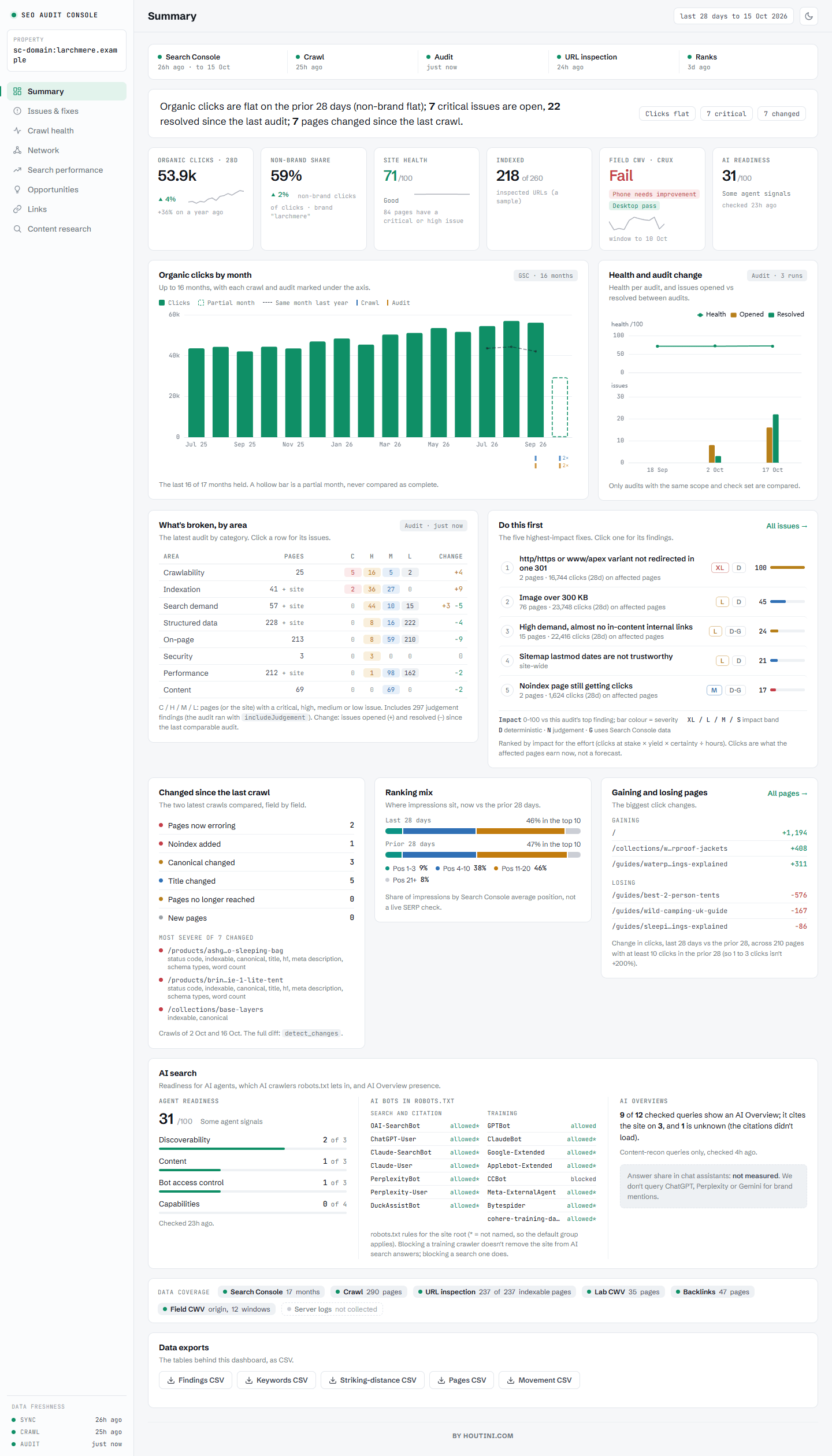
SEO for agent-native teams. Your agent gets your real Search Console, Google Analytics, Bing and crawl data through an MCP server and CLI, so it stops guessing.
Open-source SEO & GEO audit: a zero-dependency CLI (npx), an agent skill for Claude Code, Cursor, Codex, Gemini & Copilot, 47 SEO prompts and a cited Google/Bing/AI-search knowledge base. Checks robots.txt, sitemaps, canonicals, hreflang, structured data, Core Web Vitals and AI crawlers — then fixes them.
Free global SEO/GEO skill for Claude Code, Codex & 10 agent hosts — 18 market portals, 56 stdlib scripts, 672 golden tests, self-update intel loop, monitoring daemon, CI gates. Multilingual GEO, pSEO, CWV, penalty recovery.
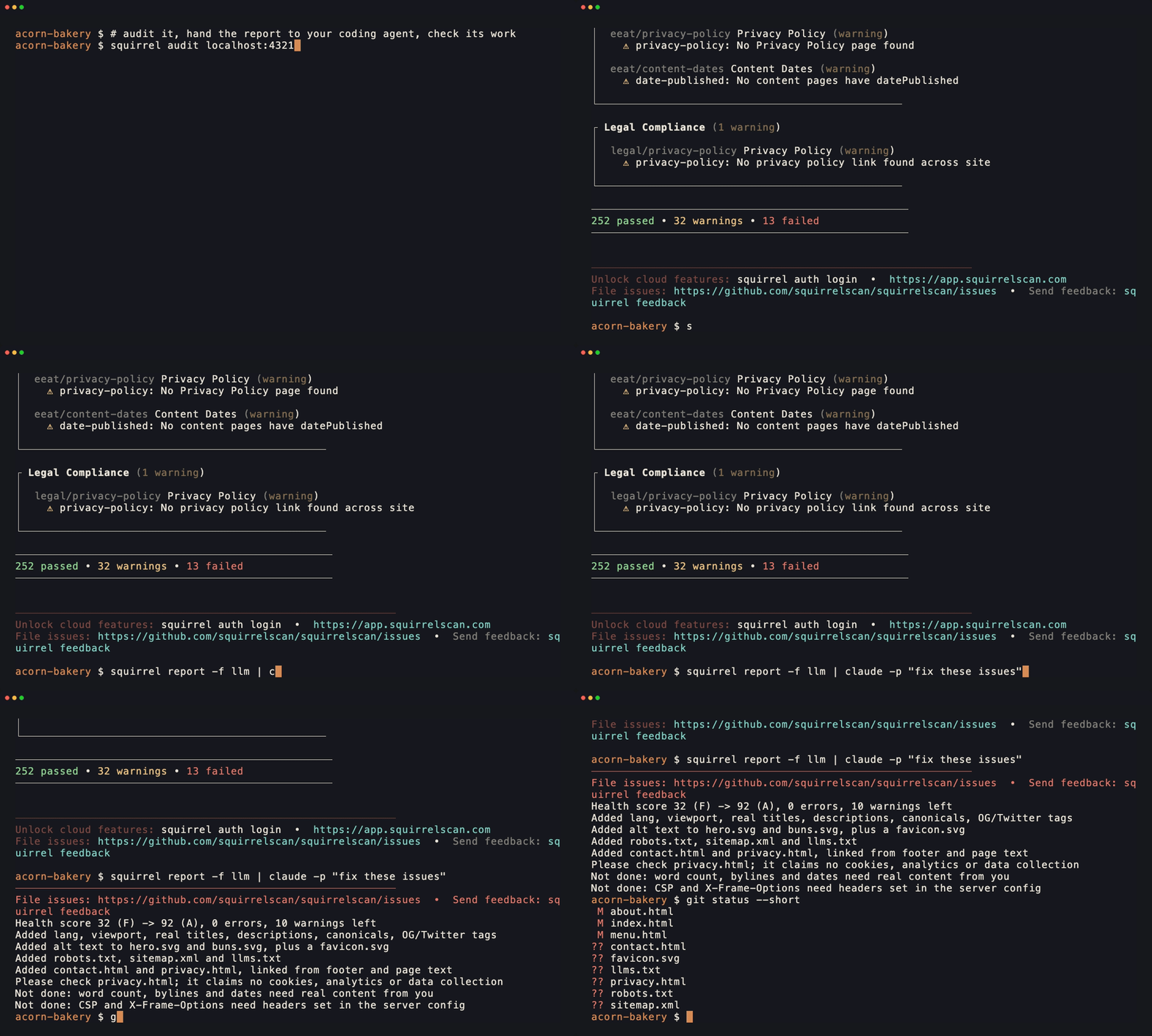
The website QA tool for your coding agent. 350+ audit rules across SEO, performance, security, accessibility and agent experience.
Your AI SEO house. Audit your website, write useful content, compare competitors and plan backlinks inside your AI assistant. Free and open source.
Agent skills for squirrelscan, the website QA tool for your coding agent (300+ audit rules).
Free SEO Audit MCP server for Claude - captures and stores all the raw data you need for a complete technical SEO audit. Google Search Console + a first-party crawl + DataForSEO + Majestic SEO merged into one prioritised audit.
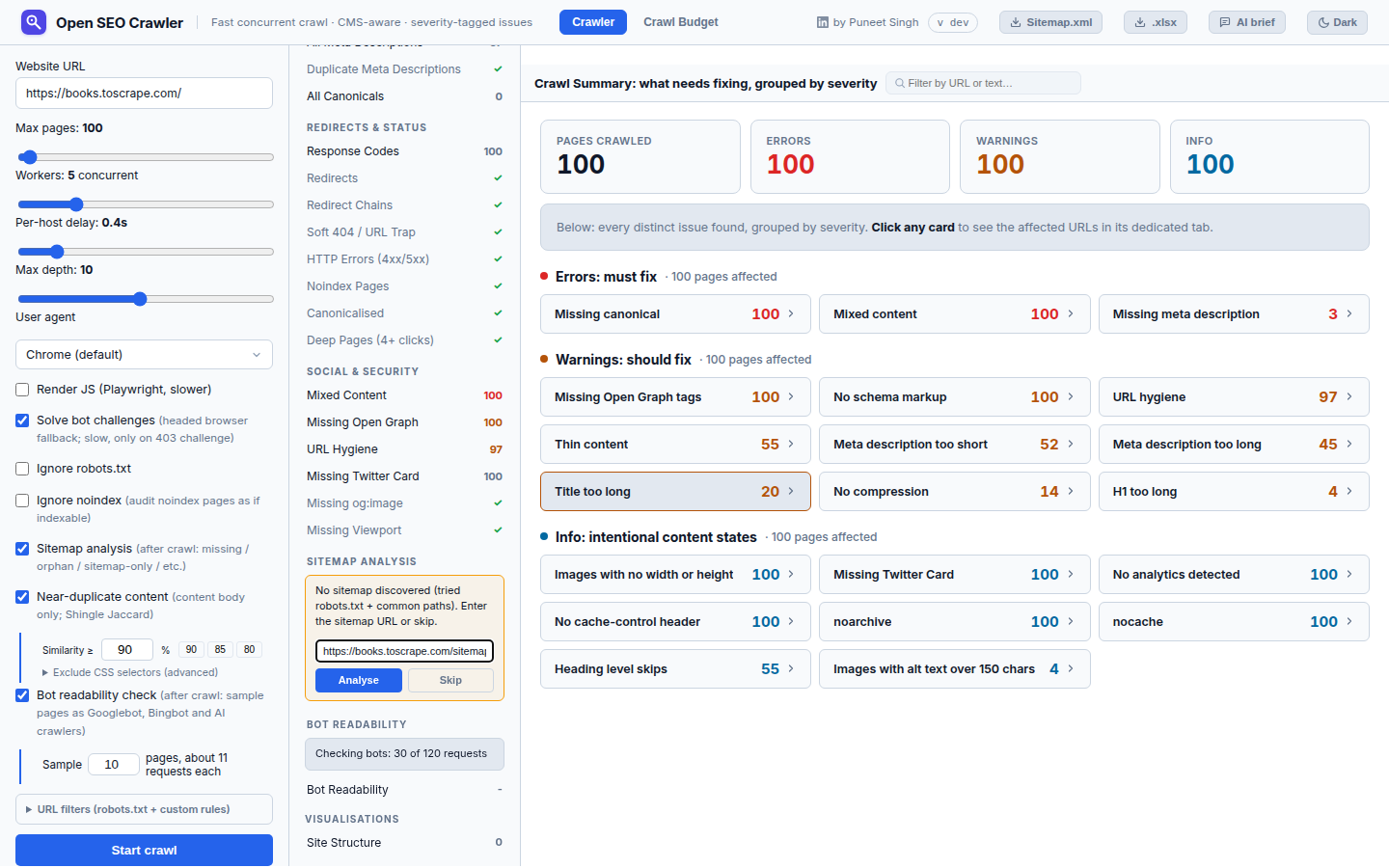
Free SEO crawler, website audit and AI crawler checker. Self-hosted and open source: crawls a site for technical SEO issues and checks that Googlebot, Bingbot and AI crawlers (GPTBot, PerplexityBot, OAI-SearchBot) get the same readable page. CMS-aware, XLSX export, free Screaming Frog alternative.
Technical SEO crawler and site audit tool, with an MCP server for Claude, ChatGPT and other AI assistants.
SEO 和 GEO Skill(技能包)精选:关键词、内容、技术审计、排名数据,以及让 ChatGPT、Perplexity、Google AI 概览、豆包、元宝、Kimi 引用你的 GEO,Claude Code、Codex、龙虾 OpenClaw 等智能体可用 | Curated agent skills for SEO and GEO (generative engine optimization): keyword research, technical audits and AI search visibility
This GitHub repo is a powerhouse collection of SEO APIs you can start using immediately to research keywords, audit pages, and climb rankings. One of the most valuable SEO API lists on GitHub.
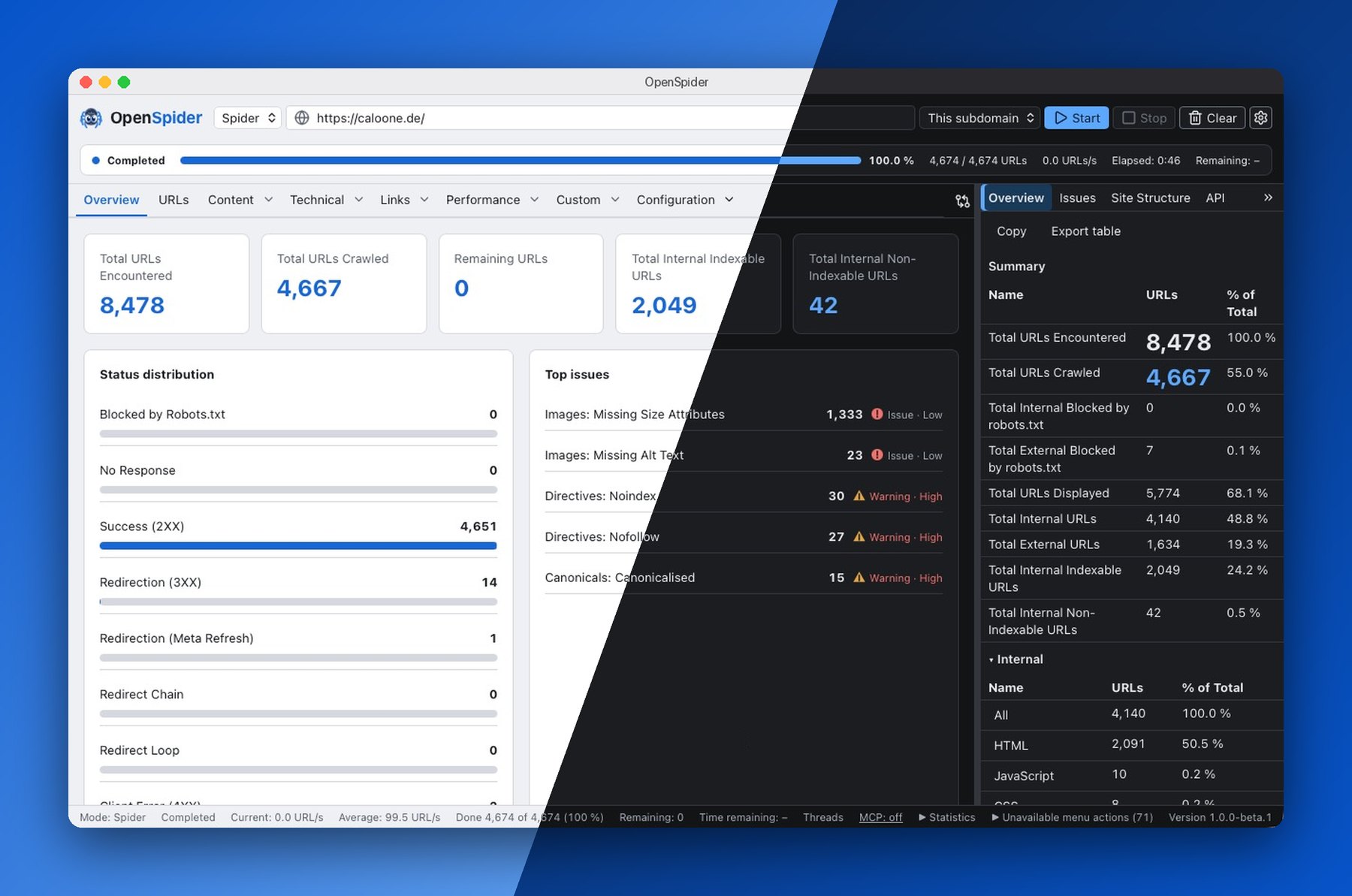
The crawler for the agentic era – open-source website crawler & technical SEO auditor for AI agents and humans (macOS, Windows). Rust + Tauri, MCP-native.
Sitewalk: technical SEO audits from ChatGPT. Ranked problems, a plain fix for each, PDF and CSV reports. Also open source: self-host the crawler and MCP server and connect your own AI assistant. MIT. Powered by LibreCrawl.
Open-source AI SEO content studio. Free, self-hosted. Replaces Surfer, Ahrefs, Clearscope, Screaming Frog, AlsoAsked, MarketMuse — one AI key, 39 modules, 45 methodologies, MIT.
SEO & GEO MCP server: Google Search Console, GA4, PageSpeed Insights, structured data, llms.txt, AI crawler checks, WordPress (Yoast, WP-CLI over SSH), GitHub (in-place edits, images) and Gmail attachments as 102 tools for AI agents; optional hosted mode with Google sign-in, per-user tokens and a GitHub App for editing users' own repositories
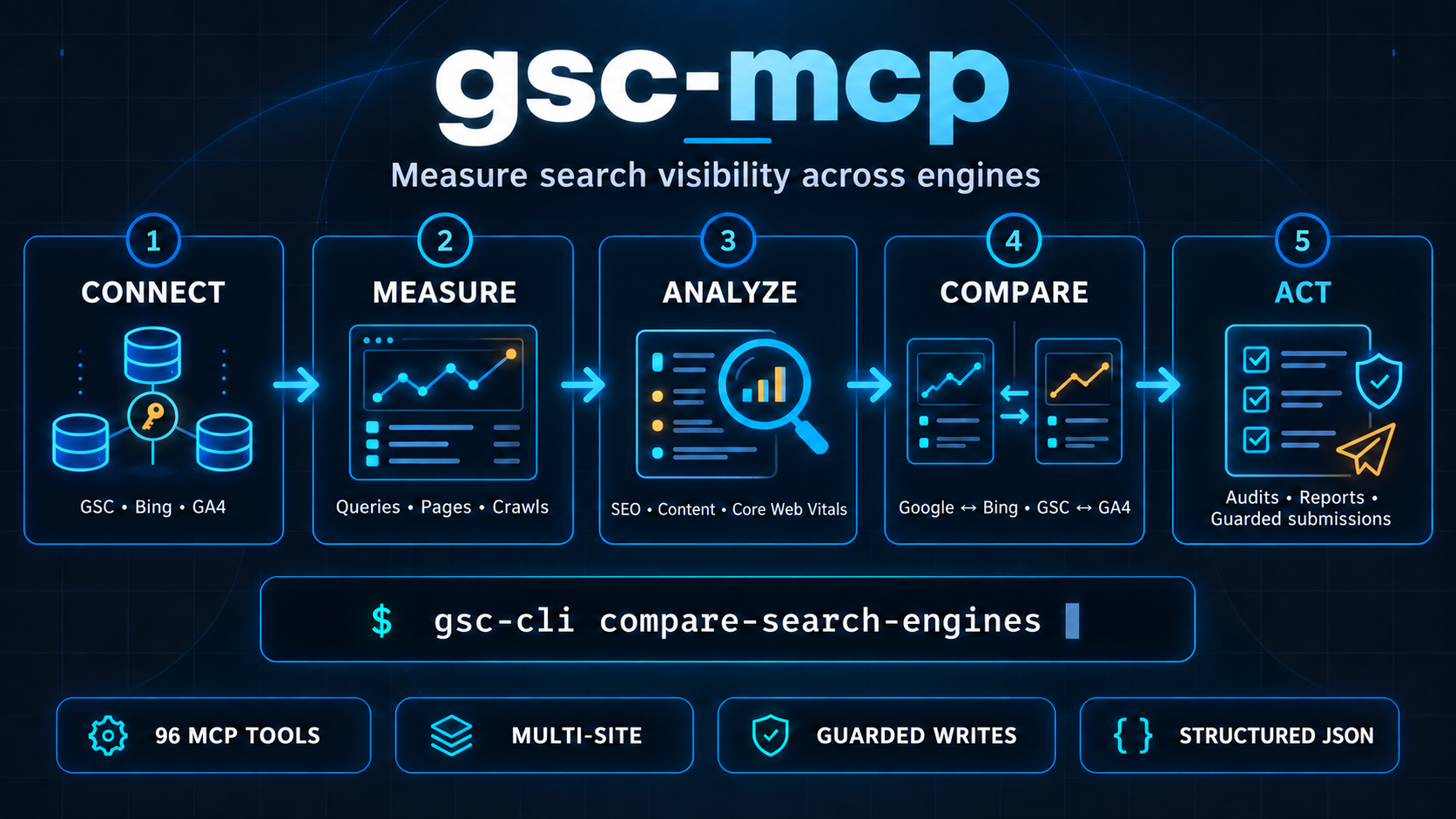
96 MCP tools for Google Search Console, Bing, GA4 and CrUX: SEO audits, traffic diagnostics, local crawl evidence, guarded submissions, Claude/Codex playbooks and opt-in bounded native workflows.
Powerful SEO Analyzer for comprehensive on-page, technical, and content audits. Features CLI & Flask API. Ideal for developers & SEOs. #Python #SEO
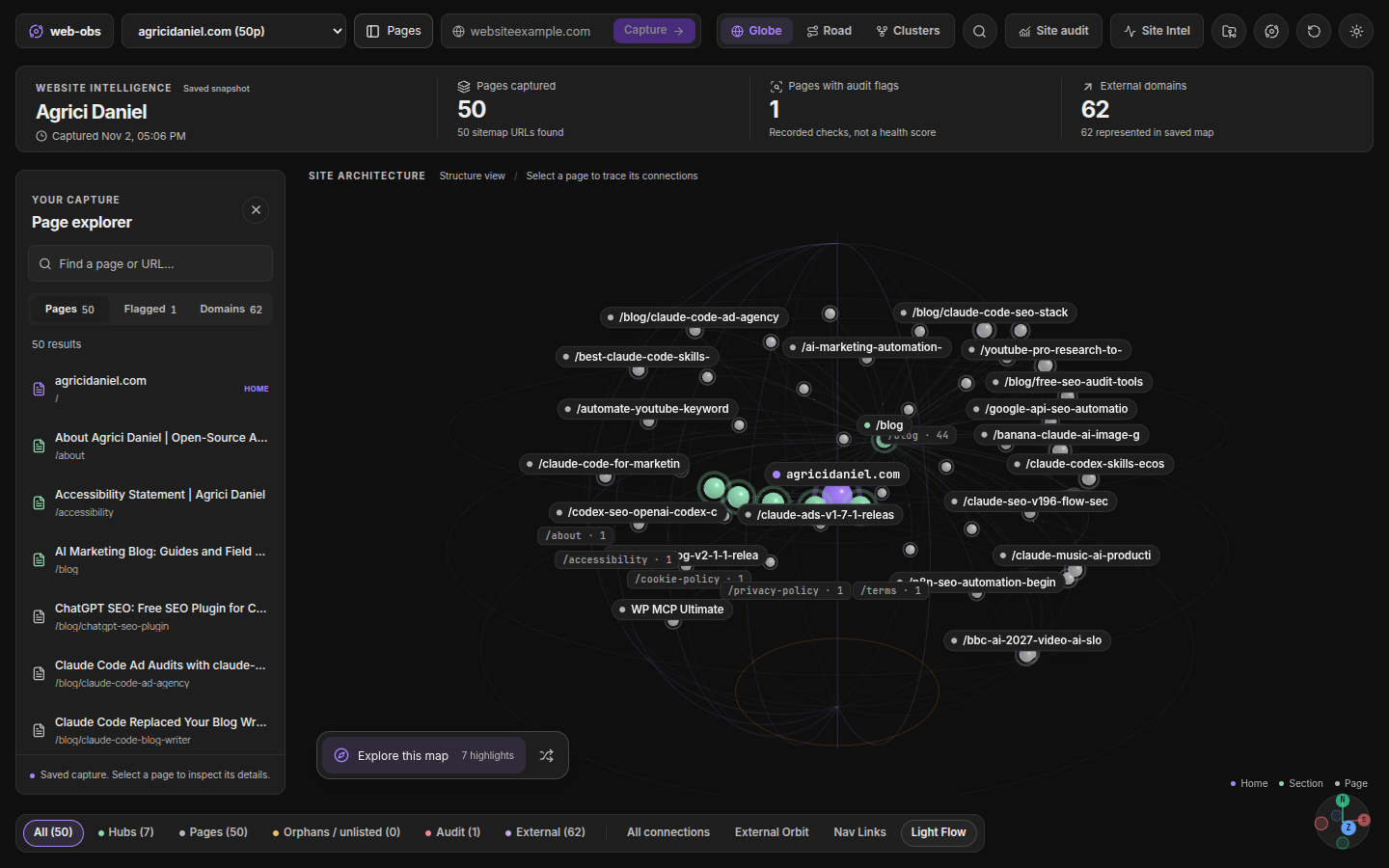
Capture a website into your Obsidian vault as Markdown notes and explore it as an interactive 3D site globe. Runs locally, no AI or API keys.
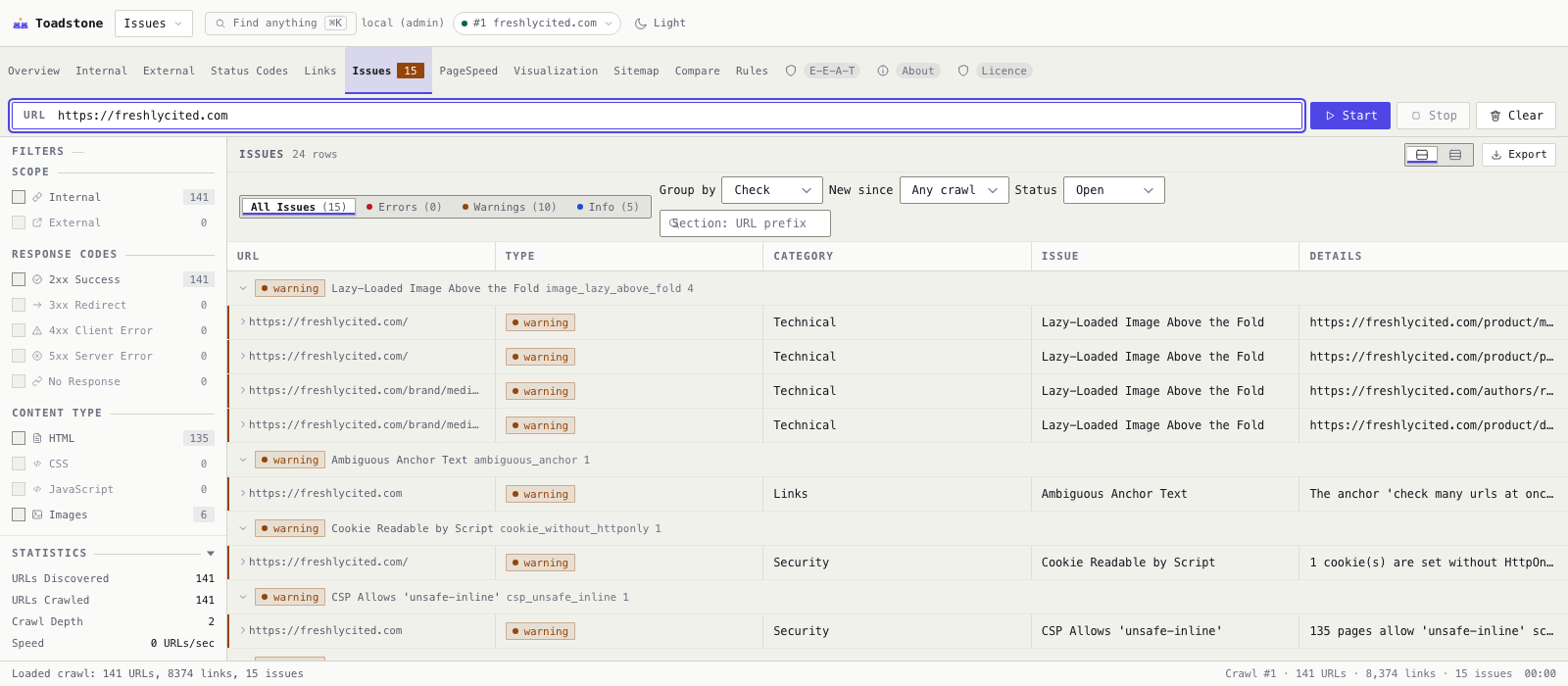
A self-hosted alternative to Screaming Frog: your crawl, your machine, no per-URL pricing and no seats. 222 SEO checks — 180 of them proven to fire against a site built to be wrong. JS rendering, crawl diffing with stable issue ids, axe-core accessibility, server logs, Search Console, an HTTP API and an MCP server.
外贸 Google SEO、GEO 与询盘获客资源大全(2026-11更新):关键词/技术SEO/hreflang、Google AI Mode 与 GSC 生成式AI报表、表单防垃圾与 Next.js 询盘模板。
9 open Claude skills for GEO / AEO: check if AI search can read a page, collect and analyze how often AI engines name a brand (with confidence ranges), plus schema parity, AI crawler log checks and migration guards. From the AI Visibility Census.
Gamified AI SEO audit app that turns website issues into 16-bit dungeon battles for local Codex, Claude, and Gemini CLI workflows.
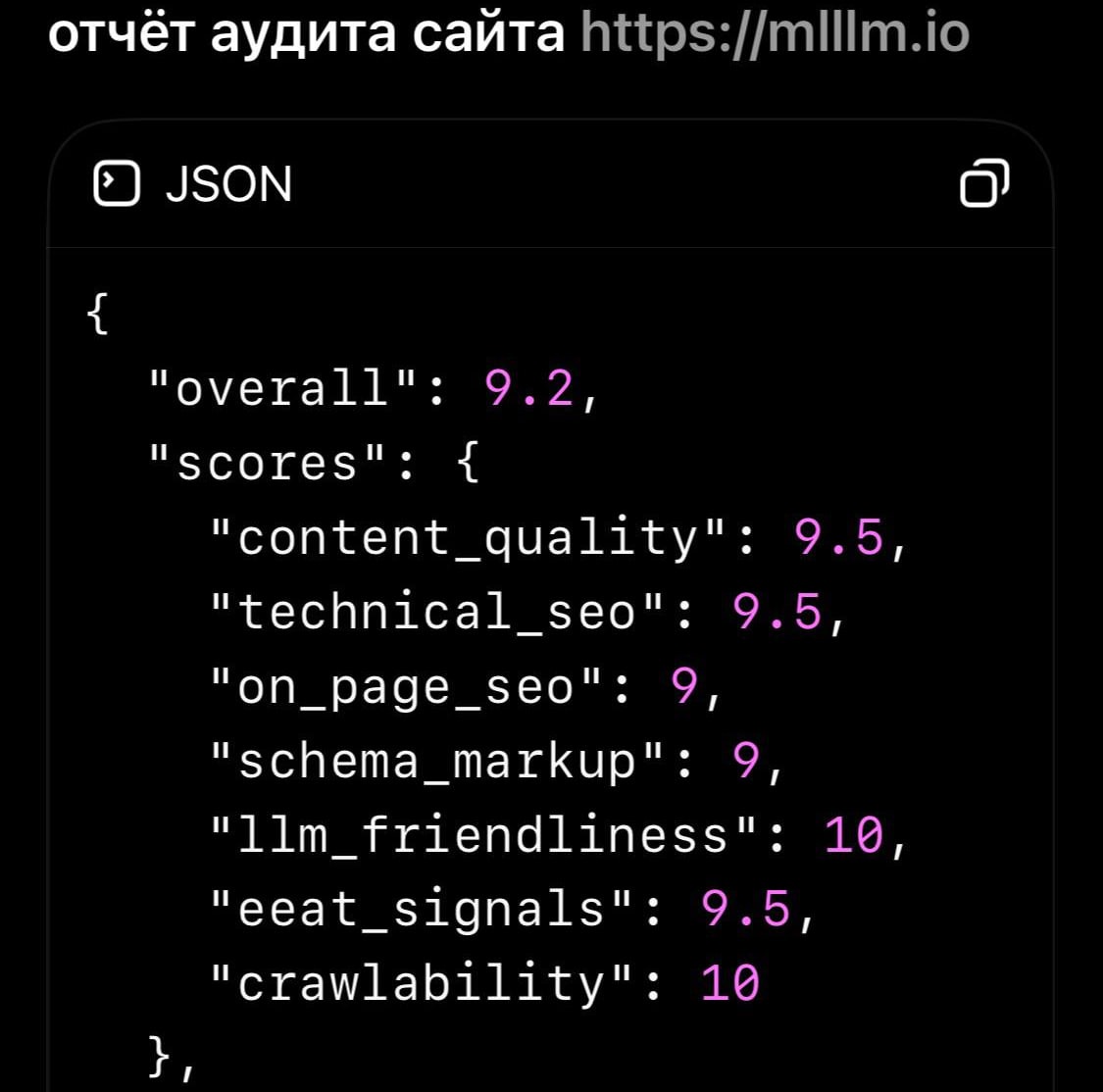
Is your site ready for AI search? Open-source SEO, AEO & GEO audits: AI crawler access, llms.txt, answer-ready pages, AI visibility, and an AI analyst's to-do list. CLI, GitHub Action, Claude Code plugin, MCP server.