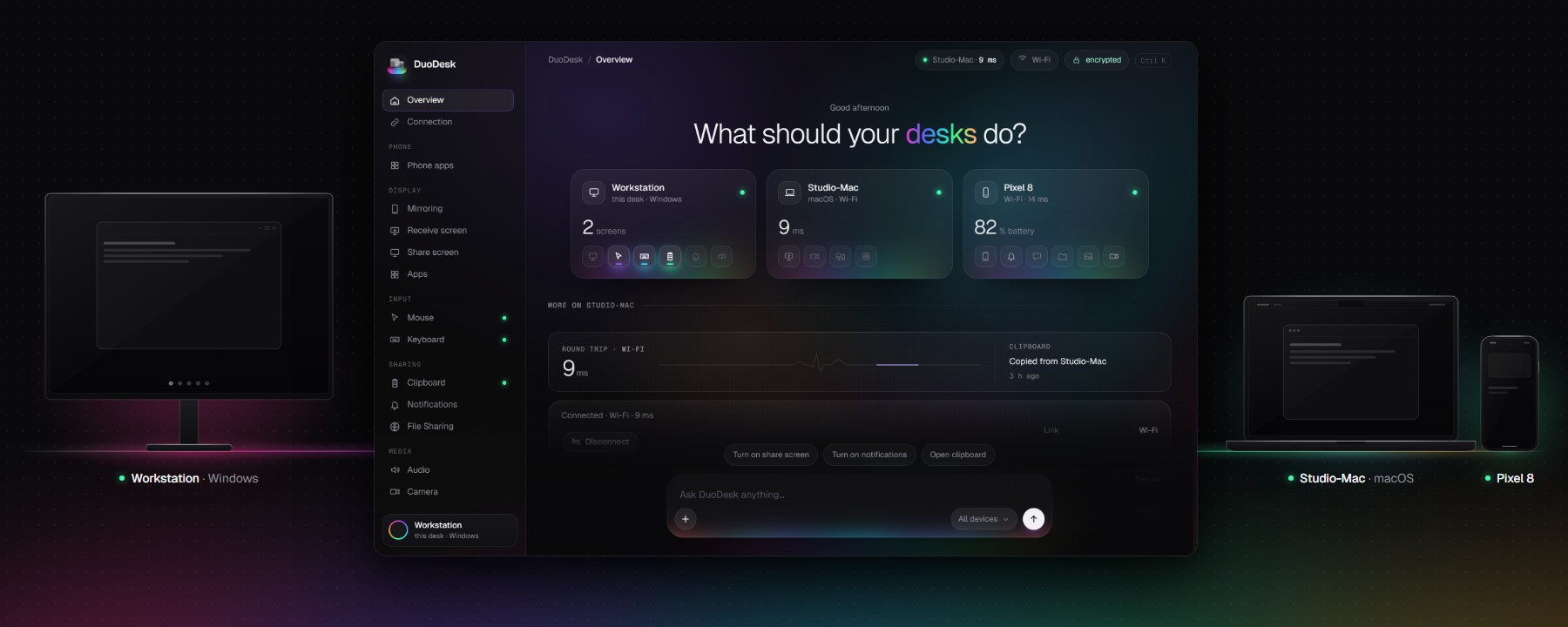
DuoDesk
All your computers and your phone, working as one desk. Aurora redesign of TwinDesk. GPL-3.0
- 521
- JavaScript
- GPL-3.0
- 3 wk ago
Your AirPods case is a mouse. A Mac menu bar app.
Repo 0xCodez/PodMouse, read from GitHub 16 min ago. 0xCodez has not joined Take My Repo.
0xCodez/PodMouse is a public repo on GitHub by 0xCodez. Your AirPods case is a mouse. A Mac menu bar app. It declares the MIT license on GitHub. It is written mainly in Swift, has 7 stars and last changed on 2026-11-05. Nobody has reviewed it on Take My Repo yet, which says nothing about its quality. Read from GitHub on 2026-11-22.
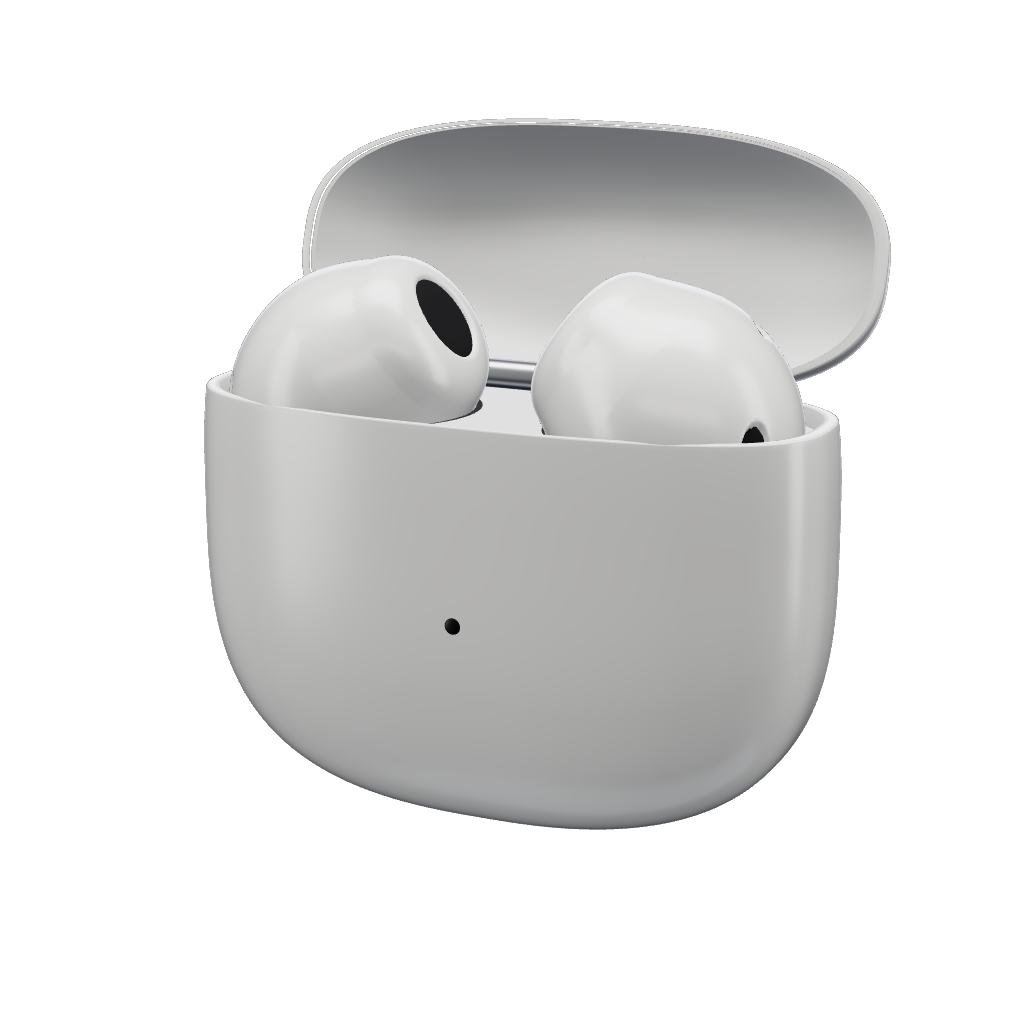
Your AirPods case is a mouse.
Open it, aim it, tap to click. Or go hands-free and point with your head.
PodMouse is a native menu bar app that reads the motion sensors inside AirPods and turns them into a smooth pointer. There's no extra hardware, no camera, and no network.
| Case in hand | |
|---|---|
| Aim the case | Moves the pointer |
| Pause, then tap the case | Click |
| Twist right and back | Right click |
| Twist left and back | Start or finish a drag (off by default) |
Hold it like a laser pointer. Rest your elbow and move only your wrist, in short smooth moves. Stop before you tap: taps only count on a still hand. If it feels off after you change your grip, recalibrate: calibration learns the axes of your wrist.
| In your ears | |
|---|---|
| Turn your head | Moves the pointer |
| Nod, or press the stem | Click |
| Press the stem twice | Right click |
| Shake your head, or press three times | Pause |
Shortcuts: ⌃⌥T pause, ⌃⌥C center the pointer. You can also turn on clicking by resting on a button.
PodMouse.zip, unzip it, and move PodMouse to Applications.git clone https://github.com/0xCodez/PodMouse.git
cd PodMouse
make install
Building needs Xcode 16 or later. make test runs the unit tests.
| Permission | Why |
|---|---|
| Accessibility | To move the pointer and click |
| Motion | To read the AirPods' sensors |
Motion is processed in memory and thrown away. PodMouse makes no network requests and has no analytics.
The pointer doesn't move. AirPods send motion only to the device they're playing for. Choose them under Control Center › Sound, or use the button in the PodMouse menu.
Nothing happens with the case in hand. Check that the lid is open and Automatic Ear Detection is off (System Settings › your AirPods). Then run the sensor check below to see what your pair sends.
Check what the sensors send. With the app built, this prints live readings for 20 seconds. Launch it with open: macOS stops the app if its binary is run directly, because the Motion permission belongs to the app.
open -W --stdout "$(tty)" --stderr "$(tty)" build/PodMouse.app --args --probe
Tapping doesn't click. Lower Tap strength in the menu. The bar under the slider shows how hard your last tap registered.
The pointer doesn't move after an update. macOS ties Accessibility to the exact build. Switch PodMouse off and on again in System Settings › Privacy & Security › Accessibility.
CMHeadphoneMotionManager (rotation, gravity, acceleration at about 50 Hz)
  → AxisCalibration   splits rotation into your wrist's own two axes
  → PointerMapper     per-axis dead zone and bounded acceleration, as in AirCursor
  → PointerSmoother   eases to 120 Hz, stops when samples go stale
  → PointerOutput     CGEvent moves and clicks
GestureDetector       taps and twists, or nods and shakes
AirPods can sit in any orientation inside a case, and wrists don't rotate around tidy axes: in recordings, side-to-side and up-down were not perpendicular and followed neither gravity nor each other. So both axes are measured from sweeps, and rotation is decomposed without assuming they're perpendicular. Tests/PodMouseCoreTests/Fixtures holds a real recording that the tests replay.
The website lives in site/. The earbuds and case are an original 3D model, baked from signed distance fields by site/scripts/bake-bud.mjs, and every image in the app is rendered from it.
The pointer mapping is based on AirCursor (MIT), and the silent-audio and Now Playing techniques were learned from it. See NOTICE.
PodMouse is an independent project, not affiliated with or endorsed by Apple Inc. AirPods, Beats, Mac, and macOS are trademarks of Apple Inc.
Released under the MIT License.
0xCodez/PodMouse is a public repo on GitHub by 0xCodez. Your AirPods case is a mouse. A Mac menu bar app.
It declares the MIT license on GitHub.
Its maker has not tagged a system, so it is unknown here. Its README says what it needs.
Open "Take it" on its page: Take My Repo writes an install plan for your machine and hands it to your AI agent (Claude Code, Codex or Cursor), which asks you before each step. Take My Repo has not tested it on any machine.
Its last change on GitHub was on 2026-11-05. Take My Repo does not judge from that whether it is maintained.
Nobody has reviewed it on Take My Repo yet, which says nothing about its quality.
All your computers and your phone, working as one desk. Aurora redesign of TwinDesk. GPL-3.0
Cleanly — a stylish, safe PC cleaner for Windows and macOS
Mirror and control your iPhone on Windows: AirPlay receiver in an iPhone-shaped window, plus mouse and keyboard control over USB
Pulsr — open-source recovery, strain and sleep coach for Apple Watch. Liquid Glass UI, on-device, no subscription.
LEVIATHAN — an 83-second anime short rendered entirely in code: three.js cel shading + painted backgrounds, packed into one HTML file.
Close your router's backdoors, see where your traffic goes, speed up your Wi-Fi, and let Claude, ChatGPT or Grok watch your network. Windows + macOS.