
d3
Bring data to life with SVG, Canvas and HTML. :bar_chart::chart_with_upwards_trend::tada:
- 114k
- Shell
- ISC
- 2 wk ago
📈📊🚀🚀🚀An elegant modern declarative data visualization chart framework for iOS, iPadOS and macOS. Extremely powerful, supports line, spline, area, areaspline, column, bar, pie, scatter, angular gauges, arearange, areasplinerange, columnrange, bubble, box plot, error bars, funnel, waterfall and polar chart types. 极其精美而又强大的现代化声明式数据可视化图表框架,支持柱状图、条形图、折线图、曲线图、折线填充图、曲线填充图、气泡图、扇形图、环形图、散点图、雷达图、混合图等各种类
Repo AAChartModel/AAChartKit, read from GitHub 1 min ago. AAChartModel has not joined Take My Repo.
AAChartModel/AAChartKit is a public repo on GitHub by AAChartModel. 📈📊🚀🚀🚀An elegant modern declarative data visualization chart framework for iOS, iPadOS and macOS. Extremely powerful, supports line, spline, area, areaspline, column, bar, pie, scatter, angular gauges, arearange, areasplinerange, columnrange, bubble, box plot, error bars, funnel, waterfall and polar chart types. 极其精美而又强大的现代化声明式数据可视化图表框架,支持柱状图、条形图、折线图、曲线图、折线填充图、曲线填充图、气泡图、扇形图、环形图、散点图、雷达图、混合图等各种类. It declares the MIT license on GitHub. It is written mainly in Objective-C, has 4,768 stars and last changed on 2026-11-05. Nobody has reviewed it on Take My Repo yet, which says nothing about its quality. Read from GitHub on 2026-11-18.
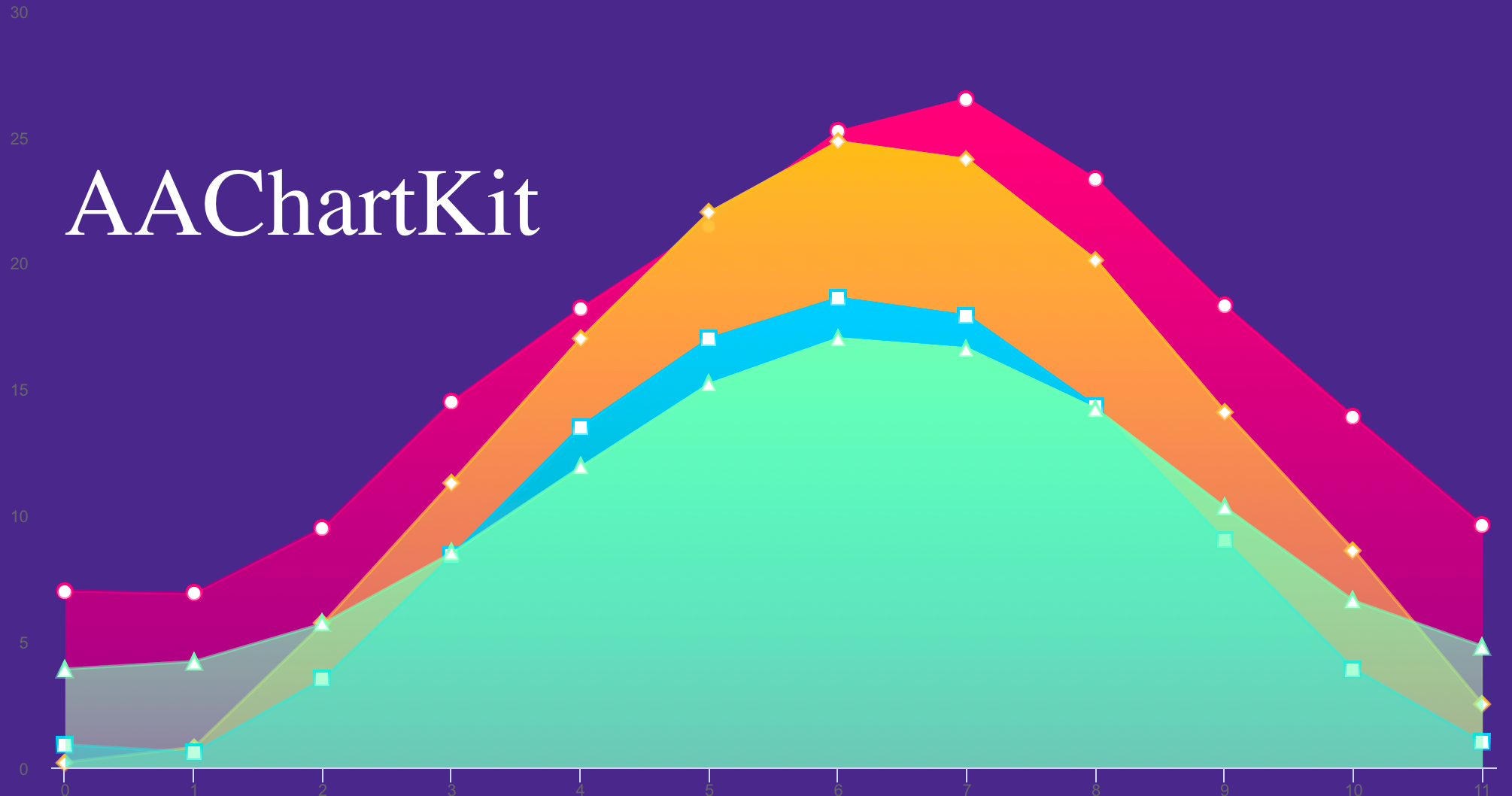
AAChartKit is an elegant and friendly (user-friendly && enviroment-friendly) chart framework for iOS, based on the open source Highcharts JS libraries. AAChartKit is extremely powerful, easy to configure and a pleasure to use. Currently AAChartKit includes support for the following chart types: column chart, bar chart, area chart, area spline chart, line chart, spline chart, radar chart, polar chart, pie chart, bubble chart, pyramid chart, funnel chart, column range and area range chart. More chart types are planned to be supported. AAChartKit gives you easy and fast access to a wide range of chart types, hassle-free and quick to integrate into your own project.
🎂 Environment friendly. Support iOS 、iPadOS and macOS. Totally support Objective-C language, and there are more types version such as Swift language version AAInfographics 、 Java language version AAChartCore 、Kotlin language version AAInfographics . To get more details you can see the source code links list.
🚀 Powerful and easy to use. It supports column chart, bar chart, area chart, areaspline chart, line chart, spline chart, radar chart, polar chart, pie chart, bubble chart, pyramid chart, funnel chart, columnrange chart, arearange chart, mixed chart and other graphics. Support for more chart types is planned.
📝 Modern Declarative Syntax. Unlike previous imperative programming techniques, drawing any custom chart in AAChartKit, you don't need to care about the inner implementation details which is annoying && boring. Describe what you want, you will get what you described.
🎮 Interactive and animated. The charts animation effect is exquisite, delicate, smooth and beautiful.
⛓ Chain programming. Supports chain programming syntax like Masonry .
🦋 Minimalist. AAChartView + AAChartModel = Chart. The AAChartKit follows a minimalist formula: Chart view + Chart model = The chart you want, just like the powerful and beautiful charts lib AAInfographics.
🖱 Interaction event callback. Support for monitoring user click events and single finger move over events, which can be used to achieve double charts linked-working and even multiple charts linkage, as well as other more complex custom user interaction effects.
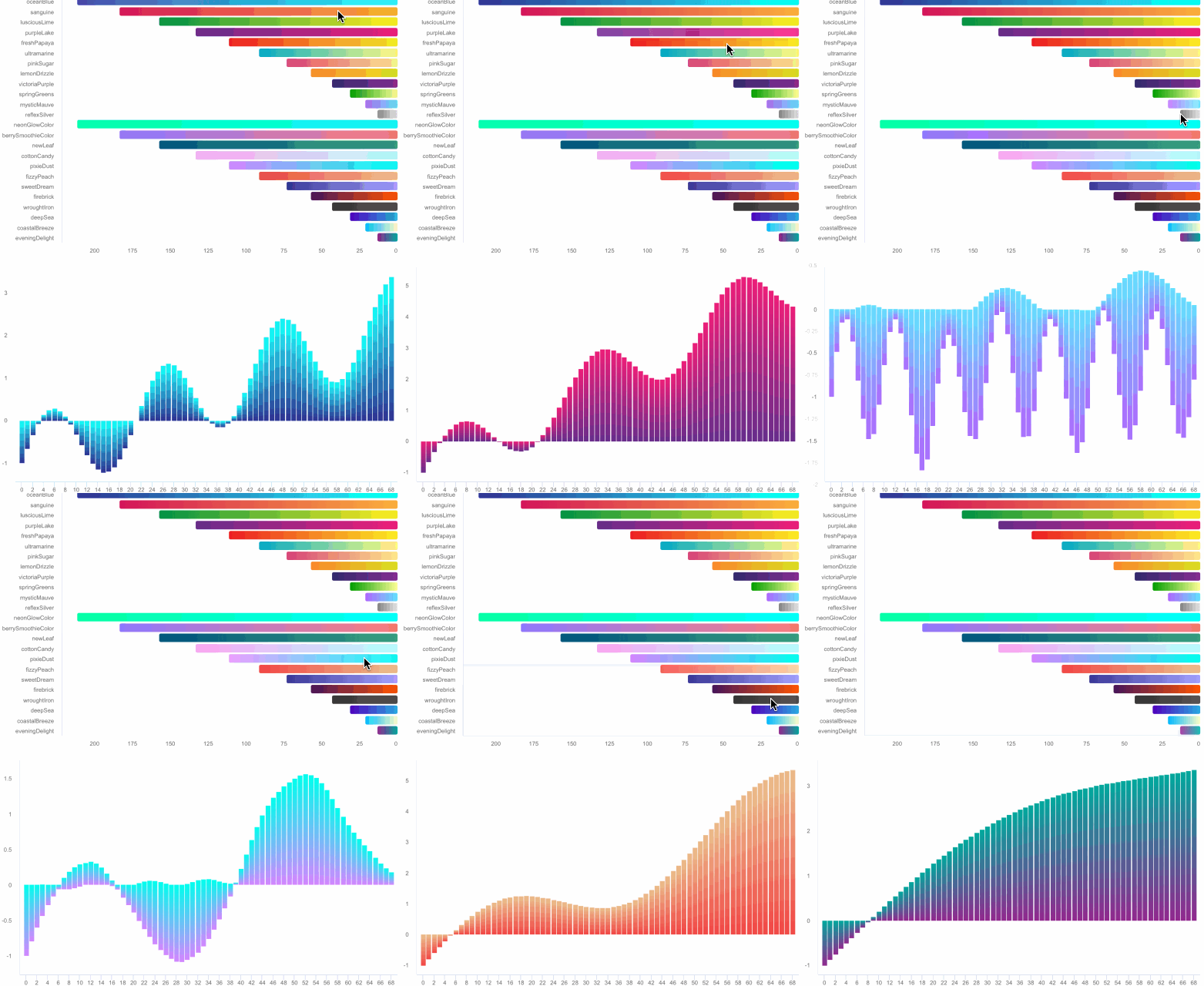
| Column Chart | Column Range Chart | Area Chart |
|---|---|---|
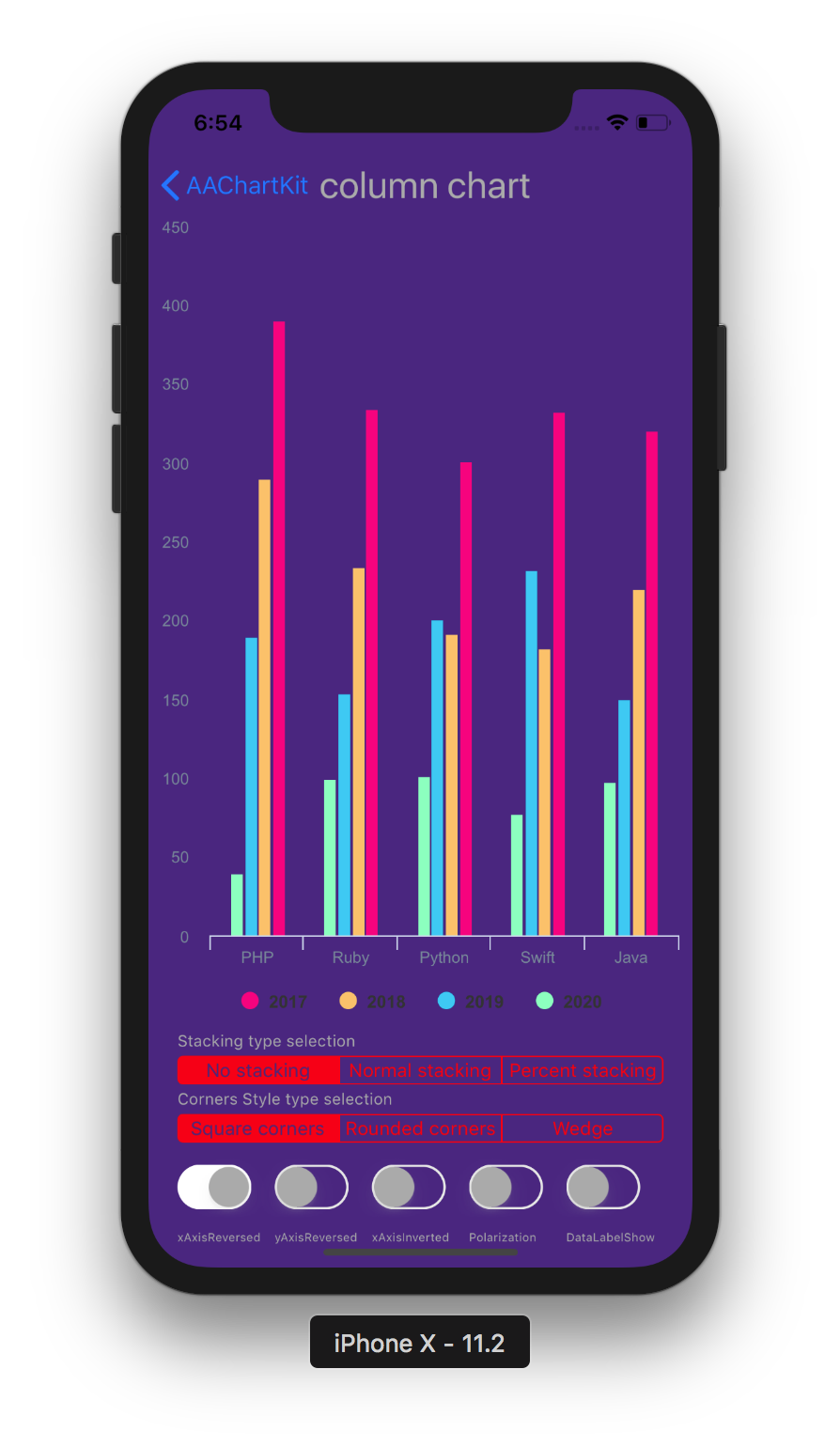 |
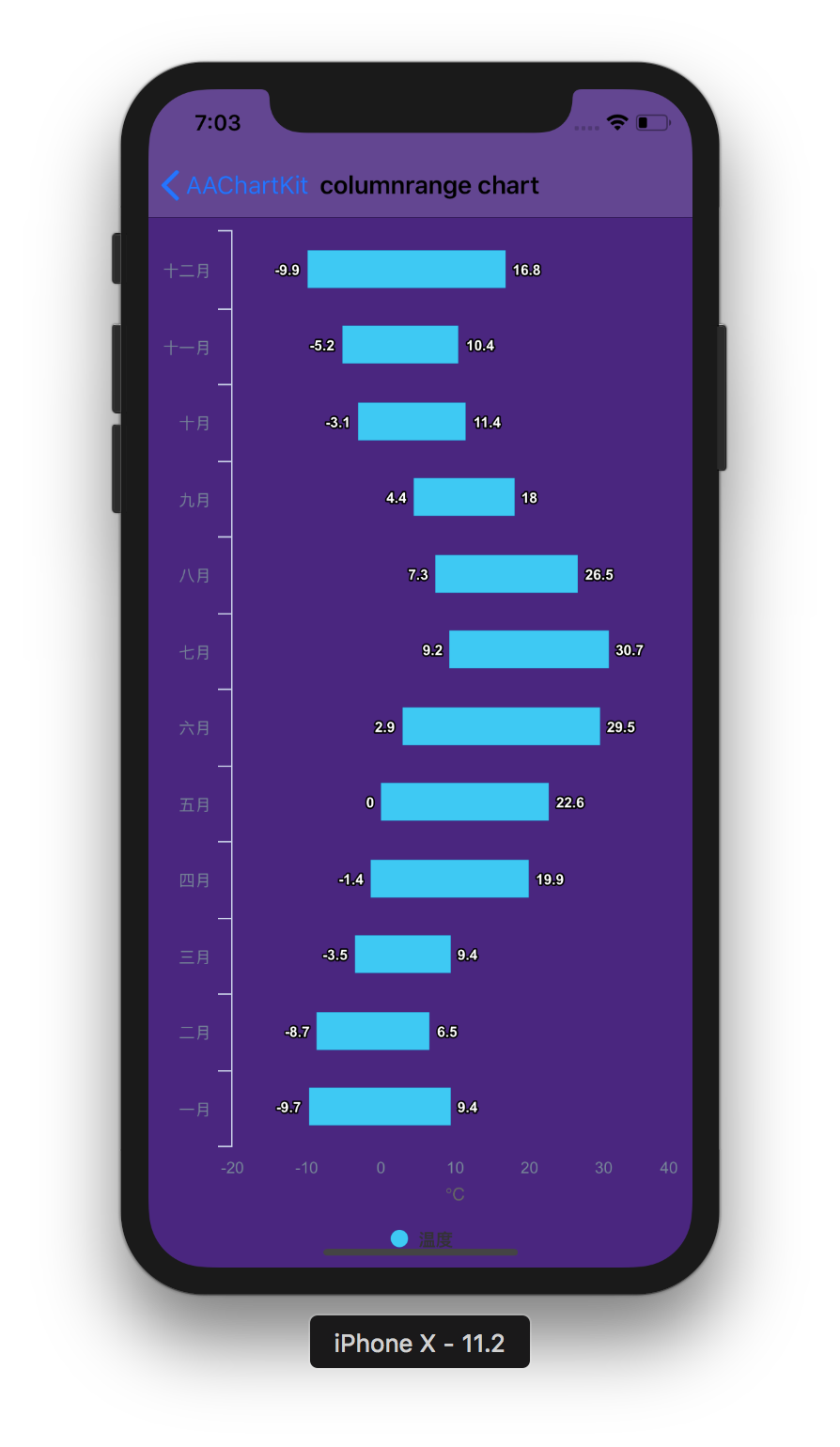 |
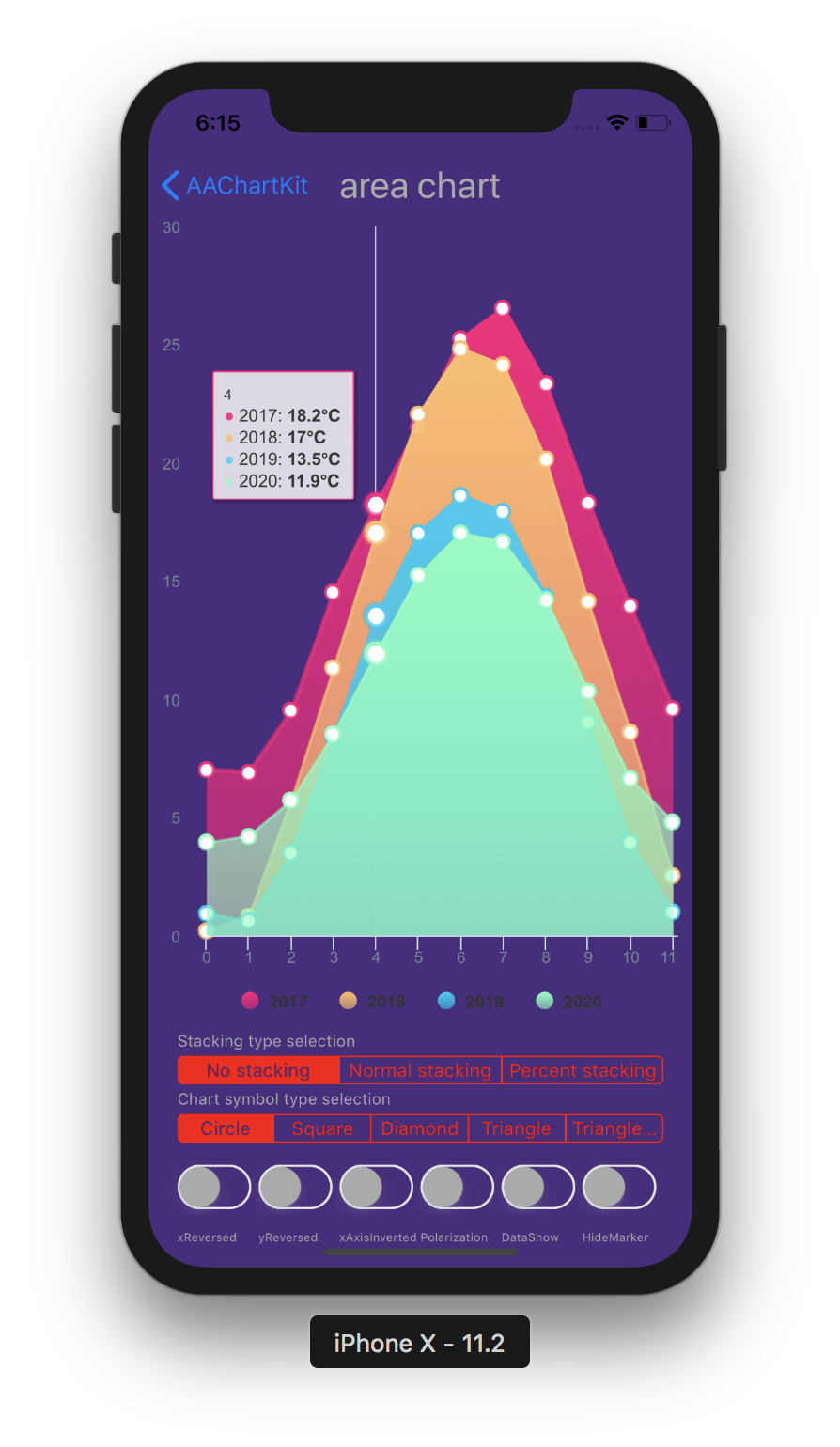 |
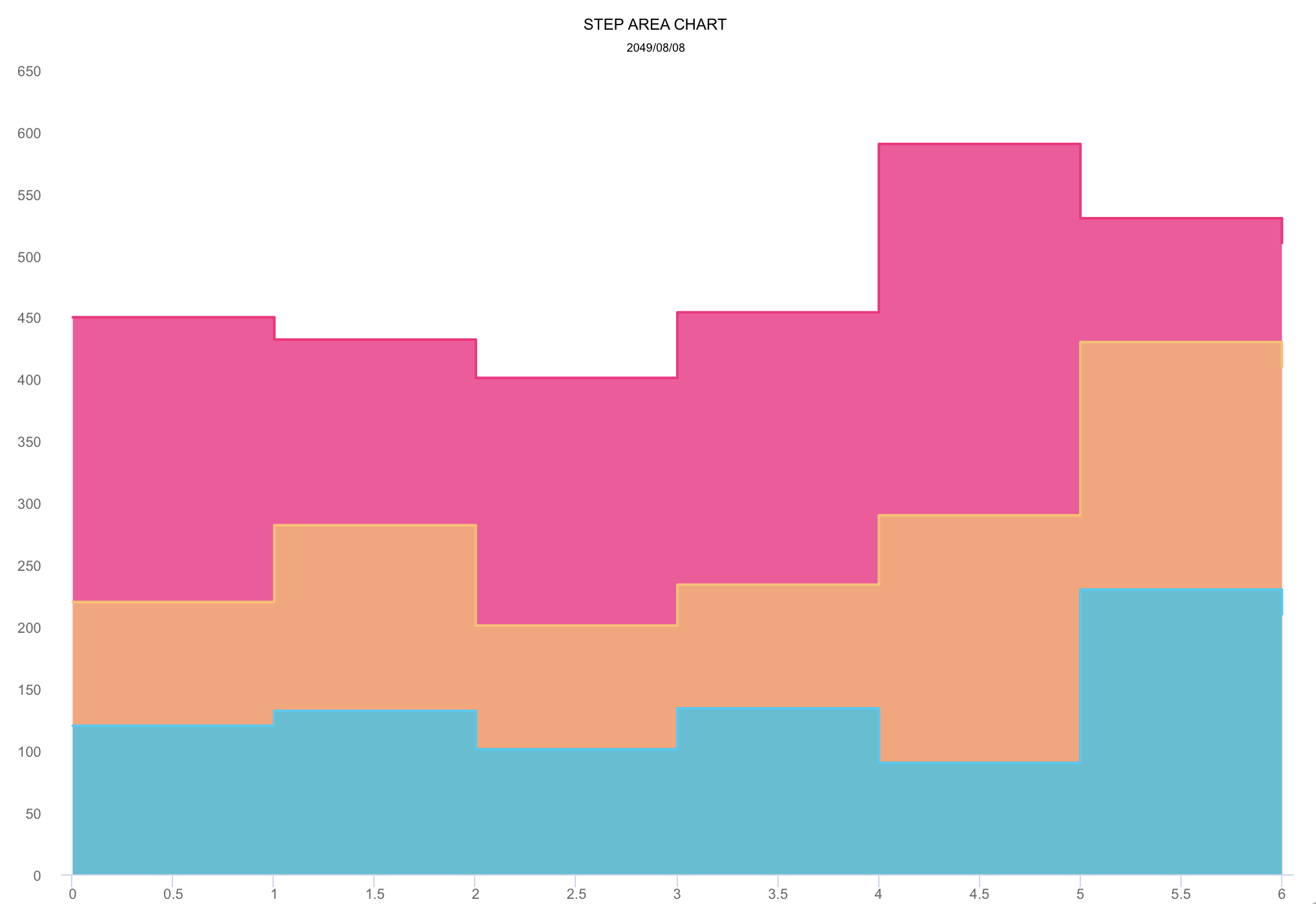
| Line Chart | Step Area Chart | Step Line Chart |
|---|---|---|
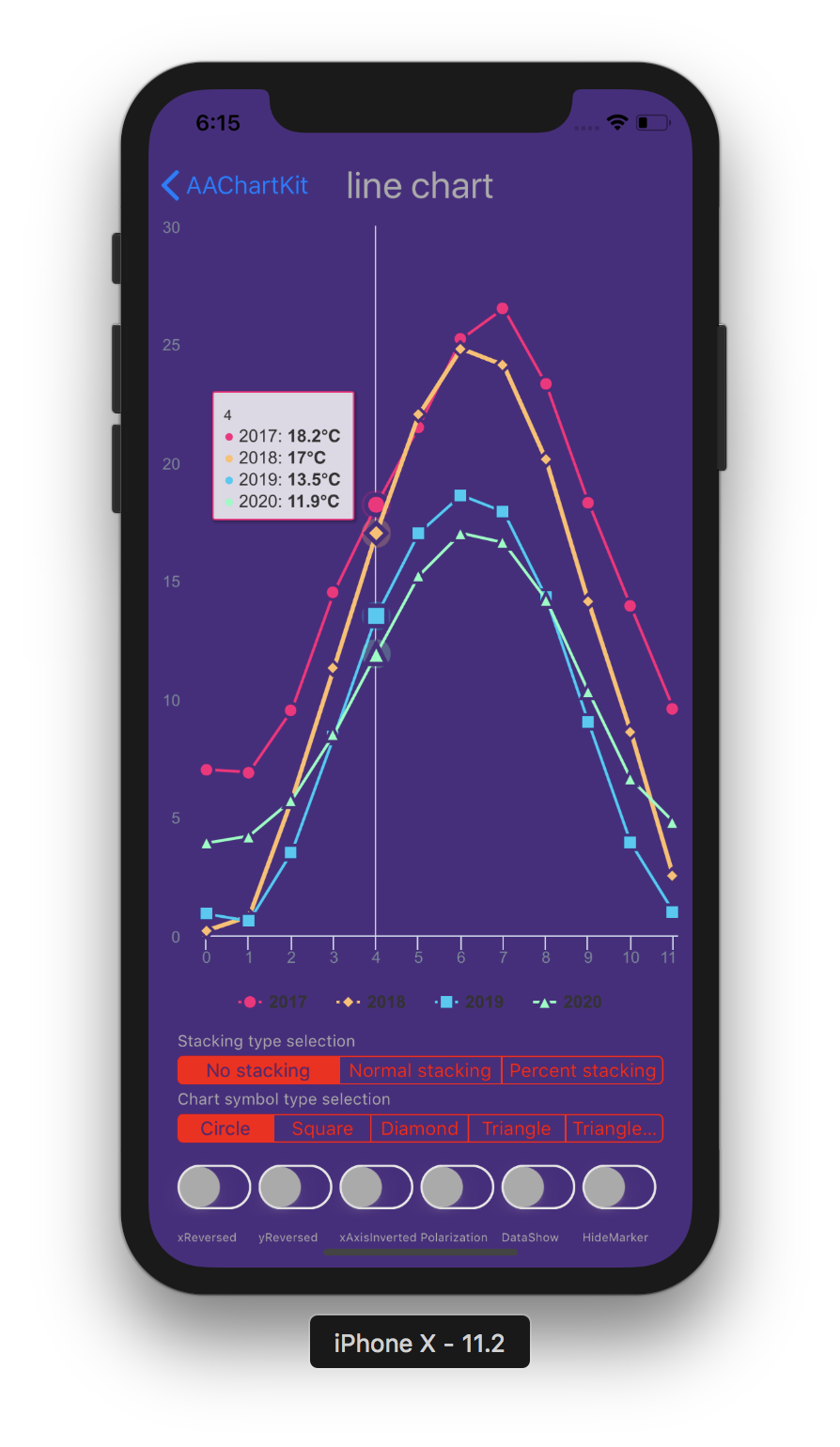 |
 |
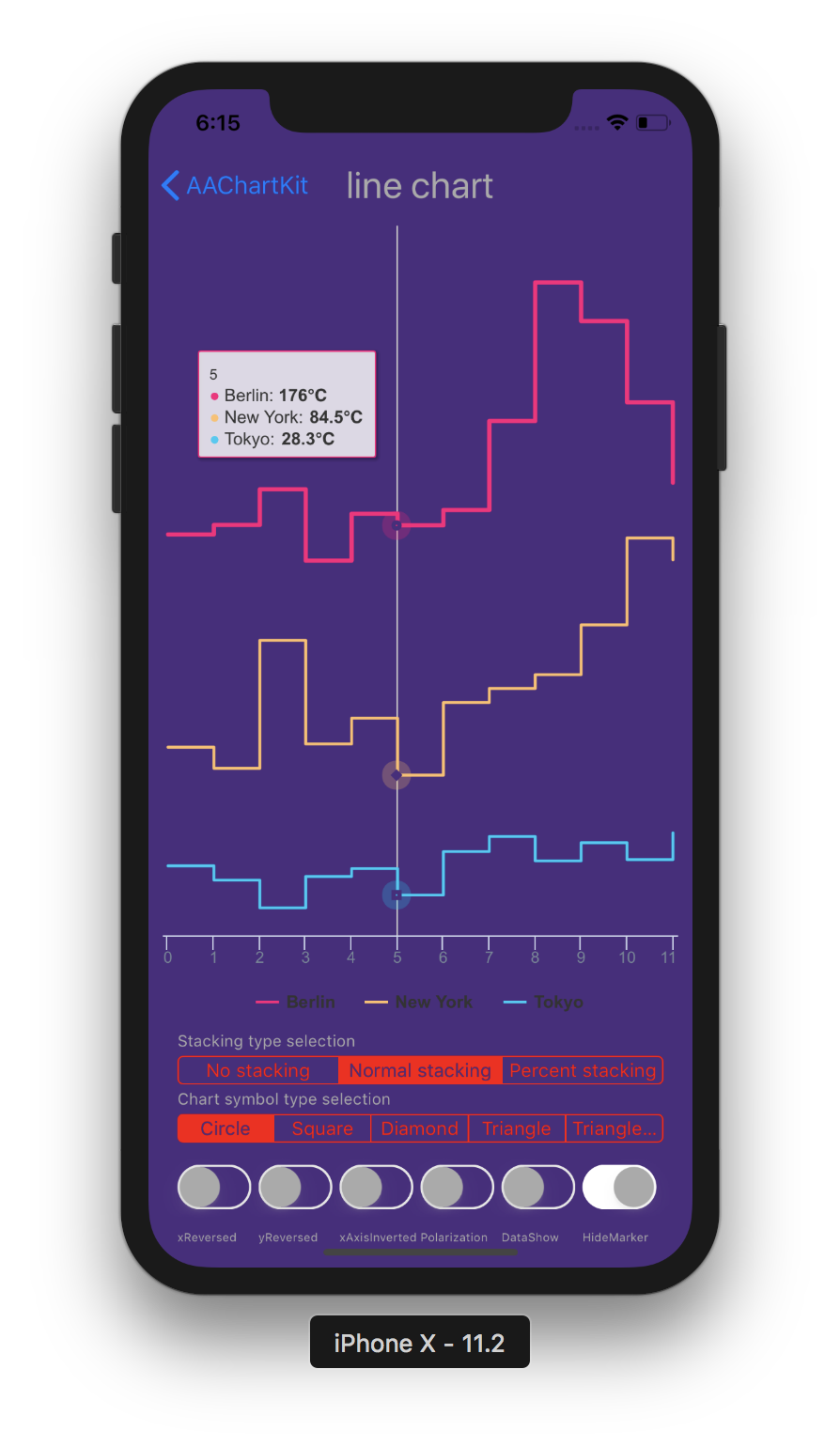 |
| Spline Chart | Areaspline Chart | Stacked Polar Chart |
|---|---|---|
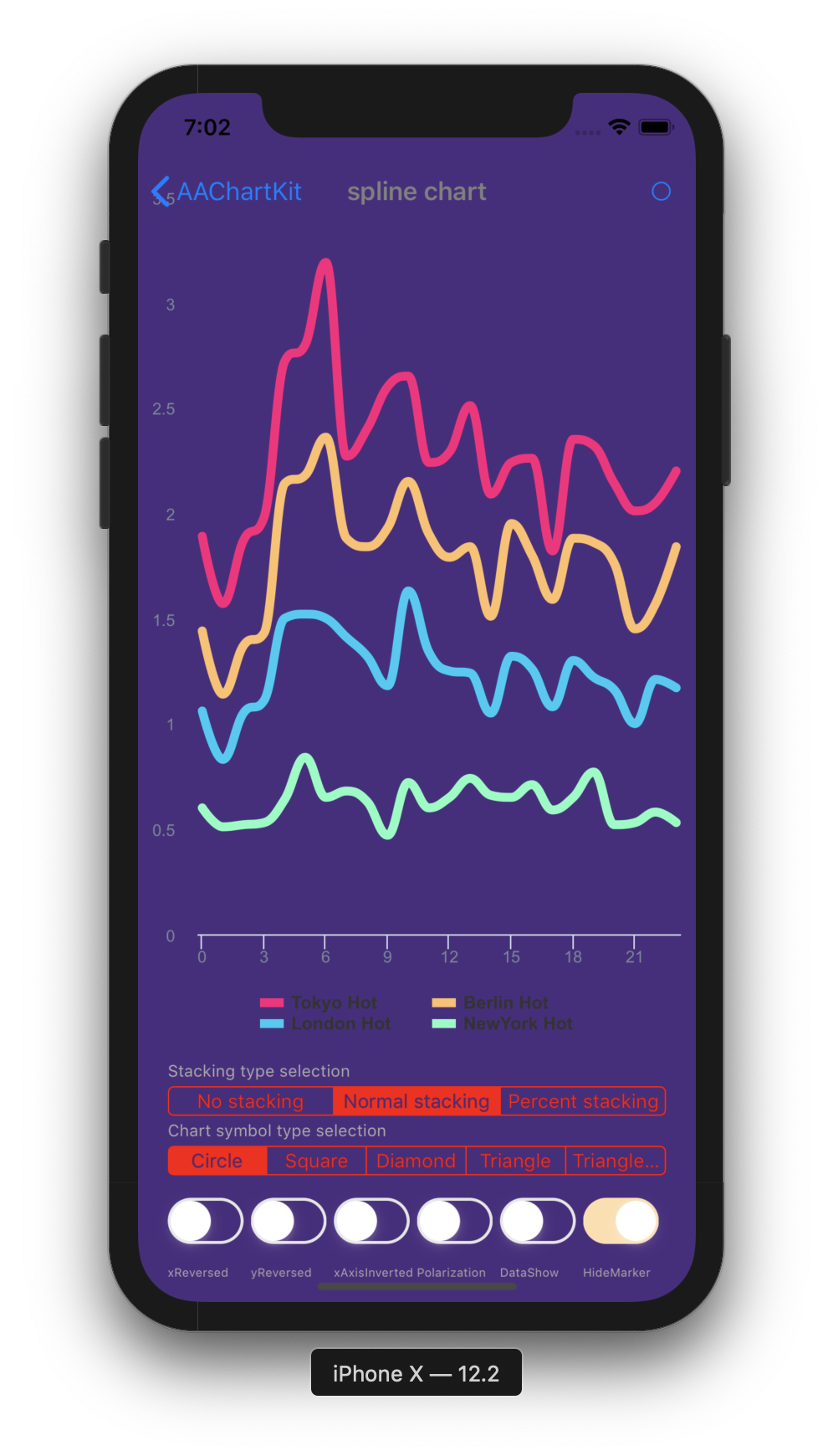 |
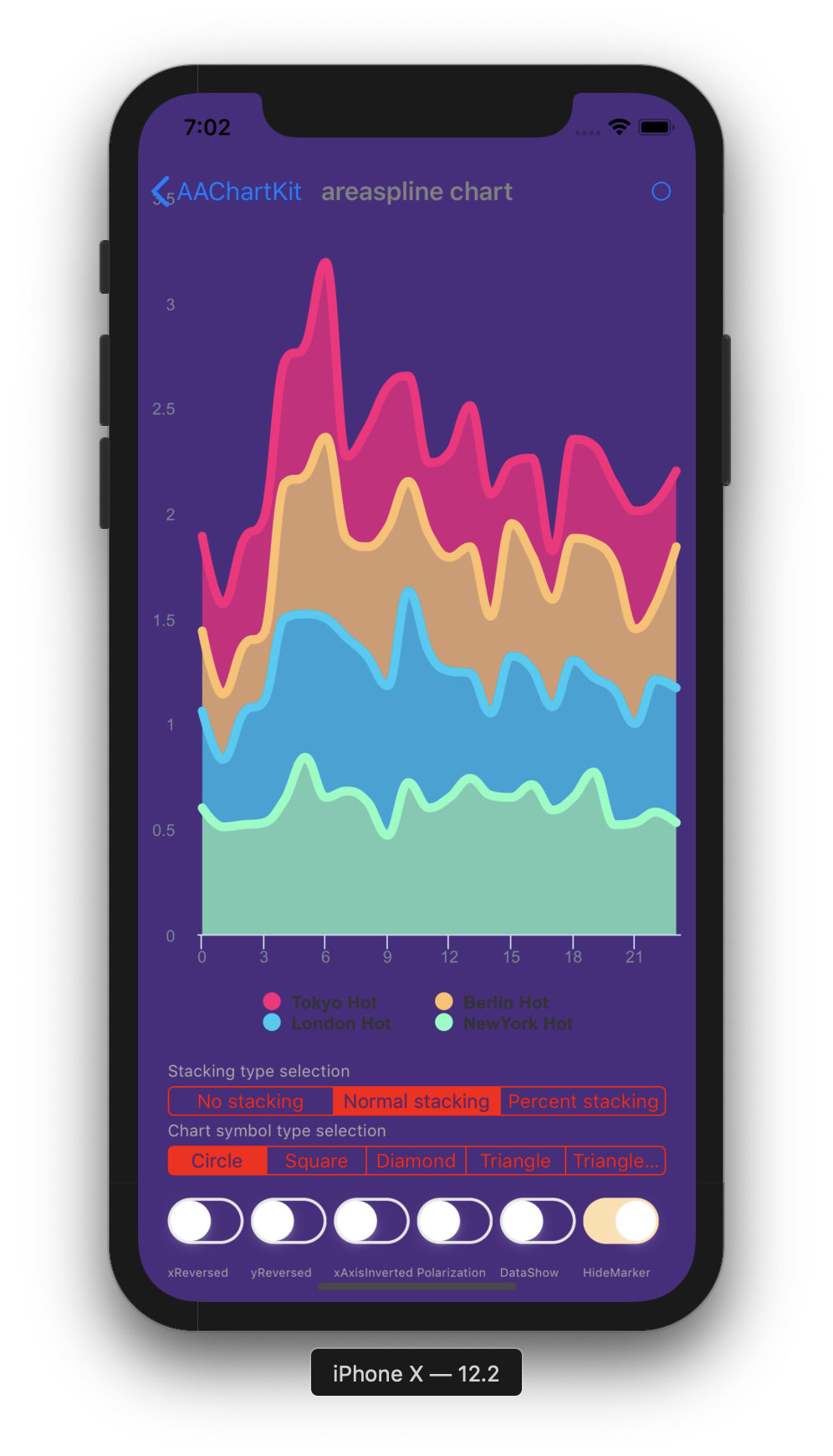 |
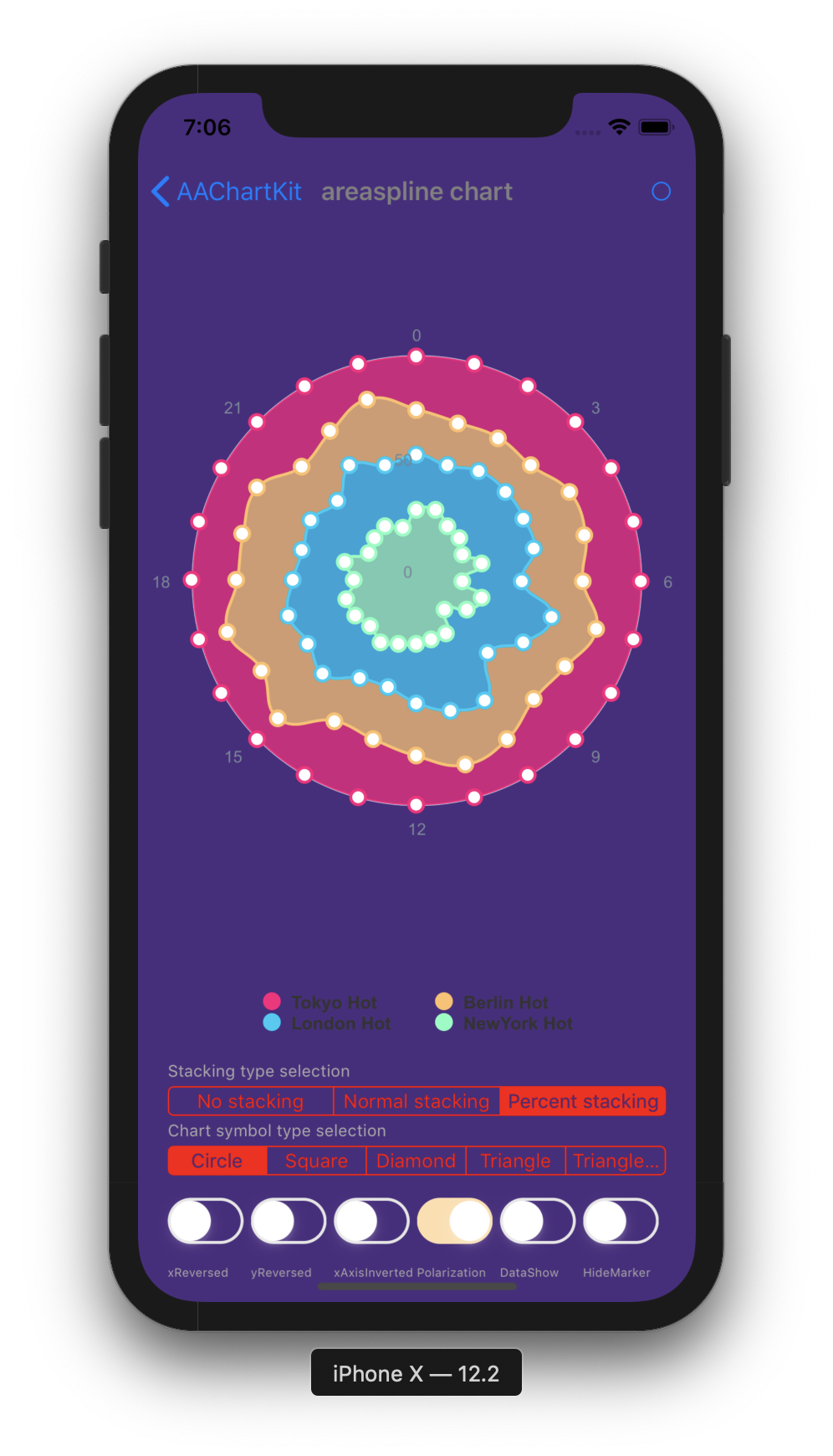 |
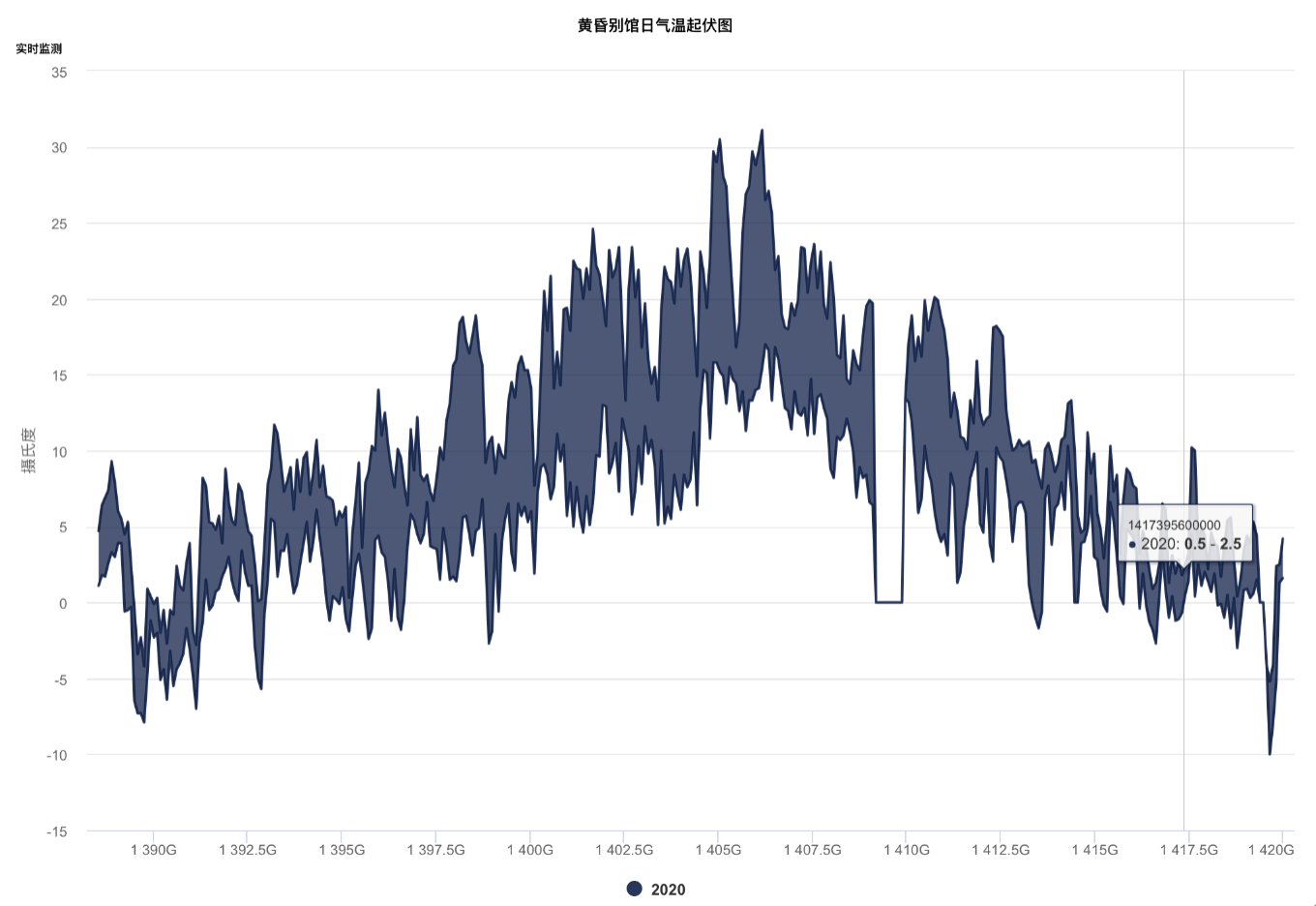
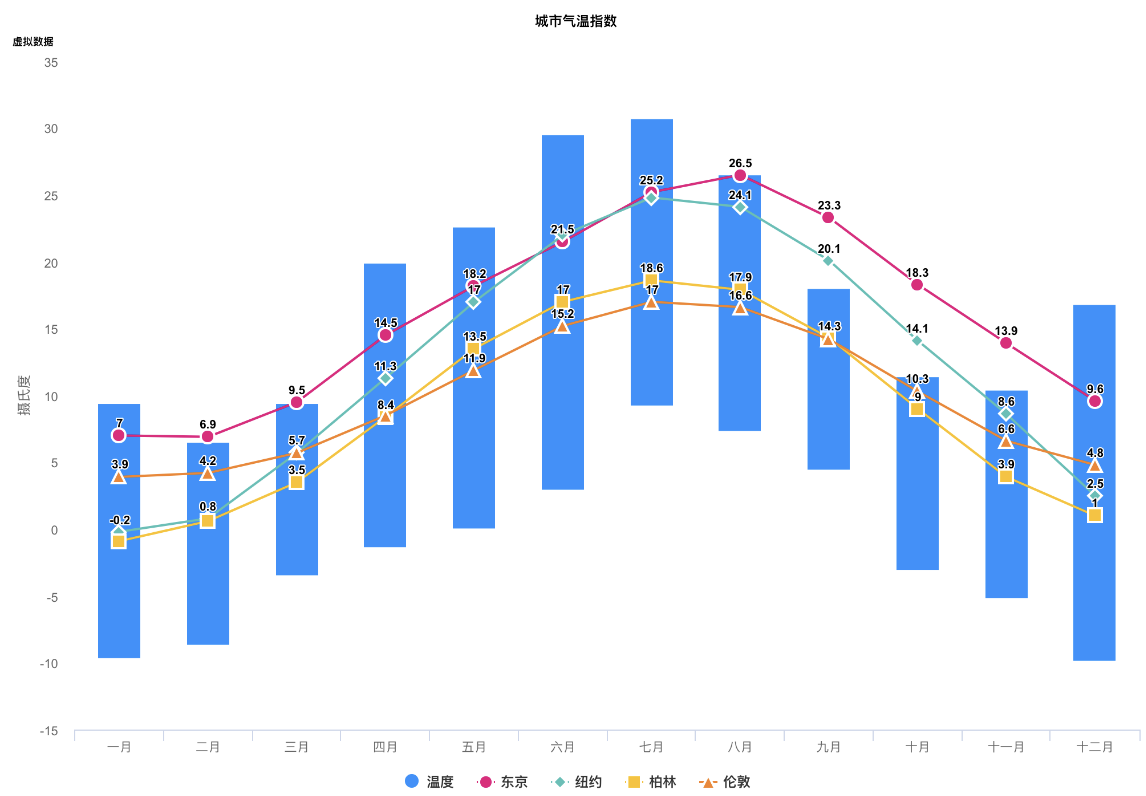
| Bubble Chart | Arearange Average Value Chart | Column Mixed Line Chart |
|---|---|---|
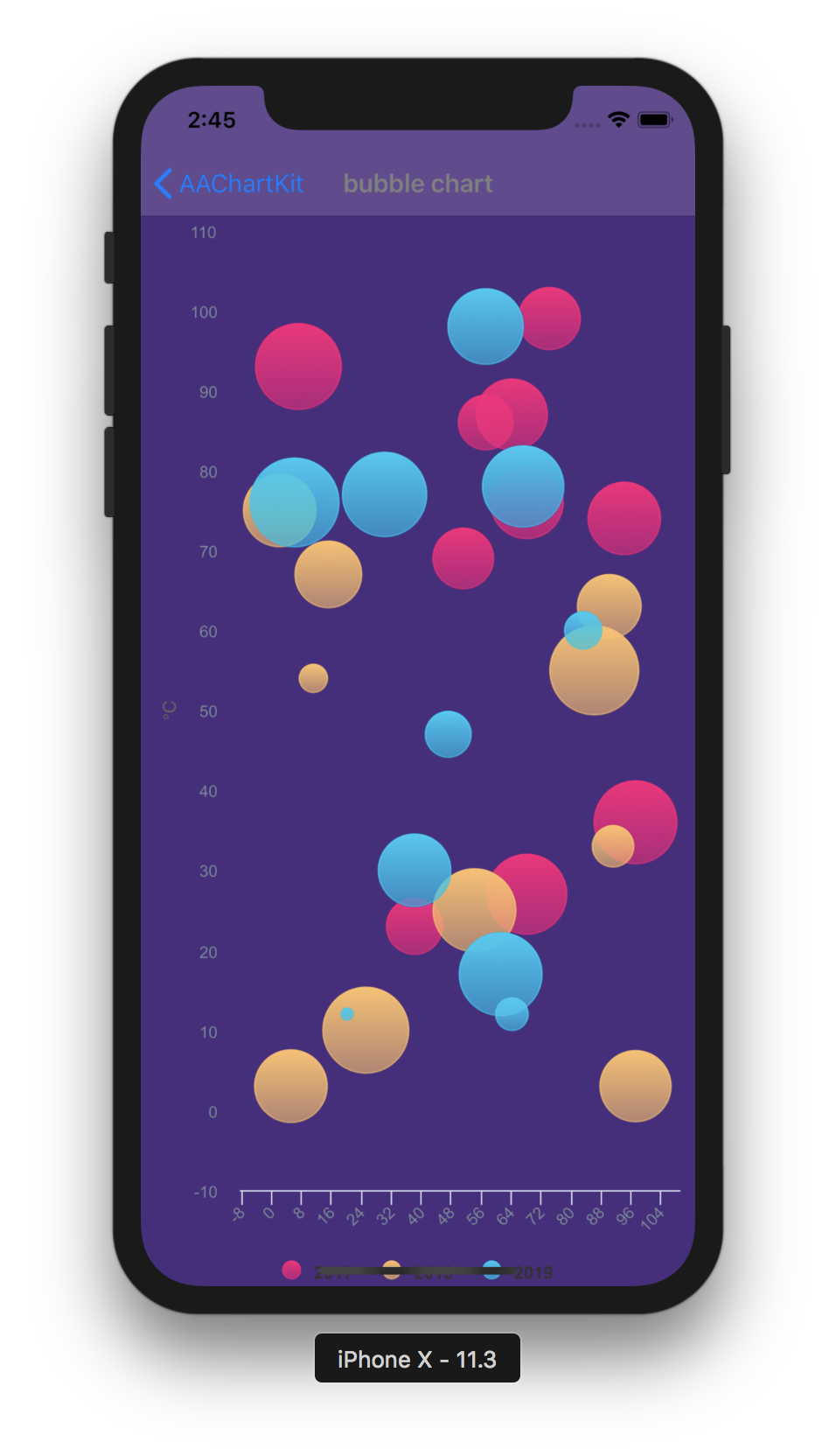 |
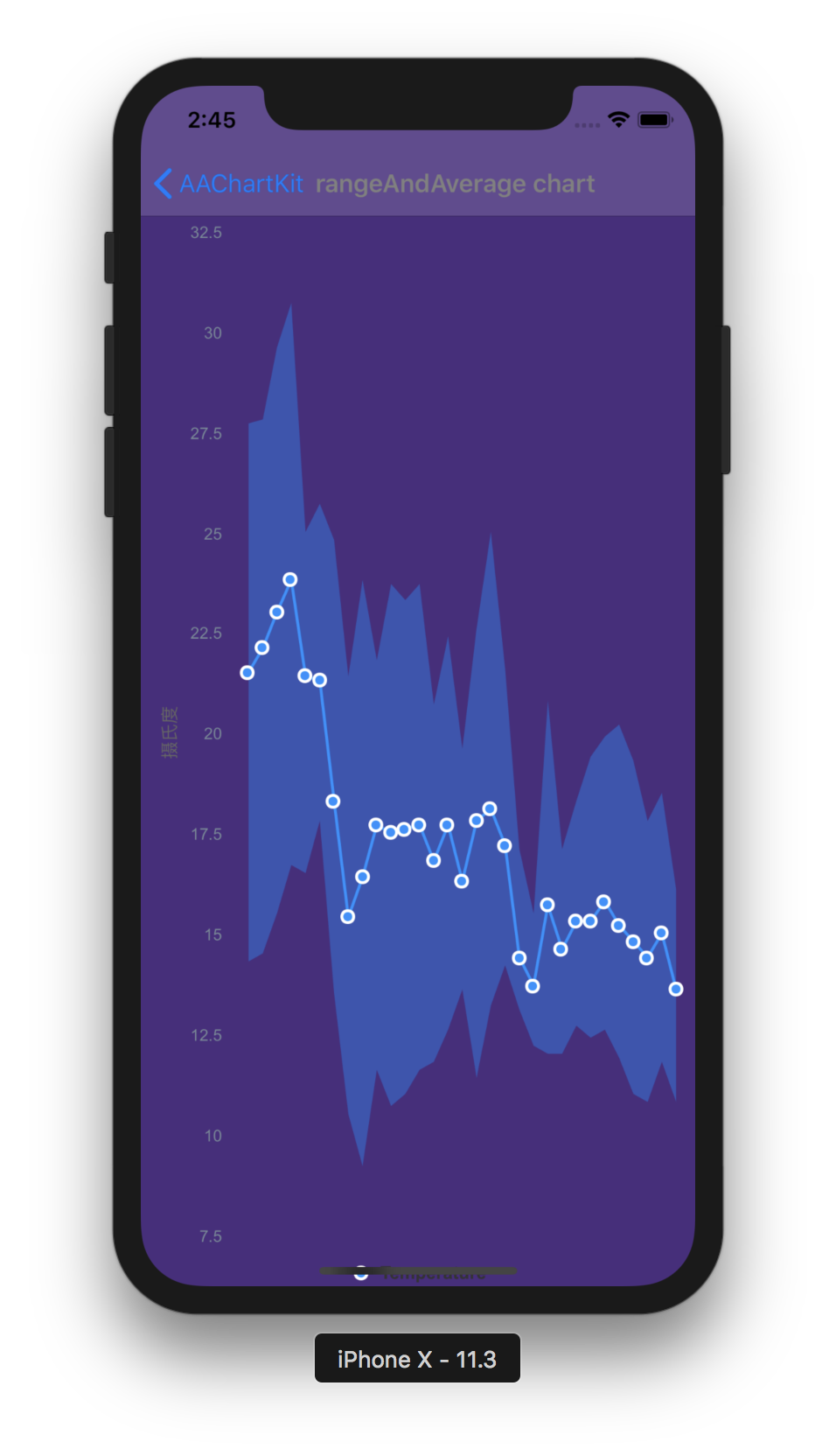 |
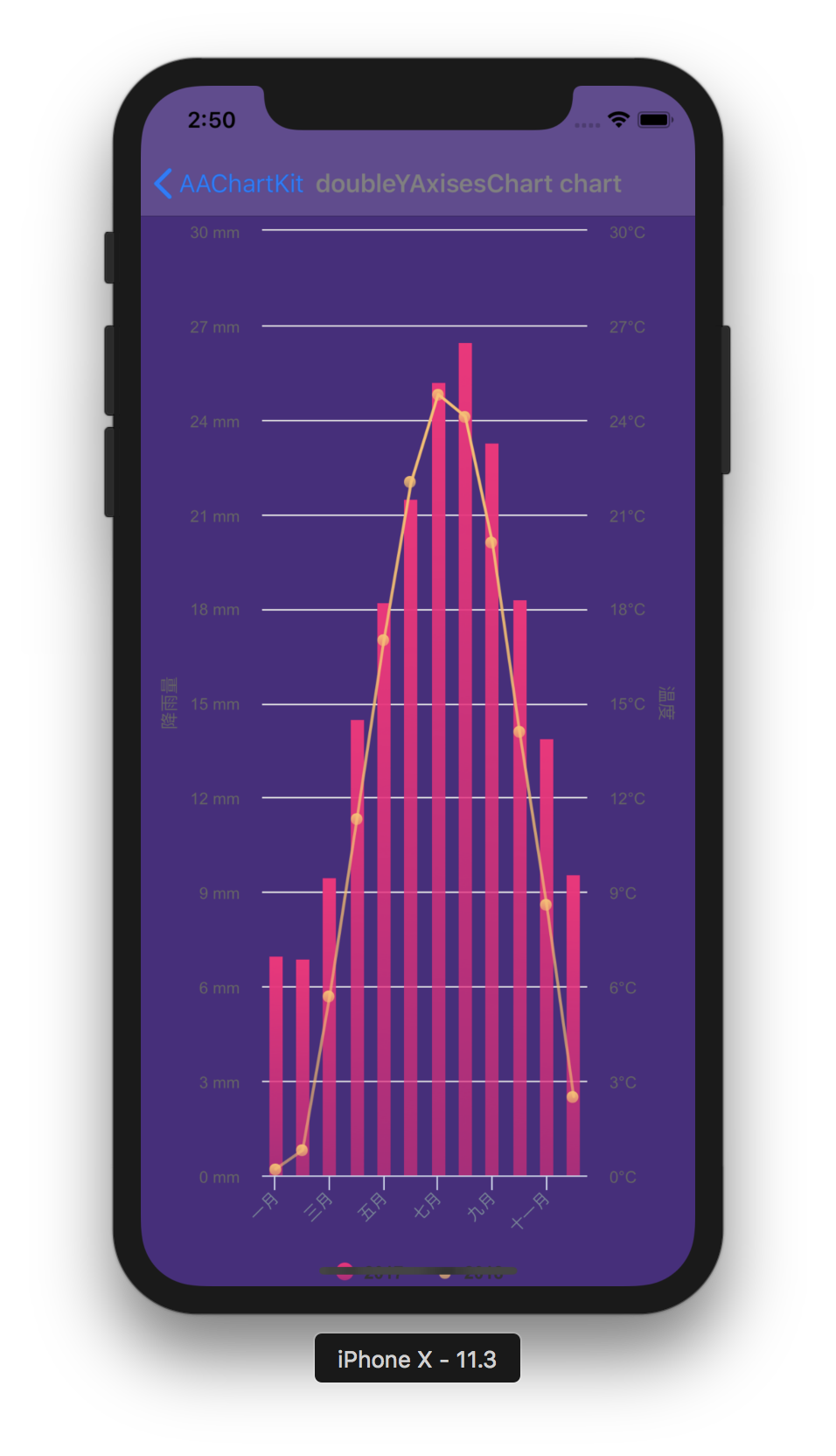 |
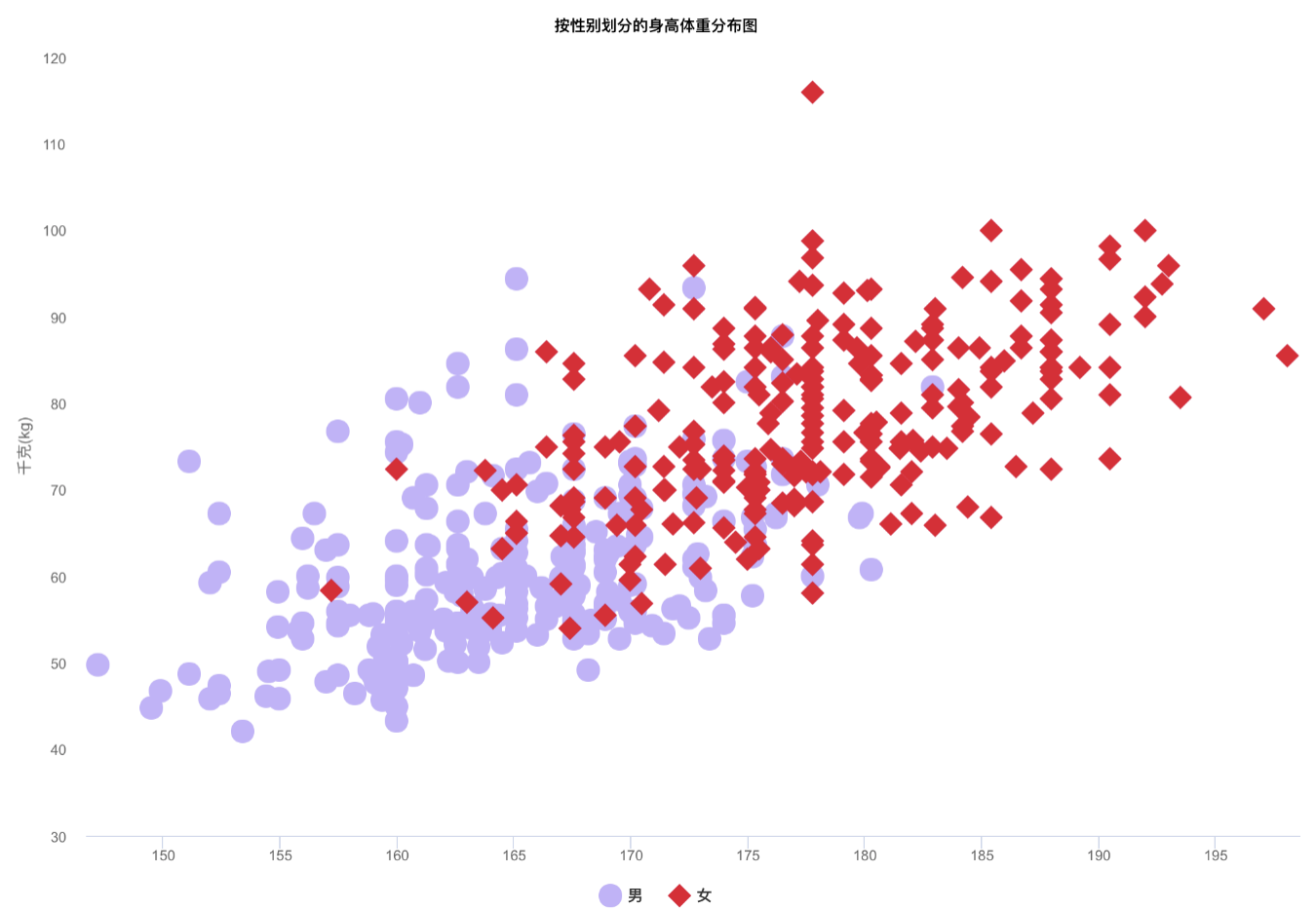
| Scatter Chart | Boxplot Chart | Mirror Column Chart |
|---|---|---|
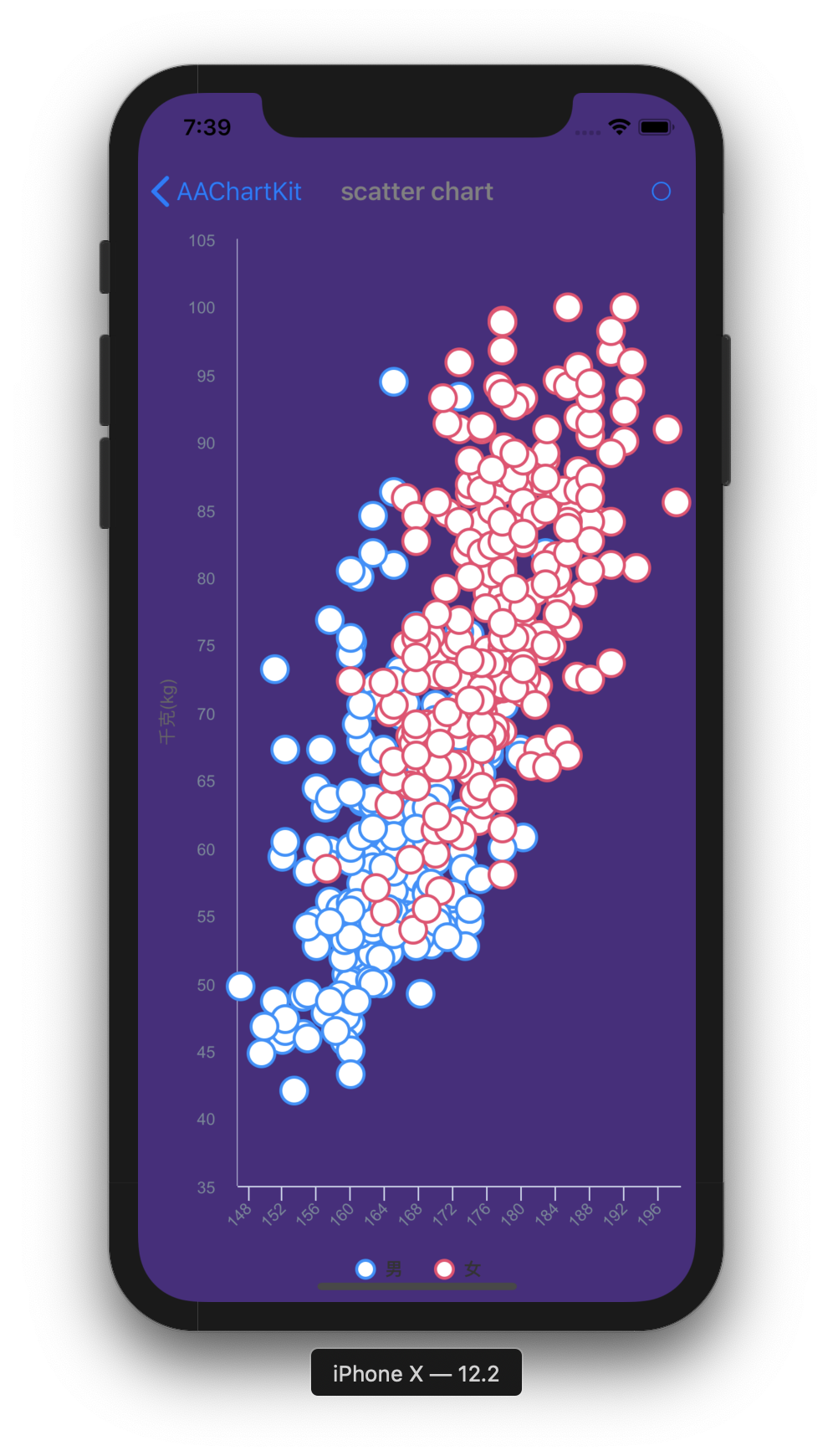 |
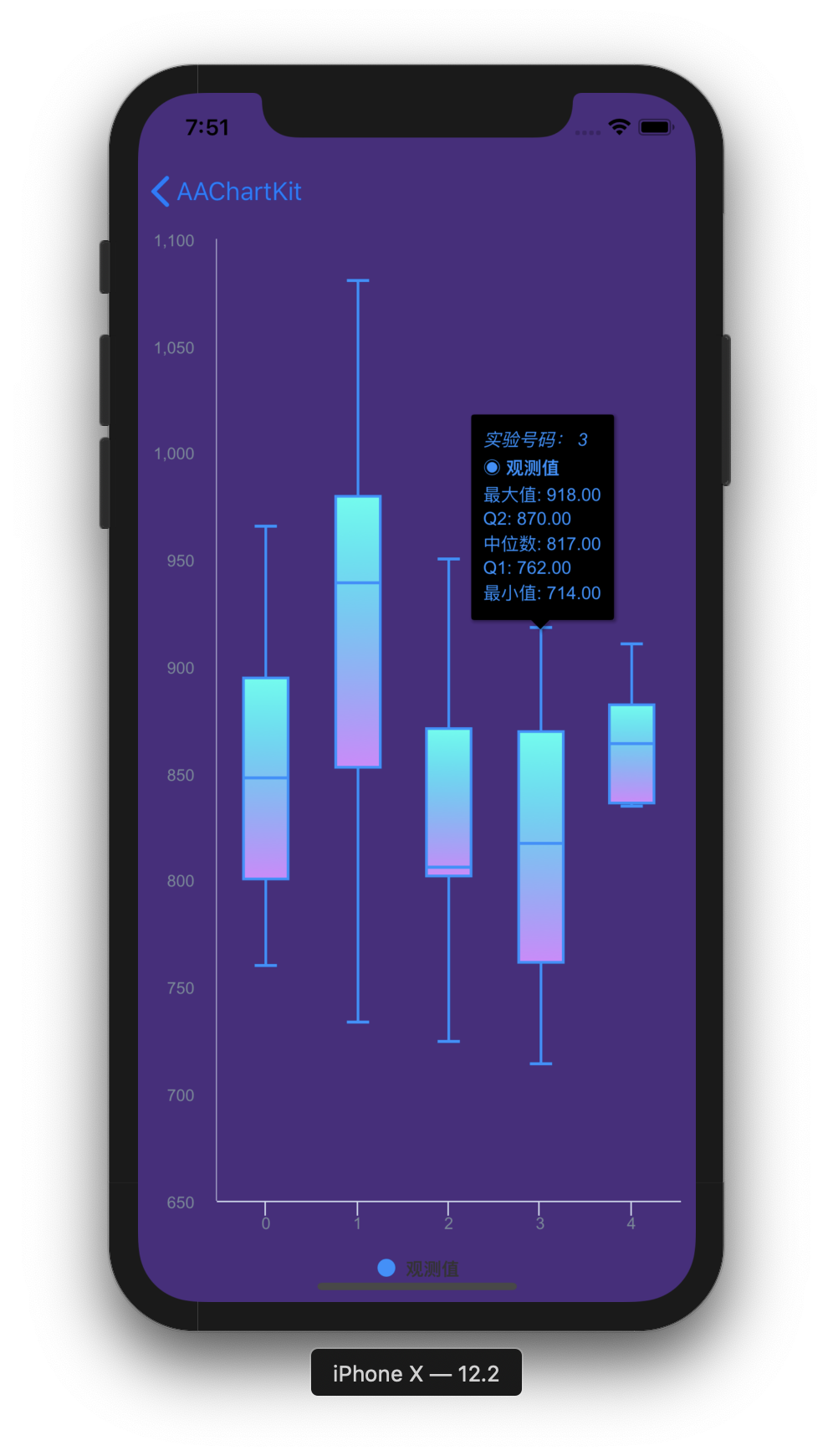 |
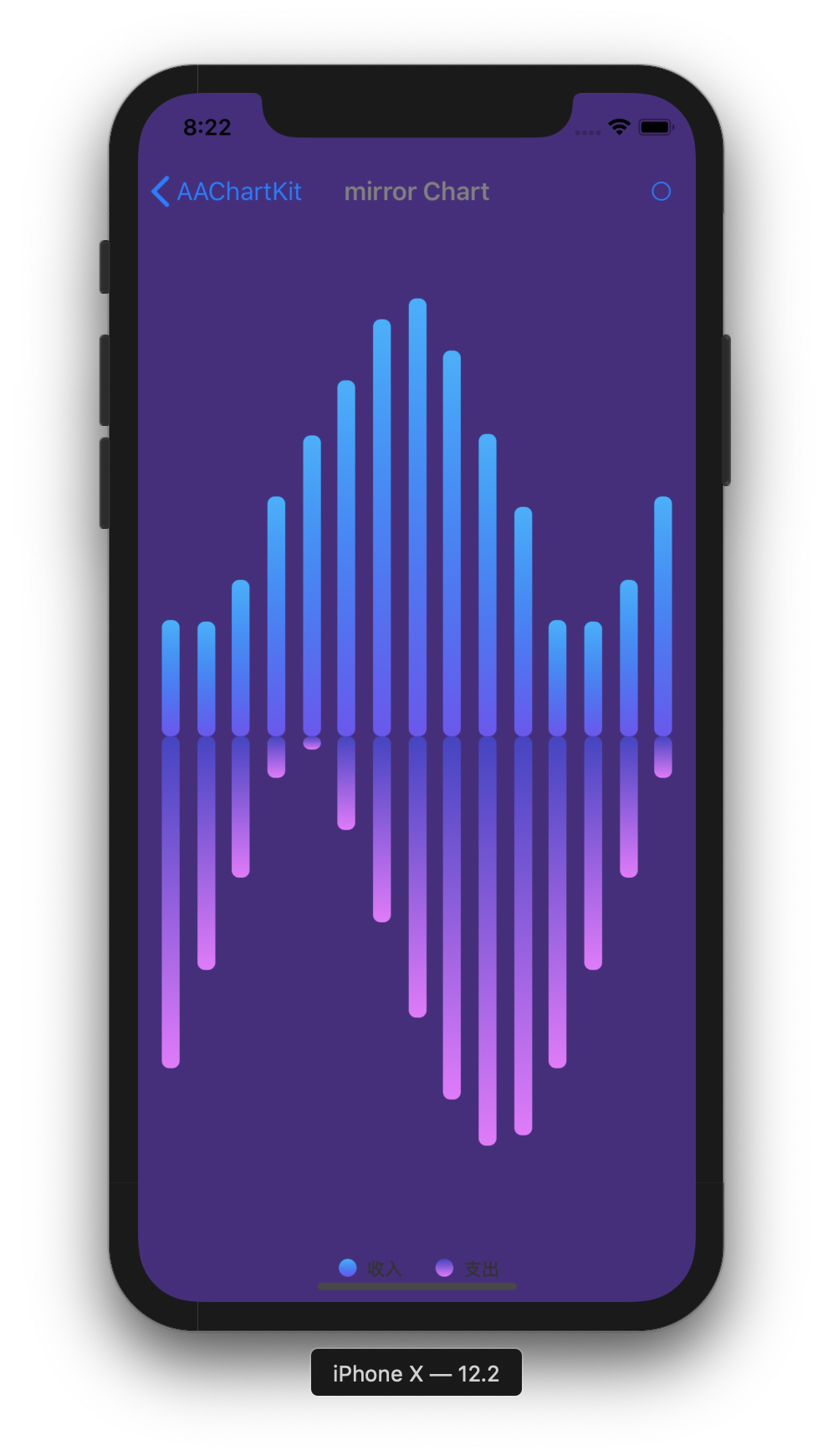 |
pod 'AAChartKit', :git => 'https://github.com/AAChartModel/AAChartKit.git'
to your Podfile.
pod install or pod update.Drag the AAChartKit source folder from the repository root into your project.
Add the following to your .pch file.
#import "AAGlobalMacro.h"
#import "AAChartKit.h"
AAChartViewCGFloat chartViewWidth = self.view.frame.size.width; CGFloat chartViewHeight = self.view.frame.size.height - 250; _aaChartView = [[AAChartView alloc]init]; _aaChartView.frame = CGRectMake(0, 60, chartViewWidth, chartViewHeight); //_aaChartView.scrollEnabled = NO; [self.view addSubview:_aaChartView];
AAChartModelAAChartModel *aaChartModel = AAChartModel.new .chartTypeSet(AAChartTypeArea) .titleSet(@"THE HEAT OF PROGRAMMING LANGUAGE") .subtitleSet(@"Virtual Data") .categoriesSet(@[@"Java",@"Swift",@"Python",@"Ruby", @"PHP",@"Go",@"C",@"C#",@"C++"]) .yAxisTitleSet(@"Degrees Celsius") .seriesSet(@[ AASeriesElement.new .nameSet(@"2017") .dataSet(@[@7.0, @6.9, @9.5, @14.5, @18.2, @21.5, @25.2, @26.5, @23.3, @18.3, @13.9, @9.6]), AASeriesElement.new .nameSet(@"2018") .dataSet(@[@0.2, @0.8, @5.7, @11.3, @17.0, @22.0, @24.8, @24.1, @20.1, @14.1, @8.6, @2.5]), AASeriesElement.new .nameSet(@"2019") .dataSet(@[@0.9, @0.6, @3.5, @8.4, @13.5, @17.0, @18.6, @17.9, @14.3, @9.0, @3.9, @1.0]), AASeriesElement.new .nameSet(@"2020") .dataSet(@[@3.9, @4.2, @5.7, @8.5, @11.9, @15.2, @17.0, @16.6, @14.2, @10.3, @6.6, @4.8]), ]);
//The chart view object calls the instance object of AAChartModel and draws the final graphic
[_aaChartView aa_drawChartWithChartModel:aaChartModel];
🎉🎉🎉 Congratulations! Everything was done!!! You will get what you want!!! 🌈🌈🌈
If you want to refresh chart content, you should do something as follow. According to your actual needs, select the function that fits you.
//Refresh the chart dynamically only when the series attribute of the AAChartModel object is updated
[_aaChartView aa_onlyRefreshTheChartDataWithChartModelSeries:aaChartModelSeriesArray];
aa_onlyRefreshTheChartDataWithChartModelSeries)//Refresh the chart after the AAChartModel content is updated [_aaChartView aa_refreshChartWithChartModel:aaChartModel];
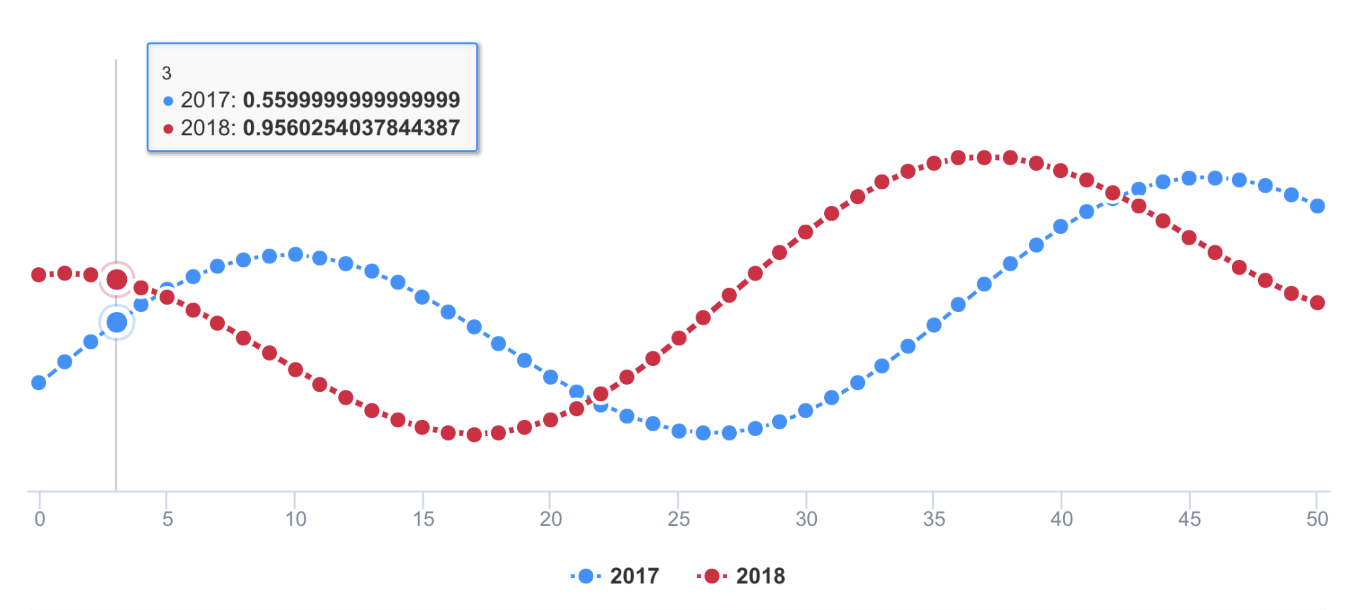
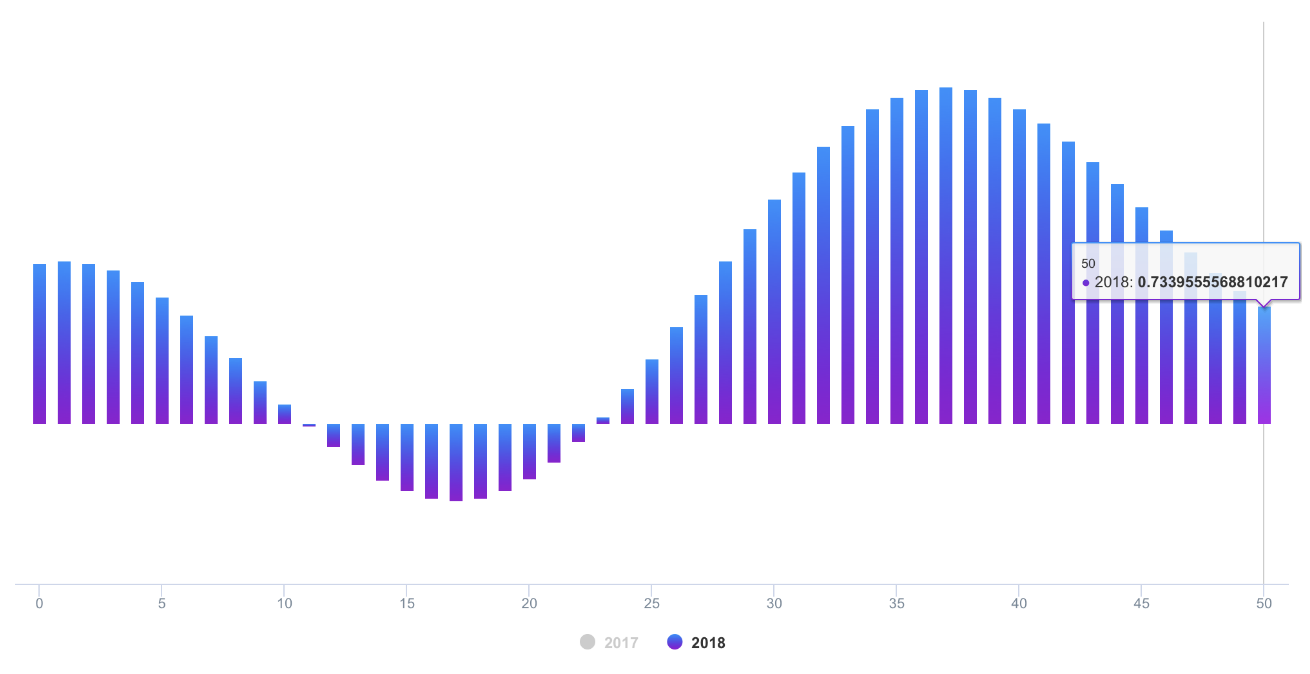
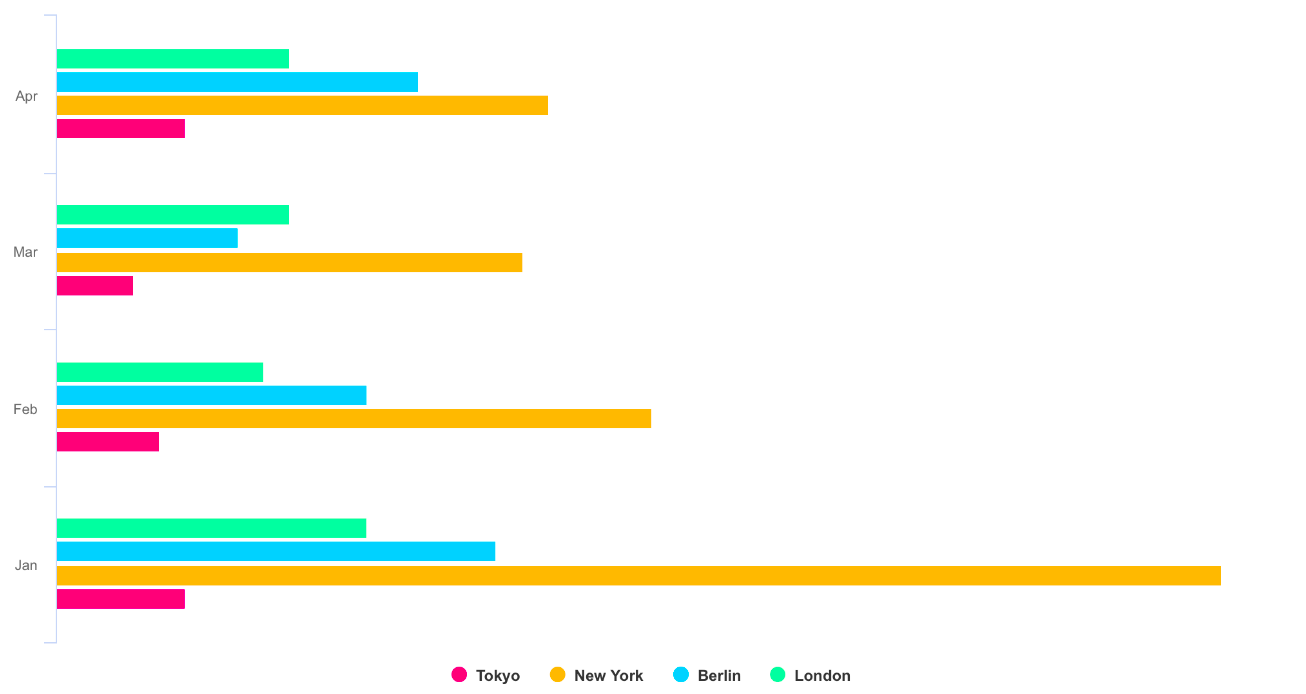

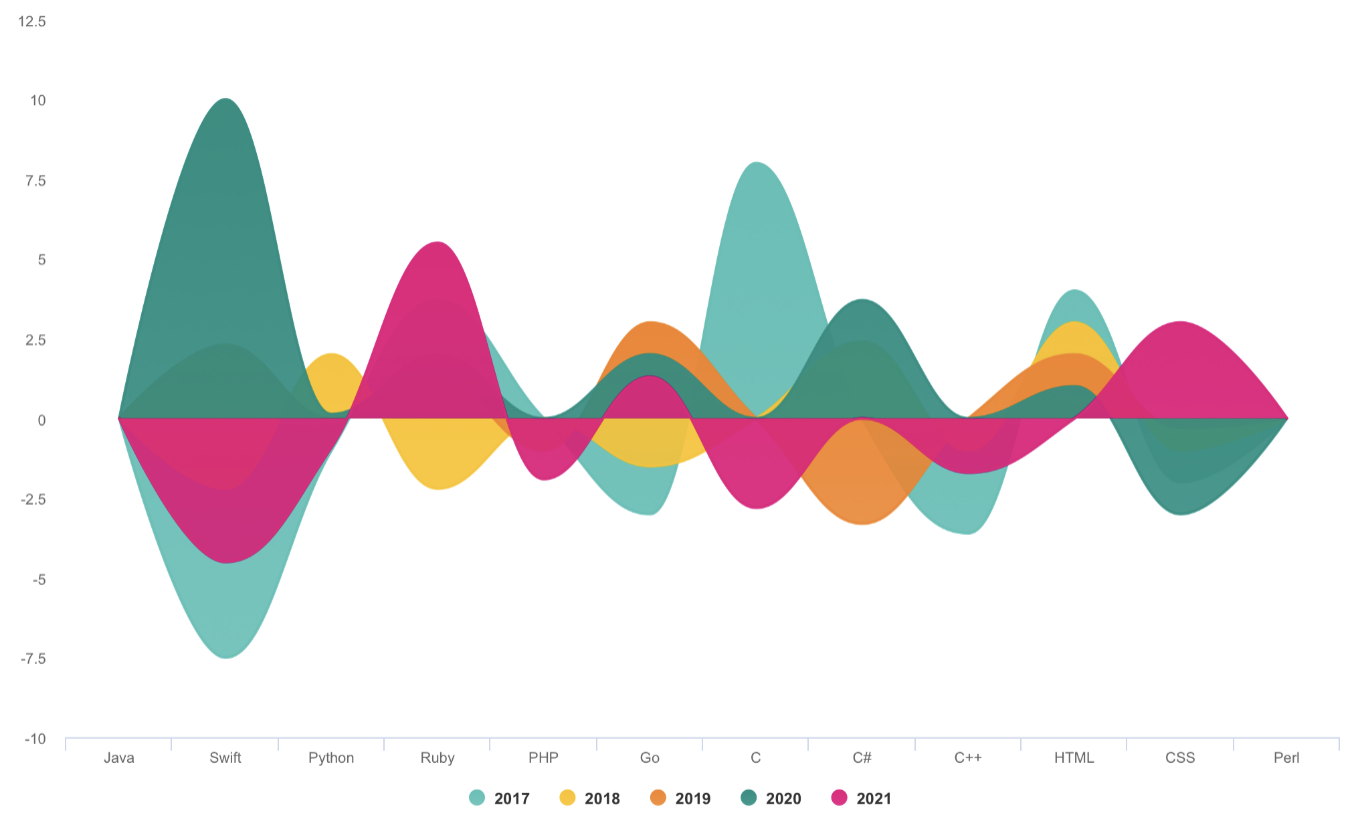
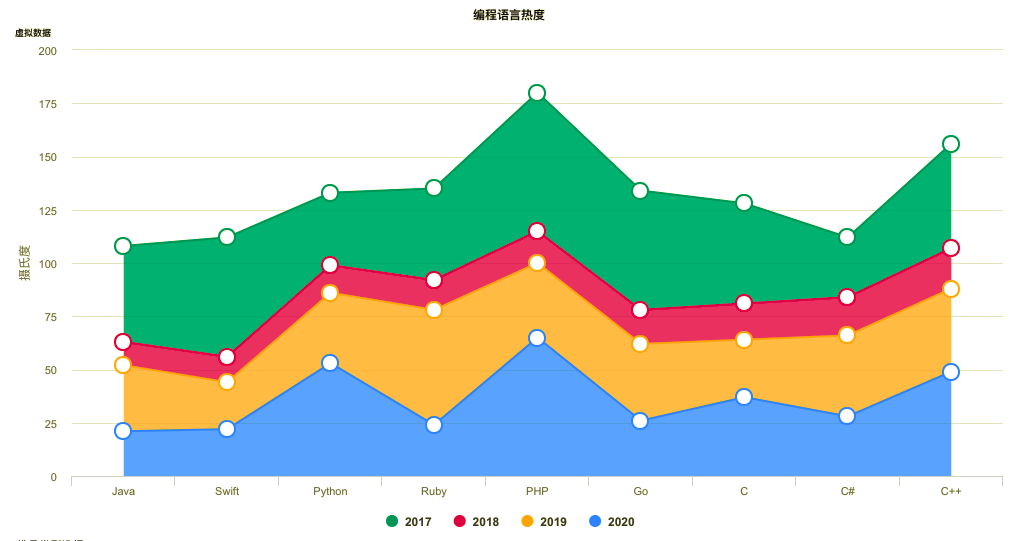
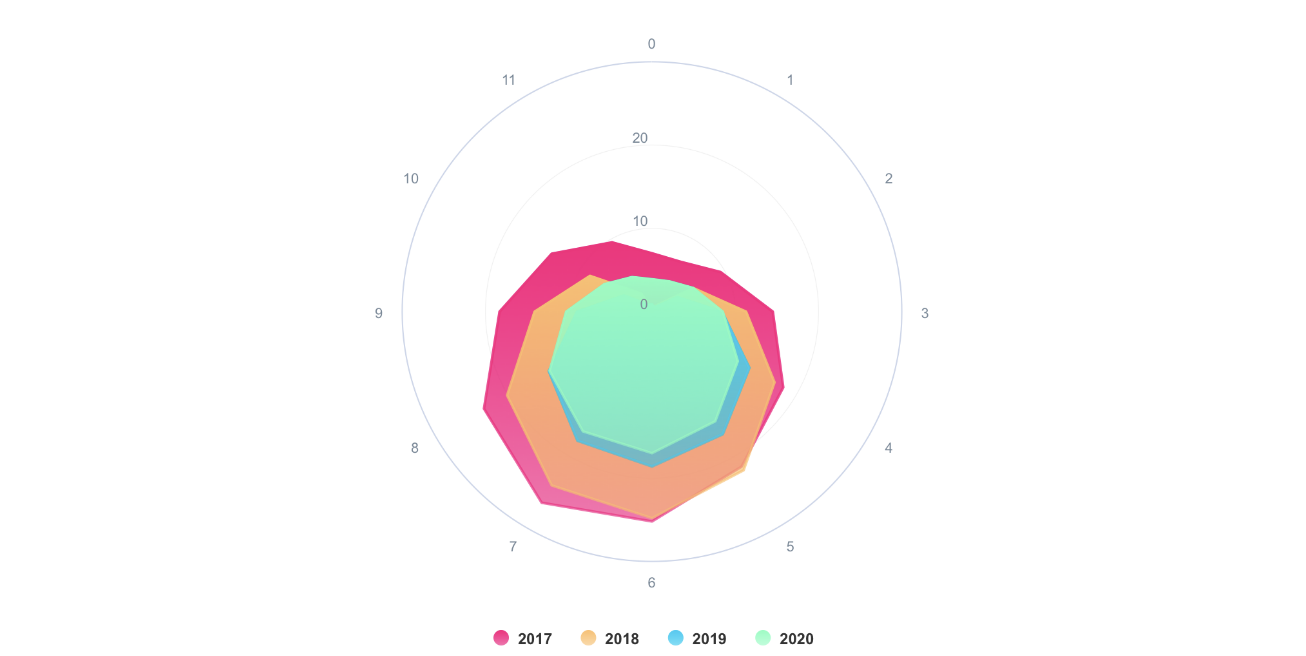
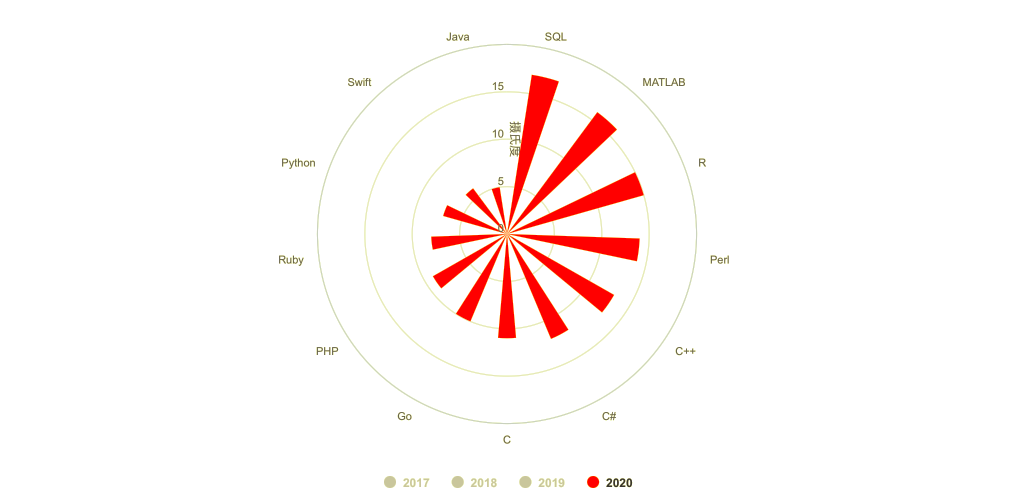
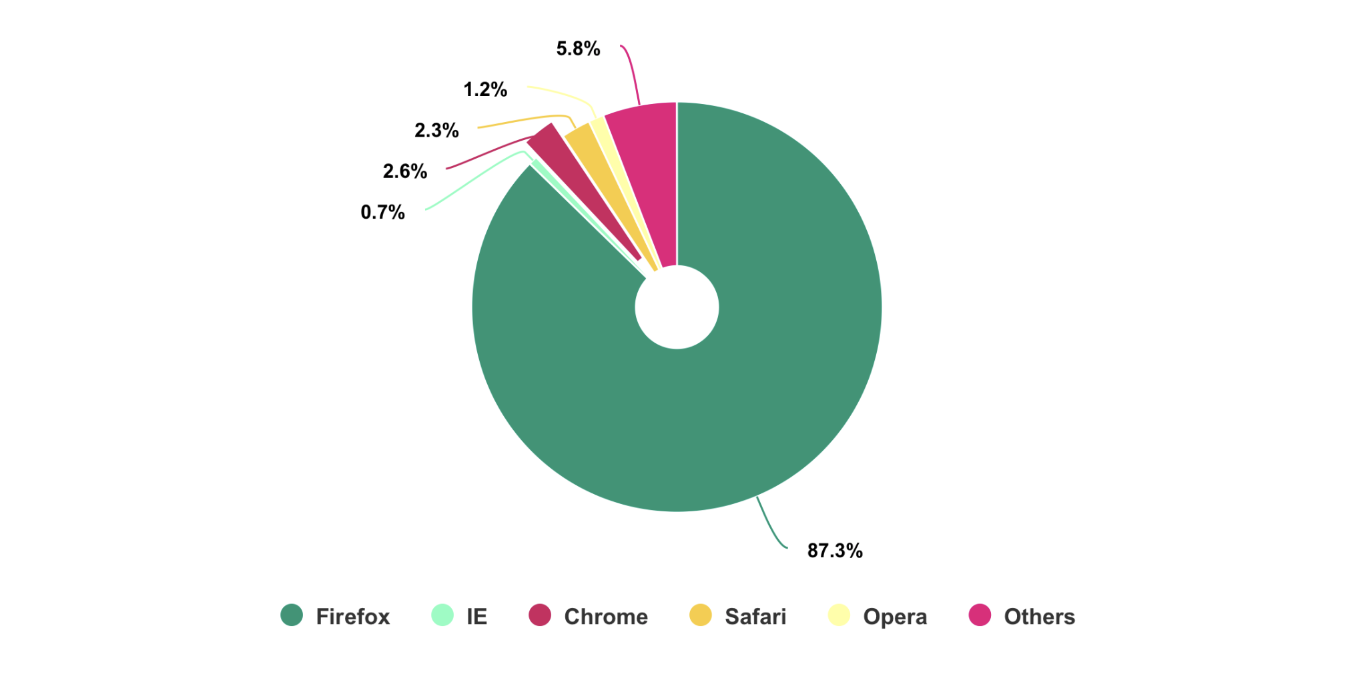
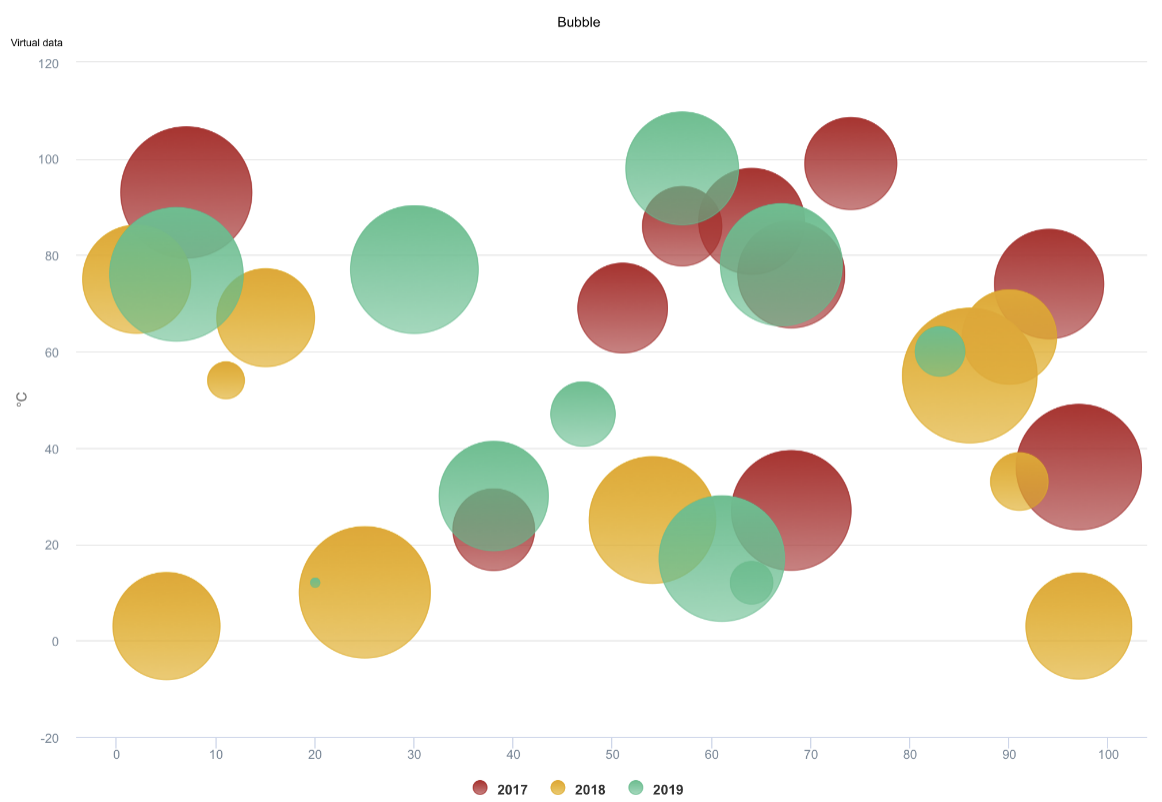
- Note: The following
DEMO pictureis aGIF dynamic picturewhich has a size of around 6M. If you don't see any dynamic preview, then this is because the picture resources were not fully loaded. In such a case please be patient and wait for the contents to finish loading. Maybe you need to reload this page.
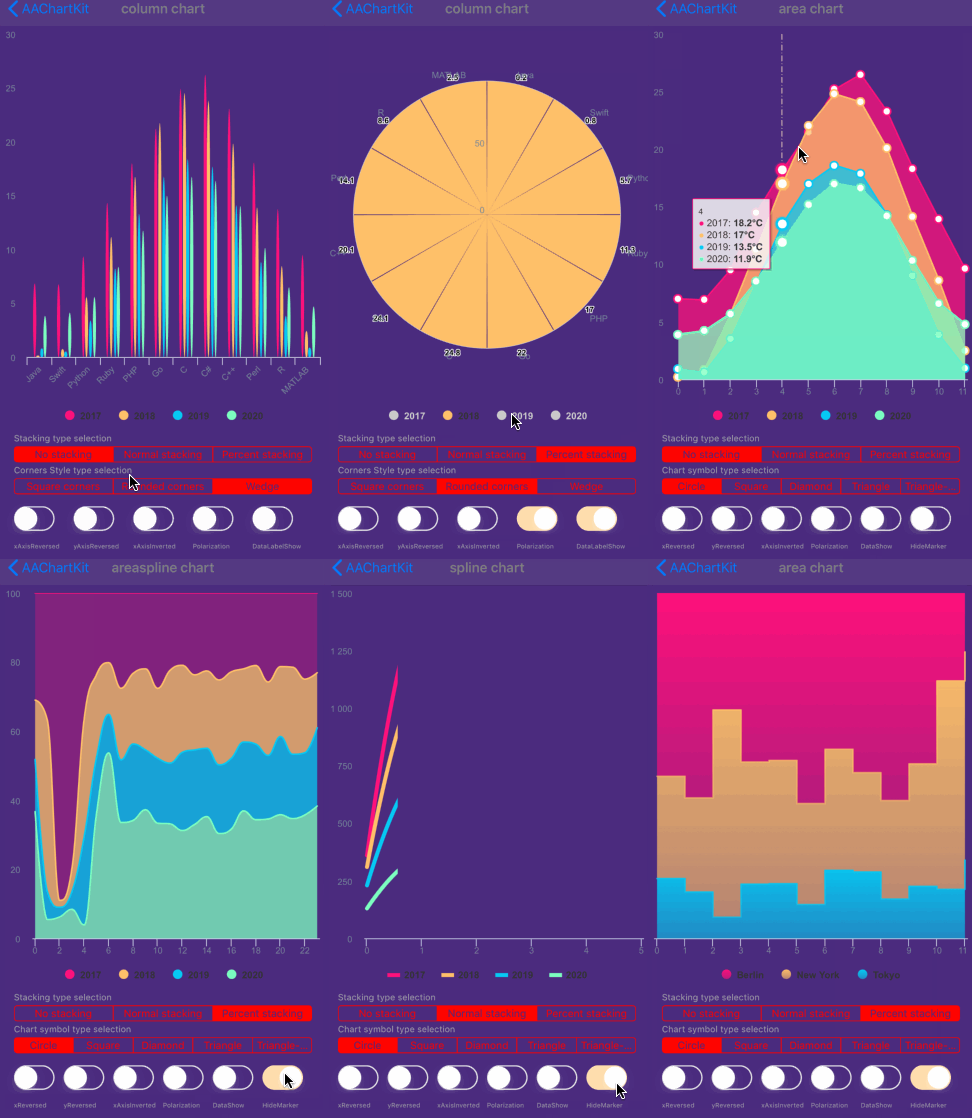
you can monitor the user touch events message through implementing delegate function for AAChartView instance object
 //Set AAChartView events delegate
 self.aaChartView.delegate = self;

 //implement AAChartView user touch events delegate function
 #pragma mark -- AAChartView delegate
 - (void)aaChartView:(AAChartView *)aaChartView moveOverEventWithMessage:(AAMoveOverEventMessageModel *)message {
 NSLog(@"🚀selected point series element name: %@",message.name);
 }
The received touch events message contain following content
@interface AAMoveOverEventMessageModel : NSObject

@property (nonatomic, copy)   NSString *name;
@property (nonatomic, strong) NSNumber *x;
@property (nonatomic, strong) NSNumber *y;
@property (nonatomic, copy)   NSString *category;
@property (nonatomic, strong) NSDictionary *offset;
@property (nonatomic, assign) NSUInteger index;

@end
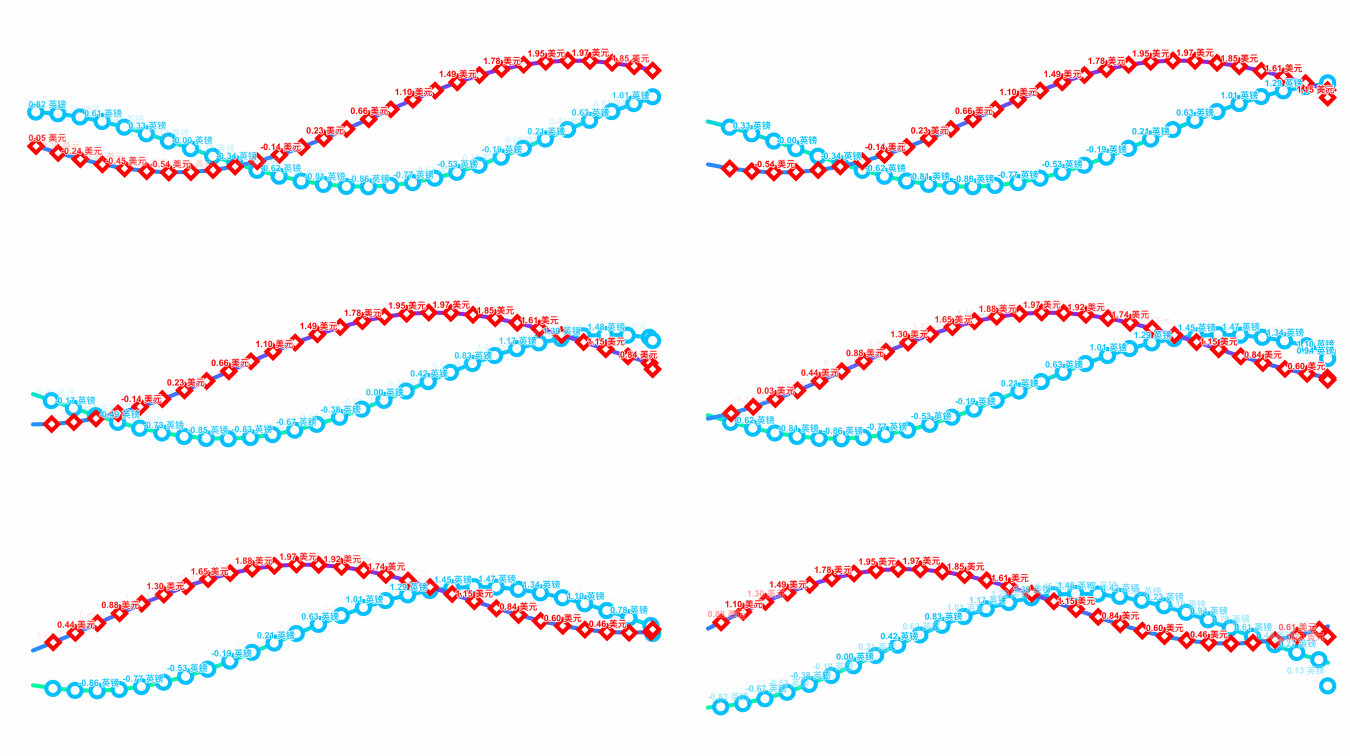
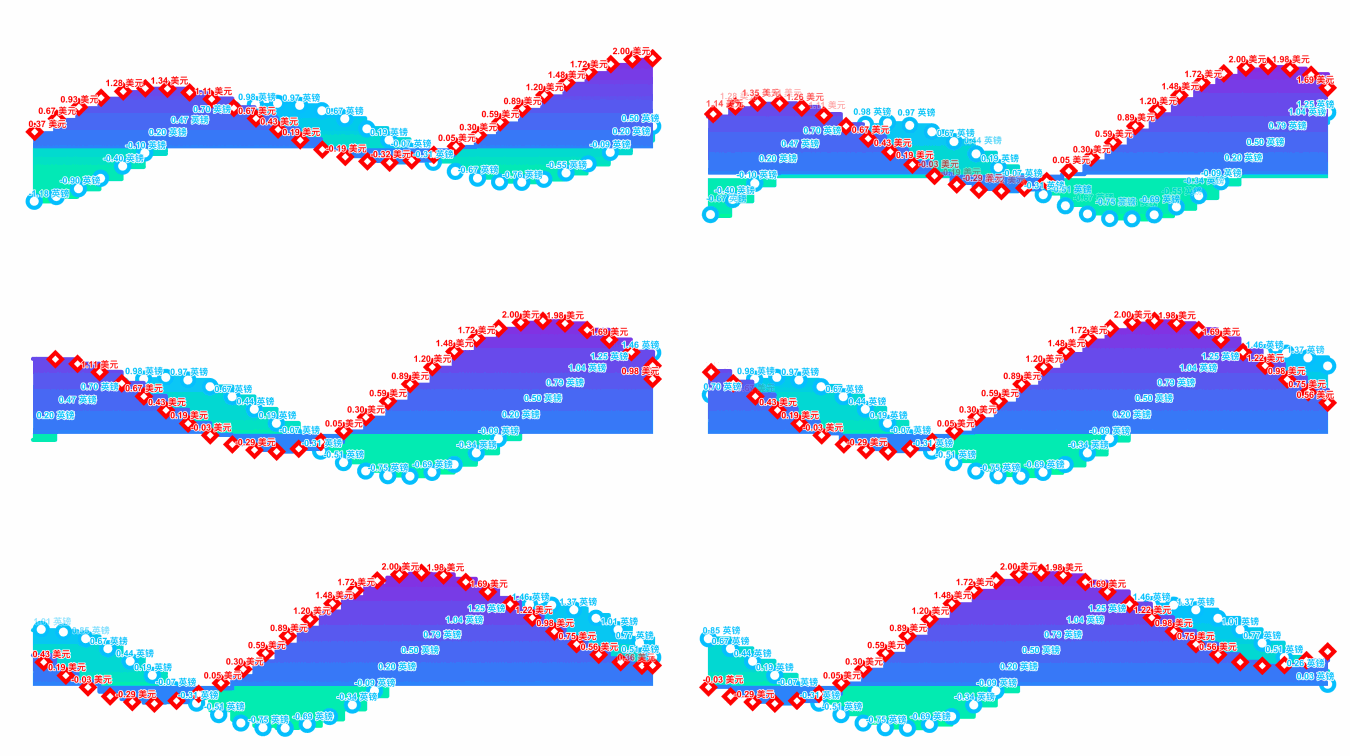
Monitoring user click events can achieve a variety of custom functions. For example, you can implement Double Charts Linkage through user click event callbacks. The example effects are as follows
AATooltip through JavaScript functionAs we all know, AAChartKit support using HTML String. Most of time, the headerFormat 、pointFormat、footerFormat HTML string is enough for customizing chart tooltip string content, However, sometimes the needs of APP is so weird to satified, in this time, you can even customize the chart tooltip style via formatter JavaScript function.
For example
 /*Custom Tooltip Style ---*/
    AATooltip *tooltip = aaOptions.tooltip;
    tooltip
    .useHTMLSet(true)
    .formatterSet(@AAJSFunc(function () {
        return ' 🌕 🌖 🌗 🌘 🌑 🌒 🌓 🌔 <br/> '
        + ' Support JavaScript Function Just Right Now !!! <br/> '
        + ' The Gold Price For <b>2020 '
        +  this.x
        + ' </b> Is <b> '
        +  this.y
        + ' </b> Dollars ';
    }))
    .valueDecimalsSet(@2)
    .backgroundColorSet(@"#000000")
    .borderColorSet(@"#000000")
    .styleSet(AAStyleColorSize(@"#FFD700", 12))
    ;
you can get the customized tooltip style chart like this👇

    aaOptions.tooltip
    .useHTMLSet(true)
    .formatterSet(@AAJSFunc(function () {
        let wholeContentStr ='<span style=\"' + 'color:lightGray; font-size:13px\"' + '>◉ Time: ' + this.x + ' year</span><br/>';
        let length = this.points.length;
        for (let i = 0; i < length; i++) {
            let thisPoint = this.points[i];
            let yValue = thisPoint.y;
            if (yValue != 0) {
                let spanStyleStartStr = '<span style=\"' + 'color:'+ thisPoint.color + '; font-size:13px\"' + '>◉ ';
                let spanStyleEndStr = '</span> <br/>';
                wholeContentStr += spanStyleStartStr + thisPoint.series.name + ': ' + thisPoint.y + '℃' + spanStyleEndStr;
            }
        }
        return wholeContentStr;
    }))
    .backgroundColorSet(@"#050505")
    .borderColorSet(@"#050505")
    ;
you can get the customized tooltip style chart like this👇
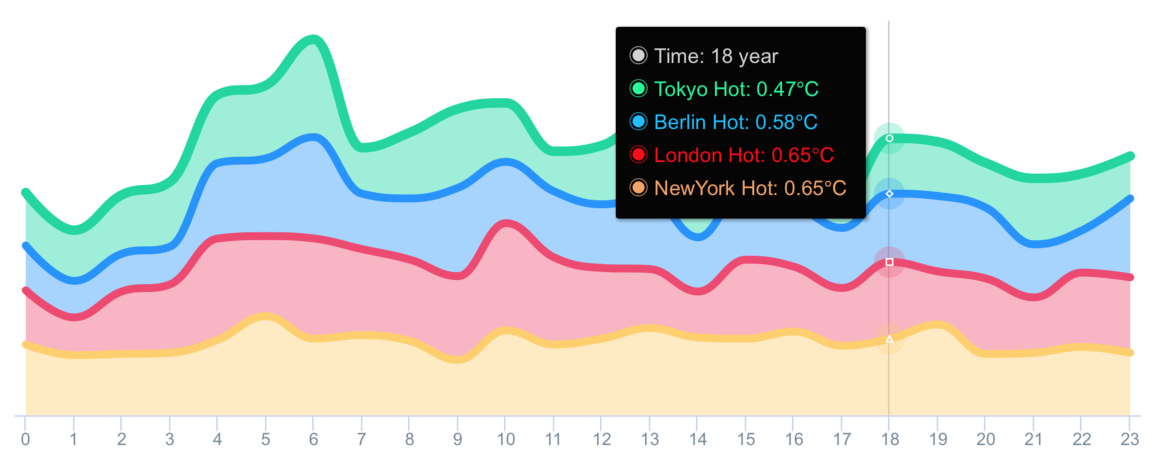
chart with value range segmentation bands 🎀
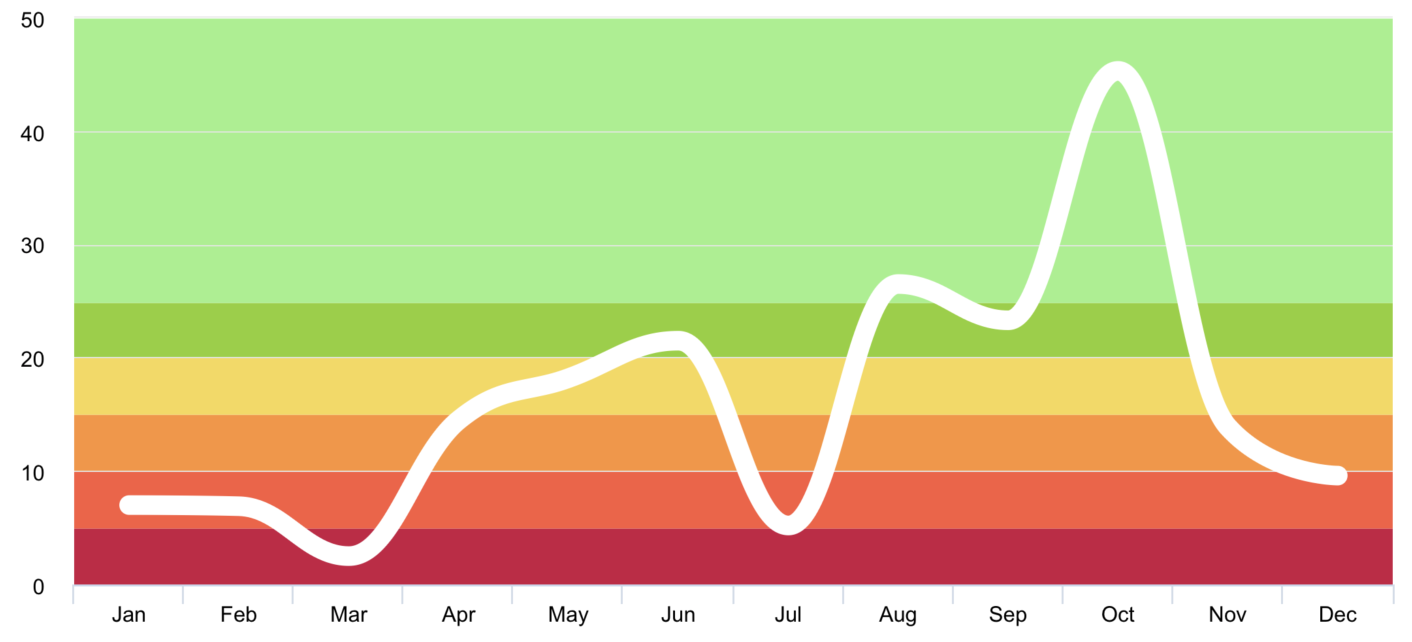
chart with value range segmentation lines 🧶
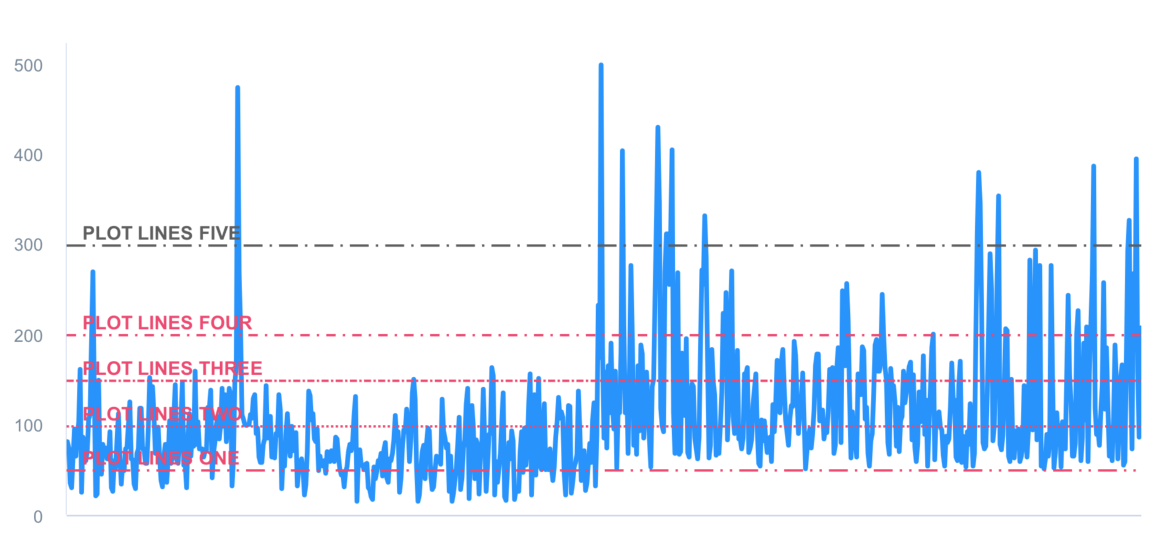
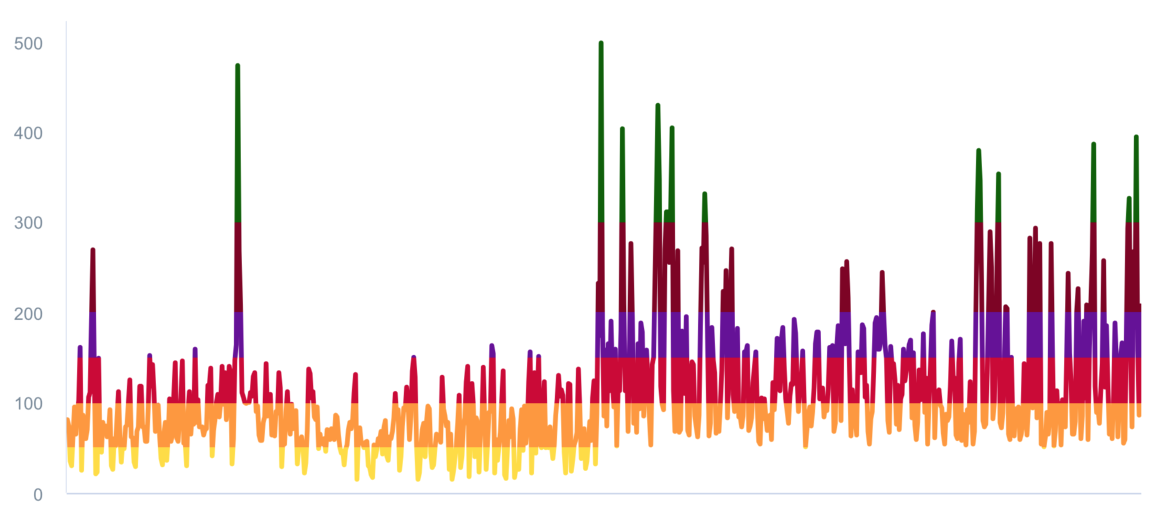
chart with value range segmentation zones 🧱

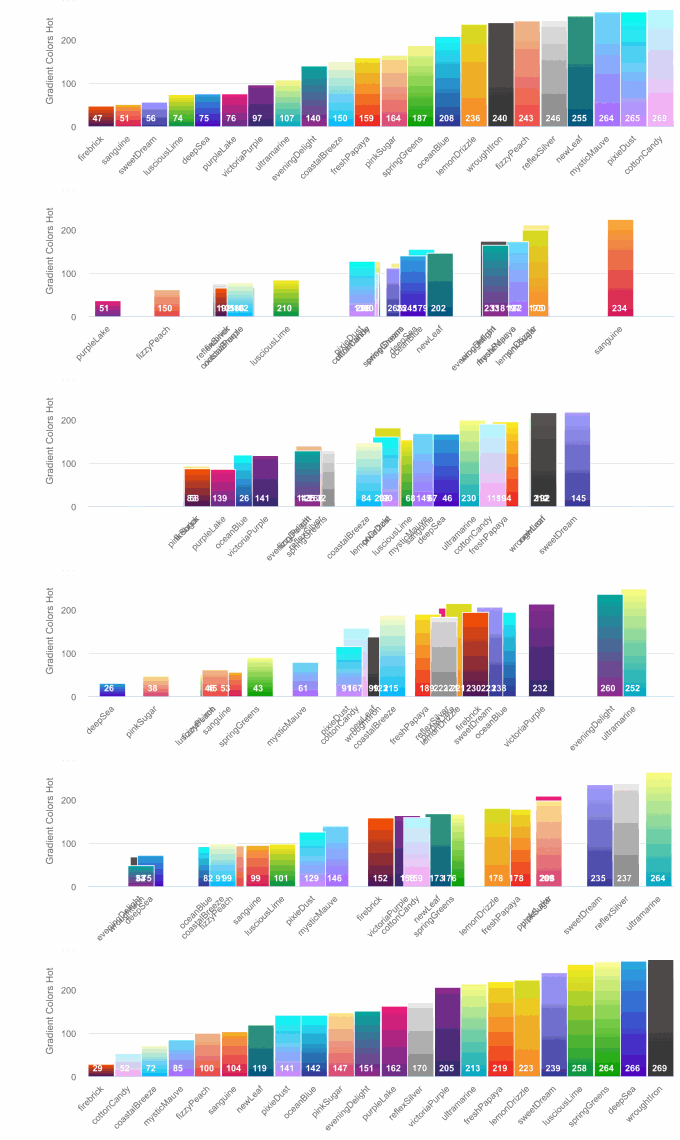
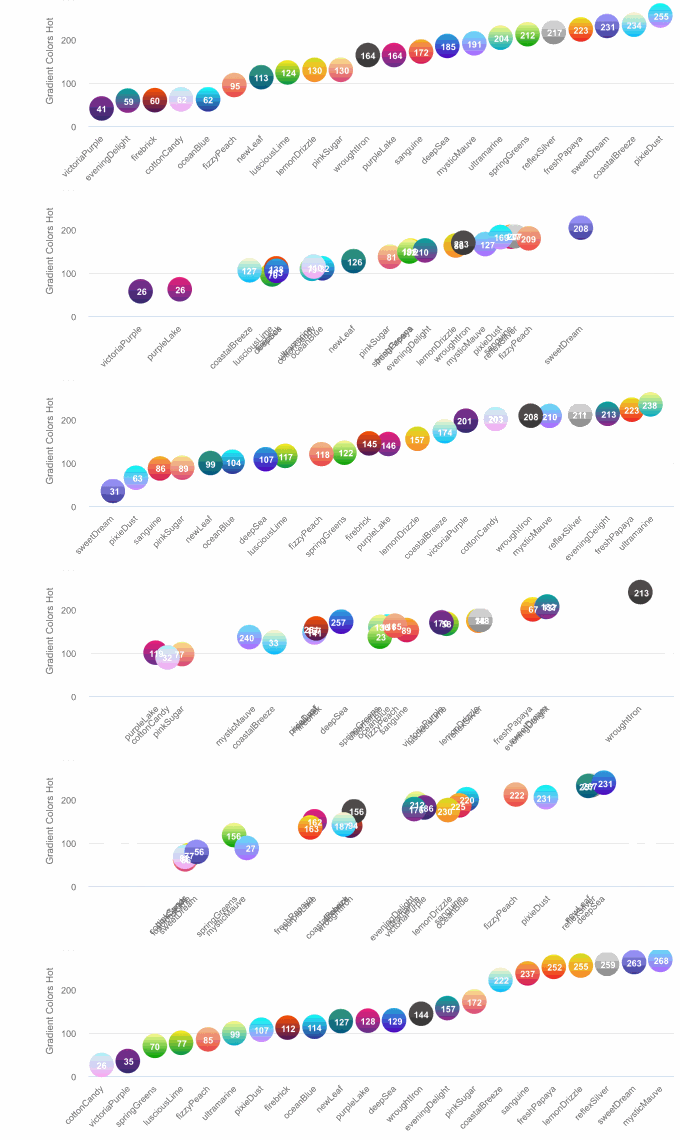
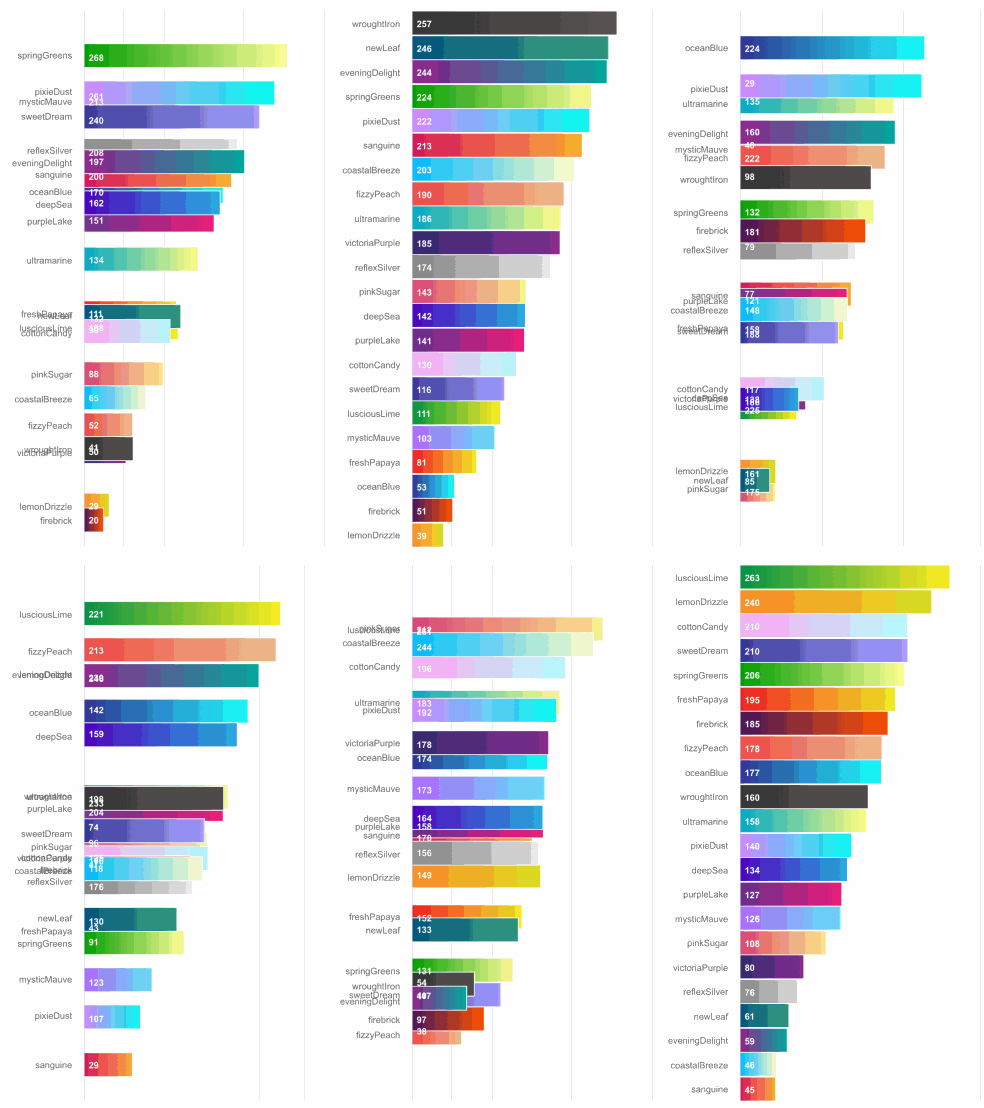
typedef NSString *AAChartType;

AACHARTKIT_EXTERN AAChartType const AAChartTypeColumn;          //column chart
AACHARTKIT_EXTERN AAChartType const AAChartTypeBar;             //bar chart
AACHARTKIT_EXTERN AAChartType const AAChartTypeArea;            //area chart
AACHARTKIT_EXTERN AAChartType const AAChartTypeAreaspline;      //area spline chart
AACHARTKIT_EXTERN AAChartType const AAChartTypeLine;            //line chart
AACHARTKIT_EXTERN AAChartType const AAChartTypeSpline;          //spline chart
AACHARTKIT_EXTERN AAChartType const AAChartTypeScatter;         //scatter chart
AACHARTKIT_EXTERN AAChartType const AAChartTypePie;             //pie chart
AACHARTKIT_EXTERN AAChartType const AAChartTypeBubble;          //bubble chart
AACHARTKIT_EXTERN AAChartType const AAChartTypePyramid;         //pyramid chart
AACHARTKIT_EXTERN AAChartType const AAChartTypeFunnel;          //funnel chart
AACHARTKIT_EXTERN AAChartType const AAChartTypeColumnrange;     //column range chart
AACHARTKIT_EXTERN AAChartType const AAChartTypeArearange;       //area range chart
AACHARTKIT_EXTERN AAChartType const AAChartTypeAreasplinerange; //area spline range chart
AACHARTKIT_EXTERN AAChartType const AAChartTypeBoxplot;         //box plot chart
AACHARTKIT_EXTERN AAChartType const AAChartTypeWaterfall;       //Waterfall chart
AACHARTKIT_EXTERN AAChartType const AAChartTypePolygon;         //polygon chart
AACHARTKIT_EXTERN AAChartType const AAChartTypeGauge;           //gauge chart
AACHARTKIT_EXTERN AAChartType const AAChartTypeErrorbar;        //error bar chart
typedef NSString *AAChartZoomType;

AACHARTKIT_EXTERN AAChartZoomType const AAChartZoomTypeNone;
AACHARTKIT_EXTERN AAChartZoomType const AAChartZoomTypeX;
AACHARTKIT_EXTERN AAChartZoomType const AAChartZoomTypeY;
AACHARTKIT_EXTERN AAChartZoomType const AAChartZoomTypeXY;
AACHARTKIT_EXTERN AAChartLineDashStyleType const AAChartLineDashStyleTypeSolid;           //———————————————————————————————————
AACHARTKIT_EXTERN AAChartLineDashStyleType const AAChartLineDashStyleTypeShortDash;       //— — — — — — — — — — — — — — — — — —
AACHARTKIT_EXTERN AAChartLineDashStyleType const AAChartLineDashStyleTypeShortDot;        //ⵈⵈⵈⵈⵈⵈⵈⵈⵈⵈⵈⵈⵈⵈⵈⵈⵈⵈⵈⵈⵈⵈⵈⵈⵈⵈⵈⵈ
AACHARTKIT_EXTERN AAChartLineDashStyleType const AAChartLineDashStyleTypeShortDashDot;    //—‧—‧—‧—‧—‧—‧—‧—‧—‧—‧—‧—‧—‧—‧—‧—‧—‧—‧
AACHARTKIT_EXTERN AAChartLineDashStyleType const AAChartLineDashStyleTypeShortDashDotDot; //—‧‧—‧‧—‧‧—‧‧—‧‧—‧‧—‧‧—‧‧—‧‧—‧‧—‧‧—‧‧
AACHARTKIT_EXTERN AAChartLineDashStyleType const AAChartLineDashStyleTypeDot;             //‧‧‧‧‧‧‧‧‧‧‧‧‧‧‧‧‧‧‧‧‧‧‧‧‧‧‧‧‧‧‧‧‧‧‧
AACHARTKIT_EXTERN AAChartLineDashStyleType const AAChartLineDashStyleTypeDash;            //—— —— —— —— —— —— —— —— —— —— —— ——
AACHARTKIT_EXTERN AAChartLineDashStyleType const AAChartLineDashStyleTypeLongDash;        //——— ——— ——— ——— ——— ——— ——— ——— ———
AACHARTKIT_EXTERN AAChartLineDashStyleType const AAChartLineDashStyleTypeDashDot;         //——‧——‧——‧——‧——‧——‧——‧——‧——‧——‧——‧——‧
AACHARTKIT_EXTERN AAChartLineDashStyleType const AAChartLineDashStyleTypeLongDashDot;     //———‧———‧———‧———‧———‧———‧———‧———‧———‧
AACHARTKIT_EXTERN AAChartLineDashStyleType const AAChartLineDashStyleTypeLongDashDotDot;  //———‧‧———‧‧———‧‧———‧‧———‧‧———‧‧———‧‧
typedef NS_ENUM(NSInteger,AAChartAnimation) {
    AAChartAnimationLinear = 0,
    AAChartAnimationEaseInQuad,
    AAChartAnimationEaseOutQuad,
    AAChartAnimationEaseInOutQuad,
    AAChartAnimationEaseInCubic,
    AAChartAnimationEaseOutCubic,
    AAChartAnimationEaseInOutCubic,
    AAChartAnimationEaseInQuart,
    AAChartAnimationEaseOutQuart,
    AAChartAnimationEaseInOutQuart,
    AAChartAnimationEaseInQuint,
    AAChartAnimationEaseOutQuint,
    AAChartAnimationEaseInOutQuint,
    AAChartAnimationEaseInSine,
    AAChartAnimationEaseOutSine,
    AAChartAnimationEaseInOutSine,
    AAChartAnimationEaseInExpo,
    AAChartAnimationEaseOutExpo,
    AAChartAnimationEaseInOutExpo,
    AAChartAnimationEaseInCirc,
    AAChartAnimationEaseOutCirc,
    AAChartAnimationEaseInOutCirc,
    AAChartAnimationEaseOutBounce,
    AAChartAnimationEaseInBack,
    AAChartAnimationEaseOutBack,
    AAChartAnimationEaseInOutBack,
    AAChartAnimationElastic,
    AAChartAnimationSwingFromTo,
    AAChartAnimationSwingFrom,
    AAChartAnimationSwingTo,
    AAChartAnimationBounce,
    AAChartAnimationBouncePast,
    AAChartAnimationEaseFromTo,
    AAChartAnimationEaseFrom,
    AAChartAnimationEaseTo,
};
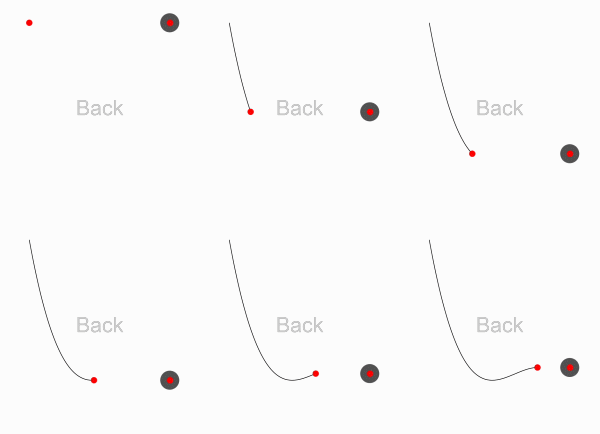
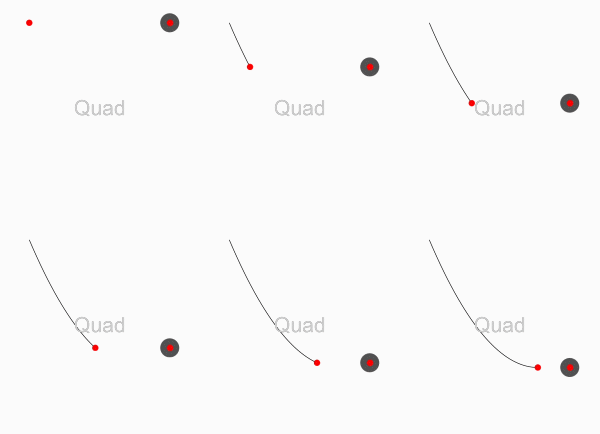
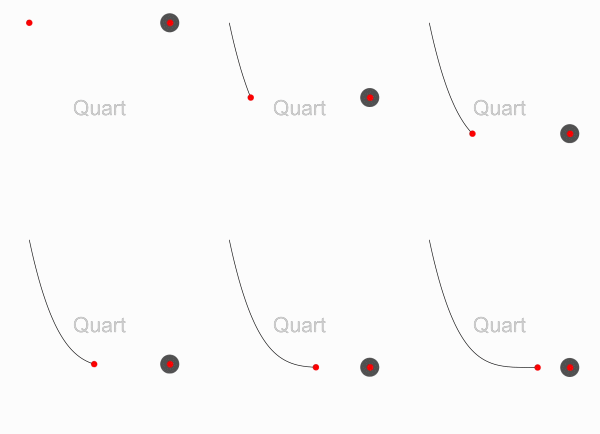
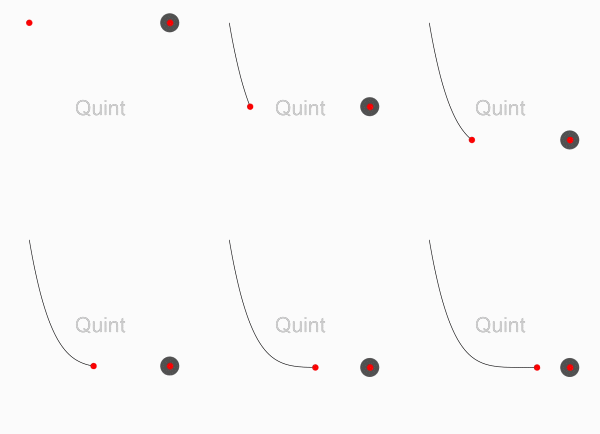
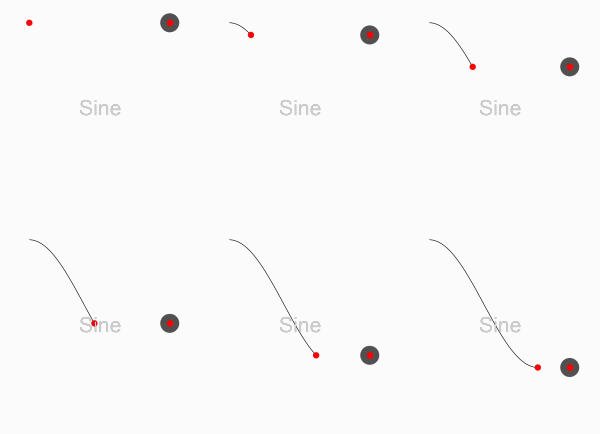
Here are the ten concrete animation types of AAChartKit
| Back | Bounce | Circ | Cubic | Elastic |
|---|---|---|---|---|
 |
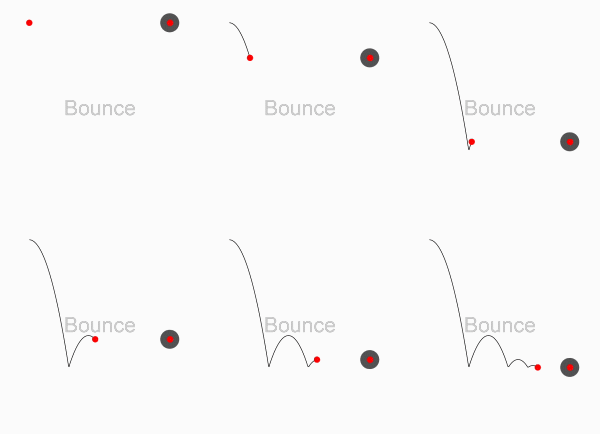 |
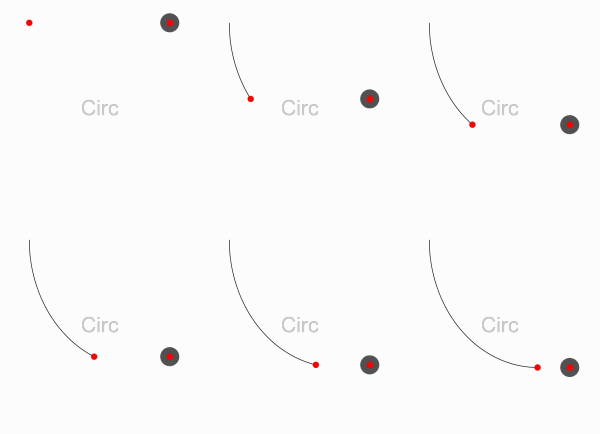 |
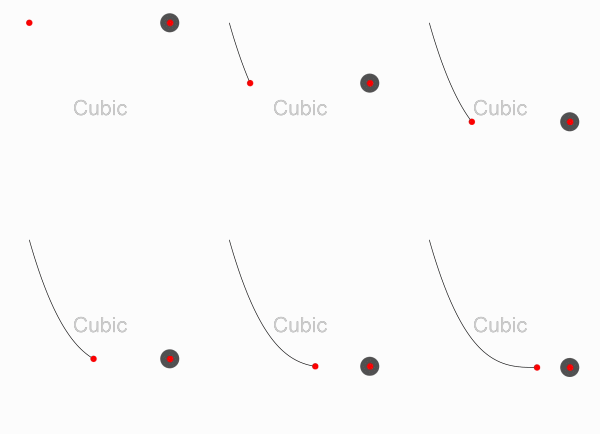 |
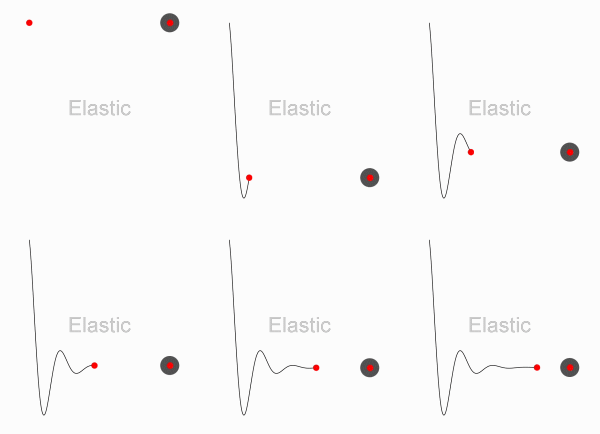 |
| Expo | Quad | Quart | Quint | Sine |
|---|---|---|---|---|
 |
 |
 |
 |
 |
AAPropStatementAndPropSetFuncStatement(copy,   AAChartModel, NSString *, title)
AAPropStatementAndPropSetFuncStatement(strong, AAChartModel, AAStyle  *, titleStyle)

AAPropStatementAndPropSetFuncStatement(copy,   AAChartModel, NSString *, subtitle)
AAPropStatementAndPropSetFuncStatement(strong, AAChartModel, AAStyle  *, subtitleStyle)
AAPropStatementAndPropSetFuncStatement(copy,   AAChartModel, AAChartAlignType, subtitleAlign)

AAPropStatementAndPropSetFuncStatement(copy,   AAChartModel, NSString *, backgroundColor)
AAPropStatementAndPropSetFuncStatement(strong, AAChartModel, NSArray  *, colorsTheme)
AAPropStatementAndPropSetFuncStatement(strong, AAChartModel, NSArray     <NSString *>*, categories)
AAPropStatementAndPropSetFuncStatement(strong, AAChartModel, NSArray  *, series)

AAPropStatementAndPropSetFuncStatement(copy,   AAChartModel, AAChartType,            chartType)
AAPropStatementAndPropSetFuncStatement(copy,   AAChartModel, AAChartStackingType,    stacking)
AAPropStatementAndPropSetFuncStatement(copy,   AAChartModel, AAChartSymbolType,      markerSymbol)
AAPropStatementAndPropSetFuncStatement(assign, AAChartModel, AAChartSymbolStyleType, markerSymbolStyle)
AAPropStatementAndPropSetFuncStatement(copy,   AAChartModel, AAChartZoomType,        zoomType)

AAPropStatementAndPropSetFuncStatement(assign, AAChartModel, AAChartAnimation,       animationType)
AAPropStatementAndPropSetFuncStatement(strong, AAChartModel, NSNumber *, animationDuration)
AAPropStatementAndPropSetFuncStatement(assign, AAChartModel, BOOL,       inverted)
AAPropStatementAndPropSetFuncStatement(assign, AAChartModel, BOOL,       polar)
AAPropStatementAndPropSetFuncStatement(strong, AAChartModel, NSArray  *, margin)

AAPropStatementAndPropSetFuncStatement(assign, AAChartModel, BOOL,       dataLabelsEnabled)
AAPropStatementAndPropSetFuncStatement(strong, AAChartModel, AAStyle  *, dataLabelsStyle)

AAPropStatementAndPropSetFuncStatement(assign, AAChartModel, BOOL,       xAxisVisible)
AAPropStatementAndPropSetFuncStatement(assign, AAChartModel, BOOL,       xAxisReversed)
AAPropStatementAndPropSetFuncStatement(assign, AAChartModel, BOOL,       xAxisLabelsEnabled)
AAPropStatementAndPropSetFuncStatement(strong, AAChartModel, AAStyle  *, xAxisLabelsStyle)
AAPropStatementAndPropSetFuncStatement(strong, AAChartModel, NSNumber *, xAxisTickInterval)
AAPropStatementAndPropSetFuncStatement(strong, AAChartModel, AALineStyle *, xAxisGridLineStyle)
AAPropStatementAndPropSetFuncStatement(strong, AAChartModel, AACrosshair *, xAxisCrosshair)

AAPropStatementAndPropSetFuncStatement(assign, AAChartModel, BOOL,       yAxisVisible)
AAPropStatementAndPropSetFuncStatement(assign, AAChartModel, BOOL,       yAxisReversed)
AAPropStatementAndPropSetFuncStatement(assign, AAChartModel, BOOL,       yAxisLabelsEnabled)
AAPropStatementAndPropSetFuncStatement(strong, AAChartModel, AAStyle  *, yAxisLabelsStyle)
AAPropStatementAndPropSetFuncStatement(copy,   AAChartModel, NSString *, yAxisTitle)
AAPropStatementAndPropSetFuncStatement(strong, AAChartModel, NSNumber *, yAxisLineWidth)
AAPropStatementAndPropSetFuncStatement(assign, AAChartModel, BOOL,       yAxisAllowDecimals)
AAPropStatementAndPropSetFuncStatement(strong, AAChartModel, NSArray  *, yAxisPlotLines)
AAPropStatementAndPropSetFuncStatement(strong, AAChartModel, NSNumber *, yAxisMax)
AAPropStatementAndPropSetFuncStatement(strong, AAChartModel, NSNumber *, yAxisMin)
AAPropStatementAndPropSetFuncStatement(strong, AAChartModel, NSNumber *, yAxisTickInterval)
AAPropStatementAndPropSetFuncStatement(strong, AAChartModel, NSArray  *, yAxisTickPositions)
AAPropStatementAndPropSetFuncStatement(strong, AAChartModel, AALineStyle *, yAxisGridLineStyle)
AAPropStatementAndPropSetFuncStatement(strong, AAChartModel, AACrosshair *, yAxisCrosshair)

AAPropStatementAndPropSetFuncStatement(assign, AAChartModel, BOOL,       tooltipEnabled)
AAPropStatementAndPropSetFuncStatement(assign, AAChartModel, BOOL,       tooltipShared)
AAPropStatementAndPropSetFuncStatement(copy,   AAChartModel, NSString *, tooltipValueSuffix)

AAPropStatementAndPropSetFuncStatement(assign, AAChartModel, BOOL,       connectNulls)
AAPropStatementAndPropSetFuncStatement(assign, AAChartModel, BOOL,       legendEnabled)
AAPropStatementAndPropSetFuncStatement(strong, AAChartModel, NSNumber *, borderRadius)
AAPropStatementAndPropSetFuncStatement(strong, AAChartModel, NSNumber *, markerRadius)
AAPropStatementAndPropSetFuncStatement(strong, AAChartModel, AAScrollablePlotArea *, scrollablePlotArea)

                         _0_
                       _oo0oo_
                      o8888888o
                      88" . "88
                      (| -_- |)
                      0\  =  /0
                    ___/`---'\___
                  .' \\|     |// '.
                 / \\|||  :  |||// \
                / _||||| -:- |||||- \
               |   | \\\  -  /// |   |
               | \_|  ''\---/''  |_/ |
               \  .-\__  '-'  ___/-. /
             ___'. .'  /--.--\  `. .'___
          ."" '<  `.___\_<|>_/___.' >' "".
         | | :  `- \`.;`\ _ /`;.`/ - ` : | |
         \  \ `_.   \_ __\ /__ _/   .-` /  /
     =====`-.____`.___ \_____/___.-`___.-'=====
                       `=---='
*****************************************************
     ¥¥¥¥¥¥¥¥¥¥¥¥¥¥¥¥¥¥¥¥¥¥¥¥¥¥¥¥¥¥¥¥¥¥¥¥¥¥¥¥¥¥¥
         €€€€€€€€€€€€€€€€€€€€€€€€€€€€€€€€€€
               $$$$$$$$$$$$$$$$$$$$$$$
                   BUDDHA_BLESS_YOU
                      AWAY_FROM
                         BUG
| Language Version | Project Name | Target Platform | Source Code Link |
|---|---|---|---|
| Swift | AAInfographics | iOS | https://github.com/AAChartModel/AAChartKit-Swift |
| Objective C | AAChartKit | iOS | https://github.com/AAChartModel/AAChartKit |
| Kotlin | AAInfographics | Android | https://github.com/AAChartModel/AAChartCore-Kotlin |
| Java | AAChartCore | Android | https://github.com/AAChartModel/AAChartCore |
Pro Versions are more powerful data visualization frameworks that support more types beautiful chart like bellcurve, bullet, columnpyramid, cylinder, dependencywheel, heatmap, histogram, networkgraph, organization, packedbubble, pareto, sankey, series, solidgauge, streamgraph, sunburst, tilemap, timeline, treemap, variablepie, variwide, vector, venn, windbarb, wordcloud, xrange charts and so on.
| Language | Project Name | Target Platform | Source Code Link |
|---|---|---|---|
| Swift | AAInfographics-Pro | iOS | https://github.com/AAChartModel/AAChartKit-Swift-Pro |
| Objective C | AAChartKit-Pro | iOS | https://github.com/AAChartModel/AAChartKit-Pro |
| Kotlin | AAInfographics-Pro | Android | Coming Soon... |
| Java | AAChartCore-Pro | Android | Coming Soon... |
AAChartKit is available under the MIT license. See the LICENSE file for more information.
series) content dynamicallycolumn chart、bar chart、pie charts、scatterplot chart、bubble chart, etc.CocoaPodsCarthageAAOptions model object properties freelyAAChartModel/AAChartKit is a public repo on GitHub by AAChartModel. 📈📊🚀🚀🚀An elegant modern declarative data visualization chart framework for iOS, iPadOS and macOS. Extremely powerful, supports line, spline, area, areaspline, column, bar, pie, scatter, angular gauges, arearange, areasplinerange, columnrange, bubble, box plot, error bars, funnel, waterfall and polar chart types. 极其精美而又强大的现代化声明式数据可视化图表框架,支持柱状图、条形图、折线图、曲线图、折线填充图、曲线填充图、气泡图、扇形图、环形图、散点图、雷达图、混合图等各种类.
It declares the MIT license on GitHub.
Its maker has not tagged a system, so it is unknown here. Its README says what it needs.
Open "Take it" on its page: Take My Repo writes an install plan for your machine and hands it to your AI agent (Claude Code, Codex or Cursor), which asks you before each step. Take My Repo has not tested it on any machine.
Bring data to life with SVG, Canvas and HTML. :bar_chart::chart_with_upwards_trend::tada:
Its last change on GitHub was on 2026-11-05. Take My Repo does not judge from that whether it is maintained.
Nobody has reviewed it on Take My Repo yet, which says nothing about its quality.
12 weeks, 26 lessons, 52 quizzes, classic Machine Learning for all
Go language library for reading and writing Microsoft Excel™ (XLAM / XLSM / XLSX / XLTM / XLTX) spreadsheets
The 30 Days of Python programming challenge is a step-by-step guide to learn the Python programming language in 30 days. This challenge may take more than 100 days. Follow your own pace. These videos may help too: https://www.youtube.com/channel/UC7PNRuno1rzYPb1xLa4yktw
Full-stack observability · Metrics · Logs · Traces · Flows · Topology · Infrastructure · APM · NPM · DBM · RUM · Synthetics · Cloud · AI · OpenTelemetry · SNMP · NetFlow/IPFIX/sFlow · IPMI · Redfish · 800+ integrations
📈📊📱💻🖥️An elegant modern declarative data visualization chart framework for iOS, iPadOS and macOS. Extremely powerful, supports line, spline, area, areaspline, column, bar, pie, scatter, angular gauges, arearange, areasplinerange, columnrange, bubble, box plot, error bars, funnel, waterfall and polar chart types. 极其精美而又强大的现代化声明式数据可视化图表框架,支持柱状图、条形图、折线图、曲线图、折线填充图、曲线填充图、气泡图、扇形图、环形图、散点图、雷达图、混合图等各种
An easy way to creat universal table view cell for iOS project


