FizzBuzz
Moved to Codeberg, this repo is just a (temporary) mirror -- Fizz buzz is not yet another implementation of Fizz buzz. Fizz buzz is a demo of an homogeneous and consistent development and documentation environment.
- 0
- GPL-3.0
- 3 mo ago
Repo CDSoft/FizzBuzz, read from GitHub 3 min ago. CDSoft has not joined Take My Repo.
In short
CDSoft/FizzBuzz is a public repo on GitHub by CDSoft. Moved to Codeberg, this repo is just a (temporary) mirror -- Fizz buzz is not yet another implementation of Fizz buzz. Fizz buzz is a demo of an homogeneous and consistent development and documentation environment. It declares the GPL-3.0 license on GitHub. It is written mainly in Lua, has 0 stars and last changed on 2026-08-29. Nobody has reviewed it on Take My Repo yet, which says nothing about its quality. Read from GitHub on 2026-11-25.
Similar repos
neovim
Vim-fork focused on extensibility and usability

Fizz Buzz - LuaX demo
Disclaimer
This document is not about Fizzbuzz. This document is a suggestion to simplify the build process of software projects, a demo of an homogeneous and consistent development and documentation environment. Fizzbuzz is just an application example.
Links
- fizzbuzz_slideshow.pdf: PDF slideshow
- fizzbuzz.pdf: PDF demonstration (specification, implementation, tests, test report, documentation generator, …)
- codeberg.org/cdsoft/fizzbuzz: Sources
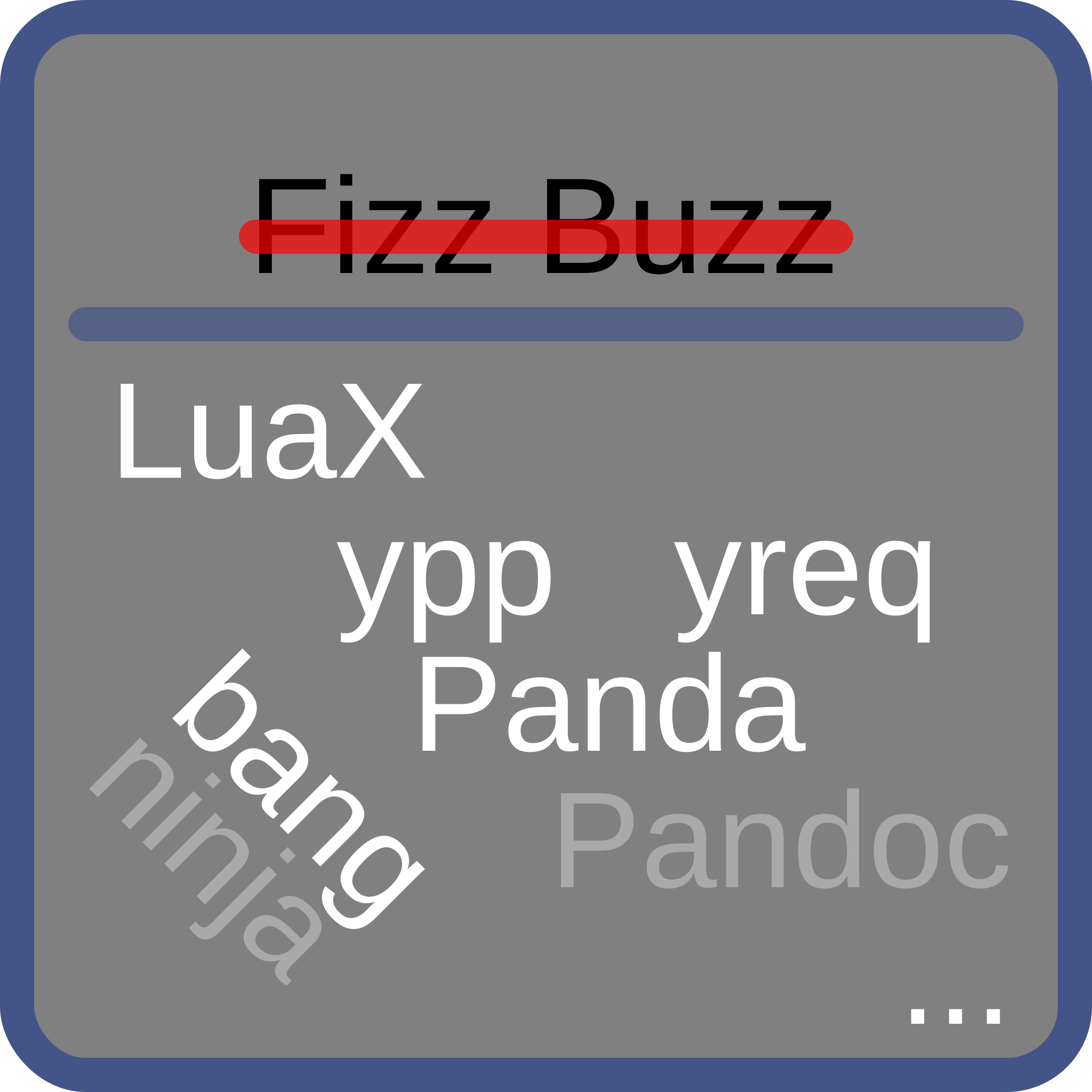
Introduction
Lots of software projects involve various tools, free as well as commercial, to build the software, run the tests, produce the documentation, … These tools use different data formats and scripting languages, which makes the projects less scalable and harder to maintain.
Sharing data between configuration files, documentations, tests results can then be painful and counter productive (the necessary glue is often more complex than the tools themselves).
Usually people script their build systems and processes with languages like Bash, Python, Javascript and make them communicate with plain text, YAML, JSON, XML, CSV, INI, TOML. Every script shall rely on specific (existing or not) libraries to read and write these data formats.
This document presents a common and powerful data format and some tools to script the build process of a project and generate documentation.
To sum up the suggested solution is:
- a single data format
- and a reduced set of highly configurable tools.
Lua[^1]
Lua is the perfect candidate for both a common data format and a script language.
What is Lua?
Lua is a powerful, efficient, lightweight, embeddable scripting language. It supports procedural programming, object-oriented programming, functional programming, data-driven programming, and data description.
Lua combines simple procedural syntax with powerful data description constructs based on associative arrays and extensible semantics. Lua is dynamically typed, runs by interpreting bytecode with a register-based virtual machine, and has automatic memory management with incremental garbage collection, making it ideal for configuration, scripting, and rapid prototyping.
Why choose Lua?
Lua is a proven, robust language
Lua has been used in many industrial applications (e.g., Adobe’s Photoshop Lightroom), with an emphasis on embedded systems (e.g., the Ginga middleware for digital TV in Brazil) and games (e.g., World of Warcraft and Angry Birds). Lua is currently the leading scripting language in games. Lua has a solid reference manual and there are several books about it. Several versions of Lua have been released and used in real applications since its creation in 1993. Lua featured in HOPL III, the Third ACM SIGPLAN History of Programming Languages Conference, in 2007. Lua won the Front Line Award 2011 from the Game Developers Magazine.
Lua is fast
Lua has a deserved reputation for performance. To claim to be “as fast as Lua” is an aspiration of other scripting languages. Several benchmarks show Lua as the fastest language in the realm of interpreted scripting languages. Lua is fast not only in fine-tuned benchmark programs, but in real life too. Substantial fractions of large applications have been written in Lua.
Lua is portable
Lua is distributed in a small package and builds out-of-the-box in all platforms that have a standard C compiler. Lua runs on all flavors of Unix and Windows, on mobile devices (running Android, iOS, BREW, Symbian, Windows Phone), on embedded microprocessors (such as ARM and Rabbit, for applications like Lego MindStorms), on IBM mainframes, etc.
Lua is powerful (but simple)
A fundamental concept in the design of Lua is to provide meta-mechanisms for implementing features, instead of providing a host of features directly in the language. For example, although Lua is not a pure object-oriented language, it does provide meta-mechanisms for implementing classes and inheritance. Lua’s meta-mechanisms bring an economy of concepts and keep the language small, while allowing the semantics to be extended in unconventional ways.
Lua is small
Adding Lua to an application does not bloat it. The tarball for Lua 5.4, which contains source code and documentation, takes 353K compressed and 1.3M uncompressed. The source contains around 30000 lines of C. Under 64-bit Linux, the Lua interpreter built with all standard Lua libraries takes 281K and the Lua library takes 468K.
Lua is free
Lua is free open-source software, distributed under a very liberal license (the well-known MIT license). It may be used for any purpose, including commercial purposes, at absolutely no cost. Just download it and use it.
LuaX
LuaX is a Lua interpreter and REPL based on Lua 5.4, augmented with some useful packages. LuaX can also produce standalone executables from Lua scripts.
LuaX runs on several platforms with no dependency:
- Linux (x86_64, aarch64)
- MacOS (x86_64, aarch64)
- Windows (x86_64, aarch64)
LuaX can cross-compile scripts from and to any of these platforms.
LuaX comes with a standard Lua interpreter and provides some libraries (embedded in a single executable, no external dependency required):
- LuaX interactive usage: improved Lua REPL
- F: functional programming inspired functions
- fs: file system management
- sh: shell command execution
- mathx: complete math library for Lua
- imath: arbitrary precision integer and rational arithmetic library
- qmath: rational number library
- complex: math library for complex numbers based on C99
- ps: Process management module
- sys: System module
- term: Terminal manipulation module
- crypt: cryptography module
- lzip: A compression library for the lzip format
- tar: A minimalistic tar archiving library
- lpeg: Parsing Expression Grammars For Lua
- linenoise: light readline alternative
- luasocket: Network support for the Lua language
- argparse: Feature-rich command line parser for Lua
- serpent: Lua serializer and pretty printer
- cbor: pure Lua implementation of the CBOR
- json: JSON Module for Lua
More information here: https://codeberg.org/cdsoft/luax
Scripting with LuaX
LuaX can be used as a general programming language. There are plenty of good documentations for Lua and LuaX.
A big advantage of Lua is the usage of Lua tables as a common data format usable by various tools. It is Human-readable and structured. It can be generated by Lua scripts but also by any software producing text files.
Typical usages are:
- project/software configuration
- a Lua table can be used to describe a project or a software
configuration
- read by an embedded Lua interpreter
- used to generate documentation or source code
- a Lua table can be used to describe a project or a software
configuration
- tests results
- a test suite can generate test results as a Lua table
- tests results can be used to render documentation (tests reports) and compute a test coverage
The next chapters present some tools written in Lua/LuaX or using Lua as a scripting engine.
Bang
Bang is a ninja file generator scriptable in LuaX, a Lua interpreter with a bunch of useful modules (file management, functional programming module, basic cryptography, …). It takes a build description (a LuaX script) and generates a Ninja file.
Bang provides functions to generate ninja primitives (variables, rules, build statements, …) and some extra features:
- rule/build statement pairs described in a single function call
- file listing and filenames list management using LuaX modules (e.g. F and fs)
- pipe simulation using rule composition
- “clean”, “install” and “help” targets
Bang comes with an example that shows how to use bang and LuaX functions to:
- discover source files actually present in the repository: no redundant hard coded file lists (redundancy means painful maintenance)
- cross-compile the same sources for multiple platforms: compilation for several platforms without any dirty copy/paste
- describe static libraries: in the
libdirectory, each sub-directory is a library compiled and archived in its own.afile - describe executables: in the
bindirectory, each C source file is the main file of a binary containing this C file as well as libraries from thelibdirectory.
Bang is currently used to build bang itself but also LuaX and some projects available on Codeberg.
Ypp
Ypp is a minimalist and generic text preprocessor using Lua macros.
Ypp is compiled by LuaX, i.e. Lua and LuaX functions and modules are available in macros.
More information here: https://codeberg.org/cdsoft/luax
Ypp is pretty simple. It searches for Lua expressions and replaces macros with their results.
| Macro | Result |
|---|---|
@(...) |
Evaluates the Lua expression ... and replaces the macro by its result |
@@(...) |
Executes the Lua chunk ... and replaces the macro by its result (if not nil) |
Some expression do not require parentheses (function calls).
Example
$$
\sum_{i=1}^{100} i^2 = @F.range(100):map(function(x) return x*x end):sum()
$$
is rendered as
\sum_{i=1}^{100} i^2 = 338350
Macros can also define variables reusable later by other macros.
@@[[
    local foo = 42
    N = foo * 23 + 34
    local function sq(x) return x*x end
    function sumsq(n) return F.range(n):map(sq):sum() end
]]
defines N (N = 1000) which can be read in a Lua expression or with
@N and sumsq which computes the sum of squares.
Then
$$
\sum_{i=1}^{@N} i^2 = @sumsq(N)
$$
becomes
\sum_{i=1}^{1000} i^2 = 333833500
Yreq
Yreq is a minimalist requirement plugin for ypp. It helps to define requirements (named tags) and references in documents, source code, tests… and generates traceability matrices.
More information here: https://codeberg.org/cdsoft/yreq
Yreq is pretty simple. Just configure the tags and refs names, add tags and refs in the documents and generate a traceability matrix in a final output document. It will contain links between the tags and inside the coverage matrix.
Tag names are nouns that describe the nature of the tag (a specification, a source code, a test…) and ref names are verbs that define the relation between tags.
Configuration example
config.lua:
yreq.tags {
    "spec",
    "code",
    "test",
}

yreq.refs {
    "implements",
    "tests",
}
Document example with tags and refs
| Upstream document | Current document |
Questions
What is FizzBuzz?
CDSoft/FizzBuzz is a public repo on GitHub by CDSoft. Moved to Codeberg, this repo is just a (temporary) mirror -- Fizz buzz is not yet another implementation of Fizz buzz. Fizz buzz is a demo of an homogeneous and consistent development and documentation environment.
Is FizzBuzz open source?
It declares the GPL-3.0 license on GitHub.
Does FizzBuzz run on macOS, Windows or Linux?
Its maker has not tagged a system, so it is unknown here. Its README says what it needs.
How do I install FizzBuzz?
Open "Take it" on its page: Take My Repo writes an install plan for your machine and hands it to your AI agent (Claude Code, Codex or Cursor), which asks you before each step. Take My Repo has not tested it on any machine.