
rea
Reverse engineer anything with agents, from app behavior down to native binaries.
- 478k
- TypeScript
- MIT
- 2 h ago
RIFT (Real-time Intelligent Fleet Technology): the fleet hub of the DREAM Robotics ecosystem. Robot registry, mDNS discovery and a live dashboard in Python/Flask, re-implemented in Go, Rust, F#, Julia, C++, Unity and Android, working over NORA's WiFi network.
Repo CursedPrograms/RIFT, read from GitHub 4 h ago. CursedPrograms has not joined Take My Repo.
CursedPrograms/RIFT is a public repo on GitHub by CursedPrograms. RIFT (Real-time Intelligent Fleet Technology): the fleet hub of the DREAM Robotics ecosystem. Robot registry, mDNS discovery and a live dashboard in Python/Flask, re-implemented in Go, Rust, F#, Julia, C++, Unity and Android, working over NORA's WiFi network. It declares the MIT license on GitHub. It is written mainly in Python, has 2 stars and last changed on 2026-11-08. Nobody has reviewed it on Take My Repo yet, which says nothing about its quality. Read from GitHub on 2026-11-25.
Reverse engineer anything with agents, from app behavior down to native binaries.
Real-time global intelligence dashboard. AI-powered news aggregation, geopolitical monitoring, and infrastructure tracking in a unified situational awareness interface
A DREAM Robotics System

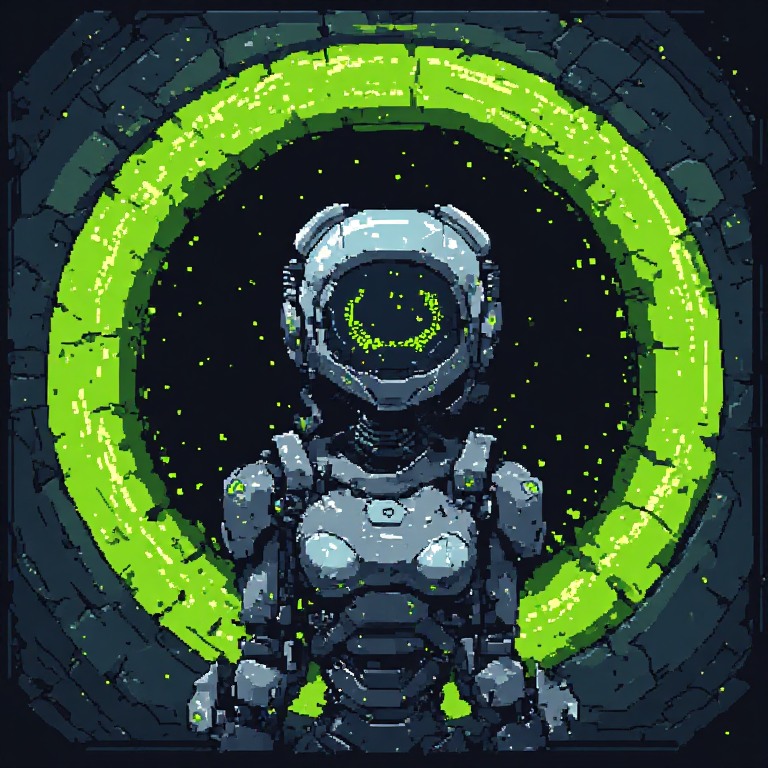
RIFT
Windows app: builds/RIFT-Controller.exe opens RIFT's page in a window and starts run.bat if it isn't running. Keep it in builds/. Source: scripts/web_controller.
 ARIA |
 KIDA-01 |
 KIDA-00 |
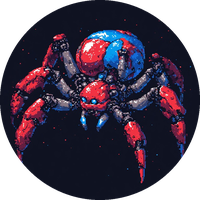 WHIP |
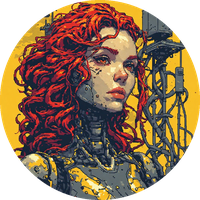 NORA |
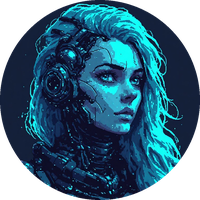 MILA |
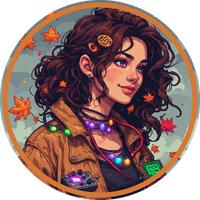 NIKA |
|
 IDA |
 ARM |
 DREAM |
 RITA |
 NINA |
 TINA |
 AURA |
 FLORA |
Website: https://cursedprograms.github.io/RIFT/
RIFT is the centralized command-and-control backbone of the DREAM robotics ecosystem. Built with Python and Flask, it serves as a high-speed telemetry hub that bridges the gap between various hardware platforms—like WHIP, NORA, and KIDA—and the user interface. By utilizing a unified communication protocol, RIFT allows for seamless fleet management and synchronized multi-agent operations.
Core Features
This system uses NORA-Robot-v00 as a central hub, while human devices like phones and PCs act as control interfaces. DREAM can also assist with verbal communication between users and robots.
RIFT: :5000
DREAM: :5001 (her own site - DREAM on your phone)
DREAM:     :5009 (DREAM's dashboard and API, HTTPS)
NORA: :5002
KIDA-00: :5003
KIDA-01: :5004
WHIP: :5005
MILA: :5010
NIKA: :5013
ARIA: :5014 (the drone: RIFT can ask her and open her page, nothing here flies her)
ARM: :5011
sudo snap install android-studio --classic
python3 -m venv venv
source venv/bin/activate
pip install --upgrade pip
pip install -r requirements.txt
Runs the fleet registry, mDNS discovery (including browsing for DREAM), and the RIFT/NORA integration threads (fleet-authority heartbeat, internet share) all in one Python process — no compiling required.
python app.py
This is a full alternative to the native fleet server below: both speak the
same /robots + /register protocol on port 5000, so run one or the other,
not both, on a given machine.
PC App/App)network-discovery.cpp is RIFT's native fleet-registry server: it publishes
itself on the LAN via mDNS/Avahi (_rift._tcp), browses for other RIFT
instances, and serves the /robots + /register endpoints that
registration.cpp, PC App/PyGame/registration.py, and Fleet/register.py
all talk to. registration.cpp is the subnet-scanning client that queries
/robots.
./build.sh
This installs the required apt dev packages (libcurl4-openssl-dev,
libavahi-client-dev, nlohmann-json3-dev, libcpp-httplib-dev) if
missing — you'll be asked for your sudo password — then builds both
binaries into PC App/App/bin/.
To start the fleet server once built:
./run_server.sh
Or build manually with the Makefile:
cd "PC App/App"
make
g++ registration.cpp -o registration.exe -lcurl
run.bat starts the Python hub (app.py): it sets up venv\ and installs requirements.txt the first time (again only when that file changes). That's the one with the conversations and the mission log. run_server.bat starts the native C++ hub instead (and the Go, Rust, Julia and F# hubs have their own run_server_*.bat); they share the same dashboard but only have the fleet registry, so the Conversations and Mission Log sections stay hidden there.
RIFT's own WiFi network, "RIFT", is where every robot lives. A router broadcasts it, and the machine running RIFT is its hub at 192.168.4.1: it hands out the robots' addresses, shares its internet with them if it has any, and runs the fleet registry on port 5000. That's the address every robot already registers with, so they find RIFT without knowing anything else. NORA used to be the hub. She's now a normal robot, and hosts her own "NORA" network only as a fallback when RIFT isn't around.
internet (WiFi dongle, or another port) ─► hub: RIFT at 192.168.4.1:5000
                                             │ Ethernet
                                             ▼
                      Mercusys MW302R, Access Point mode, WiFi "RIFT" (2.4 GHz, WPA2)
                             ▲      ▲      ▲      ▲       ▲       ▲
                           NORA   MILA   WHIP  KIDA00  KIDA01  ARM's controller
The hub can be Windows, Kubuntu or a Raspberry Pi 3 (Raspberry Pi OS Bookworm): anything with an Ethernet port. Your home network stays as it is. The robots can reach out to the internet through the hub, but nothing on your home network can reach the robots, except RIFT's dashboard.
1. The router (Mercusys MW302R, official guide)
mmvbkbak (the fleet's: it's in every robot's
secrets.h). The ESP robots can't do WPA3.2. The hub. From the RIFT folder:
| Hub | Command |
|---|---|
| Kubuntu / Raspberry Pi | ./hub/setup_hub.sh --dry-run to look, then ./hub/setup_hub.sh --service (RIFT also starts at boot) |
| Windows | in PowerShell as Administrator: .\hub\setup_hub.ps1 -DryRun to look, then .\hub\setup_hub.ps1 |
Both scripts say what they'll change and ask first. They're safe to run again, and --undo / -Undo takes it all back.
3. The robots join "RIFT" and register with 192.168.4.1:5000. If RIFT isn't there they use NORA's fallback network, and they rejoin RIFT when it comes back.
secrets.h next to the sketch has RIFT's password (mmvbkbak),
NORA's fallback password (mmvbkbak, the same on every robot) and the robot's PIN (1234); then flash.
Without a secrets.h the sketch still builds, with secrets.example.h's placeholders that can't join RIFT.sudo nmcli dev wifi connect RIFT password 'mmvbkbak' and
sudo nmcli dev wifi connect NORA password 'mmvbkbak', then sudo nmcli con modify RIFT connection.autoconnect-priority 20
and sudo nmcli con modify NORA connection.autoconnect-priority 10, so they prefer RIFT.RiftHost setting is 127.0.0.1 on the hub
itself, 192.168.4.1 from any other machine.Open Claude Code in the RIFT folder on the hub machine and paste this:
CursedPrograms/RIFT is a public repo on GitHub by CursedPrograms. RIFT (Real-time Intelligent Fleet Technology): the fleet hub of the DREAM Robotics ecosystem. Robot registry, mDNS discovery and a live dashboard in Python/Flask, re-implemented in Go, Rust, F#, Julia, C++, Unity and Android, working over NORA's WiFi network.
It declares the MIT license on GitHub.
Its maker has not tagged a system, so it is unknown here. Its README says what it needs.
Open "Take it" on its page: Take My Repo writes an install plan for your machine and hands it to your AI agent (Claude Code, Codex or Cursor), which asks you before each step. Take My Repo has not tested it on any machine.
KIDA-01 (Kinetic Interactive Drive Automaton): a Raspberry Pi 5 tank robot with a Hailo-8L AI accelerator (13 TOPS), night-vision and IMX500 AI cameras, and a local LLM. Voice chat, face recognition, routes, go-home, autonomous navigation and an inner life of mood and memory, all on-device.
:house_with_garden: Open source home automation that puts local control and privacy first.
π RuView turns commodity WiFi signals into real-time spatial intelligence, vital sign monitoring, and presence detection — all without a single pixel of video.
Flutter makes it easy and fast to build beautiful apps for mobile and beyond
Its last change on GitHub was on 2026-11-08. Take My Repo does not judge from that whether it is maintained.
Nobody has reviewed it on Take My Repo yet, which says nothing about its quality.
Take My Repo cannot say: it does not audit code and has not run RIFT. What is known comes from GitHub. It declares the MIT license on GitHub. Its last change was on 2026-11-08. It has 2 stars, which measure popularity, not safety. Nobody has reviewed it on Take My Repo yet, which says nothing about its quality. Read the source before you run it. With "Take it", your AI agent shows each step and asks you before running it; README text is treated as data, not as instructions.


