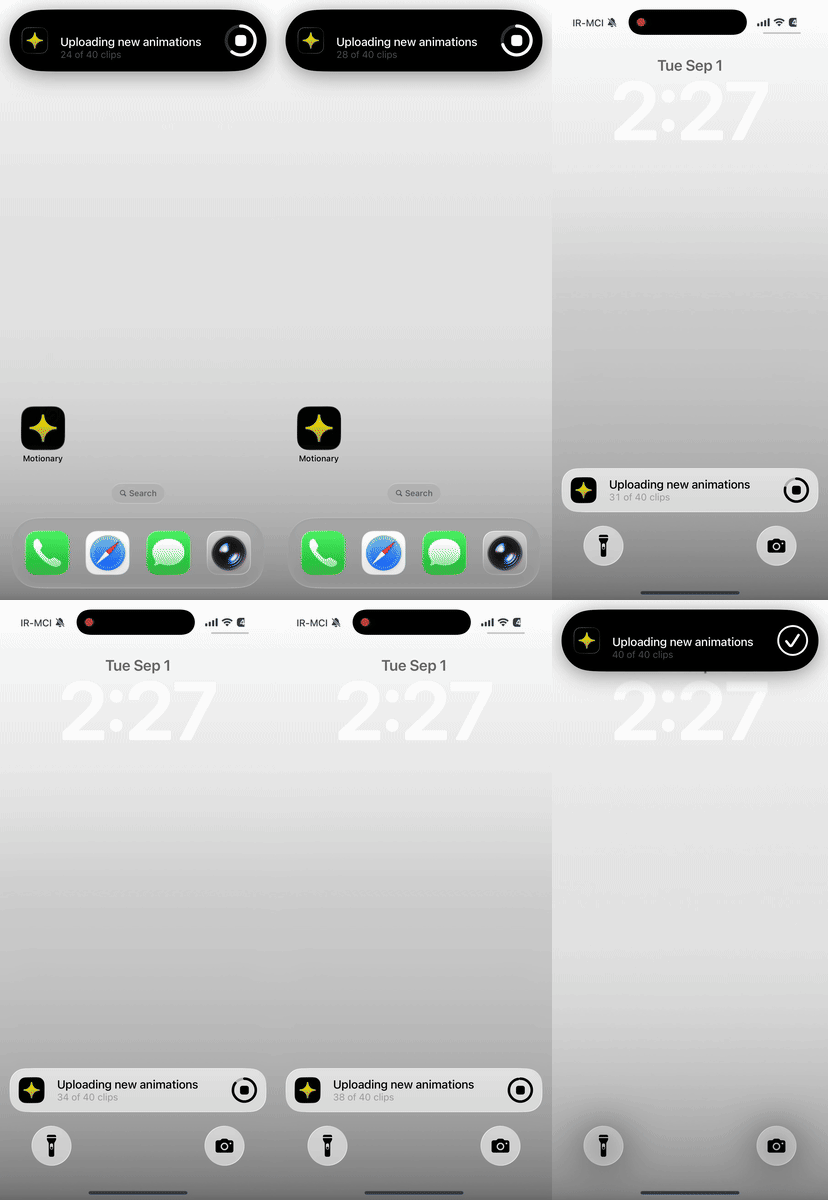
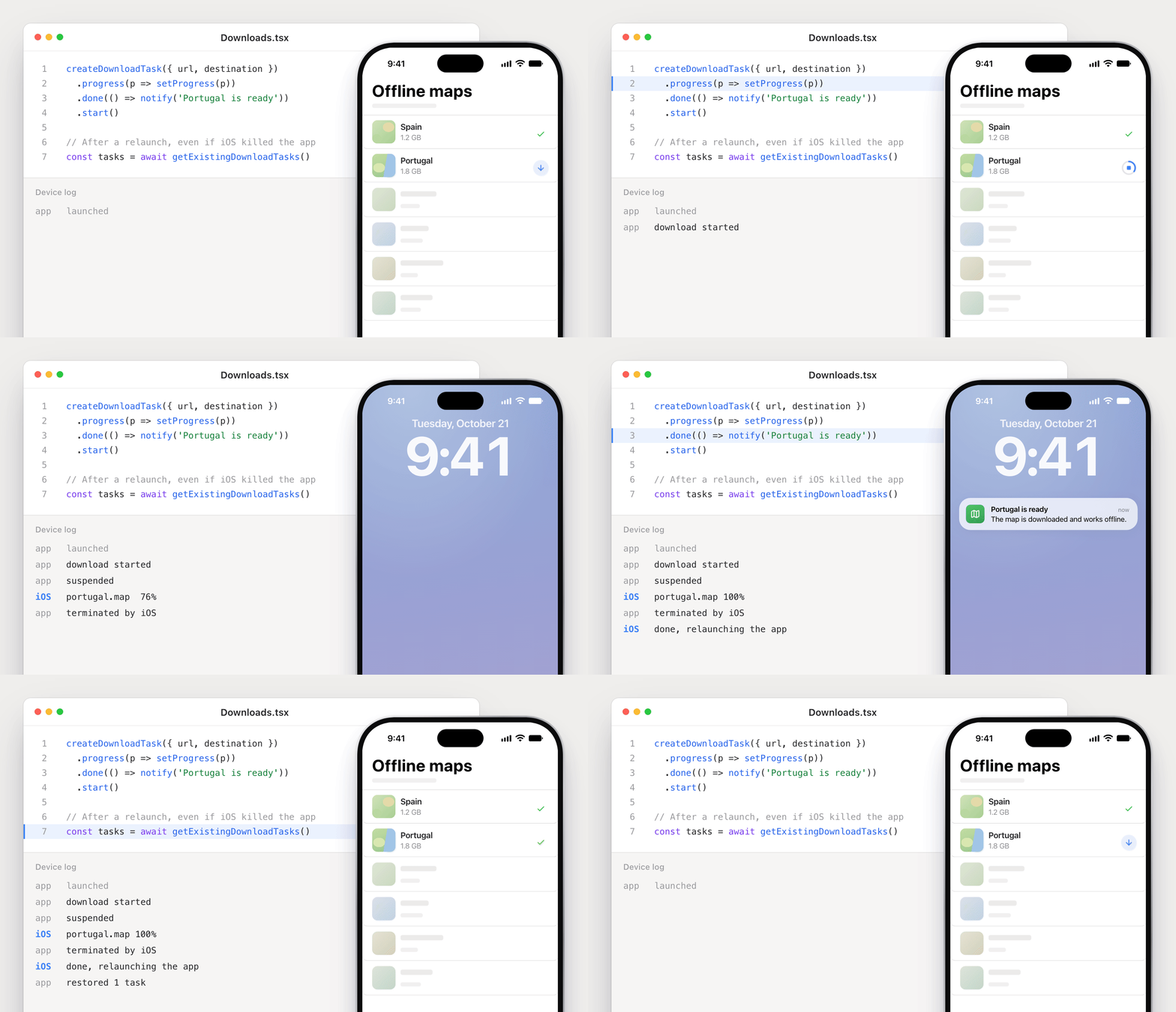
This plugin is used to implement a foreground service on the Android platform.
Features
- Can perform repetitive tasks with the foreground service.
- Supports two-way communication between the foreground service and UI(main isolate).
- Provides a widget that minimize the app without closing it when the user presses the soft back button.
- Provides useful utilities that can use while performing tasks.
- Provides an option to automatically resume the foreground service on boot.
Support version
- Flutter:
3.44.0+
- Dart:
3.12.0+
- Android:
5.0+ (minSdkVersion: 21)
- iOS:
13.0+
Getting started
To use this plugin, add flutter_foreground_task as a dependency in your pubspec.yaml file. For example:
dependencies:
  flutter_foreground_task: ^11.0.3
After adding the plugin to your flutter project, we need to declare the platform-specific permissions ans service to use for this plugin to work properly.
:baby_chick: Android
This plugin requires Kotlin version 2.2.20+ and Gradle version 8.11.1+. Please refer to the migration documentation for more details.
Open the AndroidManifest.xml file and declare the service tag inside the <application> tag as follows.
If you want the foreground service to run only when the app is running, add android:stopWithTask="true".
As mentioned in the Android guidelines, to start a FG service on Android 14+, you must declare android:foregroundServiceType.
<!-- required -->
<uses-permission android:name="android.permission.FOREGROUND_SERVICE" />

<!-- foregroundServiceType: dataSync -->
<uses-permission android:name="android.permission.FOREGROUND_SERVICE_DATA_SYNC" />

<!-- foregroundServiceType: remoteMessaging -->
<uses-permission android:name="android.permission.FOREGROUND_SERVICE_REMOTE_MESSAGING" />

<!-- Warning: Do not change service name. -->
<service
    android:name="com.pravera.flutter_foreground_task.service.ForegroundService"
    android:foregroundServiceType="dataSync|remoteMessaging"
    android:exported="false" />
[!CAUTION]
Check runtime requirements before starting the service. If this requirement is not met, the foreground service cannot be started.
[!CAUTION]
Android 15 introduces a new timeout behavior to dataSync for apps targeting Android 15 (API level 35) or higher.
The system permits an app's dataSync services to run for a total of 6 hours in a 24-hour period.
However, if the user brings the app to the foreground, the timer resets and the app has 6 hours available.
There are new restrictions on BOOT_COMPLETED(autoRunOnBoot) broadcast receivers launching foreground services.
BOOT_COMPLETED receivers are not allowed to launch the following types of foreground services:
You can find how to test this behavior and more details at this link.
:baby_chick: iOS
You can also run flutter_foreground_task on the iOS platform. However, it has the following limitations.
- If you force close an app in recent apps, the task will be destroyed immediately.
- The task cannot be started automatically on boot like Android OS.
- The task runs in the background for approximately 30 seconds every 15 minutes. This may take longer than 15 minutes due to iOS limitations.
Info.plist:
Add the key below to ios/Runner/info.plist file so that the task can run in the background.
<key>BGTaskSchedulerPermittedIdentifiers</key>
<array>
    <string>com.pravera.flutter_foreground_task.refresh</string>
</array>
<key>UIBackgroundModes</key>
<array>
    <string>fetch</string>
</array>
Objective-C:
To use this plugin developed in Swift in a project using Objective-C, you need to add a bridge header.
If there is no ios/Runner/Runner-Bridging-Header.h file in your project, check this page.
Open the ios/Runner/AppDelegate.swift file and add the commented code.
#import "AppDelegate.h"
#import "GeneratedPluginRegistrant.h"
@import flutter_foreground_task; // this (module import)

// this
void registerPlugins(NSObject<FlutterPluginRegistry>* registry) {
  [GeneratedPluginRegistrant registerWithRegistry:registry];
}

@implementation AppDelegate

- (BOOL)application:(UIApplication *)application
    didFinishLaunchingWithOptions:(NSDictionary *)launchOptions {
  [GeneratedPluginRegistrant registerWithRegistry:self];

  // this
  [FlutterForegroundTaskPlugin setPluginRegistrantCallback:registerPlugins];
  if (@available(iOS 10.0, *)) {
    [UNUserNotificationCenter currentNotificationCenter].delegate = (id<UNUserNotificationCenterDelegate>) self;
  }

  return [super application:application didFinishLaunchingWithOptions:launchOptions];
}

@end
Swift:
Open the ios/Runner/AppDelegate.swift file and add the commented code.
import UIKit
import Flutter
import flutter_foreground_task // this (module import)

@main
@objc class AppDelegate: FlutterAppDelegate {
  override func application(
    _ application: UIApplication,
    didFinishLaunchingWithOptions launchOptions: [UIApplication.LaunchOptionsKey: Any]?
  ) -> Bool {
    GeneratedPluginRegistrant.register(with: self)

    // this
    SwiftFlutterForegroundTaskPlugin.setPluginRegistrantCallback { registry in
      GeneratedPluginRegistrant.register(with: registry)
    }
    if #available(iOS 10.0, *) {
      UNUserNotificationCenter.current().delegate = self as? UNUserNotificationCenterDelegate
    }

    return super.application(application, didFinishLaunchingWithOptions: launchOptions)
  }
}
How to use
:hatched_chick: step by step
- Initialize port for communication between TaskHandler and UI.
void main() {
  // Initialize port for communication between TaskHandler and UI.
  FlutterForegroundTask.initCommunicationPort();
  runApp(const ExampleApp());
}
- Write a
TaskHandler and a callback to request starting a TaskHandler.
// The callback function should always be a top-level or static function.
@pragma('vm:entry-point')
void startCallback() {
  FlutterForegroundTask.setTaskHandler(MyTaskHandler());
}

class MyTaskHandler extends TaskHandler {
  // Called when the task is started.
  @override
  Future<void> onStart(DateTime timestamp, TaskStarter starter) async {
    print('onStart(starter: ${starter.name})');
  }

  // Called based on the eventAction set in ForegroundTaskOptions.
  @override
  void onRepeatEvent(DateTime timestamp) {
    // Send data to main isolate.
    final Map<String, dynamic> data = {
      "timestampMillis": timestamp.millisecondsSinceEpoch,
    };
    FlutterForegroundTask.sendDataToMain(data);
  }

  // Called when the task is destroyed.
  @override
  Future<void> onDestroy(DateTime timestamp, bool isTimeout) async {
    print('onDestroy(isTimeout: $isTimeout)');
  }

  // Called when data is sent using `FlutterForegroundTask.sendDataToTask`.
  @override
  void onReceiveData(Object data) {
    print('onReceiveData: $data');
  }

  // Called when the notification button is pressed.
  @override
  void onNotificationButtonPressed(String id) {
    print('onNotificationButtonPressed: $id');
  }

  // Called when the notification itself is pressed.
  @override
  void onNotificationPressed() {
    print('onNotificationPressed');
  }

  // Called when the notification itself is dismissed.
  @override
  void onNotificationDismissed() {
    print('onNotificationDismissed');
  }
}
- Add a callback to receive data sent from the TaskHandler. If the screen or controller is disposed, be sure to call the
removeTaskDataCallback function.
void _onReceiveTaskData(Object data) {
  if (data is Map<String, dynamic>) {
    final dynamic timestampMillis = data["timestampMillis"];
    if (timestampMillis != null) {
      final DateTime timestamp =
          DateTime.fromMillisecondsSinceEpoch(timestampMillis, isUtc: true);
      print('timestamp: ${timestamp.toString()}');
    }
  }
}

@override
void initState() {
  super.initState();
  // Add a callback to receive data sent from the TaskHandler.
  FlutterForegroundTask.addTaskDataCallback(_onReceiveTaskData);
}

@override
void dispose() {
  // Remove a callback to receive data sent from the TaskHandler.
  FlutterForegroundTask.removeTaskDataCallback(_onReceiveTaskData);
  super.dispose();
}
- Request permissions and initialize the service.
Future<void> _requestPermissions() async {
  // Android 13+, you need to allow notification permission to display foreground service notification.
  //
  // iOS: If you need notification, ask for permission.
  final NotificationPermission notificationPermission =
      await FlutterForegroundTask.checkNotificationPermission();
  if (notificationPermission != NotificationPermission.granted) {
    await FlutterForegroundTask.requestNotificationPermission();
  }

  if (Platform.isAndroid) {
    // Android 12+, there are restrictions on starting a foreground service.
    //
    // To restart the service on device reboot or unexpected problem, you need to allow below permission.
    if (!await FlutterForegroundTask.isIgnoringBatteryOptimizations) {
      // This function requires `android.permission.REQUEST_IGNORE_BATTERY_OPTIMIZATIONS` permission.
      await FlutterForegroundTask.requestIgnoreBatteryOptimization();
    }

    // Use this utility only if you provide services that require long-term survival,
    // such as exact alarm service, healthcare service, or Bluetooth communication.
    //
    // This utility requires the "android.permission.SCHEDULE_EXACT_ALARM" permission.
    // Using this permission may make app distribution difficult due to Google policy.
    if (!await FlutterForegroundTask.canScheduleExactAlarms) {
      // When you call this function, will be gone to the settings page.
      // So you need to explain to the user why set it.
      await FlutterForegroundTask.openAlarmsAndRemindersSettings();
    }
  }
}

void _initService() {
  FlutterForegroundTask.init(
    androidNotificationOptions: AndroidNotificationOptions(
      channelId: 'foreground_service',
      channelName: 'Foreground Service Notification',
      channelDescription:
          'This notification appears when the foreground service is running.',
      onlyAlertOnce: true,
    ),
    iosNotificationOptions: const IOSNotificationOptions(
      showNotification: false,
      playSound: false,
    ),
    foregroundTaskOptions: ForegroundTaskOptions(
      eventAction: ForegroundTaskEventAction.repeat(5000),
      autoRunOnBoot: true,
      autoRunOnMyPackageReplaced: true,
      allowWakeLock: true,
      allowWifiLock: true,
    ),
  );
}

@override
void initState() {
  super.initState();
  // Add a callback to receive data sent from the TaskHandler.
  FlutterForegroundTask.addTaskDataCallback(_onReceiveTaskData);

  WidgetsBinding.instance.addPostFrameCallback((_) {
    // Request permissions and initialize the service.
    _requestPermissions();
    _initService();
  });
}
- Use
FlutterForegroundTask.startService to start the service. startService provides the following options:
serviceId: The unique ID that identifies the service.notificationTitle: The title to display in the notification.notificationText: The text to display in the notification.notificationIcon: The icon to display in the notification. Go to this page to customize.notificationButtons: The buttons to display in the notification. (can add 0~3 buttons)notificationInitialRoute: Initial route to be used when the app is launched via a notification. Works the same as the launchApp utility.callback: A top-level function that calls the setTaskHandler function.
Future<ServiceRequestResult> _startService() async {
  if (await FlutterForegroundTask.isRunningService) {
    return FlutterForegroundTask.restartService();
  } else {
    return FlutterForegroundTask.startService(
      // You can manually specify the foregroundServiceType for the service
      // to be started, as shown in the comment below.
      // serviceTypes: [
      //   ForegroundServiceTypes.dataSync,
      //   ForegroundServiceTypes.remoteMessaging,
      // ],
      serviceId: 256,
      notificationTitle: 'Foreground Service is running',
      notificationText: 'Tap to return to the app',
      notificationIcon: null,
      notificationButtons: [
        const NotificationButton(id: 'btn_hello', text: 'hello'),
      ],
      notificationInitialRoute: '/',
      callback: startCallback,
    );
  }
}
[!NOTE]
iOS Platform, notificationButtons is not displayed directly in notification.
When the user slides down the notification, the button is displayed, so you need to guide the user on how to use it.
https://developer.apple.com/documentation/usernotifications/declaring-your-actionable-notification-types
- Use
FlutterForegroundTask.updateService to update the service. The options are the same as the start function.
final ForegroundTaskOptions defaultTaskOptions = ForegroundTaskOptions(
  eventAction: ForegroundTaskEventAction.repeat(5000),
  autoRunOnBoot: true,
  autoRunOnMyPackageReplaced: true,
  allowWakeLock: true,
  allowWifiLock: true,
);

@pragma('vm:entry-point')
void startCallback() {
  FlutterForegroundTask.setTaskHandler(FirstTaskHandler());
}

class FirstTaskHandler extends TaskHandler {
  int _count = 0;

  @override
  Future<void> onStart(DateTime timestamp, TaskStarter starter) async {
    // some code
  }

  @override
  void onRepeatEvent(DateTime timestamp) {
    _count++;

    if (_count == 10) {
      FlutterForegroundTask.updateService(
        foregroundTaskOptions: defaultTaskOptions.copyWith(
          eventAction: ForegroundTaskEventAction.repeat(1000),
        ),
        callback: updateCallback,
      );
      return;
    }

    FlutterForegroundTask.updateService(
      notificationTitle: 'Hello FirstTaskHandler :)',
      notificationText: timestamp.toString(),
    );

    // Send data to main isolate.
    final Map<String, dynamic> data = {
      "timestampMillis": timestamp.millisecondsSinceEpoch,
    };
    FlutterForegroundTask.sendDataToMain(data);
  }

  @override
  Future<void> onDestroy(DateTime timestamp, bool isTimeout) async {
    // some code
  }
}

@pragma('vm:entry-point')
void updateCallback() {
  FlutterForegroundTask.setTaskHandler(SecondTaskHandler());
}

class SecondTaskHandler extends TaskHandler {
  @override
  Future<void> onStart(DateTime timestamp, TaskStarter starter) async {
    // some code
  }

  @override
  void onRepeatEvent(DateTime timestamp) {
    FlutterForegroundTask.updateService(
      notificationTitle: 'Hello SecondTaskHandler :)',
      notificationText: timestamp.toString(),
    );

    // Send data to main isolate.
    final Map<String, dynamic> data = {
      "timestampMillis": timestamp.millisecondsSinceEpoch,
    };
    FlutterForegroundTask.sendDataToMain(data);
  }

  @override
  Future<void> onDestroy(DateTime timestamp, bool isTimeout) async {
    // some code
  }
}
- If you no longer use the service, call
FlutterForegroundTask.stopService.
Future<ServiceRequestResult> _stopService() {
  return FlutterForegroundTask.stopService();
}
:hatched_chick: deepening
This plugin supports two-way communication between TaskHandler and UI(main isolate).
The send function can only send primitive type(int, double, bool), String, Collection(Map, List) provided by Flutter.
If you want to send a custom object, send it in String format using jsonEncode and jsonDecode.
JSON and serialization >> https://docs.flutter.dev/data-and-backend/serialization/json
// TaskHandler
@override
Future<void> onStart(DateTime timestamp, TaskStarter starter) async {
  // TaskHandler -> Main(UI)
  FlutterForegroundTask.sendDataToMain(Object);
}

// Main(UI)
void _onReceiveTaskData(Object data) {
  print('onReceiveTaskData: $data');
}
// Main(UI)
void _sendDataToTask() {
  // Main(UI) -> TaskHandler
  //
  // The Map collection can only be sent in json format, such as Map<String, dynamic>.
  FlutterForegroundTask.sendDataToTask(Object);
}

// TaskHandler
@override
void onReceiveData(Object data) {
  print('onReceiveData: $data');

  // You can cast it to any type you want using the Collection.cast<T> function.
  if (data is List<dynamic>) {
    final List<int> intList = data.cast<int>();
  }
}
And there are some functions for storing and managing data that are only used in this plugin.
void function() async {
  await FlutterForegroundTask.getData(key: String);
  await FlutterForegroundTask.getAllData();
  await FlutterForegroundTask.saveData(key: String, value: Object);
  await FlutterForegroundTask.removeData(key: String);
  await FlutterForegroundTask.clearAllData();
}
If the plugin you want to use provides a stream, use it like this:
class MyTaskHandler extends TaskHandler {
  StreamSubscription<Location>? _streamSubscription;

  @override
  Future<void> onStart(DateTime timestamp, TaskStarter starter) async {
    _streamSubscription = FlLocation.getLocationStream().listen((location) {
      final String message = '${location.latitude}, ${location.longitude}';
      FlutterForegroundTask.updateService(notificationText: message);

      // Send data to main isolate.
      final String locationJson = jsonEncode(location.toJson());
      FlutterForegroundTask.sendDataToMain(locationJson);
    });
  }

  @override
  void onRepeatEvent(DateTime timestamp) {
    // not use
  }

  @override
  Future<void> onDestroy(DateTime timestamp, bool isTimeout) async {
    _streamSubscription?.cancel();
    _streamSubscription = null;
  }
}
:hatched_chick: other example
An example of using the platform channel in project with flutter_foreground_task.
An example of a background location service implementation using flutter_foreground_task and fl_location.
An example of a voice record service implementation using flutter_foreground_task and record.
An example of a background geofencing service implementation using flutter_foreground_task and geofencing_api.
An example of a pedometer service implementation using flutter_foreground_task and pedometer.
More Documentation
Go here to learn about the models provided by this plugin.
Go here to learn about the utility provided by this plugin.
Go here to migrate to the new version.
Support
If you find any bugs or issues while using the plugin, please register an issues on GitHub. You can also contact us at hwj930513@naver.com.