rea
Reverse engineer anything with agents, from app behavior down to native binaries.
- 479k
- TypeScript
- MIT
- 1 h ago
An app that allows to explore landmarks by scanning landmark images via Machine Learning.
Repo Explore-In-HMS/Explore-Landmarks, read from GitHub 20 h ago. Explore-In-HMS has not joined Take My Repo.
Explore-In-HMS/Explore-Landmarks is a public repo on GitHub by Explore-In-HMS. An app that allows to explore landmarks by scanning landmark images via Machine Learning. It declares the Apache-2.0 license on GitHub. It is written mainly in Kotlin, has 36 stars and last changed on 2022-04-26. Nobody has reviewed it on Take My Repo yet, which says nothing about its quality. Read from GitHub on 2026-11-25.
Reverse engineer anything with agents, from app behavior down to native binaries.
|
|
|
|
|
|
|
|
|
|
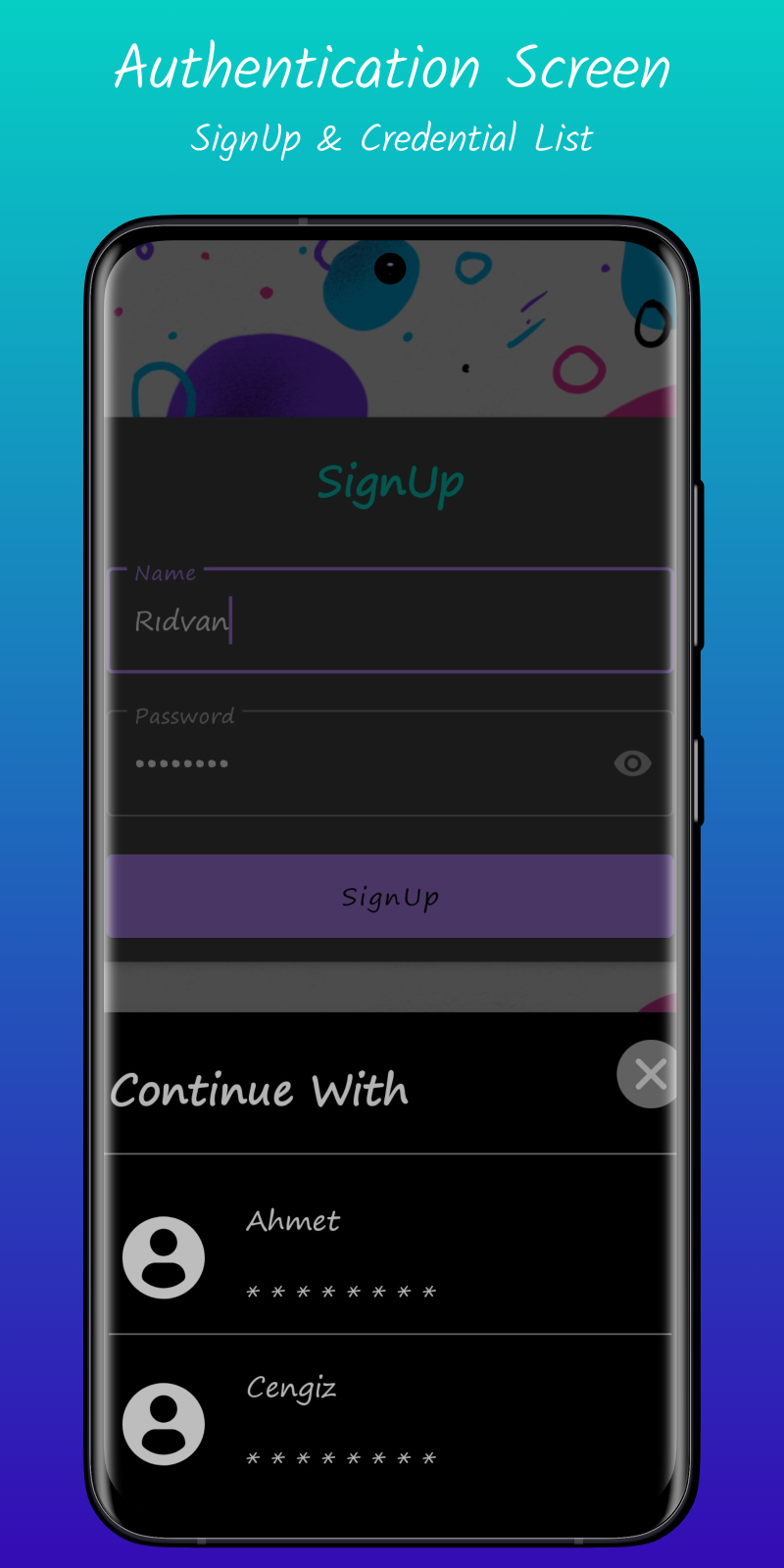
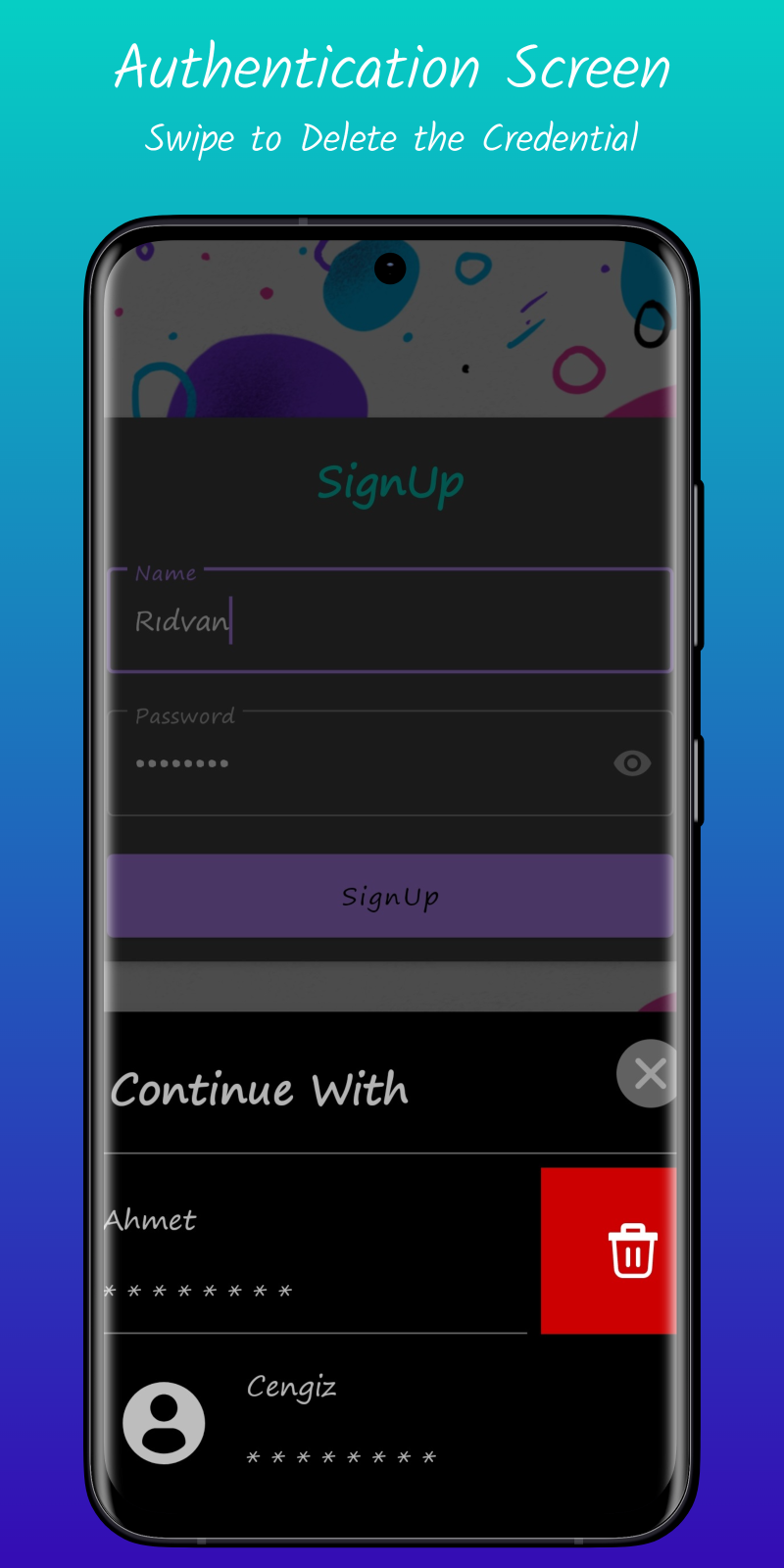
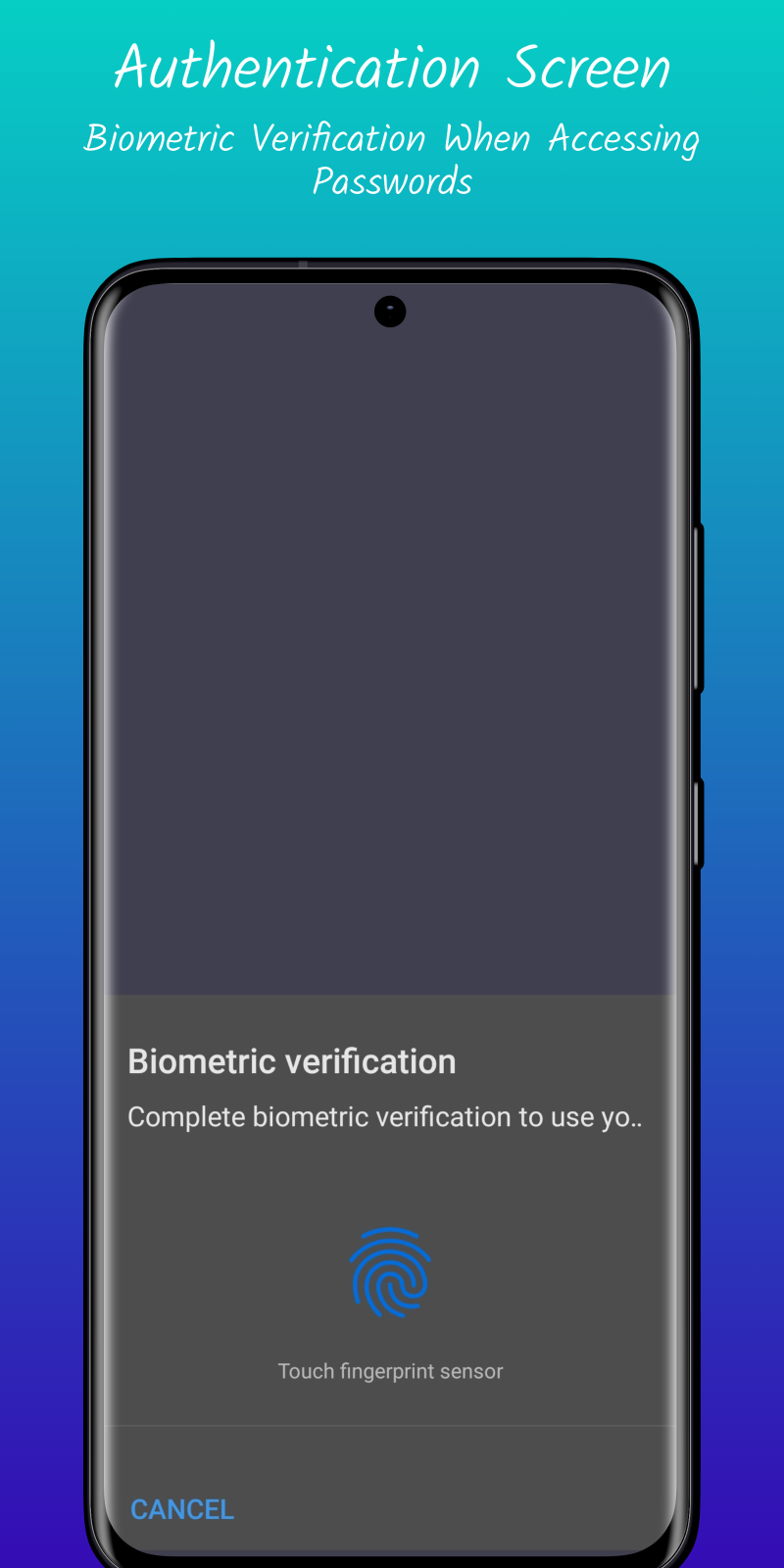
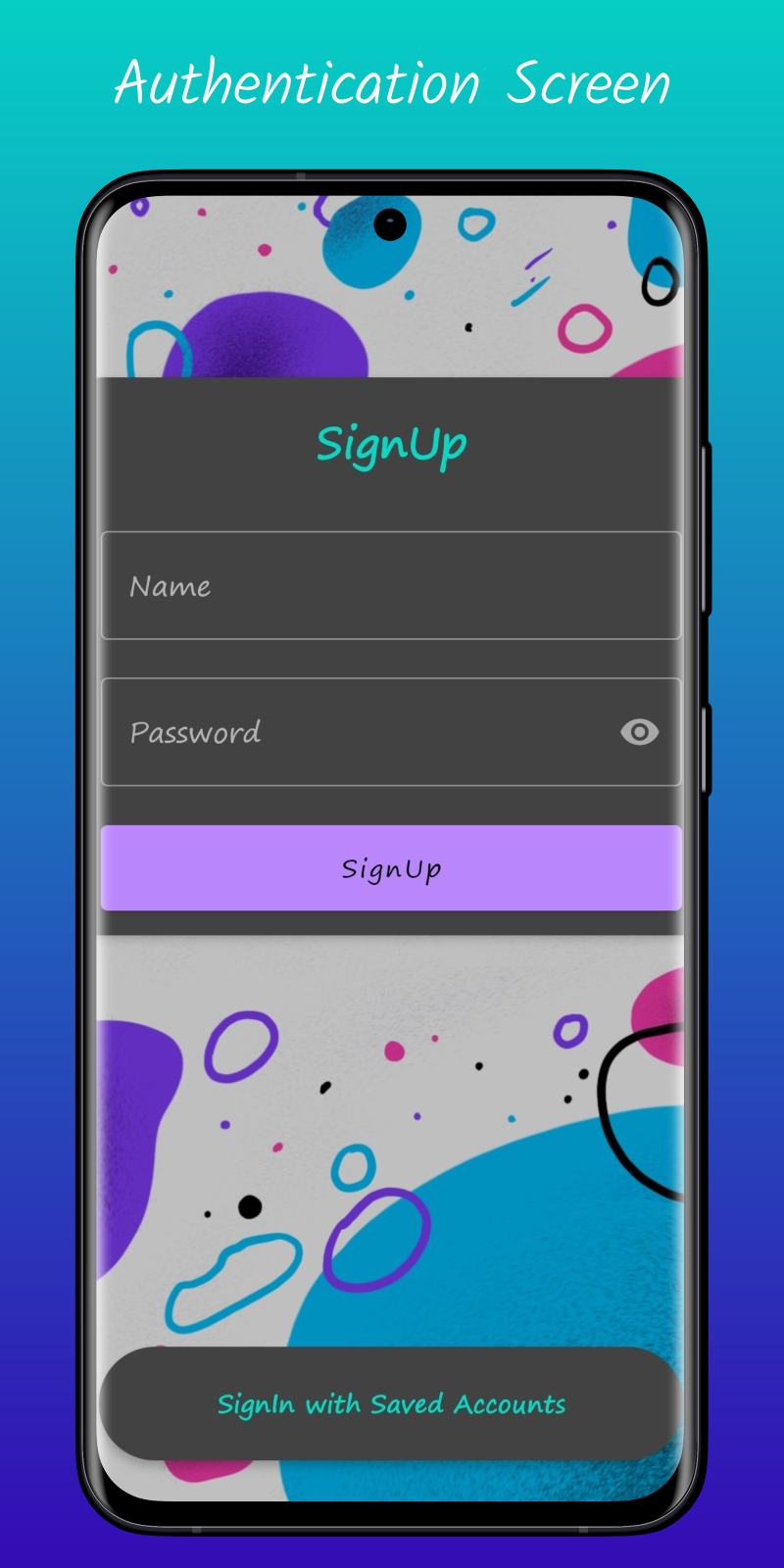
Explore Landmarks is a reference application for HMS Kits to phones running with the android based HMS Service. Explore Landmark app is provides you to learn more information about the landmark detected from an image given by you. It scans your image and recognizes landmark that exists in the image. After that, the app gives you information about the landmark. And also it provides you to view panoramic images and panoramic videos about the landmark. Additionally, the app provides an image gallery that contains a lot of images related to the recognized landmark from the image given by you. With all of these features, the app provides you to an authentication feature, too. With this feature, you can share your saved credentials with other trusted apps or platforms. You can retrieve saved credentials and delete them if you want.

Thanks to Huawei Keyring Service you can list, save, delete and share user credentials in this app. Keyring offers the Credentials Management API for storing user credentials locally on Android phones and tablets and sharing them between different apps and different platform versions of an app. For understanding how keyring is used in this app you can look at Authentication Fragment and related classes with it.
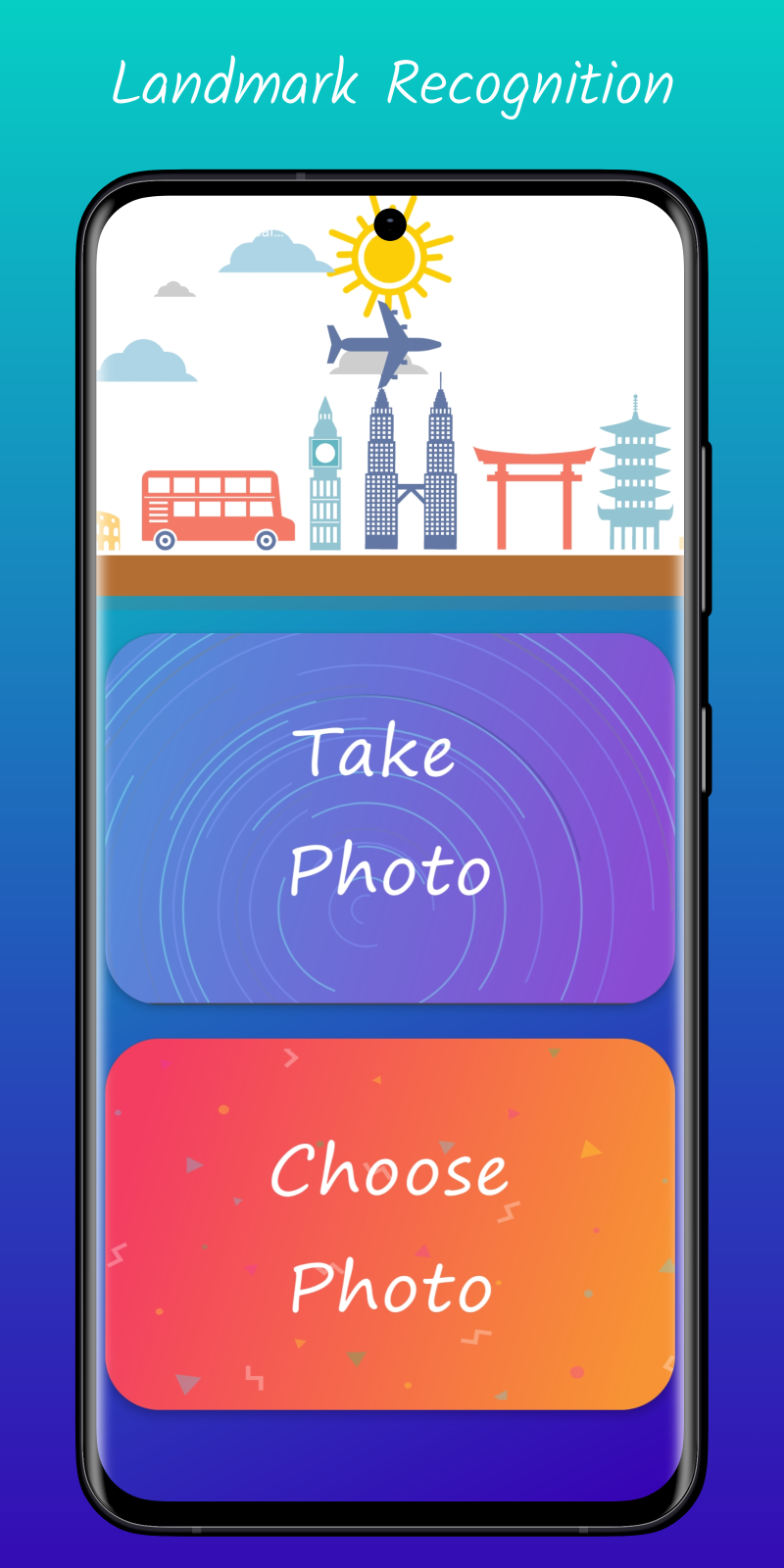
Thanks to Huawei Machine Learning you can recognize landmarks into images by this app. You have an image related to a landmark and do you forget the name of the landmark? Okay, no problem just take a photo of the image and learn the landmark information. Are you on travel and do you want to learn more information about the landmark of you visiting? Okay just take a picture of the landmark and learn the landmark information. Also, you can learn the landmark information by choosing an image that contains a landmark from the gallery.
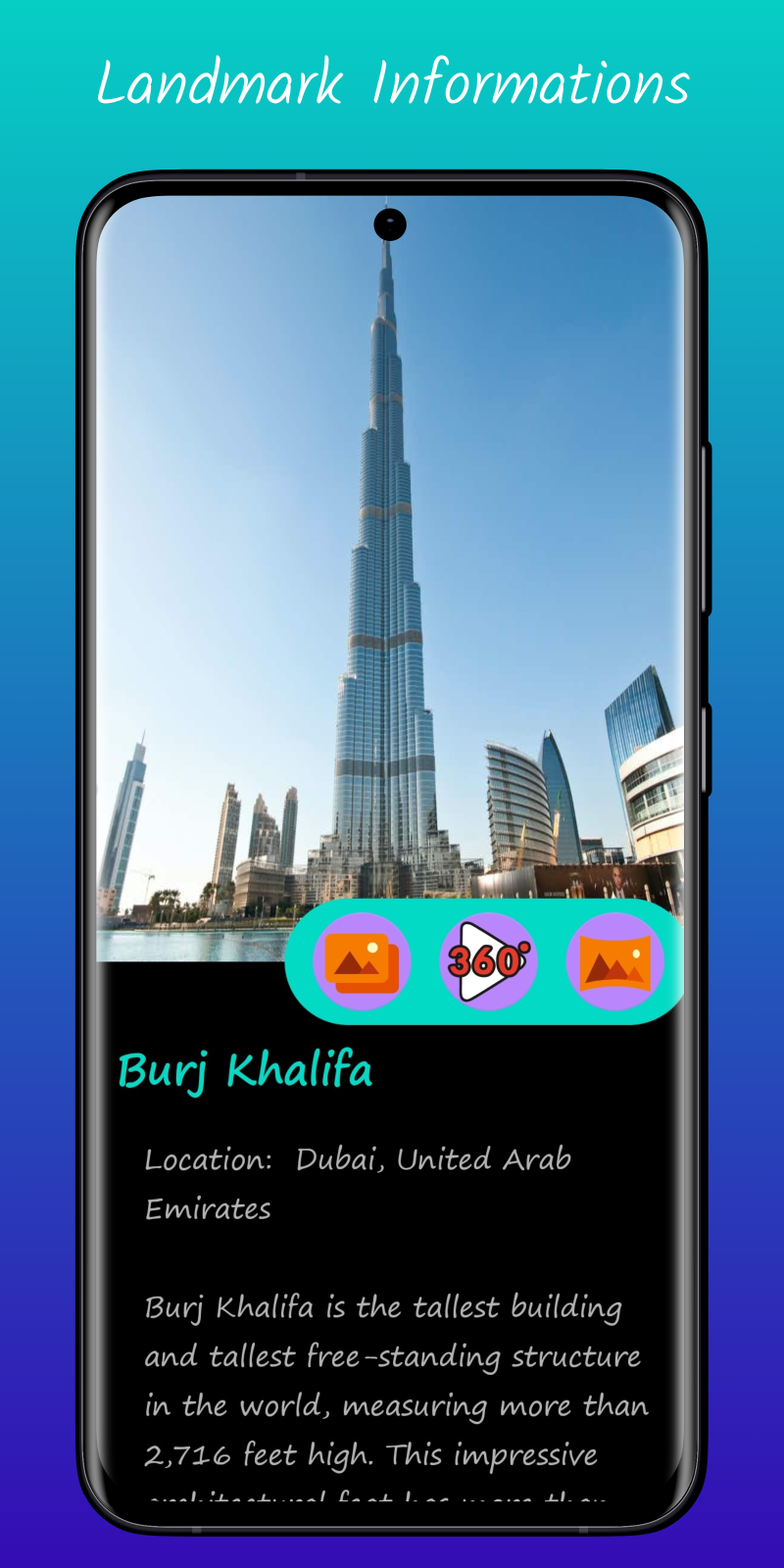
You can see the recognized landmark information on this screen. And you can navigate to some screens related to the landmark. You can see details of these landmarks in this repo: The Eiffel Tower, The Sydney Opera House, The Burj Khalifa, The Kabah. When you try the repo please attention to that. Try these landmarks if you want to learn detail about the landmarks.

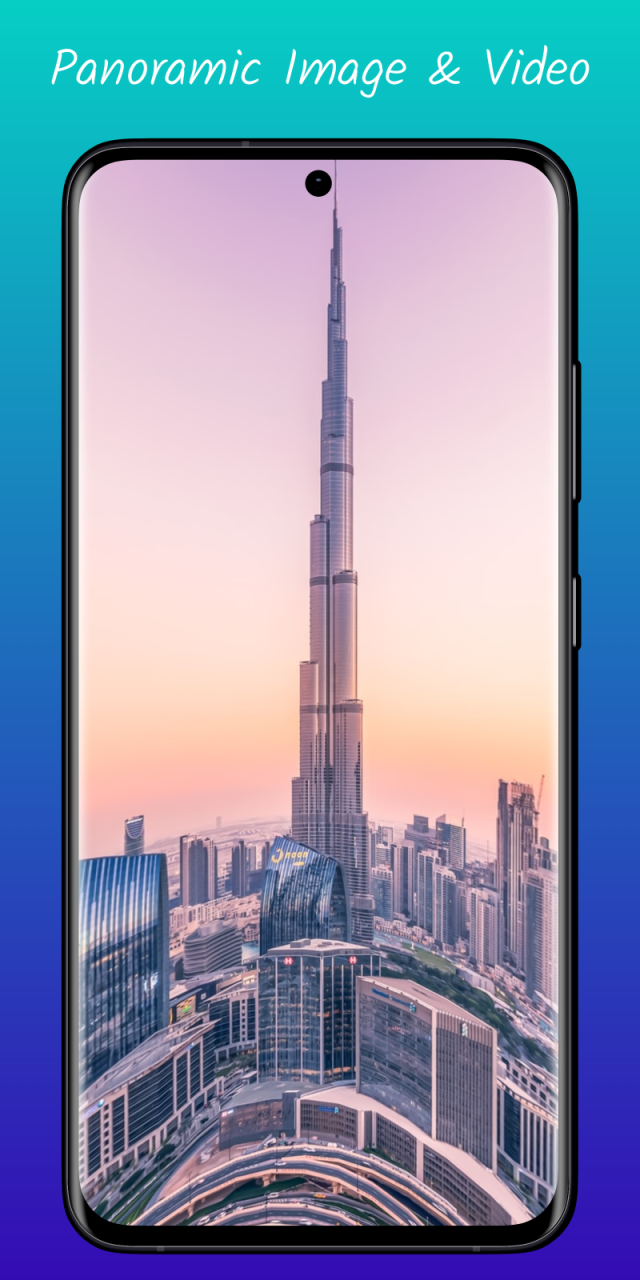
Thanks to Huawei Panorama Kit you can view panoramic images and panoramic videos of the landmarks in this app. There are 2 panoramic images each of The Eiffel Tower, The Sydney Opera House, The Burj Khalifa, The Kabah in this repo.
There is 1 panoramic video each of The Eiffel Tower and The Burj Khalifa in this repo.
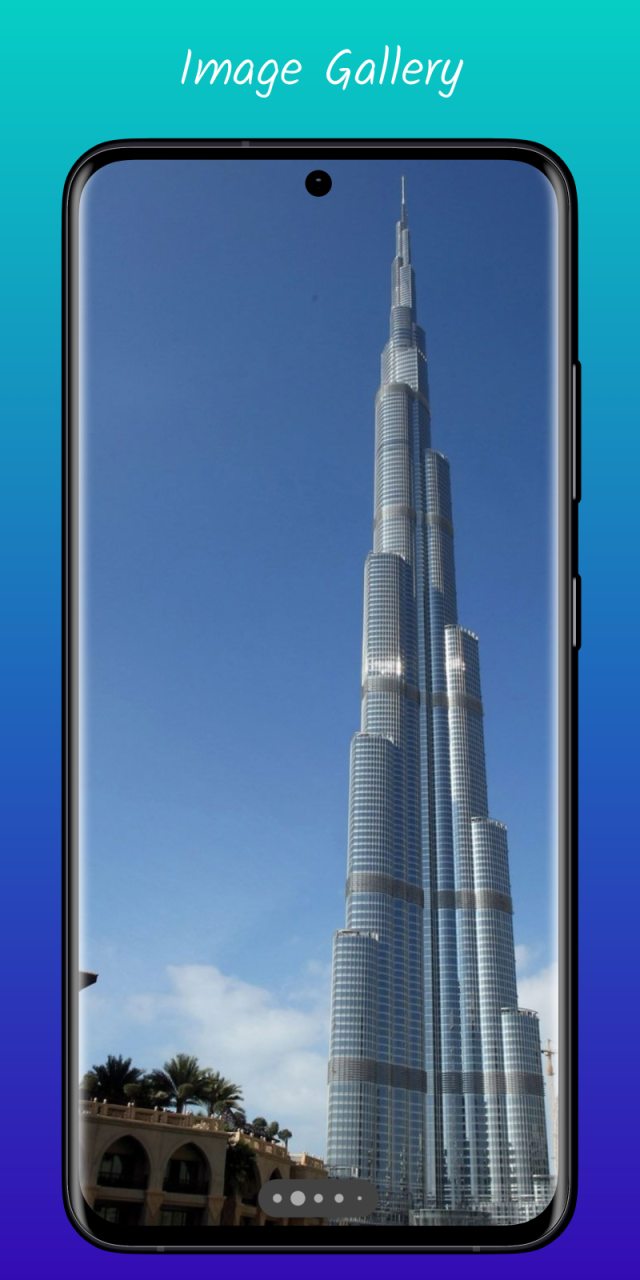
Thanks to Huawei Search Kit you can view more images of the recognized landmark in this app. No any landmark limitations such as Panorama Screen or Detail Screen in this feature. You can view more images (with nice animations) of any recognized landmark on this screen.
Explore Landmarks app is designed with MVVM (Model-View-Viewmodel), Repository design patterns and Kotlin is used for development.
✅ HUAWEI KEYRING SERVICE
✅ HUAWEI MACHINE LEARNING KIT
✅ HUAWEI PANORAMA KIT
✅ HUAWEI SEARCH KIT
✅ HUAWEI ANALYTICS KIT
✅ HUAWEI APP GALLERY CONNECT CRASH SERVICE
✅ Hilt (DI)
✅ Architecture Components (DataBinding, ViewModel, LiveData)
✅ Coroutines
✅ Jetpack Navigation component
✅ Airbnb Lottie
✅ Facebook Shimmer
✅ KenBurnsView
✅ Glide
✅ Scrolling Pager Indicator
 Licensed under the Apache License, Version 2.0 (the "License");
you may not use this file except in compliance with the License.
You may obtain a copy of the License at

   http://www.apache.org/licenses/LICENSE-2.0

Unless required by applicable law or agreed to in writing, software
distributed under the License is distributed on an "AS IS" BASIS,
WITHOUT WARRANTIES OR CONDITIONS OF ANY KIND, either express or implied.
See the License for the specific language governing permissions and
limitations under the License.
Explore-In-HMS/Explore-Landmarks is a public repo on GitHub by Explore-In-HMS. An app that allows to explore landmarks by scanning landmark images via Machine Learning.
It declares the Apache-2.0 license on GitHub.
Its maker has not tagged a system, so it is unknown here. Its README says what it needs.
Open "Take it" on its page: Take My Repo writes an install plan for your machine and hands it to your AI agent (Claude Code, Codex or Cursor), which asks you before each step. Take My Repo has not tested it on any machine.
A collection of samples to discuss and showcase different architectural tools and patterns for Android apps.
🍲Foodium is a sample food blog Android application 📱 built to demonstrate the use of Modern Android development tools - (Kotlin, Coroutines, Flow, Dagger 2/Hilt, Architecture Components, MVVM, Room, Retrofit, Moshi, Material Components).
Flutter makes it easy and fast to build beautiful apps for mobile and beyond
f.k.a. Awesome ChatGPT Prompts. Share, discover, and collect prompts from the community. Free and open source — self-host for your organization with complete privacy.
Its last change on GitHub was on 2022-04-26. Take My Repo does not judge from that whether it is maintained.
Nobody has reviewed it on Take My Repo yet, which says nothing about its quality.
Take My Repo cannot say: it does not audit code and has not run Explore-Landmarks. What is known comes from GitHub. It declares the Apache-2.0 license on GitHub. Its last change was on 2022-04-26. It has 36 stars, which measure popularity, not safety. Nobody has reviewed it on Take My Repo yet, which says nothing about its quality. Read the source before you run it. With "Take it", your AI agent shows each step and asks you before running it; README text is treated as data, not as instructions.