rea
Reverse engineer anything with agents, from app behavior down to native binaries.
- 474k
- TypeScript
- MIT
- 13 min ago

Liveness detection SDK Android - Passive liveness, tested internally following ISO/IEC 30107-3 methodology, detects printed photos, video replays and 3D masks.
Repo Faceplugin-ltd/FaceLivenessDetection-Android, read from GitHub 1 min ago. Faceplugin-ltd has not joined Take My Repo.
Faceplugin-ltd/FaceLivenessDetection-Android is a public repo on GitHub by Faceplugin-ltd. Liveness detection SDK Android - Passive liveness, tested internally following ISO/IEC 30107-3 methodology, detects printed photos, video replays and 3D masks. It declares no license on GitHub. Public does not mean open source: without a license, nobody is granted the right to reuse it. It is written mainly in Kotlin, has 46 stars and last changed on 2026-11-10. Nobody has reviewed it on Take My Repo yet, which says nothing about its quality. Read from GitHub on 2026-11-23.
Ready in ~10 minutes (after AAR download): Drop
facelivenessdk.aarintolibfacesdk/→ Run on a phone Jump: Quick start · Get the AAR · Run the demo · Setup · About SDK
https://github.com/Faceplugin-ltd/FaceLivenessDetection-Androidfacelivenessdk.aar from Google Drivelibfacesdk/ (next to libfacesdk/build.gradle)Your own app? Skip to Setup on your own app. Full API: doc.faceplugin.com.
FacePlugin Face Liveness Detection SDK for Android is a fully on-device anti-spoofing engine for KYC and remote identity verification. It detects printed photos, video replay, 3D masks, and deepfake-style attacks — no extra hardware, no cloud.
All processing stays on the phone. No biometric data leaves the device.
This repository is the Android demo app. Runtime is libfacesdk/facelivenessdk.aar (download from Google Drive). No other FacePlugin repository is required.
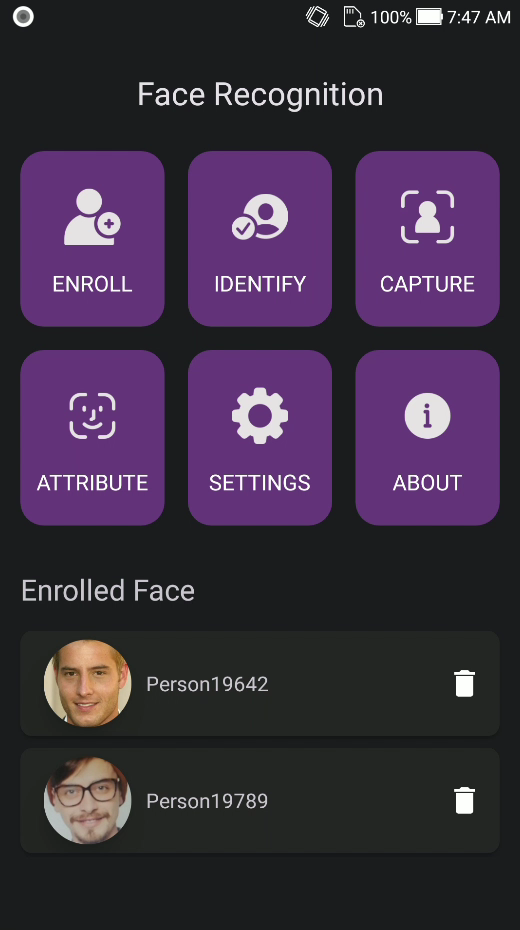
| Demo tile | What it does |
|---|---|
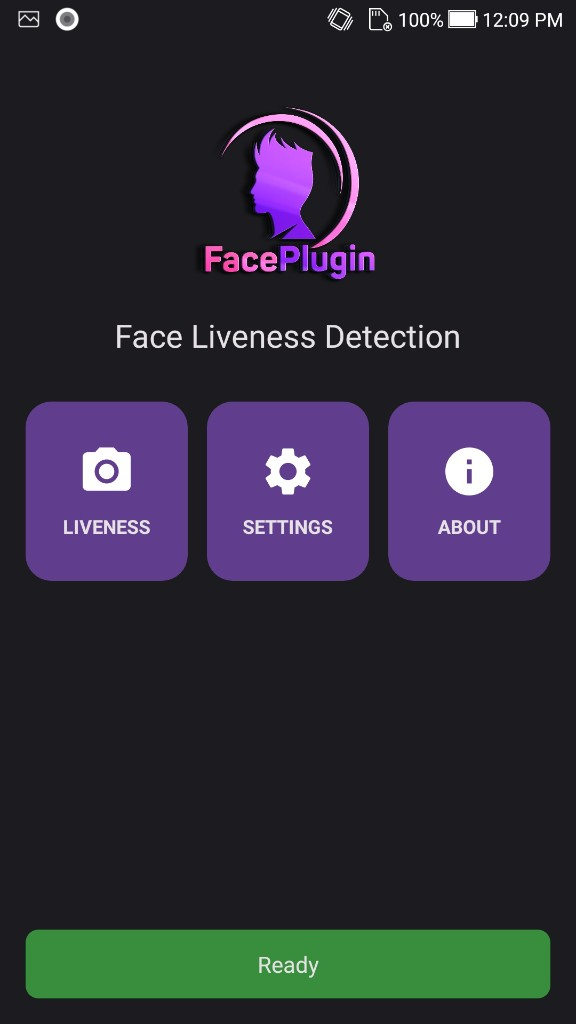
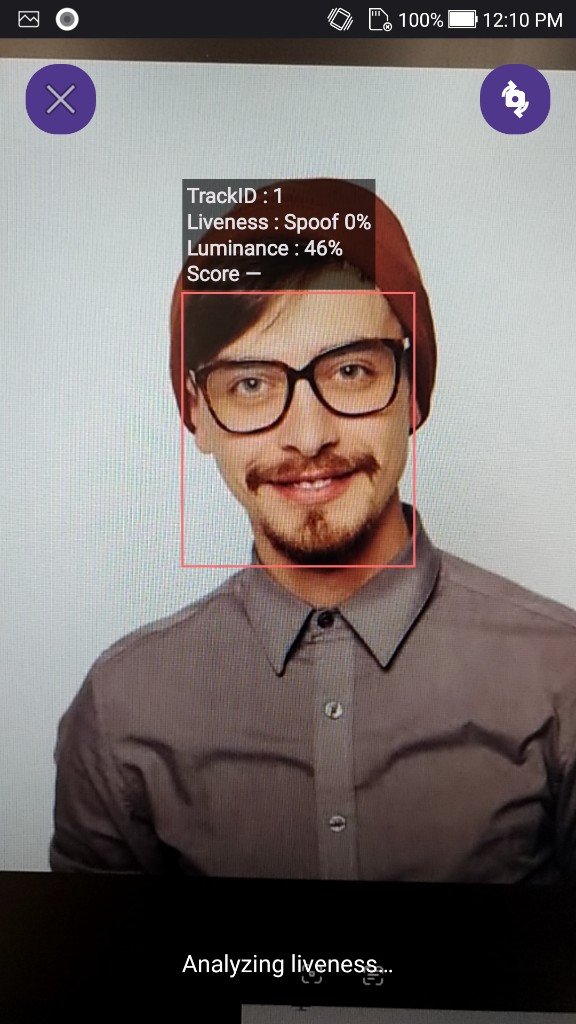
| Liveness | Live camera anti-spoofing with face box + track / liveness / luminance HUD |
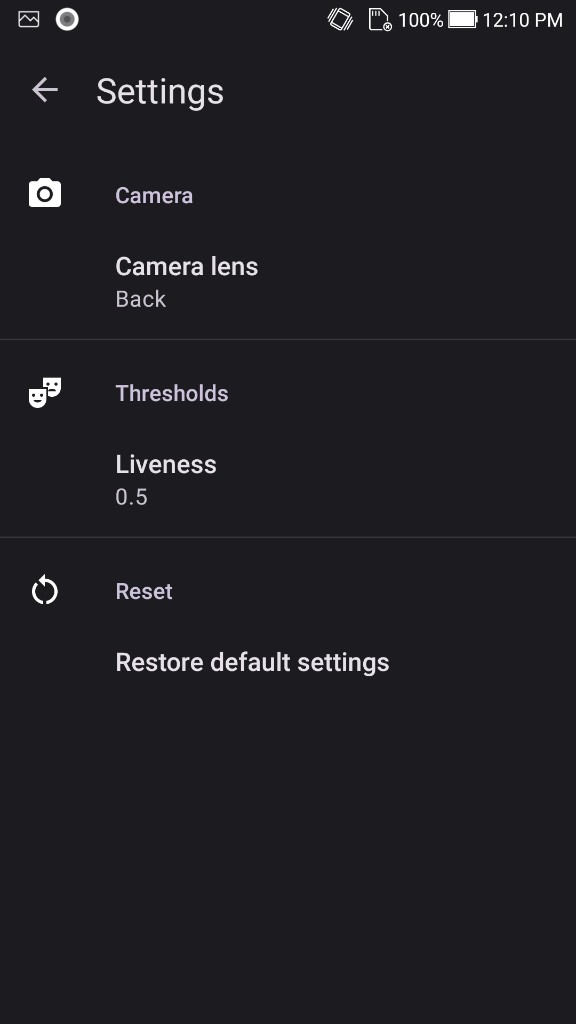
| Settings | Camera lens (front / back), liveness threshold |
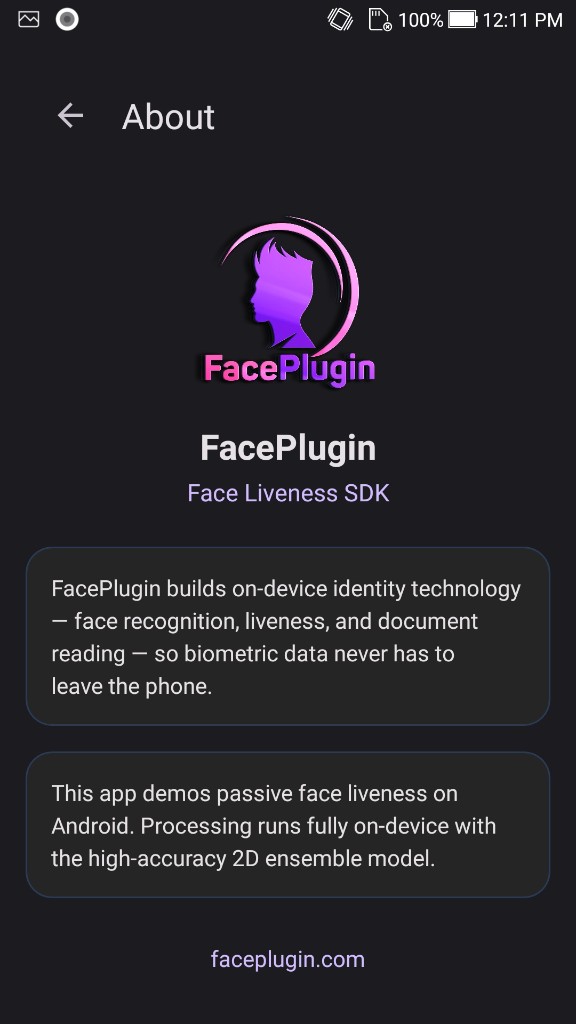
| About | FacePlugin Face Liveness SDK — on-device anti-spoofing |
| Platform | Repository |
|---|---|
| Android (Recognition) | FaceRecognition-Android |
| iOS (Recognition) | FaceRecognition-iOS |
| React Native (Recognition) | FaceRecognition-React-Native |
| Flutter (Recognition) | FaceRecognition-Flutter |
| Ionic Capacitor (Recognition) | FaceRecognition-Ionic-Capacitor |
| Ionic Cordova (Recognition) | FaceRecognition-Ionic-Cordova |
| Windows (Recognition) | FaceRecognition-Windows |
| Linux / Docker (Recognition) | FaceRecognition-Docker |
| Android (Liveness) | FaceLivenessDetection-Android (this repo) |
| iOS (Liveness) | FaceLivenessDetection-iOS |
| Windows (Liveness) | FaceLivenessDetection-Windows |
| Linux / Docker (Liveness) | FaceLivenessDetection-Docker |
| Step | What you need |
|---|---|
| 1 | Android Studio + a real device (emulator is not recommended) |
| 2 | facelivenessdk.aar in ./libfacesdk/ — see Get the AAR |
| 3 | Demo license is already in the repo for com.faceplugin.faceliveness. Request a new key only if you change applicationId — see SDK License |
| Item | Minimum | Recommended |
|---|---|---|
| Android | API 24 (7.0) | API 29 (10) or newer |
| ABI | arm64-v8a, armeabi-v7a |
arm64-v8a |
| Camera | Front or rear | Physical device |
libfacesdk)libfacesdk/facelivenessdk.aar is empty on GitHub because the binary is too large.
FaceLivenessSDK Android (Google Drive)
git clone https://github.com/Faceplugin-ltd/FaceLivenessDetection-Android.git
cd FaceLivenessDetection-Android
Download facelivenessdk.aar and put it here:
FaceLivenessDetection-Android/
└── libfacesdk/
    ├── build.gradle
    └── facelivenessdk.aar
LICENSE_KEY for com.faceplugin.faceliveness.Keep applicationId com.faceplugin.faceliveness for the included license.
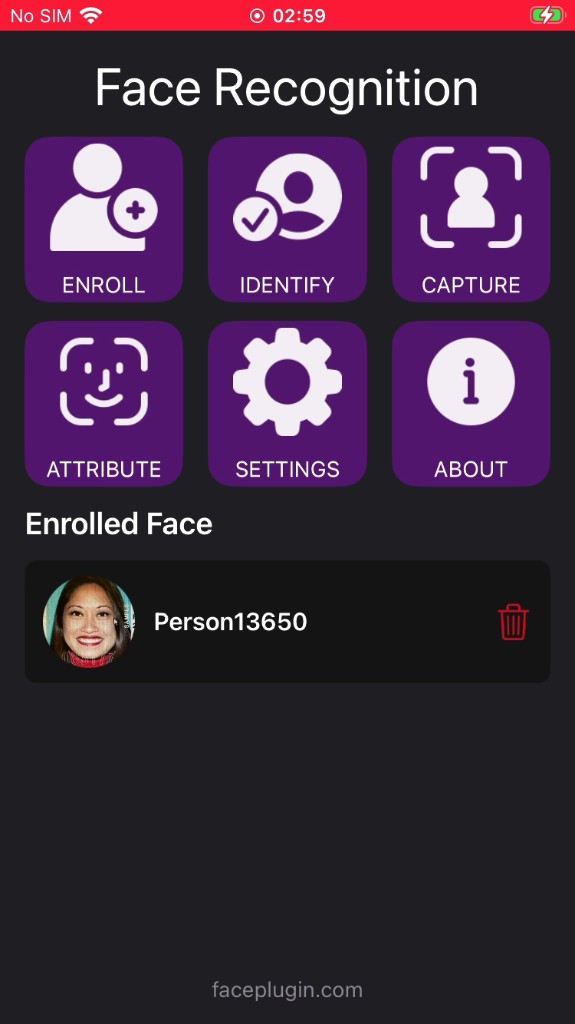
| Home | Liveness | Settings | About |
|---|---|---|---|
|
|
|
|
Licenses are offline and bound to your applicationId.
The sample app already includes a valid key for com.faceplugin.faceliveness. You only need a new key if you use a different applicationId.
The code below shows how to use the license:
FaceLivenessDetection-Android/app/src/main/java/com/faceplugin/faceliveness/ui/MainActivity.kt
Lines 20 to 21 in 96512bb
| private const val LICENSE_KEY = | |
| "FP1.RlBMMQMAAQASXDm5eIHSK9jh2g4CAgAA4Wfx57+ogaIXBqvkPNaXYtY0OAWLeJW00hliqCd/9Qn5V3iT6wi6x9Og1bSg9thZ0HMt1qVDI/wzxIM0jIp/7TAufMwxeUnvFr8BqCmoK/aR2iGyvZxiVcCDxdNA3fOIXpeGaNUm5r8JtqZqRQ0SDEUGSex5hYMfOow7ar4ysayr697jrQu0Qpko+UOql7Bg4Ib2l81XRBATCa+SYZ+XRxxgEVhFqJRT8TV/boebIiNF5AvkqAO9vclNI0XIDvbug+G8PlMbYtbbC1Vey/IcInZc3/OyA3zD49gNAejYrotDfNjf42OxaX+oGGKmpB7snlFczVb8lEyn0Eq3rizCEE5vZBDjWyt1wUv4NGjxNxhyNb7aaoHr57OVUCqyMd+bqanS7FIiWe6ZvdF95urryCWxlX4Rmry3W0HMweU/GB2rmikiZPKbOZgLZ1PmJgF1miaW383aBi7JVu4hyj1U1Ne1LUziB/zRIEXkFcovT0Gc7iyRb/j1pl29duxJTMncfLJ+peWUJ+T75r3hO/UIc+NgRkXyw7Y/QtPUN/bk2l0tHly9GNY74eIx+VeS7uIUzSv7RUGfglzu3nxWzYuSIGAyqtoUQJ5qTTodexjfGGwwpjw8vTJYsmUcbQ2xGwgG7qGARpIQn3w/EHoqIfvFgXsjMgCFK6P7uhuKvQk9jGSAkosAMIGIAkIBKwe+14lz/SPRjRets54ZoJtsWFQGVn35YFFqQxfeHe2ICYJkOZFR4uqUQiy0veInBSWKPzg17wXUu73FgNnm1KMCQgEQv9FH5PlggGLdPzfoGWQZ9CTGcrMnuQUFXYgFDD3OjEBOWMVNoUNCmFmt9uo/NXA0qlZ30mmtFmQUVS6YV9bV2w==" |
FaceLivenessDetection-Android/app/src/main/java/com/faceplugin/faceliveness/ui/MainActivity.kt
Lines 50 to 59 in 96512bb
| FaceLivenessClient.get(this).activate(LICENSE_KEY) { code -> | |
| sdkReady = code == FaceLivenessSDK.SDK_SUCCESS | |
| runOnUiThread { | |
| if (sdkReady) { | |
| updateStatus(getString(R.string.sdk_ready), R.color.status_ok) | |
| } else { | |
| updateStatus(licenseMessage(code), R.color.status_error) | |
| } | |
| } | |
| } |
Please contact us to get a license for your own app.
After activation, FaceLivenessSDK.getLicenseStatus() (and LicenseStatus.current() in the demo kit) reports what the key unlocks:
Minimal integration (details: doc.faceplugin.com):
libfacesdk/ into your project and place facelivenessdk.aar inside it.settings.gradle: include ':libfacesdk'app/build.gradle: implementation project(':libfacesdk'), minSdk 24, abiFilters 'arm64-v8a', 'armeabi-v7a', and packaging { jniLibs { useLegacyPackaging = true } }CAMERA permission.FaceLivenessSDK.setActivation(context, "YOUR_LICENSE_KEY") → FaceLivenessSDK.init(context) (0 = success).Optional: copy app/.../kit/ (FaceLivenessClient) for demo-style threading / camera helpers.
Request a license for your applicationId, not the demo’s.
Public class: com.faceplugin.facelivenessdk.FaceLivenessSDK. Call once per process on a background thread: setActivation → init. Serialize native calls. Full reference: doc.faceplugin.com.
| Code | Meaning |
|---|---|
| 0 | Success |
| 1 | License invalid |
| 2 | License expired |
| 3 | Not activated |
| 4 | Init failed |
Faceplugin-ltd/FaceLivenessDetection-Android is a public repo on GitHub by Faceplugin-ltd. Liveness detection SDK Android - Passive liveness, tested internally following ISO/IEC 30107-3 methodology, detects printed photos, video replays and 3D masks.
It declares no license on GitHub. Public does not mean open source: without a license, nobody is granted the right to reuse it.
Its maker tagged it for macOS, Windows and Linux, or as Docker or cross-platform. That is declared by the maker; Take My Repo has not tested it.
Open "Take it" on its page: Take My Repo writes an install plan for your machine and hands it to your AI agent (Claude Code, Codex or Cursor), which asks you before each step. Take My Repo has not tested it on any machine.
Reverse engineer anything with agents, from app behavior down to native binaries.
Its last change on GitHub was on 2026-11-10. GitHub counts 0 open issues and pull requests. Take My Repo does not judge from that whether it is maintained.
Nobody has reviewed it on Take My Repo yet, which says nothing about its quality.
World's first Face Authentication enabled MacOS App-locker, completely free and open-source. Unlock your Mac apps using Face , TouchID or password. Completely local and encrypted - your data never leaves your Mac
Flutter makes it easy and fast to build beautiful apps for mobile and beyond
f.k.a. Awesome ChatGPT Prompts. Share, discover, and collect prompts from the community. Free and open source — self-host for your organization with complete privacy.
Face Recognition, Face Liveness Detection, Face Anti-Spoofing, Face Detection, Face Landmarks, Face Compare, Face Matching, Face Pose, Face Expression, Face Attributes, Face Templates Extraction, Face Landmarks
Face Recognition, Face Liveness Detection, Face Anti-Spoofing, Face Detection, Face Landmarks, Face Compare, Face Matching, Face Pose, Face Expression, Face Attributes, Face Templates Extraction, Face Landmarks
Face Recognition SDK Javascript using ONNX Runtime Web and OpenCV.js (Face Detection, Face Landmarks, Face Liveness, Face Pose, Face Expression, Eye Closeness, Age, Gender and Face Recognition)
Liveness detection SDK Linux - Passive liveness, tested internally following ISO/IEC 30107-3 methodology, detects printed photos, video replays and 3D masks.
Face recognition SDK iOS with passive liveness detection (Face Detection, Face Landmarks, Face Recognition, Face Liveness, Face Pose, Face Expression, Face attributes)
Face recognition SDK & Face liveness detection SDK (Face Detection, Face Landmarks, Face Recognition, Face Liveness, Face Pose, Face Expression, Face attributes)