Flow Launcher website
This repository contains the source code for the Flow Launcher website. It also contains the extended plugin store.
What is Flow Launcher?
Flow Launcher is a free, open-source productivity tool for Windows that helps you access your files and applications
quickly, run system commands, do mathematical calculations, and more. Learn
more on the website
or in the GitHub repository.
Adding plugin data
Why add plugin data to the website?
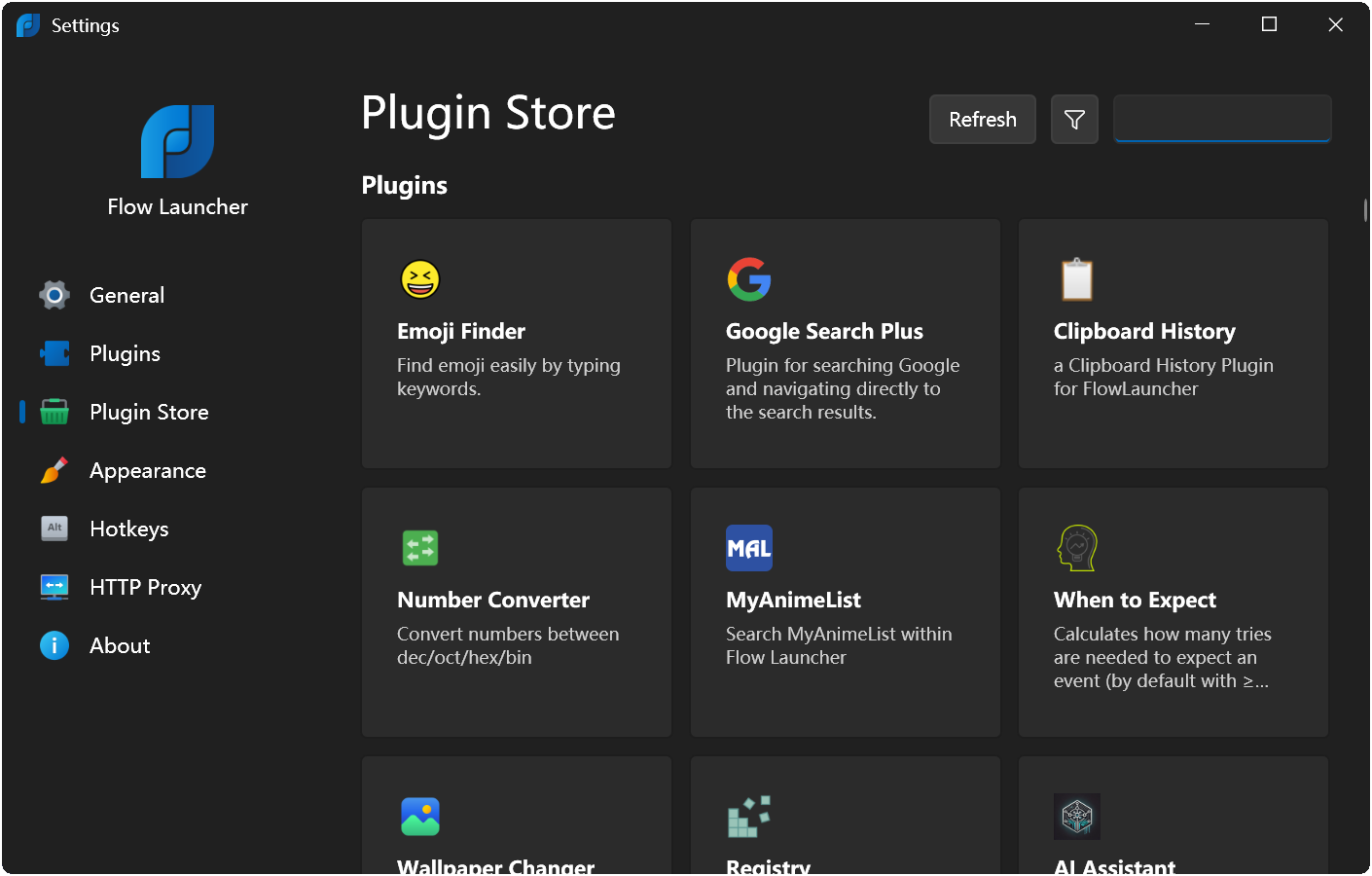
You can completely ignore the website, and your plugin will still be visible there and in the plugin store inside Flow
Launcher. However, adding more data to the website can help users learn more about your plugin, see images and videos of
it in action, and read blog posts about it. This can help users decide whether to install your plugin and can help you
communicate updates and new features to your users. If you don't want to add more data to the website, that's completely
fine, the website will still display the following information about your plugin:
- Icon
- Name
- Author
- Description
- Version
- Programming language
- Latest release date
- Source code link
Prerequisites
- Your plugin must be approved and added to the
Flow.Launcher.PluginsManifest repository.
- Use .png or .jpg for images. Videos should be YouTube links only.
- You need to fork this repository. After that, you will either:
- Clone the fork to your computer and work with it locally using any text editor or IDE of your choice, such as
Notepad++, Visual Studio Code, or JetBrains IDEs,
- Or you can edit the files directly on GitHub. If you choose to edit the files directly on GitHub, you can skip the
steps that involve cloning the repository and running the website locally.
Steps to add more information about your plugin
- Think of a "slug," a unique readable string based on the name of your plugin. This will be used in the URL. If your
plugin is called "Cool Feature+," you might use
cool-feature-plus as the slug. This will be used in the URL, e.g.,
www.flowlauncher.com/plugins/cool-feature-plus or
www.flowlauncher.com/plugins/cool-feature-plus/blog/exciting-new-update. The slug will also be used as the name of
the directory your plugin's files are stored in in this repository.
Note
We might have pre-created the folder and the file for you in order to add tags for your plugin. If you'd like to
change it, feel free to rename the folder, the file, and the slug field in the file.
-
Create a new file in the src/data/plugins/YOUR_SLUG/ directory, call the file plugin.md and fill it with the
following information:
---
# This should match the ID in the plugin manifest
id: 7fbfd61f-0b9c-480d-93e8-59e3451bbbdf # Replace this with the ID of your plugin

# Optional array of videos to display on your plugin's page. Only YouTube links are
# supported. Videos are always displayed before images.
videos:
- https://www.youtube.com/watch?v=VIDEO_ID
- https://www.youtube.com/watch?v=ANOTHER_VIDEO_ID

# Optional array of images to display on your plugin's page. Images should be stored near
# YOUR_SLUG.md, for example, in src/data/plugins/YOUR_SLUG/images/
images:
# The path to the images is relative. If it's in the same directory as the .md file,
# you don't need to specify a path, just the file name. If it's in a subdirectory,
# you need to specify the path.
- image1.png
- images/image2.png

# Optional array of tags to display on your plugin's page. These should be relevant to your
# plugin. Allowed values are: AI, Automation, Browser Tools, Calculators & Converters, Date & Time,
# Development Tools, Dictionaries, Documentation, Examples, File Management, Gaming, Multimedia, Networking,
# Notes, Productivity, Programming, Search, System, Text Tools, Translation, Social Media, Utilities
tags:
- Automation
- Programming
---
-
Add a new line after this block. Now you can write a description of your plugin using Markdown. You can also display
images here using Markdown syntax. For example:
This plugin adds a variety of very cool features. Let's take a look at them!

## Feature 1
This feature is super cool. It does cool things. Here's a screenshot:

## Feature 2
This feature is even cooler. It does even cooler things. Here's another screenshot:

-
If you'd like to write more about the plugin, you can utilize the blogging functionality. Create a new file in the
src/data/plugins/YOUR_SLUG/blog/ directory, call the file YYYY-MM-DD_blog-post-slug.md (the file must have its
name in format YYYY-MM-DD_blog-post-slug.md) and fill it with the following information:
---
# This should be a unique readable string. It will be used in the URL,
# e.g., `/plugins/my-cool-plugin/blog/my-blog-post`
slug: my-blog-post

# The title of your blog post
title: Your Blog Post Title

# A short summary of your blog post
summary: A short summary of your blog post

# The date of your blog post in ISO 8601 format. A few examples:
# 2024-12-30T12:55:34Z
# 2024-12-30T12:55:34+06:00
date: YYYY-MM-DDTHH:mm:ssZ # Replace this with the date of your blog post

# The author of your blog post
author: John Doe
---
# Your blog post content goes here

This is a blog post about my plugin. It's very cool.
-
Optional. If you'd like to test your changes before making a pull request, you can run the website locally. To do
this, you'll need to have Node.js v22 or newer installed. Once you have Node.js installed, you can run the following
commands in the root directory of this repository:
This will start a local development server that you can access at http://localhost:4321.
Alternatively, if you don't want to run it locally but still want to see how your changes will look, you can use the
GitHub Actions workflow to build the website and preview it. To do this, go to your fork's Actions tab on GitHub and
press "I understand my workflows, go ahead and enable them", then commit your changes to the master branch and push
it. You should see your action running on GitHub, and if you click on it, you should see two steps: build and
deploy. Under deploy, there will be a link to the preview of your changes.
-
Once you're happy with your changes, commit them and open a pull request. A maintainer will review your changes and
merge them if everything looks good. Your changes should be live on the website shortly after they are merged.
Licensing Notice
This project is licensed under the MIT License. However, it includes Font Awesome Free icons, which are subject to their
own license.
The Font Awesome Free icons used in this project are provided under the Creative Commons Attribution 4.0 International
(CC BY 4.0) license. See the link above for details.