
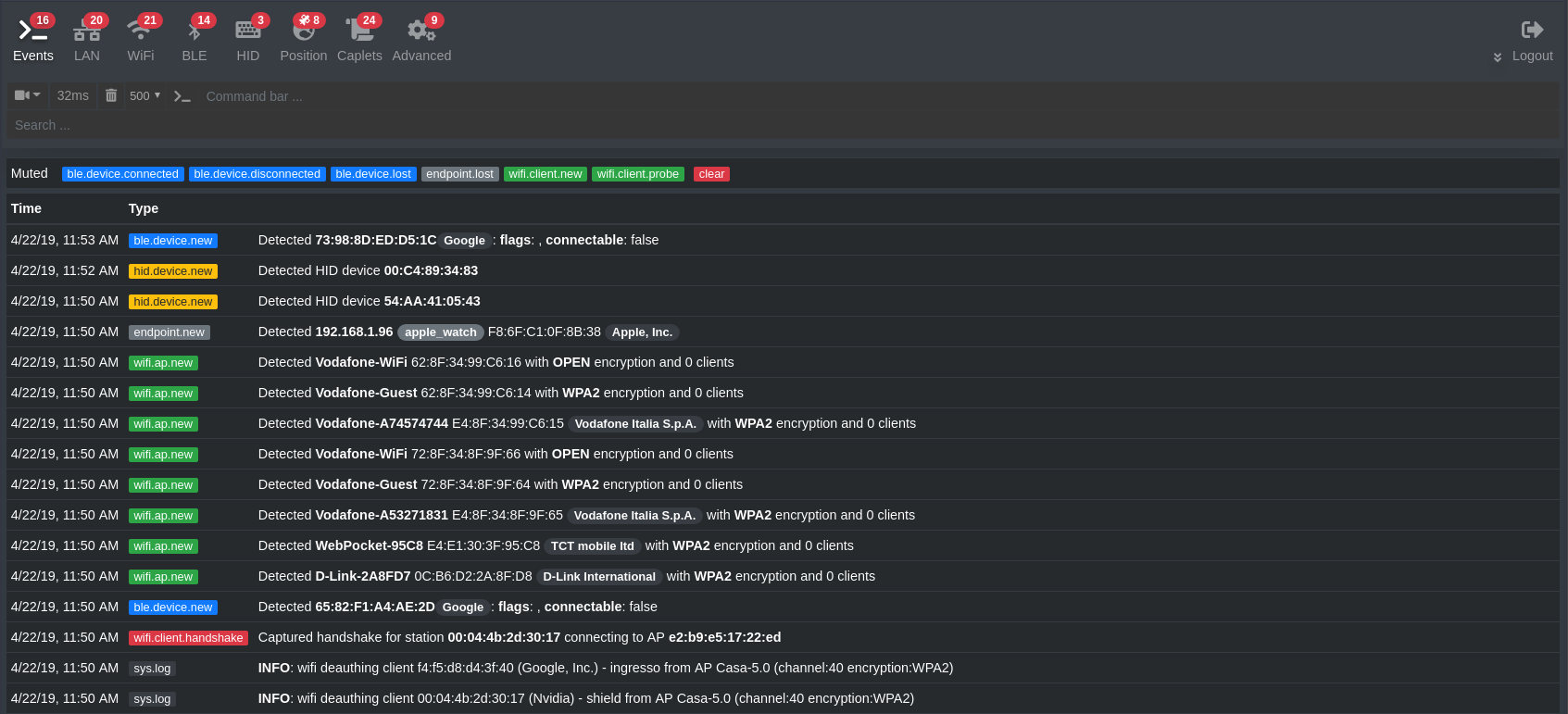
bettercap
The Swiss Army knife for 802.11, BLE, HID, CAN-bus, IPv4 and IPv6 networks reconnaissance and MITM attacks.
- 20k
- Go
- 3 d ago
The FitbitGatt API is designed to provide a strong state machine around all Android gatt operations with the aim of making Android BLE development across Android vendors as straightforward and side-effect free as possible.
Repo Google-Health-API/bitgatt, read from GitHub 12 h ago. Google-Health-API has not joined Take My Repo.
Google-Health-API/bitgatt is a public repo on GitHub by Google-Health-API. The FitbitGatt API is designed to provide a strong state machine around all Android gatt operations with the aim of making Android BLE development across Android vendors as straightforward and side-effect free as possible. It declares the MPL-2.0 license on GitHub. It is written mainly in Java, has 60 stars and last changed on 2023-05-01. It is archived: its maker no longer maintains it. Nobody has reviewed it on Take My Repo yet, which says nothing about its quality. Read from GitHub on 2026-11-24.


The FitbitGatt API is designed to provide a strong state machine around all Android gatt operations with the aim to make Android BLE development as bomb-proof as possible.
We created a blog post to explain further why we need such a significant abstraction on top of the Android Low Energy API : medium.com/fitbit-tech-blog/what-is-bitgatt-and-why-do-we-need-it-b884ba2ebf6d
Add it in your root build.gradle at the end of repositories:
allprojects {
  repositories {
    ...
    maven { url 'https://jitpack.io' }
  }
}
dependencies {
    implementation 'com.github.Fitbit:bitgatt:TAG'
}
Where TAG can be any of the following
v0.9.1master-SNAPSHOT53ebed0415Irvin Owens Jr iowens@fitbit.com, 0xbadbeef@sigsegv.us - Creator
Ionut Lepadatescu - ilepadatescu@fitbit.com - Maintainer
Andy Branscomb abranscomb@fitbit.com
Adriana Draghici - adraghici@fitbit.com
Cristian Ichimescu - cichimescu@fitbit.com
Murtuza Khan - murtuza.kahn@fitbit.com
Ionut Lepadatescu - ilepadatescu@fitbit.com
Irvin Owens Jr - iowens@fitbit.com
To use Bitgatt, you will need to add the permission for bluetooth ( and maybe admin ) into your manifest.
To allow flexibility each component can be started individually
The gatt server allows your application to host it's own gatt server stack that can be accessed by external bluetooth devices.
You can started in 2 ways:
FitbitGatt.startGattServer(@NonNull Context context)
or
FitbitGatt.startGattServerWithServices(@NonNull Context context, @Nullable List<BluetoothGattService> services)
In both cases the server is started asynchronously and once finished will call all FitbitGattCallback registered listeners on onGattServerStarted(GattServerConnection serverConnection) or onGattServerStartError(BitGattStartException error) depending on the success state
In component is already started when toggling bluetooth it will try automatically starting the gatt server again. It will call the same apis on success/failure
The ble scanner from FitbitGatt allows discovery of any ble devices based on provided filters.
The scanner component can be started in 2 ways:
FitbitGatt.initializeScanner(@NonNull Context context)
This call is synchronous. If there is an error while trying to initialize it will call FitbitGattCallback.onScannerInitError(BitGattStartException error) for the registered listeners.
This method will not start any active scan. It will just initialize the scanner and allowing you to set filters and then start a scan type.
or
FitbitGatt.startPeriodicalScannerWithFilters(@NonNull Context context, List<ScanFilter> filters)
This second method besides initializing the scanner component it will also setup a periodical scan with the given filters.
If the filter list is empty or the gatt scanner is already it will error out.
If there is an error while trying to initialize it will call FitbitGattCallback.onScannerInitError(BitGattStartException error) for the registered listeners.
If your connection is already present you may wish to start only the gatt client. This can be done by calling FitbitGatt.startGattClient(@NonNull Context context).
This will call FitbitGattCallback.onGattClientStarted() or FitbitGattCallback.onGattClientStartError(BitGattStartException error) if an error occurs.
If your app is only the client in BLE connection you will use only this component and the scanner to more reliably fetch the device.
The threading model of the Android gatt is extremely fraught with landmines. It was very easy to end up processing data on one of the JNI binder threads when a gatt callback returned, or in our legacy implementation it was so limited as we had only a single execution thread that required pre-emption.
Bitgatt does this differently, instead of providing callbacks on the JNI binder thread, Bitgatt intentionally delivers results on the main thread while dispatching transactions on a connection thread held by the client or server connection object in this way dispatches are not blocked by receipts, and any I/O on the main thread issues are caught right away (because it's I/O on the main thread). This is the same pattern as an Android broadcast receiver so it is wise to get off of the main thread as soon as possible to create a responsive system.
Responses will be copies of characteristics, descriptors, and services. These copies are not able to be handed back to the system as instantiating new characteristics, descriptors and services, then utilizing them with GATT instances will often wedge the stack. The reason for this is that native GATT objects have an instance id inside of them. When you create a new instance, it did not originate from the GATT DB so the instance is null. By forcing the use of copies, bitgatt eliminates the possibility of this error from the developer.
             ╔════════════════════════════════╗                             ┌──────────────────────────────────────────┐
             ║ FitbitGatt hosts instances of  ║                             │FitbitGatt                                │
             ║the GattConnection, they do not ║                             │Looper for asynchronous operations        │
             ║ interfere with each other and  ║                             │characteristic notifications and such     │
             ║ transactions execute serially  ║                             │                                          │
             ║      per connection, but       ║ ┌┬┬─────────────────────────│                                          │──────────┐
             ║   asynchronously with other    ║ │││                         │                                          │          │
             ║          connections           ║ │││                         │                                          │          │
             ╚════════════════════════════════╝ │││                         │                                          │          │
                                                │││                         │                                          │          │
                                                │││                         └──────────────────────────────────────────┘          │
                                                │││                                               ▲                               │
                                                ││▼                                               │                               │
                               ┌────────────────┼▼───────────────────┐                            │                               │
                              ┌┴────────────────▼───────────────────┐│                            │                               ▼
                             ┌┴────────────────────────────────────┐││                            │           ┌───────────────────────────────────────┐
                             │GattConnection                       │││                            │           │GattServerConnection                   │
                             │Looper per connection object         │││                            │           │Looper for the gatt server             │
                             │Looper for gatt transaction timeout  │││                            │           │                                       │
                             │                                     │││                            │           │                                       │
                             │                                     │││                            │           │                                       │
                             │                                     │││                            │           │                                       │
                             │                                     │││                            │           │                                       │
                             │                                     │├┘                            │           │                                       │
                             │                                     ├┘                             │           │                                       │
                             └─────────────────────────────────────┘                              │           └───────────────────────────────────────┘
                                                                                                  │
                                                                                                  │
                                                                                                  │
                             ┌─────────────────────────────────────┐                              │
                             │TrackerScanner                       │                              │
                             │ Main Looper                         │                              │
                             │                                     │                              │
                             │                                     │      Pushes candidate        │
                             │                                     │────────devices into ─────────┘
                             │                                     │         FitbitGatt
                             │                                     │
                             │                                     │
                             └─────────────────────────────────────┘

                              ╔════════════════════════════════╗
                              ║ The tracker scanner will find  ║
                              ║devices that match a filter and ║
                              ║will add them into the cache in ║
                              ║  the gatt.  They will only be  ║
                              ║connected if the business logic ║
                              ║            dictates            ║
                              ║                                ║
                              ╚════════════════════════════════╝

Created with Monodraw
The general idea behind this is that we want to use the right number of threads. This means that we will keep the serial execution nature of the legacy implementation at the GATT level, but allow the business logic to execute gatt commands in any way desired. This has the effect of matching the best of concurrency with the stability of single-threadedness. In short it's an effort to limit the concurrency only where we actually have to, but allowing concurrency anywhere else as the business logic requires.
Where necessary bitgatt provides primitives for deploying strategies around hooks to deal with specific OEM incompatibilities or bad behavior. The intent behind this is to keep the bitgatt core code free of "hacks" around bugs in the Android BLE code, or peripheral issues.
NOTE The present API is not stable as the library is still at 0.8.x. Improvements in the API may still occur, especially around the scanner.
Gatt transactions are single gatt operations such as enable characteristic notifications on x characteristic, or write to characteristic, etc... transactions can only be executed if the prior transaction has not ended in failure with notable exceptions, those exceptions will be enumerated in the manual section. This will force a developer to deal with errors explicitly and will not try to hide or to automatically deal with errors by disconnecting and reconnecting, etc ...
Everything about the execution of gatt operations should be intentional to prevent side effects that adjust the operation of higher-level functions, as an example if you have implicit connection attempts, then you have to deal with the situation where two different higher level operations could start a connection attempt. If you make connecting explicit on a single-threaded implementation, then this is by nature impossible, and the errors caused by it are eliminated.
Transactions are atomic. A subsequent transaction provided to the connection transaction queue will not be executed until the prior running transaction completes in success, failure, or timeout.
The strategies are meant to be used by bitgatt for dealing with the odd phone, tablet, or chromebook that does not seem to want to play nice with standard GATT operations. In this case a strategy should be hooked directly into a transaction wherever it makes sense to mitigate the adverse behavior against the GATT ( usually in these scenarios a bug should be filed against the OEM ).
Google-Health-API/bitgatt is a public repo on GitHub by Google-Health-API. The FitbitGatt API is designed to provide a strong state machine around all Android gatt operations with the aim of making Android BLE development across Android vendors as straightforward and side-effect free as possible.
It declares the MPL-2.0 license on GitHub.
Its maker has not tagged a system, so it is unknown here. Its README says what it needs.
Open "Take it" on its page: Take My Repo writes an install plan for your machine and hands it to your AI agent (Claude Code, Codex or Cursor), which asks you before each step. Take My Repo has not tested it on any machine.
Cross-platform AirDrop. File transfer between Android, iOS, Linux, macOS, and Windows over ad hoc WiFi. No network infrastructure required, just two devices with WiFi chips (and optionally Bluetooth) in close range.
Reverse engineer anything with agents, from app behavior down to native binaries.
Flutter makes it easy and fast to build beautiful apps for mobile and beyond
f.k.a. Awesome ChatGPT Prompts. Share, discover, and collect prompts from the community. Free and open source — self-host for your organization with complete privacy.
No. It is archived on GitHub: its maker no longer maintains it.
Nobody has reviewed it on Take My Repo yet, which says nothing about its quality.
Take My Repo cannot say: it does not audit code and has not run bitgatt. What is known comes from GitHub. It declares the MPL-2.0 license on GitHub. It is archived: its maker no longer maintains it. It has 60 stars, which measure popularity, not safety. Nobody has reviewed it on Take My Repo yet, which says nothing about its quality. Read the source before you run it. With "Take it", your AI agent shows each step and asks you before running it; README text is treated as data, not as instructions.


