OpenJOC
Independent clean-room E-AC-3 JOC decoder in Rust, with OAMD metadata and reconstruction-basis decoding.
- 277
- Rust
- Apache-2.0
- 8 h ago
Stop juggling 5+ tools to build a color palette. Atmos does it all — color generator, shade builder, contrast checker, Figma sync & more in one place.
Repo HackMyTask/design-color-workflow-solved, read from GitHub 6 h ago. HackMyTask has not joined Take My Repo.
HackMyTask/design-color-workflow-solved is a public repo on GitHub by HackMyTask. Stop juggling 5+ tools to build a color palette. Atmos does it all — color generator, shade builder, contrast checker, Figma sync & more in one place. It declares no license on GitHub. Public does not mean open source: without a license, nobody is granted the right to reuse it. It has 1 stars and last changed on 2026-05-04. Nobody has reviewed it on Take My Repo yet, which says nothing about its quality. Read from GitHub on 2026-11-24.
Independent clean-room E-AC-3 JOC decoder in Rust, with OAMD metadata and reconstruction-basis decoding.
Stop juggling 5+ disconnected tools just to build a professional color palette. This repo documents the real pain designers and developers face in color workflow — and how Atmos solves it all in one place.
Building a consistent, accessible, and professional color system is one of the most time-consuming tasks in UI/UX design and front-end development.
Designers typically face these recurring problems:
Below are the popular tools most designers already use — and why they fall short for a complete color workflow.
Here's what a typical designer goes through before Atmos:
Step 1: Open Coolors.co → Generate a base palette
Step 2: Open Adobe Color → Adjust for color harmony
Step 3: Open a shade generator (e.g., Tailwind palette tool) → Generate 50–950 shades
Step 4: Open WebAIM Contrast Checker → Test each color pair manually
Step 5: Open a color blindness simulator (e.g., Coblis) → Check vision accessibility
Step 6: Manually copy all hex codes → Paste into Figma one by one
Step 7: Realize the shades don't match → Go back to Step 3
Step 8: Client requests a change → Repeat everything from Step 1
Total tools used: 5–6 Time wasted: 2–4 hours per palette Collaboration: impossible without re-sharing everything manually
Atmos is a dedicated color palette platform built specifically for UI designers and developers. It combines everything you need into a single, cohesive workspace.
| Old Tool | Atmos Feature |
|---|---|
| Coolors.co | ✅ Color Generator |
| Adobe Color | ✅ Color Wheel with harmony rules |
| Tailwind Palette Tool | ✅ Shade Generator (uniform tints/shades) |
| WebAIM Contrast Checker | ✅ Built-in Contrast Checker |
| Coblis / Sim Daltonism | ✅ Vision Simulator |
| Manual Figma copy-paste | ✅ Native Figma Plugin with sync |
| Spreadsheet version tracking | ✅ Version History |
| Email/Slack sharing | ✅ Shareable Palette Links |
Step 1: Open Atmos → Generate palette with Color Generator
Step 2: Refine with Color Wheel → Adjust harmonies visually
Step 3: Generate shades → Instantly get full 50–950 scale
Step 4: Run Contrast Checker → Fix any WCAG failures in-context
Step 5: Run Vision Simulator → Confirm accessibility for all users
Step 6: Sync to Figma → One click with the Figma plugin
Step 7: Share palette URL with client/team → Done
Total tools used: 1 Time saved: 2–3 hours per palette Collaboration: built-in, real-time shareable links
| Feature | Coolors | Adobe Color | Figma | Manual Stack | Atmos |
|---|---|---|---|---|---|
| Color Generation | ✅ | ✅ | ❌ | ✅ | ✅ |
| Color Wheel | ❌ | ✅ | ❌ | ✅ | ✅ |
| Shade Generator | ❌ | ❌ | ❌ | ✅ | ✅ |
| Contrast Checker | ❌ | ❌ | ⚠️ plugin | ✅ | ✅ |
| Vision Simulator | ❌ | ❌ | ⚠️ plugin | ✅ | ✅ |
| Semantic Colors | ❌ | ❌ | ❌ | ❌ | ✅ |
| Figma Sync | ❌ | ❌ | ✅ | ❌ | ✅ |
| Version History | ❌ | ❌ | ⚠️ paid | ❌ | ✅ |
| Shareable Links | ✅ | ❌ | ⚠️ | ❌ | ✅ |
| Modern Color Spaces | ❌ | ❌ | ❌ | ❌ | ✅ |
| All-in-One | ❌ | ❌ | ❌ | ❌ | ✅ |
Atmos offers a free tier so you can start immediately with no credit card required.
When you're ready to unlock the full power (unlimited palettes, Figma sync, version history, shared palettes):
Use code HACKMYTASK at checkout for 10% off any paid plan.
👉 Try Atmos Free → atmos.style
Found this resource helpful? You can support the creator of this guide here:

This repository is for informational and educational purposes. All product names, logos, and brands are property of their respective owners.
Made with ❤️ by HackMyTask
HackMyTask/design-color-workflow-solved is a public repo on GitHub by HackMyTask. Stop juggling 5+ tools to build a color palette. Atmos does it all — color generator, shade builder, contrast checker, Figma sync & more in one place.
It declares no license on GitHub. Public does not mean open source: without a license, nobody is granted the right to reuse it.
😸 Soothing pastel theme for the high-spirited!
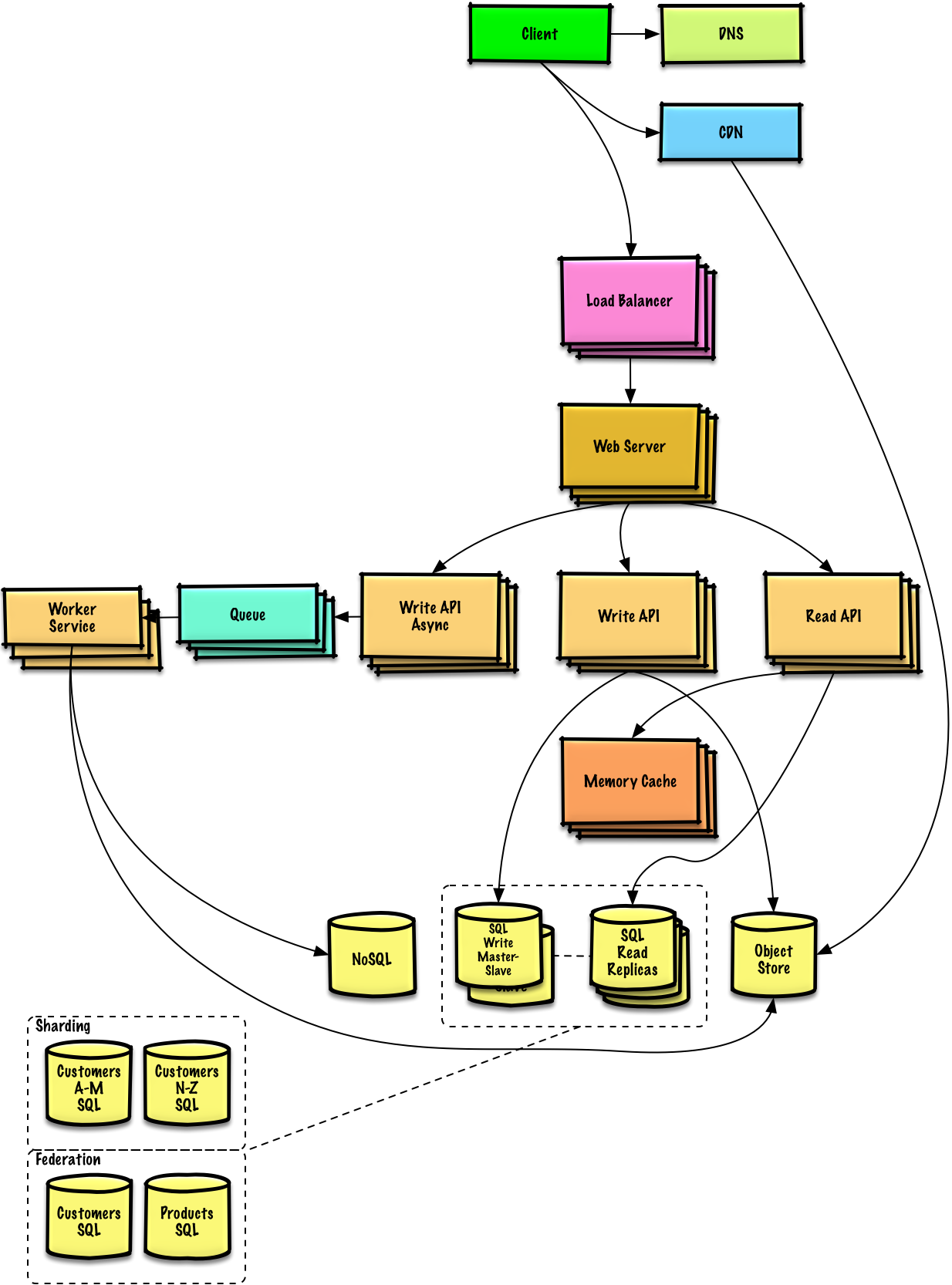
Learn how to design large-scale systems. Prep for the system design interview. Includes Anki flashcards.
🎨 Pickr - A simple, multi-themed, responsive and hackable Color-Picker library. No dependencies, no jQuery. Compatible with all CSS Frameworks e.g. Bootstrap, Materialize. Supports alpha channel, rgba, hsla, hsva and more!
Its maker has not tagged a system, so it is unknown here. Its README says what it needs.
Open "Take it" on its page: Take My Repo writes an install plan for your machine and hands it to your AI agent (Claude Code, Codex or Cursor), which asks you before each step. Take My Repo has not tested it on any machine.
Its last change on GitHub was on 2026-05-04. Take My Repo does not judge from that whether it is maintained.
Nobody has reviewed it on Take My Repo yet, which says nothing about its quality.
Take My Repo cannot say: it does not audit code and has not run design-color-workflow-solved. What is known comes from GitHub. It declares no license on GitHub. Public does not mean open source: without a license, nobody is granted the right to reuse it. Its last change was on 2026-05-04. It has 1 stars, which measure popularity, not safety. Nobody has reviewed it on Take My Repo yet, which says nothing about its quality. Read the source before you run it. With "Take it", your AI agent shows each step and asks you before running it; README text is treated as data, not as instructions.