ZeroCostDL4Mic
ZeroCostDL4Mic: A Google Colab based no-cost toolbox to explore Deep-Learning in Microscopy
- 660
- Jupyter Notebook
- MIT
- 10 d ago

The maintainer has not written a description at the source.
Repo HenriquesLab/mAIcrobe, read from GitHub 34 min ago. HenriquesLab has not joined Take My Repo.
HenriquesLab/mAIcrobe is a public repo on GitHub by HenriquesLab. It declares the BSD-3-Clause license on GitHub. It is written mainly in Jupyter Notebook, has 14 stars and last changed on 2026-10-30. Nobody has reviewed it on Take My Repo yet, which says nothing about its quality. Read from GitHub on 2026-11-22.

mAIcrobe: a napari plugin for microbial image analysis.
mAIcrobe is a comprehensive napari plugin that facilitates image analysis workflows of bacterial cells. Combining state-of-the-art segmentation approaches, morphological analysis and adaptable classification models into a napari-plugin, mAIcrobe aims to deliver a user-friendly interface that helps inexperienced users perform image analysis tasks regardless of the bacterial species and microscopy modality. Built using Python 3.10 and 3.11 and tested on Windows, and macOS.
You can read more about mAIcrobe in our preprint.
Standard Installation:
We recommend using an environment manager like conda to handle dependencies and assure reproducibility.
Regardless of environment, you can install via pip in Python 3.10 or 3.11. This should handle all dependencies and might take a couple of minutes depending on your internet connection.
pip install napari-mAIcrobe
Development Installation:
git clone https://github.com/HenriquesLab/mAIcrobe.git
cd mAIcrobe
pip install -e .
🎯 Detailed Installation Instructions →
mAIcrobe is designed to fit into broader image-analysis workflows.
| Guide | Purpose |
|---|---|
| 🚀 Getting Started | Installation to first analysis using sample data |
| 🔬 Segmentation Guide | Explore the available segmentation methods |
| 📊 Cell Analysis | Explore complete analysis workflow and check the metrics measured |
| 🧠 Cell Classification Guide | Explore the available classification models |
| ⏱️ Timelapse Analysis | Analyze (T, Y, X) data with optional registration and relabeling |
| 📁 Batch Analysis Workflow | Process many FoVs from one root folder and export merged tables |
| Tutorial | Purpose |
|---|---|
| 🎨 Basic Workflow | Step-by-step guide with a simple example (<5 minutes) |
| 🛠️ Generate Training Data | Create annotated datasets for custom model training |
| Video | Purpose |
|---|---|
| 🎨 Basic Workflow | Step-by-step guide with a simple example (<5 minutes) |
| 🛠️ Full workflow | Full workflow from installation to export of results |
| 🧠 How to retrain the classifier | Create annotated datasets, train your custom model and use it in mAIcrobe |
For programmatic usage: | ⚙️ API Reference
Explore advanced functionality with included notebooks:
We welcome contributions! Whether it's:
Quick contributor setup:
git clone https://github.com/HenriquesLab/mAIcrobe.git
cd mAIcrobe
pip install -e .[testing]
pre-commit install
Testing:
# Run tests
pytest -v

# Run tests with coverage
pytest --cov=napari_mAIcrobe

# Run tests across Python versions
tox
Distributed under the terms of the BSD-3 license, mAIcrobe is free and open source software.
mAIcrobe is developed in the Henriques and Pinho Labs with contributions from the napari and scientific Python communities.
Built with:
🔬 From the Henriques and Pinho Labs
"Advancing microbiology through AI-powered image analysis."
🚀 Get Started → | ⏱️ Timelapse Guide → | 📁 Batch Workflow → | ⚙️ API Docs →
HenriquesLab/mAIcrobe is a public repo on GitHub by HenriquesLab. Its maker has not written a description.
It declares the BSD-3-Clause license on GitHub.
Its maker has not tagged a system, so it is unknown here. Its README says what it needs.
Open "Take it" on its page: Take My Repo writes an install plan for your machine and hands it to your AI agent (Claude Code, Codex or Cursor), which asks you before each step. Take My Repo has not tested it on any machine.
Its last change on GitHub was on 2026-10-30. Take My Repo does not judge from that whether it is maintained.
Nobody has reviewed it on Take My Repo yet, which says nothing about its quality.
ZeroCostDL4Mic: A Google Colab based no-cost toolbox to explore Deep-Learning in Microscopy
Nanoscopy library for Python (NanoPyx, the successor to NanoJ) - focused on light microscopy and super-resolution imaging
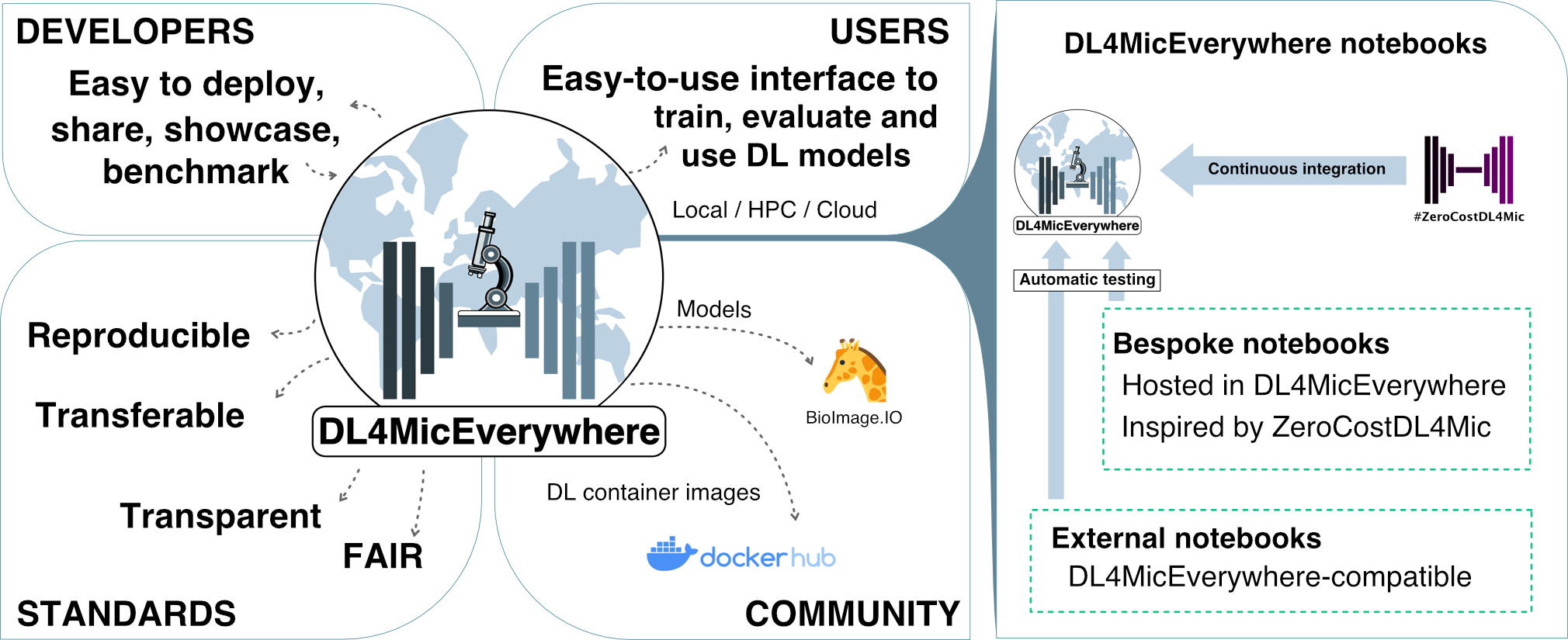
Bringing the ZeroCostDL4Mic experience running everywhere via easy-to-install docker images
Rxiv-Maker is a GitHub-native framework that converts markdown into a publication-ready PDF. It automates scientific preprint generation with a focus on reproducibility and version control