ESP Crash Decoder — VS Code Extension
Decode ESP32x/ESP8266 crash dumps directly from the serial port in VS Code.
Designed to work with pioarduino and
Espressif IDF.
Features
- Serial Monitor — Connect to any serial port, view output in real-time
- Automatic Crash Detection — Detects Guru Meditation Errors, backtraces, panics, asserts
- Crash Decoding — Decodes stack traces using
addr2line/GDB from espressif toolchains
- PIO Integration — Auto-detects
firmware.elf and toolchain from .pio/build/
- ESP-IDF Integration — Auto-detects app ELF and toolchain from
build/ and ESP-IDF tools
- Click-to-Navigate — Click on decoded file:line references to open source files
- Register Display — Shows CPU register values at the time of crash
- Multi-Arch Support — Xtensa (ESP32/S2/S3/ESP8266) and all RISC-V variants (ESP32-C2/C3/C5/C6/C61/H2/H4/P4/S31)
- WiFi Provisioning — Hand WiFi credentials to the connected board over the Improv serial protocol (no browser required)
Quick Start
- Open a pioarduino or ESP-IDF project in VS Code
- Build your firmware (
pio run or idf.py build)
- Run command: ESP Decoder: Open Serial Monitor & Crash Decoder
- Select serial port and connect
- The ELF file is auto-detected from
.pio/build/ or build/
- Crash dumps are automatically detected and decoded
WiFi Provisioning (Improv)
If the running firmware implements the
Improv serial protocol (e.g. the ESP-IDF
improv component or the Arduino improv-wifi library), you can provision WiFi
credentials directly from the monitor — no Chrome/WebSerial and no fighting over
the port:
- Connect to the board in the serial monitor.
- Click the WiFi button in the toolbar.
- The extension queries device info and scans nearby networks; pick one (or type
an SSID), enter the password, and click Provision.
- On success the device's
next-url (e.g. its setup page) is shown.
The serial monitor pauses while provisioning (the raw byte stream is routed to
the Improv parser) and resumes when the dialog closes. The per-command timeout is
configurable via esp-decoder.improv.timeout. AI agents can do the same headless
via the provision_wifi MCP tool. Provisioning is a no-op (times out with a clear
message) if the firmware does not speak Improv.
Commands
| Command |
Description |
ESP Decoder: Open Serial Monitor & Crash Decoder |
Open the main monitor panel |
ESP Decoder: Select Serial Port |
Choose which serial port to use |
ESP Decoder: Select Baud Rate |
Set the communication speed |
ESP Decoder: Connect Serial Port |
Connect to the selected port |
ESP Decoder: Disconnect Serial Port |
Disconnect the serial port |
ESP Decoder: Select ELF File |
Choose ELF file for decoding |
ESP Decoder: Clear Output |
Clear serial and crash data |
ESP Decoder: Copy MCP Server URL |
Copy the MCP endpoint URL for AI agents |
Settings
| Setting |
Default |
Description |
esp-decoder.defaultBaudRate |
115200 |
Default baud rate |
esp-decoder.monitorDtr |
null |
DTR state applied after the port opens (false/true map to PlatformIO monitor_dtr = 0/1). Both DTR and RTS must be set to false or true for either change to apply; otherwise both are left unchanged. Linux may assert DTR while opening, before this setting applies, so false does not prevent that initial state. |
esp-decoder.monitorRts |
null |
RTS state applied after the port opens (false/true map to PlatformIO monitor_rts = 0/1). Both DTR and RTS must be set to false or true for either change to apply; otherwise both are left unchanged. Linux may assert RTS while opening, before this setting applies, so false does not prevent that initial state. |
esp-decoder.autoDetectElf |
true |
Auto-detect ELF from PlatformIO and ESP-IDF builds |
esp-decoder.elfPath |
"" |
Manual ELF file path |
esp-decoder.toolPath |
"" |
Manual GDB/addr2line path |
esp-decoder.targetArch |
auto |
Target architecture (auto, xtensa, riscv) |
esp-decoder.serialMonitor.maxLines |
5000 |
Max lines in serial output |
esp-decoder.serialMonitor.autoscroll |
true |
Auto-scroll on new data |
esp-decoder.logDirectory |
logs |
Directory for Log2File output (relative to workspace by default) |
esp-decoder.mcp.enabled |
false |
Run a localhost MCP server so AI agents can drive the monitor |
esp-decoder.mcp.port |
37373 |
TCP port for the MCP server |
esp-decoder.improv.timeout |
30000 |
Per-command timeout (ms) for Improv-WiFi provisioning |
MCP Server (AI Agent Integration)
When esp-decoder.mcp.enabled is set, the extension hosts an MCP
(Model Context Protocol) server at http://127.0.0.1:<port>/mcp (streamable
HTTP, bound to localhost only). An AI agent such as Claude Code can then drive
the monitor: connect/disconnect the serial port, tail the log, upload
firmware, and decode detected crashes — while the webview keeps displaying the
same stream.
Register with Claude Code:
claude mcp add --transport http esp-decoder http://127.0.0.1:37373/mcp
Available tools: list_ports, connect, disconnect, get_status,
read_serial (cursor-based log tailing), send_serial, hard_reset,
provision_wifi (Improv-WiFi serial provisioning), list_crashes,
decode_crash, upload_firmware (runs pio run -t upload or
idf.py flash as a VS Code task, releasing/reacquiring the serial port
around the flash), and list_environments.
See docs/MCP.md for full documentation and
skills/esp-decoder-mcp/ for a ready-made
Claude Code agent skill.
How It Works
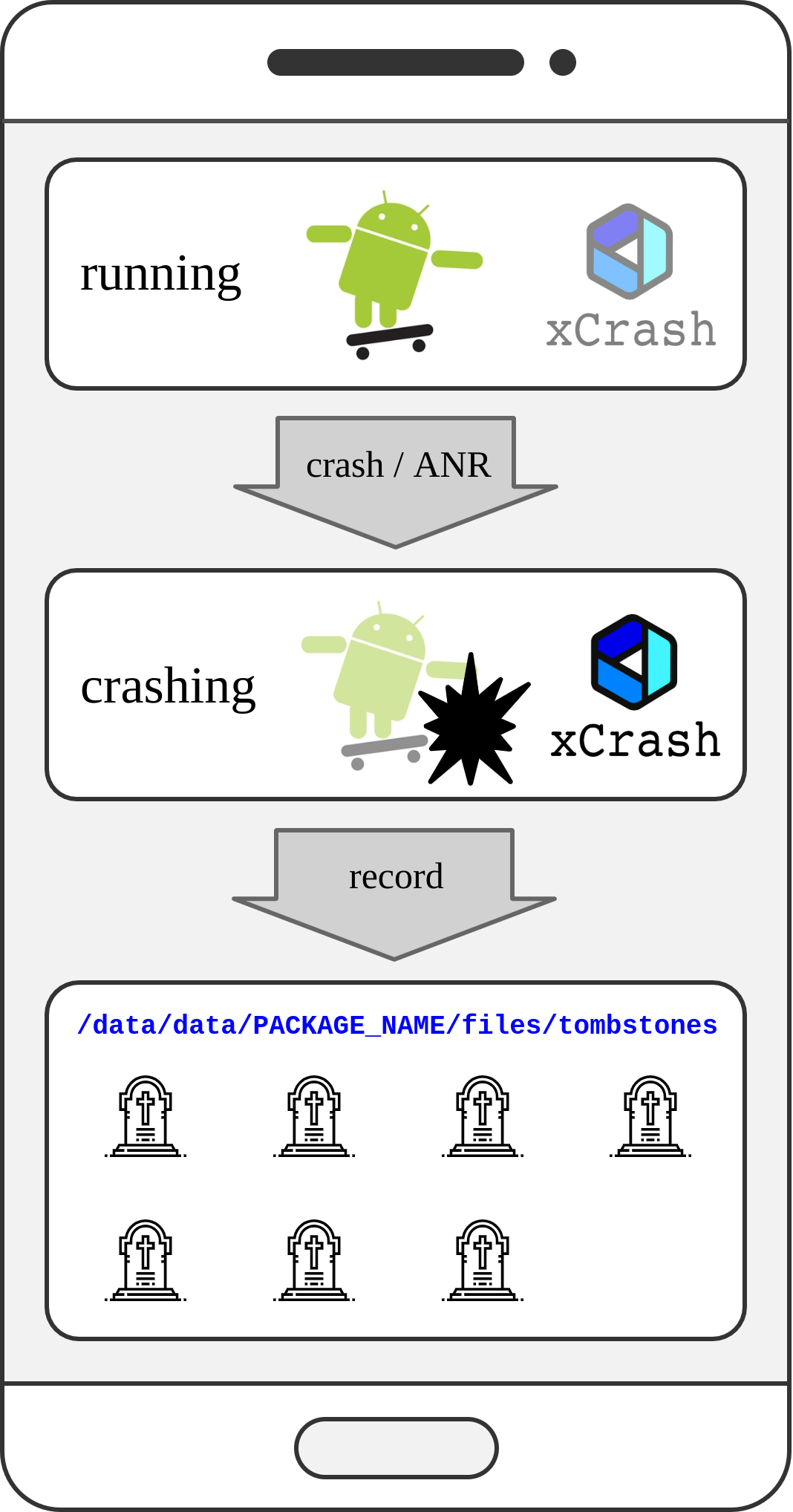
- Serial data is received and displayed in the Serial Monitor tab
- Incoming lines are analyzed for crash patterns (panic messages, backtraces, register dumps)
- When a crash block is detected, it appears in the Crash Events tab
- If an ELF file is configured, the crash is automatically decoded:
- Backtrace addresses are resolved to function names and source locations
- Stack memory is resolved to function names and source locations
- Register values are extracted and displayed
- Fault information (cause, core, address) is shown
- Clicking on source file references opens the file at the correct line
pioarduino Setup
The extension auto-detects:
- ELF file:
<workspace>/.pio/build/<env>/firmware.elf
- Toolchain: From packages (
~/.platformio/packages/)
- Architecture: From board configuration in
platformio.ini
Make sure you have built your project at least once before connecting the monitor.
ESP-IDF Setup
The extension auto-detects:
- ELF file:
<workspace>/build/<project>.elf
- Toolchain: From
PATH or ESP-IDF tools ($IDF_TOOLS_PATH/tools, ~/.espressif/tools)
- Architecture: From
sdkconfig (CONFIG_IDF_TARGET)
Make sure you have built your project at least once with idf.py build before connecting the monitor.
Building the Extension
cd vscode-extension
npm install
npm run build
npm run package   # Creates .vsix file
Installing
code --install-extension esp-decoder-0.40.0.vsix
Or install from the Extensions sidebar: "Install from VSIX..."
Requirements
- VS Code 1.85+
- Node.js 18+ (for the
serialport native module)
- One supported build environment:
- pioarduino (for PlatformIO-based projects), or
- ESP-IDF toolchain (for pure ESP-IDF projects)
- A built firmware (
.elf file) generated by pio run or idf.py build
Credits
Crash decoding is modeled on esp-idf-panic-decoder (GDB remote-protocol approach). Performance tweaks and testing by h2zero.
License
GPL-3.0
Copyright
Jason2866