api-platform
🕸️ Create REST and GraphQL APIs, scaffold Jamstack webapps, stream changes in real-time.
- 9.2k
- PHP
- MIT
- 1 d ago
Collection of structured data snippets in Google preferred JSON-LD format.
Repo JayHoltslander/Structured-Data-JSON-LD, read from GitHub 2 h ago. JayHoltslander has not joined Take My Repo.
JayHoltslander/Structured-Data-JSON-LD is a public repo on GitHub by JayHoltslander. Collection of structured data snippets in Google preferred JSON-LD format. It declares no license on GitHub. Public does not mean open source: without a license, nobody is granted the right to reuse it. It has 279 stars and last changed on 2022-11-11. Nobody has reviewed it on Take My Repo yet, which says nothing about its quality. Read from GitHub on 2026-11-24.
🕸️ Create REST and GraphQL APIs, scaffold Jamstack webapps, stream changes in real-time.
Structured Data is hard when you're starting out. Conflicting info. Old outdated information. Poor documentation. I've spent a significant amout of time trying to master it. Now you can benefit from all my hard work and testing. Everything here works properly or it wouldn't be here. Many of these will provide the fancy Google Search Enhancements you desire and ensure your content types are marked up properly.

Total newb to all this? See this great beginner's guide on Moz
Ugh! This is not easily maintainable at scale.
Although the Structured Data CAN be placed in the head and work properly, Google's examples show it being placed in the body immediately after the opening body tag. Their CodeLab shows it in the head though.
Google's John Mueller clarified on the September 11 edition of #AskGoogleWebmasters that JSON structured data can be inserted in the head as well as the body of your pages. Read more
Use Google Tag Manager to insert the code with the "Custom HTML" tag. (See screenshot below.) Why Tag Manager? Because Tag Manager can dynamically change the Structured Data based on the content of the page! (eg: Blog posts) See this article and this older Moz article for more information on how to do that.
UPDATE: Google changed something. Now, in order to have the Structured Data Testing tool detect inserted Structured Data properly, it must be inserted programatically. Pasting your desired Structured Data within this snippet below will allow it to be detected properly by the testing tool.
<!-- GOOGLE TAG MANAGER VERSION -->
<!-- Credit: https://twitter.com/SimoAhava/status/1001397355403468802 -->
<!-- Source: https://github.com/JayHoltslander/Structured-Data-JSON-LD -->
<script>
(function() {
   var jsonData =

// PASTE THE JSON THAT YOU WANT TO USE, HERE.
// Only paste what's within the <script> block.
// Your pasted content should start with a { and end with a }

; var el = document.createElement('script');
el.type = 'application/ld+json';
el.innerHTML = JSON.stringify(jsonData);
document.head.appendChild(el);
})();
</script>
See also:
| 🔍 Screenshot |
An average rating based on multiple ratings or reviews utilizing the AggregateRating schema. Be sure to read this article to see why using this example as written might not be the best idea. Hmm. 🤔 Also note that using a 3rd party's ratings (like say Google or Yelp) for a localBusiness seems to go against Google's guidelines. BUT, also see this note on using 3rd party reviews.


If you’re a publisher website, the more specific schema types like NewsArticle or BlogPosting are recommended (choose one or the other, depending on your site/content). Leveraging these markups accordingly can help your content to appear in Google News and in-depth articles search suggestions. See: Enabling Rich Snippets for Articles. Note: To show up in Google's News Carousel not only will the page require Structured Data but it's also required to be a valid AMP page. If you are using the official AMP Plugin for Wordpress you will definitely want to use Tag Manager to insert your Structured Data as opposed to other methods since you will be able to dynamically generate Schema.org JSON-LD Tags from pages that contain the correct pattern for your posts. eg: ?amp=1 or /amp
JayHoltslander/Structured-Data-JSON-LD is a public repo on GitHub by JayHoltslander. Collection of structured data snippets in Google preferred JSON-LD format.
It declares no license on GitHub. Public does not mean open source: without a license, nobody is granted the right to reuse it.
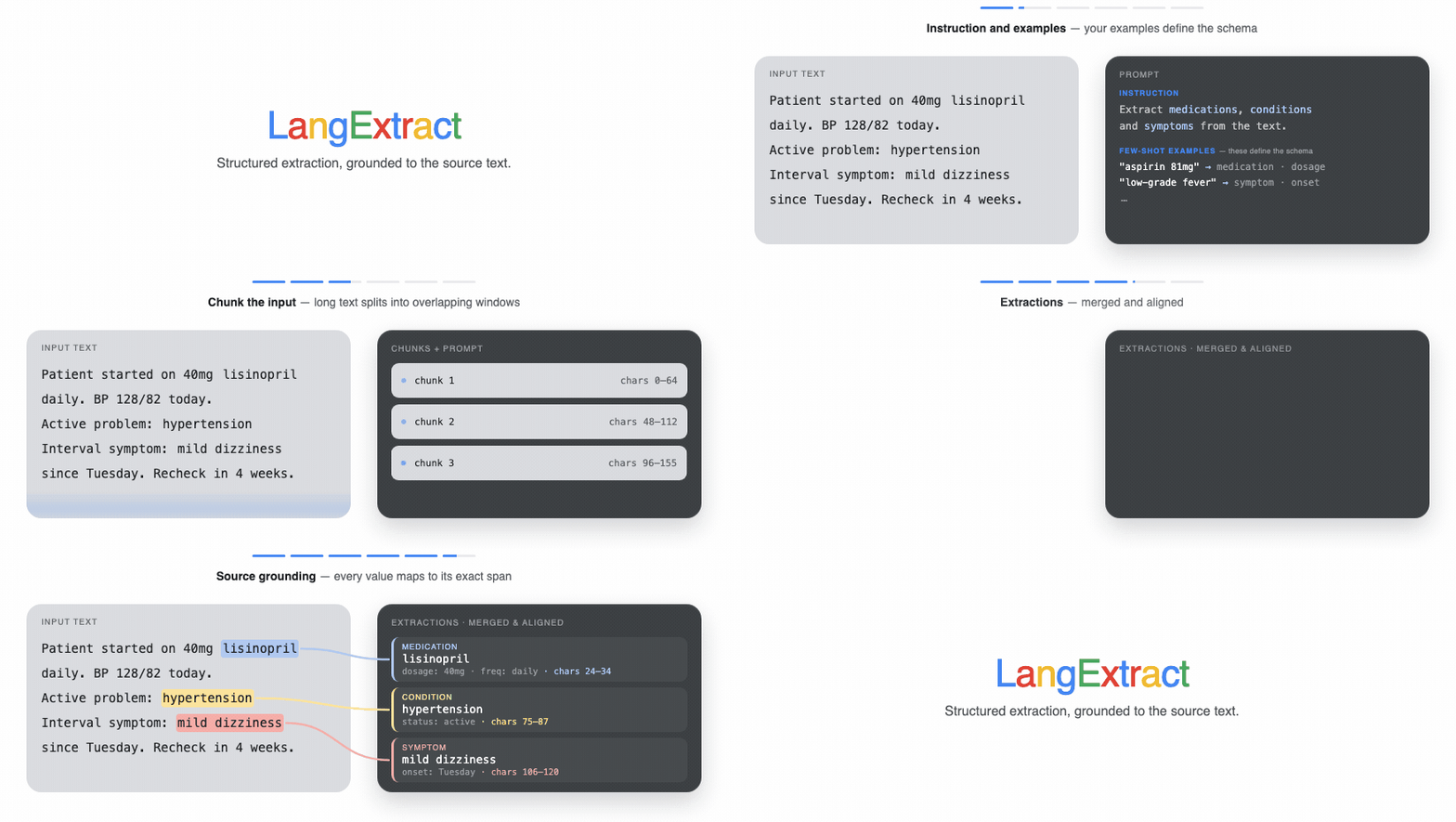
A Python library for extracting structured information from unstructured text using LLMs with precise source grounding and interactive visualization.
Marketing skills for Claude Code and AI agents. CRO, copywriting, SEO, analytics, and growth engineering.
Ray is an AI compute engine. Ray consists of a core distributed runtime and a set of AI Libraries for accelerating ML workloads.
Next SEO is a plug in that makes managing your SEO easier in Next.js projects.
Its maker has not tagged a system, so it is unknown here. Its README says what it needs.
Open "Take it" on its page: Take My Repo writes an install plan for your machine and hands it to your AI agent (Claude Code, Codex or Cursor), which asks you before each step. Take My Repo has not tested it on any machine.
Its last change on GitHub was on 2022-11-11. GitHub counts 5 open issues and pull requests. Take My Repo does not judge from that whether it is maintained.
Nobody has reviewed it on Take My Repo yet, which says nothing about its quality.
Take My Repo cannot say: it does not audit code and has not run Structured-Data-JSON-LD. What is known comes from GitHub. It declares no license on GitHub. Public does not mean open source: without a license, nobody is granted the right to reuse it. Its last change was on 2022-11-11. It has 279 stars, which measure popularity, not safety. Nobody has reviewed it on Take My Repo yet, which says nothing about its quality. Read the source before you run it. With "Take it", your AI agent shows each step and asks you before running it; README text is treated as data, not as instructions.