python email automation processor

python-email-automation-processor
Secure and idempotent Python tool for automated email processing: download attachments via IMAP, send files via SMTP with automatic tracking, organize files by subject rules, archive processed emails, and manage passwords via keyring.
- 1
- MIT
- 10 mo ago
Repo KHolodilin/python-email-automation-processor, read from GitHub 1 d ago. KHolodilin has not joined Take My Repo.
In short
KHolodilin/python-email-automation-processor is a public repo on GitHub by KHolodilin. Secure and idempotent Python tool for automated email processing: download attachments via IMAP, send files via SMTP with automatic tracking, organize files by subject rules, archive processed emails, and manage passwords via keyring. It declares the MIT license on GitHub. It is written mainly in Python, has 1 stars and last changed on 2026-01-26. Nobody has reviewed it on Take My Repo yet, which says nothing about its quality. Read from GitHub on 2026-11-23.
 AI on my own machineRepo
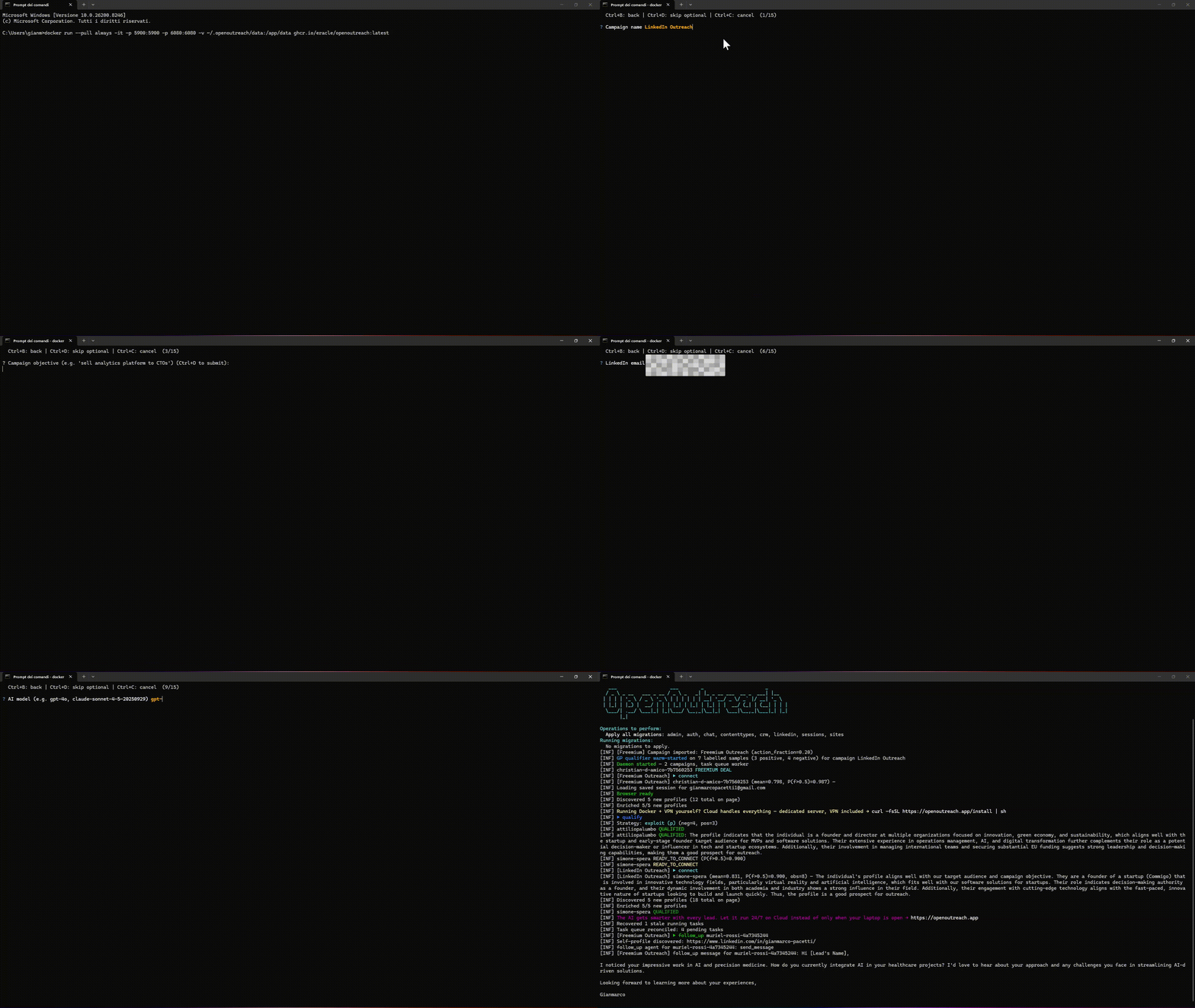
OpenOutreach
Open-source AI agent for B2B lead generation — describe your product, it finds the people who fit, explains why each one does, and emails them from your mailbox. Self-hosted CLI, one install.

In the maintainer's words. Shown from GitHub; Take My Repo does not keep a copy.
📦 Email Attachment Processor
(YAML + keyring + per-day UID storage + password management + modular architecture)
Email Processor is a reliable, idempotent, and secure tool for automatic email processing:
- IMAP: downloads attachments, organizes them into folders based on subject, archives processed emails
- SMTP: sends files via email with automatic tracking of sent files
- stores processed email UIDs in separate files by date
- uses keyring for secure password storage
- command structure with subcommands support
- standardized exit codes (
email_processor.exit_codes.ExitCode) for scripting and automation - progress bar for long-running operations
- file extension filtering (whitelist/blacklist)
- disk space checking before downloads
- structured logging with file output
- dry-run mode for testing
🚀 Key Features
🔐 Secure IMAP Password Management
- Password is not stored in code or YAML
- Saved in system storage (Windows Credential Manager, macOS Keychain, Linux SecretService)
- Passwords are encrypted before storing in keyring using system-based key derivation
- Encryption key is generated from system characteristics (MAC address, hostname, user ID) - never stored
- On first run, the script will prompt for password and offer to save it
- Backward compatible: automatically migrates unencrypted passwords on next save
⚙️ Configuration via config.yaml
- IMAP: Download folder management, subject-based sorting rules (
topic_mapping), allowed sender management, archive settings - SMTP: Server settings, default recipient, email size limits, subject templates
- Behavior options ("process / skip / archive")
- File extension filtering (whitelist/blacklist)
- Progress bar control
- Structured logging configuration
⚡ Fast Two-Phase IMAP Fetch
- Fast header fetch:
FROM SUBJECT DATE UID - Full email (
RFC822) is loaded only if it matches the logic
📁 Optimized Processed Email Storage
Each email's UID is saved in:
processed_uids/YYYY-MM-DD.txt
This ensures:
- 🔥 fast lookup of already processed UIDs
- ⚡ minimal memory usage
- 📉 no duplicate downloads
- 📁 convenient rotation of old records
🚀 Quick Start
Installation and Initial Setup
1. Install the module
pip install email-processor
2. Create Configuration
# Create configuration file from template
python -m email_processor config init

# Edit config.yaml with your IMAP/SMTP settings
3. Set Password
# Set IMAP password (will be prompted interactively)
# --user can be omitted if imap.user is set in config.yaml
python -m email_processor password set --user your_email@example.com
python -m email_processor password set   # uses imap.user from config

# Or from file
python -m email_processor password set --user your_email@example.com --password-file ~/.pass --delete-after-read
4. Validate Configuration
# Validate configuration
python -m email_processor config validate

# View system status
python -m email_processor status
5. Fetch (download emails and attachments)
Uses config by default (IMAP server, folder, processing options).
# Test mode (no real actions)
python -m email_processor fetch --dry-run

# Run fetch
python -m email_processor fetch
6. Send (email files)
# Send a single file
python -m email_processor send file /path/to/file.pdf --to recipient@example.com
7. Send All Files from Folder
Uses config by default (smtp.send_folder, smtp.default_recipient).
# Send from folder (config defaults)
python -m email_processor send
# Or explicitly:
python -m email_processor send folder
8. Full pipeline: fetch + send
python -m email_processor run
🎯 Usage
Main Commands
Email Processing
Full Pipeline (fetch + send)
# Process emails and send files
python -m email_processor run

# With limitations
python -m email_processor run --since 7d --max-emails 100
Email Fetching Only (without sending)
Uses config (IMAP, processing) by default.
# Fetch emails and attachments
python -m email_processor fetch

# Process emails from last 7 days
python -m email_processor fetch --since 7d

# Process specific folder
python -m email_processor fetch --folder "INBOX/Important"

# Limit number of emails
python -m email_processor fetch --max-emails 50

# Test mode (without real actions)
python -m email_processor fetch --dry-run

# Test mode with mock server (without connection)
python -m email_processor fetch --dry-run-no-connect
Sending Files via Email
Send Single File
# Send file (--to is required)
python -m email_processor send file /path/to/file.pdf --to recipient@example.com

# With custom subject
python -m email_processor send file file.pdf --to user@example.com --subject "Important Document"

# With CC and BCC
python -m email_processor send file file.pdf --to user@example.com --cc copy@example.com --bcc hidden@example.com

# Test mode (without real sending)
python -m email_processor send file file.pdf --to user@example.com --dry-run
Send All Files from Folder
# With config defaults (smtp.send_folder, smtp.default_recipient)
python -m email_processor send
# Or explicitly:
python -m email_processor send folder

# Explicit path and recipient
python -m email_processor send folder /path/to/folder --to recipient@example.com

# With custom subject
python -m email_processor send folder /path/to/folder --to user@example.com --subject "File Package"
Notes:
- Files are tracked by SHA256 hash, so renamed files with the same content won't be sent again
- Already sent files are automatically skipped
Password Management
Set Password
# Interactive password input
# --user is optional when imap.user is in config.yaml
python -m email_processor password set --user your_email@example.com
python -m email_processor password set   # uses imap.user from config

# From file (file will be deleted after reading)
python -m email_processor password set --user your_email@example.com --password-file ~/.pass --delete-after-read
Clear Password
# Delete saved password (--user optional if imap.user in config)
python -m email_processor password clear --user your_email@example.com
python -m email_processor password clear   # uses imap.user from config
Configuration Management
Create Configuration
# Create config.yaml from template
python -m email_processor config init

# With custom path
python -m email_processor config init --path /path/to/custom_config.yaml
Validate Configuration
# Validate configuration
python -m email_processor config validate

# With custom file
python -m email_processor config validate --config /path/to/config.yaml
View Status
# Show system status
python -m email_processor status
Shows:
- Application version
- Configuration path
- IMAP/SMTP settings
- Keyring availability
- Storage statistics
Global Options
All commands support the following options:
# Specify configuration file
--config /path/to/config.yaml

# Test mode (without real actions)
--dry-run

# Logging level
--log-level DEBUG|INFO|WARNING|ERROR

# Log file path
--log-file /path/to/logs/app.log

# JSON log format
--json-logs

# Verbose output
--verbose

# Quiet mode (errors only)
--quiet

# Version
--version
Option Combination Examples
# Verbose output with DEBUG logging
python -m email_processor fetch --verbose --log-level DEBUG

# Test mode with JSON logs
python -m email_processor run --dry-run --json-logs

# Processing with limitations and logging
python -m email_processor fetch --since 3d --max-emails 20 --log-file logs/run.log
Exit Codes
The CLI uses standardized exit codes to provide clear error reporting and enable proper error handling in scripts and automation tools. All exit codes are defined in the ExitCode enum in email_processor.exit_codes. The main() entry point and all CLI commands return ExitCode values (or exit with them); as an IntEnum, they compare equal to their integer values (e.g. ExitCode.SUCCESS == 0).
Standard Exit Codes
| Code | Constant | Description |
|---|---|---|
0 |
SUCCESS |
Operation completed successfully |
1 |
PROCESSING_ERROR |
Errors during extraction, parsing, mapping, or write operations |
2 |
VALIDATION_FAILED |
Input validation errors (e.g., invalid arguments, email format) |
3 |
FILE_NOT_FOUND |
Requested file or directory does not exist |
4 |
UNSUPPORTED_FORMAT |
Cannot detect or process the requested format (e.g., authentication/keyring errors) |
5 |
WARNINGS_AS_ERRORS |
Warnings were treated as errors (when --fail-on-warnings is enabled) |
6 |
CONFIG_ERROR |
Errors loading or validating configuration file |
Usage in Scripts
You can use exit codes in shell scripts to handle different error scenarios:
#!/bin/bash

# Run email processor
python -m email_processor run

# Check exit code
case $? in
    0)
        echo "Success: Emails processed successfully"
        ;;
    1)
        echo "Error: Processing failed"
        exit 1
        ;;
    2)
        echo "Error: Invalid arguments or validation failed"
        exit 1
        ;;
    3)
        echo "Error: File not found"
        exit 1
        ;;
    6)
        echo "Error: Configuration file error"
        exit 1
        ;;
    *)
        echo "Error: Unknown error"
        exit 1
        ;;
esac
Python Script Example
import subprocess
from email_processor.exit_codes import ExitCode

result = subprocess.run(
    ["python", "-m", "email_processor", "run"],
    capture_output=True
)

if result.returncode == ExitCode.SUCCESS:
    print("Processing completed successfully")
elif result.returncode == ExitCode.CONFIG_ERROR:
    print("Configuration error - check config.yaml")
elif result.returncode == ExitCode.PROCESSING_ERROR:
    print("Processing error occurred")
else:
    print(f"Unexpected exit code: {result.returncode}")
Common Exit Code Scenarios
0(SUCCESS): Command executed successfully1(PROCESSING_ERROR): IMAP/SMTP processing failed, send/archive error, or write error2(VALIDATION_FAILED): Invalid email address, missing required arguments, or invalid command3(FILE_NOT_FOUND): Configuration file not found, password file not found, or target file/directory missing4(UNSUPPORTED_FORMAT): Authentication/keyring error or unsupported format6(CONFIG_ERROR): Configuration file syntax error, validation failure, or missing required settings
🔒 Password Encryption
Passwords stored in keyring are encrypted using a system-based encryption key:
How It Works
- Encryption key is generated from system characteristics:
- MAC address of network interface
- Hostname
- User ID (Windows SID / Linux UID)
- Config file path hash
- Python version
- Key is never stored - computed dynamically each time
- PBKDF2-HMAC-SHA256 with 100,000 iterations for key derivation
- Fernet (AES-128) encryption for passwords
Security Benefits
- ✅ Passwords encrypted even if keyring is compromised
- ✅ Key cannot be stolen (not stored anywhere)
- ✅ Automatic operation (no user input required)
- ✅ Backward compatible with existing unencrypted passwords
Limitations
- ⚠️ System changes (MAC address, hostname, user) require password re-entry
- ⚠️ Cannot transfer passwords to another system
- ⚠️ System reinstall requires password re-entry
Migration
- Old unencrypted passwords are automatically encrypted on next save
- If decryption fails (system changed), you'll be prompted to re-enter password
⚡ Implementation Benefits
⚡ Time Savings
Duplicate emails are skipped instantly.
⚡ Reduced IMAP Server Load
Minimal IMAP operations, partial fetch.
⚡ No Duplicate Attachment Downloads
Each attachment is downloaded only once.
⚡ No File Duplicates
Automatic numbering is used: file_01.pdf, file_02.pdf.
⚡ Absolute Idempotency
Can be run 20 times in a row — result doesn't change.
⚡ Scalability
Per-day UID files ensure high performance.
⚙ Example config.yaml
Questions
What is python-email-automation-processor?
KHolodilin/python-email-automation-processor is a public repo on GitHub by KHolodilin. Secure and idempotent Python tool for automated email processing: download attachments via IMAP, send files via SMTP with automatic tracking, organize files by subject rules, archive processed emails, and manage passwords via keyring.
Is python-email-automation-processor open source?
It declares the MIT license on GitHub.
More from KHolodilin
Everything by KHolodilin- spring-transactional-outbox-kafkaProduction-ready Java implementation of the Transactional Outbox Pattern for Spring Boot 4, Kafka and PostgreSQL, with idempotency, batch publishing, recovery and low database polling. 33
- spring-boot-idempotency-starterSpring Boot Idempotency Starter - fluent API, transactional PostgreSQL, fast Caffeine + Redis caching, JDBC & R2DBC. 20
- spring-boot-outbox-starterTransactional outbox starter for Spring Boot 4.1 and 3.2+ / Java 21: multi-channel pipelines, PostgreSQL persistence, memory/Redis wake-up queues, pluggable OutboxSink 19
- repo-growth-monitorStop guessing why your GitHub repo isn't growing. Self-hosted GitHub analytics: traffic, visitors, clones, referrers, search ranking and star growth. Docker compose, your token. 16
- spring-boot-state-machine-starterSpring Boot state machine starter for Java 21: persistent FSM and sagas on PostgreSQL, typed transitions, send/sendAsync, event idempotency


