Get-NetScalerTimeline
Automated File System Timeline Creation for NetScaler ADC/Gateway (DFIR)
Get-NetScalerTimeline.ps1 is a PowerShell script utilized to simplify the creation of a File System Timeline of a NetScaler VMDK Disk Image or RAW File System Image (UFS), e.g. of the RAM disk /dev/md0. The results are imported into DuckDB for fast threat hunting with SQL, including the persistent locations used by web shells and the log poisoning technique of CVE-2026-88771.
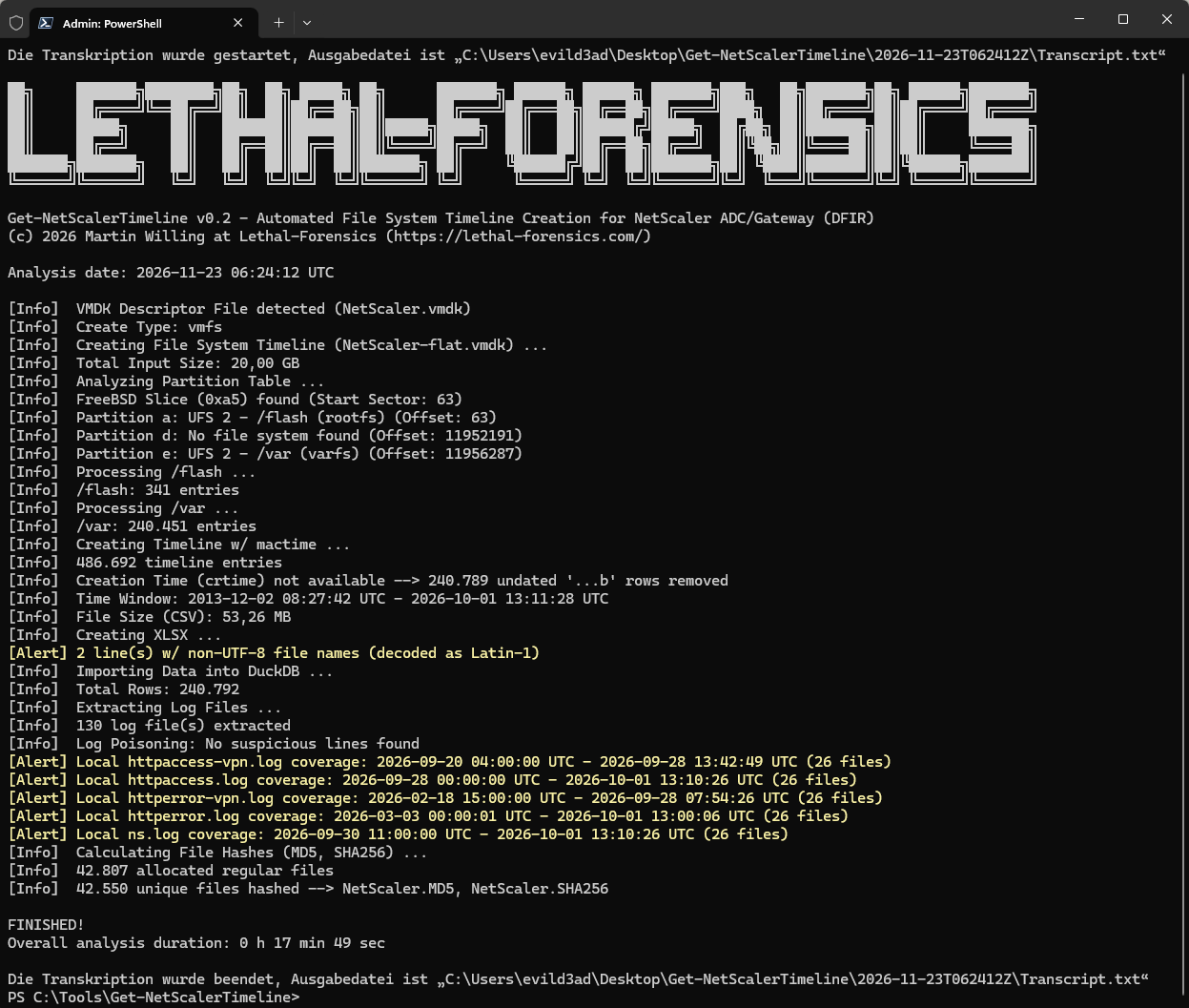
Fig 1: Get-NetScalerTimeline
Features
- Automatic Partition Detection: Detects the FreeBSD Slice (0xa5) and all UFS partitions in its BSD Disk Label (e.g.
/flash and /var), incl. their mount points
- VMDK Support: Flat extent (
*-flat.vmdk) or descriptor file (*.vmdk) of a flat/VMFS disk, incl. split images (multiple extents)
- RAW File System Images: RAW images without partition table (
*.img, *.raw, *.dd, *.bin), e.g. a dd image of the NetScaler RAM disk /dev/md0 (incl. /etc and /netscaler), are detected automatically
- File System Timeline: Bodyfile (fls) and timeline (mactime) in UTC, ISO 8601, as CSV and XLSX
- DuckDB Database: Bodyfile import with file type, status (allocated/deleted), orphan files, symbolic link targets and human-readable timestamps (UTC)
- Log Extraction: Extracts
ns.log, httpaccess*.log and httperror*.log (incl. rotated .gz archives) directly from the image, byte-for-byte, with SHA256 hashes of the evidence copies
- Log Poisoning Detection (CVE-2026-88771): Searches the extracted logs for fake
pitboss heartbeat messages followed by shell operators
- Log Coverage: Reports how far back the local logs go, because NetScaler rotates its logs quickly
- File Hashing (optional): MD5 and SHA256 of all allocated regular files, read directly from the image and hashed in memory (no files are extracted)
- Robust Handling of Evidence Data: Native tool output is written byte-for-byte (no re-encoding by PowerShell), non-UTF-8 file names are preserved, pipe characters in file names are handled
- DuckDB UI: Launches the DuckDB UI (interactive notebooks) at the end of the analysis. The DuckDB
ui extension is downloaded on first use (internet access required).
Requirements
Tested on Windows 11 Pro (x64) with Windows PowerShell 5.1 and PowerShell 7.7.0.
Evidence Collection
Important
Collect volatile data first: Generate an NSPPE Core Dump before imaging the NetScaler (Link).
Generating the NSPPE Core Dump restarts the NetScaler and wipes the RAM disk (e.g. /etc, /netscaler). Collect the live system with a triage script (see tip below) before generating the core dump.
Warning
The NSPPE Core Dump is written to /var/core, so check free space on /var first. Link
Tip
The RAM disk (e.g. /etc, /netscaler) is not part of the VMDK. Acquire a dd image of /dev/md0 (see Fox-IT for the acquisition via SSH) and/or collect the live system with a triage script such as UAC or easy_triage (easy_triage_fbsd.sh). Note: easy_triage saves selected /etc files as text files (e.g. etc_httpd_conf.txt) and records a timeline of the RAM disk, but does not copy /netscaler.
Installation
-
Download or clone this repository, e.g. to C:\Tools\Get-NetScalerTimeline.
-
Download and copy The Sleuth Kit to C:\Tools\sleuthkit. The script expects the binaries in C:\Tools\sleuthkit\bin (fls.exe, fsstat.exe, icat.exe, mmls.exe, mactime.pl).
Note: The TSK binaries for Windows are not standalone. Always keep the complete bin folder incl. all DLLs, otherwise the tools fail to start.
-
Install Strawberry Perl to C:\Strawberry (required for mactime.pl).
-
The DuckDB CLI is included in this repository (Tools\DuckDB\duckdb.exe). No installation required.
-
Install the ImportExcel module:
Install-Module -Name ImportExcel -Scope CurrentUser
-
Optional: Adjust the Excel color scheme in Config.json.
Folder structure:
Get-NetScalerTimeline\
├── Get-NetScalerTimeline.ps1
├── Config.json
├── Queries.md
├── Functions\
│   ├── ConvertTo-Utf8Bodyfile.ps1
│   └── Get-FileSize.ps1
├── Queries\
│   ├── Bodyfile.sql
│   ├── Hashes.sql
│   ├── Logs.sql
│   └── Template.sql
└── Tools\
    └── DuckDB\
        └── duckdb.exe
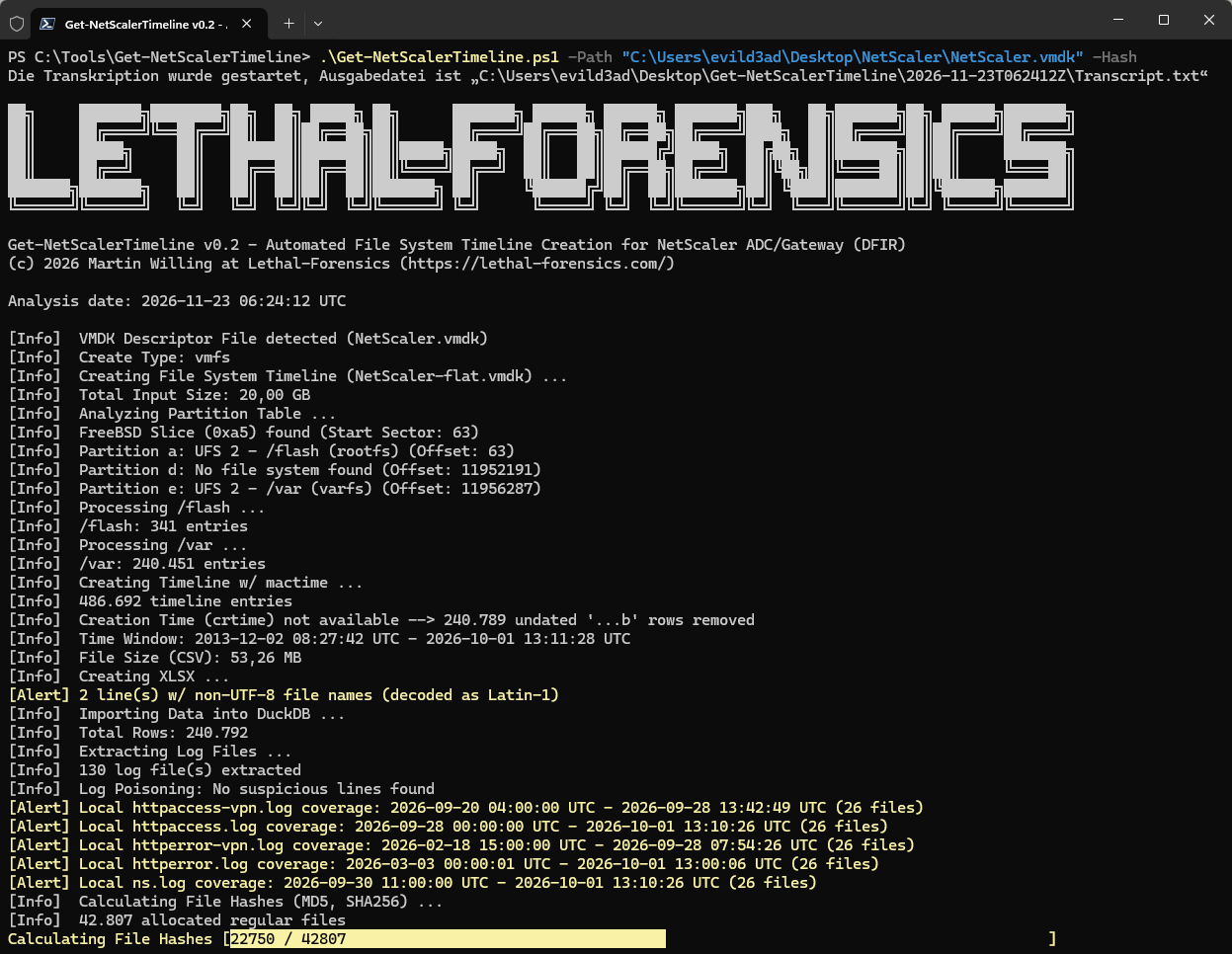
Fig 2: MD5 and SHA256 File Hashing of all allocated regular files
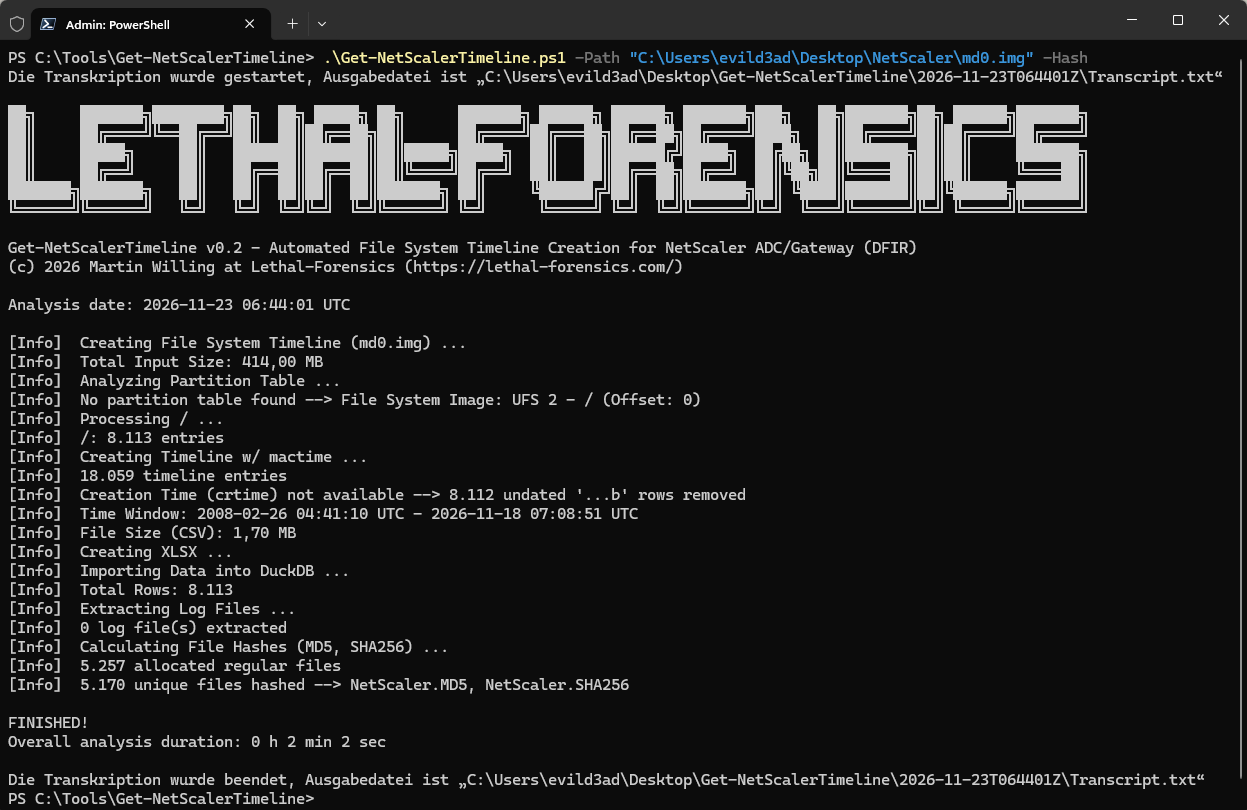
Fig 3: RAW File System Image of the NetScaler RAM disk /dev/md0 (no partition table, UFS 2 at offset 0)
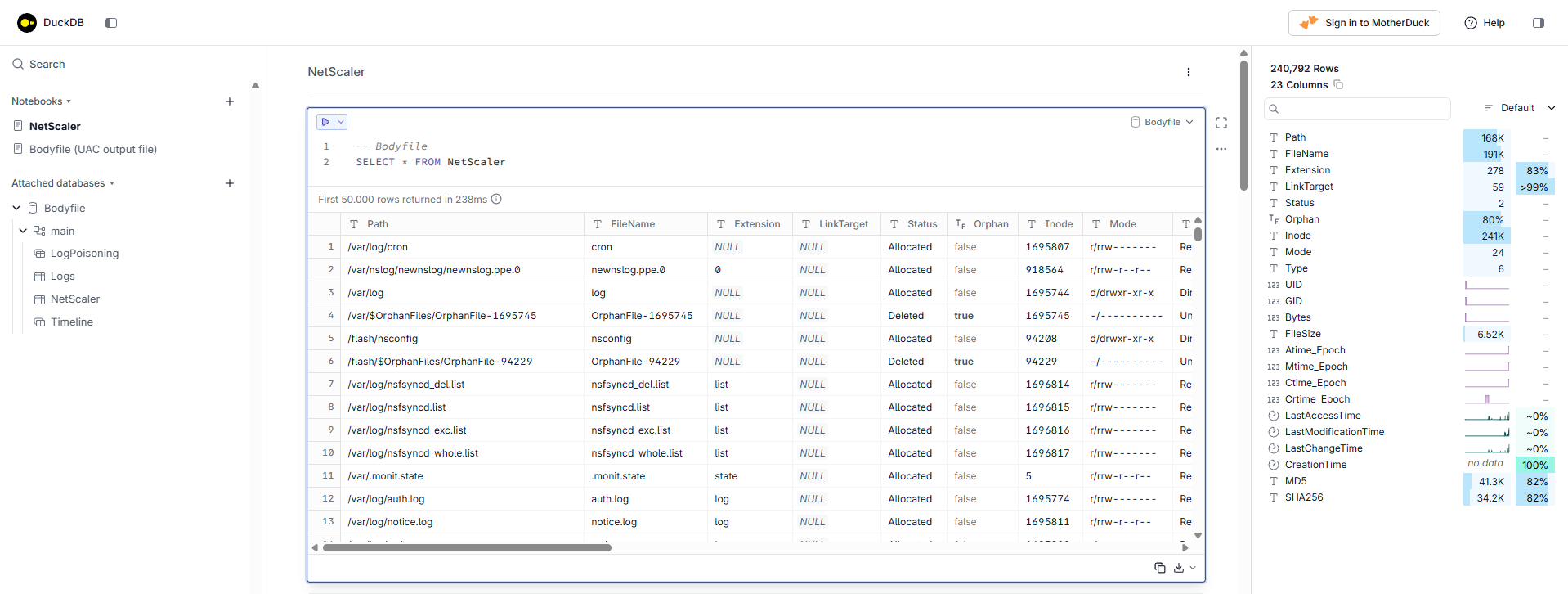
Fig 4: DuckDB UI is launched at the end of the analysis
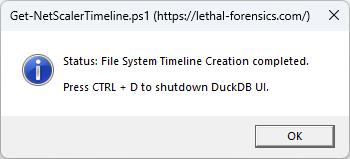
Fig 5: Message Box
Usage
Run the script in an elevated PowerShell session.
Interactive mode (file dialog, the script asks whether to calculate file hashes):
.\Get-NetScalerTimeline.ps1
Flat extent:
.\Get-NetScalerTimeline.ps1 -Path "$env:USERPROFILE\Desktop\NetScaler\VMDK\NetScaler-flat.vmdk"
Descriptor file (the flat extent referenced in the descriptor must be located in the same directory):
.\Get-NetScalerTimeline.ps1 -Path "$env:USERPROFILE\Desktop\NetScaler\VMDK\NetScaler.vmdk"
Custom output directory (results are written to D:\Cases\IR-001\Get-NetScalerTimeline\<yyyy-MM-ddTHHmmssZ>):
.\Get-NetScalerTimeline.ps1 -Path "$env:USERPROFILE\Desktop\NetScaler\VMDK\NetScaler-flat.vmdk" -OutputDir "D:\Cases\IR-001"
Incl. MD5 and SHA256 file hashes:
.\Get-NetScalerTimeline.ps1 -Path "$env:USERPROFILE\Desktop\NetScaler\VMDK\NetScaler-flat.vmdk" -Hash
Limit the timeline (CSV/XLSX) to a date range:
.\Get-NetScalerTimeline.ps1 -Path "$env:USERPROFILE\Desktop\NetScaler\VMDK\NetScaler-flat.vmdk" -StartDate 2026-09-01 -EndDate 2026-10-01
RAW file system image of the RAM disk (/dev/md0), incl. MD5 and SHA256 file hashes:
.\Get-NetScalerTimeline.ps1 -Path "$env:USERPROFILE\Desktop\NetScaler\RAW\NetScaler-md0.img" -Hash
Parameters
| Parameter |
Description |
-Path |
Optional. Path to the disk image: flat extent (*-flat.vmdk) or descriptor file (*.vmdk) of a flat/VMFS disk, or a RAW file system image (*.img, *.raw, *.dd, *.bin), e.g. of the RAM disk /dev/md0. If omitted, a file dialog opens. |
-OutputDir |
Optional. Output directory. Default: $env:USERPROFILE\Desktop. For each run, a timestamped subdirectory (UTC) is created: <OutputDir>\Get-NetScalerTimeline\<yyyy-MM-ddTHHmmssZ>, so previous results are never overwritten. |
-Hash |
Optional. Calculates MD5 and SHA256 of all allocated regular files. Each file is read by a separate icat process, which can take 15-20 minutes for a typical NetScaler disk image. |
-StartDate |
Optional. Only include events on or after this date (yyyy-MM-dd, UTC). |
-EndDate |
Optional. Only include events on or before this date (yyyy-MM-dd, UTC). |
Note: -StartDate/-EndDate only limit the mactime timeline (CSV/XLSX). The DuckDB database always contains the complete bodyfile.
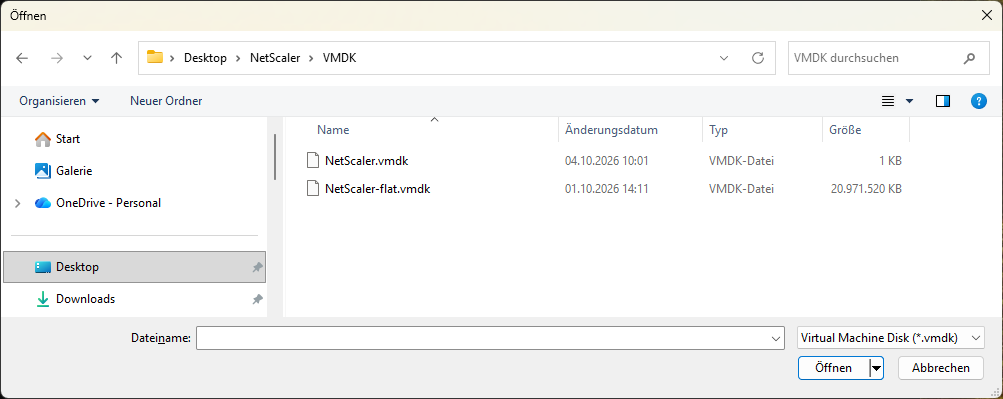
Fig 6: File Dialog Browser (Interactive Mode)
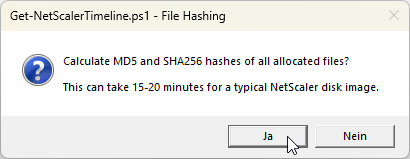
Fig 7: The script asks whether to calculate MD5 and SHA256 hashes (Interactive Mode)
Output
Get-NetScalerTimeline\
└── <yyyy-MM-ddTHHmmssZ>\           One subdirectory per run (UTC), e.g. 2026-11-23T064401Z
    ├── Transcript.txt
    ├── mmls\                       Partition table and BSD disk label
    ├── fsstat\                     File system details per UFS partition (or offset 0 for RAW file system images)
    ├── fls\                        Bodyfiles (per partition, combined, UTF-8)
    ├── Timeline\
    │   ├── 2-mactime-timeline.csv  File system timeline (UTC, ISO 8601)
    │   ├── NetScalerTimeline.xlsx  (if below the Excel row limit)
    │   └── DuckDB\Database\Bodyfile.duckdb
    ├── Logs\
    │   ├── raw\                    Extracted logs (byte-for-byte evidence copies)
    │   ├── utf8\                   Decompressed UTF-8 working copies
    │   └── SHA256.csv
    └── Hashes\                     (-Hash only)
        └── FileHashes.csv
DuckDB
| Object |
Type |
Description |
NetScaler |
Table |
One row per bodyfile entry: path, file name, extension, link target, status, orphan flag, inode, mode, type, UID/GID, size, timestamps (UTC), MD5, SHA256 |
Timeline |
View |
One row per timestamp (Accessed, Modified, Changed, Birth), the basis for time window queries |
Logs |
Table |
All lines of the extracted logs incl. file name and line number |
LogPoisoning |
View |
Log lines matching the log poisoning pattern of CVE-2026-88771 |
Example: