dify
Build Agentic workflows, RAG pipelines, with rich AI model and tool support on one collaborative workspace. Deploy on cloud, VPC, or self-hosted, so teams move from prototype to production without rebuilding the stack.
- 162k
- Python
- 9 h ago
零远程行为、子代理协同、支持自主进化的自治 Agent 编队丨 Autonomous Agent Fleet with Zero-Remote Behavior: Sub-agent Collaboration and Self-Evolution
Repo LIUTod/scream-code, read from GitHub 26 min ago. LIUTod has not joined Take My Repo.
LIUTod/scream-code is a public repo on GitHub by LIUTod. 零远程行为、子代理协同、支持自主进化的自治 Agent 编队丨 Autonomous Agent Fleet with Zero-Remote Behavior: Sub-agent Collaboration and Self-Evolution. It declares the MIT license on GitHub. It is written mainly in TypeScript, has 141 stars and last changed on 2026-11-20. Nobody has reviewed it on Take My Repo yet, which says nothing about its quality. Read from GitHub on 2026-11-21.

A 24-hour personal agent on your own computer or server: it writes code, runs tasks, schedules work, and gets better the longer you use it.
Runs locally, with zero remote data behavior.
 |
todapi — a high-value API gateway. DeepSeek and other mainstream models from as low as 10% of list price, reached through one unified gateway: pay-as-you-go, one API key for multiple models. Powered by tier-one vendor resources with stable routes and strong value.
Thanks to todapi for sponsoring this project ❤️ |
npm install -g scream-code
[!NOTE] Requires Node.js >= 22.19. Git is recommended (background coding works in git worktrees, and the self-review's change history is a git repository). The same command installs and updates. No native build steps and no dependency install scripts: the local embedding engine runs on WebAssembly. The first use of the knowledge/memory vector features downloads a
53MB model into `/.scream-code/cache` (progress is shown, and the download verifies its checksum before use).
scream                    # terminal UI
scream --auto             # auto permission mode
scream -y                 # auto-approve mode
scream -C                 # continue the last session in this folder
scream -p "fix the lint"  # run one prompt without the UI and exit
On first launch Scream walks you through model setup (/config: the shortcut provider directory, a custom DIY setup, or image generation). 130+ providers are built in, or point it at any OpenAI-compatible endpoint with /config diy. Switch models anytime with /model, no restart needed; /model diy gives each sub-agent its own model, so every model does what it does best.
When Scream wants to modify files or run commands, an approval panel pops up: pick a number, press Enter.
To keep it working after you close the terminal, run /service once.
Scream is a personal agent you install on your own computer or server. Coding is its trade, and it also runs your routine work, schedules things and gets better the longer you use it.
| Scenario | How |
|---|---|
| Coding overnight | In the evening say "fix the flaky tests until they pass five times in a row" and close the terminal. It works in its own git worktree, never in your checkout; before anything irreversible, such as git push, it asks you on your phone. In the morning you read the branch and the result. |
| Routine work | "Check CI every weekday at 9 and tell me if something is wrong." Jobs run on time by themselves, results go to your Feishu or WeChat, and a brief of a few sentences arrives every day at 08:30. |
| Power loss | The power goes out or the machine restarts mid-task. After you log in it carries on by itself; you touch nothing. |
| Gets better | Every Monday it reviews itself: which tool calls kept failing this week, which skills nobody used. It proposes improvements, and every change is recorded and can be rolled back. |
◆ 1 waiting when something needs you, the sidebar's first panel (Jobs) lists each job's last result and next run, and a system notification pops up when something waits for you, a job fails or handed-over work is done./service) — makes the background start again after a restart: installs the background host as a per-user service: a LaunchAgent on macOS, a systemd user unit on Linux (install turns on lingering so it starts at boot without a login; where that needs a password it tells you to run sudo loginctl enable-linger), a logon task on Windows. No administrator rights; it restarts after a crash and moves to the new version after an update. While work runs on mains power it keeps the computer from idling into sleep (a MacBook still sleeps with its lid closed)./jobs) — a job says four things: what to do, when it starts (once, or on a cron schedule), whether it acts or only reports, and until when (always, a date, or an outcome). Each run gets a fresh session that stays out of /sessions; the last run's conclusion is passed to the next as notes. The agent can schedule jobs itself (at most every 15 minutes, 20 enabled at once); ten failures in a row switch a job off and tell you.~/.scream-code/worktrees/, on a branch scream/<job>/<date-time>, and the host commits its changes there afterwards. Your checkout is never touched; a run that changed nothing leaves no branch./jobs with a system notification, and pushed to your chat when one is set up. It does not wait meanwhile; it carries on with other work. In the chat just reply "同意" (approve), "拒绝" (reject) or "以后都同意" (always); pushes of background-job branches approved once are allowed from then on. An approval lets exactly that action through once, still through every permission check. Items expire after 24 hours and are noted in the brief.scream report --since 24h shows the same from local data, without calling a model./service; once reached, work waits for the next day./jobs stop in the terminal, /stop all in the chat, scream host pause from the shell./bot) — unattended execution: reversible work (reads, in-workspace edits, read-only commands, tests and builds) runs freely; irreversible actions (push / publish / delete / sensitive files / unclassified commands) are refused and land in "waiting for you". The model is told why, does not retry blindly, and finishes the rest first.~/.scream-code/evolution (git); see the diff and roll back any single change from Change history in /skills, or /memory history.ManagePlugin tool lets the agent find, make and install skills and MCP servers and hot-apply them to the running session. Nothing executes until an approved activate, a circuit breaker removes a plugin after repeated failures, it warns before reinstalling a source that broke before, and upgrades keep a rollback backup.rlm() spawns recursive sub-agents straight from code, always through the coder profile, unlimited by default and capped with /rlm-max-depth. Every rlm() call is a real sub-agent run and consumes tokens./script toggles it.Ctrl+X toggles it./trace and Search /search — export a session as an offline, interactive HTML timeline; full-screen keyword search over the conversation./line channel: text, images, files and voice both ways. From the chat: /status, /model, /compact, /stop, /new, plus /jobs, /brief (daily brief), /project (switch this chat's project), /inbox, /approve and /stop all.Type / in the input to browse all 59 commands:
| Command | Description |
|---|---|
| Modes & execution | |
/auto |
Toggle auto permission mode |
/yes (/yolo) |
Toggle auto-approve mode |
/ask |
Toggle read-only Q&A mode |
/bot |
Unattended mode: reversible actions run, irreversible ones are refused and land in "waiting for you" |
/goal [objective] (/goaloff) |
View/manage auto goals (goal-driven loop) |
/wolfpack (/wp) |
Toggle wolfpack mode: auto-approve + batch concurrency |
/rlm |
RLM mode: persistent Python workspace; rlm() spawns real recursive sub-agents |
/rlm-max-depth [N] |
Show or set the RLM recursion depth limit (0 = unlimited, the default) |
/script |
Script mode: run JavaScript in a sandbox that batches tool calls (on by default) |
/plan |
Toggle plan mode |
/fusionplan (/fp) |
Fusion plan mode (multi-agent parallel planning) |
/btw |
Ask a quick question without interrupting the conversation |
/eval |
Run end-to-end tests (agent health check) |
| Resident & background | |
/service |
Resident service: on/off, status, keep awake, daily token limit |
/jobs (/cron) |
Background jobs, this session's reminders, waiting for you: list, create, pause, delete, turn on the weekly self-review |
/tasks (/task) |
Browse background commands and sub-agents running in this session |
/line |
Feishu & WeChat channels: setup wizard |
| Session | |
/new (/clear) |
Start a new session in this workspace |
/sessions (/resume) |
Browse and restore sessions |
/compact |
Compact conversation context |
/fork |
Copy the session into a new branch |
/title (/rename) |
Set or show the session title |
/revoke [N] |
Undo the last N conversation rounds |
/export-md (/export) |
Export the session as Markdown |
/export-debug-zip |
Export the session as a debug ZIP |
/status |
Show session and runtime status |
/usage |
Show token usage and context window |
/budget |
Set a token limit for this session |
| Memory & knowledge | |
/memory (/memo, /mem) [query] |
Browse, search, inject memory memos; /memory history shows the change history |
/knowledge (/know) [query] |
Manage the local knowledge base (ingest / search / delete / stats) |
| Models & configuration | |
/model [alias] |
Switch model |
/config (/login) |
Configure model services: quick pick, custom DIY setup, or image generation (/config image) |
/logout (/disconnect) |
Remove configured models |
/language (/lang) |
Switch interface language |
/theme |
Set the terminal UI theme |
/permission |
Select permission mode |
/grants |
Review and revoke session approvals |
/editor |
Set external editor |
/settings |
Open UI settings |
/like |
Set your preferences (nickname, tone, more) |
/init |
Analyze the codebase and generate AGENTS.md |
/update |
Update to the latest version |
/version |
Show version info |
| Extensions | |
/plugin (/skills, /plugins) |
Skill center: activate, install, uninstall; Change history at the bottom |
/extension |
Code extensions: activate or deactivate a plugin entry point |
/make-skill |
Distill this session's approach into a skill |
/mcp |
Manage MCP servers (install / disable / uninstall) |
| Interface & tools | |
/search |
Search the conversation (same as Ctrl+Shift+F), Esc to close |
/trace |
View the session working trajectory |
/sidebar (/sb) |
Open/close the sidebar (Ctrl+X) |
/hl (/highlight) |
Toggle the user-message highlight block |
/blockrows (/rows) |
Adjust activity block rows (collapsed height / tool-result rows / reasoning rows) |
/codebg (/codeblock) |
Toggle the background behind code blocks |
/mermaid (/diagram) |
How mermaid blocks render: box-drawing frames / ASCII frames / source |
/snaptimer (/timer) |
Toggle the per-turn elapsed timer |
/copy (/yank) |
Copy the last reply to the clipboard |
/help (/h, /?) |
Show commands and shortcuts |
/hotkeys (/keys) |
Keyboard shortcut reference |
/exit (/quit, /q) |
Exit |
Skills work as commands too: /skill:<name>. For example, after image setup, /image or just ask for a picture.
Shortcuts: Ctrl+S interrupt · Ctrl+C cancel · Ctrl+O expand tool output · Ctrl+Shift+F search · Ctrl+X sidebar · Shift+Tab plan mode · Shift+Enter new line · Tab (empty input) cycle thinking effort · @ mention a file
scream [options]                    terminal UI; -p runs one prompt and exits, -C continues, -S picks a session
scream service [install|uninstall|status|restart|logs]
                                    resident service: start the background host at login
scream host [start|stop|status|restart|pause|run]
                                    the background host itself; pause stops all background work
scream report [--since 24h]         what background work did: job runs, what waits for you, tokens today
scream line [start|stop|status|restart]
                                    Feishu/WeChat channel (the same process as scream host)
scream export [sessionId]           export a session as a ZIP
Website: scream.chat
/service, /jobs, waiting for you, weekly self-review and change history: docs/host.md/line wizard and the commands available in the chat: docs/line.mddocs/configuration.md/skill:<name> and change history: docs/skills.mddocs/plugins.mddocs/mcp.mddocs/sessions.mddocs/architecture.mdpackages/agent-core/docs/self-evolution-e2e.mdFree and open — forks, feedback and pull requests are welcome. Scream is a lightweight agent foundation: maximize the model's own capability, don't over-constrain it with framework. Inspired by the wider agent-tooling community.
GitHub · scream.chat · MIT License · Made with ❤️ by LIUTod
LIUTod/scream-code is a public repo on GitHub by LIUTod. 零远程行为、子代理协同、支持自主进化的自治 Agent 编队丨 Autonomous Agent Fleet with Zero-Remote Behavior: Sub-agent Collaboration and Self-Evolution.
It declares the MIT license on GitHub.
Its maker has not tagged a system, so it is unknown here. Its README says what it needs.
Open "Take it" on its page: Take My Repo writes an install plan for your machine and hands it to your AI agent (Claude Code, Codex or Cursor), which asks you before each step. Take My Repo has not tested it on any machine.
Its last change on GitHub was on 2026-11-20. Take My Repo does not judge from that whether it is maintained.
Nobody has reviewed it on Take My Repo yet, which says nothing about its quality.
Build Agentic workflows, RAG pipelines, with rich AI model and tool support on one collaborative workspace. Deploy on cloud, VPC, or self-hosted, so teams move from prototype to production without rebuilding the stack.
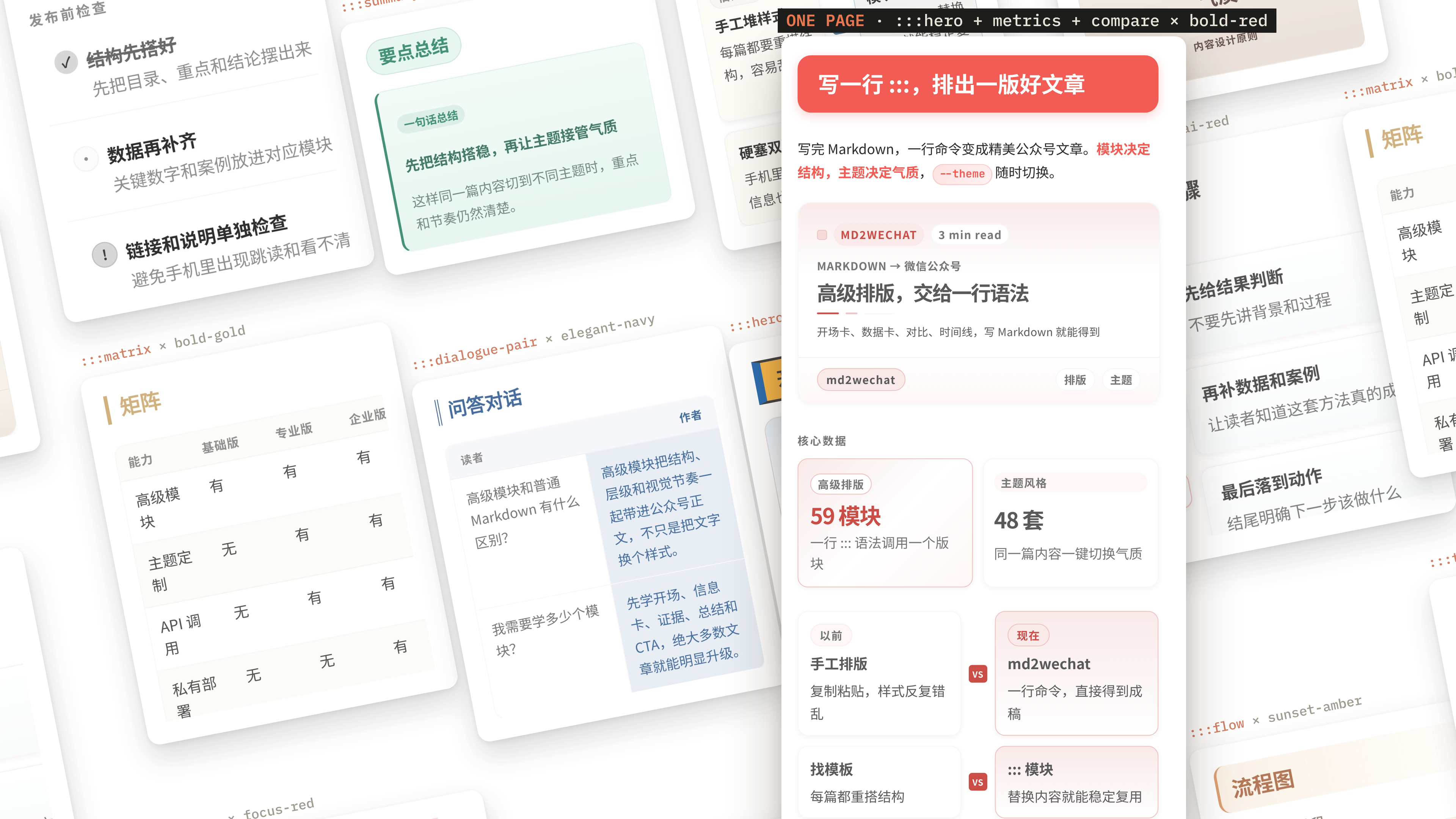
面向 AI Agent 的微信公众号创作与发布 CLI:Markdown 排版、AI 配图、预览与草稿创建;支持由浏览器 Agent 保存知乎、CSDN、头条未发布草稿。
AutoGPT is the vision of accessible AI for everyone, to use and to build on. Our mission is to provide the tools, so that you can focus on what matters.
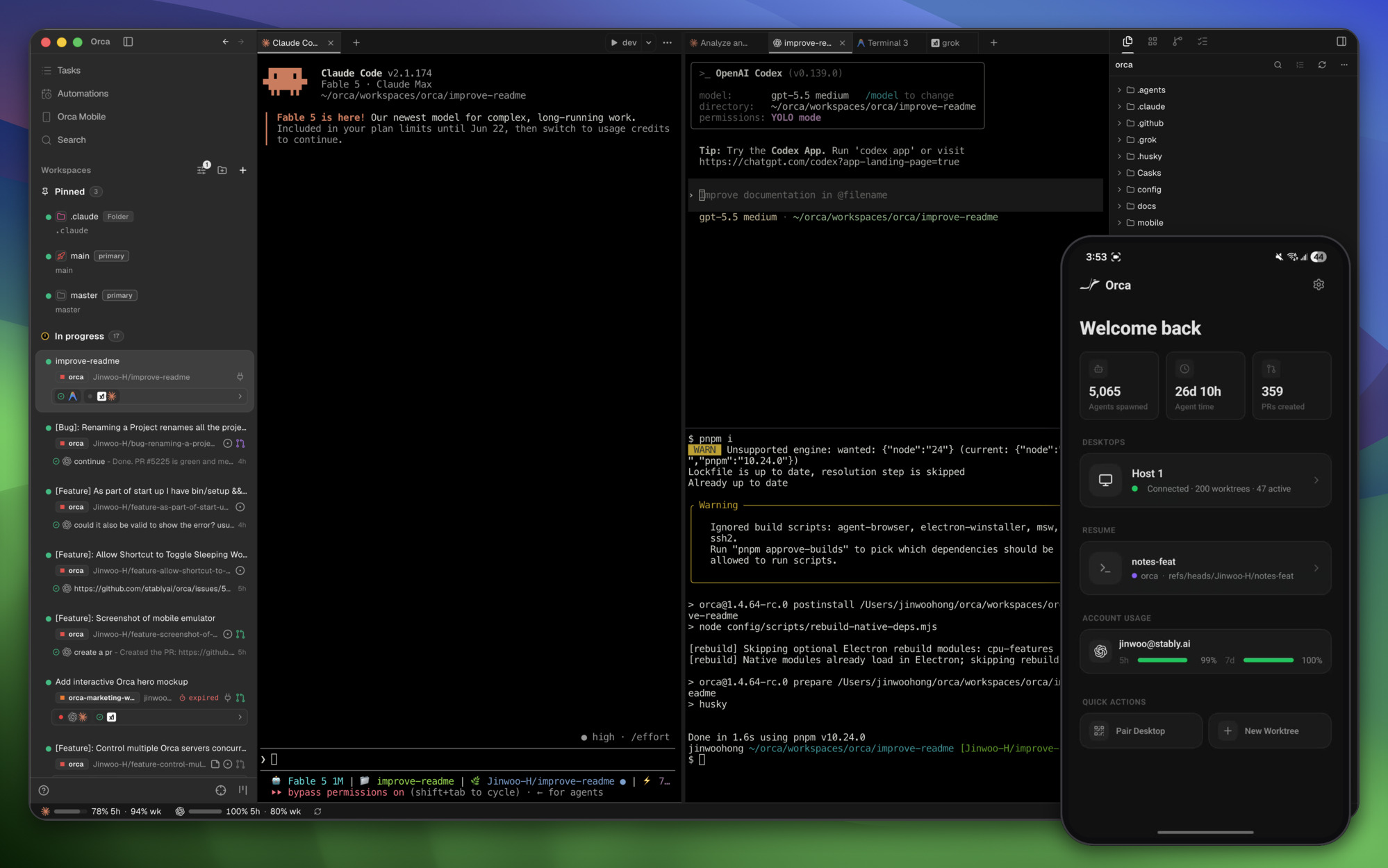
Orca lets you run a fleet of bots with your own subscription (e.g. Claude Code, Grok, Agy, Codex). Available on desktop, mobile and remote runtime.
The agent harness performance optimization system. Skills, instincts, memory, security, and research-first development for Claude Code, Codex, Opencode, Cursor and beyond.
Reverse engineer anything with agents, from app behavior down to native binaries.