vue-element-admin
:tada: A magical vue admin https://panjiachen.github.io/vue-element-admin
- 90k
- Vue
- MIT
- 2 y ago
Describe a resource once — Flare generates the table, REST API, validators and admin dashboard. Runs on Cloudflare Workers (D1 + Drizzle) or Next.js on Vercel (Postgres + Prisma). The engine is copied into your app, not hidden in node_modules.
Repo MUKE-coder/flare-framework, read from GitHub 3 d ago. MUKE-coder has not joined Take My Repo.
MUKE-coder/flare-framework is a public repo on GitHub by MUKE-coder. Describe a resource once — Flare generates the table, REST API, validators and admin dashboard. Runs on Cloudflare Workers (D1 + Drizzle) or Next.js on Vercel (Postgres + Prisma). The engine is copied into your app, not hidden in node_modules. It declares the MIT license on GitHub. It is written mainly in TypeScript, has 16 stars and last changed on 2026-11-08. Nobody has reviewed it on Take My Repo yet, which says nothing about its quality. Read from GitHub on 2026-11-20.
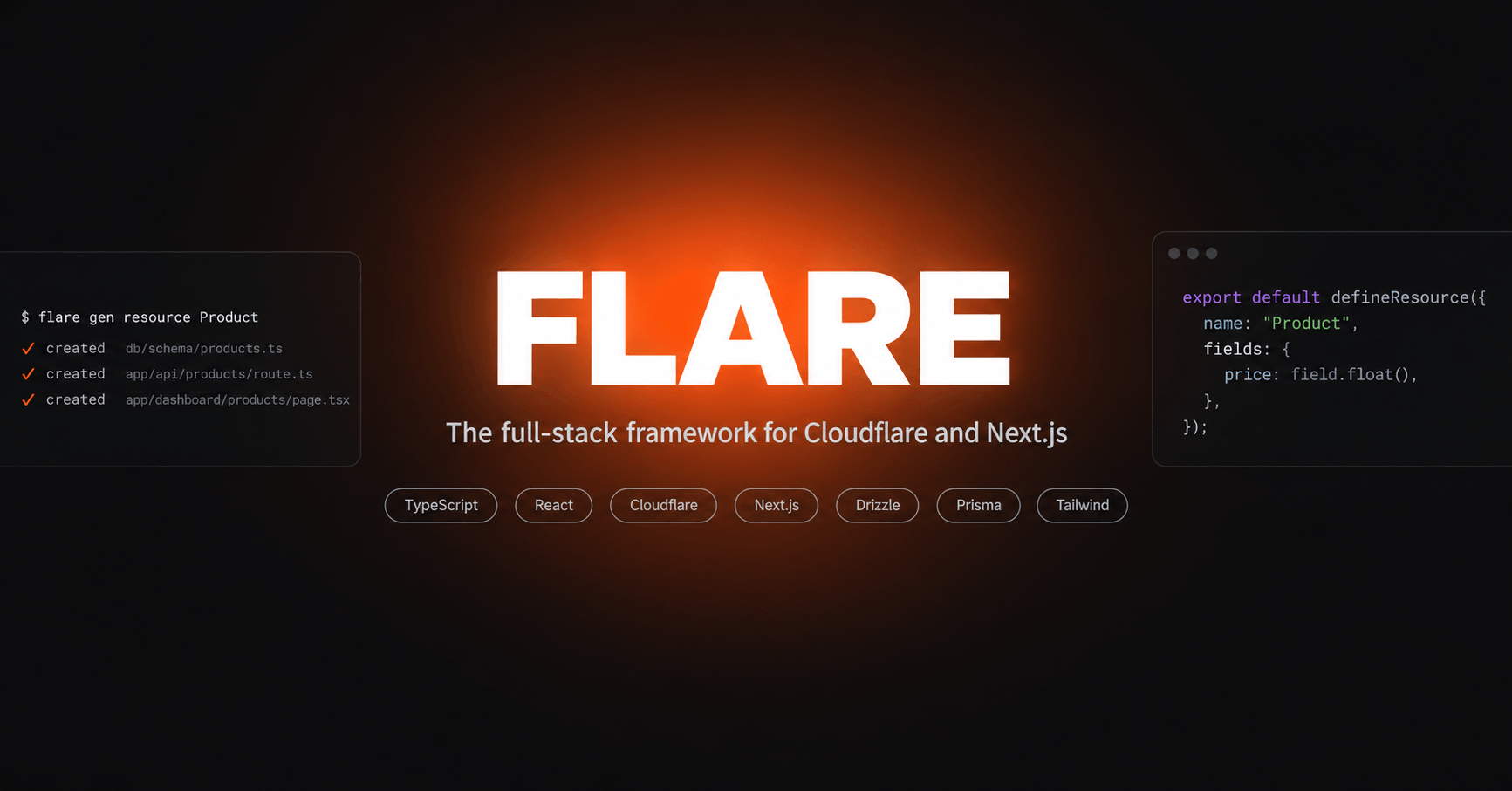
Describe a resource once. Get the table, the API, the validation and the admin screens.
// resources/product.resource.ts
export default defineResource({
  name: "Product",
  fields: {
    name: field.string(),
    sku: field.string({ unique: true }),
    price: field.float(),
    image: field.file({ accept: ["image"], required: false }),
    category: field.belongsTo("Category", { required: false }),
  },
});
npx flare gen resource Product
That writes the database table and its migration, Zod validators, a REST API with cursor pagination and filtering, a typed fetch client, policy hooks, and four dashboard pages — a sortable table with CSV import and export, a multi-step form in a sheet, a record page, and loading skeletons shaped like each of them.
pnpm create flare-framework myapp                    # Cloudflare Workers
pnpm create flare-framework myapp -- --stack next    # Next.js on Vercel
| Cloudflare (default) | Next.js | |
|---|---|---|
| Runtime | vinext on Workers | Next.js 16 on Vercel |
| Database | D1 (SQLite) | Neon (Postgres) |
| ORM | Drizzle | Prisma 7 |
| Cache | Workers KV | Upstash Redis |
| Files | R2 | R2 |
| Auth, email, payments | Better Auth · Resend · Stripe | the same |
Your descriptors, hooks, policies, seeds and every dashboard component are identical on both. The schema, the migrations and the deploy are not. Compare them properly →
The code that turns a descriptor into a working endpoint is copied into your app, the way shadcn/ui copies a component rather than shipping one from a package:
lib/resource/
  rows.ts          the contract a data source implements (~50 lines)
  query.ts         ?page, ?sort, ?q, ?filter[x], ?cursor → a parsed query
  store.ts         validation, hooks, computed values, pagination, errors
  handlers.ts      Request → Response, and the policy check
  drizzle-rows.ts  or prisma-rows.ts, depending on the stack
About 800 lines, in your repository, imported by every generated route.
Ctrl-click createResourceHandlers and you land in your own code — not in
node_modules. Change it, and flare diff will tell you how your copy
differs from the shipped one; flare update --yes takes the upstream
version, and refuses to run without being asked.
Auth (passwords, magic links, email codes, passkeys, two-factor, social sign-in), file uploads to R2, transactional email, Stripe subscriptions, a policy layer, an OpenAPI document with a reference page, CSV import and export, saved views, an audit log, six themes, a cost estimator, 404 and error pages, and a cache that invalidates itself on writes.
pnpm create flare-framework myapp                                # recommended
npm create flare-framework@latest myapp                          # also fine
npm install -g @flaredev/cli                                     # global `flare`
curl -fsSL https://flare-docs.codetotech.com/install.sh | bash   # macOS / Linux
irm https://flare-docs.codetotech.com/install.ps1 | iex          # Windows
Node.js 22+. An app is around 340 packages, so dependencies install with
pnpm whenever it's on your machine — minutes under npm, seconds under pnpm.
--pm npm overrides that.
npx skills add MUKE-coder/flare-framework@flare
Gives a coding agent the CLI, the field grammar, the rules and the traps.
There's also /llms.txt for
the docs index, and a Build with AI button on every docs page that
copies a full brief.
A pnpm workspace:
| Path | Package | Role |
|---|---|---|
packages/cli |
@flaredev/cli (bin: flare) |
Every CLI verb, the field grammar, the code generators, and the app templates |
packages/core |
@flaredev/core |
Descriptor and field types, validators, OpenAPI, formatting, fake data |
packages/create-flare-framework |
create-flare-framework |
The npm create entry point |
skills/flare |
— | The agent skill, installable with npx skills add |
examples/demo |
— | A small CRM on the Cloudflare stack |
examples/shop |
— | The shop tutorial: stock and digital products, a till, a storefront |
examples/drive |
— | The drive tutorial: folders and multi-file upload |
examples/next-shop |
— | The Next.js stack against real Postgres, with ranked full-text search |
docs/ |
— | The documentation site (Astro + Starlight) |
pnpm install
pnpm test          # builds every package, then the full vitest suite
pnpm typecheck
cd docs && npx astro dev    # the docs site on http://localhost:4321
Four files govern how this project is built, worth reading in order:
project-description.md — the vision and the
core technical decisions, especially the resource descriptor pattern and
the codegen overwrite contract.phases.md — the ordered build plan and the source of
truth for progress.style-guide.md — the visual system for the generated
dashboard.prompt.md — how to pick up where a previous session left
off.flare-docs.codetotech.com — source in
docs/src/content/docs/.
Good places to start: the quickstart, choosing a stack, what it costs, and the tutorials for a shop and a catalogue on Next.js.
MUKE-coder/flare-framework is a public repo on GitHub by MUKE-coder. Describe a resource once — Flare generates the table, REST API, validators and admin dashboard. Runs on Cloudflare Workers (D1 + Drizzle) or Next.js on Vercel (Postgres + Prisma). The engine is copied into your app, not hidden in node_modules.
It declares the MIT license on GitHub.
Its maker has not tagged a system, so it is unknown here. Its README says what it needs.
Open "Take it" on its page: Take My Repo writes an install plan for your machine and hands it to your AI agent (Claude Code, Codex or Cursor), which asks you before each step. Take My Repo has not tested it on any machine.
Its last change on GitHub was on 2026-11-08. Take My Repo does not judge from that whether it is maintained.
:tada: A magical vue admin https://panjiachen.github.io/vue-element-admin
Nobody has reviewed it on Take My Repo yet, which says nothing about its quality.
Modern React starter kit with Bun, TypeScript, Tailwind CSS, tRPC, Stripe, and Cloudflare Workers. Production-ready monorepo for building fast web apps.
Flutter makes it easy and fast to build beautiful apps for mobile and beyond
f.k.a. Awesome ChatGPT Prompts. Share, discover, and collect prompts from the community. Free and open source — self-host for your organization with complete privacy.
The Laravel + Filament experience for Go and React. One command scaffolds a production-ready monorepo (API, web, admin, mobile, desktop) with auth, 2FA, passkeys, jobs, mail, storage, AI and a verifiable audit log already wired.
A structured framework for building production Next.js SaaS apps with AI tools like Lovable & V0 — without burning $200, shipping broken auth, or getting stuck
A visual database management tool for GORM, Go's most popular ORM. Browse tables, run queries, and manage your Go database visually - like a native studio for GORM-backed apps.