flutter
Flutter makes it easy and fast to build beautiful apps for mobile and beyond
- 181k
- Dart
- BSD-3-Clause
- 2 d ago
ForgeSign for iOS — on-device IPA re-signer. Sign, install and manage IPAs entirely on the device: zsign engine, liquid-glass UI, remembered certificates with expiry countdown, signed-app library, loopback OTA install.
Repo Mesutcydev/ForgeSign-iOS, read from GitHub 13 min ago. Mesutcydev has not joined Take My Repo.
Mesutcydev/ForgeSign-iOS is a public repo on GitHub by Mesutcydev. ForgeSign for iOS — on-device IPA re-signer. Sign, install and manage IPAs entirely on the device: zsign engine, liquid-glass UI, remembered certificates with expiry countdown, signed-app library, loopback OTA install. It declares no license on GitHub. Public does not mean open source: without a license, nobody is granted the right to reuse it. It is written mainly in Swift, has 96 stars and last changed on 2026-11-20. Nobody has reviewed it on Take My Repo yet, which says nothing about its quality. Read from GitHub on 2026-11-22.
On-device IPA re-signer for iPhone and iPad. Sign and prepare IPAs on-device; installation uses a loopback server and a trusted remote HTTPS manifest, with no certificate or app-content upload.
Explore the ForgeSign site · Download the latest unsigned IPA
ForgeSign wraps the battle-tested zsign C++ engine (with a shared OpenSSL 3.5 LTS framework) in a SwiftUI "liquid glass" interface and adds a complete signing workflow on top of it.
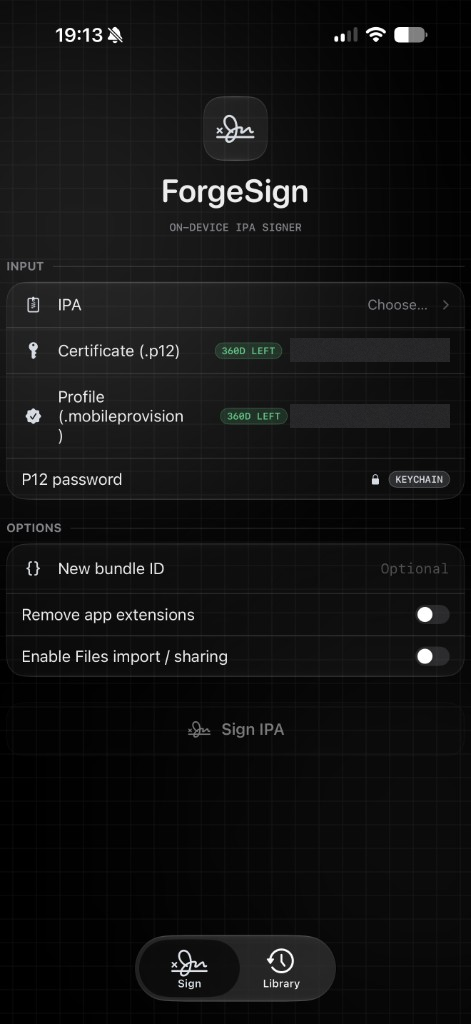
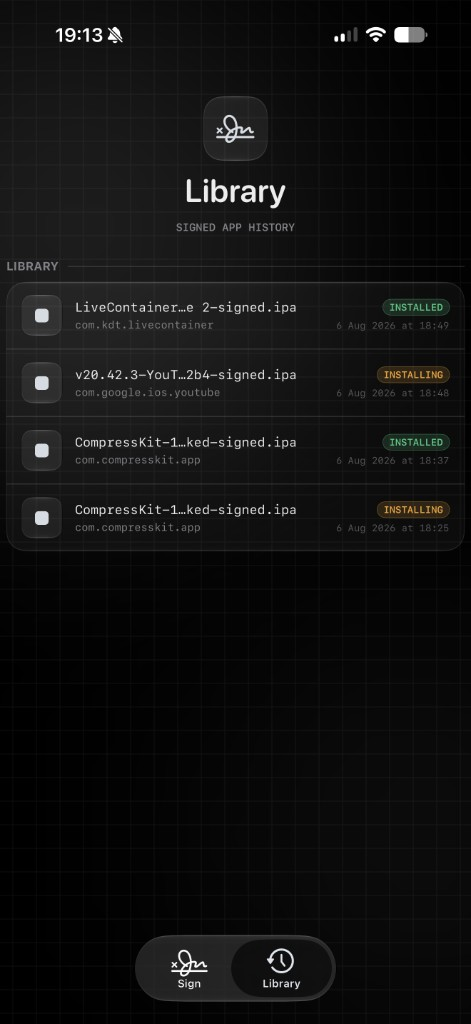
Certificate and provisioning identifiers are redacted in the Sign preview.
.ipa, a .p12 certificate and a .mobileprovision profile, optionally rewrite the bundle ID, strip app extensions or enable Files sharing, and sign in seconds with the vendored zsign engine..p12 files are validated once and stored on-device (Application Support). The last-used certificate is re-selected automatically.200d left, amber under 30 days, red when expired).api.palera.in) drives itms-services directly (Safari is a fallback only). The external manifest service receives install metadata and the local package URL.brew install xcodegen)python3 scripts/prepare_dependencies.py
xcodegen generate
open ForgeSignMobile.xcodeproj
Build the ForgeSignMobile scheme for a device. Code signing is disabled in the project settings by design — sign the produced app with your own certificate and profile (ForgeSign desktop can do it, or any sideloading tool).
The bootstrap verifies every source archive against scripts/dependencies/lock.json. It builds OpenSSL 3.5.9 from source for iOS arm64 and the host's simulator/macOS architecture, then prepares the pinned authentication-enabled AltSign package locally. Both AltSign and zsign use one embedded OpenSSL framework, with built-in default and legacy providers for modern and older P12 files. Generated dependencies are ignored by Git; rerun the bootstrap after changing the recipe, source pins or Xcode toolchain. No recursive Git clone or scheme-time dependency mutation is required.
The bootstrap applies vendor/altsign-gsa-http503.patch, ported from AltSign's notarized branch: since October 2026 Apple's GrandSlam only accepts sign-ins whose User-Agent and client info match the client that generated the anisette data, so the patch adds ALTAppleAPI.authenticationUserAgent (ForgeSign passes the anisette server's /v3/client_info identity; akd's is the default) with the headers current clients send, a fresh connection per authentication request, bounded retries for Apple 5xx responses, safe HTML-response diagnostics, and SMS codes through Apple's current JSON endpoints. Authentication still requires testing with a real account and 2FA. The compatibility patch also checks malformed/incorrect-password P12 imports before accessing their key or certificate.
Package a device build with the checked packaging script (the output must not already exist):
python3 scripts/package_ipa.py pack /path/to/Release-iphoneos/ForgeSign.app ForgeSign.ipa
python3 scripts/package_ipa.py validate ForgeSign.ipa
This excludes Finder metadata and AppleDouble resource forks (._*, including misleading Payload/._ForgeSign.app entries), preserves executable permissions, and validates the single-app Payload. For an existing IPA, use repack INPUT.ipa OUTPUT.ipa; all retained app contents are verified byte-for-byte. Packaging validation does not test Apple authentication or prove installation on a device.
Run the local packaging and native signing regressions with:
brew install openssl@3
python3 -m unittest discover -s scripts -p 'test_*.py'
bash scripts/test_signer_identity.sh
bash scripts/test_signer_resources.sh
bash scripts/test_crypto.sh
The resource test uses host OpenSSL (override its path with
FORGESIGN_TEST_OPENSSL_ROOT). The crypto smoke test uses the freshly built
framework and the patched AltSign certificate importer, including modern and
legacy P12s, incorrect passwords, malformed input and CMS signatures.
See the November 2026 iOS audit for fixes, validation limits,
and remaining device/account validation.
Grab ForgeSign-latest.ipa from the latest release. The IPA ships unsigned — sign it with your own certificate and provisioning profile before installing.
Only sign and install applications you have the rights to modify. Intended for your own builds and development use.
Turn on Use Apple Account provisioning, enter the Apple Account credentials and device UDID, and pick an Anisette source. When ForgeSign itself is installed by AltStore, its ALTDeviceID placeholder is populated automatically. The password is held only for the current run and is sent to Apple by AltSign — never to an anisette server.
| Anisette source | What it does |
|---|---|
| Automatic (default) | Tries a community anisette server, then AltServer on your network, then this iPhone. No Mac required. |
| Remote server | One community anisette server of your choice, then AltServer and this iPhone as fallbacks. |
| Custom URL | An anisette server you run yourself, e.g. http://YOUR-MAC-LAN-IP:6969. |
| This iPhone | Only this iPhone's own Apple sign-in data. Nothing leaves the device. |
| AltServer | Only AltServer on the local network. |
The check button beside the source fetches Apple sign-in data once and reports which source answered, so a broken source is visible before a signing run.
Community servers run the open-source anisette protocol (the same server list SideStore publishes) and only relay the Apple sign-in handshake: they receive a device pseudonym, never your Apple password, certificate, or app contents. You can run your own instead:
docker run -d --restart always --name anisette-v3 -p 6969:6969 dadoum/anisette-v3-server
Enter http://YOUR-MAC-LAN-IP:6969 as a Custom URL. If AltServer is discovered, ForgeSign also tries port 6969 on that Mac automatically.
If Apple Account provisioning cannot finish, ForgeSign checks the imported profiles for manual signing. Each extension or nested app still needs a profile that covers its own bundle ID; a compatible wildcard profile can cover multiple bundles.
ForgeSign reuses a matching imported or previously generated certificate. It deliberately refuses to revoke an unknown existing certificate, because doing so could invalidate AltStore and other installed apps. On a free account already occupied by AltStore, use a separate Apple Account or import the exact matching P12. Normal free-account App ID, active-app and seven-day expiry limits still apply.
Signing always ends at a verified .ipa. InstallCoordinator installs it over
OTA: a loopback HTTP server, a trusted HTTPS manifest and itms-services, with
Range requests, a Safari fallback and keep-alive. The Library records
delivered, because iOS finishes the install out of process.
Refresh re-uses the signing pipeline instead of reinstalling: the original imported package is kept (opt-in, "Keep originals for refresh", 1.5 GB budget, oldest evicted first), re-signed with the current certificate and profile, and installed as an upgrade so app data survives.
Expires in 2d 7h) and a
readiness pill: refresh ready when the original was kept, refresh due
inside the 48-hour window, action needed when the original or credentials
are missing.profileFiles.notAfter.min()), so it is what iOS will actually enforce.BGTaskScheduler, and ForgeSign does
not pretend otherwise.1. Add your signing materials. Under Certificates, import a .p12 with its password (Remember password in Keychain is on by default). Under Profiles, import a .mobileprovision. Or skip both and turn on Use Apple Account provisioning (see below).
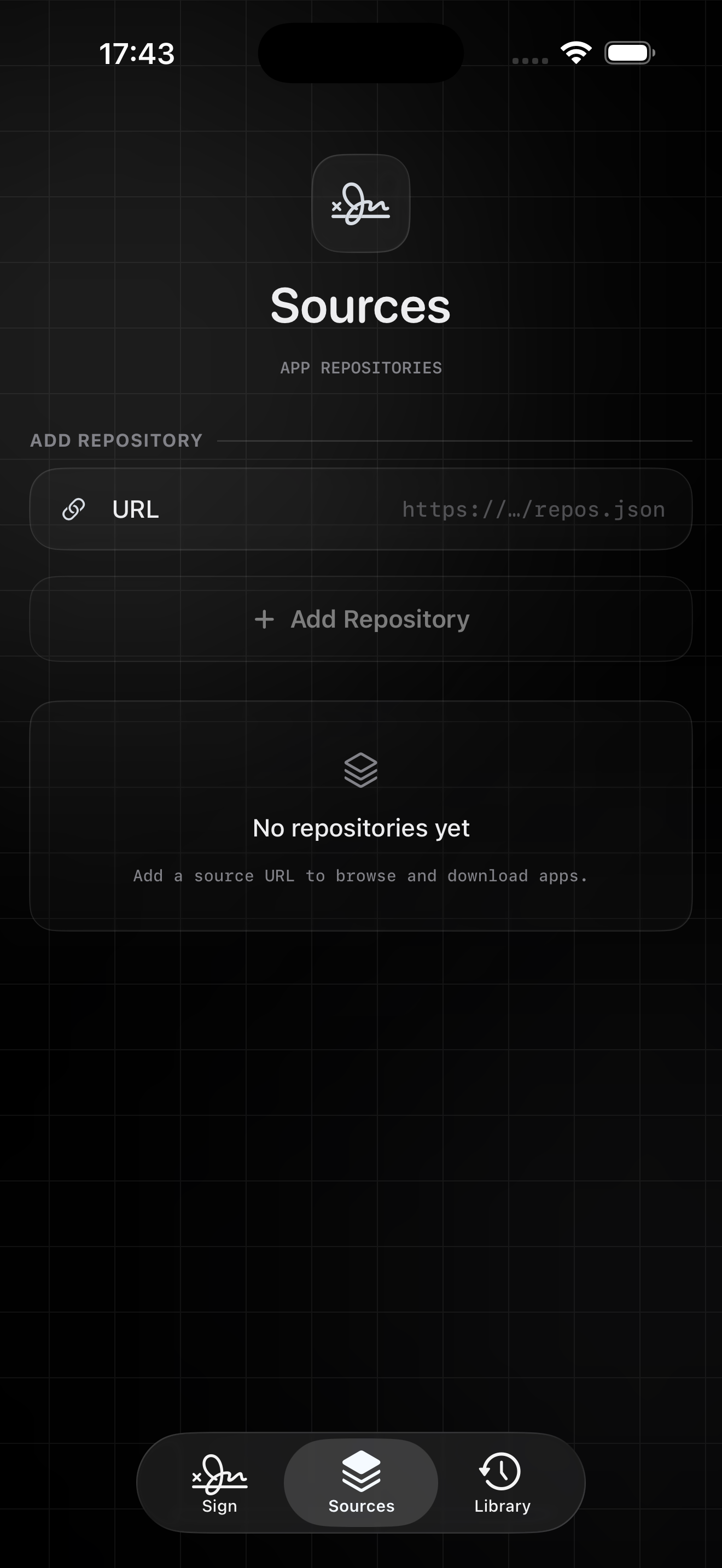
2. Choose the IPA. Pick an .ipa or .zip from Files, or download one in Sources with GET; a download opens here already chosen.
3. Set the options you need. New bundle ID is optional. Remove app extensions and Enable Files import / sharing are off by default; turn them on only when you need them.
4. Read the Preflight card. It lists the bundle, the profile and the certificate, and any blocker that would stop the sign.
5. Tap Sign IPA. If a notice appears, use the button it offers: Sign Without App Extensions, Sign Without App Groups or Sign Without Watch App. Each applies to that one attempt. Otherwise import the matching profile. View Signing Log shows every attempt and its result; copy or share it when reporting a problem.
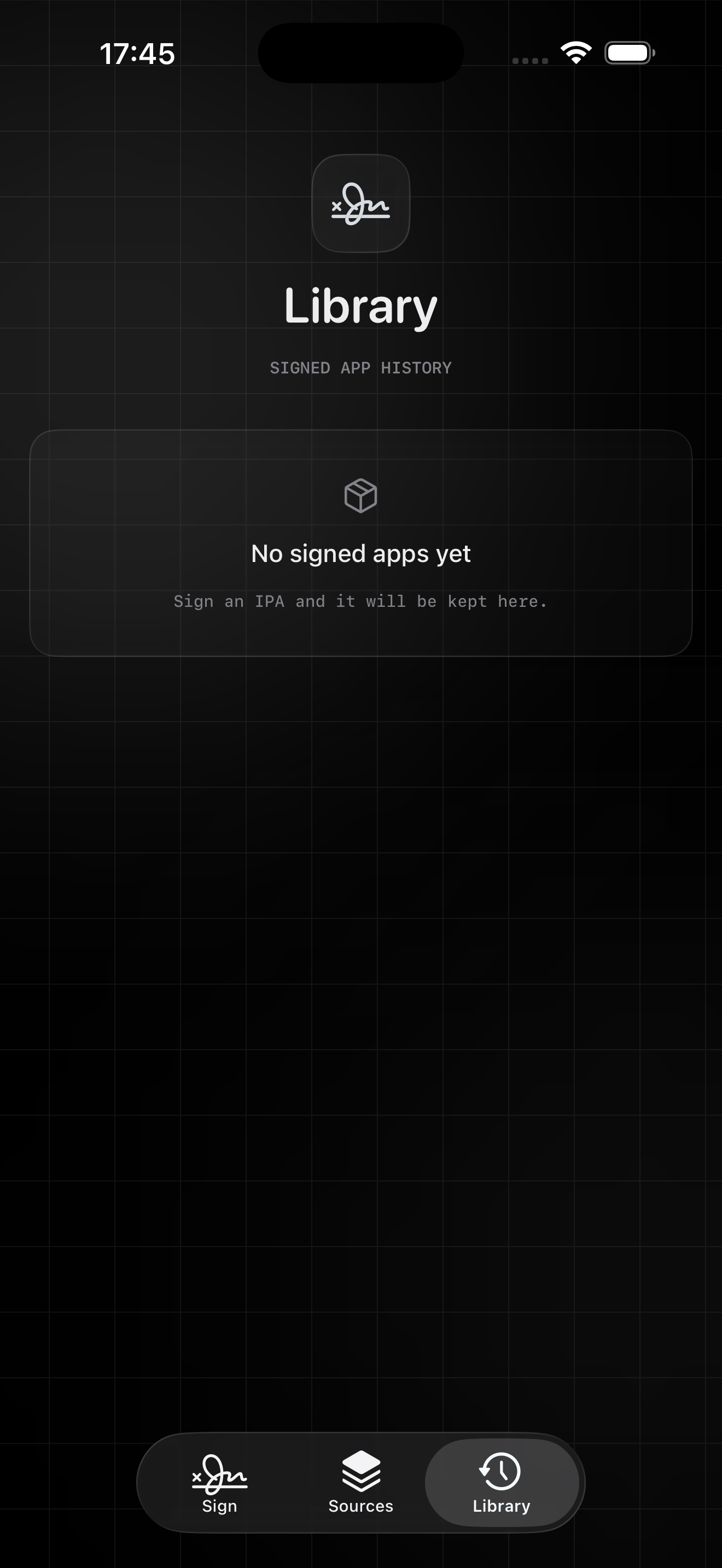
6. Install from Library. A signed IPA appears in Library. Tap it for Install on Device or Share / Save IPA.
Apple Account provisioning. Turn on Use Apple Account provisioning, then enter your Apple Account email and password and the device UDID. Pick an Anisette source; Test anisette source checks it. If several AltServers are on your network, choose one. A team the account cannot use is replaced by the account's own team, and the signing log records the switch. Apple's two-factor code is entered in a prompt; the prompt cancels itself after five minutes.
.p12 and .pfx) and provisioning profiles (.mobileprovision) use the same copy-mode picker as IPAs.Validated with 93 simulator tests and a generated-fixture signing check.
akd. ForgeSign synthesized an Xcode identity whenever a source reported none (the AltServer :6969 fallback, older AltServer data, and the "this iPhone" path), so sign-in could never succeed. The payload now keeps the source's model and OS and normalizes the client to com.apple.akd/1.0, matching the data.Full release notes · Download the latest IPA
TEAM.com.example.app, never com.example.app.Share, so since 2.6 every IPA carrying a share extension, widget or keyboard stopped on the extension row with "No imported provisioning profile matches this bundle ID." The app's profile now signs those extensions too, with that profile's entitlements, so the embedded profile and the signed entitlements still agree. iOS can refuse to install an app whose extension carries a profile that doesn't cover it, so a wildcard profile or Apple Account provisioning is still the clean path, and Remove app extensions still signs the app alone. A Watch app or App Clip still needs its own matching profile.Full release notes · Download the latest IPA
2.8.2 was never published as a release; its changes below ship in 2.8.3.
Full release notes · Download the latest IPA
/v3/client_info, and requests SMS codes through Apple's current JSON endpoints (the plist form now fails with HTTP 415). Ported from AltSign's notarized branch onto the pinned revision.PayloadKit.app) are packaged with a correct Payload/ root again, after signing and after dylib injection.Full release notes · Download the latest IPA
Full release notes · Download the latest IPA
Full release notes · Download the latest IPA
.plist file in the share sheet.idevice (vendored, MIT, pinned revision — AFC staging then installation_proxy), with install-vs-upgrade decided by the device's own app list, honest progress, and a device-confirmed installed state. Off by default until validated on hardware; the OTA flow is unchanged.Expires in 2d 7h, refresh due / action needed / refresh ready) and a header summary of apps expiring within 48 hours.IPAInstallationBackend/InstallCoordinator layer with typed phases and errors, a retry path, and honest Library states. The existing OTA flow is unchanged and remains the only shipped transport.machineID anisette failure by using this iPhone first, then AltServer, then an optional anisette HTTP server.ALTBundleID, and records each resolved profile’s groups in ALTAppGroups.ALTAppGroups metadata before saving it.UIDocumentPickerMode.import so sideloaded builds request a local copy instead of opening documents in place.public.data import type instead of abstract public.item.Info.plist for Files provider compatibility.delivered status.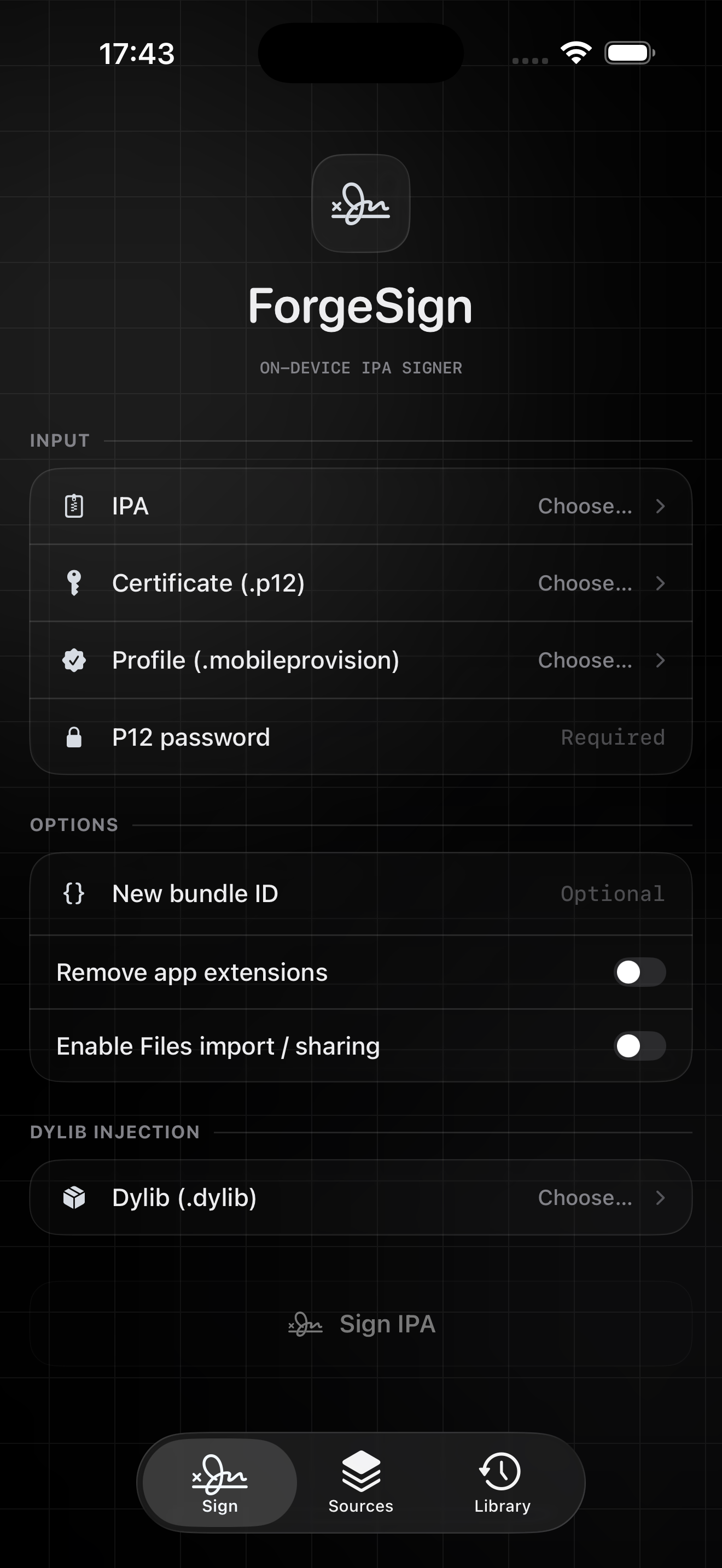
Bridge/) re-signs the Mach-O binaries, injects the profile and rewrites metadata, producing <name>-signed.ipa in the persistent Signed library.http://127.0.0.1:<port>, obtains a trusted HTTPS manifest.plist from api.palera.in that points at that IPA, then opens itms-services:// directly so iOS prompts to install.App/ SwiftUI UI (glass design system in App/Design), stores and services
Bridge/ Obj-C++ bridge into the zsign engine
vendor/zsign Vendored zsign signing engine
vendor/openssl Generated shared OpenSSL framework and license
project.yml XcodeGen manifest (regenerates the .xcodeproj)
Mesutcydev/ForgeSign-iOS is a public repo on GitHub by Mesutcydev. ForgeSign for iOS — on-device IPA re-signer. Sign, install and manage IPAs entirely on the device: zsign engine, liquid-glass UI, remembered certificates with expiry countdown, signed-app library, loopback OTA install.
It declares no license on GitHub. Public does not mean open source: without a license, nobody is granted the right to reuse it.
Its maker tagged it for macOS. That is declared by the maker; Take My Repo has not tested it.
Open "Take it" on its page: Take My Repo writes an install plan for your machine and hands it to your AI agent (Claude Code, Codex or Cursor), which asks you before each step. Take My Repo has not tested it on any machine.
Its last change on GitHub was on 2026-11-20. Take My Repo does not judge from that whether it is maintained.
Flutter makes it easy and fast to build beautiful apps for mobile and beyond
Nobody has reviewed it on Take My Repo yet, which says nothing about its quality.
Command-line tool that allows you to search for iOS, iPadOS, tvOS, watchOS, visionOS, and macOS apps on the App Store, and download .ipa or macOS .pkg app packages.
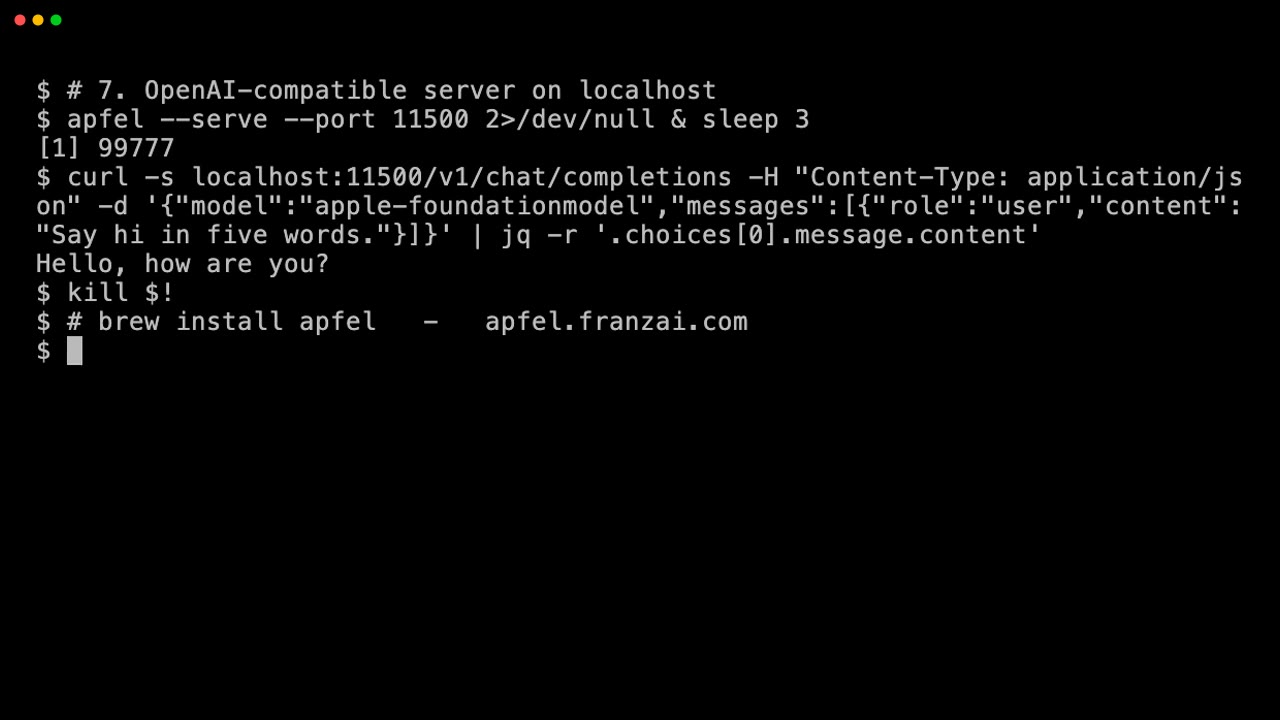
The free AI already on your Mac. CLI tool, OpenAI-compatible server, and interactive chat — all on-device via Apple Intelligence. No API keys, no cloud, no downloads.
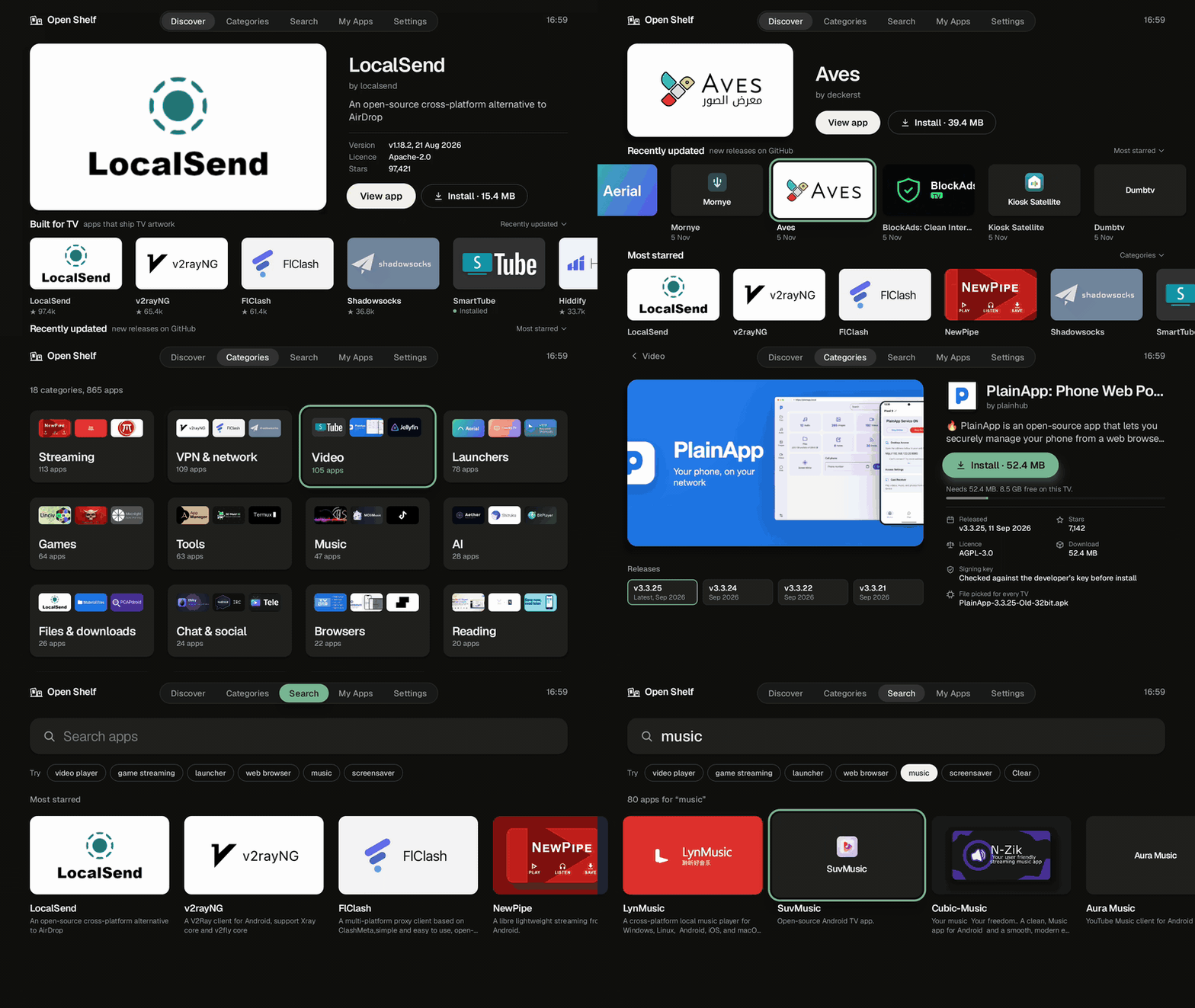
An app store for Android TV that installs open-source TV apps from GitHub releases
f.k.a. Awesome ChatGPT Prompts. Share, discover, and collect prompts from the community. Free and open source — self-host for your organization with complete privacy.
An open-source remote desktop application designed for self-hosting, as an alternative to TeamViewer.
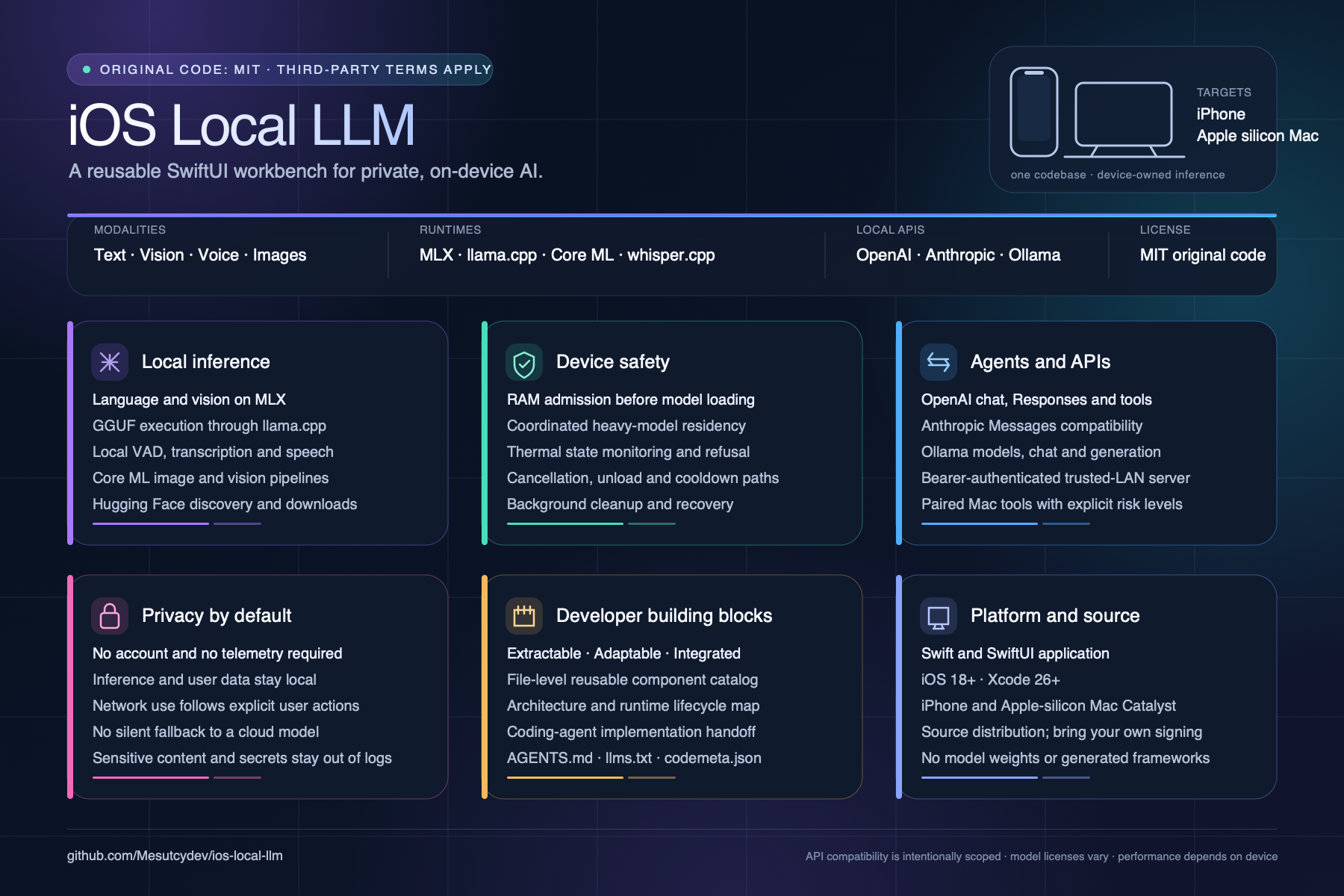
OnDevice Local AI Studio — run LLMs on iPhone offline. SwiftUI workbench with MLX, llama.cpp, whisper.cpp, RAG, and authenticated OpenAI/Anthropic/Ollama-compatible local APIs.
OnDevice Core — local-first AI studio for iPhone: native Edge0 MoE runtime (35B), MLX, llama.cpp, whisper.cpp. No account, no telemetry, no cloud inference by default.
Vamp Assistant — a native Apple Silicon AI companion with assistant-first chat, specialist bots, browser and Mac control, optional Code workspaces, local MLX models, BYOK providers, and iPhone/iPad remote access.
Vamp Suite — local-first macOS and iOS tools for private AI assistance, streaming, remote control, and terminal access.