orca
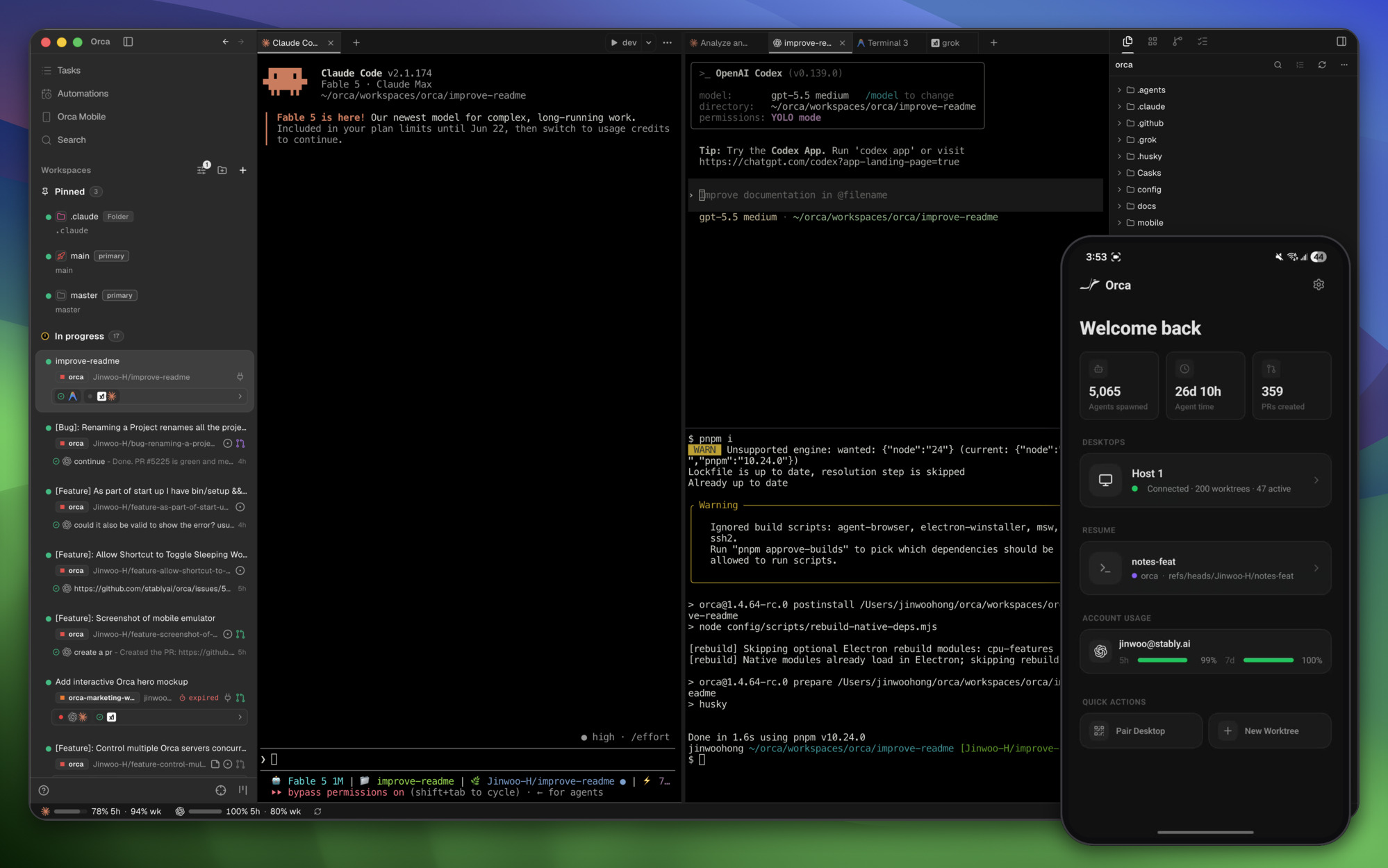
Orca lets you run a fleet of bots with your own subscription (e.g. Claude Code, Grok, Agy, Codex). Available on desktop, mobile and remote runtime.
- 134k
- TypeScript
- MIT
- 3 min ago
Jump lets you test your SuperNative apps on your phone without having to install Xcode or Android Studio
Repo NativePHP/jump, read from GitHub 11 min ago. NativePHP has not joined Take My Repo.
NativePHP/jump is a public repo on GitHub by NativePHP. Jump lets you test your SuperNative apps on your phone without having to install Xcode or Android Studio. It declares the MIT license on GitHub. It is written mainly in PHP, has 10 stars and last changed on 2026-11-22. Nobody has reviewed it on Take My Repo yet, which says nothing about its quality. Read from GitHub on 2026-11-23.

An instant Laravel runtime for your phone.
Scan a QR code and run a real Laravel + NativePHP project on your device — no rebuild, no app store.
Jump is the NativePHP mobile dev client — a native iOS & Android app that turns your phone into a live Laravel runtime. Start the Jump CLI in any Laravel project, scan the QR code, and your app streams to the device and runs there natively. Save a file and it hot-reloads. Reach for the camera, push notifications, biometrics, or geolocation and they execute right on the phone through NativePHP's Laravel APIs.
This repository is the Jump app itself — a Laravel application rendered entirely with NativePHP's native-ui engine, so the whole UI (native tab bars, nav bars, bottom sheets, SF Symbols / Material icons) is described in Blade and drawn with real SwiftUI and Jetpack Compose. No web view.
┌────────────────┐        ┌────────────────┐        ┌────────────────┐
│  Your Laravel  │  mDNS  │   Jump app     │   WS   │  native-ui     │
│  project       │◄──────►│  (this repo)   │◄──────►│  render tree   │
│  php artisan   │   QR   │  on your phone │ stream │  SwiftUI /     │
│  native:jump   │  scan  │                │        │  Compose       │
└────────────────┘        └────────────────┘        └────────────────┘
composer require nativephp/mobile, then php artisan native:jump to prepare it for the mobile runtime._jump._tcp mDNS) and runs the project in the Jump runtime.Servers advertising on your LAN show up automatically as a "N servers nearby" pill floating above the tab bar — tap to connect without scanning.
Jump is built from NativePHP native-ui components (app/NativeComponents) rendered by native Blade views (resources/views/native):
| Tab | Component | What it does |
|---|---|---|
| Connect | Home |
Hero launcher — scan a QR, browse LAN dev servers, jump to the Playground, docs & partners |
| Docs | Docs |
Browsable NativePHP mobile documentation with deep-linkable pages |
| Videos | Videos |
Tutorials for building Laravel on mobile |
| Search | (tab bar) | Native docs search available from every tab |
| Settings | Settings |
App preferences (notifications, etc.) |
Notable pieces:
JumpTabsLayout — native bottom tab bar + top nav lockup (the bolt.fill + Jump wordmark), plus the app-wide discovery pill via FloatingOverlay.InteractsWithDiscovery + DiscoveredServers browse _jump._tcp and surface nearby dev servers in a native bottom sheet.<bottom-sheet> on the Connect screen.#4F46E5) brand tint, with full light/dark support via theme-* classes.Jump ships with the NativePHP mobile API surface it demonstrates and uses:
biometrics · browser · camera · clipboard · discovery · geolocation · local-notifications · media-player · microphone · network · scanner · secure-storage · share · vibe
nativephp/mobile + nativephp/native-ui# Install dependencies
composer install
# Configure environment
cp .env.example .env
php artisan key:generate
# Run the native app on a simulator / device
php artisan native:run
A
./nativewrapper is included, so the common commands shorten to./native run,./native jump, and./native install.
The generated native projects (
nativephp/ios,nativephp/android) and build logs live undernativephp/and are git-ignored — they're produced by the NativePHP build, not checked in.
Open-sourced software licensed under the MIT license.
NativePHP/jump is a public repo on GitHub by NativePHP. Jump lets you test your SuperNative apps on your phone without having to install Xcode or Android Studio.
It declares the MIT license on GitHub.
Its maker has not tagged a system, so it is unknown here. Its README says what it needs.
Open "Take it" on its page: Take My Repo writes an install plan for your machine and hands it to your AI agent (Claude Code, Codex or Cursor), which asks you before each step. Take My Repo has not tested it on any machine.
Its last change on GitHub was on 2026-11-22. Take My Repo does not judge from that whether it is maintained.
Nobody has reviewed it on Take My Repo yet, which says nothing about its quality.
Orca lets you run a fleet of bots with your own subscription (e.g. Claude Code, Grok, Agy, Codex). Available on desktop, mobile and remote runtime.
EUI-NEO is a cross-platform, high-performance, low-overhead C++17 GPUI framework
High performance self-hosted photo and video management solution.
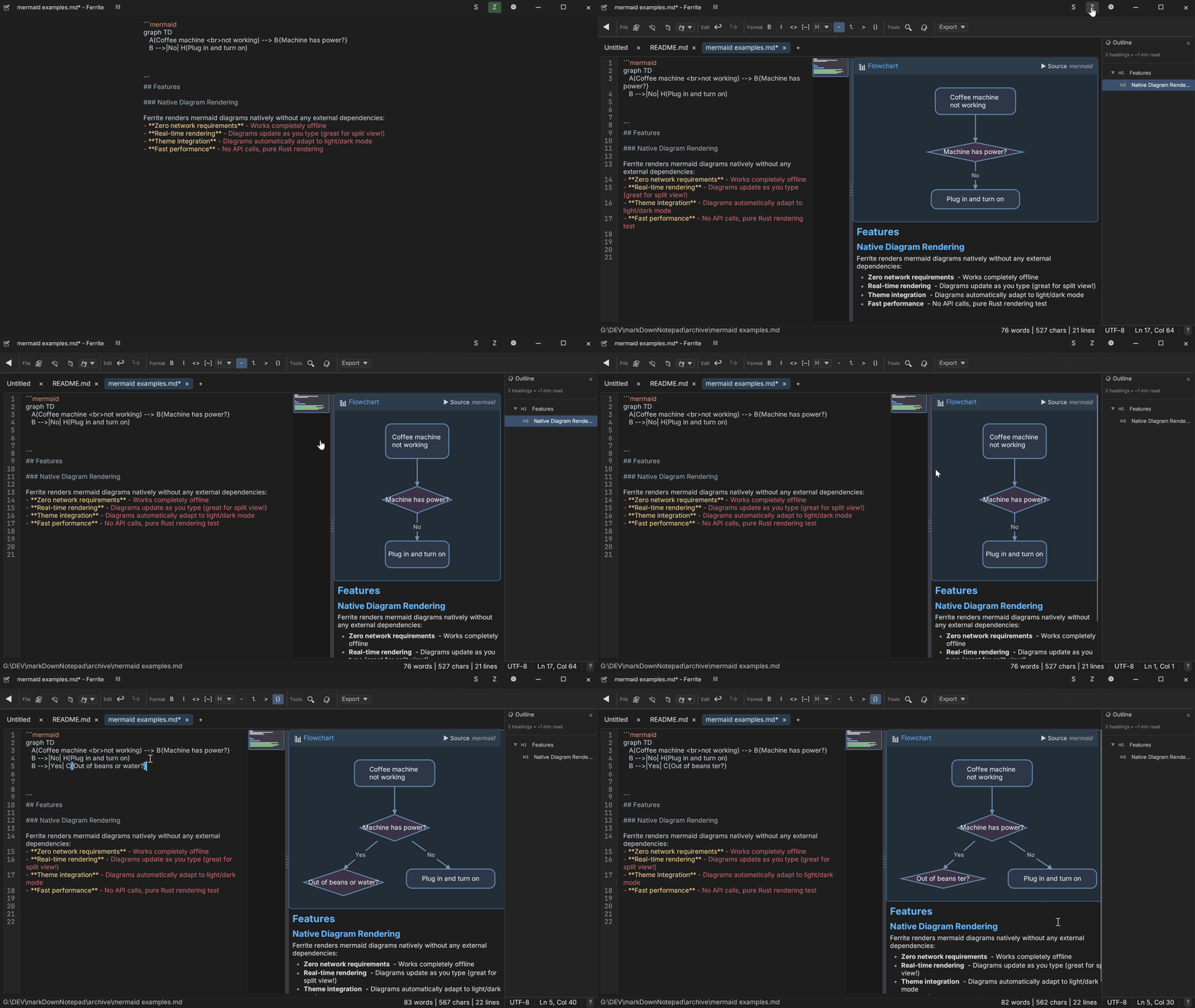
A fast, lightweight text editor for Markdown, JSON, YAML, and TOML files. Built with Rust and egui for a native, responsive experience.
Modern & private time tracking for macOS & Windows. No cloud, no registration, no paywall. Just download and track your work hours 100% offline.