arr stack

arr-stack
Beginner-friendly guide to building a self-hosted media server on ZimaOS with Jellyfin, Radarr and Sonarr, for media you own or are legally allowed to download.
- 65
- MIT
- 8 d ago
Repo Okami111/arr-stack, read from GitHub 1 min ago. Okami111 has not joined Take My Repo.
In short
Okami111/arr-stack is a public repo on GitHub by Okami111. Beginner-friendly guide to building a self-hosted media server on ZimaOS with Jellyfin, Radarr and Sonarr, for media you own or are legally allowed to download. It declares the MIT license on GitHub. It has 65 stars and last changed on 2026-11-16. Nobody has reviewed it on Take My Repo yet, which says nothing about its quality. Read from GitHub on 2026-11-24.
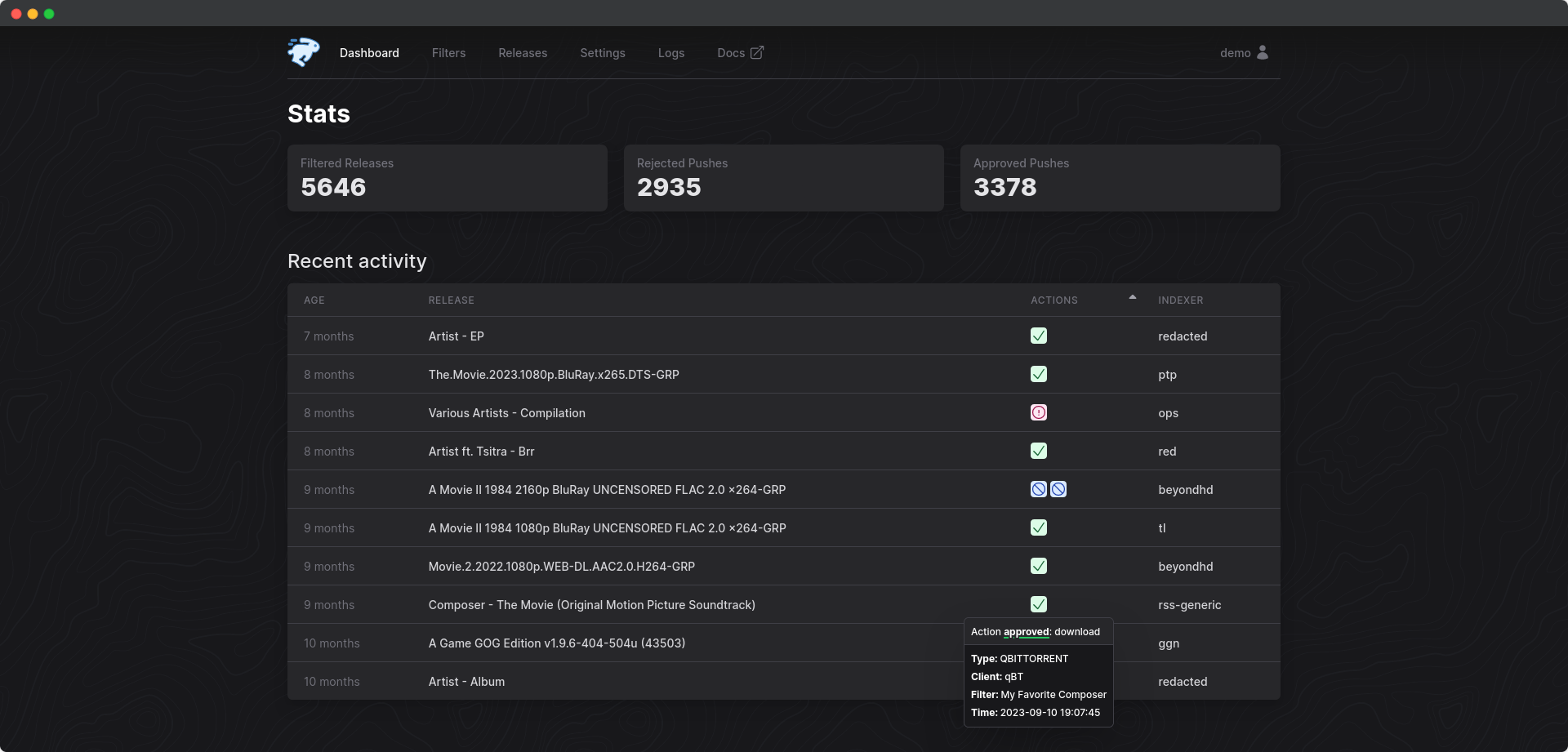 Run my own servicesRepo
autobrr

In the maintainer's words. Shown from GitHub; Take My Repo does not keep a copy.
arr-stack
A beginner-friendly guide to building a self-hosted media server with ZimaOS, Jellyfin, Radarr and Sonarr, focused on media you own or are legally allowed to download.
Important
Disclaimer: This project is for educational purposes only. It explains how Arr Stack software works and how to organize and stream legally obtained media. I do not support or encourage downloading copyrighted content that you do not have the rights to. Use these tools only with media you own or are legally allowed to download, and follow the laws where you live.
Nothing in this repository is legal advice. See Legal use.
Why I made this
After my Arr Stack explainer video, a lot of you asked for an actual setup tutorial. This repo is that tutorial.
When I built my own server, I followed this ZimaOS video. It's still the technical backbone of this guide, and every doc links to the exact timestamp it's talking about. But some things have changed since it was recorded, and I've taken a different approach in a few places (permissions, folder mappings, NVIDIA drivers). Where I do something differently from the video, the docs say so and explain why.
This is my personal guide. It isn't an official ZimaOS, Jellyfin, or Servarr publication.
What is an Arr Stack?
An "Arr Stack" is a group of self-hosted apps, most of them with names ending in "-arr", that each handle one part of running a media library. Paired with a media server like Jellyfin, they give you something that feels like your own streaming service, running on your own hardware.
I think about it as three jobs:
- Getting the media. In this guide, that's you: a public-domain film, a DRM-free purchase, your own recordings, or a legitimately distributed torrent.
- Organizing it. Radarr (movies) and Sonarr (TV) identify each file, rename it and put it in the right folder through manual import.
- Watching it. Jellyfin turns those folders into a library with posters and metadata, and streams it to your devices.
A lot of Arr Stack guides online focus on automating job #1. This one deliberately doesn't. More on that below.
The apps
| App | What it does in this setup | Required? |
|---|---|---|
| Jellyfin | The media server. Organizes movies and TV into libraries and streams them to your devices. | Yes |
| Radarr | Manages the movie library. Renames and organizes movie files into the movie root folder. You import legally obtained movies into it manually. | Yes, for movies |
| Sonarr | Manages the TV library. Renames and organizes episodes by show and season into the TV root folder, through manual import. | Yes, for TV |
| Deluge | Torrent client, used only for torrents the distributor or rights holder has authorized. Not connected to Radarr or Sonarr. | Optional |
| Gluetun | VPN container that Deluge runs inside, for network privacy and isolation. A VPN does not give you permission to download copyrighted material. | Optional |
| Seerr | Request page for the people who use your server. A request is a to-do item for you, not a download, and not proof a legal copy exists. | Optional |
How it fits together
flowchart LR
    SE["Seerr<br/>(optional request list)"] -.->|"approved request,<br/>no auto-search"| ARR
    YOU["You get the file legally:<br/>own copy, public domain,<br/>authorized download"] --> DL[("/data/downloads")]
    DE["Deluge via Gluetun<br/>(optional)"] --> DL
    DL -->|"manual import"| ARR["Radarr / Sonarr"]
    ARR -->|"rename + organize"| LIB[("/data/movies<br/>/data/tv")]
    LIB --> JF["Jellyfin"]
    ARR -.->|"update library"| JF
    JF --> DEV["Your devices"]
Network and folder-mapping diagrams are in diagrams/architecture.md.
Requirements
Hardware
- An x86-64 computer that can boot in UEFI mode with Secure Boot disabled. A Zima device works, and so does a regular PC or mini PC.
- A system disk with at least 25 GB for ZimaOS.
- Separate drive(s) for media, which you'll format into a storage pool.
- A USB flash drive (4 GB or larger) for the installer. It will be erased.
- Wired Ethernet is strongly recommended.
- Optional: an Intel CPU with integrated graphics, or an NVIDIA or AMD GPU, for hardware transcoding. Without one, CPU transcoding still works.
Other
- Another computer or phone with a web browser on the same network.
- Comfort with copying a few commands into a web terminal. Every command is explained before you run it.
- Optional: a VPN subscription supported by Gluetun, if you plan to use Deluge.
Full details are in ZimaOS installation.
The guide
Follow these in order the first time:
| # | Guide | What you'll do | In the original video |
|---|---|---|---|
| 1 | Introduction | Understand each app and the manual workflow | Intro (0:00) |
| 2 | ZimaOS installation | Install ZimaOS and open the dashboard | Installing ZimaOS (1:52) |
| 3 | Storage and permissions | Create a pool, a Docker user, and the folder structure | Storage (5:49) · Permissions (10:43) |
| 4 | Deluge and Gluetun (optional) | Run a torrent client that only talks through your VPN | Deluge and Gluetun (17:59) |
| 5 | Radarr setup | Set up the movie library manager | Radarr (40:28) |
| 6 | Sonarr setup | Set up the TV library manager | Sonarr (46:55) |
| 7 | Jellyfin setup | Install Jellyfin, create libraries, connect devices | Jellyfin (1:10:34) · Libraries (1:18:22) |
| 8 | Legal media import | Take Night of the Living Dead (1968) from download to playback | Radarr → Jellyfin (58:48) · Library scan and playback test (1:06:14)* |
| 9 | Hardware transcoding | Set up and test CPU, Intel, NVIDIA or AMD transcoding | Transcoding (1:20:54) |
| 10 | Troubleshooting | Fix the most common problems | — |
| 11 | Legal use | What belongs in your library, and why | — |
| 12 | Seerr (optional) | Add a request page that never downloads anything on its own | Not covered in the video |
* A few clips, like this one, sit inside parts of the video that also cover automated downloading or Usenet. Each link starts at the specific moment the doc is talking about (here, the Jellyfin library scan). This guide doesn't follow the steps around it.
Reference material
examples/directory-structure.md: the folder layout and what every container sees.examples/compose/: example Compose files for each app, with placeholders.diagrams/architecture.md: how everything connects.
What this guide covers, and what it leaves out
Covered
- Installing ZimaOS and setting up storage.
- Linux users, groups and permissions, including how to find the right IDs on your system.
- A clean folder layout with consistent container paths across every app.
- Deluge behind Gluetun for authorized torrents, as an optional extra.
- Radarr and Sonarr as library managers: root folders, naming, quality profiles, and manual import.
- Jellyfin: installation, libraries, metadata, clients, and hardware transcoding.
- A complete walkthrough with a public-domain film, Night of the Living Dead (1968).
- Seerr as an optional request page.
Intentionally left out
- Prowlarr and any other indexer manager.
- Indexers, trackers, or content-discovery services of any kind.
- FlareSolverr, Usenet, and automatic searching.
- Connecting Radarr or Sonarr to a download client.
- Any instructions for locating unauthorized copies of copyrighted material.
The original video covers several of these. I don't, and my timestamp links skip those steps. A few links land close to them, and the docs say so when they do. The reasoning is in Legal use.
About the original video
ZIMA OS Ultimate Setup Media Server Jellyfin The Arrs Prowlarr Sonarr Radarr Gluetun
This is the tutorial I originally followed. I'm not affiliated with its creator. I use it as a reference, not something to copy line for line:
- I don't copy the video's user and group IDs, IP addresses or folder names. You'll find your own values as you go.
- I map one
/datafolder into Radarr and Sonarr instead of separatemoviesanddownloadsfolders, so hardlinks and instant moves work. - I don't follow the video's manual NVIDIA toolkit install, because current ZimaOS handles NVIDIA drivers differently.
- I skip everything to do with indexers and automatic downloading.
Official documentation
Settings, ports and menus change between versions. When something here doesn't match what you see, the official docs win:
Questions
What is arr-stack?
Okami111/arr-stack is a public repo on GitHub by Okami111. Beginner-friendly guide to building a self-hosted media server on ZimaOS with Jellyfin, Radarr and Sonarr, for media you own or are legally allowed to download.
Is arr-stack open source?
It declares the MIT license on GitHub.
Does arr-stack run on macOS, Windows or Linux?
Its maker tagged it for macOS, Windows and Linux, or as Docker or cross-platform. That is declared by the maker; Take My Repo has not tested it.