ECC
The agent harness performance optimization system. Skills, instincts, memory, security, and research-first development for Claude Code, Codex, Opencode, Cursor and beyond.
- 310k
- JavaScript
- MIT
- 2 d ago
ARCHIVED — superseded by StackForge. Consolidating: one flagship AI stack retained (StackForge). AutoStack archived.
Repo OneByJorah/AutoStack, read from GitHub 2 d ago. OneByJorah has not joined Take My Repo.
OneByJorah/AutoStack is a public repo on GitHub by OneByJorah. ARCHIVED — superseded by StackForge. Consolidating: one flagship AI stack retained (StackForge). AutoStack archived. It declares the MIT license on GitHub. It is written mainly in JavaScript, has 1 stars and last changed on 2026-09-13. It is archived: its maker no longer maintains it. Nobody has reviewed it on Take My Repo yet, which says nothing about its quality. Read from GitHub on 2026-11-22.
The agent harness performance optimization system. Skills, instincts, memory, security, and research-first development for Claude Code, Codex, Opencode, Cursor and beyond.
Production-ready Docker Compose stack for self-hosted AI agents — private search, vector storage, agent memory, and browser automation in one command.
git clone https://github.com/OneByJorah/AutoStack.git
cd AutoStack
cp .env.example .env
docker compose up -d
Open http://localhost:8080 for SearXNG. install.sh (Linux/macOS) and install.ps1 (Windows) wrap the same flow with a Docker preflight check.
AutoStack deploys a CPU-only, privacy-first AI agent stack without hand-wiring a dozen containers. It bundles private web search, a vector database, long-term agent memory, a notes vault, and browser automation behind a single docker compose up, and keeps every byte on your own infrastructure. It is aimed at homelabbers, AI developers, and small teams who want agent infrastructure they can actually own.
docker compose up -d brings the whole stack online; no orchestration tooling required.| Service | Port | Purpose | Image |
|---|---|---|---|
| SearXNG | 8080 |
Privacy-respecting metasearch | searxng/searxng |
| Qdrant | 6333 |
Vector database for embeddings | qdrant/qdrant |
| Honcho | 8081 |
Long-term agent memory API | ghcr.io/onebyjorah/honcho |
| Obsidian | 8083 |
Browser-served notes vault (Caddy) | caddy:2-alpine |
| Selenium | 4444 |
Chrome browser automation (VNC 5900) |
selenium/standalone-chrome |
| Overlay | Adds | Command |
|---|---|---|
docker-compose.honcho.yml |
Honcho API + pgvector Postgres + Redis | docker compose -f docker-compose.yml -f docker-compose.honcho.yml up -d |
docker-compose.headroom.yml |
Headroom proxy, Qdrant, Neo4j | docker compose -f docker-compose.yml -f docker-compose.headroom.yml up -d |
docker-compose.portainer.yml |
Portainer container admin UI (9000, 9443) |
docker compose -f docker-compose.yml -f docker-compose.portainer.yml up -d |
                 ┌──────────────────────────────────────────┐
                 │                AutoStack                  │
                 │                                           │
  ┌──────────┐   │  ┌──────────┐  ┌──────────┐  ┌──────────┐ │
  │ AI agent │──▶│  │ SearXNG  │  │  Qdrant  │  │  Honcho  │ │
  │  / user  │   │  │  :8080   │  │  :6333   │  │  :8081   │ │
  └──────────┘   │  └──────────┘  └──────────┘  └──────────┘ │
                 │                                           │
                 │  ┌──────────┐  ┌──────────────────────┐   │
                 │  │ Obsidian │  │ Selenium (web auto)  │   │
                 │  │  :8083   │  │  :4444 / VNC :5900   │   │
                 │  └──────────┘  └──────────────────────┘   │
                 └──────────────────────────────────────────┘
All services run on a single host. Loopback binds are the default; see SECURITY.md before exposing ports on a LAN or tailnet.
Copy .env.example to .env and set real values. Key variables:
| Variable | Default | Description |
|---|---|---|
HOST_IP |
127.0.0.1 |
Host IP used by tunnel ingress and docs |
QDRANT_BIND |
127.0.0.1 |
Bind address for Qdrant (0.0.0.0 to expose) |
OBSIDIAN_VAULT_PATH |
/opt/autostack/ObsidianVault |
Host path mounted into the vault container |
HONCHO_DB_PASSWORD |
— | PostgreSQL password for the Honcho overlay |
HONCHO_TOKEN |
— | Honcho API auth token |
HONCHO_IMAGE |
ghcr.io/onebyjorah/honcho:latest |
Honcho image reference |
OLLAMA_HOST |
http://ollama:11434 |
Optional local LLM endpoint |
OLLAMA_MODEL |
llama3.2:3b |
Default model for local LLM features |
NOC_DASHBOARD_PORT |
9500 |
Port for the optional NOC dashboard overlay |
LOG_LEVEL |
INFO |
Container log verbosity |
[!WARNING] The base stack publishes several services without authentication. Bind to
127.0.0.1, keep it behind a VPN/tailnet, or front it with an authenticated proxy before exposing it to any shared network.
Docker Compose, SearXNG, Qdrant, Honcho, Selenium (standalone Chrome), Caddy, PostgreSQL + pgvector, Redis, Neo4j.
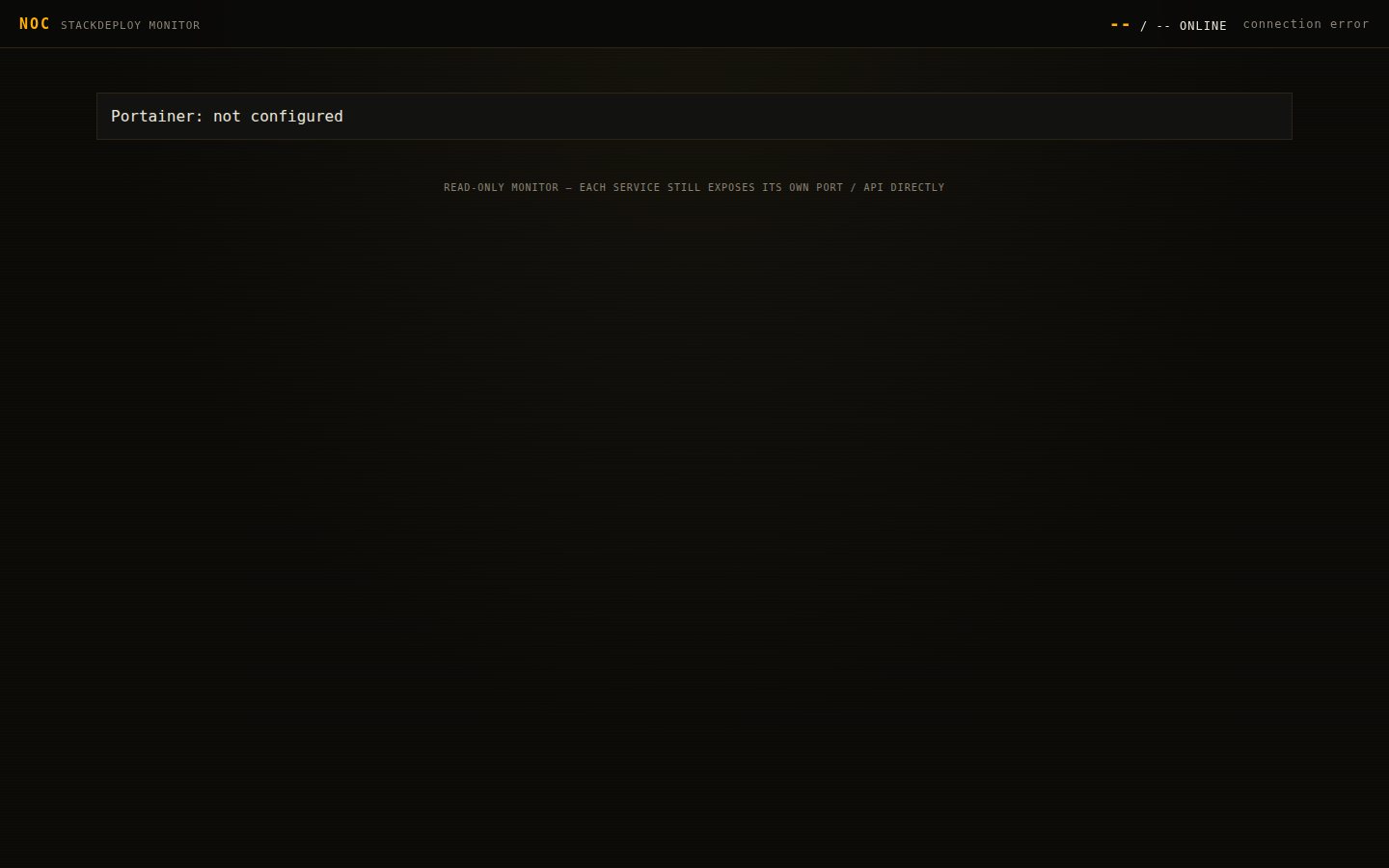
| View | Preview |
|---|---|
| NOC dashboard | 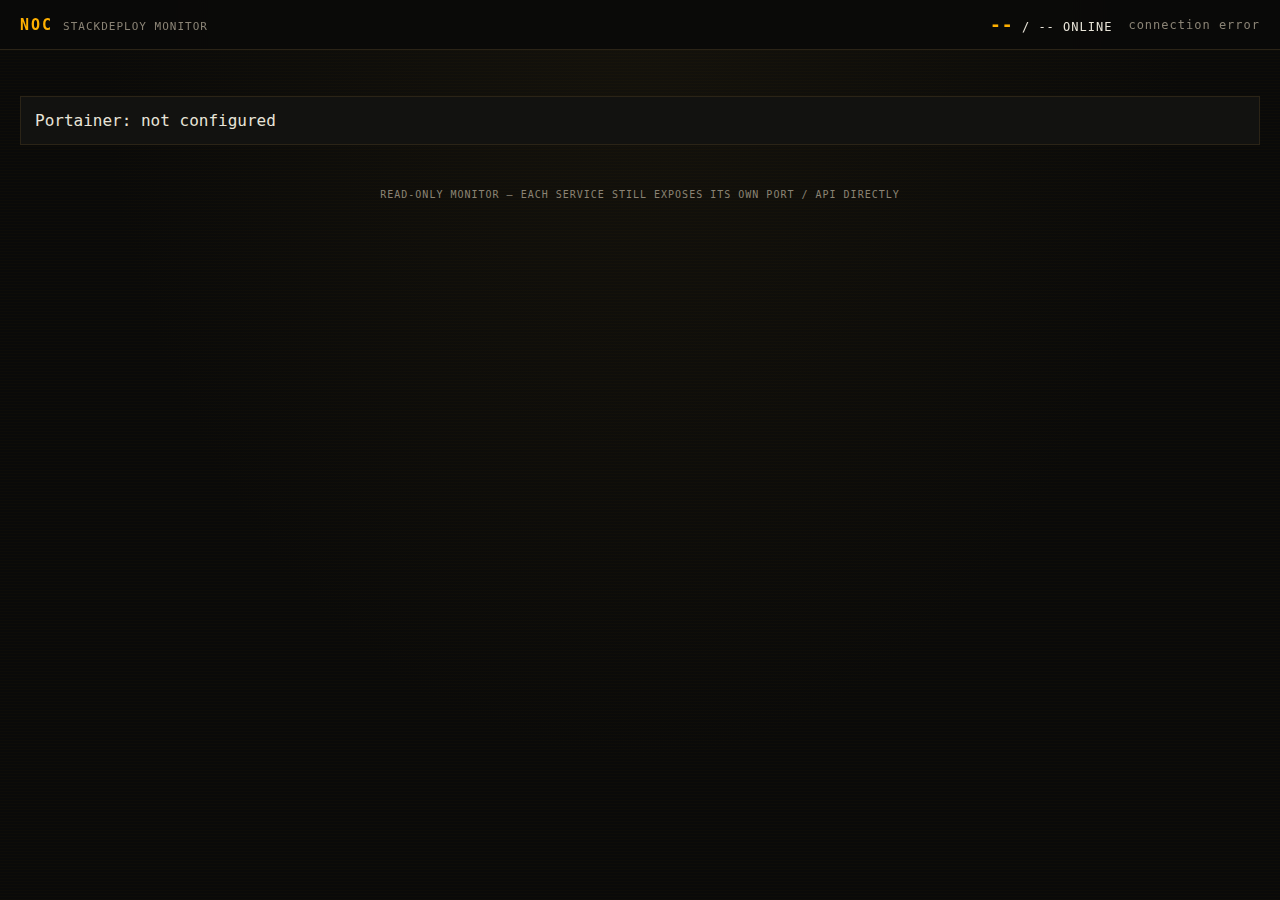 |
| Full dashboard | 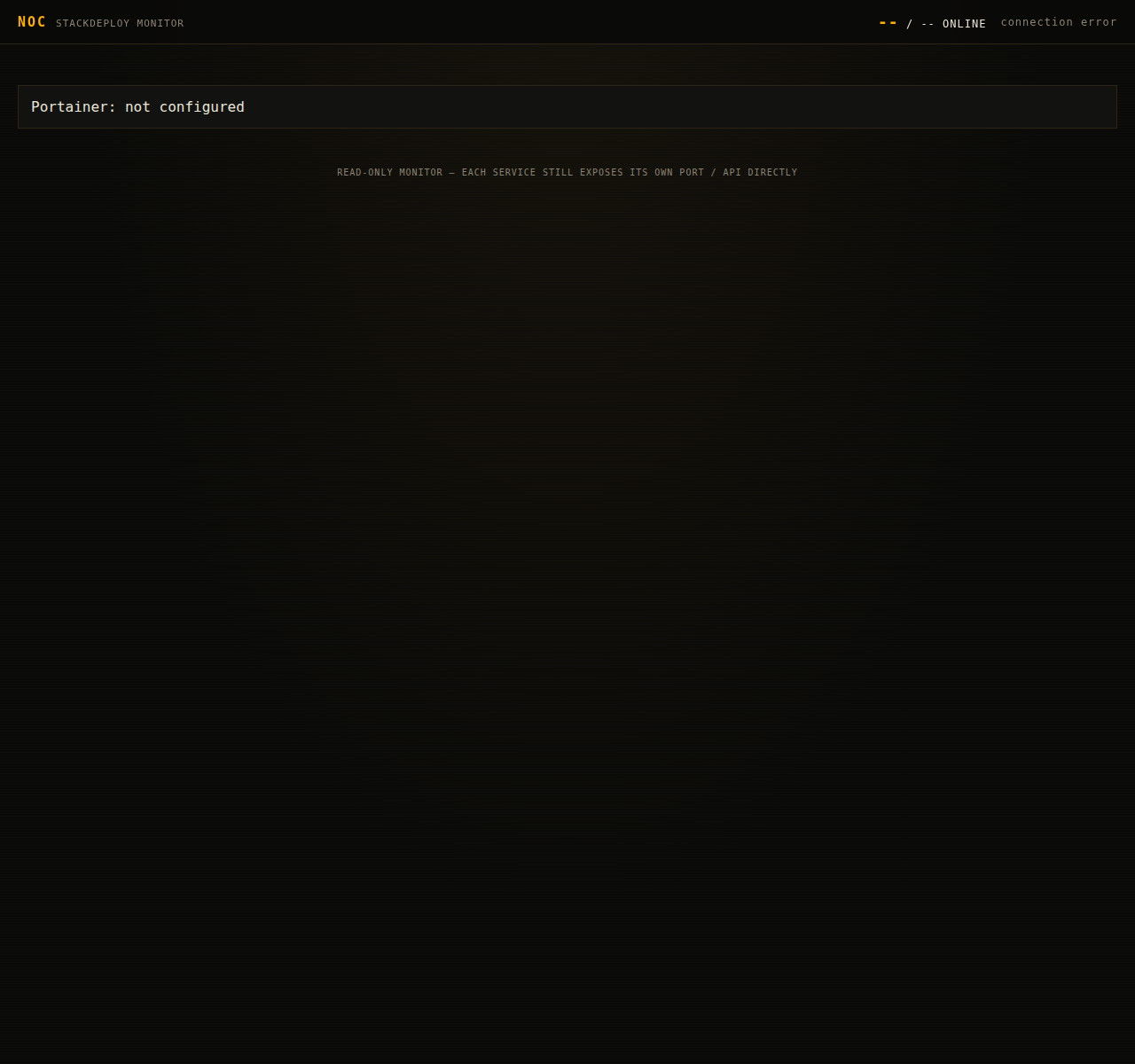 |
| Main viewport | 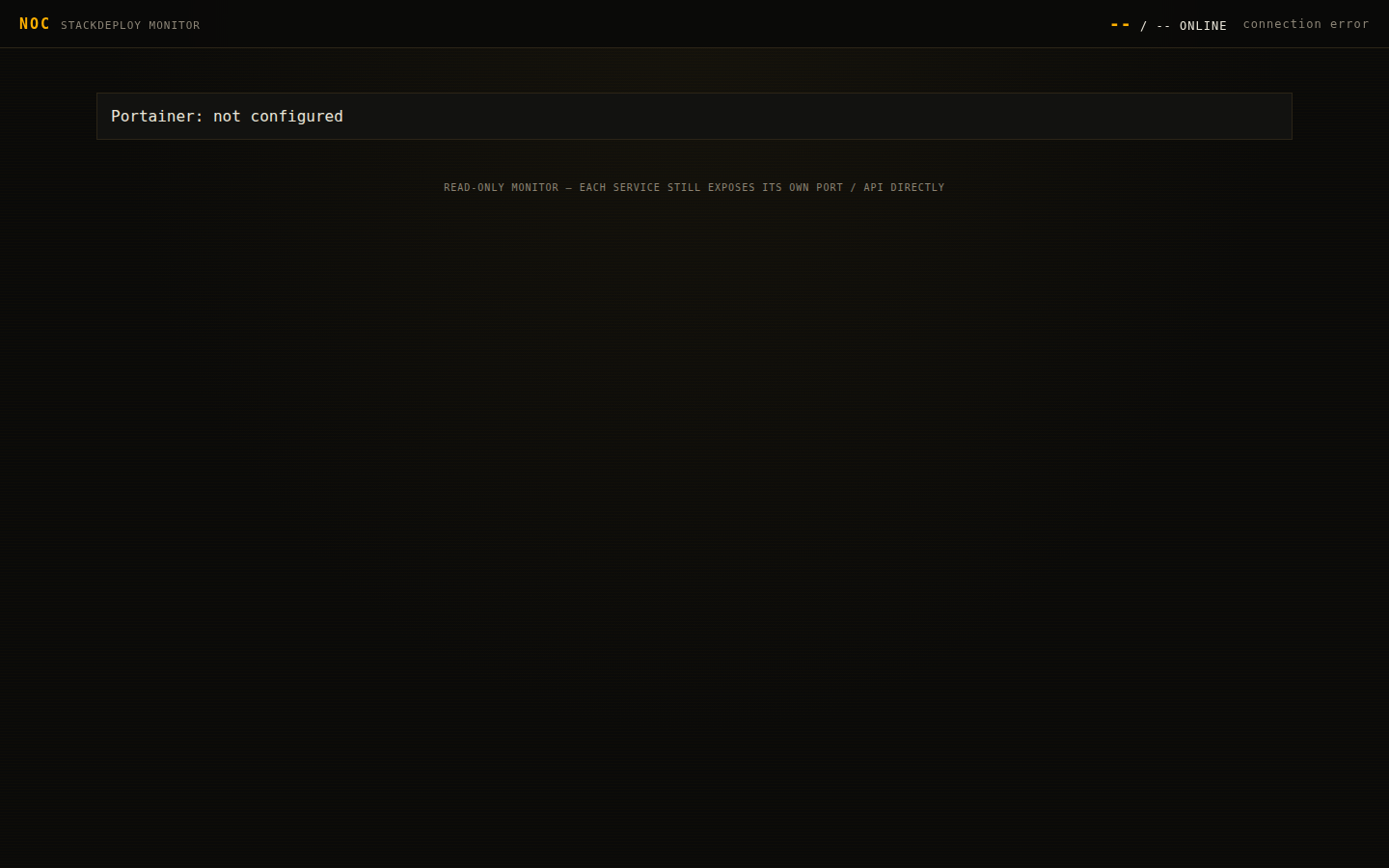 |
| Mobile | 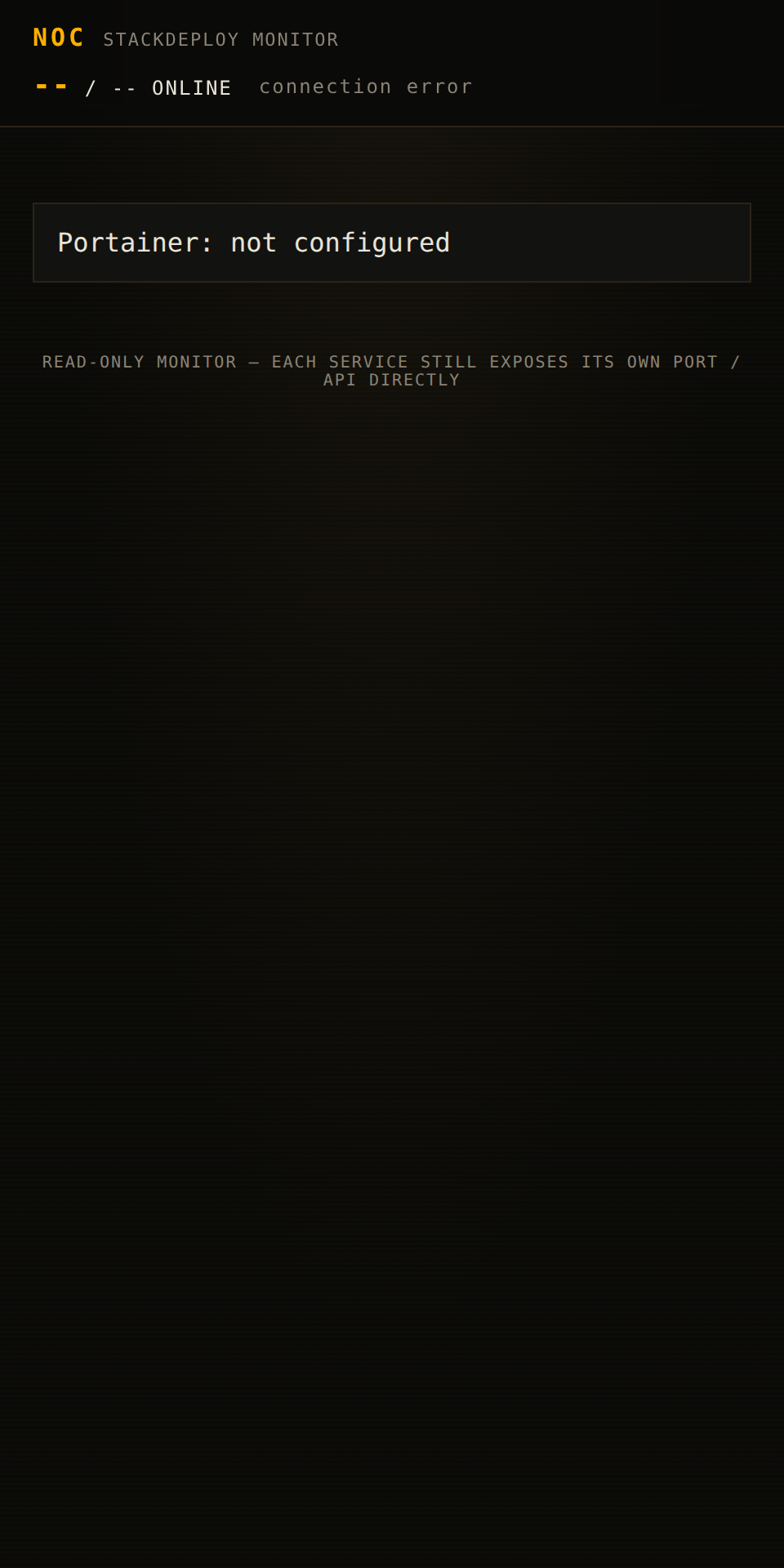 |
AutoStack/
├── docker-compose.yml             # Base stack
├── docker-compose.honcho.yml      # Optional Honcho overlay
├── docker-compose.headroom.yml    # Optional Headroom overlay
├── docker-compose.portainer.yml   # Optional Portainer overlay
├── .env.example
├── install.sh / install.ps1
├── searxng/                       # SearXNG configuration
├── honcho/                        # Honcho configuration
├── headroom/                      # Headroom configuration
├── noc-dashboard/                 # Optional NOC monitoring UI
├── profiles/                      # Compose profiles
├── obsidian-skills/               # Agent skills for Obsidian
├── docs/                          # Setup guides + assets
└── scripts/                       # Helper scripts
Contributions are welcome. Please read CONTRIBUTING.md and CODE_OF_CONDUCT.md, then open an issue or a pull request.
MIT — see LICENSE.
OneByJorah/AutoStack is a public repo on GitHub by OneByJorah. ARCHIVED — superseded by StackForge. Consolidating: one flagship AI stack retained (StackForge). AutoStack archived.
It declares the MIT license on GitHub.
Its maker tagged it for macOS, Windows and Linux, or as Docker or cross-platform. That is declared by the maker; Take My Repo has not tested it.
Open "Take it" on its page: Take My Repo writes an install plan for your machine and hands it to your AI agent (Claude Code, Codex or Cursor), which asks you before each step. Take My Repo has not tested it on any machine.
A self-hosted dashboard that puts all your feeds in one place
A list of Free Software network services and web applications which can be hosted on your own servers
No. It is archived on GitHub: its maker no longer maintains it.
Nobody has reviewed it on Take My Repo yet, which says nothing about its quality.
Take My Repo cannot say: it does not audit code and has not run AutoStack. What is known comes from GitHub. It declares the MIT license on GitHub. It is archived: its maker no longer maintains it. It has 1 stars, which measure popularity, not safety. Nobody has reviewed it on Take My Repo yet, which says nothing about its quality. Read the source before you run it. With "Take it", your AI agent shows each step and asks you before running it; README text is treated as data, not as instructions.