docker
OpenAEV Docker deployment helpers
- 31
- 10 d ago
Repo OpenAEV-Platform/docker, read from GitHub 19 min ago. OpenAEV-Platform has not joined Take My Repo.
In short
OpenAEV-Platform/docker is a public repo on GitHub by OpenAEV-Platform. OpenAEV Docker deployment helpers. It declares no license on GitHub. Public does not mean open source: without a license, nobody is granted the right to reuse it. It has 31 stars and last changed on 2026-11-12. Nobody has reviewed it on Take My Repo yet, which says nothing about its quality. Read from GitHub on 2026-11-22.
OpenAEV Docker Deployment
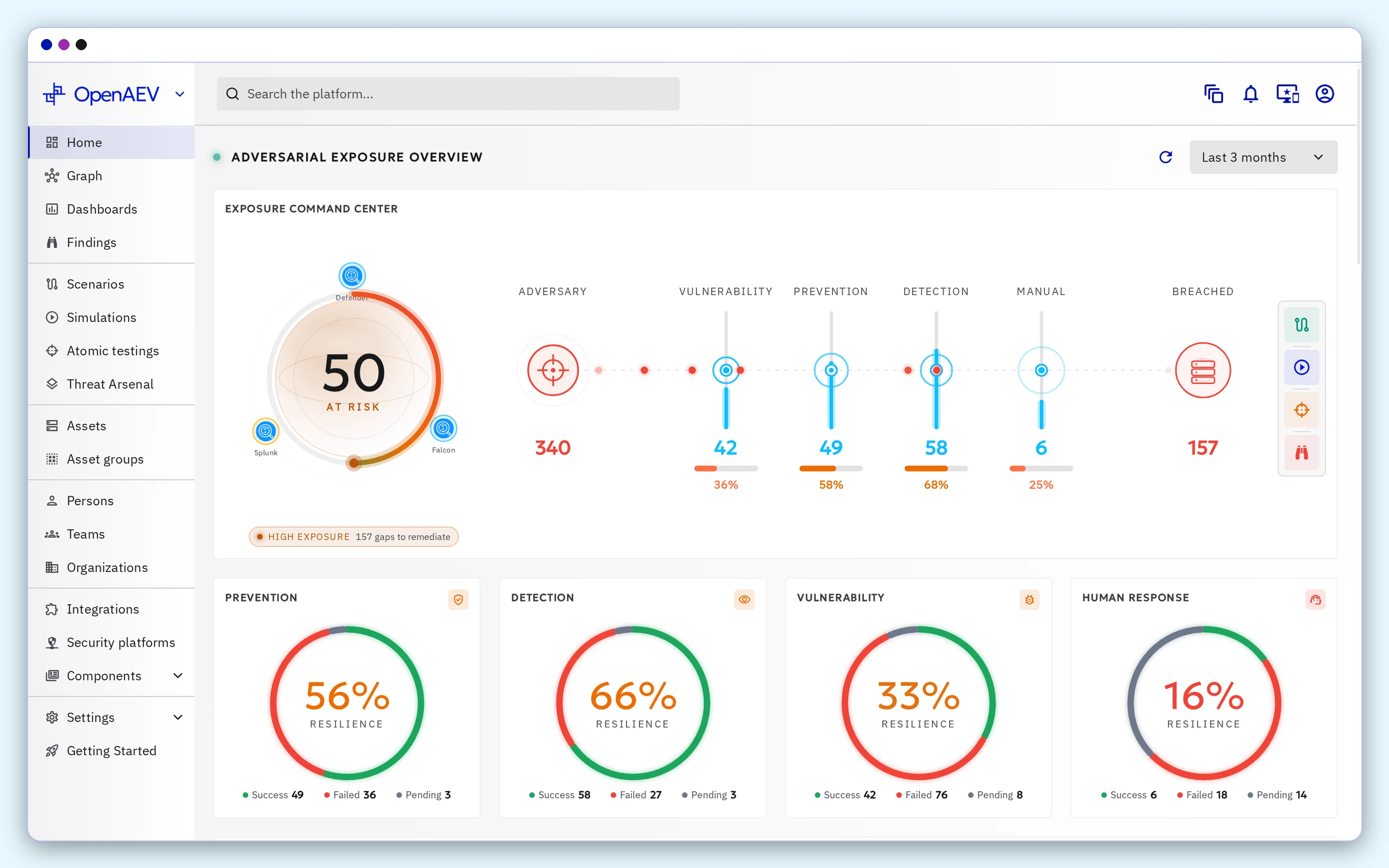
Welcome to the OpenAEV Docker deployment guide! This guide provides resources and information to help you deploy and manage OpenAEV using Docker.
📚 Documentation
For detailed instructions on installing OpenAEV using Docker, refer to the OpenAEV documentation space.
👥 Community
🛠️ Status & Bugs
OpenAEV is actively under development. If you encounter bugs, have feature requests, or need help, please report them using the GitHub Issues module. We appreciate your feedback and contributions to improve the platform.
💬 Discussions
Join our community to engage in discussions, share ideas, and get support:
- Slack Channel: Connect with us on Slack
🔧 Deployment Overview
Quick Start with Docker Compose
The OpenAEV stack is modular and uses multiple Docker Compose files for easier configuration:
[!IMPORTANT] Remember to create a .env file from .env.sample and customize the configuration as needed.
To start OpenAEV with the essential services, run:
docker compose -p openaev -f docker-compose.yml up -d
To start OpenAEV with the Caldera executor (Caldera used as an agent), run:
docker compose -p openaev -f docker-compose.yml -f docker-compose.caldera.yml -f docker-compose.caldera-executor.yml up -d
To start OpenAEV with the Caldera injector (Caldera used as an implant), run:
docker compose -p openaev -f docker-compose.yml -f docker-compose.caldera.yml -f docker-compose.caldera-injector.yml up -d
Build Your Own Stack
OpenAEV allows you to customize your stack by selecting specific collectors and injectors to meet your unique needs:
- Additional Collectors: Explore a variety of collectors available here.
- Additional Injectors: Discover injectors to enhance your simulations here.
🤖 XTM One
This stack bundles XTM One, Filigran's AI-powered assistant, alongside OpenAEV. The following services are started by default:
| Service | Description |
|---|---|
xtm-one |
XTM One platform (web UI + API, exposed on XTM_ONE_PORT) |
xtm-one-worker |
XTM One background worker |
pgsql-xtm-one |
Dedicated PostgreSQL + pgvector instance for XTM One |
XTM One reuses the shared redis and minio services and connects to OpenAEV internally via OPENAEV_API_URL. OpenAEV registers itself with XTM One using PLATFORM_REGISTRATION_TOKEN — this shared secret must be identical across every platform connected to the same XTM One instance.
All XTM One configuration (admin credentials, dedicated Postgres credentials, S3 bucket, license, log settings) lives in the XTM ONE section of .env.sample. Once the stack is healthy, XTM One is available on http://localhost:${XTM_ONE_PORT} (default 8090).
Public and internal URLs
Each product has two URLs in this stack:
- the public URL you open in your browser, built from
OPENAEV_EXTERNAL_SCHEME/OPENAEV_HOST/OPENAEV_PORTandXTM_ONE_EXTERNAL_SCHEME/XTM_ONE_HOST/XTM_ONE_PORT(set the scheme tohttpstogether with the host when you publish them over TLS). It is also the identity each product signs its requests to the other with, so it is set on both XTM One containers (BASE_URL) and on OpenAEV (OPENAEV_BASE-URL); - the internal URL the containers reach each other on:
http://openaev:8080(OPENAEV_API_URLon XTM One) andhttp://xtm-one:4000(OPENAEV_XTM_ONE_URLon OpenAEV).
The public host name does not need to resolve inside the containers: XTM One fetches OpenAEV's signing keys and sends the autonomous run callbacks on the internal URL, and OpenAEV reads XTM One's public identity from http://xtm-one:4000/xtm/auth/metadata. This needs XTM One and OpenAEV releases that include XTM-One-Platform/xtm-one#4883 and OpenAEV-Platform/openaev#8143.
If OpenAEV registers with XTM One but every assistant action on OpenAEV data fails with 401, the XTM One logs (XTM JWT rejected) and the OpenAEV logs (Untrusted JWKS issuer) name the URL that did not match.
About
OpenAEV is a product designed and developed by the company Filigran.
Questions
What is docker?
OpenAEV-Platform/docker is a public repo on GitHub by OpenAEV-Platform. OpenAEV Docker deployment helpers.
Is docker open source?
It declares no license on GitHub. Public does not mean open source: without a license, nobody is granted the right to reuse it.
Does docker run on macOS, Windows or Linux?
Its maker tagged it for macOS, Windows and Linux, or as Docker or cross-platform. That is declared by the maker; Take My Repo has not tested it.
How do I install docker?
Open "Take it" on its page: Take My Repo writes an install plan for your machine and hands it to your AI agent (Claude Code, Codex or Cursor), which asks you before each step. Take My Repo has not tested it on any machine.
Is docker still maintained?
Its last change on GitHub was on 2026-11-12. GitHub counts 4 open issues and pull requests. Take My Repo does not judge from that whether it is maintained.
What do people who ran docker say?
Nobody has reviewed it on Take My Repo yet, which says nothing about its quality.