
codex-controller
Use a DualSense as a physical control surface for Codex on macOS.
- 7
- MIT
- 3 wk ago
Repo ParthJadhav/codex-controller, read from GitHub 1 min ago. ParthJadhav has not joined Take My Repo.
In short
ParthJadhav/codex-controller is a public repo on GitHub by ParthJadhav. Use a DualSense as a physical control surface for Codex on macOS. It declares the MIT license on GitHub. It is written mainly in TypeScript, has 7 stars and last changed on 2026-11-03. Nobody has reviewed it on Take My Repo yet, which says nothing about its quality. Read from GitHub on 2026-11-21.
Codex Controller
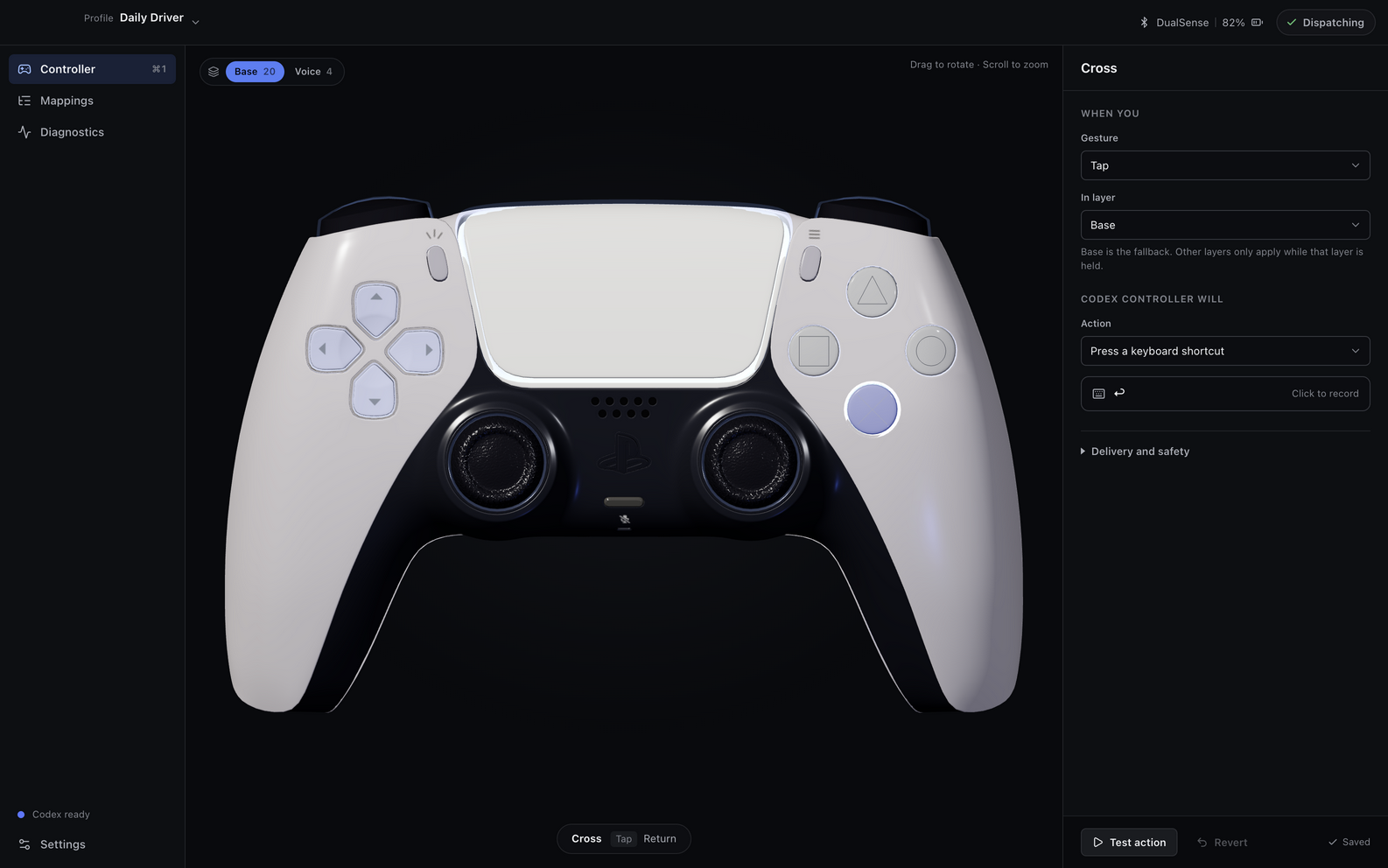
Codex Controller turns a PlayStation 5 DualSense into a physical command surface for the Codex desktop app on macOS. It combines an Electron, React, and Three.js interface with a small Swift helper for Apple controller, audio, haptic, light, and Accessibility APIs.
Important
Codex Controller is an independent open-source project. It is not affiliated with, sponsored by, or endorsed by OpenAI or Sony Interactive Entertainment. OpenAI and Codex are trademarks of OpenAI. PlayStation and DualSense are trademarks or registered trademarks of Sony Interactive Entertainment.
In action

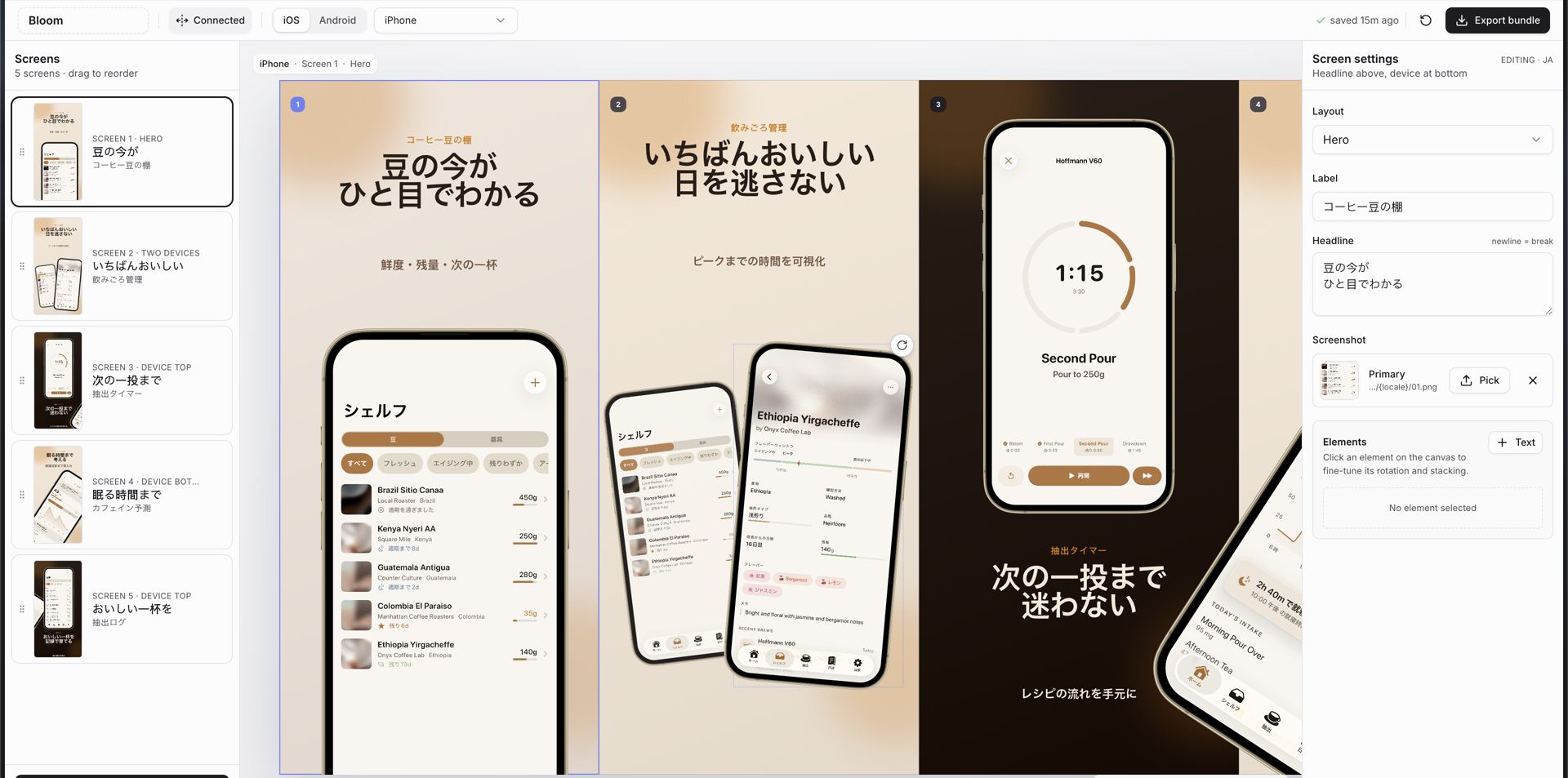
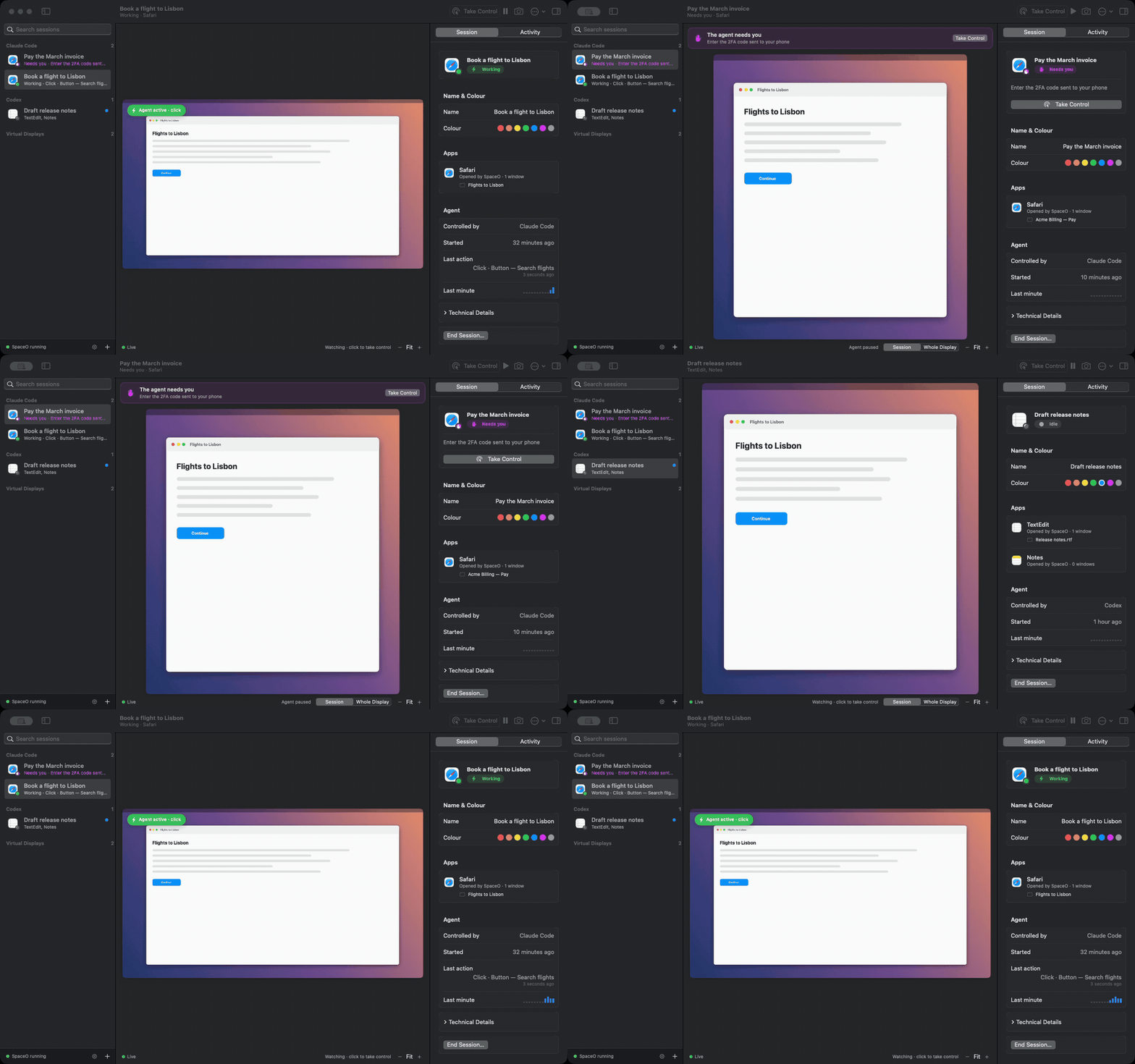
Screenshots use synthetic profiles, controller activity, and system status. No user data is shown.
Explore mappings, diagnostics, and settings
Mappings
Browse every layer, search mappings, and edit a selected controller action in place.

Diagnostics
Inspect controller health, macOS permissions, touchpad readiness, and live input edges.

Settings
Review Codex shortcut bindings and manage local profiles and controller behavior.

What it does
- Maps DualSense buttons, triggers, sticks, stick rotation, chords, holds, and touchpad input to Codex commands and ordinary macOS input.
- Provides seven mapping layers, reusable profiles, import/export, action sequences, conflict detection, and guarded consequential actions.
- Uses the controller touchpad as an optional relative pointer with physical click support.
- Drives Codex through its own registered shortcuts and published deep links; it does not inject code, patch Codex, read credentials, or use private Codex IPC.
- Offers physical light and haptic feedback, live diagnostics, and accessible controls for every selectable controller surface.
- Includes experimental, explicitly gated DualSense audio verification. Normal controller use does not require microphone access.
Requirements
- macOS 14 or newer
- A PlayStation 5 DualSense controller connected over USB or Bluetooth
- Node.js 22 or newer and Xcode command-line tools for development
- Accessibility permission for posting configured shortcuts, text, or pointer events
The released universal build supports both Apple silicon and Intel Macs.
Install a release
Download the universal DMG from the latest GitHub release, open it, and move
Codex Controller.app to /Applications. Release artifacts are signed with a
Developer ID certificate, notarized by Apple, and published with SHA-256
checksums and a CycloneDX SBOM.
The first renamed release uses the bundle identifier
com.parthjadhav.CodexController. macOS may therefore ask existing users to
grant permissions once for the new application identity. Saved profiles from
the predecessor app are copied non-destructively on first launch.
Develop
npm ci
npm run native:build
npm run dev
Connect the controller before launch or pair it in macOS Bluetooth settings. The app remains usable for profile editing and visual inspection without controller or Accessibility permission.
Test and build
npm test
swift test --package-path native
npm run build:all
Create signed universal artifacts on a Mac with a Developer ID Application certificate:
npm run dist
./scripts/verify-release-artifacts.sh --signed
npm run dist builds one universal Swift helper and packages both a DMG and a
ZIP containing arm64 and x86_64 application binaries. Apple credentials are
required only for notarization; see RELEASING.md.
For local installed-app testing:
npm run package
This command replaces /Applications/Codex Controller.app only after checking
its bundle identifier. Use npm run install:mac -- --dry-run to validate the
operation without changing /Applications.
Default controller layout
| Control | Gesture | Result |
|---|---|---|
| D-pad | Tap | Arrow keys |
| Cross / Circle | Tap | Return / Escape |
| Square | Tap | Open project picker |
| Triangle | Tap | New task |
| R1 / L1 | Tap | Tab / Shift-Tab |
| R2 | Tap | Submit |
| L2 | Tap | Stop with Escape |
| Create | Hold | Hold Codex dictation shortcut |
| Options | Tap | Codex settings |
| Touchpad | Click | Primary mouse click |
| L3 | Click | Toggle Codex voice chat |
| R3 | Rotate | Increase/decrease reasoning effort |
| L1 | Hold | Temporarily activate the Voice layer |
Some Codex commands ship without a default shortcut. Codex Controller can add
only the missing bindings used by the active profile to
~/.codex/keybindings.json after an explicit user action. It validates the
file, refuses conflicts, writes atomically, and backs up an existing file as
keybindings.json.codex-controller-backup.json.
Codex command names and shortcut behavior can change between Codex releases. All mappings remain editable, and the app reports unconfirmed bindings rather than claiming that an unobservable Codex action succeeded. See Interoperability.
Architecture
DualSense (USB or Bluetooth)
        │
        ▼
Swift ControllerBridge
GameController · CoreAudio · CoreHaptics · Accessibility
        │ JSONL over stdio
        ▼
Electron main process
profiles · safety · action validation · Codex keymap · secure IPC
        │ context-isolated preload
        ▼
React renderer
Three.js controller scene · mappings · diagnostics
The renderer is sandboxed and has no Node.js access. The preload exposes a narrow typed API, IPC payloads are validated, external navigation is denied by default, WebHID permission is limited to Sony devices, and profile imports are strictly validated.
Privacy and safety
Codex Controller has no account system, analytics, advertising, telemetry, or networking client. It stores mapping profiles locally and captures no audio for Codex dictation or voice chat. Explicit audio verification samples are analyzed in memory and discarded.
Read PRIVACY.md for the data boundary and SECURITY.md for responsible disclosure.
Troubleshooting logs
Codex Controller keeps bounded diagnostic logs locally so beta failures can be debugged without telemetry. In Finder, choose Go > Go to Folder… and enter:
~/Library/Logs/Codex Controller/
main.log is current; main.1.log through main.3.log are older. Each file is
limited to 5 MB, for approximately 20 MB total. Logs contain runtime versions,
lifecycle and native-helper health, safe operation metadata, and errors. They do
not intentionally contain mapping payloads, typed text, URLs, controller input
values, profile names, or raw controller identifiers, and common identifiers
and secrets are redacted before writing.
Nothing uploads these files automatically. Review them before attaching them to a bug report. See Diagnostic logging for the exact retention and data policy.
Third-party assets
The interactive DualSense model is “Playstation 5 Dualsense” by AHarmlessPotato under CC BY 4.0. Its full attribution and content hash are in the asset record and in the packaged app. Additional notices are in THIRD_PARTY_NOTICES.md.
Contributing
Contributions are welcome. Start with CONTRIBUTING.md and the Code of Conduct.
License
Codex Controller source code is released under the MIT License. Third-party assets retain their respective licenses.
Questions
What is codex-controller?
ParthJadhav/codex-controller is a public repo on GitHub by ParthJadhav. Use a DualSense as a physical control surface for Codex on macOS.
Is codex-controller open source?
It declares the MIT license on GitHub.
Does codex-controller run on macOS, Windows or Linux?
Its maker tagged it for macOS, Windows and Linux, or as Docker or cross-platform. That is declared by the maker; Take My Repo has not tested it.
How do I install codex-controller?
Open "Take it" on its page: Take My Repo writes an install plan for your machine and hands it to your AI agent (Claude Code, Codex or Cursor), which asks you before each step. Take My Repo has not tested it on any machine.
Is codex-controller still maintained?
Its last change on GitHub was on 2026-11-03. Take My Repo does not judge from that whether it is maintained.
What do people who ran codex-controller say?
Nobody has reviewed it on Take My Repo yet, which says nothing about its quality.