fastapi
FastAPI framework, high performance, easy to learn, fast to code, ready for production
- 105k
- Python
- MIT
- 3 d ago
Supply Chain AI Value Navigator
Repo PythonicVarun/sc_ai_value_navigator, read from GitHub 1 min ago. PythonicVarun has not joined Take My Repo.
PythonicVarun/sc_ai_value_navigator is a public repo on GitHub by PythonicVarun. Supply Chain AI Value Navigator. It declares the MIT license on GitHub. It is written mainly in HTML, has 0 stars and last changed on 2026-06-06. Nobody has reviewed it on Take My Repo yet, which says nothing about its quality. Read from GitHub on 2026-11-22.
PythonicVarun/sc_ai_value_navigator is a public repo on GitHub by PythonicVarun. Supply Chain AI Value Navigator.
It declares the MIT license on GitHub.
Its maker tagged it for macOS, Windows and Linux, or as Docker or cross-platform. That is declared by the maker; Take My Repo has not tested it.
Open "Take it" on its page: Take My Repo writes an install plan for your machine and hands it to your AI agent (Claude Code, Codex or Cursor), which asks you before each step. Take My Repo has not tested it on any machine.
Its last change on GitHub was on 2026-06-06. GitHub counts 0 open issues and pull requests. Take My Repo does not judge from that whether it is maintained.
FastAPI framework, high performance, easy to learn, fast to code, ready for production
Nobody has reviewed it on Take My Repo yet, which says nothing about its quality.
The agent that grows with you
Compress tool outputs, logs, files, and RAG chunks before they reach the LLM. 20% fewer tokens for coding agents, 60-95% fewer tokens for JSON, same answers. Library, proxy, MCP server.
Full-stack web application template with FastAPI, React, SQLModel, PostgreSQL, Vite, Tailwind CSS, shadcn/ui, FastAPI Cloud, and Docker Compose.
AutoGPT is the vision of accessible AI for everyone, to use and to build on. Our mission is to provide the tools, so that you can focus on what matters.
🚀 A lightweight CLI to estimate hardware requirements and quantization compatibility for Hugging Face models.
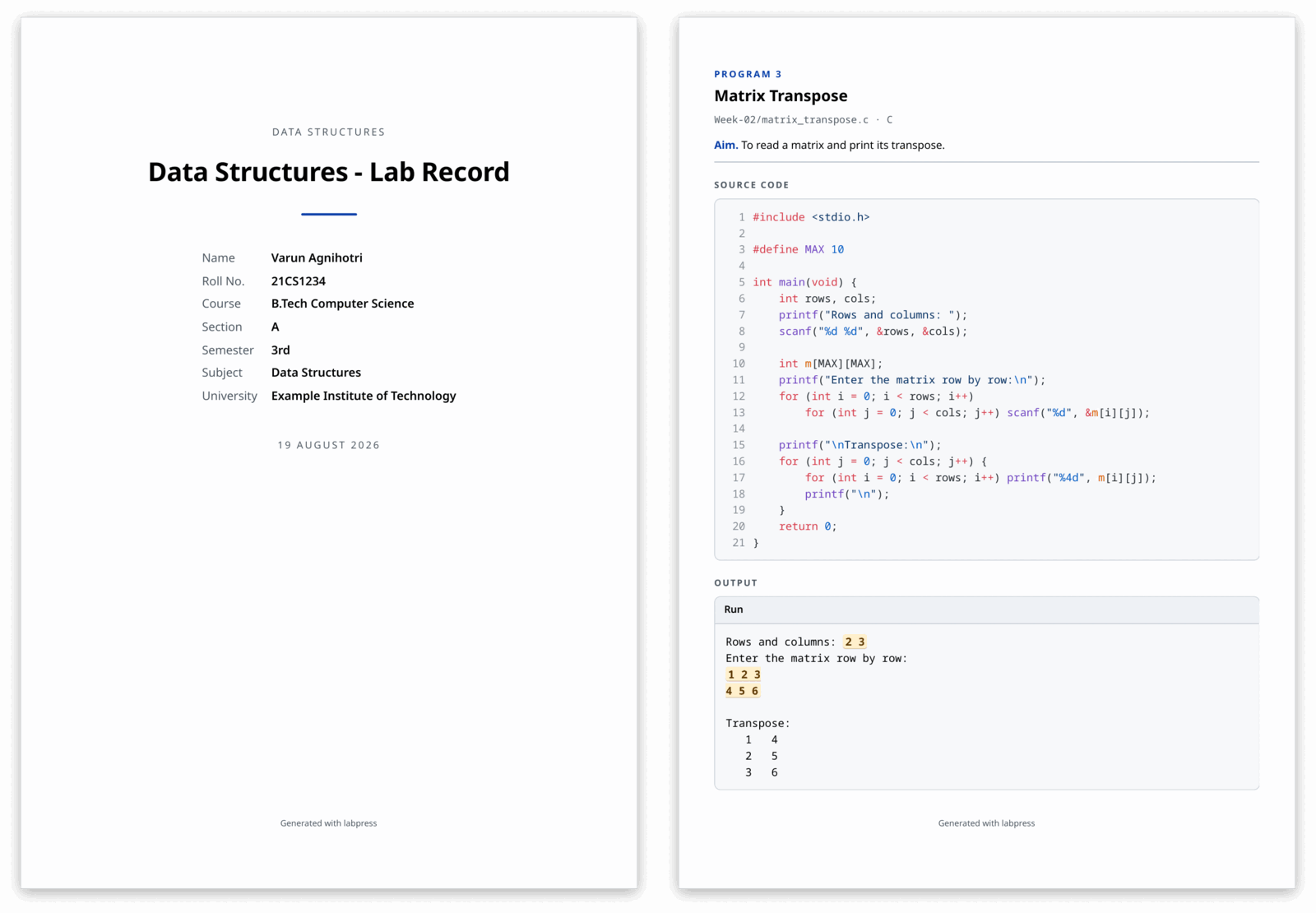
Turn a folder of lab programs into a print-ready record: syntax-highlighted source, real inputs, real captured output.
Real-time browser based coding agent workflow visualizer ⚙️
🤖 A proof-of-concept for a smart LLM agent, built as a serverless static site on Cloudflare Workers.
Visualizes environmental changes in a region over a period of time using OlmoEarth embeddings.