vllm
A high-throughput and memory-efficient inference and serving engine for LLMs
- 97k
- Python
- Apache-2.0
- 4 h ago
Run LLMs on AMD Ryzen™ AI NPUs in minutes; purpose-built and deeply optimized for the AMD NPUs.
Repo ROCm/FastFlowLM, read from GitHub 2 d ago. ROCm has not joined Take My Repo.
ROCm/FastFlowLM is a public repo on GitHub by ROCm. Run LLMs on AMD Ryzen™ AI NPUs in minutes; purpose-built and deeply optimized for the AMD NPUs. It declares no license on GitHub. Public does not mean open source: without a license, nobody is granted the right to reuse it. It is written mainly in C++, has 2,072 stars and last changed on 2026-11-20. Nobody has reviewed it on Take My Repo yet, which says nothing about its quality. Read from GitHub on 2026-11-20.

Run large language models — now with Vision, Audio, Embedding and MoE support — on AMD Ryzen™ AI NPUs in minutes.
No GPU required. Faster and over 10× more power-efficient. Supports context lengths up to 256k tokens. Ultra-Lightweight (17 MB). Installs within 20 seconds.
📦 The only out-of-box, NPU-first runtime built exclusively for Ryzen™ AI.
🤝 A familiar single-command CLI — deeply optimized for NPUs.
✨ From Idle Silicon to Instant Power — FastFlowLM Makes Ryzen™ AI Shine.
FastFlowLM (FLM) supports all Ryzen™ AI Series chips with XDNA2 NPUs (Strix, Strix Halo, Kraken, and Gorgon Point).
🔽 Download | 📊 Benchmarks | 📦 Model List
A packaged FLM Windows installer is available here: flm-setup.msi. For more details, see the release notes.
📺 Watch the quick start video (Windows)
[!IMPORTANT]
⚠️ Use the latest AMD NPU driver — 32.0.203.311 or above (check via Task Manager→Performance→NPU or Device Manager). Earlier versions are no longer supported.
⚙️ Tip:
- RECOMMENDED: Try running Windows Update or Driver Download.
- Official AMD Install Doc (AMD account required).
- Unofficial forum downloads (CAUTION: third-party content not verified by AMD; download and use at your own risk).
After installation, open PowerShell (Win + X → I). To run a model in terminal (CLI Mode):
flm run llama3.2:1b
Notes:
- Internet access to HuggingFace is required to download the optimized model kernels.
- Sometimes downloads from HuggingFace may get corrupted. If this happens, run
flm pull <model_tag> --force(e.g.flm pull llama3.2:1b --force) to re-download and fix them.- By default, models are stored in:
- Windows:
C:\Users\<USER>\.flm\models\- Linux:
~/.config/flm/- During installation on Windows, you can select a different base folder (e.g., if you choose
C:\Users\<USER>\flm, models will be saved underC:\Users\<USER>\flm\models\).- On Linux, you can override the default location by setting the
FLM_MODEL_PATHenvironment variable.- To disable the startup version check, set
FLM_DISABLE_UPDATE_CHECK=1.- ⚠️ If HuggingFace is not accessible in your region, manually download the model (check this issue) and place it in the chosen directory.
🎉🚀 FastFlowLM (FLM) is ready — your NPU is unlocked and you can start chatting with models right away!
Open Task Manager (Ctrl + Shift + Esc). Go to the Performance tab → click NPU to monitor usage.
⚡ Quick Tips:
- Use
/verboseduring a session to turn on performance reporting (toggle off with/verboseagain).- Type
/byeto exit a conversation.- Run
flm listin PowerShell to show all available models.
To start the local server (Server Mode):
flm serve llama3.2:1b
The model tag (e.g.,
llama3.2:1b) sets the initial model, which is optional. If another model is requested, FastFlowLM will automatically switch to it. The local server runs on port 52625 (default).
08/11/2026 🎉 FLM is now part of ROCm (v1.0.0) — the repo has moved to AMD's open-source ROCm organization.
08/11/2026 🎉 FLM releases its first SmolVLA model (v1.0.0) — a Vision-Language-Action robotics policy running on the NPU. See the model card and benchmarks.
07/17/2026 🎉 FLM is now part of AMD news. Read our story — from a 2025 university project to AMD.
03/11/2026 🎉 FLM now supports Linux 🐧 ! To get started, check out the quick start guide or the Lemonade Server docs, and watch the short video for a quick walkthrough of FLM on Linux via Lemonade 🍋.
10/01/2025 🎉 FLM was integrated into AMD's Lemonade Server 🍋. Watch this short demo about using FLM in Lemonade.
FLM makes it easy to run cutting-edge LLMs (and now VLMs) locally with:
No model rewrites, no tuning — it just works.
flm-dev-kit/ (NPU engine and kernel sources, the Q4NX converter, and the prebuilt aiebu libraries the engines link) is open-source under the MIT License. Files that carry their own license line, such as code derived from mlir-aie, keep that license. Powered by [FastFlowLM](https://github.com/ROCm/FastFlowLM)
💬 Have feedback/issues or want early access to our new releases? Open an issue or Join our Discord community
For developers who want to build FastFlowLM from source, we provide CMake presets for a convenient and consistent build experience.
To build the NPU engines, kernels and weight converter themselves, see flm-dev-kit/README.md.
More details on the exact procedure, with dependencies to be installed, for Linux can be found in linux-getting-started.md.
Clone the repository:
git clone --recursive https://github.com/ROCm/FastFlowLM.git
cd FastFlowLM/src
Configure CMake using presets:
For Linux:
cmake --preset linux-default
This will configure the build to install to /opt/fastflowlm.
To build the Gemma 4 engine from source instead of using the prebuilt engine:
cmake --preset linux-default -DFLM_BUILD_GEMMA4E=ON
cmake --build build
CMake caches this option. To switch back to the prebuilt engine, reconfigure with -DFLM_BUILD_GEMMA4E=OFF or use a fresh build directory.
For Windows (in a developer command prompt):
cmake --preset windows-default
Add -DFLM_BUILD_GEMMA4E=ON to build the Gemma 4 engine from source.
Build the project:
cmake --build build
Install the project (optional):
For Linux:
sudo cmake --install build
For Windows (with administrator privileges):
cmake --install build
ROCm/FastFlowLM is a public repo on GitHub by ROCm. Run LLMs on AMD Ryzen™ AI NPUs in minutes; purpose-built and deeply optimized for the AMD NPUs.
It declares no license on GitHub. Public does not mean open source: without a license, nobody is granted the right to reuse it.
Its maker has not tagged a system, so it is unknown here. Its README says what it needs.
Open "Take it" on its page: Take My Repo writes an install plan for your machine and hands it to your AI agent (Claude Code, Codex or Cursor), which asks you before each step. Take My Repo has not tested it on any machine.
Its last change on GitHub was on 2026-11-20. Take My Repo does not judge from that whether it is maintained.
Nobody has reviewed it on Take My Repo yet, which says nothing about its quality.
A high-throughput and memory-efficient inference and serving engine for LLMs
Get up and running with Kimi, GLM, MiniMax, DeepSeek, gpt-oss, Qwen, Gemma and other models.
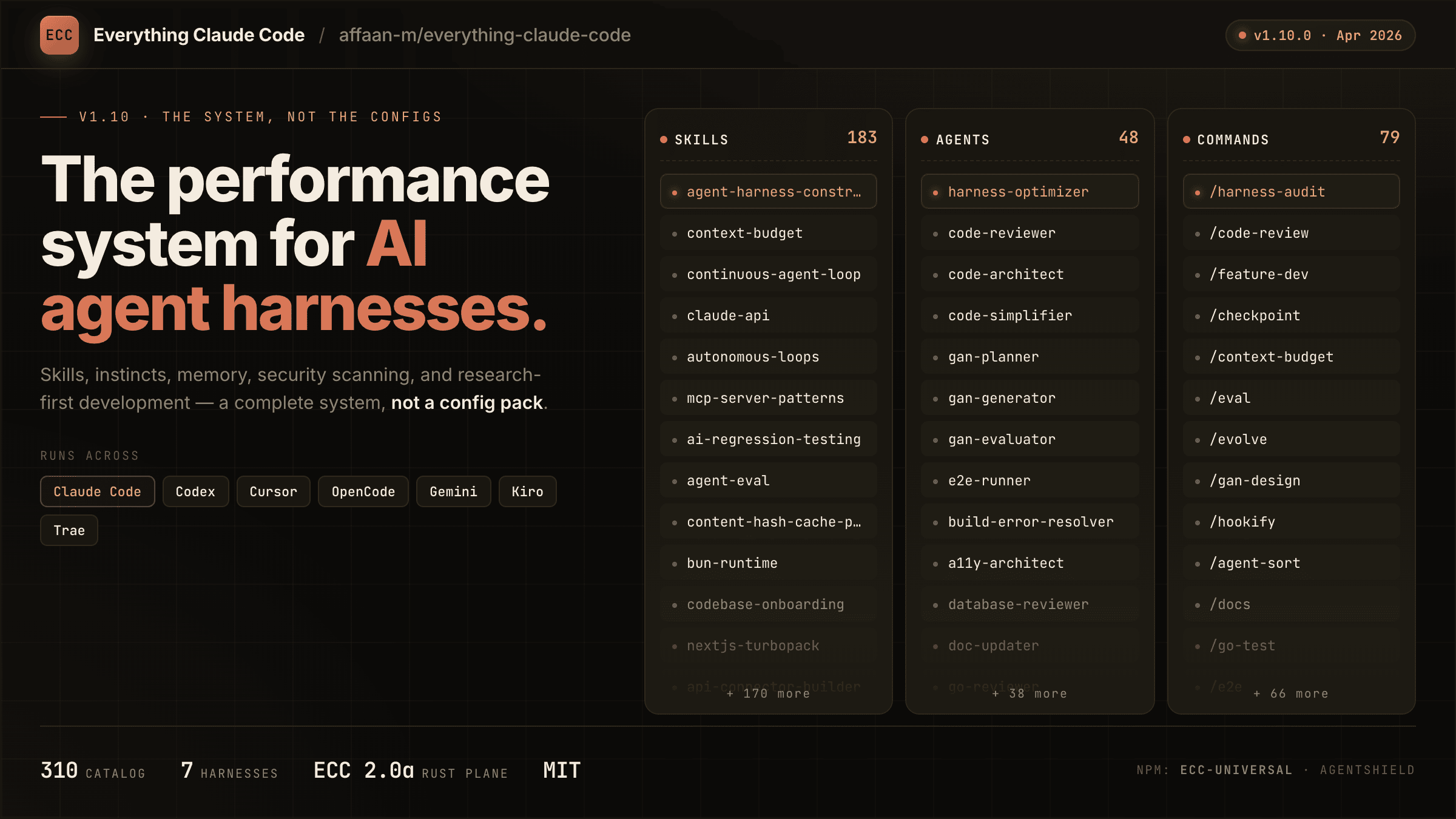
The agent harness performance optimization system. Skills, instincts, memory, security, and research-first development for Claude Code, Codex, Opencode, Cursor and beyond.
A bundler for javascript and friends. Packs many modules into a few bundled assets. Code Splitting allows for loading parts of the application on demand. Through "loaders", modules can be CommonJs, AMD, ES6 modules, CSS, Images, JSON, Coffeescript, LESS, ... and your custom stuff.
🤗 Transformers: the model-definition framework for state-of-the-art machine learning models in text, vision, audio, and multimodal models, for both inference and training.
The HIP Environment and ROCm Kit - A lightweight open source build system for HIP and ROCm
[DEPRECATED] Moved to ROCm/rocm-libraries repo. NOTE: develop branch is maintained as a read-only mirror