sharp
High performance Node.js image processing, the fastest module to resize JPEG, PNG, WebP, AVIF and TIFF images. Uses the libvips library.
- 33k
- JavaScript
- Apache-2.0
- 5 d ago
Edit JPEG captions, keywords and accessibility descriptions via EXIF/XMP. PyQt6 GUI and headless CLI, powered by exiv2.
Repo RigacciOrg/exiftagger, read from GitHub 26 min ago. RigacciOrg has not joined Take My Repo.
RigacciOrg/exiftagger is a public repo on GitHub by RigacciOrg. Edit JPEG captions, keywords and accessibility descriptions via EXIF/XMP. PyQt6 GUI and headless CLI, powered by exiv2. It declares the GPL-3.0 license on GitHub. It is written mainly in Python, has 0 stars and last changed on 2026-11-18. Nobody has reviewed it on Take My Repo yet, which says nothing about its quality. Read from GitHub on 2026-11-21.
RigacciOrg/exiftagger is a public repo on GitHub by RigacciOrg. Edit JPEG captions, keywords and accessibility descriptions via EXIF/XMP. PyQt6 GUI and headless CLI, powered by exiv2.
It declares the GPL-3.0 license on GitHub.
Its maker has not tagged a system, so it is unknown here. Its README says what it needs.
Open "Take it" on its page: Take My Repo writes an install plan for your machine and hands it to your AI agent (Claude Code, Codex or Cursor), which asks you before each step. Take My Repo has not tested it on any machine.
Its last change on GitHub was on 2026-11-18. Take My Repo does not judge from that whether it is maintained.
Nobody has reviewed it on Take My Repo yet, which says nothing about its quality.
High performance Node.js image processing, the fastest module to resize JPEG, PNG, WebP, AVIF and TIFF images. Uses the libvips library.
Learn how to research images and the tools, techniques & tradecraft required.
SRS is a simple, high-performance, AI-driven real-time media server supporting RTMP, WebRTC, HLS, HTTP-FLV, HTTP-TS, SRT, MPEG-DASH, and GB28181, with codec support for H.264, H.265, AV1, VP9, AAC, Opus, and G.711.
High performance self-hosted photo and video management solution.
🖼️ Image Toolbox is a powerful app for advanced image manipulation. It offers dozens of features, from basic tools like crop and draw to filters, OCR, and a wide range of image processing options
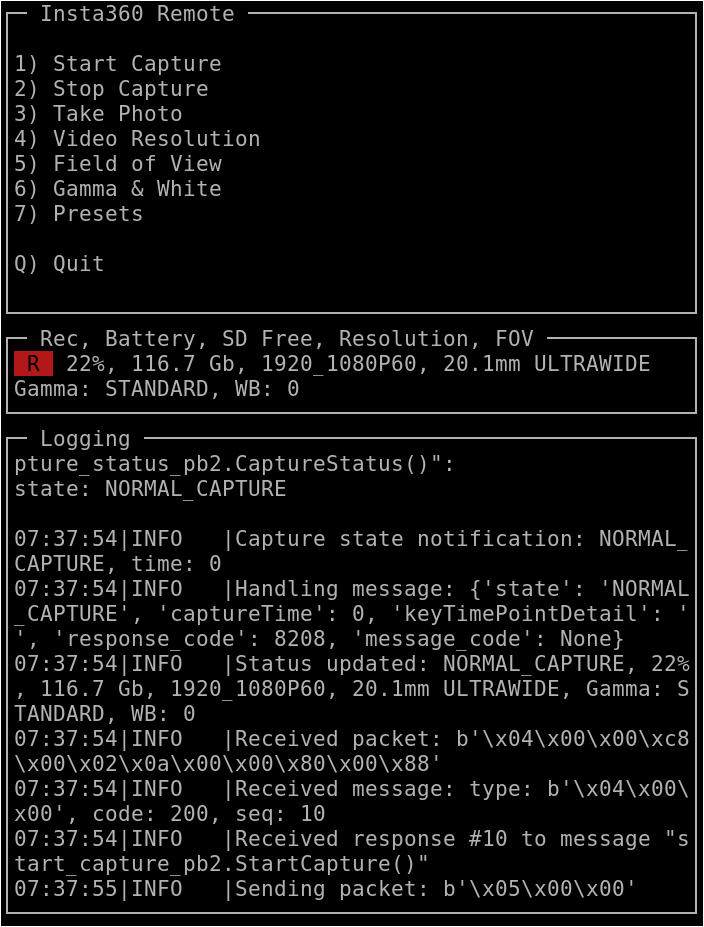
Python scripts to talk to Insta360 action cameras using the WiFi API
Python driver for the QMC5883L 3-axis magnetometer, developed for the Raspberry Pi
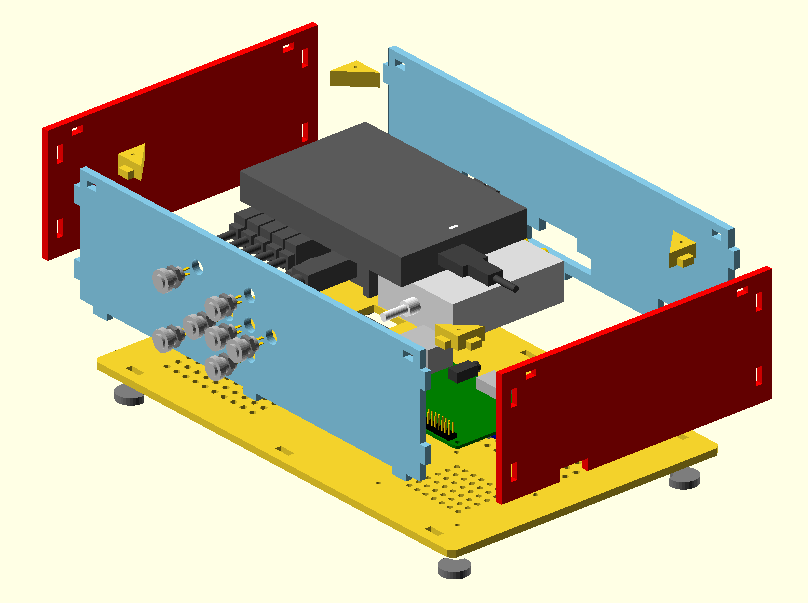
OpenSCAD library of various objects to use in Raspberry Pi-based projects