SnapGen CLI
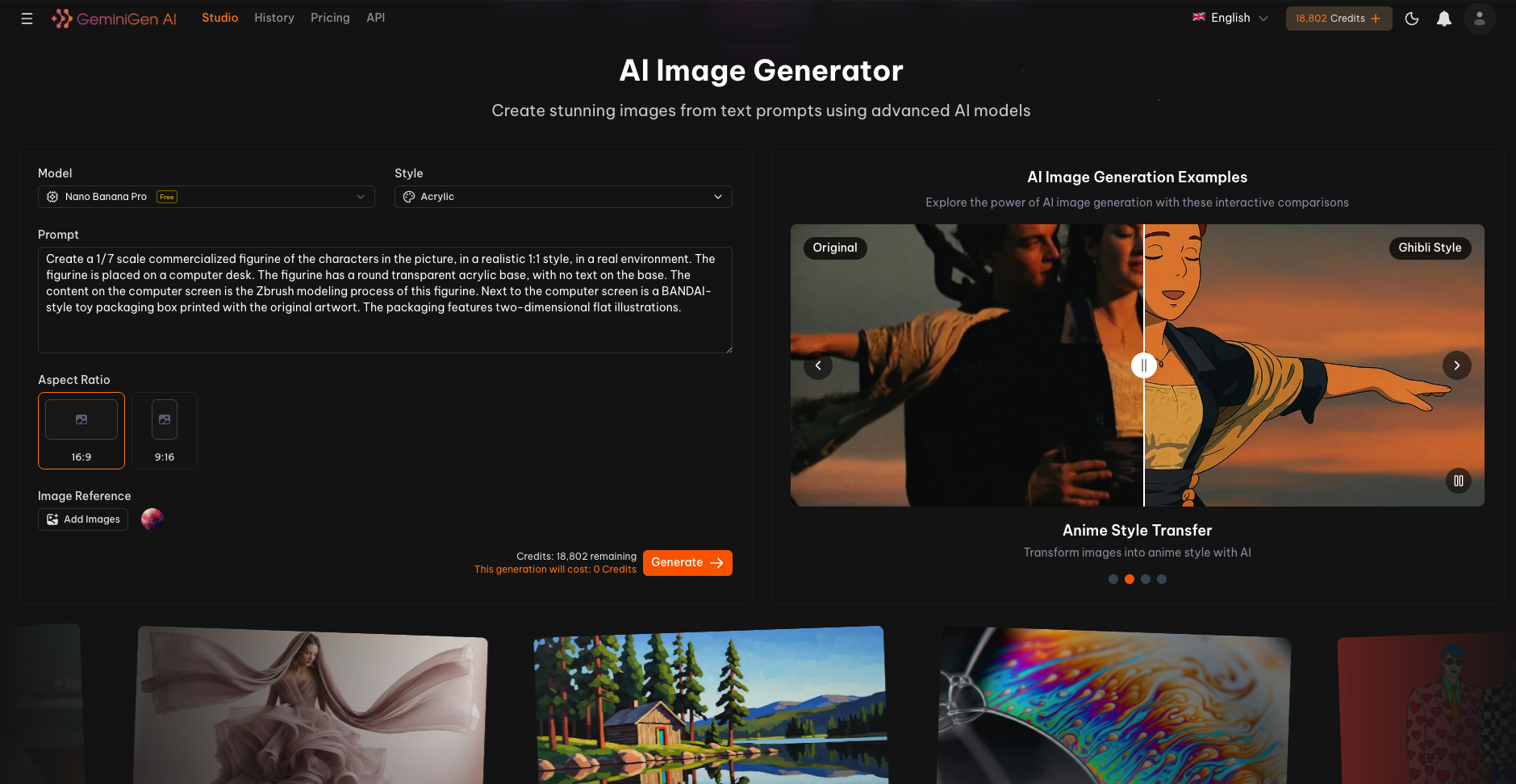
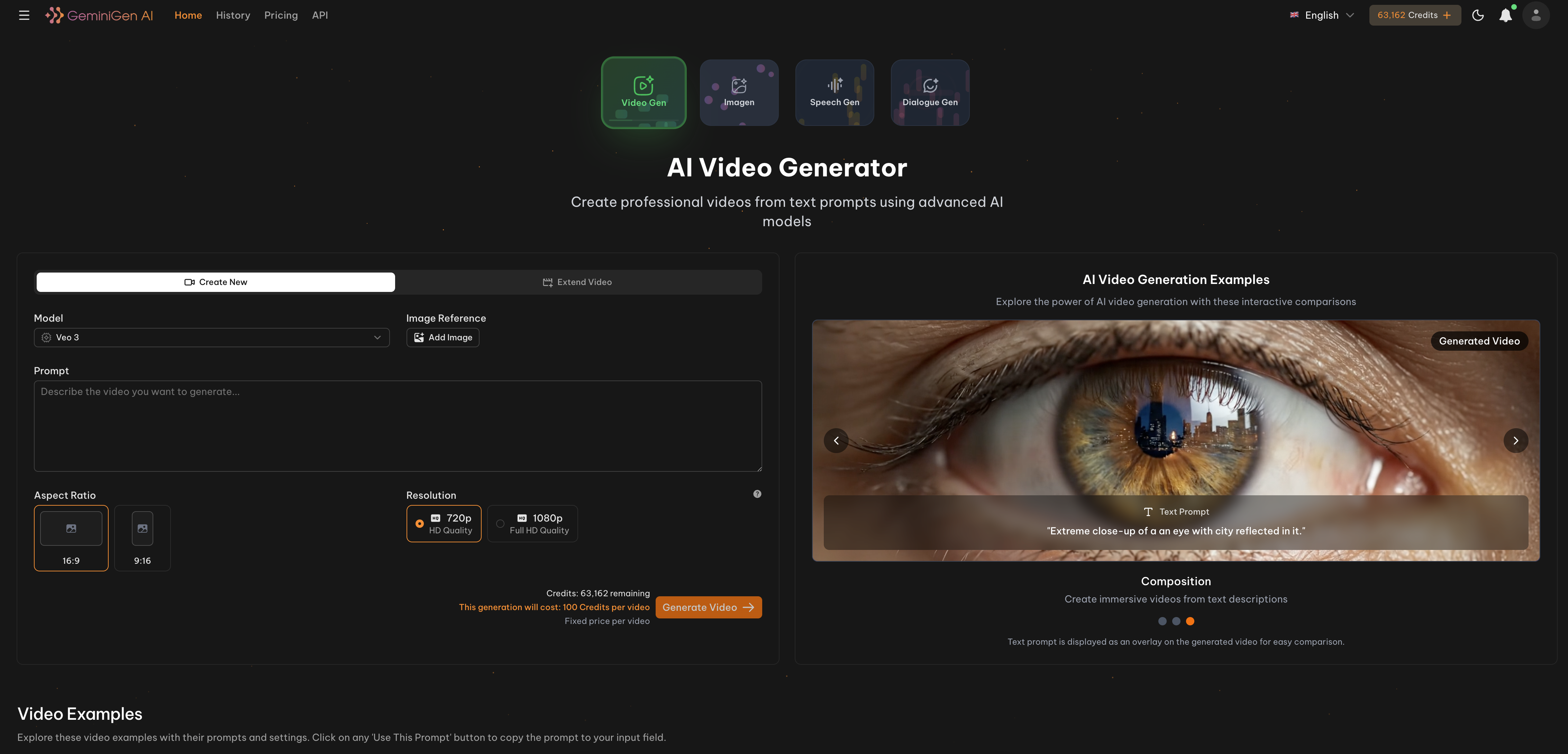
Generate images and videos on snapgen.ai from the terminal with 40 models: Veo 3.1, Kling 4.0,
Seedance 2.5, Grok, Minimax H3, FLUX 3, Nano Banana, GPT Image and more.
The CLI is built on the SnapGen MCP server
package. It reuses that package's model registry, request validation and API client, so the CLI and the MCP tools
accept the same models and options. Every request is checked locally before anything is uploaded or any credit is spent.
Contents
Install
npm (macOS, Linux, Windows)
npm install -g @ainnate.co/snapgen-cli
Installs a prebuilt standalone binary (no Python needed) for macOS (arm64, x64), Linux (x64, arm64, glibc 2.35+)
and Windows (x64; ARM via emulation). The binary is downloaded from this repo's
Releases and checked against the release's checksums.txt.
Manual
Download the binary for your platform from Releases, rename it
to snapgen (snapgen.exe on Windows) and put it on your PATH.
Python (pipx / uv)
Requires Python 3.10+.
pipx install git+https://github.com/SnapGenAI/snapgen-cli # or: uv tool install git+https://github.com/SnapGenAI/snapgen-cli
From a checkout:
python -m venv .venv
.venv/bin/pip install -e ".[dev]"   # Windows: .venv\Scripts\pip
Quickstart
Create an API key at snapgen.ai/profile/integration/api-keys, then:
snapgen auth login                  # paste the key; it is checked against your account before it is saved
snapgen account                     # plan and credit balance (free)
snapgen generate create nano-banana-pro --prompt "a quiet beach at sunrise" --wait
Examples
Image
snapgen generate create nano-banana-pro \
  --prompt "modern architecture, glass facade, golden hour light" \
  --aspect_ratio 16:9 --resolution 2K \
  --wait
GPT Image 2 with a transparent background
snapgen generate create gpt-image-2 \
  --prompt "flat icon of a paper plane" \
  --mode high --background transparent \
  --wait --download ./out
Image-to-video (Veo 3.1)
Local files are uploaded automatically. In frame mode the first image is the start frame, the second the end frame.
snapgen generate create veo-3.1-fast \
  --prompt "slow camera push through a forest clearing at dawn" \
  --image ./first.png --image ./last.png \
  --duration 8 --aspect_ratio 16:9 \
  --wait
Kling 4.0 with reference video
snapgen generate create kling-video-4-0 \
  --prompt "the dancer from @image1 performs the moves from the reference video" \
  --image ./dancer.png --video ./moves.mp4 \
  --mode 1080p --duration 10 --mode_image ingredient \
  --wait
Seedance 2.5 Omni
snapgen generate create seedance-2-5-omni \
  --prompt "drone shot over a mountain valley at sunrise" \
  --duration 8 --aspect_ratio 21:9 \
  --wait
Reuse a previous generation
Pass a generation uuid to --image (or --history) to use its result as a reference:
snapgen generate create grok-lower --prompt "the cat starts to dance" --image <image_uuid> --wait
Extend a video
Continue a finished Veo, Grok or Seedance video from its last frame:
snapgen generate extend veo-extend <video_uuid> --prompt "the camera keeps rising above the clouds" --wait
Storyboard
Chain 2-10 Grok scenes (6 or 10 seconds each, 45 s max) into one video:
snapgen generate storyboard \
  --scene 6 "a fox wakes up in a snowy forest" \
  --scene 10 "the fox runs across a frozen lake" \
  --aspect-ratio landscape --resolution 720p \
  --wait
or from a file: --scenes-file scenes.json with [{"prompt": "...", "duration": 6}, ...].
Track jobs
snapgen generate get <uuid>                     # status, credits, result URLs
snapgen generate wait <uuid> --download ./out   # block, then save the files
snapgen generate list --type video
Result links are signed and expire after about 7 days. Use --download to keep the files.
Models
snapgen model list                    # all models
snapgen model list --kind video       # image | video | extend | storyboard
snapgen model list --family kling
snapgen model get kling-video-4-0     # options, allowed values, reference limits, pricing, notes
| Family |
Models |
| Nano Banana |
nano-banana-pro, nano-banana-2, nano-banana-2-lite |
| GPT Image |
gpt-image-2, gpt-image-2.5-lower |
| Veo / Omni |
veo-3.1, veo-3.1-fast, veo-3.1-lite, veo-2, omni-flash, extend: veo-extend |
| Kling |
kling-video-4-0, kling-video-4-0-flash, kling-video-3-0, kling-video-2-6, kling-video-2-5, kling-video-2-1-5s, kling-video-2-1-10s, motion: kling-video-motion-4, kling-video-motion-3, kling-video-motion, edit: kling-video-3-0-edit |
| Seedance |
seedance-2-omni, seedance-2-mini, seedance-2-5-omni, sd-2-lower, sd-2-5-lower, extend: seedance-extend |
| Grok |
grok-image, grok-3, grok-lower, grok-1.5-lite, extend: grok-extend, grok-1.5-lite-extend, storyboard: grok-storyboard |
| Minimax |
minimax-h3 |
| Flux |
flux-3 |
| Vela |
vela-image, vela-ai-video |
| Muse |
muse-ai-video |
Model options are passed as flags after the model id. --aspect_ratio and --aspect-ratio are the same flag.
Boolean options can be given bare (--skip_audio) or with a value (--skip_audio false).
Commands
| Command |
Purpose |
snapgen auth login | logout | status |
save, remove or show the API key |
snapgen account |
plan and credit balance |
snapgen model list | get |
browse models and their options |
snapgen generate create |
start an image or video generation |
snapgen generate extend |
continue a finished video |
snapgen generate storyboard |
multi-scene Grok video |
snapgen generate get | wait | list |
track generations |
snapgen upload FILE... |
upload reference files and print their URLs |
snapgen version |
version info |
Run snapgen <command> --help for every flag.
Flags
| Flag |
Purpose |
--wait |
block until the job finishes and print the result URLs |
--download DIR, -o DIR |
save the results into DIR (implies --wait) |
--wait-timeout |
max wait, e.g. 90s, 10m, 1h (default 10m) |
--wait-interval |
poll interval (default 3s) |
--json |
machine-readable JSON on stdout |
--no-color |
disable color (also honors NO_COLOR) |
--base-url |
API base URL, e.g. a staging environment |
--prompt - reads the prompt from stdin, --prompt @prompt.txt from a file.
Scripting
Progress messages go to stderr, so stdout carries only the result.
snapgen generate create nano-banana-2-lite -p "a red bicycle" --wait --json | jq -r '.image_urls[0]'
snapgen generate list --json | jq -r '.items[] | select(.status=="completed") | .uuid'
Exit codes:
| Code |
Meaning |
| 0 |
success |
| 1 |
error (API, network, invalid option value, auth) |
| 2 |
usage error |
| 3 |
the generation failed |
| 4 |
--wait-timeout ran out (the job keeps running; snapgen generate wait <uuid> resumes) |
| 130 |
interrupted |
With --json, errors are printed to stderr as {"error": "...", "exit_code": N}.
Configuration
| Setting |
Where |
| API key |
SNAPGEN_API_KEY, else the key saved by snapgen auth login |
| Config file |
%APPDATA%\snapgen\config.json (Windows), $XDG_CONFIG_HOME/snapgen/config.json or ~/.config/snapgen/config.json; override the folder with SNAPGEN_CONFIG_DIR |
| API base URL |
--base-url, SNAPGEN_BASE_URL, or base_url in the config file (default https://api.snapgen.ai) |
For CI, pipe the key in: echo "$SNAPGEN_API_KEY" | snapgen auth login --with-token, or just set SNAPGEN_API_KEY.
Development
python -m venv .venv
.venv/Scripts/pip install -e ../SnapGenAI-MCP-Model-Context-Protocol   # sibling checkout of the MCP package
.venv/Scripts/pip install -e ".[dev]" --no-deps && .venv/Scripts/pip install pytest respx
.venv/Scripts/python -m pytest
Tests run against a mocked API, so they need no key and spend no credits.
New models come from the MCP package: add the model to its registry.py, then bump the pinned commit in
pyproject.toml here.
Releasing
- Bump the version in
pyproject.toml, src/snapgen_cli/__init__.py and npm/package.json (all three must match).
- Commit, then tag and push:
git tag v0.1.1 && git push origin v0.1.1.
- The
release workflow tests and builds the binaries on all five platforms, then creates the GitHub release with
checksums.txt. With the repo variable NPM_TRUSTED_PUBLISHING=true (and the trusted publisher configured on
npmjs.com for @ainnate.co/snapgen-cli) it also publishes the npm package; otherwise run npm publish in npm/
after the release exists.
License
Apache 2.0