Image_Filters_GUI
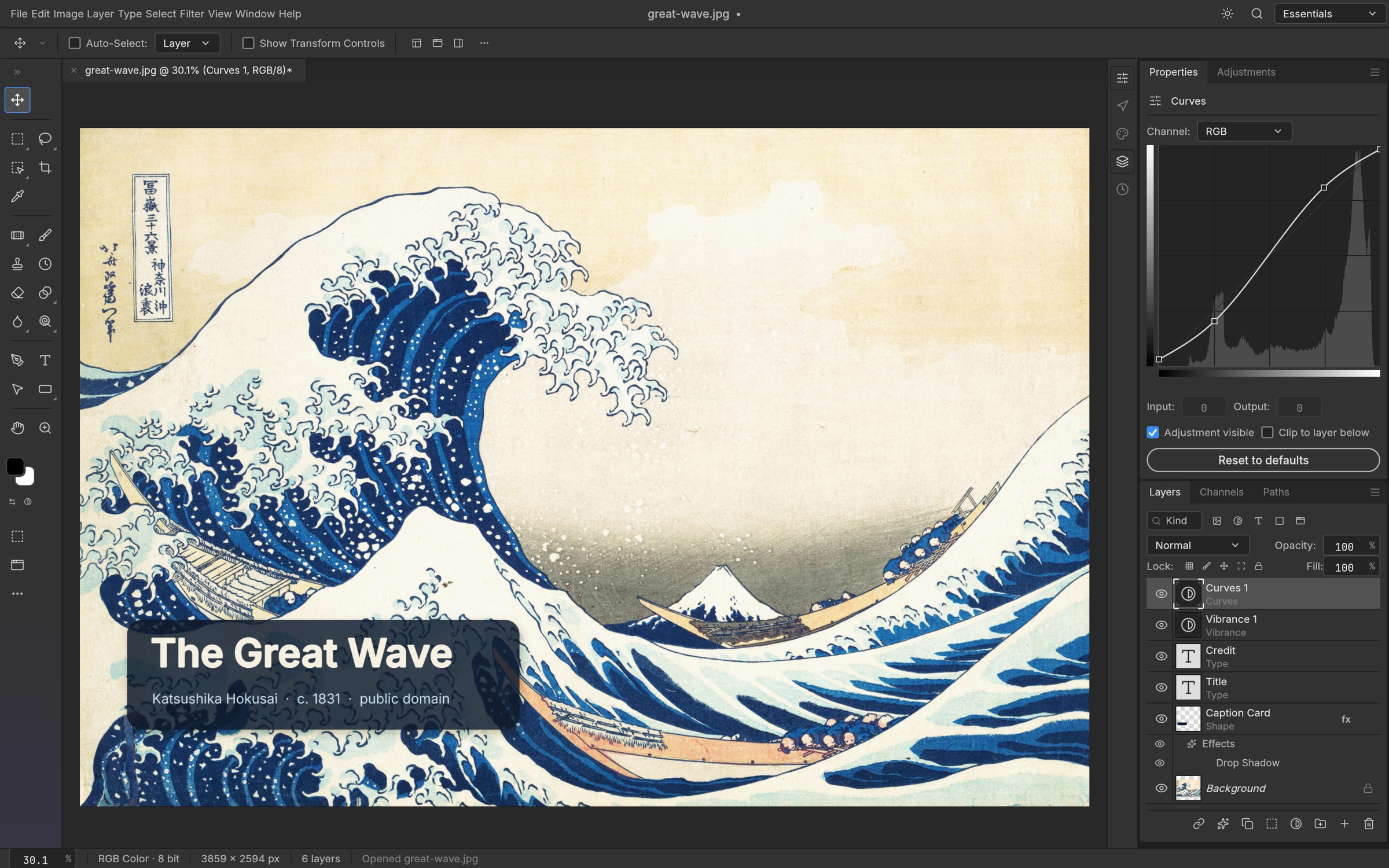
It is a python application in which you can edit your Image. There are many filters & features available in this application.
- 7
- MIT
- 7 y ago
Repo Spidy20/Image_Filters_GUI, read from GitHub 7 h ago. Spidy20 has not joined Take My Repo.
In short
Spidy20/Image_Filters_GUI is a public repo on GitHub by Spidy20. It is a python application in which you can edit your Image. There are many filters & features available in this application. It declares the MIT license on GitHub. It is written mainly in Python, has 7 stars and last changed on 2020-04-24. Nobody has reviewed it on Take My Repo yet, which says nothing about its quality. Read from GitHub on 2026-11-24.
Similar repos
face_recognition
The world's simplest facial recognition api for Python and the command line


Image🖼️📷 Editing🎨 App with Python
Follow us on Instagram for Machine Learning Guidelines & Path
Donate me on PayPal(It will inspire me to do more projects)
Donate me on GPAY:- kushalbhavsar58-1@okaxis
Usage:-
- Download this repository via GIT or zip.
- Open CMD in directory of this repository(Python 3.6 should be installed)
- type
pip install -r requirements.txt. - After installation run
Image_filter_GUI.py.
Features:-
- Support browse🖼️ & upload
- Support Camera📷 capture
- Different types of filters
- Easy to use GUI
- Save Image option
- Simple Code
Screenshots
Black & White

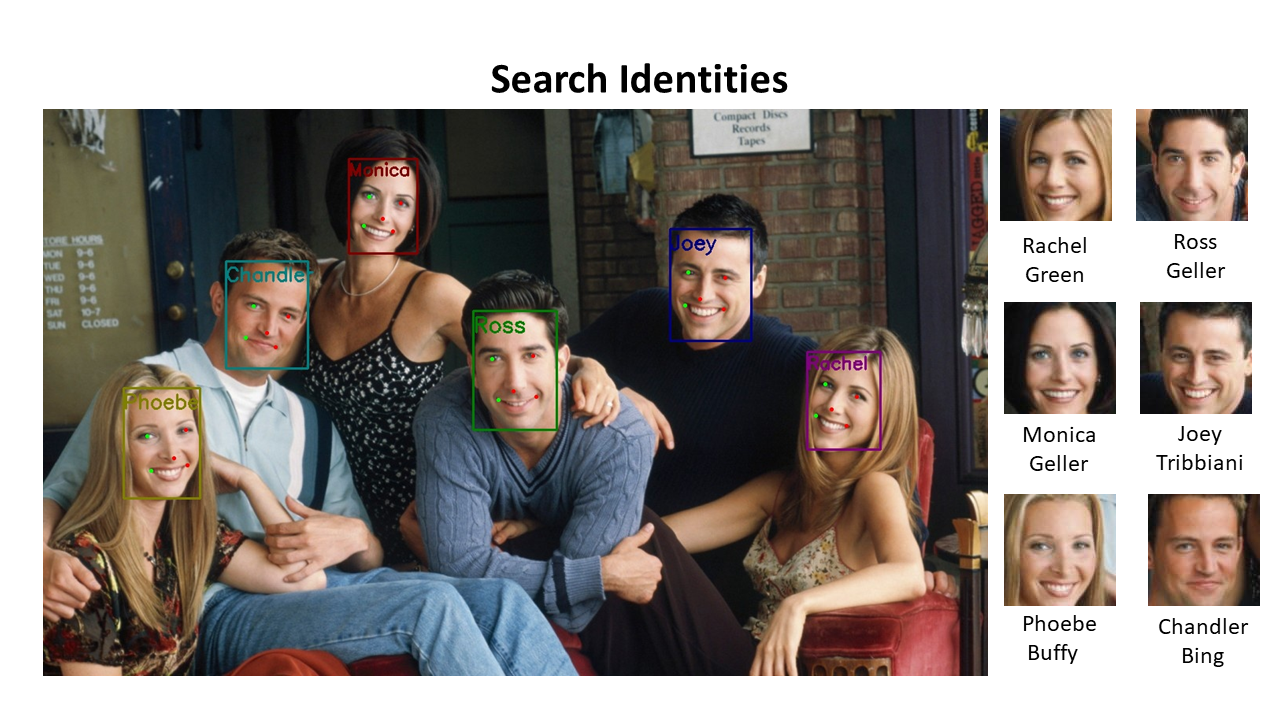
Face & Eye Detection

Sketch Filter

Cartoon Filter

Camera Capture Supported


Demo Video
Just follow☝️ me and Star⭐ my repository
Questions
What is Image_Filters_GUI?
Spidy20/Image_Filters_GUI is a public repo on GitHub by Spidy20. It is a python application in which you can edit your Image. There are many filters & features available in this application.
Is Image_Filters_GUI open source?
It declares the MIT license on GitHub.
Does Image_Filters_GUI run on macOS, Windows or Linux?
Its maker has not tagged a system, so it is unknown here. Its README says what it needs.
How do I install Image_Filters_GUI?
Open "Take it" on its page: Take My Repo writes an install plan for your machine and hands it to your AI agent (Claude Code, Codex or Cursor), which asks you before each step. Take My Repo has not tested it on any machine.