PythonImproved
The best Python language definition for Sublime Text - ever. Includes full support for Unicode, as well as both Python 2 and Python 3 syntax. Check out the Neon Color Scheme for highlighting.
- 93
- Python
- MIT
- 5 y ago
Mustache syntax and snippets for Sublime Text
Repo SublimeText/Mustache, read from GitHub 4 h ago. SublimeText has not joined Take My Repo.
SublimeText/Mustache is a public repo on GitHub by SublimeText. Mustache syntax and snippets for Sublime Text. It declares the Unlicense license on GitHub. It is written mainly in Mustache, has 6 stars and last changed on 2024-12-18. Nobody has reviewed it on Take My Repo yet, which says nothing about its quality. Read from GitHub on 2026-11-25.
The best Python language definition for Sublime Text - ever. Includes full support for Unicode, as well as both Python 2 and Python 3 syntax. Check out the Neon Color Scheme for highlighting.
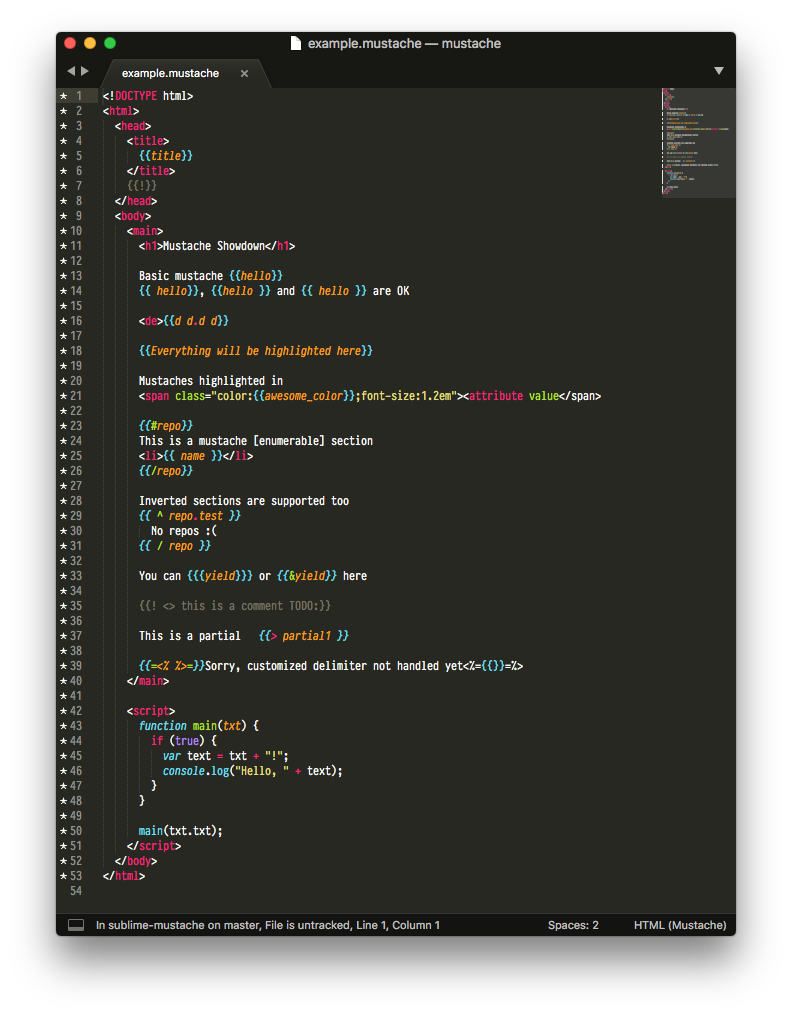
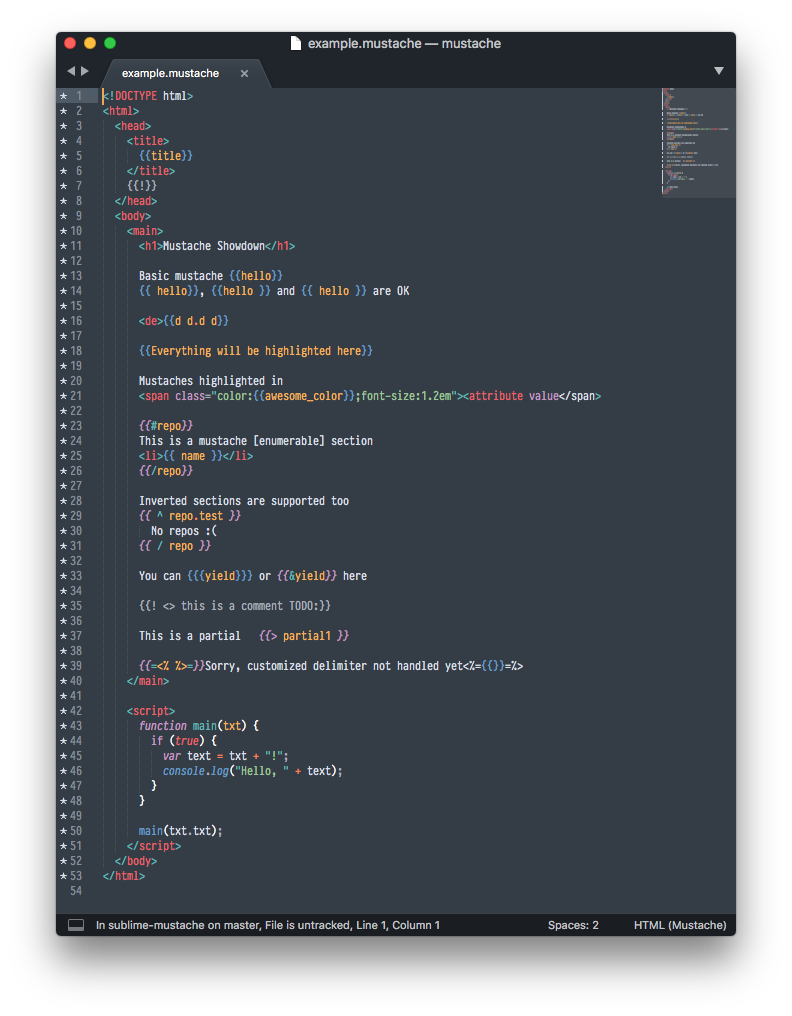
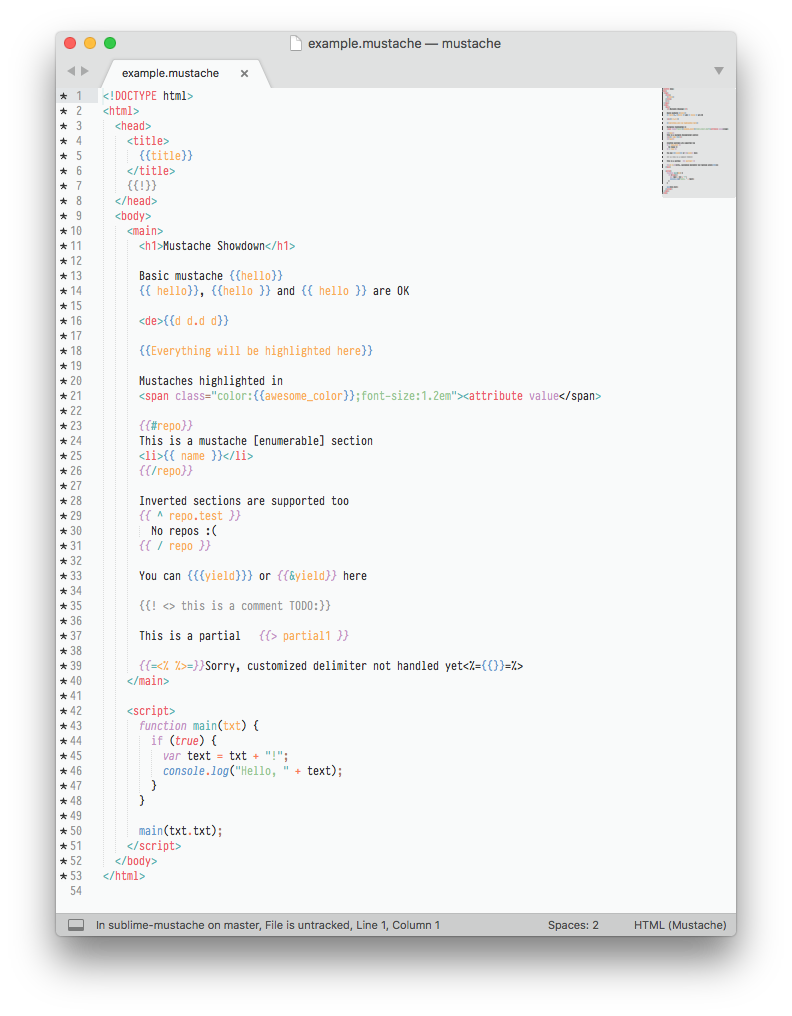
Mustache Syntax definitions and Snippets for for Sublime Text based on its CSS, HTML, JavaScript and JSON syntaxes.
The easiest way to install is using Package Control. It's listed as Mustache.
Command Palette using ctrl+shift+P or menu item Tools → Command Palette...Package Control: Install PackageMustache and hit Enter[!NOTE]
To find Installed Packages...
- call Menu > Preferences > Browse Packages..
- Navigate to parent folder
You can clone this repository into your Sublime Text x/Packages
cd ~/Library/Application\ Support/Sublime\ Text/Packages/
git clone https://github.com/SublimeText/Mustache.git
cd ~/.config/sublime-text/Packages
git clone https://github.com/SublimeText/Mustache.git
cd "%APPDATA%\Sublime Text\Packages"
git clone https://github.com/SublimeText/Mustache.git
| Name | Trigger | Result |
|---|---|---|
| Escaped Variable | var |
{{ variable }} |
| Unescaped Variable | let |
{{{ variable }}} |
| Comment | ! |
{{! comment }} |
| Section | if |
{{# variable }} [..] {{/ variable }} |
| Inverted Section | else |
{{^ variable }} [..] {{/ variable }} |
| Partial | inc |
{{> partial }} |
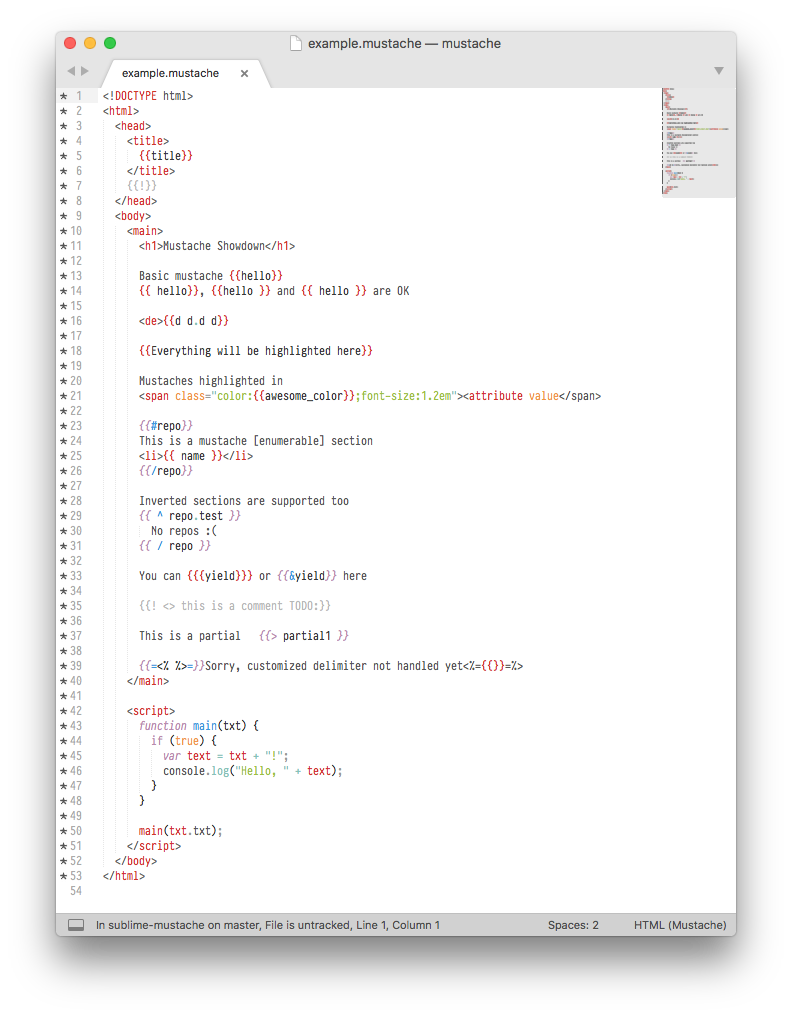
SublimeText/Mustache is a public repo on GitHub by SublimeText. Mustache syntax and snippets for Sublime Text.
It declares the Unlicense license on GitHub.
Its maker tagged it for macOS, Windows and Linux, or as Docker or cross-platform. That is declared by the maker; Take My Repo has not tested it.
Open "Take it" on its page: Take My Repo writes an install plan for your machine and hands it to your AI agent (Claude Code, Codex or Cursor), which asks you before each step. Take My Repo has not tested it on any machine.
A fast, powerful, safe and lightweight scripting language and engine for .NET
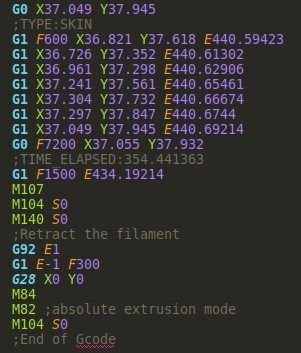
gcode (g-code) syntax highlighting for the Sublime Text editor; useful for viewing or editing CNC or 3D printer gcode files
Its last change on GitHub was on 2024-12-18. GitHub counts 0 open issues and pull requests. Take My Repo does not judge from that whether it is maintained.
Nobody has reviewed it on Take My Repo yet, which says nothing about its quality.
Take My Repo cannot say: it does not audit code and has not run Mustache. What is known comes from GitHub. It declares the Unlicense license on GitHub. Its last change was on 2024-12-18. It has 6 stars, which measure popularity, not safety. Nobody has reviewed it on Take My Repo yet, which says nothing about its quality. Read the source before you run it. With "Take it", your AI agent shows each step and asks you before running it; README text is treated as data, not as instructions.