berth
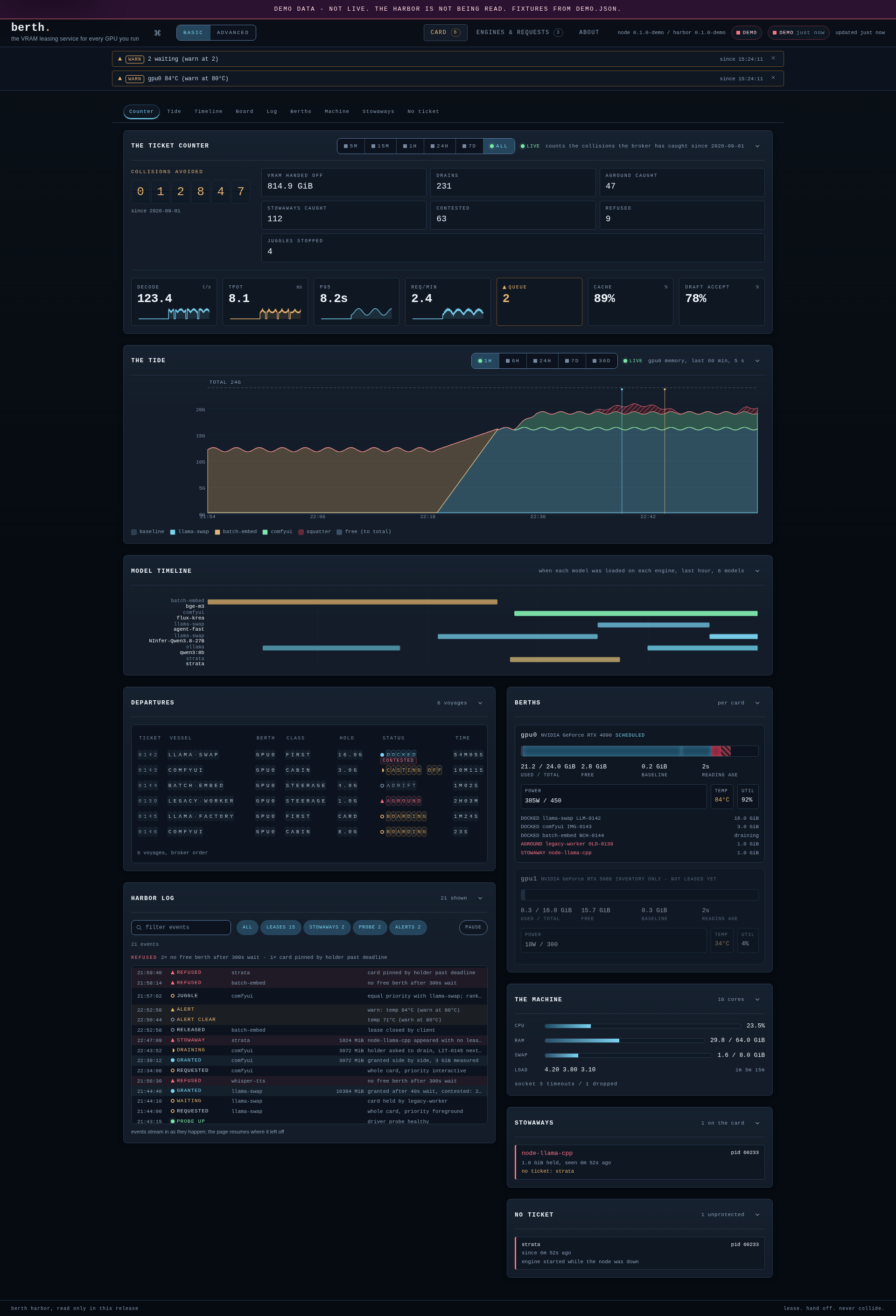
Berth is a lightweight GPU resource manager written in Go. It controls which applications get access to your GPU, when they get it, and how that access is handed off.
- 301
- Go
- Apache-2.0
- 2 d ago
Cairn: a local-first engineering work system with verified execution state
Repo T-Crypt/cairn, read from GitHub 13 h ago. T-Crypt has not joined Take My Repo.
T-Crypt/cairn is a public repo on GitHub by T-Crypt. Cairn: a local-first engineering work system with verified execution state. It declares the MIT license on GitHub. It is written mainly in TypeScript, has 0 stars and last changed on 2026-11-16. Nobody has reviewed it on Take My Repo yet, which says nothing about its quality. Read from GitHub on 2026-11-22.
The Epiq you love, with batteries included.
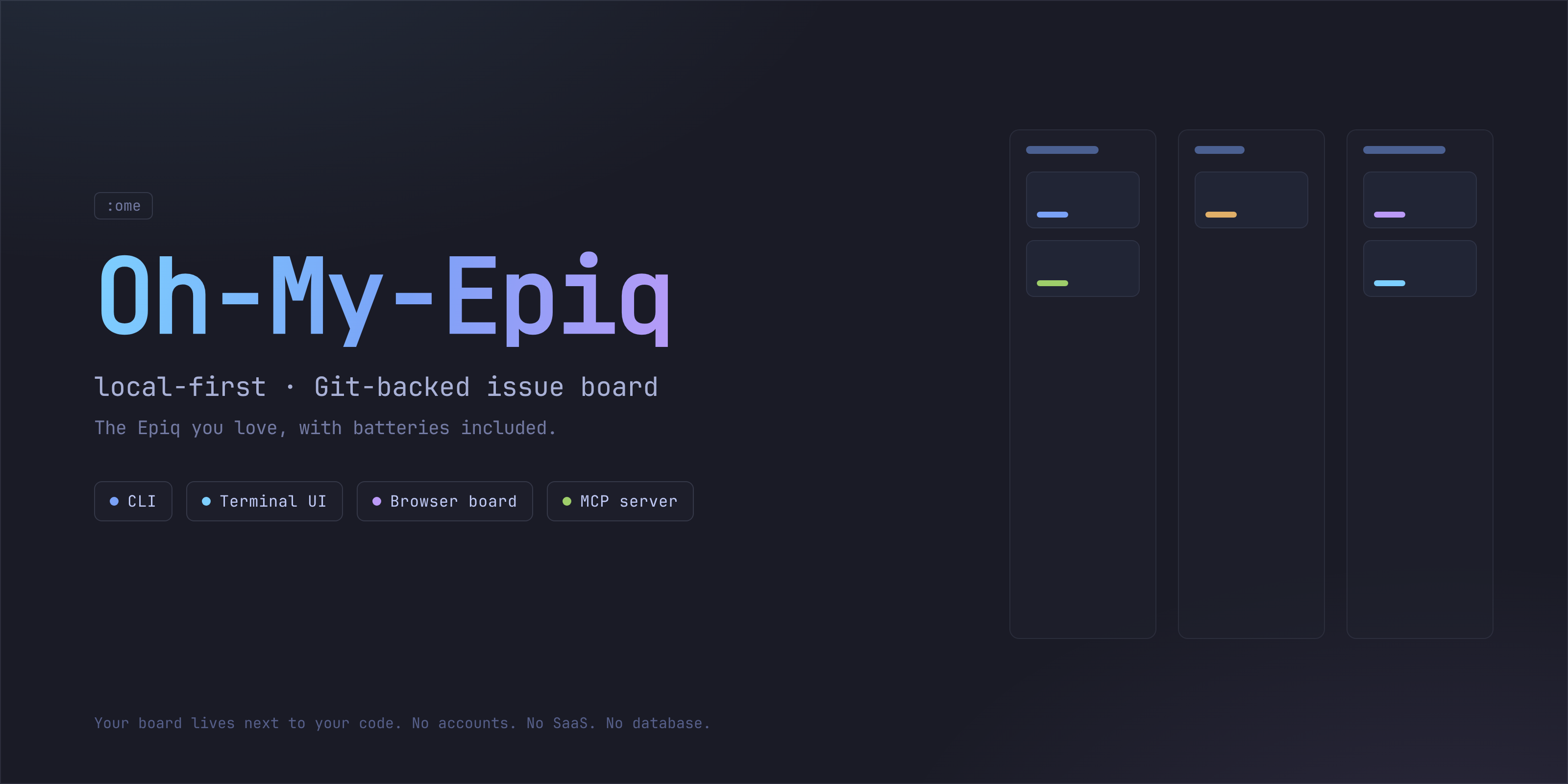
Oh-My-Epiq (OME) is a local-first, Git-backed issue board with four faces, a CLI (ome), a terminal UI, a browser board (ome gui) and an
agent MCP server (ome-mcp). It is a hard fork of
Epiq by @ljtn:
the same engine, the same event model, the same interfaces, with the operator
and agent tooling we wanted layered on top.
State is an immutable, append-only event log, versioned and synchronized over Git. No accounts, no SaaS, no database. Your board lives next to your code and travels with it.
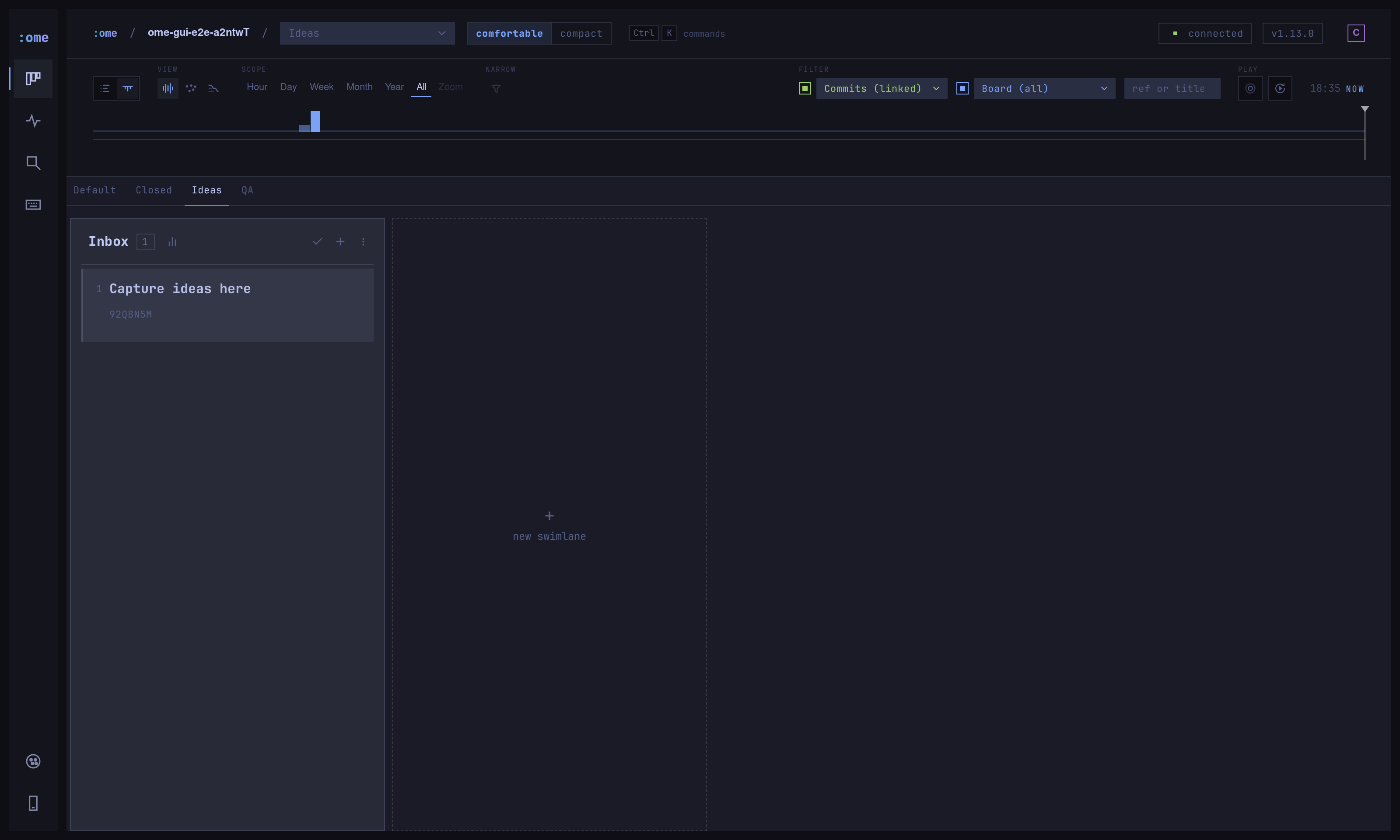
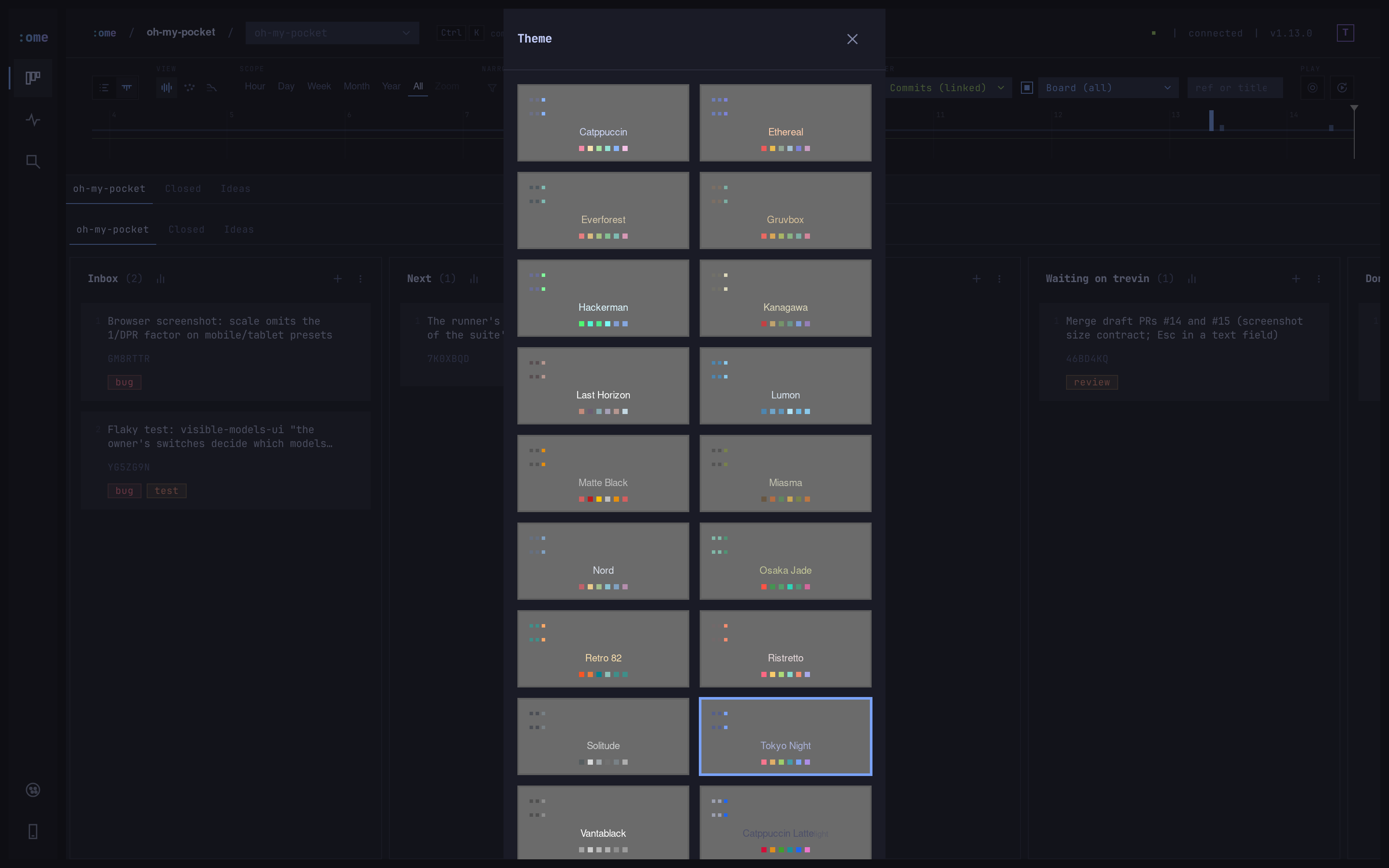
Every upstream Epiq feature, plus the operator and agent tooling:
ome migrate renames the on-disk surface
(~/.epiq-global → ~/.ome-global, .epiq/ → .ome/, __epiq_state__ →
__ome_state__) with a dry run, a backup and a printed rollback. Dry-run
first; see Coming from Epiq?.ome_issue_update replaces seven narrow
writers. Reads take view:brief|full with brief by default. Every write
takes a full id, a 7-char ref or a name. Adding a tag or an assignee a
ticket already has is an idempotent no-op. Errors say what to pass. The
everyday set registers by default and the administrative set opts in with
OME_MCP_FULL=true. See MCP for agents.:root
and re-reads every JavaScript-driven colour at render time, so the whole
board repaints without a reload. A pre-paint guard stops any flash
of the wrong look on first load.ome gui --access lan|tailscale|cloudflare
or --allow-host behind a proxy such as tailscale serve. Anything that is
not this machine's own browser needs the owner token, and a phone signs in
by scanning a single-use pairing code.skills/ome/SKILL.md for anyone who wants it.init seeds one beside Default, and
the board tabs above the lanes switch between boards. Ideas are tickets like
any other. Triage one onto a working board when it has a plan.OME_MCP_FULL gate, taught by the skill.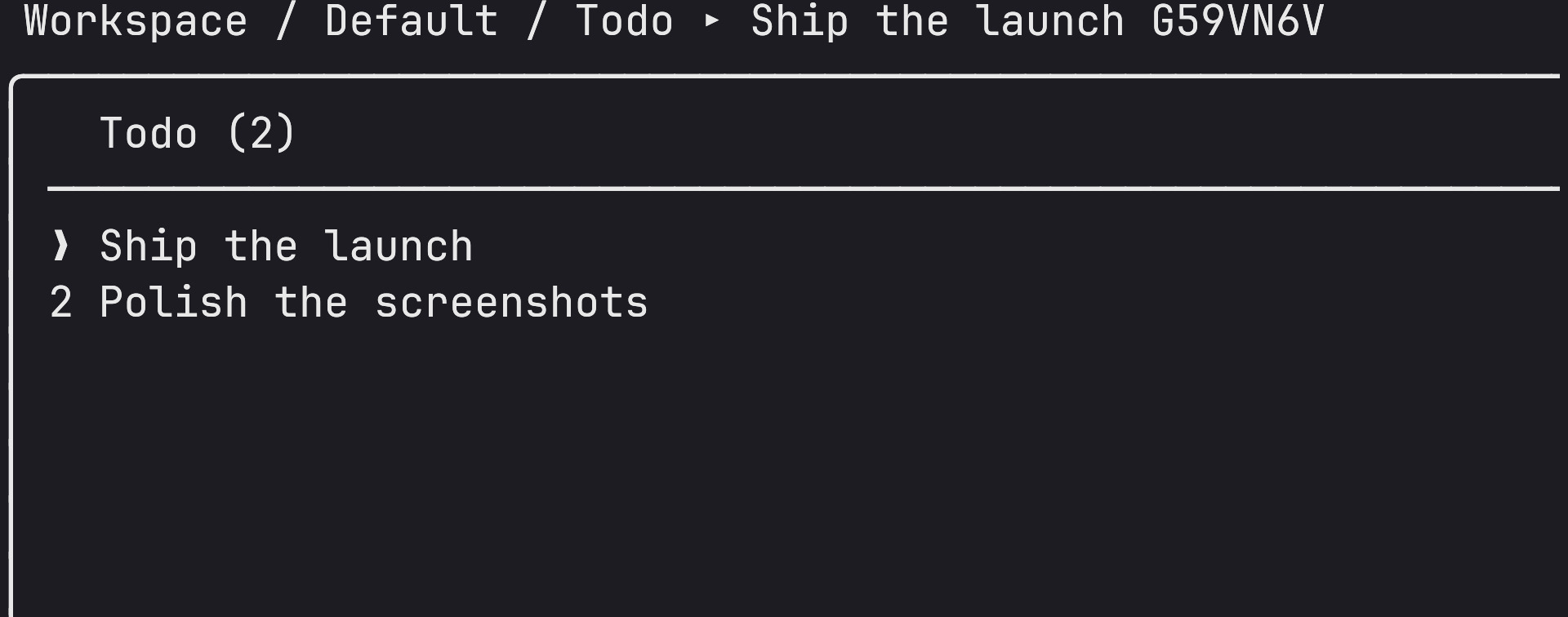
The engine is Epiq's; the operator and agent tooling on top is OME's. In one glance, what this fork adds:
ome migrate carries an existing Epiq
board to OME's on-disk layout with a dry run, a backup and a printed
rollback.The fork ships the engine and the agent tooling first. These operator features are designed and tracked but not implemented yet:
idea · planned · in-flight · maintenance-staged · maintenance-done · support · parked) that drives a status view on the board.:init.The description in this README is the system of record for what ships; the roadmap above is the honest list of what does not.
ref
and the diff shows up on the ticket. Comment on selected lines; file a ticket
straight from a selection.OME is not published to npm yet, and a direct
npm install --global git+https://github.com/T-Crypt/oh-my-epiq.git does not
work: the build runs on prepack, while a Git install runs prepare (which
only sets up husky), so the dist/ the package needs is never produced.
Install from a clone or a packed tarball instead.
From a clone. This builds dist/, then links the bins:
git clone https://github.com/T-Crypt/oh-my-epiq.git
cd oh-my-epiq
npm install
npm run build:npm
npm link          # exposes `ome` and `ome-mcp`
From a packed tarball. npm pack runs the build, then install it under a
pinned prefix:
npm pack          # writes oh-my-epiq-<version>.tgz and runs the build
npm install -g --prefix ~/.local/share/ome-mcp-npm ./oh-my-epiq-*.tgz
# ~/.local/share/ome-mcp-npm/bin/{ome,ome-mcp}
Verify:
ome --version
Inside any Git repository:
ome
First run opens the interactive setup wizard. That is it.
Launch the browser board with:
ome gui
On a machine with no display, or with --no-open, it serves without opening a
browser; open the URL it prints. Without a terminal attached it also stays shut,
so a script or an agent driving it never takes your desktop. OME_GUI_OPEN=1
opens one anyway (a keybind has no terminal). OME_GUI_NO_OPEN=1 never
opens one whatever else is set. The board serves on loopback by default
(port 3710). To open it from a phone or another machine, see
Remote and mobile.
Setup writes your user config to
~/.ome-global/config.json.Initialization creates:
- Project definition in
./.ome/project.json- Authoritative Git state at
~/.ome-global/worktrees/<id>(branch__ome_state__)- A
.gitignoreentry for local-only.ome/log/- A local debug log at
.ome/log/ome.log
Act as somebody other than the configured user (for an agent or a second operator):
ome --as claude
The browser board works from a phone. It uses the same access model as Oh-My-Pocket. Pick how you reach the board, and sign each device in once.
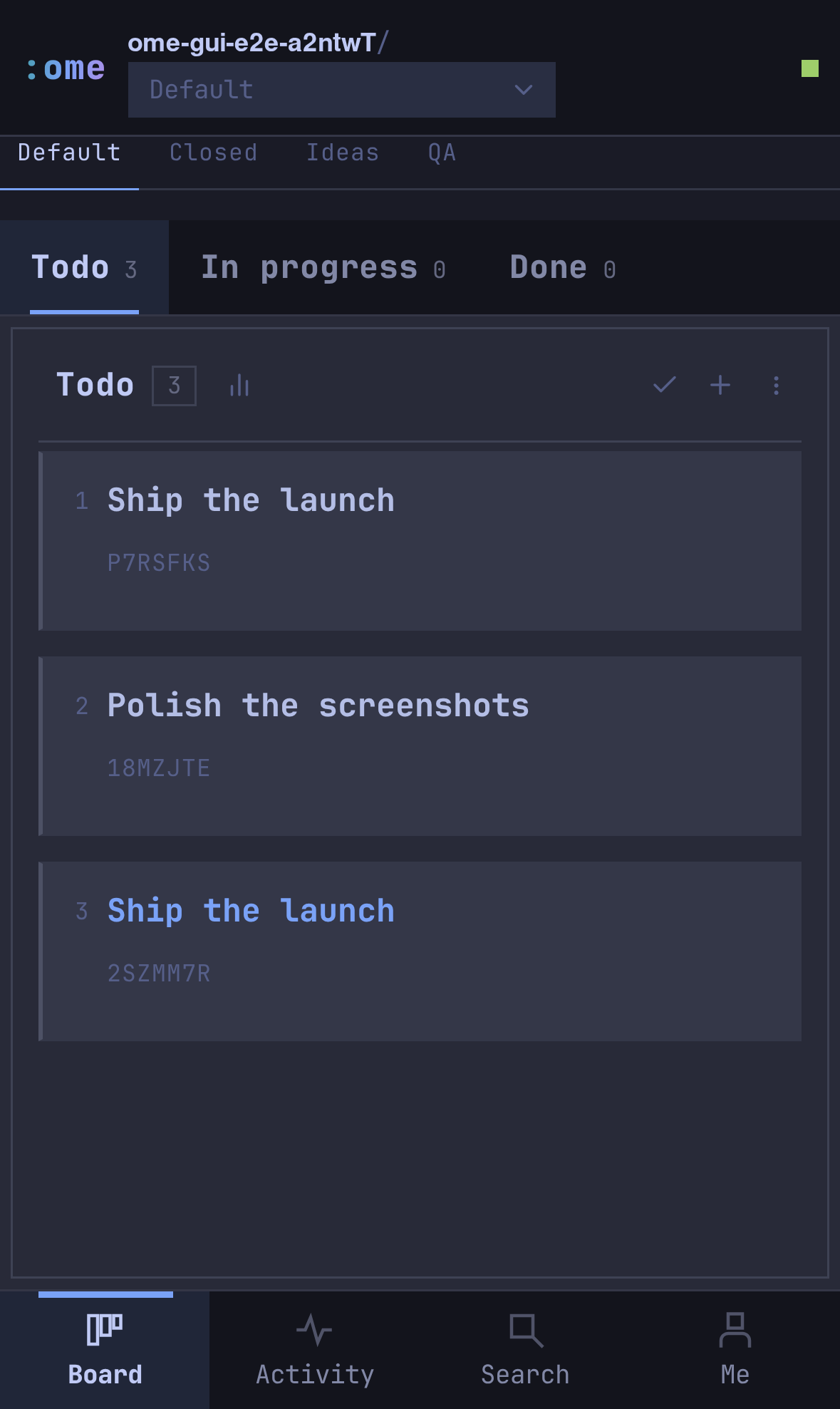
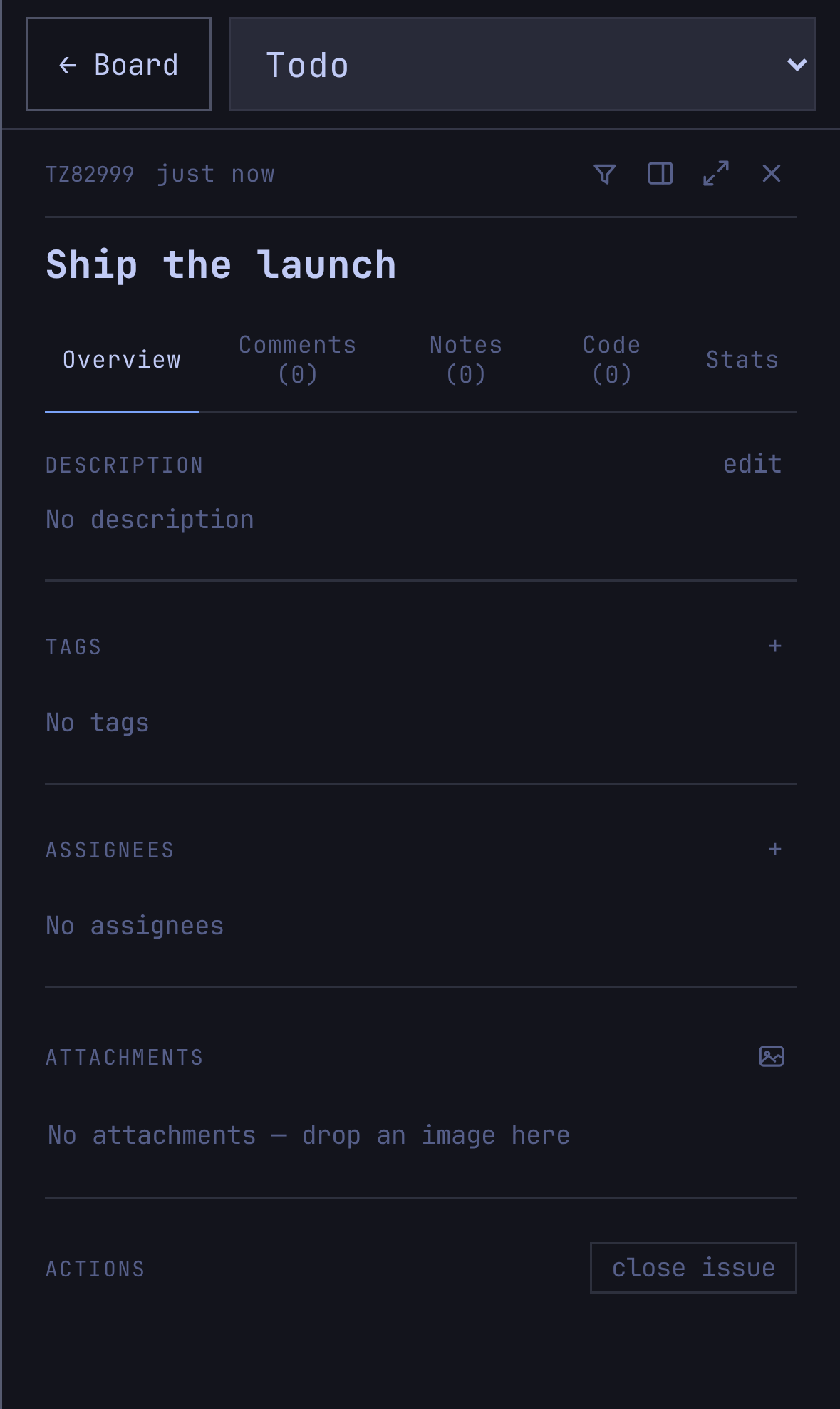
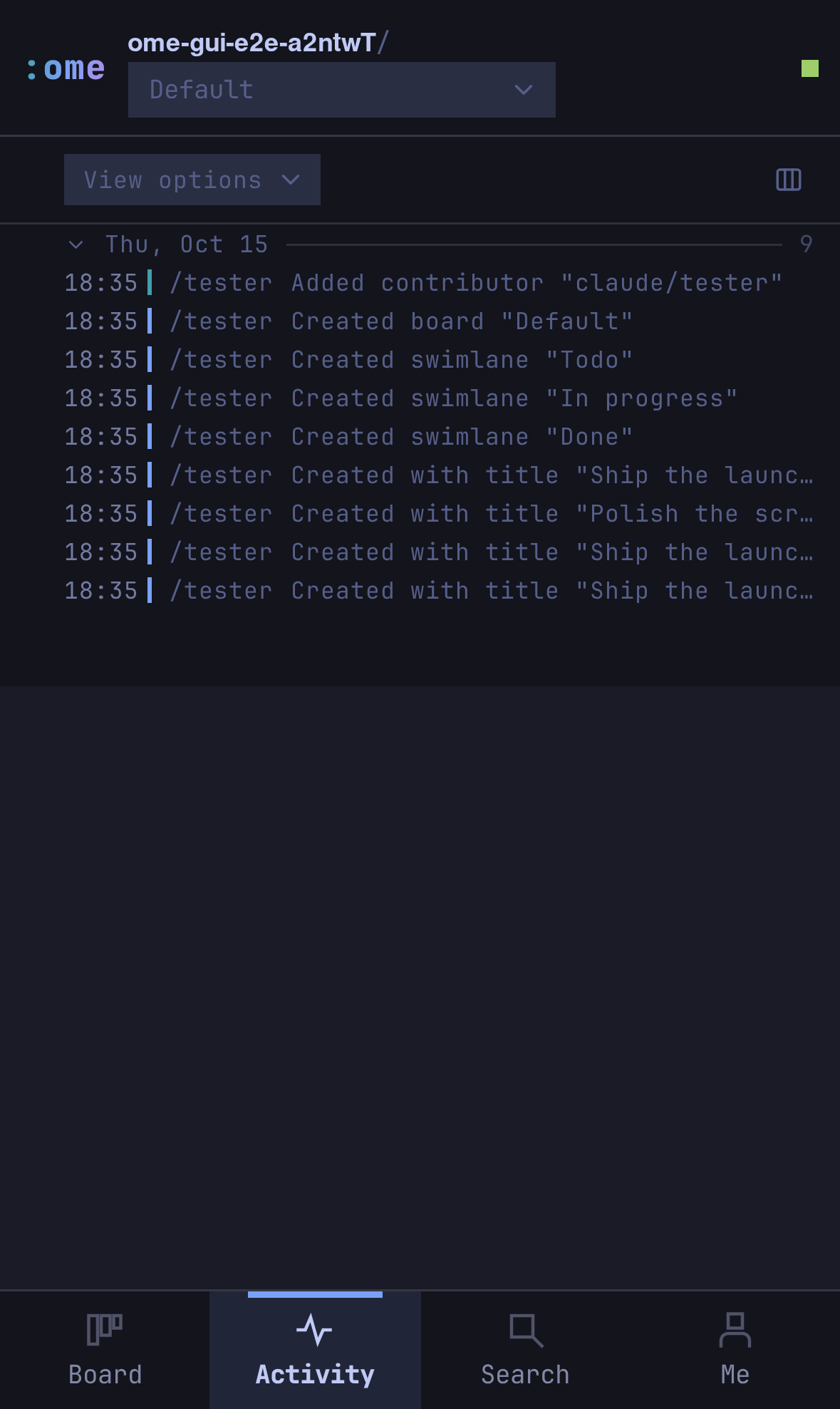
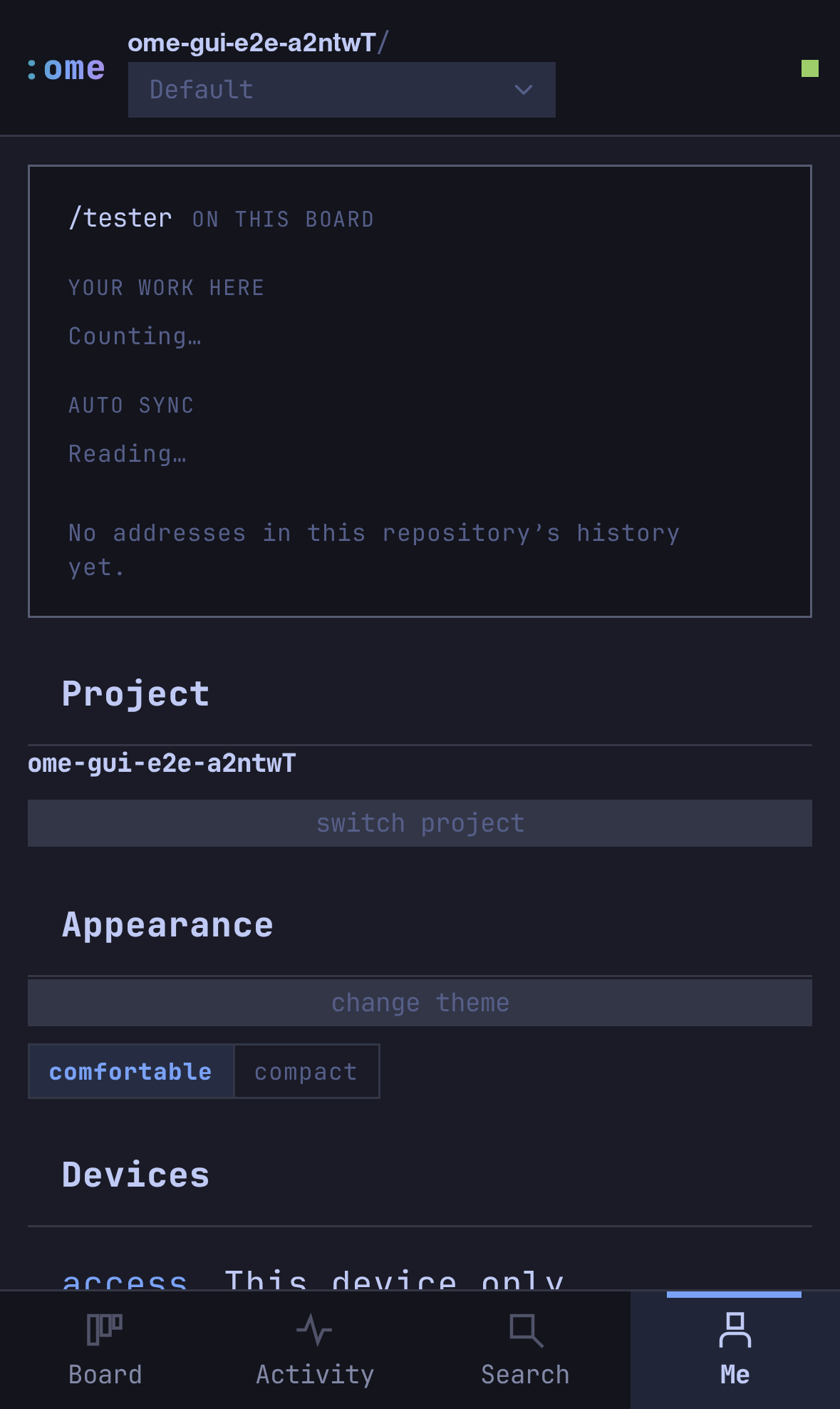
| Access | Command | Who can reach it |
|---|---|---|
| This device only | ome gui |
Loopback. The default, as before |
| Behind a proxy | ome gui --allow-host https://host.example.ts.net:3710 |
Whoever the proxy lets in. Use this with tailscale serve |
| Local network | ome gui --access lan |
The machine's own LAN address, never every interface |
| Tailscale | ome gui --access tailscale |
The machine's tailnet address, plain http |
| Cloudflare Tunnel | ome gui --access cloudflare |
Anyone with the trycloudflare.com URL. Needs cloudflared on PATH. Public, so only the token stands behind it |
--allow-host takes a bare name or the URL a browser opens, and can repeat.
OME_GUI_ALLOW_HOSTS (comma-separated) does the same from a service unit, and
OME_GUI_PORT sets the port.
The recommended setup on a tailnet keeps the board on loopback and lets Tailscale terminate TLS:
OME_GUI_PORT=3710 ome gui --no-open --allow-host https://<machine>.<tailnet>.ts.net:3710
sudo tailscale serve --bg --https=3710 http://127.0.0.1:3710
Signing in. The first time you reach the board from anywhere but its own machine, it shows a sign-in page. There are two ways in:
ome gui prints https://…/login?token=… and its QR code at startup. That
link is the owner token. Treat it as a password.A signed-in browser keeps an HttpOnly cookie for a year. ome gui --rotate-token replaces the token and signs every device out. The token lives
in ~/.ome-global/gui-access.json (mode 600).
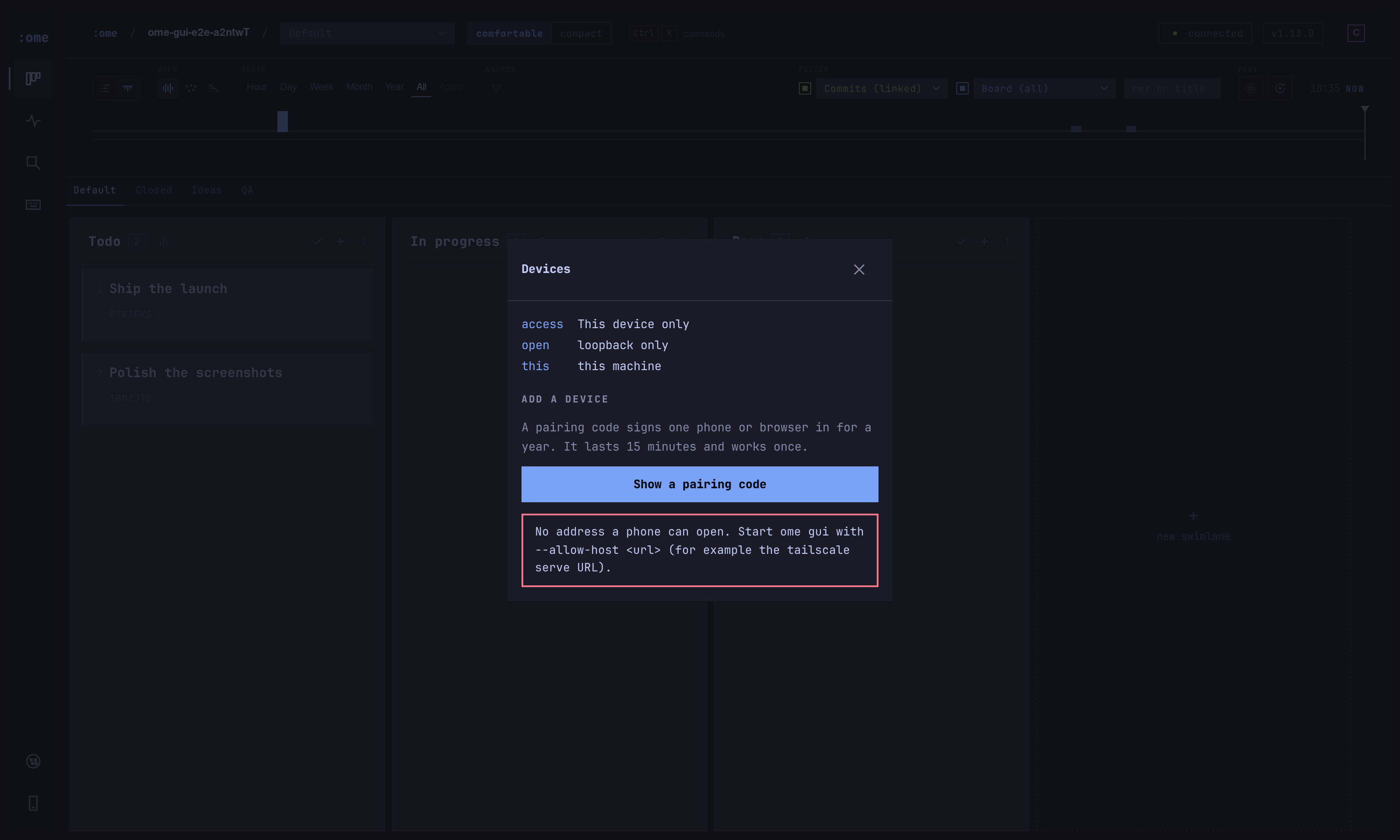
What is checked. A request is this machine's own browser only when it arrives on a loopback socket, names a loopback host, and carries no forwarding header. A proxy on the same machine still counts as remote. The server refuses a request naming a host it was not told about before any route, which stops DNS rebinding. Writes and the live socket must also come from a page this server served: the old loopback rule, or an allowed host whose origin matches the request. The server refuses a page on another port of the same machine even though it shares the cookie.
On the phone. Drag and drop does not work on a touch screen, so a ticket's
sheet has a lane picker. The command palette has a new Move ticket to a
lane command (move, as in the TUI), which works on the desktop too.
Everything else is the same board: the same tabs, comments, tags, assignees,
attachments, linked commits and history.
OME renames the on-disk surface, so point it at your existing boards once:
ome migrate            # plan only, changes nothing
ome migrate --apply    # back up, rename, move the state branch, verify
The migration backs up ~/.epiq-global, creates __ome_state__ at the same
commit as __epiq_state__, rewrites .epiq/ → .ome/ and
~/.epiq-global/ → ~/.ome-global/, and prints a rollback. Environment
variables were renamed too (EPIQ_* → OME_*); the old names are still read
with a deprecation warning. A half-migrated board still reads: diff comments
accept legacy epiq- markers and commit refs accept both [epiq: and [ome:.
ome migrate is a one-way door. Always run the dry run first, and never run
--apply against a board you have not named.
OME ships an MCP server, ome-mcp, speaking stdio. Register it with Claude
Code:
claude mcp add --scope user ome -- /absolute/path/to/ome-mcp
For hand-edited clients:
{
	"mcpServers": {
		"ome": {
			"command": "/absolute/path/to/ome-mcp"
		}
	}
}
Tools are namespaced ome_* (ome_issue_create, ome_issue_update,
ome_board_list, …). Every write accepts a ticket by full id or by ref.
ome_sync is the only tool that touches the network; sync is on demand. Take
an identity (ome_actor_assume, provider/name) before your first write.
Core toolset by default. Reads, issue create/update/comment/note, sync,
and assume are always available. Set OME_MCP_FULL=true to enable the full
toolset including board/swimlane management, tag/contributor administration,
attachments, ome_project_init, and ome_skill_install.
ome_issue_list and ome_issue_get accept view:brief (default) for a
lean response or view:full for descriptions, comments, and notes.
The full toolset also carries the collaboration board: ome_collab_post
(note, request or handoff), ome_collab_list, ome_collab_claim,
ome_collab_resolve and ome_collab_pin. Global lines sync to every clone
through the state branch. Local lines stay on the machine that wrote them.
The server sends the board workflow as its MCP instructions, so nothing has to
be installed in a project. The longer written skill is optional: it lives at
skills/ome/SKILL.md, and ome_skill_install copies it into one clone at
.claude/skills/ome/SKILL.md and lists it in .git/info/exclude, so it is
never committed. See CONTRIBUTING.md.
OME uses Git in the background. No manual Git commands. ome writes to an
append-only event log on a dedicated state branch (__ome_state__) via a Git
worktree, isolated from your working tree. Running :sync (or ome sync)
merges and publishes. Project metadata lives in .ome/project.json.
Events use time-sortable ULIDs plus an edge reference to the last known event, so concurrent edits converge deterministically and merges stay trivial.
Oh-My-Epiq is a fork of Epiq by @ljtn. The engine, the event model and the original design are his. If this is useful, go star the upstream. See UPSTREAM.md for the full fork relationship.
MIT licensed. See LICENSE. The shell's look follows Pi Pocket by Tanner Middleton, through the Oh-My-Pocket fork. JetBrains Mono is bundled under the SIL Open Font License.
Never leave your editor.
T-Crypt/cairn is a public repo on GitHub by T-Crypt. Cairn: a local-first engineering work system with verified execution state.
It declares the MIT license on GitHub.
Its maker has not tagged a system, so it is unknown here. Its README says what it needs.
Open "Take it" on its page: Take My Repo writes an install plan for your machine and hands it to your AI agent (Claude Code, Codex or Cursor), which asks you before each step. Take My Repo has not tested it on any machine.
Its last change on GitHub was on 2026-11-16. Take My Repo does not judge from that whether it is maintained.
Nobody has reviewed it on Take My Repo yet, which says nothing about its quality.
Berth is a lightweight GPU resource manager written in Go. It controls which applications get access to your GPU, when they get it, and how that access is handed off.
Four identities. One desktop. Modular Plugins · Live Hot-Swapping · Seamless Customization · Resource-Aware (personal project)
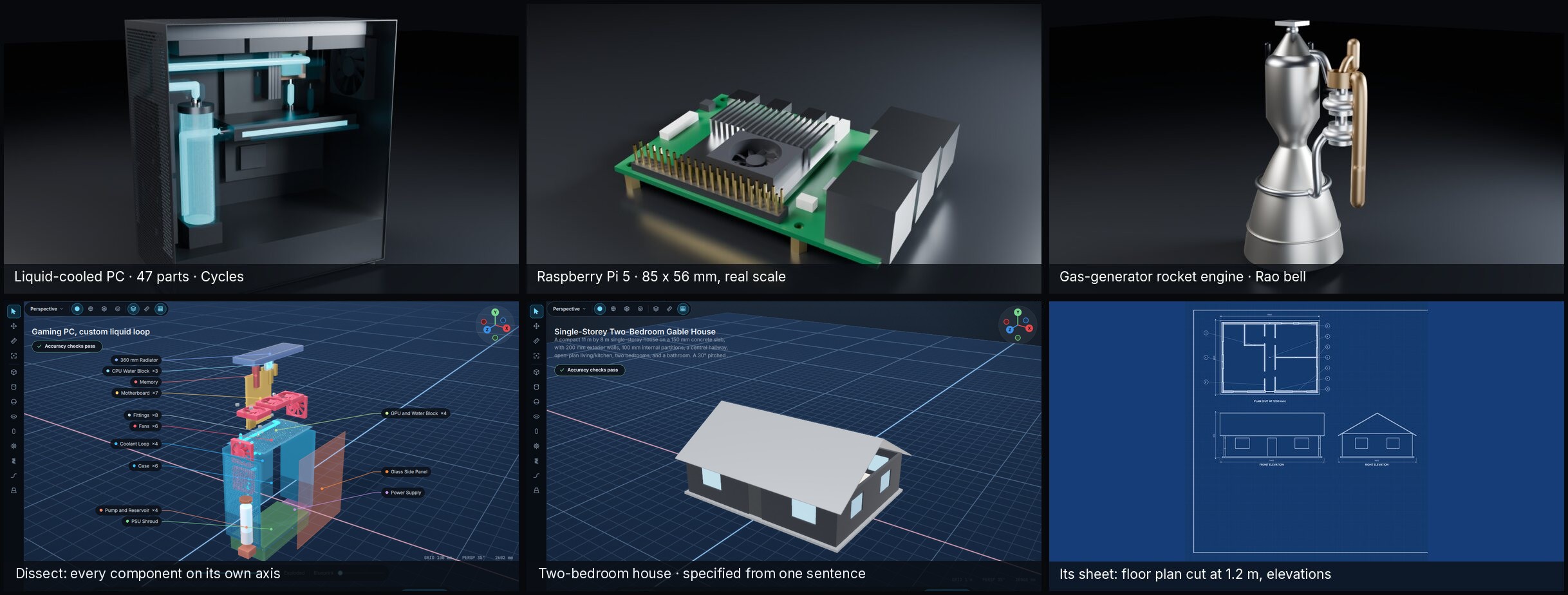
You specify it, you build it. A workshop where a sentence becomes a validated build program, an exact solid, a measured report and a STEP, DXF, STL or URDF file. Any OpenAI-compatible model; agents over MCP.
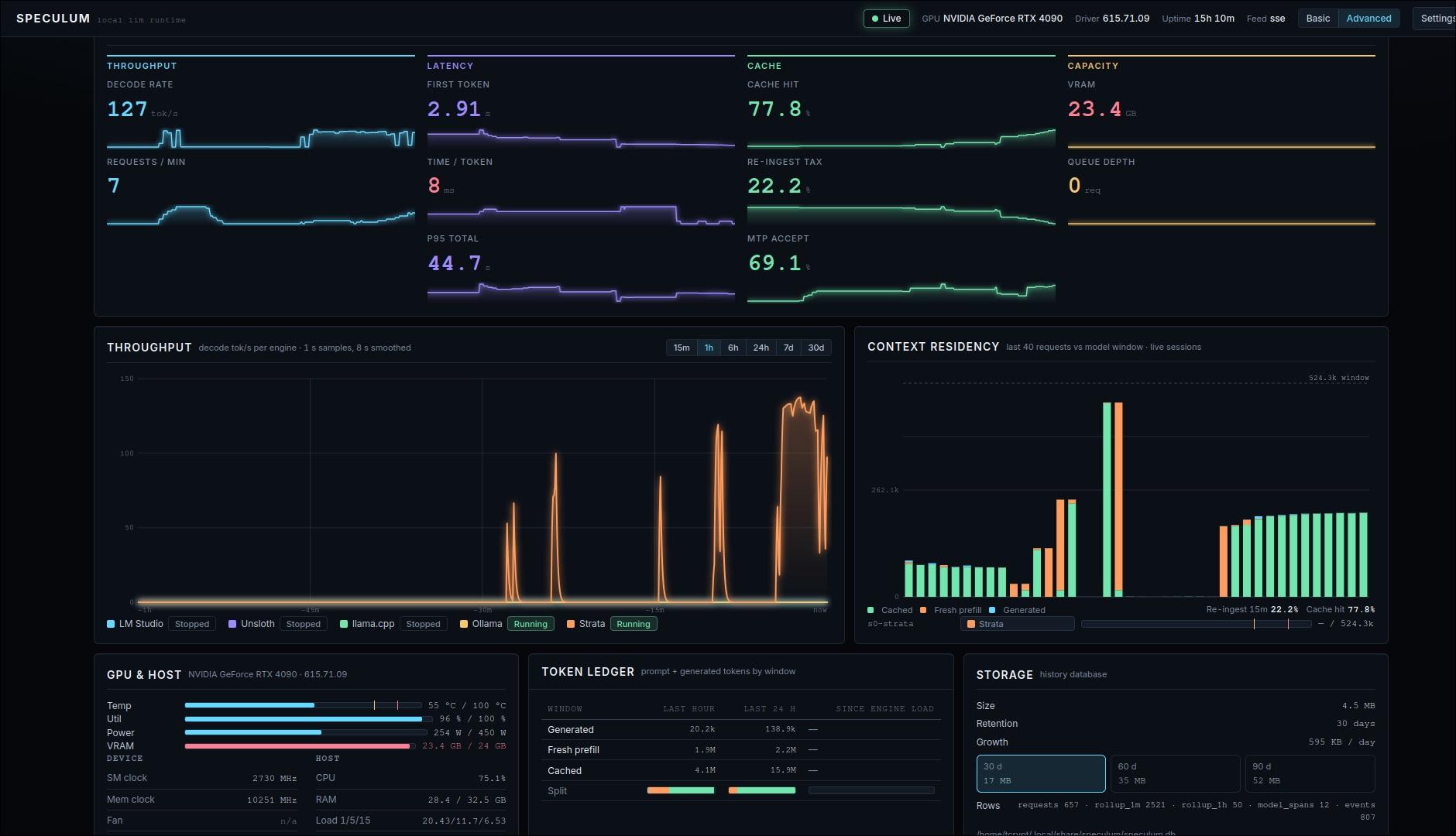
monitor for a local LLM runtime (llama-swap, NInfer, Strata, more) -- metrics ported to berth.