berth
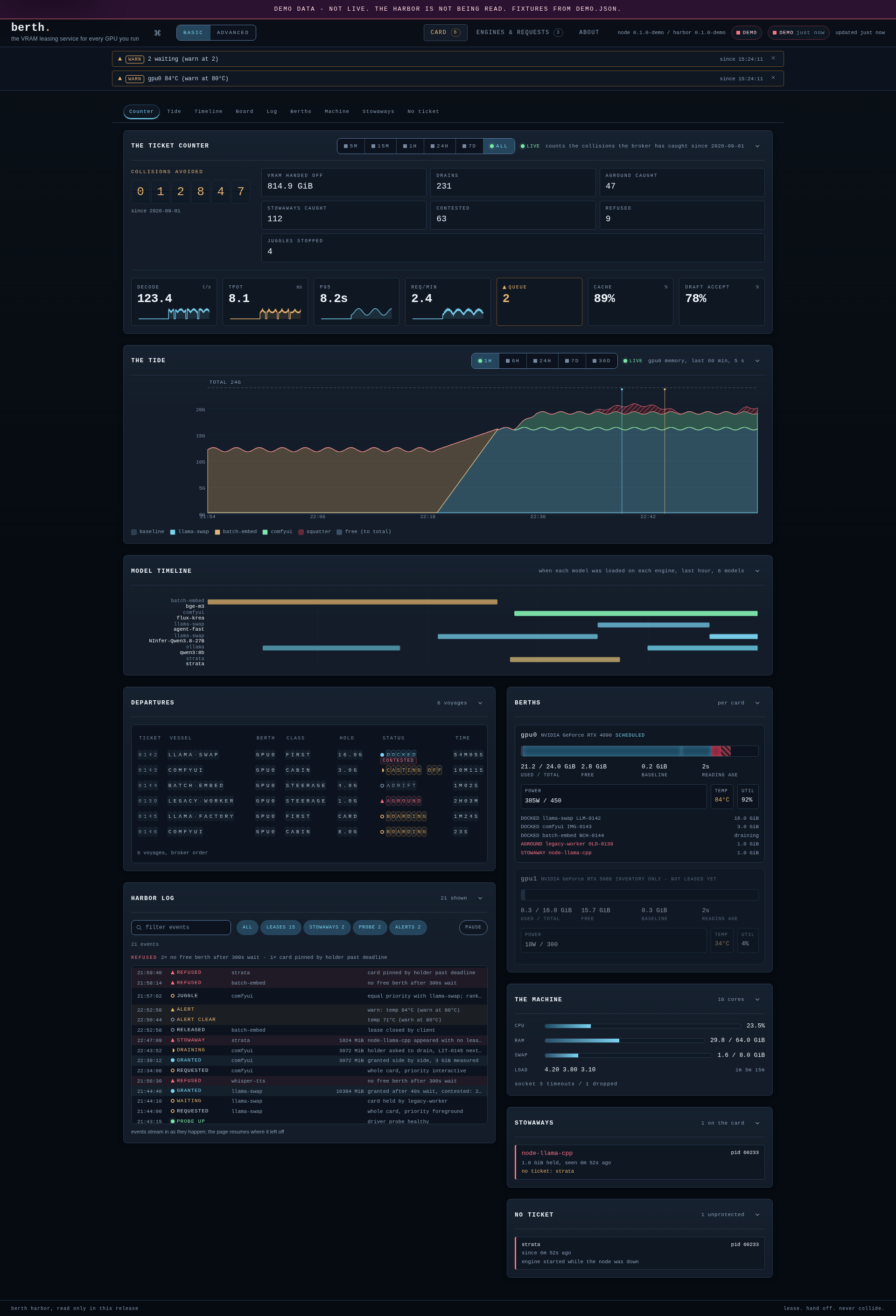
Berth is a lightweight GPU resource manager written in Go. It controls which applications get access to your GPU, when they get it, and how that access is handed off.
- 301
- Go
- Apache-2.0
- 3 d ago
A self-hosted agent harness, built for local models.
Repo T-Crypt/hadal, read from GitHub 1 d ago. T-Crypt has not joined Take My Repo.
T-Crypt/hadal is a public repo on GitHub by T-Crypt. A self-hosted agent harness, built for local models. It declares the MIT license on GitHub. It is written mainly in TypeScript, has 0 stars and last changed on 2026-11-20. Nobody has reviewed it on Take My Repo yet, which says nothing about its quality. Read from GitHub on 2026-11-22.
What it is · What it does · The look · Built for local models · Measured · Quick start · Command line · Roadmap
Most agent apps are tools you open, and they organise conversations. HADAL is a place you enter, and it organises four things:
| Environments A project folder with its sessions, files, branch, changes and lessons. | Agents Sessions at work, their subagents, roles, routers, and Lantern, the assistant that watches the rest. |
| Capabilities Models and engines, extensions, skills, hooks, memory and browser use. | Activity What is running, what waits for your approval, schedules, spend and reports. |
It is tuned for self-hosted models: a small, stable prompt prefix, no surprise model swaps, requests that take turns by model or endpoint, and context that is pruned before it is summarised. One card, several cards, or a rack of engines reachable on your network all work through the same loop, and cloud providers use it too. Each change that touches the prompt is measured on the same task, model and server before it stays.
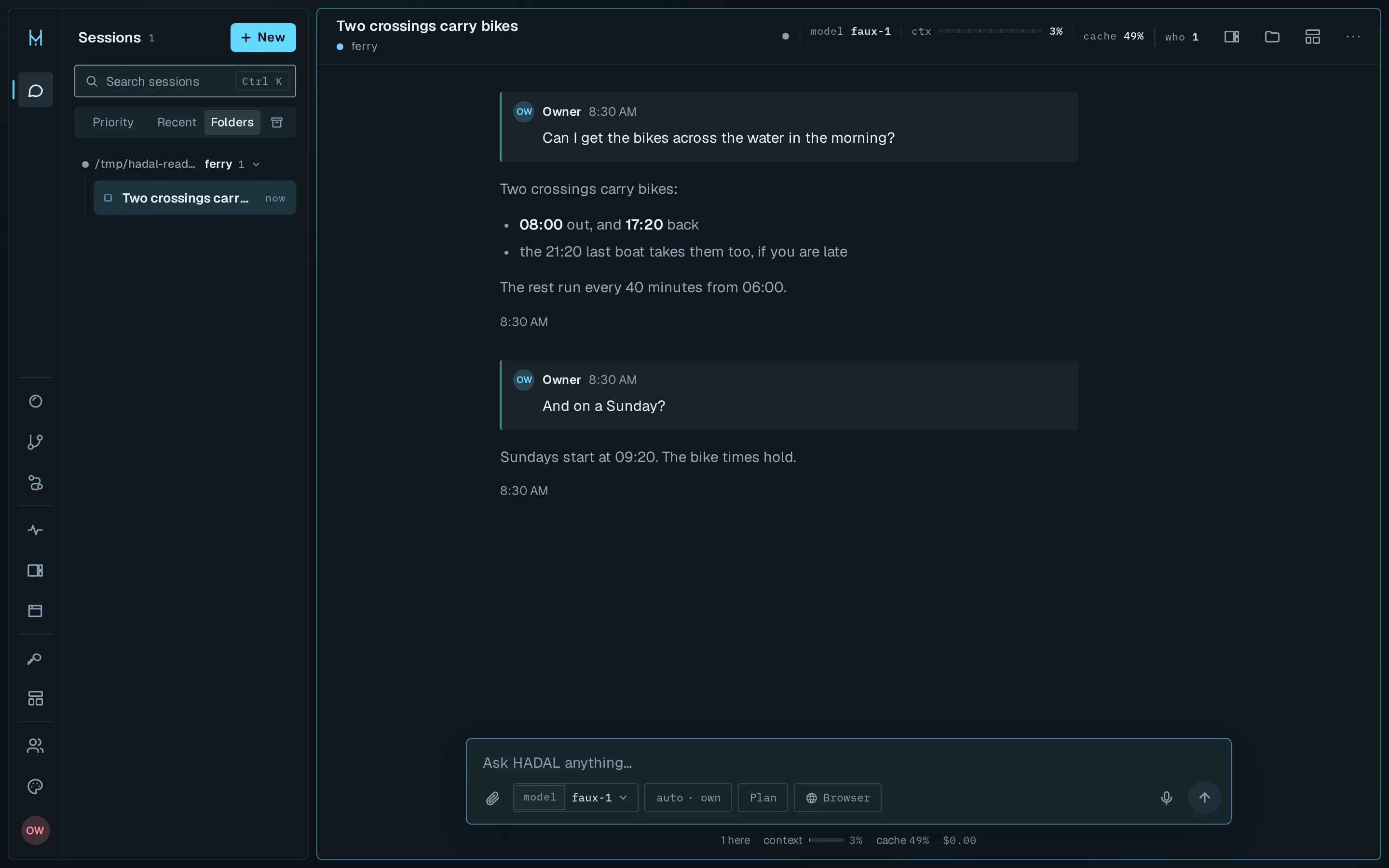
The desktop, mid-session, on the Bell look.
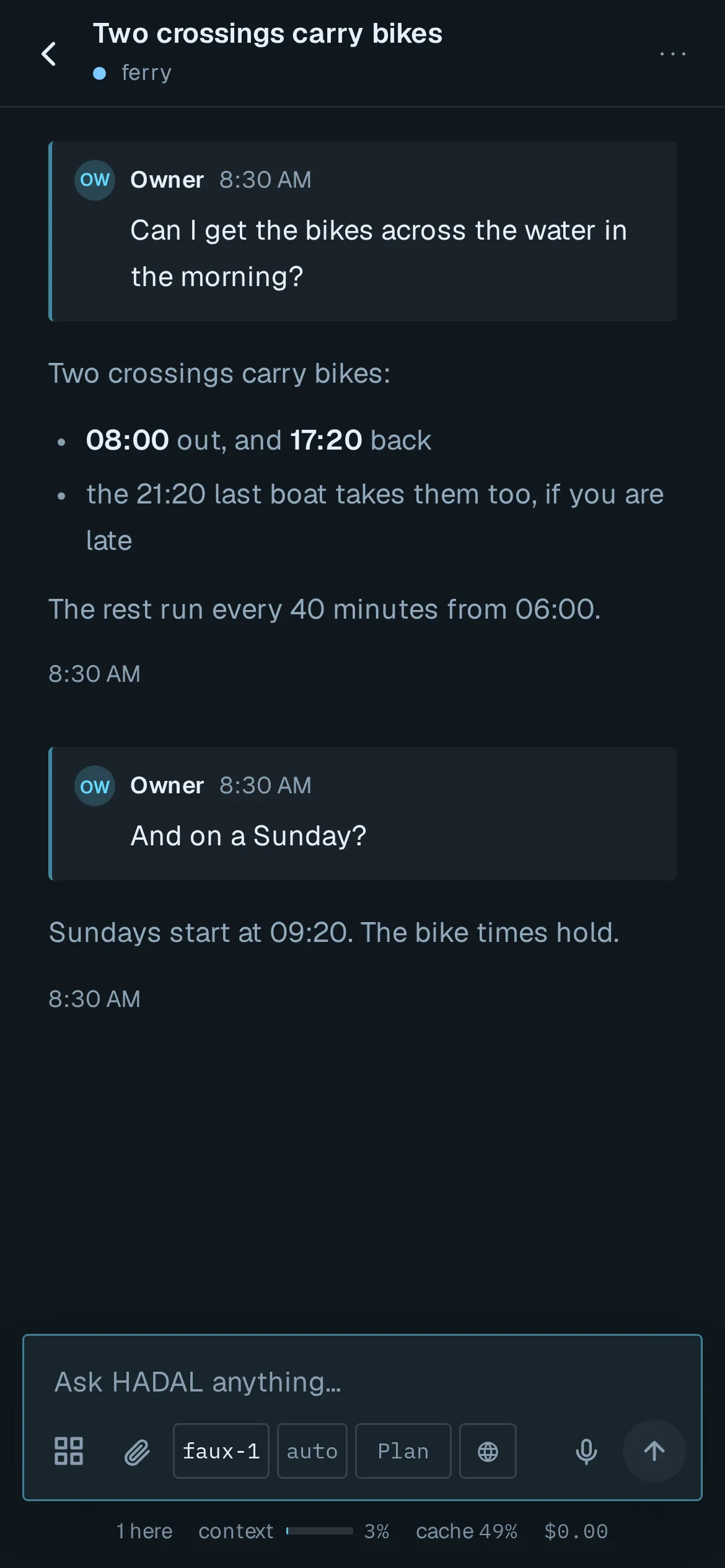
The same session on a phone: push notifications, dictation, a home-screen app.
[!NOTE] HADAL is early and changes quickly. The interface rebuild and the living harness under Roadmap are in progress; everything under What it does works today.
| Durable Every model call, tool call and subagent is stored as it happens. Restart the server mid-run and the work continues. | Multiplayer Share a live session with presence, invites, roles, and a side chat the agent does not see. |
| Made for phones Push notifications, dictation, sharing from other apps, and a home-screen app. | Lantern An assistant that starts, follows and reports on your other sessions, and watches GitHub for you. |
| Routers A router checks each task and runs it through stages (plan, implement, review, fix, ship), each a fresh subagent on the model and effort you choose, built in a visual editor. | SSH hosts Run bash, read, write and edit on another machine from the same session. |
| Your models Any provider, local or cloud, chosen per session with its thinking level. | Live-editable No build step. The agent can change HADAL while it runs, and you can add your own extensions. |
| Guarded Lancet Guard asks before risky commands; plan mode allows only calls marked read-only. | Browser use A per-session switch. When on, the agent asks before new sites, the local network, sign-ins, forms, purchases, deletions and scripts, as you set it. It never types passwords. |
The feature tour covers the rest, from peek tiles to schedules and artifacts.
The default look is Bell: etched steel plates as depths that darken as they sink, near-square geometry, monospaced figures and readouts, and cyan as the one signal light. It reads like control-room gear, not a chat app. Every text token is measured against the rendered pixels (WCAG AA at all three depths), and signal is only ever a mark of the living: nothing glows for decoration (docs/design/hadal-ui.md).
The look is a coat, not the structure. Appearance carries 24 palettes: Bell, the earlier blue depth kept as Zone, and the Omarchy terminal themes. Theme folders restyle parts of the app without touching code (docs/extensions/themes.md), each can carry its own fonts, and any palette or theme duplicates into your own with one tap. Switching any of it changes the paint while every layout, shortcut and behavior stays.
Any OpenAI-compatible endpoint works, in any number: llama-swap or llama.cpp on one card, several engines on one machine, or a few workstations on your network. HADAL queues requests per model, keeps a run on the engine that holds its cache, and shows what is loading or waiting. Nothing assumes one GPU.
| Feature | What it does |
|---|---|
| Many sessions, any backend | Requests take turns by model; a run keeps its engine between tool calls; the status line shows a model loading or waiting |
| Waiting subagents | subagent with wait: true returns the answer as the call's result, so the parent writes nothing while a stage runs and the stage keeps its cache |
| Agent definitions | subagent takes agent: <name> and loads that role's instructions, model, thinking level, tools and skills |
| KV-prefix discipline | The system prompt is byte-stable; the one line that changes by itself (the date) sits last, so a cache hit stays a hit all day |
| Prune before summarising | Compaction first masks old tool output and drops stale re-reads and loops at no model cost; the summary runs only if that is not enough |
| Read economy | A read without a limit returns at most 500 lines plus a map of what it skipped |
| Loop guard | The third identical call in a turn is blocked; an edit re-arms it, so test, fix, test is not a loop. Slightly malformed call arguments are repaired |
| Tool search | Seldom-used tools load only when the agent searches for them |
| Per-role skills | Each role sees its own skill list, not the whole catalogue |
| Context meter | /context splits the context into prompt sections, tool schemas and history; /context baseline compares before and after a change |
| Titles on the session's model | No side model is loaded for a six-word title |
| Lighter server | In-process change counting and capped heap generations |
Router start context, the tokens sent before the first word of every request (llama-swap /api/metrics/activity,
probe "Reply with just: ok", 2026-10-11): Pi Pocket with a router prompt 22,726; oh-my-pi 15,900; HADAL 13,226.
The same job (add subtract(a, b) with a pytest test: plan, implement, review, one model, one GPU), 2026-10-11:
| Harness | Wall | Requests | Prompt tokens | Cached | Prefilled | Output | Result |
|---|---|---|---|---|---|---|---|
| oh-my-pi | 213 s | 41 | 685,014 | 81% | 130K | 20,009 | 2 passed, review clean |
HADAL, before wait |
187 s | 34 | 468,160 | 60% | 186K | 13,880 | 2 passed, review clean |
HADAL, wait |
179 s | 36 | 470,091 | 90% | 47K | 14,252 | 2 passed, review ship |
| HADAL, all of the above | 145 s | 31 | 397,605 | 75% | 99K | 13,395 | 3 passed, review clean |
The last row is the median of three runs (136, 145 and 181 s). On a three-file repository most of these features barely fire, so they mainly show that they cost nothing. Server spawn time on a copy of real data fell from 548 to 136 ms and RSS from 401 to 298 MB.
To measure a change yourself, run the same task before and after against the same server and read
/api/metrics/activity for prompt tokens, cache hits, output and wall time. A change stays only if it holds or
improves those numbers without lowering the result.
Requires Node.js 22.19 or newer. Runs on Linux, macOS and Windows; Linux is the most tested. Sign in to a provider
first with the terminal app (from the checkout, npx pi, then /login), or later from the app's Providers sheet.
npm install -g @t-crypt/hadal
hadal
From a checkout, which is also how you change HADAL:
git clone https://github.com/T-Crypt/hadal.git
cd hadal
npm install
npm start
The launcher asks how your devices should connect, then prints a sign-in link and a QR code. The link is the owner's
key: keep it private. --rotate-token replaces it and signs out every device that used it.
While it runs: q quit, r restart the server, a change access, o open in a browser, s show the QR code.
To update: Menu → Update HADAL does it from the app, for a global npm install and for a checkout the service user
owns. By hand: npm install -g @t-crypt/hadal@latest, or for a checkout stop the server, back up the data folder,
pull, run npm install, and start again.
Also: Docker or Podman with docker compose up -d --build (docs/docker.md), and a systemd unit
(docs/systemd.md).
Choose a mode in the launcher, or pass --access:
| Mode | Who can connect | Notes |
|---|---|---|
local |
This machine | 127.0.0.1; bring your own tunnel |
lan |
Your local network | Plain http |
tailscale |
Your tailnet | Plain http on the tailnet address |
tailscale-serve |
Your tailnet | https at the tailnet name; needs tailscale 1.52 or newer |
cloudflare |
Anyone with the link | Free https quick tunnel; needs cloudflared |
tailscale-serve needs tailscale on your PATH, signed in, with MagicDNS and HTTPS certificates enabled, and
your user set as tailscaled's operator when the launcher is not root (sudo tailscale set --operator=$USER).
Other options: --port (8787), --cwd, --data, --host, and -y to reuse the last access choice.
npm start -- --help lists them all. Environment variables use the HADAL_ prefix; the older PI_POCKET_ names
are still read. docs/features.md lists each one.
[!WARNING] Anyone who can steer a session can make the agent run commands on this machine, as you. That reaches your files, HADAL's own settings and tokens, and its code. Invite only people you would trust at your keyboard. View-only users cannot make the agent act. SECURITY.md says what is protected and what is not.
The terminal is a client, not a second app. hadal is the server and its launcher; hadal cli is one tab in a
session, using the same database and the same tab protocol a browser does.
hadal serve                     # the launcher: pick how devices connect, then run the server
hadal cli                        # join the last session you used here, or start one
hadal cli --session 12           # join the session open in the browser at /s/12
hadal run -p "run the tests"     # send one message, wait for the run, exit 0, or 1 if it failed
hadal cli signs in with the owner token kept in the data folder, so on the server's machine there is nothing to set
up. With no server on the port it starts the launcher, waits until it answers, and stops it on exit unless you pass
--leave. It holds neither lock, so it can run beside hadal serve and a browser, all on one server.
The run lives on the server. Ctrl+C detaches and prints the command to come back with; closing the terminal does not
stop the work, and a server restart does not lose it, because the CLI reconnects to the stream and the reattached view
brings everything it missed. A session the CLI made carries a terminal chip in the browser's session list, and the
same session opens at /s/<id>.
The transcript draws as it arrives: the answer as it is written, each tool call on one line with its result, a failed
run in red, and approvals with a y or n answer. /stop stops the run, /open prints the browser address, and
/exit detaches. --list, --new, --thinking, --verbose, --no-start and hadal cli --help cover the rest.
The plan for the next year is in docs/ROADMAP.md: a harness that sits closer to the model, a code dashboard for usage and commits, multi-machine setups, and the interface shell on the Bell tokens.
npm run check       # type-check
npm test            # server tests with a scripted model
npm run check:web   # type-check web/
npm run coverage    # tests with line coverage, held at 60%
npm run format      # ESLint layout fixes, then Prettier
npm run lint        # check the layout rules
npm run shots       # regenerate the README's two previews (needs a Chromium and playwright-core)
web/ changes reload every open browser, and extensions reload into the running server. node test/serve.ts runs a
throwaway copy to test a change on. AGENTS.md covers editing HADAL safely from inside itself,
docs/extensions.md the extension host, and CONTRIBUTING.md how to send a
change.
package.json.HADAL began as a fork of Pi Pocket by Tanner Middleton and broke away at Pi Pocket 0.28.2. It runs agents on Pi Durable and the model runtime from Earendil, and several context features were ported from oh-my-pi. HADAL is independent and not affiliated with either project.
If HADAL is useful to you, you can support its work on Ko-fi.
MIT, keeping the original Pi Pocket notice. Bundled fonts keep their own licenses, beside them in web/fonts/. One dependency is not MIT: HEIC photos are decoded with libheif-js (LGPL-3.0), an ordinary npm package you can replace. To report a security problem, see SECURITY.md.
T-Crypt/hadal is a public repo on GitHub by T-Crypt. A self-hosted agent harness, built for local models.
It declares the MIT license on GitHub.
Its maker has not tagged a system, so it is unknown here. Its README says what it needs.
Open "Take it" on its page: Take My Repo writes an install plan for your machine and hands it to your AI agent (Claude Code, Codex or Cursor), which asks you before each step. Take My Repo has not tested it on any machine.
Its last change on GitHub was on 2026-11-20. Take My Repo does not judge from that whether it is maintained.
Nobody has reviewed it on Take My Repo yet, which says nothing about its quality.
Berth is a lightweight GPU resource manager written in Go. It controls which applications get access to your GPU, when they get it, and how that access is handed off.
Four identities. One desktop. Modular Plugins · Live Hot-Swapping · Seamless Customization · Resource-Aware (personal project)
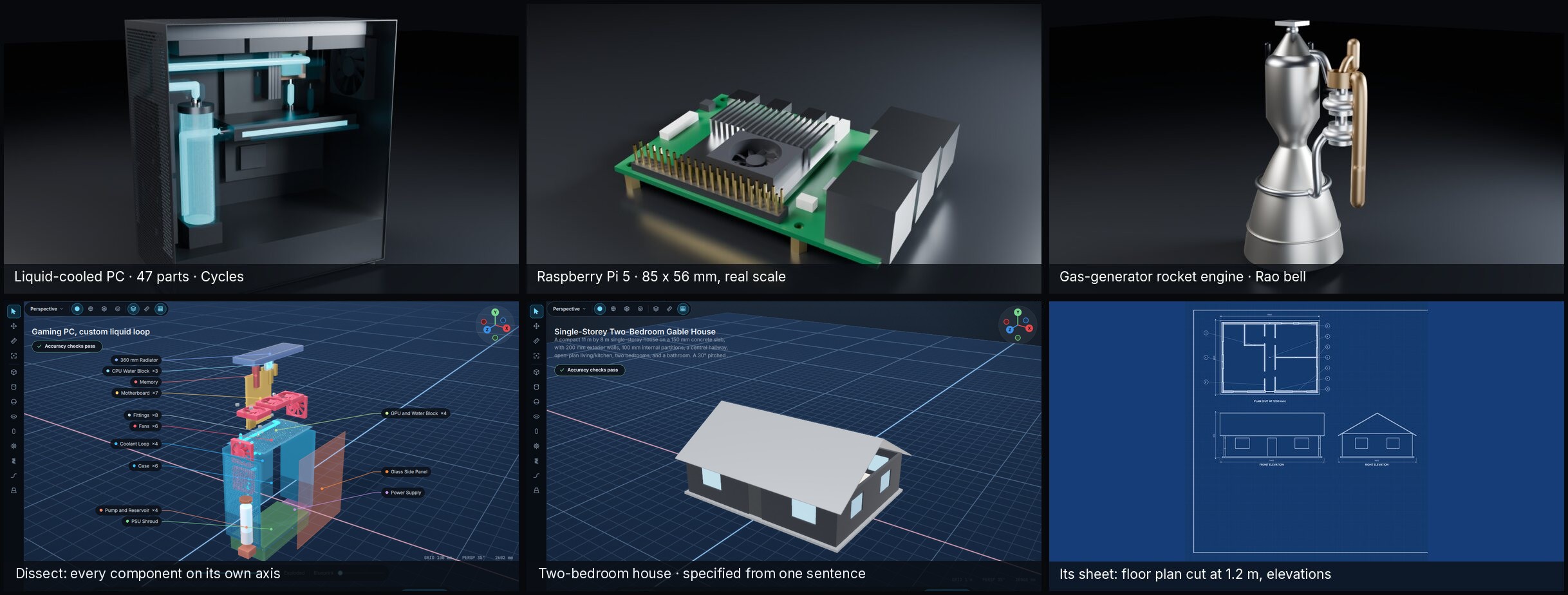
You specify it, you build it. A workshop where a sentence becomes a validated build program, an exact solid, a measured report and a STEP, DXF, STL or URDF file. Any OpenAI-compatible model; agents over MCP.
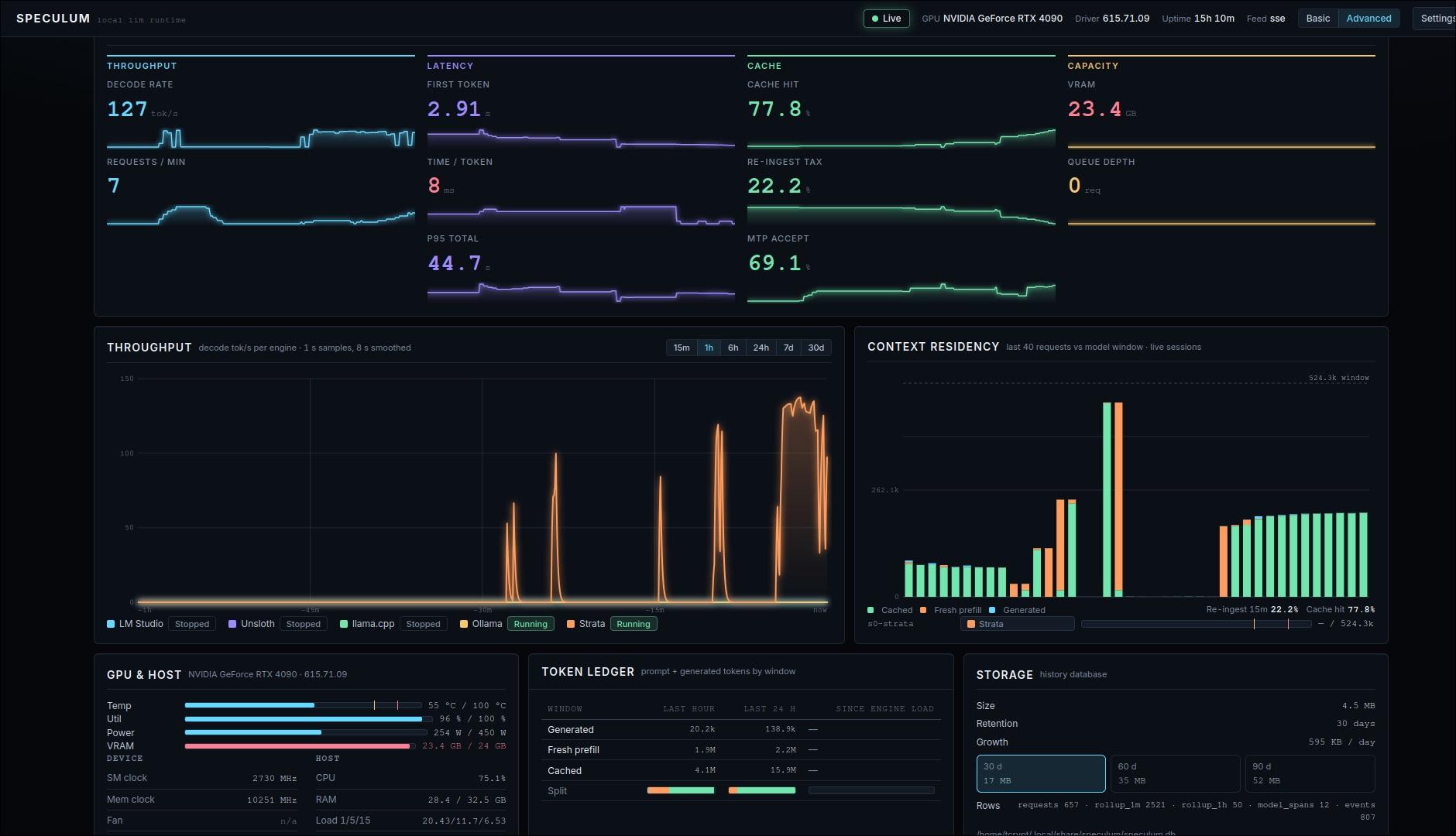
monitor for a local LLM runtime (llama-swap, NInfer, Strata, more) -- metrics ported to berth.
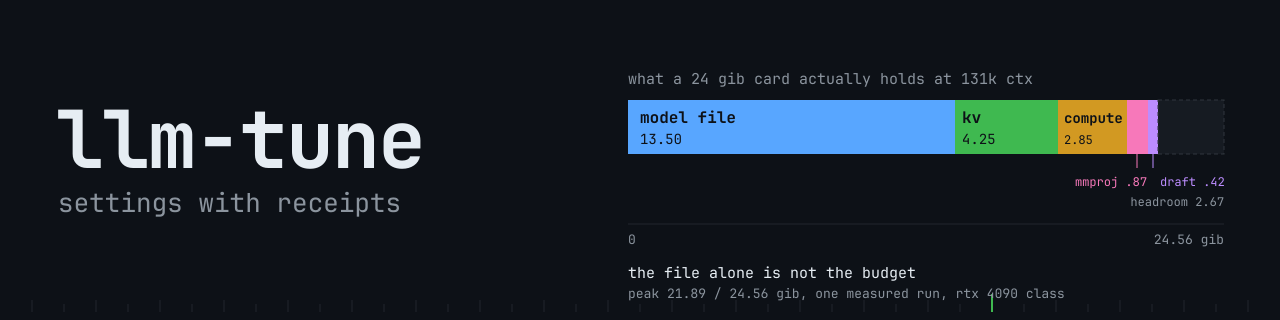
Agent skill: evidence-based local LLM tuning - quant, context, KV, sampling, harness settings, measured on one 24 GB RTX 4090