ECC
The agent harness performance optimization system. Skills, instincts, memory, security, and research-first development for Claude Code, Codex, Opencode, Cursor and beyond.
- 310k
- JavaScript
- MIT
- 1 d ago
A new tool learning benchmark aiming at well-balanced stability and reality, based on ToolBench.
Repo THUNLP-MT/StableToolBench, read from GitHub 2 d ago. THUNLP-MT has not joined Take My Repo.
THUNLP-MT/StableToolBench is a public repo on GitHub by THUNLP-MT. A new tool learning benchmark aiming at well-balanced stability and reality, based on ToolBench. It declares the Apache-2.0 license on GitHub. It is written mainly in Python, has 243 stars and last changed on 2025-04-15. Nobody has reviewed it on Take My Repo yet, which says nothing about its quality. Read from GitHub on 2026-11-23.
The agent harness performance optimization system. Skills, instincts, memory, security, and research-first development for Claude Code, Codex, Opencode, Cursor and beyond.
 StableToolBench
Project • Server • Solvable Queries • Inference • StableToolEval • Paper • Citation
Welcome to StableToolBench. Faced with the instability of Tool Learning benchmarks, we developed this new benchmark aiming to balance the stability and reality, based on ToolBench (Qin et al., 2023).
Note that if you have applied a ToolBench key but did not get a response for a long time, please contact Shihao Liang (shihaoliang0828@gmail.com) for further assistance.
MirrorAPI, which is trained to simulate more than 7k tools in ToolBench. You can download it from huggingface.gpt-4-turbo-2024-04-09, replacing gpt-4-turbo-preview, which we found may produce unstable evaluations. The inference results (run in Feb 2024) can be found on Huggingface.Based on the large scale of ToolBench, we introduce the following features to ensure the stability and reality of the benchmark:
We now provide two simulating systems, the MirrorAPI server and the GPT based caching system.
Before you run any code, please first set up the environment by running pip install -r requirements.txt.
You need to download a set of tools to start the server. You can use either the tool set we crawled on Apr 2024, which you can download from HuggingFace or the tools for the ToolBench/StableToolBench test set, which you can download from ToolBench.
We provide two versions of model, the MirrorAPI, trained for general tool responses, and MirrorAPI-Cache, which is trained on the cache of StableToolBench for better test set tool responses. You can download them from the link above.
To start the server, you need to install vllm. Then you can start a model by running
vllm serve {model-path} --api-key EMPTY --port 12345 --served-model-name {model-name}
Then you need to fill the model-name, api-key and port you specified in server/config_mirrorapi.yml (or server/config_mirrorapi_cache.yml if you are running MirrorAPI-Cache), along with the tool folder you downloaded tools into. The parameters in the config files are:
api_key: The API key for VLLM model.api_base: The API base for VLLM models. Normally http://127.0.0.1:{port}/v1model: The {model-name} you specified in VLLM.temperature: The temperature for LLM simulation. The default value is 0.tools_folder: The tools environment folder path. Default to ./tools.port: The server port to run on, default to 8080.Then you can run python main_mirrorapi.py or python main_mirrorapi_cache.py to run the API server.
Our Virtual API server featured two components, the API simulation system with GPT 4 Turbo and the caching system. We provide two methods to use the virtual API system: building from source and using our prebuilt Docker.
To start the server, you need to provide a cache directory and an OpenAI key.
We provide a cache to download from HuggingFace or Tsinghua Cloud. After downloading the cache, unzip the folder into the server folder and ensure the server folder contains tool_response_cache folder and tools folder. The resulting folder of server looks like:
├── /server/
│  ├── /tools/
│  │  └── ...
│  ├── /tool_response_cache/
│  │  └── ...
│  ├── config.yml
│  ├── main.py
│  ├── utils.py
You need to first specify your configurations in server/config.yml before running the server. Parameters needed are:
api_key: The API key for OpenAI models.api_base: The API base for OpenAI models if you are using Azure.model: The OpenAI model to use. The default value is gpt-4-turbo-preview.temperature: The temperature for LLM simulation. The default value is 0.toolbench_url: The real ToolBench server URL. The default value is http://8.218.239.54:8080/rapidapi.tools_folder: The tools environment folder path. Default to ./tools.cache_folder: The cache folder path. Default to ./tool_response_cache.is_save: A flag to indicate whether to save real and simulated responses into the cache. The new cache is saved at ./tool_response_new_cache.port: The server port to run on, default to 8080.Now you can run the server by running:
cd server
python main.py
The server will be run at http://localhost:{port}/virtual.
To use the server, you will further need a toolbench key. You can apply one from this form.
We provide a Dockerfile for easy deployment and consistent server environment. This allows you to run the server on various platforms that support Docker.
Prerequisites:
Building the Docker Image:
docker build -t my-fastapi-server .  # Replace 'my-fastapi-server' with your desired image name
docker run -p {port}:8080 my-fastapi-server  # Replace 'my-fastapi-server' with your image name
You can also use our prebuilt Docker image from Docker Hub hosted at https://hub.docker.com/repository/docker/zhichengg/stb-docker/general. Before running the docker, you will need to install docker and download the cache files as described in Building from Source. Then you can run the server using the following command:
docker pull zhichengg/stb-docker:latest
docker run -p {port}:8080 -v {tool_response_cache_path}:/app/tool_response_cache -v {tools_path}:/app/tools -e OPENAI_API_KEY= -e OPENAI_API_BASE= zhichengg/stb-docker
Remember to fill in the port, tool_response_cache_path, and tools_path with your own values. The OPENAI_API_KEY and OPENAI_API_BASE are the OpenAI API key and API base if you are using Azure. The server will be run at http://localhost:{port}/virtual.
You can test the server with
import requests
import json
import os

url = 'http://0.0.0.0:8080/virtual'
data = {
    "category": "Artificial_Intelligence_Machine_Learning",
    "tool_name": "TTSKraken",
    "api_name": "List Languages",
    "tool_input": '{}',
    "strip": "truncate",
    "toolbench_key": ""
}
headers = {
    'accept': 'application/json',
    'Content-Type': 'application/json',
}

# Make the POST request
response = requests.post(url, headers=headers, data=json.dumps(data))
print(response.text)
The original queries are curated without considering the solvability but judging the solvability with ChatGPT on the fly will cause significant instability. Therefore, we judge the solvability of the original queries with the majority vote of gpt-4-turbo, gemini-pro and claude-2. The filtered queries are saved in solvable_queries.
If you have not set up the environment, please first do so by running pip install -r requirements.txt.
We currently implement all models and algorithms supported by ToolBench. We show ChatGPT (gpt-3.5-turbo-16k) with CoT as an example here. The script is also shown in inference_chatgpt_pipeline_virtual.sh. An example of the results is shown in data_example/answer.
To use ChatGPT, run:
export TOOLBENCH_KEY=""
export OPENAI_KEY=""
export OPENAI_API_BASE=""
export PYTHONPATH=./
export GPT_MODEL="gpt-3.5-turbo-16k"
export SERVICE_URL="http://localhost:8080/virtual"
export OUTPUT_DIR="data/answer/virtual_chatgpt_cot"
group=G1_instruction
mkdir -p $OUTPUT_DIR; mkdir -p $OUTPUT_DIR/$group

python toolbench/inference/qa_pipeline_multithread.py \
    --tool_root_dir toolenv/tools \
    --backbone_model chatgpt_function \
    --openai_key $OPENAI_KEY \
    --max_observation_length 1024 \
    --method CoT@1 \
    --input_query_file solvable_queries/test_instruction/${group}.json \
    --output_answer_file $OUTPUT_DIR/$group \
    --toolbench_key $TOOLBENCH_KEY \
    --num_thread 1
We follow the evaluation process of ToolBench. The difference is that we update the evaluation logic of the Pass Rate and Win Rate, resulting in the Solvable Pass Rate and Solvable Win Rate.
The first step is to prepare data. This step is the same as ToolEval in ToolBench.
The following paragraph is adapted from ToolBench.
To evaluate your model and method using ToolEval, you first need to prepare all the model predictions for the six test subsets. Create a directory naming with your model and method, e.g. chatgpt_cot then put each test set's predictions under the directory. The file structure of the directory should be:
├── /chatgpt_cot/
│  ├── /G1_instruction/
│  │  ├── /10160_CoT@1.json
│  │  └── ...
│  ├── /G1_tool/
│  │  ├── /10221_CoT@1.json
│  │  └── ...
│  ├── ...
│  ├── /G3_instruction/
│  │  ├── /10221_CoT@1.json
│  │  └── ...
Then preprocess the predictions by running the following commands:
cd toolbench/tooleval
export RAW_ANSWER_PATH=../../data_example/answer
export CONVERTED_ANSWER_PATH=../../data_example/model_predictions_converted
export MODEL_NAME=virtual_chatgpt_cot
export test_set=G1_instruction

mkdir -p ${CONVERTED_ANSWER_PATH}/${MODEL_NAME}
answer_dir=${RAW_ANSWER_PATH}/${MODEL_NAME}/${test_set}
output_file=${CONVERTED_ANSWER_PATH}/${MODEL_NAME}/${test_set}.json

python convert_to_answer_format.py\
    --answer_dir ${answer_dir} \
    --method CoT@1 # DFS_woFilter_w2 for DFS \
    --output ${output_file}
Next, you can calculate the Solvable Pass Rate. Before running the process, you need to specify your evaluation OpenAI key in openai_key.json as follows:
[
    {
        "api_key": "your_openai_key",
        "api_base": "your_organization"
    },
    ...
]
Then calculate SoPR with :
THUNLP-MT/StableToolBench is a public repo on GitHub by THUNLP-MT. A new tool learning benchmark aiming at well-balanced stability and reality, based on ToolBench.
It declares the Apache-2.0 license on GitHub.
Its maker has not tagged a system, so it is unknown here. Its README says what it needs.
Open "Take it" on its page: Take My Repo writes an install plan for your machine and hands it to your AI agent (Claude Code, Codex or Cursor), which asks you before each step. Take My Repo has not tested it on any machine.
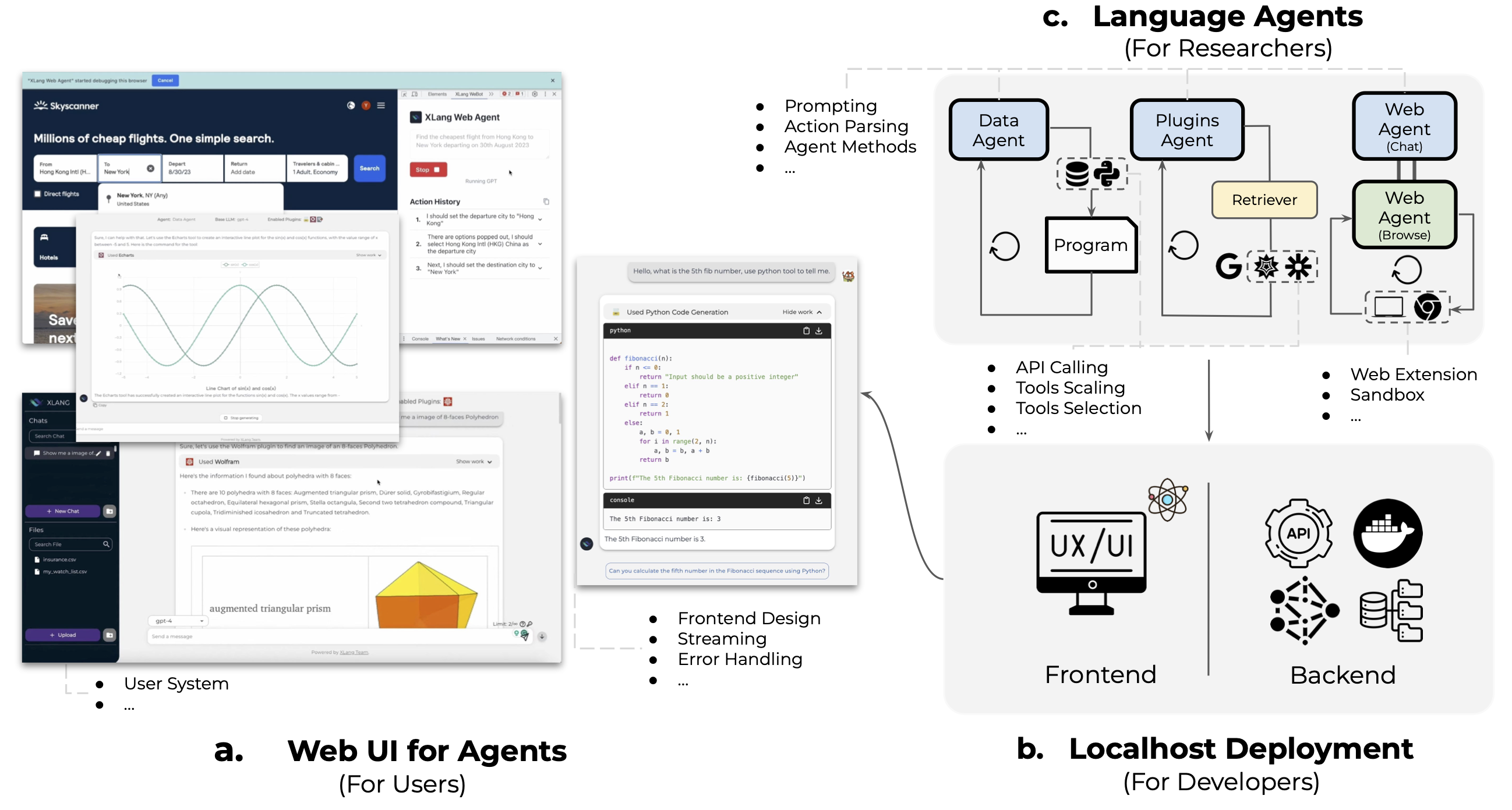
[COLM 2024] OpenAgents: An Open Platform for Language Agents in the Wild
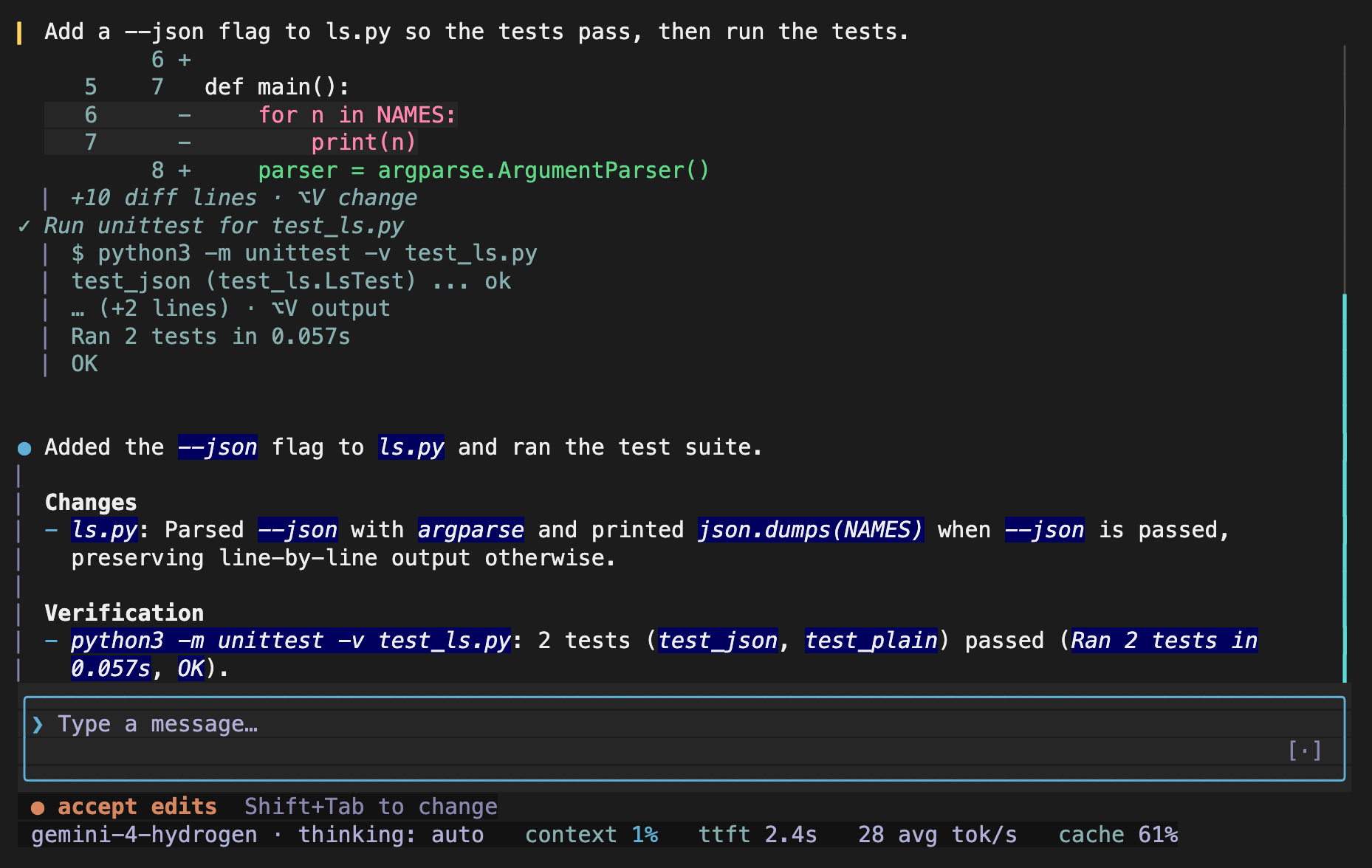
An open-source coding agent for your terminal, written in Rust. It works with any model, can split one task across several agents, and every line of it is yours to read.
Its last change on GitHub was on 2025-04-15. Take My Repo does not judge from that whether it is maintained.
Nobody has reviewed it on Take My Repo yet, which says nothing about its quality.
Take My Repo cannot say: it does not audit code and has not run StableToolBench. What is known comes from GitHub. It declares the Apache-2.0 license on GitHub. Its last change was on 2025-04-15. It has 243 stars, which measure popularity, not safety. Nobody has reviewed it on Take My Repo yet, which says nothing about its quality. Read the source before you run it. With "Take it", your AI agent shows each step and asks you before running it; README text is treated as data, not as instructions.