Open-Generative-AI
Uncensored AI Image & Video Generator — Free AI image & video generation studio with 800+ models (Flux, Midjourney, Kling, Sora, Veo). No content filters. Self-hosted, MIT licensed.
- 36k
- JavaScript
- MIT
- 10 h ago
Open-source AI image and video studio with multi-model generation through APIs.
Repo TechBeme/flow, read from GitHub 1 h ago. TechBeme has not joined Take My Repo.
TechBeme/flow is a public repo on GitHub by TechBeme. Open-source AI image and video studio with multi-model generation through APIs. It declares the MIT license on GitHub. It is written mainly in TypeScript, has 1 stars and last changed on 2026-10-28. Nobody has reviewed it on Take My Repo yet, which says nothing about its quality. Read from GitHub on 2026-11-24.
Uncensored AI Image & Video Generator — Free AI image & video generation studio with 800+ models (Flux, Midjourney, Kling, Sora, Veo). No content filters. Self-hosted, MIT licensed.

An open-source creative workspace for AI image and video generation through APIs.
Turn prompts and reference images into visual stories with Nano Banana, Omni, and Veo from one focused, cinematic interface.
Live Demo | Quick Start | Providers | Contribute
Languages: 🇺🇸 English · 🇧🇷 Português · 🇪🇸 Español
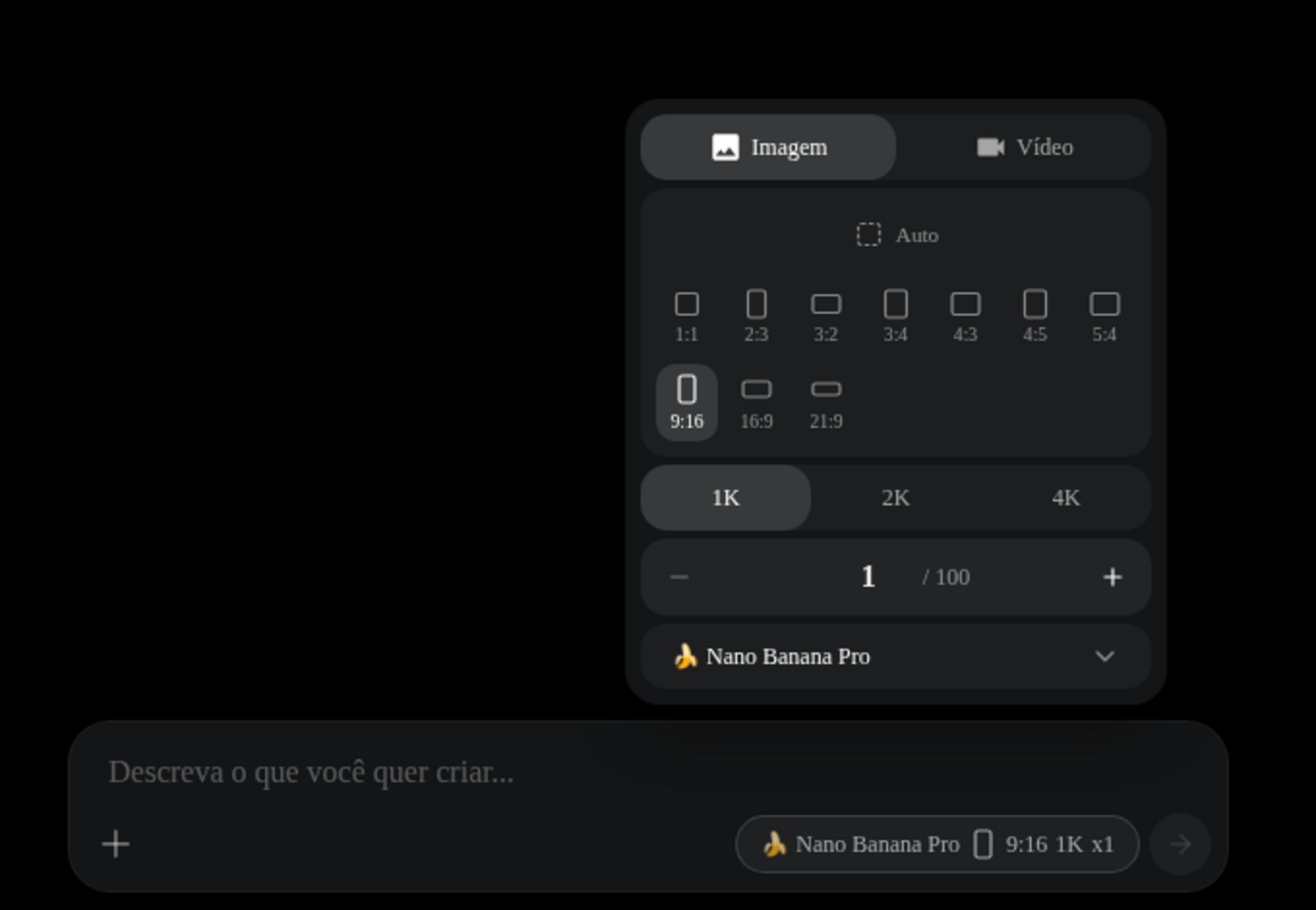
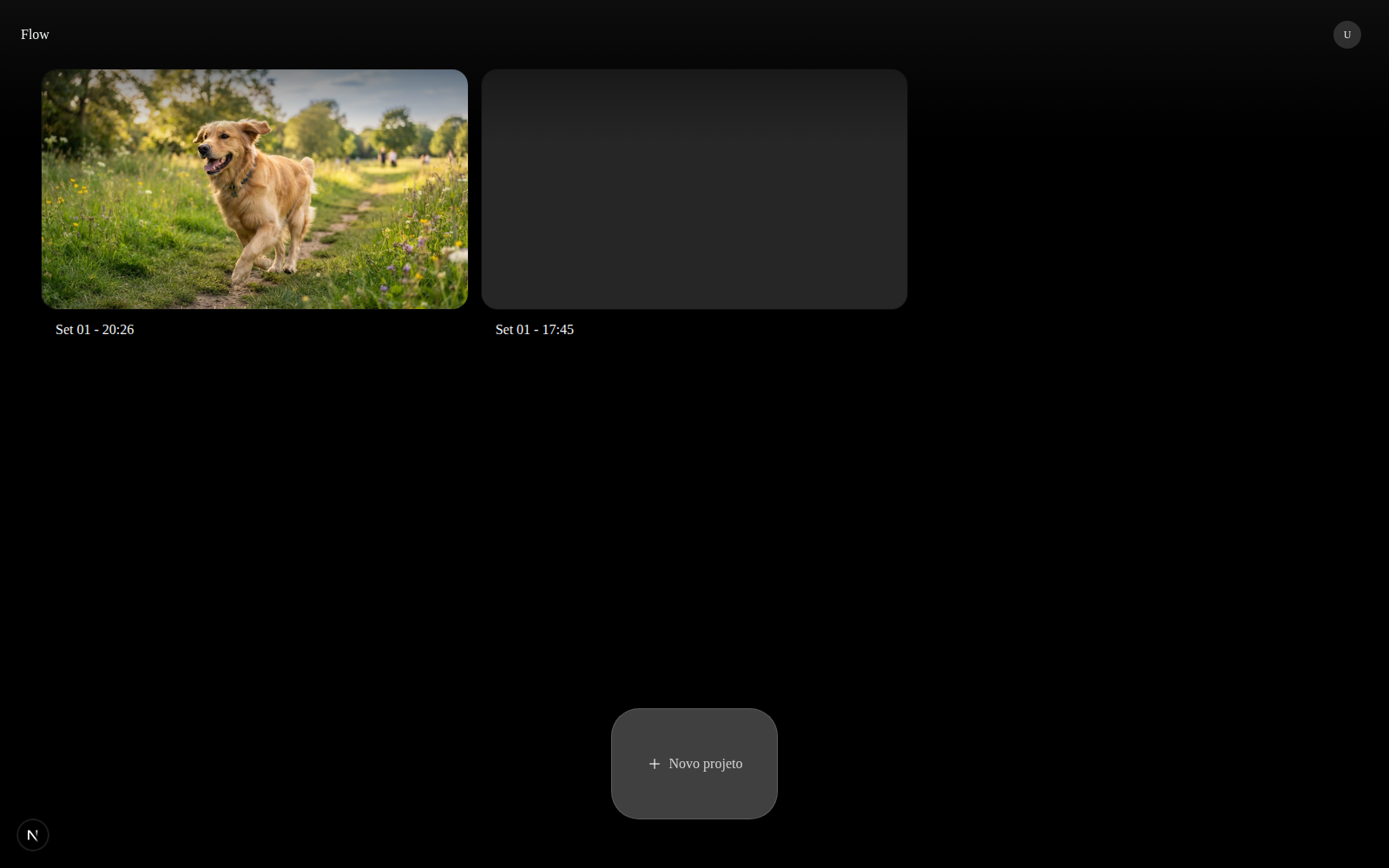
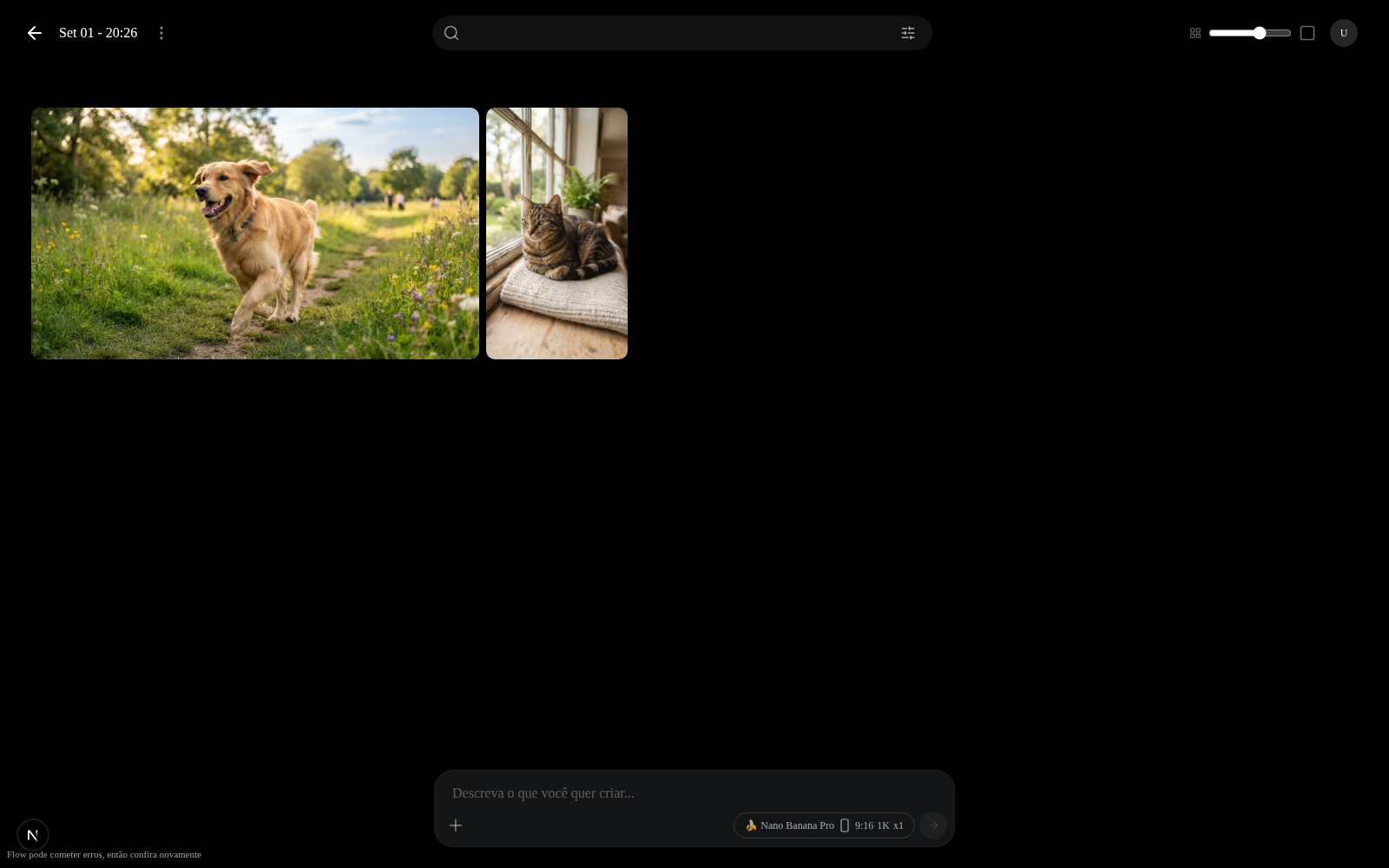
Most generative media tools separate image creation, video generation, references, files, and project history across different screens. Flow brings that creative loop into one visual workspace:
| Project dashboard | Creative workspace |
|---|---|
 |
 |
Flow currently exposes these model choices in the UI. Availability, quota, supported regions, and preview access are controlled by Google Cloud and may differ between projects.
| Display name | Vertex AI model ID | Output controls |
|---|---|---|
| Nano Banana Pro | gemini-3-pro-image |
1K, 2K, 4K; model-supported aspect ratios |
| Nano Banana 2 | gemini-3.1-flash-image |
512, 1K, 2K, 4K; thinking level; extended aspect ratios |
| Nano Banana 2 Lite | gemini-3.1-flash-lite-image |
1K; model-supported aspect ratios |
| Display name | Vertex AI model ID | Duration | Resolution |
|---|---|---|---|
| Omni 1.1 Flash | gemini-omni-1.1-flash-preview |
3 to 10 seconds | 360p, 720p, 1080p, 4K |
| Veo 3.1 - Lite | veo-3.1-lite-generate-001 |
4, 6, or 8 seconds | 720p, 1080p |
| Veo 3.1 - Fast | veo-3.1-fast-generate-001 |
4, 6, or 8 seconds | 720p, 1080p |
| Veo 3.1 - Quality | veo-3.1-generate-001 |
4, 6, or 8 seconds | 720p, 1080p, 4K |
For Veo, outputs above 720p use an 8-second duration because that is the constraint implemented by the current Vertex AI integration. Flow supports 16:9 and 9:16 video output, plus text-to-video and image-to-video workflows.
flowchart LR
    U[Browser] -->|Projects and generation controls| N[Next.js application]
    N -->|CRUD| P[(PostgreSQL / Neon)]
    N -->|Signed OAuth request| A[Google Cloud OAuth]
    A --> V[Vertex AI]
    V --> I[Gemini image models]
    V --> O[Omni Interactions API]
    V --> E[Veo long-running API]
    I --> N
    O --> N
    E --> N
The browser never receives Google Cloud credentials. All Vertex AI authentication and model calls happen in server-only route handlers. See Architecture for the request flows and module map.
git clone https://github.com/TechBeme/flow.git
cd flow
npm install
cp .env.example .env.local
For local development, keep the downloaded service-account file outside Git history and point to it:
DATABASE_URL=postgresql://USER:PASSWORD@HOST/DATABASE?sslmode=require
GOOGLE_APPLICATION_CREDENTIALS=./vertex.json
GOOGLE_CLOUD_PROJECT=your-google-cloud-project
GOOGLE_CLOUD_LOCATION=global
GOOGLE_CLOUD_VIDEO_LOCATION=us-central1
vertex.json, .env.local, and common credential-file patterns are ignored by Git. Never commit a real private key.
npm run dev
Open http://localhost:3000, create a project, and start generating. The database schema is created automatically on the first project/media request.
The complete setup, including Google Cloud IAM, is in Getting Started.
DATABASE_URL.GOOGLE_SERVICE_ACCOUNT_JSON.Flow also accepts GOOGLE_SERVICE_ACCOUNT_JSON_BASE64, which can be useful when a platform makes multiline secret values difficult to manage. File-based GOOGLE_APPLICATION_CREDENTIALS is intended primarily for local or container deployments.
[!WARNING] Flow currently has no built-in user authentication, rate limiting, or per-user quota. Do not expose a deployment backed by a billable Google Cloud project without adding access control and abuse protection appropriate for your use case.
See Deployment and Configuration for production details.
| Command | Purpose |
|---|---|
npm run dev |
Start the local development server |
npm run lint |
Run ESLint |
npx tsc --noEmit |
Run TypeScript checks without emitting files |
npm run build |
Create a production build |
npm start |
Serve the production build |
Contributions are welcome, from bug fixes and provider improvements to accessibility, documentation, model support, and creative tooling.
If Flow is useful to you, the simplest way to support it is to star the repository, share it with another creator, and tell us what you build.
Do not report vulnerabilities in public issues. Follow SECURITY.md and avoid including credentials, project IDs, generated private media, or personal data in reports.
Flow is an independent open-source project. It is not affiliated with, endorsed by, or sponsored by Google. Google Cloud, Vertex AI, Gemini, Nano Banana, Omni, and Veo are trademarks or product names of their respective owners. Model names, APIs, availability, pricing, quota, and capabilities may change upstream.
You are responsible for your cloud costs, generated content, deployment security, and compliance with Google Cloud terms and applicable law.
Released under the MIT License.
Developed by Rafael Vieira
TechBeme/flow is a public repo on GitHub by TechBeme. Open-source AI image and video studio with multi-model generation through APIs.
It declares the MIT license on GitHub.
Its maker has not tagged a system, so it is unknown here. Its README says what it needs.
Open "Take it" on its page: Take My Repo writes an install plan for your machine and hands it to your AI agent (Claude Code, Codex or Cursor), which asks you before each step. Take My Repo has not tested it on any machine.
Its last change on GitHub was on 2026-10-28. Take My Repo does not judge from that whether it is maintained.
f.k.a. Awesome ChatGPT Prompts. Share, discover, and collect prompts from the community. Free and open source — self-host for your organization with complete privacy.
Flutter makes it easy and fast to build beautiful apps for mobile and beyond
Prompt as Code | GPT Image 2 / 2.5 提示词与案例库,530+ 个案例、20+ 套工业级模板与可复用 Skills,新增 2.5 同提示词对比专区,附完整提示词与生成记录,持续更新。
🎬 Evidence-led Seedance 2.5 / 2.0 prompt library: 1000+ cases traced to original posts, 490+ cross-model retest runs, 27 copy-ready templates, 80+ installable AI-video Skills. Synced daily from goodcase.ai. EN / 中文 / 日本語.
Nobody has reviewed it on Take My Repo yet, which says nothing about its quality.
Take My Repo cannot say: it does not audit code and has not run flow. What is known comes from GitHub. It declares the MIT license on GitHub. Its last change was on 2026-10-28. It has 1 stars, which measure popularity, not safety. Nobody has reviewed it on Take My Repo yet, which says nothing about its quality. Read the source before you run it. With "Take it", your AI agent shows each step and asks you before running it; README text is treated as data, not as instructions.