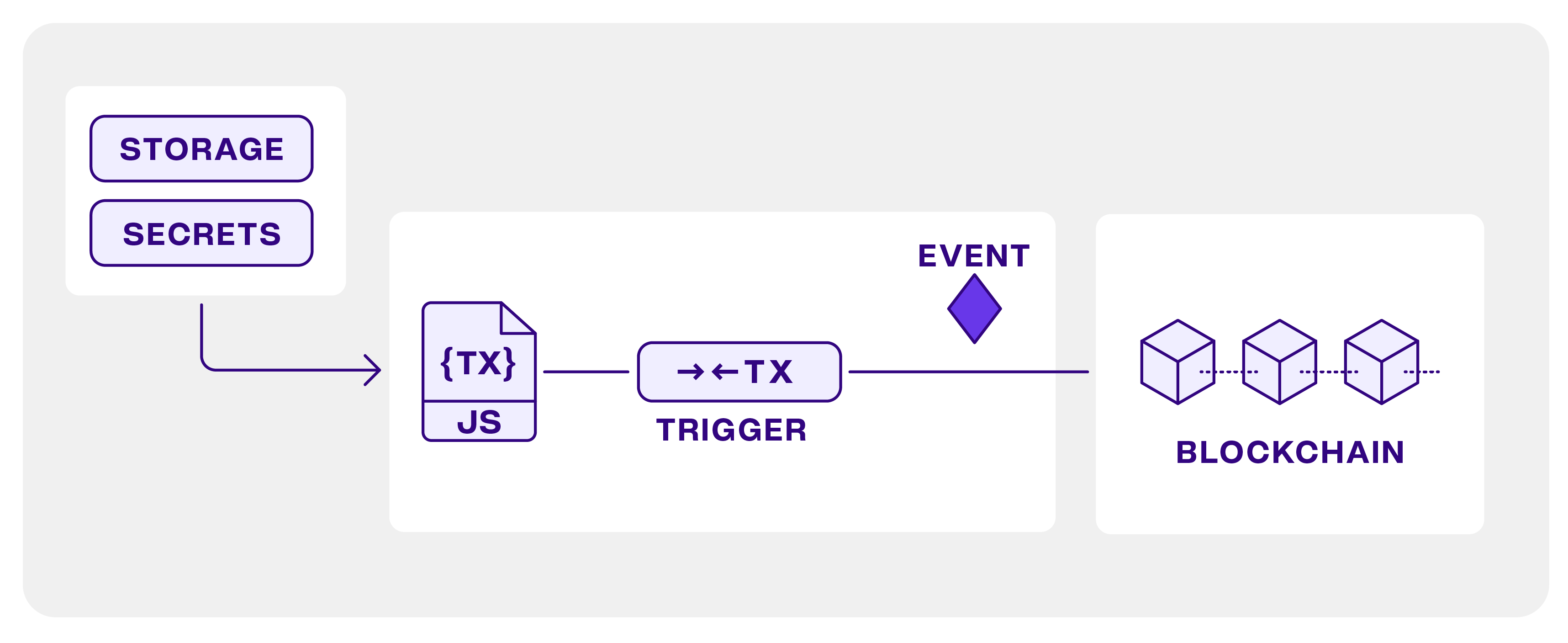
Tenderly Virtual TestNets CI/CD Infrastructure
The Tenderly/vnet-github-action automates provisioning of multiple
parallel Virtual TestNets for smart contract CI/CD pipelines. You can fork
multiple networks simultaneously (e.g., Ethereum Mainnet, Base, Arbitrum), with each Virtual TestNet providing:
Features
- Multi-Network Testing: Fork multiple networks in parallel with unique chain IDs
- Automated Deployments: Deploy and verify contracts with complete deployment logs
- CI/CD Integration: Run tests against forked networks and maintain staging environments
- Artifact Collection: Track deployments across networks with structured logs
Operating Modes
The action supports two modes:
- CI Mode: Creates ephemeral Virtual TestNets that are cleaned up after testing. No artifacts or build info files
are persisted nor pushed after the run.
- CD Mode:
- Creates persistent Virtual TestNets for staging environments
- Collects deployment artifacts in the
.tenderly/ directory
- Optionally commits and pushes artifacts to your repository (controlled by parameter
push_on_complete)
Quick Start
1. Prerequisites
- Get your Tenderly access key and store
it in GitHub Action Secrets as
TENDERLY_ACCESS_KEY
- Set up your project name and account name in GitHub
Action variables as
TENDERLY_PROJECT_NAME and TENDERLY_ACCOUNT_NAME
2. Basic Configuration
Create .github/workflows/ci.yaml:
name: Smart Contract CI
on: [ push, pull_request ]

jobs:
  test:
    runs-on: ubuntu-latest
    steps:
      - uses: actions/checkout@v4

      - name: Setup Virtual TestNet
        uses: Tenderly/vnet-github-action@v1.0.x
        with:
          mode: CI
          access_key: ${{ secrets.TENDERLY_ACCESS_KEY }}
          project_name: ${{ vars.TENDERLY_PROJECT_NAME }}
          account_name: ${{ vars.TENDERLY_ACCOUNT_NAME }}
          testnet_name: 'CI Test Network'
          network_id: |
            1
            8453
          chain_id_prefix: 7357  # Results in chain IDs 73571, 73578453
          public_explorer: true
          verification_visibility: 'src'
          state_sync: true
          push_on_complete: true
Examples
Explore hardhat-ignition and foundry CI setup in more detail.
For more details, explore the CI with hardhat and CI with Foundry guides.
Configuration Options
Required Inputs
Optional Inputs
| Name |
Default |
Description |
public_explorer |
false |
Enable block explorer |
verification_visibility |
'bytecode' |
Contract verification visbility ('abi', 'src', or 'bytecode') |
state_sync |
false |
Enable State Sync |
mode |
'CI' |
Action mode ('CI' or 'CD') - CI cleans up after completion, CD preserves the Virtual TestNet |
push_on_complete |
false |
Push deployment artifacts in CD mode |
Environment Variables
Network-Specific Variables
After forking each of the specified networks, the following environment variables are exported (replace {network_id}
with actual network
ID).
| Variable |
Description |
TENDERLY_TESTNET_ID_{network_id} |
Virtual TestNet UUID, uniquely identifying it within Tenderly |
TENDERLY_ADMIN_RPC_URL_{network_id} |
Admin RPC endpoint with cheatcode methods |
TENDERLY_PUBLIC_RPC_URL_{network_id} |
Public RPC endpoint |
TENDERLY_CHAIN_ID_{network_id} |
Chain ID |
TENDERLY_TESTNET_SLUG_{network_id} |
Unique TestNet slug |
TENDERLY_FOUNDRY_VERIFICATION_URL_{network_id} |
Foundry verification URL |
BUILD_OUTPUT_FILE_{network_id} |
Build output file path |
For example, if you're provisioning Virtual TestNets for Ethereum Mainnet (network ID 1) and Base (network ID
8453), you'll get the public RPC by accessing $TENDERLY_PUBLIC_RPC_URL_1.
Global Variables
The following global variables are useful for configuring Hardhat verification and performing Foundry verification.
| Variable |
Description |
TENDERLY_ACCOUNT_NAME |
Tenderly account name |
TENDERLY_PROJECT_NAME |
Tenderly project name |
TENDERLY_ACCESS_KEY |
Tenderly access key |
BUILD_SLUG |
Unique slug for the current run of the Github Action, consisting of run number and run ID |
Deployment Artifacts
Infrastructure Tracking
After each Virtual TestNet creation, the .tenderly/infra directory will hold JSON files with access information to
those TestNets. The action will push this directory to your repository for CD-mode, if push_on_complete is true.
Foundry Deployment Artifacts
In CD mode, the action generates and pushes the following artifacts in the .tenderly/ directory:
infra/{job-identifier}.json: Infrastructure informationtmp/{testnet-slug}.json: Raw build outputdeployed-{testnet-slug}.json: Structured deployment information
Hardhat Ignition Artifacts
Hardhat ignition artifacts are present in the ignition/deployments directory and will be pushed to the main
repository.
Best practices
Debug Logging
Enable debug logs by setting:
env:
  DEBUG: '@tenderly/github-action'
GitHub Environment Setup
Use GitHub CLI to set up required variables and secrets:
gh variable set TENDERLY_PROJECT_NAME --body "${TENDERLY_PROJECT_NAME}"
gh variable set TENDERLY_ACCOUNT_NAME --body "${TENDERLY_ACCOUNT_NAME}"
gh variable set DEPLOYER_WALLET_ADDRESS --body "${TENDERLY_PROJECT_NAME}"

gh secret set TENDERLY_ACCESS_KEY --body "${TENDERLY_ACCESS_KEY}"
gh secret set DEPLOYER_PRIVATE_KEY --body "${TENDERLY_PROJECT_NAME}"
Recommendations
- Use unique chain IDs (e.g., with
chain_id_prefix) to prevent transaction replay attacks
- Enable
public_explorer and set verification_visibility to 'src' for more debugging information
- In CD mode, use
push_on_complete to maintain deployment history
- Structure your workflow to use CI mode for tests and CD mode for staging environments
- For Foundry deployments with
forge script, make sure to use the --slow flag to ensure verification succeeds
License
Tenderly