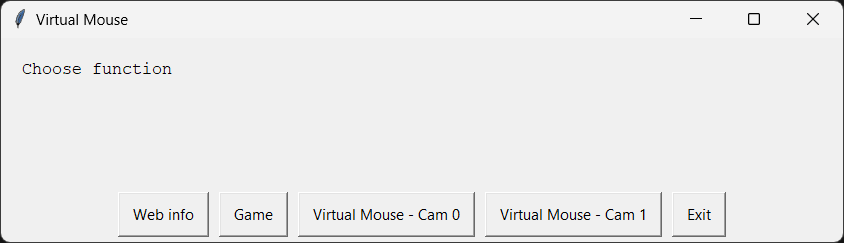
VirtualMouse
Install
pip install easygui webbrowser pyautogui cvzone opencv-python
Publish
1. Run the following command to generate the executable file and spec file
pyinstaller --noconfirm --onefile --windowed --icon "dtn.ico" --name "VirtualMouse" --log-level "DEBUG" "main.py"
2. Open the spec file and add the following code
- Notice: Add the code after the
block_cipher = None line
def get_mediapipe_path():
    import mediapipe
    mediapipe_path = mediapipe.__path__[0]
    return mediapipe_path
Then add the following code after the pyz = PYZ(a.pure, a.zipped_data, cipher=block_cipher) function
mediapipe_tree = Tree(get_mediapipe_path(), prefix='mediapipe', excludes=["*.pyc"])
a.datas += mediapipe_tree
a.binaries = filter(lambda x: 'mediapipe' not in x[0], a.binaries)
3. Run the following command to generate the executable file
pyinstaller "VirtualMouse.spec"
References