TOScrollBar
An interactive scroll bar for traversing comically massive scroll views.
- 90
- MIT
- 8 mo ago
Repo TimOliver/TOScrollBar, read from GitHub 6 h ago. TimOliver has not joined Take My Repo.
In short
TimOliver/TOScrollBar is a public repo on GitHub by TimOliver. An interactive scroll bar for traversing comically massive scroll views. It declares the MIT license on GitHub. It is written mainly in Objective-C, has 90 stars and last changed on 2026-03-20. Nobody has reviewed it on Take My Repo yet, which says nothing about its quality. Read from GitHub on 2026-11-24.
Similar repos


TOScrollBar
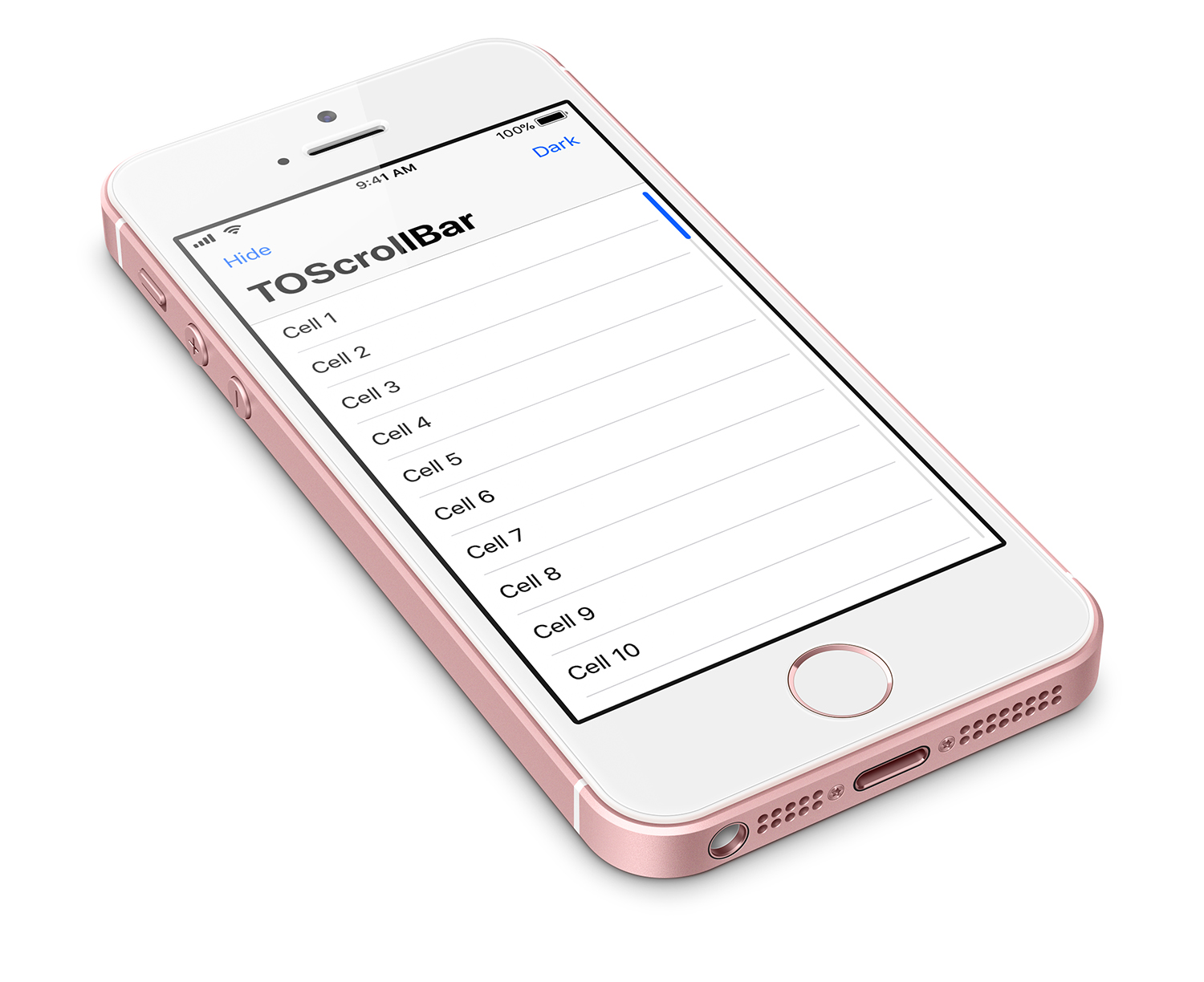
TOScrollBar is a UI component that can be inserted into UIScrollView instances, allowing the user to traverse the entire scroll view in one swiping gesture.
It has been designed to appear and behave like a standard system control, and has been optimized to ensure it has minimal impact on scroll performance.
Features
- Allows for fine-grained scrolling of a
UIScrollView's entire content height. - Interoperates directly with
UIScrollViewthrough the Objective-C runtime and KVO. - Animates the same way as the standard scroll indicators (including rubber banding).
- Exposes 44 points of horizontal touch space, so it is very easy to activate.
- Tapping at different positions allows for instant traversal along the scroll view.
- Plays a scrolling animation during slow swiping, making it easier to follow along.
- Comes with initial style settings for dark themes.
- Includes Taptic Engine impact effects in a similar style to
UISlider, available on iPhone 7.
Examples
TOScrollBar has been designed to be added directly to a UIScrollView, not as a view above.
// Create a scroll bar object
TOScrollBar *scrollBar = [[TOScrollBar alloc] init];

// Add the scroll bar to our table view
[self.tableView to_addScrollBar:scrollBar];

//Adjust the table separators so they won't underlap the scroll bar
self.tableView.separatorInset = [self.tableView.to_scrollBar adjustedTableViewSeparatorInsetForInset:self.tableView.separatorInset];
Once added to a scroll view, a scroll bar can be accessed via the to_scrollBar property. Convienience methods are
also applied to make it easier to configure the margins
Installation
TOScrollBar will work with iOS 7 and above. While written in Objective-C, it should easily import into Swift as well.
Manual Installation
Copy the contents of the TOScrollBar folder to your app project.
CocoaPods
pod 'TOScrollBar'
Carthage
Feel free to file a PR. :)
Why build this?
I'm building a comic reader app that allows users to group collections of comics into single view controllers.
Unfortunately, some users have reported that certain comic series have a very large number of issues. It doesn't make sense to break these issues out of their collections, but at the same time, traversing the comic has become a gruelling process.
This scroll bar is the first component in a series of upgrades I'm planning in an attempt to make navigation large comic collections more manageable.
Credits
TOScrollBar was created by Tim Oliver as a component of iComics.
License
TOScrollBar is available under the MIT license. Please see the LICENSE file for more information.
Questions
What is TOScrollBar?
TimOliver/TOScrollBar is a public repo on GitHub by TimOliver. An interactive scroll bar for traversing comically massive scroll views.
Is TOScrollBar open source?
It declares the MIT license on GitHub.
Does TOScrollBar run on macOS, Windows or Linux?
Its maker has not tagged a system, so it is unknown here. Its README says what it needs.
How do I install TOScrollBar?
Open "Take it" on its page: Take My Repo writes an install plan for your machine and hands it to your AI agent (Claude Code, Codex or Cursor), which asks you before each step. Take My Repo has not tested it on any machine.