

ECC
The agent harness performance optimization system. Skills, instincts, memory, security, and research-first development for Claude Code, Codex, Opencode, Cursor and beyond.
- 310k
- JavaScript
- MIT
- 2 d ago
The AI-native Markdown editor.
Repo ToBeWin/openmarkdown, read from GitHub 20 h ago. ToBeWin has not joined Take My Repo.
ToBeWin/openmarkdown is a public repo on GitHub by ToBeWin. The AI-native Markdown editor. It declares the MIT license on GitHub. It is written mainly in Svelte, has 6 stars and last changed on 2026-03-12. Nobody has reviewed it on Take My Repo yet, which says nothing about its quality. Read from GitHub on 2026-11-24.
The agent harness performance optimization system. Skills, instincts, memory, security, and research-first development for Claude Code, Codex, Opencode, Cursor and beyond.
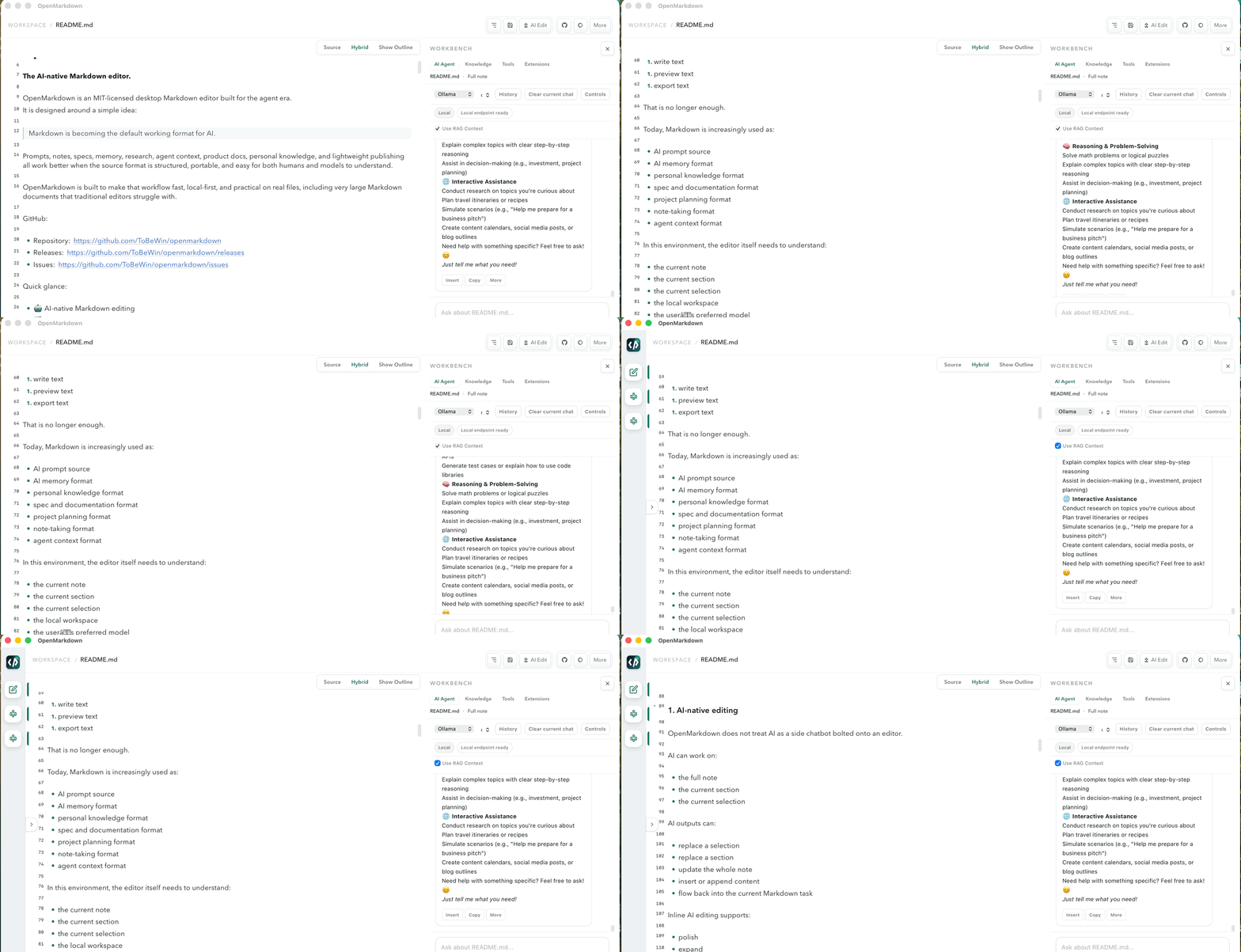
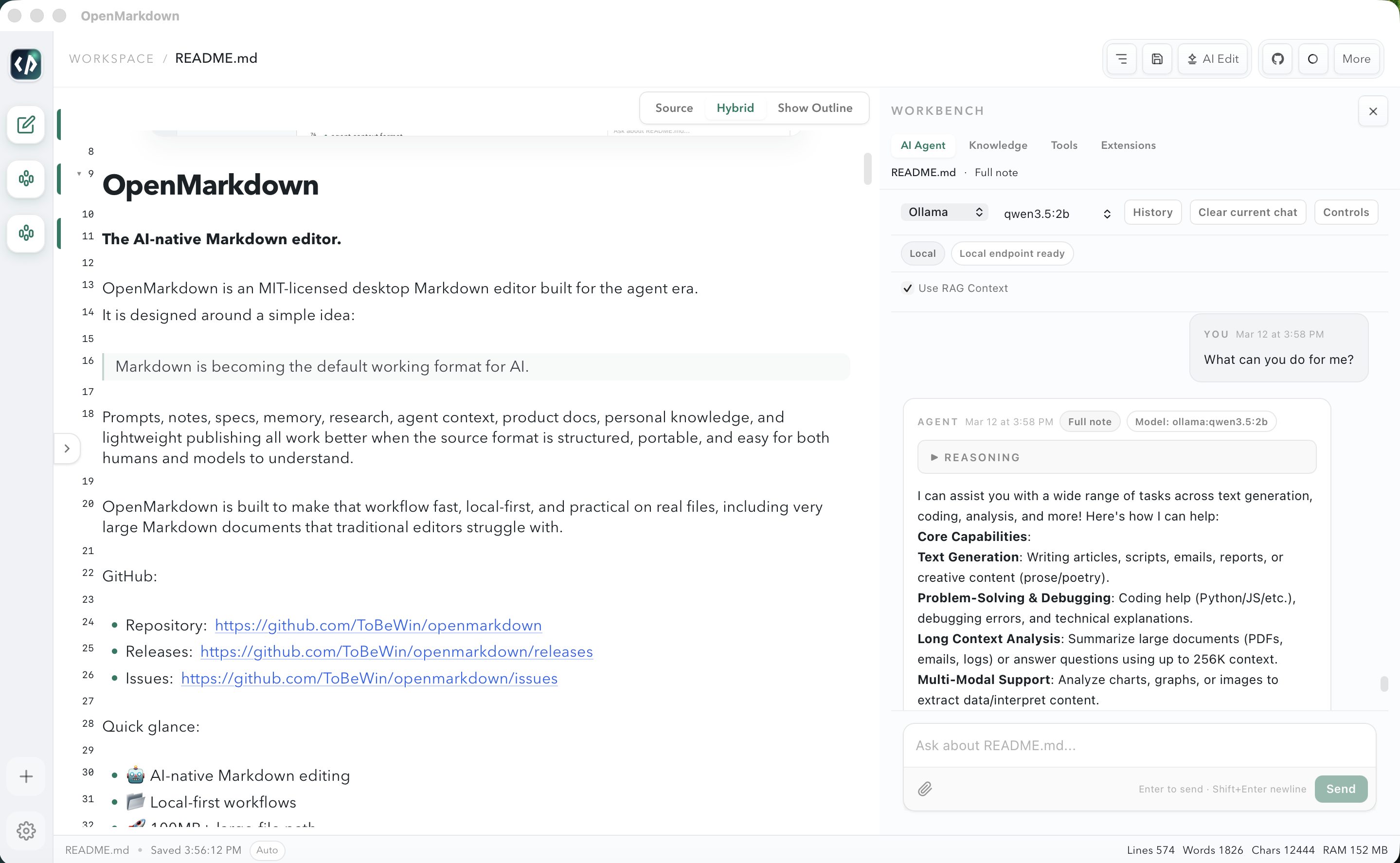
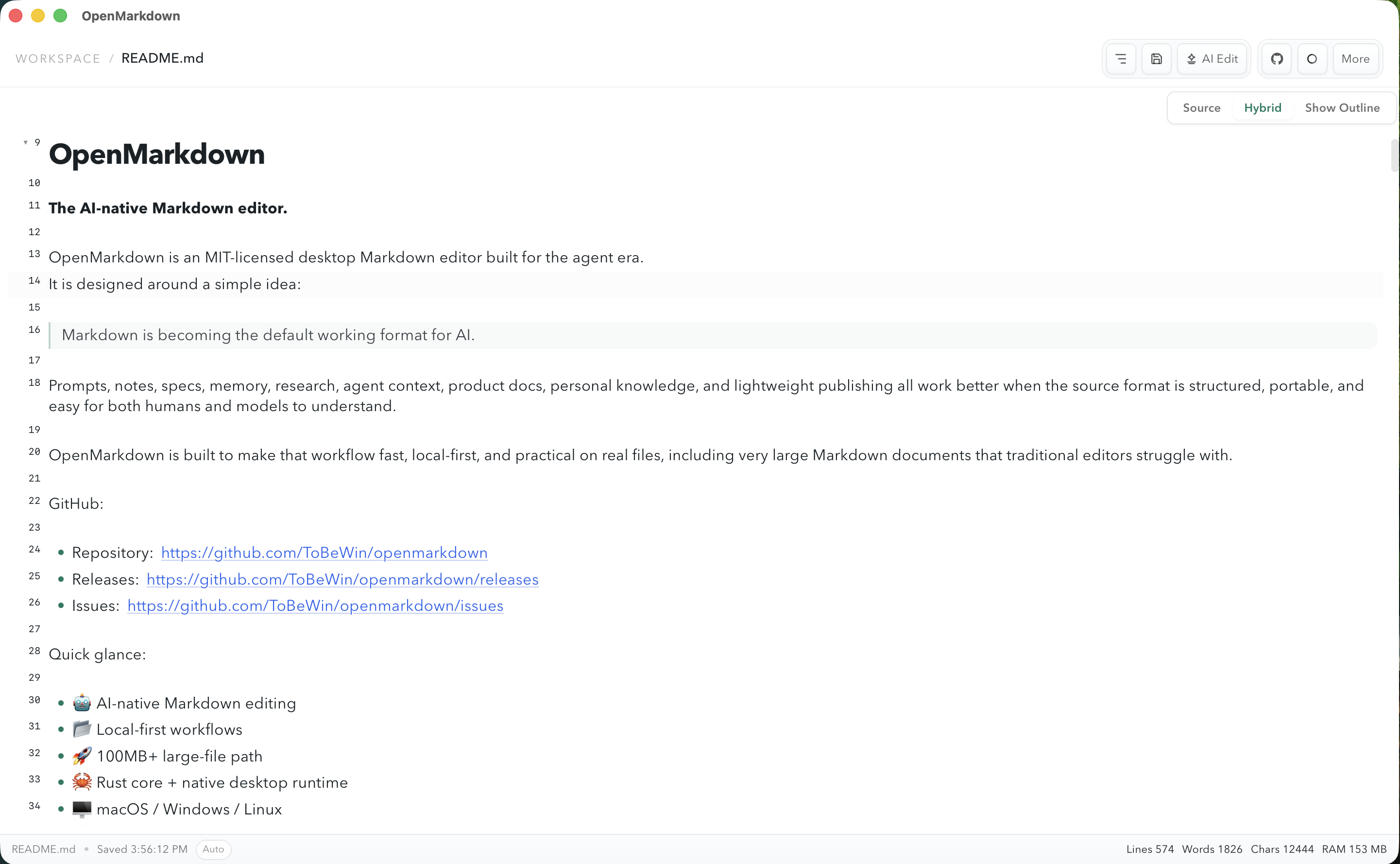
The AI-native Markdown editor.
OpenMarkdown is an MIT-licensed desktop Markdown editor built for the agent era. It is designed around a simple idea:
Markdown is becoming the default working format for AI.
Prompts, notes, specs, memory, research, agent context, product docs, personal knowledge, and lightweight publishing all work better when the source format is structured, portable, and easy for both humans and models to understand.
OpenMarkdown is built to make that workflow fast, local-first, and practical on real files, including very large Markdown documents that traditional editors struggle with.
GitHub:
Quick glance:
OpenMarkdown is not just another Markdown editor.
It is intended to be:
The product principle is:
simple by default, powerful when needed.
That means:
Most Markdown editors were built for a pre-agent workflow:
That is no longer enough.
Today, Markdown is increasingly used as:
In this environment, the editor itself needs to understand:
OpenMarkdown is built around that reality.
OpenMarkdown does not treat AI as a side chatbot bolted onto an editor.
AI can work on:
AI outputs can:
Inline AI editing supports:
OpenMarkdown is designed so that important workflows can stay local:
If you want cloud models, you can use them. If you want local models, they are first-class.
Large Markdown files are not treated as a separate product.
OpenMarkdown includes a large-file engine integrated into the normal Writer flow. Open a large Markdown file and the editor switches to the large-file path automatically.
Current large-file behavior includes:
Benchmark artifacts live in:
docs/benchmarks/latest-large-file.jsonThe right-side Workbench is not meant to be a second app.
Its job is to support the current Markdown editing task.
Workbench includes:
Workbench results can:
This turns the editor into a single working system instead of multiple disconnected feature pages.
OpenMarkdown currently supports the primary Markdown writing workflow plus rich blocks commonly used in modern Markdown:
Images can be inserted by:
Imported images are stored beside the note in:
.openmarkdown-assets/Markdown uses relative links so notes remain portable.
OpenMarkdown includes a multi-model adapter with support for:
Provider UX includes:
Built-in local tools include:
Pandoc-based local export queue supports:
OpenMarkdown keeps the editor at the center and routes AI, retrieval, tools, export, and large-file handling around the current Markdown task.
flowchart LR
    user["User"] --> writer["Writer<br/>Hybrid / Source / Large File"]
    writer --> workbench["Workbench<br/>AI Agent / Knowledge / Tools / Extensions"]
    writer --> editor_state["Editor Context<br/>note / section / selection"]
    editor_state --> workbench
    workbench --> writeback["Write Back to Markdown"]
    writeback --> writer

    writer --> tauri["Tauri v2 Desktop Shell"]
    tauri --> rust["Rust Core"]

    rust --> file_engine["Large-file Engine"]
    rust --> ai_router["AI Router"]
    rust --> rag["Local RAG Index"]
    rust --> exportq["Export Queue"]
    rust --> skills["Built-in Skills / MCP Layer"]
    rust --> plugins["Plugin Host"]

    ai_router --> ollama["Ollama"]
    ai_router --> cloud["OpenAI / Anthropic / Gemini / DeepSeek / Qwen / MiniMax / GLM / Kimi"]
    exportq --> pandoc["Pandoc"]
src-tauri/src/
  main.rs              Tauri commands and native integration
  ai_router.rs         Multi-provider AI routing and streaming
  file_engine.rs       Large-file engine
  export_queue.rs      Export queue
  rag_index.rs         Local RAG index
  mcp.rs               Built-in tools / skills
  plugin_host.rs       Plugin sandbox host

src/lib/
  ai/                  AI Agent, RAG, MCP client UI
  editor/              Hybrid editor, large-file editor, export helpers
  plugins/             Extension center
  ui/                  Workspace shell and desktop UI
OpenMarkdown is designed to compete on both experience and capability.
OpenMarkdown is built around local ownership.
When you choose a cloud model, the request necessarily goes to that provider. When you choose a local model, the note can stay on your machine.
OpenMarkdown is designed for:
The native stack is based on Tauri v2 with platform-specific adaptation paths.
Current packaging direction:
.app, .dmgnpm install
npm run dev
npm run tauri:dev
npm run build
npm run tauri:build
npm run tauri:build:full
npm run preview
npm run check
npm run benchmark:large
npm run release:audit
npm run release:manifest
npm run dev
npm run build
npm run preview
npm run check
npm run qa:buttons
npm run smoke
npm run benchmark:large
npm run release:audit
npm run release:manifest
npm run release:gate
npm run tauri:dev
npm run tauri:build
npm run tauri:build:full
npm run release:gate
This runs the local release gate, including:
npm run smoke
npm run qa:buttons
npm run tauri:build is the stable packaging path for this repository.
npm run tauri:build:full runs the full Tauri build directly.
Actual output format depends on:
docs/BENCHMARK.mddocs/RELEASE_NOTES_v1.0.0.mddocs/benchmarks/latest-large-file.jsondocs/release/manifest-v1.0.0.jsonInternal release and launch playbooks live under:
docs/internal/release/docs/internal/launch/OpenMarkdown uses semantic versioning.
The public release format should be:
v1.0.0v1.0.1v1.1.0v2.0.0Release date can still be shown in release notes and changelogs, but the product version should remain semver-based.
OpenMarkdown is released under the MIT License.
LICENSEThis means:
ToBeWin/openmarkdown is a public repo on GitHub by ToBeWin. The AI-native Markdown editor.
It declares the MIT license on GitHub.
Its maker has not tagged a system, so it is unknown here. Its README says what it needs.
Open "Take it" on its page: Take My Repo writes an install plan for your machine and hands it to your AI agent (Claude Code, Codex or Cursor), which asks you before each step. Take My Repo has not tested it on any machine.
Its last change on GitHub was on 2026-03-12. Take My Repo does not judge from that whether it is maintained.
Knowledge infrastructure to make your agents smarter. Search, scrape and access 550+ data providers through one API.
Turn any webpage/HTML/Vue/React and so on into desktop and mobile app under 5M with easy in few minutes. 轻松将任意网站/HTML/Vue/React等项目构建为轻量级(小于5M)多端桌面应用和手机应用仅需几分钟. https://ppofficial.netlify.app
Bring projects, wikis, and teams together with AI. AppFlowy is the AI collaborative workspace where you achieve more without losing control of your data. The leading open source Notion alternative.
Graphs that teach > graphs that impress. Turn any code into an interactive knowledge graph you can explore, search, and ask questions about. Works with Claude Code, Codex, Cursor, Copilot, Gemini CLI, and more.
Nobody has reviewed it on Take My Repo yet, which says nothing about its quality.
Take My Repo cannot say: it does not audit code and has not run openmarkdown. What is known comes from GitHub. It declares the MIT license on GitHub. Its last change was on 2026-03-12. It has 6 stars, which measure popularity, not safety. Nobody has reviewed it on Take My Repo yet, which says nothing about its quality. Read the source before you run it. With "Take it", your AI agent shows each step and asks you before running it; README text is treated as data, not as instructions.




