PrivacyActivistKit
A complete guide to digital self-defense for activists, journalists, and everyone else.
- 79
- 9 mo ago
script for clean your linux system, update it and free up space
Repo Turtlecute33/Clean-linux-script, read from GitHub 1 min ago. Turtlecute33 has not joined Take My Repo.
Turtlecute33/Clean-linux-script is a public repo on GitHub by Turtlecute33. script for clean your linux system, update it and free up space. It declares no license on GitHub. Public does not mean open source: without a license, nobody is granted the right to reuse it. It is written mainly in Shell, has 8 stars and last changed on 2026-06-27. Nobody has reviewed it on Take My Repo yet, which says nothing about its quality. Read from GitHub on 2026-11-22.
A comprehensive, safe, and feature-rich Bash script to clean up and maintain your Linux system. Works across multiple Linux distributions with advanced safety features and extensive cleaning capabilities.
Clone the repository:
git clone https://github.com/turtlecute33/linux-system-cleaner.git
cd linux-system-cleaner
Make the script executable:
chmod +x clean-script.sh
Run with root privileges using your preferred method:
# Using sudo
sudo ./clean-script.sh

# Using doas
doas ./clean-script.sh

# As root
./clean-script.sh
Preview what will be cleaned without actually deleting anything:
# Edit the script and set: DRY_RUN=true
sudo ./clean-script.shEdit the configuration section at the top of the script to customize behavior:
# Example: Enable browser cache cleaning
CLEAN_BROWSER_CACHE=true

# Example: More aggressive temp file cleaning
TMP_FILE_MAX_AGE_DAYS=3

# Example: Keep only 1 old kernel
KEEP_KERNELS=1
KEEP_KERNELS=2                    # Number of old kernels to keep
JOURNAL_VACUUM_TIME="3d"          # Max age for journal logs
JOURNAL_VACUUM_SIZE="500M"        # Max size for journal logs
TMP_FILE_MAX_AGE_DAYS=7           # Age threshold for temp files
USER_CACHE_MAX_AGE_DAYS=14        # Age threshold for user cache
CLEAN_USER_CACHE_FILES=true       # Clean general cache files
CLEAN_THUMBNAILS=true             # Clean thumbnail cache
CLEAN_TRASH=true                  # Empty trash
CLEAN_BROWSER_CACHE=false         # Clean browser caches
CLEAN_BROWSER_HISTORY=false       # Clean browser history (⚠️)
CLEAN_RECENT_DOCUMENTS=false      # Clear recent documents
CLEAN_CLIPBOARD_HISTORY=false     # Clear clipboard history
CLEAN_APPLICATION_LOGS=true       # Clean app logs
CLEAN_DOCKER=true                 # Enable Docker cleanup
CLEAN_DOCKER_VOLUMES=false        # Prune Docker volumes (⚠️)
AGGRESSIVE_PKG_CACHE_CLEAN=false  # More aggressive cache cleaning
DRY_RUN=false                     # Preview mode (no deletions)
###############################################################
##  🚀 Smart Linux System Cleaner v2.0.0 🚀             ##
###############################################################

>>> Configuration Summary:
  :: Keep Kernels: 2
  :: Journal Vacuum: 3d / 500M
  :: Temp Files Age: 7 days
  :: User Cache Age: 14 days
  :: Dry Run Mode: false

>>> Initial Disk Usage
Filesystem      Size  Used Avail Use% Mounted on
/dev/sda1       900G   40G  815G   5% /

>>> Detected Package Manager: apt

>>> [1/13] Updating package repositories...
>>> [2/13] Upgrading system packages...
>>> [3/13] Removing orphaned/unneeded packages...
✔ OK: Freed 128MB
>>> [4/13] Cleaning package cache...
✔ OK: Freed 2GB
...

>>> Final Disk Usage
Filesystem      Size  Used Avail Use% Mounted on
/dev/sda1       900G   37G  818G   5% /

###############################################################
##   ✅ System Cleanup Completed Successfully! ✅              ##
###############################################################
✔ OK: Total Space Freed: 3GB
✔ OK: Script Duration: 45 seconds
The script automatically detects and uses the available privilege escalation method:
# 1. Preview what will be cleaned
# Edit script: DRY_RUN=true
sudo ./clean-script.sh

# 2. Review the output
# 3. Adjust configuration if needed
# 4. Run for real
# Edit script: DRY_RUN=false
sudo ./clean-script.sh
# Run monthly with default settings
sudo ./clean-script.sh# Edit these settings in the script:
TMP_FILE_MAX_AGE_DAYS=3
USER_CACHE_MAX_AGE_DAYS=7
CLEAN_BROWSER_CACHE=true
AGGRESSIVE_PKG_CACHE_CLEAN=trueSome optional tools may not be installed:
paccache: Install pacman-contrib on Archpackage-cleanup: Install yum-utils on RHEL/CentOS# Make sure to run with sudo, doas, or as root
sudo ./clean-script.shCheck if DRY_RUN=true is set in the configuration.
KEEP_KERNELS=2
USER_CACHE_MAX_AGE_DAYS=14
CLEAN_BROWSER_CACHE=false         # Enable if needed
CLEAN_DOCKER=false                # Unless you use Docker
KEEP_KERNELS=2
JOURNAL_VACUUM_TIME="7d"          # Keep more logs
CLEAN_BROWSER_CACHE=false         # No browsers on servers
CLEAN_DOCKER=true                 # If running containers
CLEAN_BROWSER_CACHE=true
CLEAN_RECENT_DOCUMENTS=true
CLEAN_CLIPBOARD_HISTORY=true
# Keep CLEAN_BROWSER_HISTORY=false unless you're sureContributions are welcome! Please:
This project is open source. Feel free to modify and distribute as needed.
Inspired by various Linux maintenance tools and best practices from the community.
If you encounter issues:
Happy cleaning! 🧹✨
Made with ❤️ for the Linux community
Turtlecute33/Clean-linux-script is a public repo on GitHub by Turtlecute33. script for clean your linux system, update it and free up space.
It declares no license on GitHub. Public does not mean open source: without a license, nobody is granted the right to reuse it.
Its maker tagged it for macOS, Windows and Linux, or as Docker or cross-platform. That is declared by the maker; Take My Repo has not tested it.
Open "Take it" on its page: Take My Repo writes an install plan for your machine and hands it to your AI agent (Claude Code, Codex or Cursor), which asks you before each step. Take My Repo has not tested it on any machine.
Its last change on GitHub was on 2026-06-27. GitHub counts 0 open issues and pull requests. Take My Repo does not judge from that whether it is maintained.
A complete guide to digital self-defense for activists, journalists, and everyone else.
Nobody has reviewed it on Take My Repo yet, which says nothing about its quality.
Debloat Windows 11, disable telemetry, and harden macOS and Linux. Pick tweaks, read every command, download a ready-to-run script. Free, open source, no install. The maintained fork of privacy.sexy.
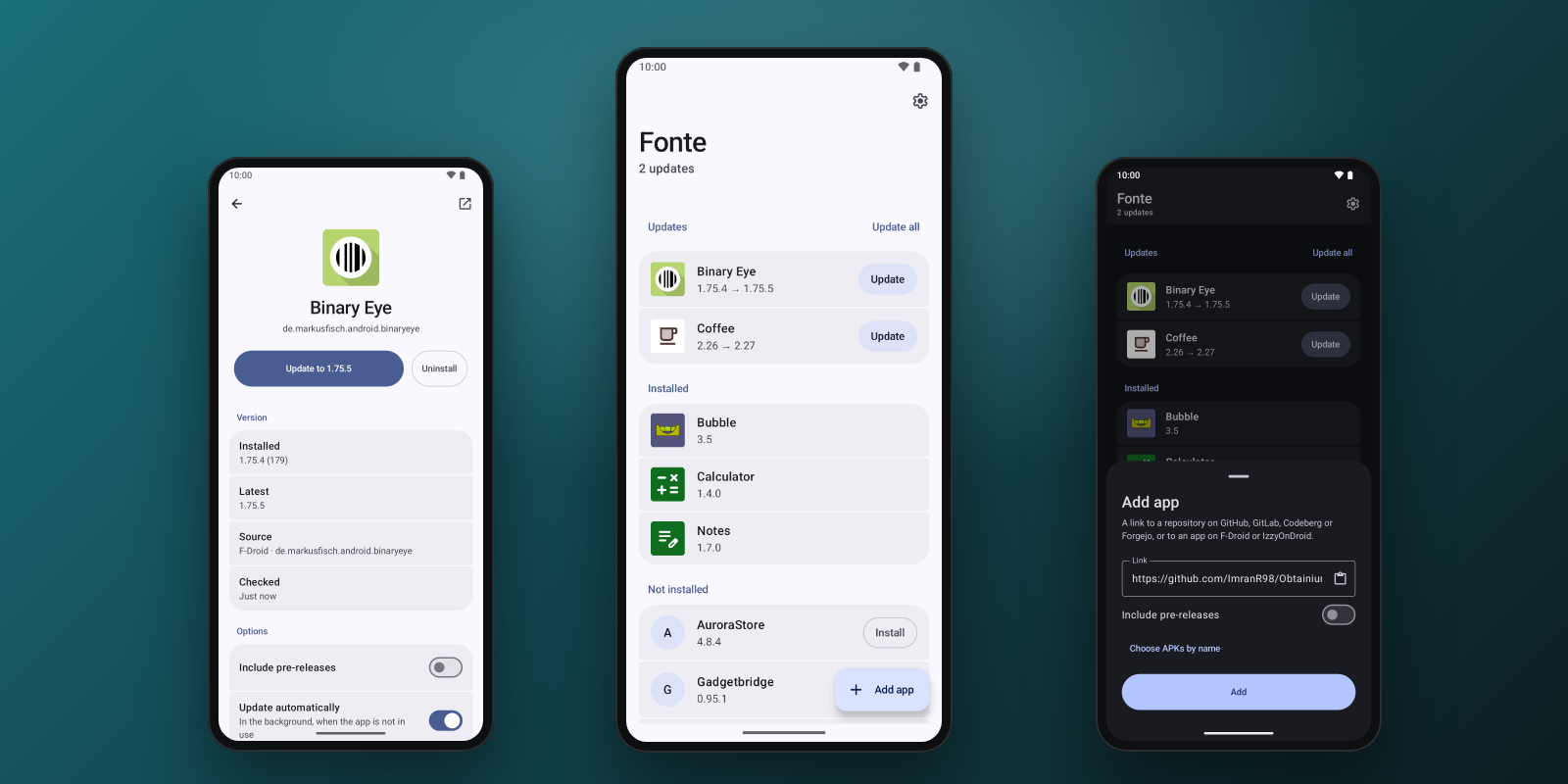
Private, fast, minimal Android app updater: GitHub, GitLab, Codeberg/Forgejo, F-Droid and IzzyOnDroid. No native code, works with GrapheneOS dynamic code loading restrictions.
A Docker‑Compose stack combining WireGuard, Pi‑hole and Unbound for a secure, private, ad‑free internet experience.
Open-source Android keyboard with AI voice-to-text and AI text fix. A HeliBoard fork: bring your own OpenRouter or PayPerQ key, no account, no telemetry.