
PrivacyActivistKit
A complete guide to digital self-defense for activists, journalists, and everyone else.
- 79
- 9 mo ago
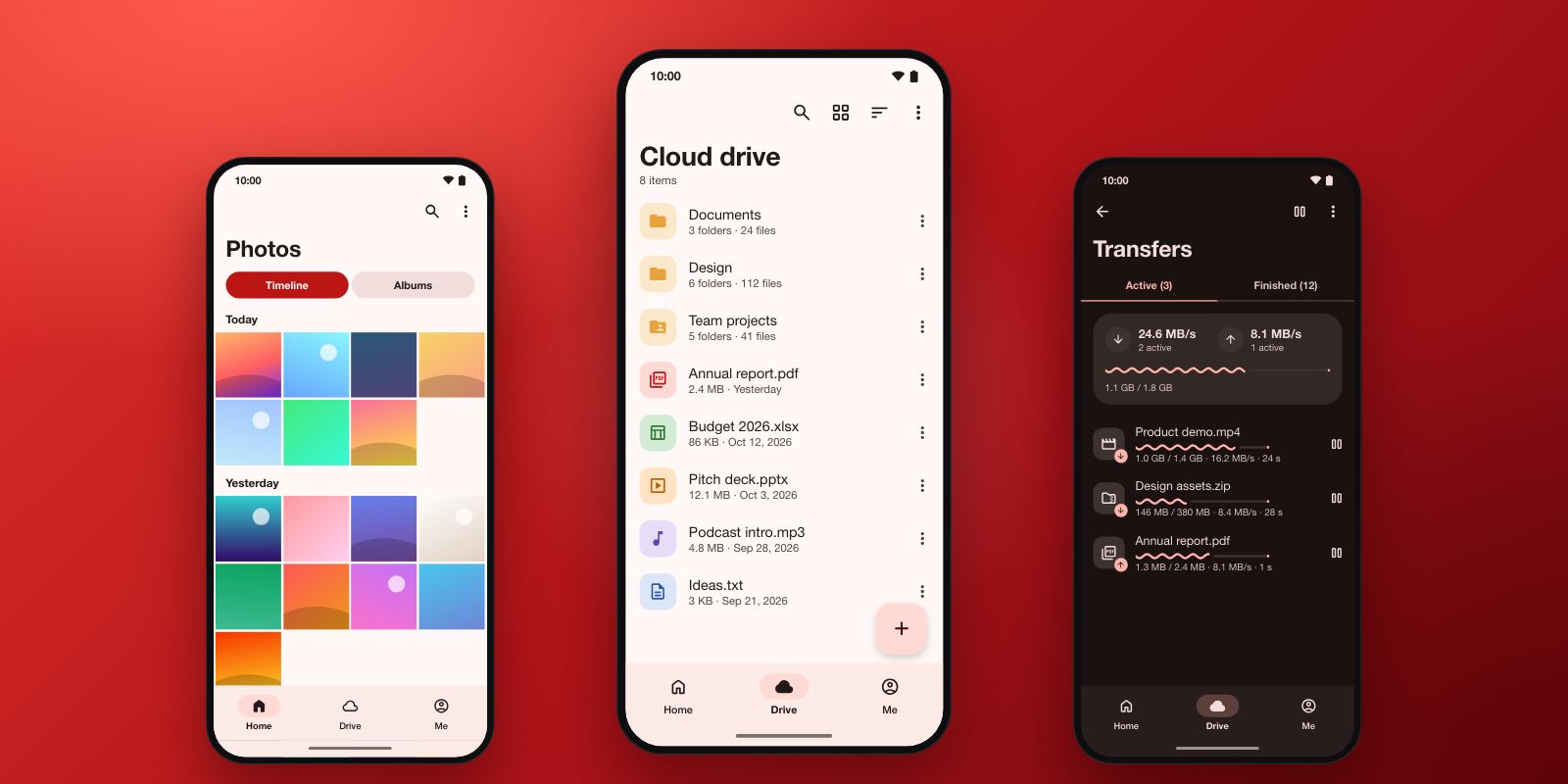
A privacy-first MEGA cloud client for Android 15+, built on the official MEGA SDK with Jetpack Compose.
Repo Turtlecute33/MegaGlass-Android, read from GitHub 1 min ago. Turtlecute33 has not joined Take My Repo.
Turtlecute33/MegaGlass-Android is a public repo on GitHub by Turtlecute33. A privacy-first MEGA cloud client for Android 15+, built on the official MEGA SDK with Jetpack Compose. It declares the GPL-3.0 license on GitHub. It is written mainly in Kotlin, has 1 stars and last changed on 2026-11-19. Nobody has reviewed it on Take My Repo yet, which says nothing about its quality. Read from GitHub on 2026-11-23.

Open-source MEGA cloud client for Android.
End-to-end encrypted, fast and private. No ads, no third-party trackers, no Google Play Services.

MegaGlass is an unofficial client for MEGA cloud storage on Android 15 and later. It uses the official MEGA SDK (C++, BSD-2) for encryption and transfers, and Jetpack Compose with Material 3 Expressive for the interface. Chat and calls are not included.
MegaGlass/<version> (Android) (Android) MegaClient/<SDK version>/64, the
same on every device. It has no device model, OS version, kernel release or CPU architecture.Get the APK from Releases. MegaGlass is alpha software. Keep a copy of important files.
Before you install, check the signing certificate. Its SHA-256 fingerprint is:
84c7ed6935e18d6e6aebc6e3c490e3aa5468974ee856baf1df979bda3c7b5241
Compare it with the output of apksigner verify --print-certs <file>.apk, or use AppVerifier.
Do not install an APK with a different certificate.
Requirements: Android SDK with platform 37 and NDK 28, JDK 21, Homebrew packages
cmake ninja swig autoconf automake autoconf-archive libtool pkg-config.
scripts/bootstrap-sdk.sh      # fetches MEGA SDK v10.21.0 and vcpkg, applies patches/
scripts/build-sdk.sh          # builds libmega.so (arm64-v8a) and the Java bindings into :sdk
./gradlew :app:assembleDebug  # or assembleRelease after scripts/make-release-key.sh
The first SDK build compiles all native dependencies with vcpkg and takes a while. Later builds
use them again. build-sdk.sh resets Vendor/mega-sdk to the pinned commit and applies
patches/ again, so it removes all other changes there: put SDK changes in a patch. It stops if
Vendor/vcpkg has local changes.
The release APK is about 32 MB (estimate); libmega.so is about 25 MB of it.
A release build stops if the git tree has changes that are not committed, because the APK records the commit that it was built from. Commit (and tag) the version change first.
patches/mega-sdk-android-request-size.patch: the SDK limits each transfer request to 2 MB on
Android. The patch scales the limit with device RAM (up to 16 MB, the desktop value). This
decreases the overhead of each request on fast connections.patches/mega-sdk-android-copy-errors.patch: a copy through the Android file wrapper fails
when a read, write or truncate fails. A rename that falls back to copy and delete then keeps the
source.patches/mega-sdk-android-scan-size.patch: the sync scan gives each file its own size, not
the size of its folder. Before, the scan could not reuse a fingerprint and read each file again
at each scan.patches/mega-sdk-device-id.patch: adds MegaApi::setStatsId, so that the app can give the
SDK a random device ID. The SDK does not read the Android ID.patches/mega-sdk-java-factory-ownership.patch: marks allocating JNI factories and album
getters as owners of their native results, so that Java can release them safely.patches/mega-sdk-no-events.patch: the SDK does not send its diagnostic events and reports
to MEGA, it does not keep the journey ID, and it does not tag new nodes for analytics.patches/mega-sdk-stream-no-cors.patch: the local stream server does not send
Access-Control-Allow-Origin: *, so a web page cannot read the decrypted stream.patches/mega-sdk-upload-new-key.patch: when a cached upload resumes and the local file has
changed, the SDK makes a new key and IV, so the two contents are not encrypted with one
keystream.patches/mega-sdk-user-agent.patch: the SDK puts only "Android" in the user agent, and not
the kernel release and the CPU architecture.scripts/libmega.map), and its relative
relocations are packed (RELR). The linker can then remove unused code: the library is about
25 MB and not 33 MB (estimate).scripts/ports/: pinned native dependency updates, with upstream provenance and licenses.
The native build records versions and a binary digest. Gradle rejects artifacts that do not
match.sdk/: SDK bindings (src/main/java is generated, src/main/glue is hand-written).app/src/main/kotlin/app/megaglass/android/core: SDK wrapper, session, transfers, storage.app/src/main/kotlin/app/megaglass/android/ui: theme, shared components, navigation.app/src/main/kotlin/app/megaglass/android/feature: one package for each feature.scripts/fetch-icons.py: makes the Material Symbols drawables again.After you build the native SDK, run the JVM regression tests, lint and the two application builds:
./gradlew :app:testDebugUnitTest :app:lintDebug :sdk:lintDebug \
  :app:assembleDebug :app:assembleRelease
With an Android 15 or later arm64 emulator connected, run
./gradlew :app:connectedDebugAndroidTest. These tests use isolated fixture data and do not
need a MEGA account. Workflows that need a login still need a dedicated test account.
The alpha audit lists the fixes and the remaining test gaps. The
validation record is a snapshot of the 2026-10-15 run. Each
native build records its versions and digests in sdk/src/main/assets/mega-build.properties.
MegaGlass is free software under the GNU General Public License v3.0. The app
includes the MEGA SDK (BSD 2-Clause) and other open-source libraries. Their licences are in
app/src/main/assets/third_party_notices.txt, which the app shows in Settings > About.
MegaGlass is an independent project. It is not affiliated with or endorsed by MEGA.
Turtlecute33/MegaGlass-Android is a public repo on GitHub by Turtlecute33. A privacy-first MEGA cloud client for Android 15+, built on the official MEGA SDK with Jetpack Compose.
It declares the GPL-3.0 license on GitHub.
Its maker tagged it for macOS. That is declared by the maker; Take My Repo has not tested it.
Open "Take it" on its page: Take My Repo writes an install plan for your machine and hands it to your AI agent (Claude Code, Codex or Cursor), which asks you before each step. Take My Repo has not tested it on any machine.
Its last change on GitHub was on 2026-11-19. GitHub counts 0 open issues and pull requests. Take My Repo does not judge from that whether it is maintained.
Nobody has reviewed it on Take My Repo yet, which says nothing about its quality.
A complete guide to digital self-defense for activists, journalists, and everyone else.
Debloat Windows 11, disable telemetry, and harden macOS and Linux. Pick tweaks, read every command, download a ready-to-run script. Free, open source, no install. The maintained fork of privacy.sexy.
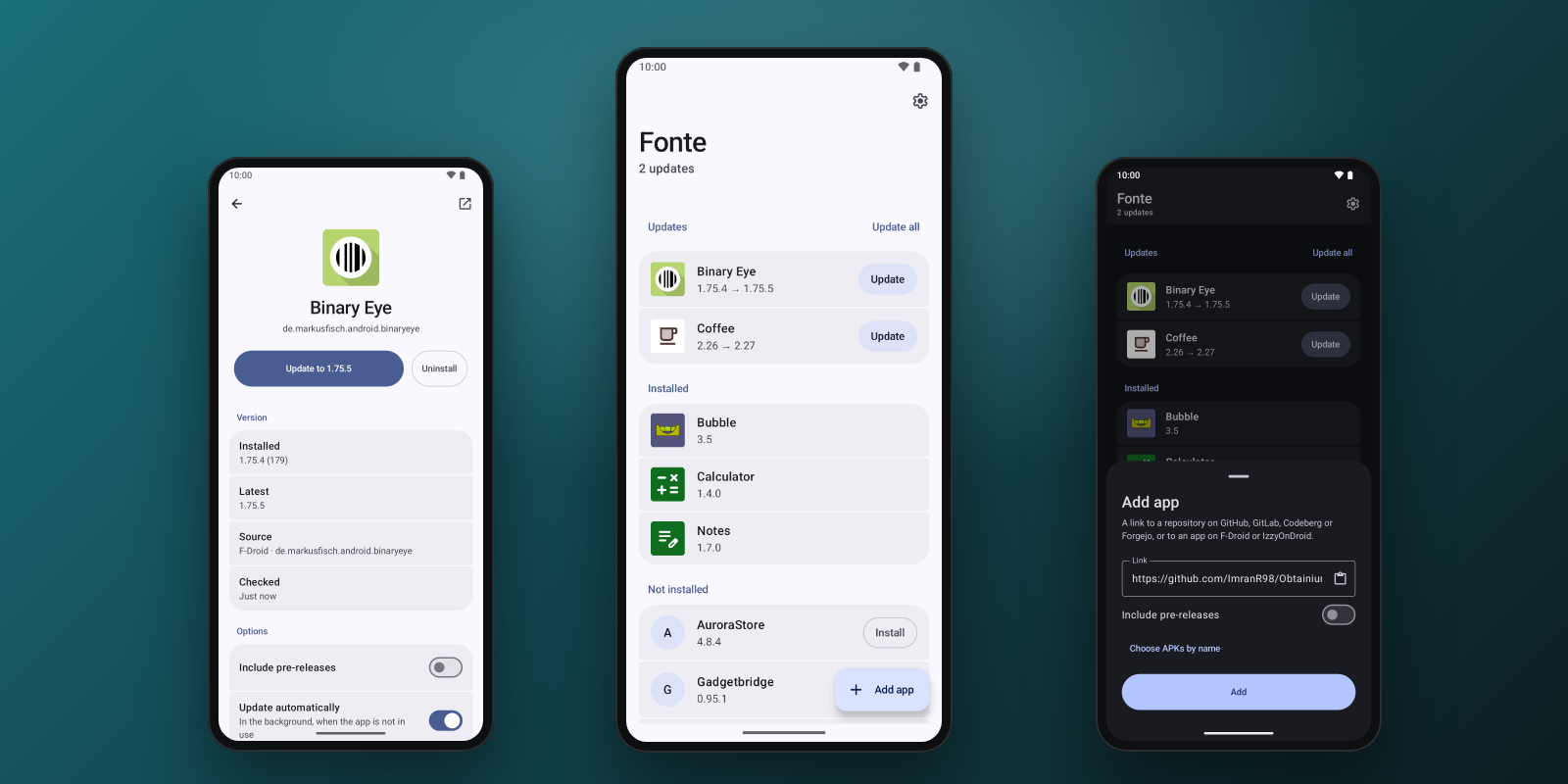
Private, fast, minimal Android app updater: GitHub, GitLab, Codeberg/Forgejo, F-Droid and IzzyOnDroid. No native code, works with GrapheneOS dynamic code loading restrictions.
A Docker‑Compose stack combining WireGuard, Pi‑hole and Unbound for a secure, private, ad‑free internet experience.
Open-source Android keyboard with AI voice-to-text and AI text fix. A HeliBoard fork: bring your own OpenRouter or PayPerQ key, no account, no telemetry.