rea
Reverse engineer anything with agents, from app behavior down to native binaries.
- 473k
- TypeScript
- MIT
- 4 h ago
pmc(pack-my-code): A tiny binary tool that “packages” your project code, suitable for sending to large language models.
Repo Water-Run/pack-my-code, read from GitHub 20 h ago. Water-Run has not joined Take My Repo.
Water-Run/pack-my-code is a public repo on GitHub by Water-Run. pmc(pack-my-code): A tiny binary tool that “packages” your project code, suitable for sending to large language models. It declares the WTFPL license on GitHub. It is written mainly in Lua, has 9 stars and last changed on 2026-04-28. It is archived: its maker no longer maintains it. Nobody has reviewed it on Take My Repo yet, which says nothing about its quality. Read from GitHub on 2026-11-21.
Water-Run/pack-my-code is a public repo on GitHub by Water-Run. pmc(pack-my-code): A tiny binary tool that “packages” your project code, suitable for sending to large language models.
It declares the WTFPL license on GitHub.
Its maker has not tagged a system, so it is unknown here. Its README says what it needs.
Open "Take it" on its page: Take My Repo writes an install plan for your machine and hands it to your AI agent (Claude Code, Codex or Cursor), which asks you before each step. Take My Repo has not tested it on any machine.
No. It is archived on GitHub: its maker no longer maintains it.
Nobody has reviewed it on Take My Repo yet, which says nothing about its quality.
Reverse engineer anything with agents, from app behavior down to native binaries.
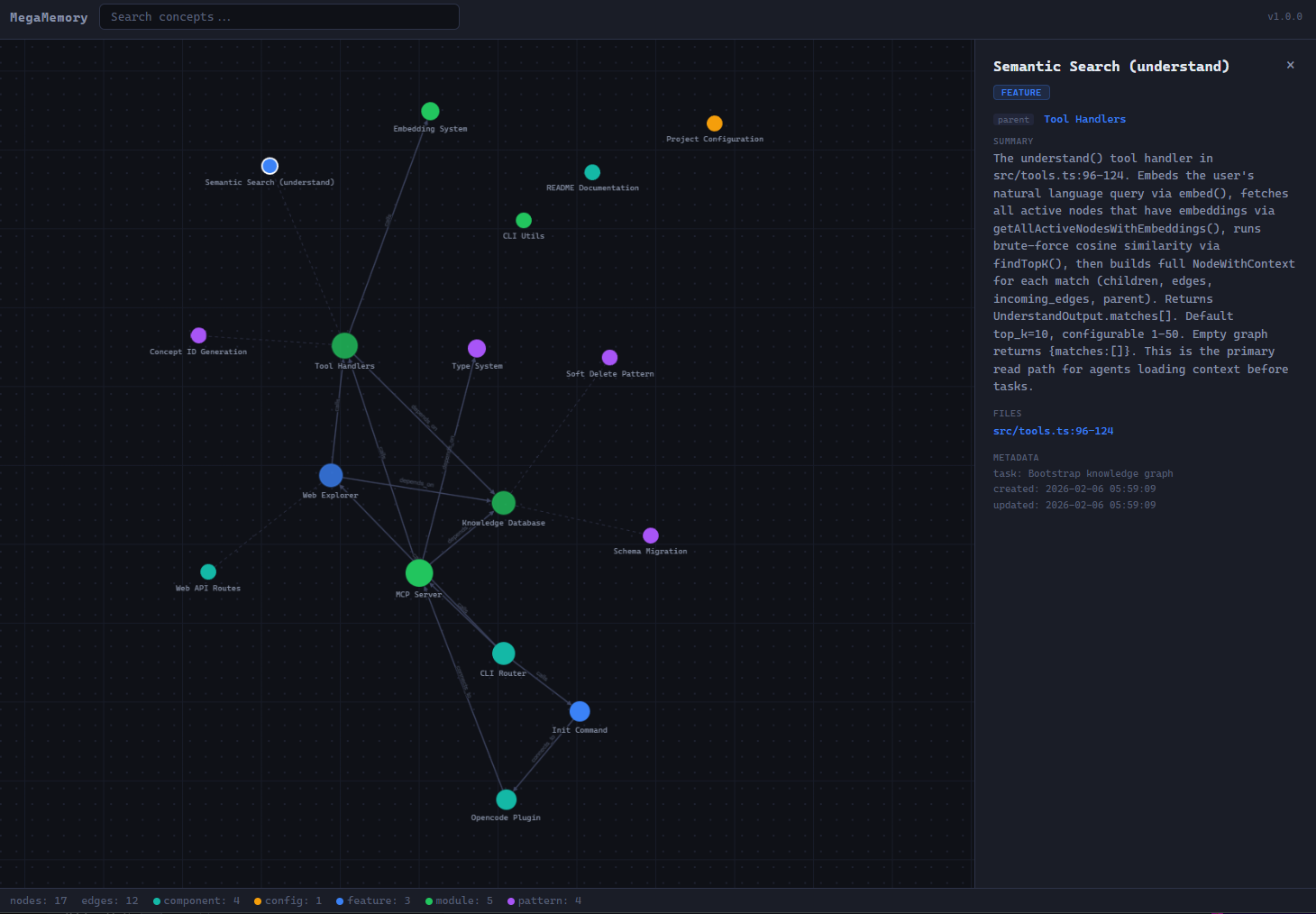
Persistent project knowledge graph for coding agents. MCP server with semantic search, in-process embeddings, and web explorer.
The agent harness performance optimization system. Skills, instincts, memory, security, and research-first development for Claude Code, Codex, Opencode, Cursor and beyond.
Fair-code workflow automation platform with native AI capabilities. Combine visual building with custom code, self-host or cloud, 400+ integrations.
~97% token reduction for AI coding sessions — zero deps, 38 languages, MCP server
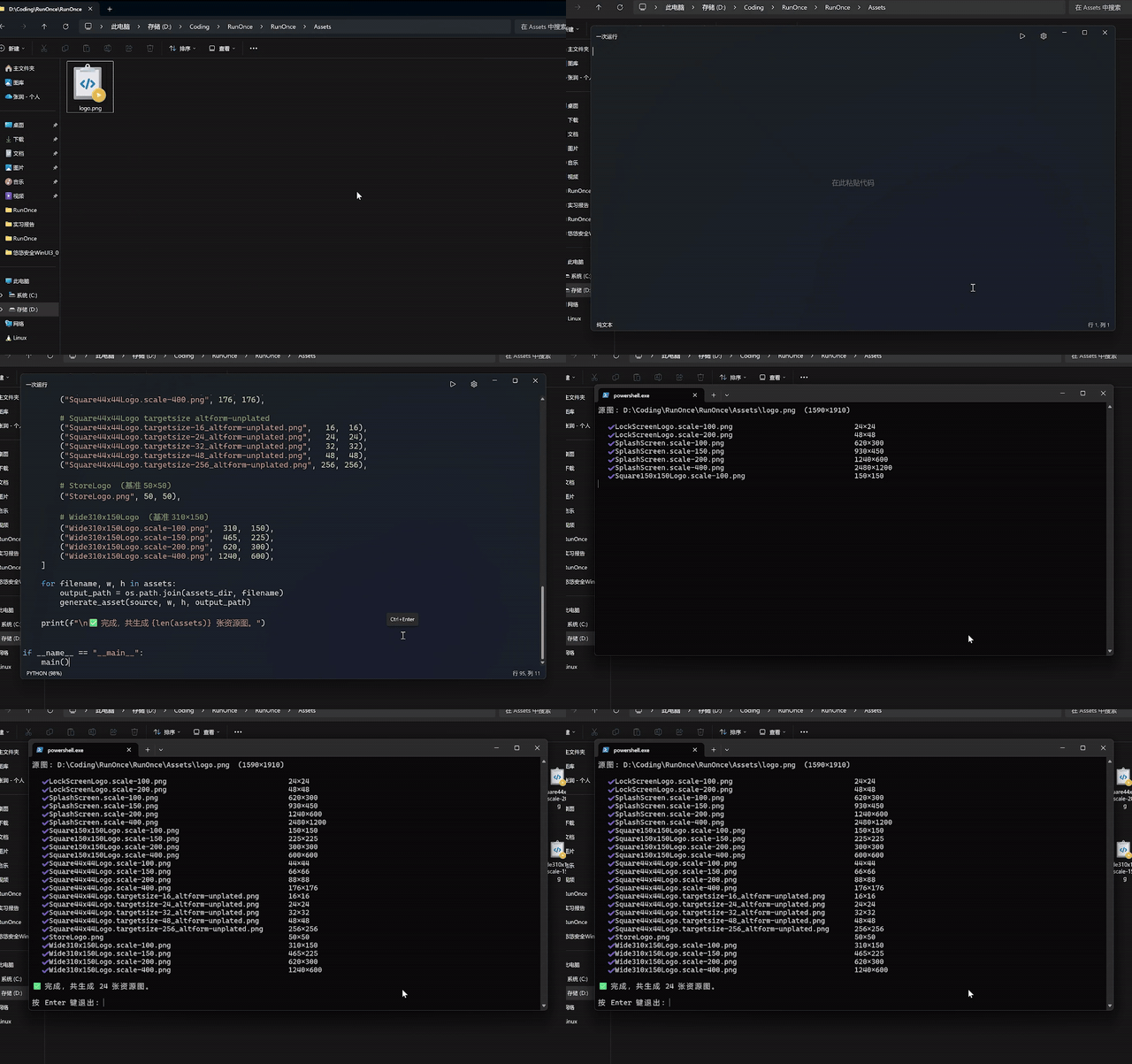
Run LLM-generated one-off scripts via the "Run Code Here" option in the Windows 11 context menu.
tree++: A much better Windows `tree` command—more features, faster performance, and diff-level compatibility with the original `tree`. Implemented in Rust.