rea
Reverse engineer anything with agents, from app behavior down to native binaries.
- 476k
- TypeScript
- MIT
- 3 h ago
Manage apps, products, paywalls, placements, and access levels from your terminal
Repo adaptyteam/adapty-cli, read from GitHub 13 min ago. adaptyteam has not joined Take My Repo.
adaptyteam/adapty-cli is a public repo on GitHub by adaptyteam. Manage apps, products, paywalls, placements, and access levels from your terminal. It declares no license on GitHub. Public does not mean open source: without a license, nobody is granted the right to reuse it. It is written mainly in TypeScript, has 26 stars and last changed on 2026-11-24. Nobody has reviewed it on Take My Repo yet, which says nothing about its quality. Read from GitHub on 2026-11-24.

Adapty Developer CLI. Manage apps, products, paywalls, placements, flows, and access levels from your terminal.
npm install -g adapty
Requires Node.js 22 or 24. Node 18 and 20 are past end-of-life and are not supported.
adapty auth login
Opens browser for OAuth device flow. Token is stored in ~/.config/adapty/config.json.
Override with ADAPTY_TOKEN environment variable:
ADAPTY_TOKEN=your-token adapty apps list
In a script, set ADAPTY_REGION (us or eu) together with ADAPTY_TOKEN: without it the command takes the region of the saved login, which can belong to another account.
Other auth commands:
adapty auth whoami     # verify token, show user info
adapty auth status     # show local auth state
adapty auth logout     # clear stored credentials and migration selection (local only)
adapty auth revoke     # revoke active token and clear matching credentials and selection
auth revoke uses ADAPTY_TOKEN when set, otherwise the stored token. A different token in the
session file is preserved. After revoking an environment token, unset ADAPTY_TOKEN; a preserved
stored session will then become active again. With no token, revoke succeeds without a request
and returns {"status":"not_authenticated"} under --json.
auth logout removes the saved migration selection even without stored credentials or with a
malformed context. auth revoke removes selection only after server success and only when it
belongs to the revoked token. Failed revocation preserves both files. Both cleanup operations
are attempted independently; incomplete cleanup returns exit 1 (auth_cleanup_failed). If the
server already revoked the token, the error says so: fix local files without repeating revocation.
Environment variables remain in the parent shell; unset ADAPTY_TOKEN and ADAPTY_MIGRATION
there when needed.
All resource commands require --app APP_ID (UUID). Use adapty apps list to find your app ID.
adapty apps list [--page N] [--page-size N]
adapty apps get APP_ID
adapty apps create --title "My App" --platform ios --apple-bundle-id com.example.app
adapty apps update APP_ID [flags]
adapty products list --app UUID [--page N] [--page-size N]
adapty products get --app UUID PRODUCT_ID
adapty products create --app UUID --title ... --period monthly --access-level-id UUID [--price-usd 9.99] [store binding flags]
adapty products update --app UUID PRODUCT_ID [--title ...] [--access-level-id UUID] [--price-usd 9.99]
products get shows the USD price and the store_status of each store product. update reads the product and writes it
back whole. The USD price is set once, while the product has none; a set price stays, and --price-usd on such a
product exits 4 with the code price_usd_not_applied, after saving a title or access level given with it. To make a product in the stores,
create it without a store binding and with --price-usd, then run products push; a store binding on create means
the product already exists in that store.
adapty products push PRODUCT_ID --app UUID --store play_store --store-product-id ID --android-base-plan-id ID
adapty products push PRODUCT_ID --app UUID --store app_store --store-product-id ID --group-id ID --screenshot review.png [--family-sharable]
adapty product-groups list --app UUID --store app_store|play_store [--page N] [--page-size N]
adapty product-groups create --app UUID --store app_store --name "Premium"
adapty product-prices list --app UUID --product UUID [--csv]
adapty product-prices set --app UUID --product UUID --file prices.csv [--dry-run] [--wait] [--apply-to-existing-subscribers]
adapty product-prices set --app UUID --product UUID --country DE --app-store-price 9.99 [--play-store-price 8.99] [--yes]
products push creates the product in the real store account, needs the USD price of the product (--price-usd of
products create or products update) and the store credentials of the app, and asks first (--yes; exit 6 without a terminal). App Store errors
after Apple has created the product are not reported by the push: read products get and look at store_status.
--screenshot is a PNG or JPEG file and is required for the App Store push. Family Sharing of an App Store product
stays off unless --family-sharable is given; Apple does not let you turn it off later, and consumables do not have it
(400 family_sharing_not_available). product-groups create is for the App Store; Google Play subscriptions are made
in the Google Play Console and list --store play_store shows them.
product-prices list --csv prints the columns of the dashboard price download, and set --file takes that CSV back.
set previews first (the store rounding), saves the rounded prices and asks before the save. A preview with errors saves
nothing and exits 4 (row errors such as invalid_region_code, invalid_price or missing_currency; a refused save has the code
product_prices_store_validation_error); a preview with no difference saves nothing and exits 0. --dry-run stops after the preview. The
prices reach the store about a minute later: --wait polls the sync (exit 0 when all are synced; 4 with price_sync_failed
when one failed, 4 with price_sync_unknown when a saved row is missing from the list or has another status; a timeout prints
the last rows, sets timed_out and exits 0), and list shows the status of each row. Any failure after the save, including a
network error or Ctrl+C during the wait, keeps its exit code and says saved: true with saved_rows in the error JSON.
adapty product-offers list --app UUID --product UUID
adapty product-offers get OFFER_ID --app UUID
adapty product-offers create --app UUID --product UUID --title "Spring" --type promotional|win_back [--ios-offer-id ID] [--android-offer-id ID]
adapty product-offers update OFFER_ID --app UUID [--title ...] [--type ...] [--ios-offer-id ID | --clear-ios-offer-id] [--android-offer-id ID | --clear-android-offer-id]
list returns every offer on one page. create needs at least one store offer id; win_back is App Store only.
update reads the offer and writes it back whole: it keeps every field you leave out, overwrites a dashboard edit made
in between, and refuses to clear the last store side. Introductory offers are read-only. Offers are deleted in the dashboard.
adapty paywalls list --app UUID [--kind custom|legacy_builder] [--page N] [--page-size N]
adapty paywalls get --app UUID PAYWALL_ID
adapty paywalls create --app UUID --title "Name" --products JSON [--remote-configs JSON] [--use-paywall-builder-v4] [--screenshot-id ID|null] [--builder-screenshot-id ID|null] [--web-purchase-url URL|null]
adapty paywalls update --app UUID PAYWALL_ID (--file PATH|- | --title "Name" --products JSON --remote-configs JSON (--use-paywall-builder-v4 | --no-use-paywall-builder-v4) --screenshot-id ID|null --builder-screenshot-id ID|null --web-purchase-url URL|null)
paywalls get and paywalls list print the products with their offers and billing plans, and get prints the remote
configs and the other fields that update writes. --products takes the list that get printed:
[{"product_id": "UUID", "offer_id": null, "fallback_offer_id": null, "billing_plan_id": null, "flow_product_id": null}].
--product-id UUID (repeatable) is deprecated: it sets products with no offer and no billing plan, and it cannot be
combined with --products. update replaces the whole paywall:
every field is required, and a missing one is refused, not reset. Send the file that get --json printed with --file
(adapty paywalls get ... --json > paywall.json, edit it, then adapty paywalls update ... --file paywall.json), or give
one flag for each field; --file and the field flags cannot be mixed. null clears a field that can be null. A write
replaces the whole remote config list: [] deletes all.
paywalls list and paywalls get show the read-only kind of each paywall: custom when it uses no legacy Paywall
Builder, legacy_builder when it is set to use one. kind follows the builder setting, not a saved layout, and names
no builder version. --kind lists only the paywalls of one kind; the server checks the value and answers a wrong one
with the valid ones. update ignores kind in --file, and it sets the older builder flag to false, so a
paywall with only the older builder flag shows kind: custom after an update. paywalls placements gives the
placements that use a paywall now, and paywalls metrics get its traffic in a period.
adapty placements list --app UUID [--type paywall|flow|onboarding] [--page N] [--page-size N]
adapty placements get --app UUID PLACEMENT_ID
adapty placements create --app UUID [flags]
adapty placements update --app UUID PLACEMENT_ID [flags]
Regular paywall and flow tests. list shows flow tests unless --type paywall is given.
adapty ab-tests list --app UUID [--type paywall|flow] [--state live|draft|completed|inactive|archived] [--placement UUID]... [--segment UUID]... [--search TEXT] [--page N] [--page-size N]
adapty ab-tests get --app UUID TEST_ID
adapty ab-tests create --app UUID --title "Price test" [--goal TEXT] --placement UUID [--segment UUID | --all-users] (--paywalls JSON | --flows JSON)
adapty ab-tests update --app UUID TEST_ID [the flags of create]
adapty ab-tests start --app UUID TEST_ID --placement UUID (--segment UUID | --all-users) [--yes]
adapty ab-tests stop --app UUID TEST_ID (--winner ID | --other ID | --no-content) [--yes]
adapty ab-tests replace --app UUID TEST_ID --title "..." --placement UUID (--paywalls JSON | --flows JSON) [--goal TEXT] [--yes]
adapty ab-tests archive --app UUID TEST_ID [--yes]
adapty ab-tests metrics list --app UUID --type paywall|flow --ids TEST_ID,TEST_ID [--csv]
adapty ab-tests metrics total TEST_ID --app UUID --type paywall|flow
adapty ab-tests metrics values TEST_ID --app UUID --type paywall|flow
adapty ab-tests metrics get TEST_ID --app UUID --type paywall|flow \
  [--date-from DAY --date-to DAY --date-type purchase_date|profile_install_date] [--granularity day|week|month|quarter|year] \
  [--group-by country|store] [--filter key=value[,value] ...] [--timezone Europe/Berlin] [--depth N] [--csv]
Arms are a JSON array: [{"paywall_id":"<id>","weight":50,"title":"A"}, ...] (--flows: the same with flow_id; title
is optional). The server checks the weights (they sum to 100) and the content. start, stop, replace and archive
change what real users see, or cannot be undone: in a terminal they print the effect and ask Apply? [y/N]. With --json,
a pipe or no terminal they refuse with exit 6 (confirm_required) and change nothing unless --yes is given. update takes the flags
of create (--placement is required). A live or inactive test changes only its title and goal: send the same arms,
placement and audience again. A completed or archived test cannot change.
replace is what the dashboard calls "Modify": the live test is completed and a new test with a new id starts on the same audience.
placements list and placements get show the placement type (paywall, flow or onboarding; --json has null for a placement without one, the table leaves it out).
The backlog of changes proposed per placement: a hypothesis is proposed, accepted, tested in an A/B test and resolved.
adapty hypotheses list --app UUID [--state S]... [--phase P]... [--placement UUID]... [--type NS:NAME]... [--flow UUID]...
                       [--variant-flow UUID]... [--segment UUID]... [--parent UUID]...
                       [--order-by position|created_at|-created_at|-resolved_at] [--page N] [--page-size N]
adapty hypotheses get --app UUID HYPOTHESIS_ID
adapty hypotheses summary --app UUID                            # open hypotheses per placement, by phase
adapty hypotheses by-ab-test --app UUID AB_TEST_ID
adapty hypotheses create --app UUID --file PATH|- [--force]
adapty hypotheses accept --app UUID HYPOTHESIS_ID [--variant-flow UUID] [--placement-audience UUID]
                         [--product HYPOTHESIS_PRODUCT_ID=PRODUCT_ID]...
adapty hypotheses link --app UUID HYPOTHESIS_ID --ab-test UUID
adapty hypotheses resolve|reresolve --app UUID HYPOTHESIS_ID --result won|lost|inconclusive [--yes]
adapty hypotheses dismiss --app UUID HYPOTHESIS_ID [--reason TEXT]
adapty hypotheses unaccept|restore|unlink --app UUID HYPOTHESIS_ID
Every hypothesis carries allowed_actions, the actions the server accepts for it now; the human output prints them
right after the title (none included) and leaves out reorder, which only the dashboard does. An action whose end state the row already has returns the row unchanged, exit 0: accept again with the same arguments, unaccept or restore on a proposed row, unlink on an accepted row with no test, dismiss on a dismissed row without --reason or with the stored one (another reason is a hypothesis_state_conflict). Only an action that would change the row and is not in allowed_actions fails with hypothesis_state_conflict (exit 4); its message lists the actions the row allows. On a legacy row, any action but dismiss and restore fails with hypothesis_is_legacy. A filter that
repeats matches any of its values.
A create body:
adaptyteam/adapty-cli is a public repo on GitHub by adaptyteam. Manage apps, products, paywalls, placements, and access levels from your terminal.
It declares no license on GitHub. Public does not mean open source: without a license, nobody is granted the right to reuse it.
Its maker has not tagged a system, so it is unknown here. Its README says what it needs.
Open "Take it" on its page: Take My Repo writes an install plan for your machine and hands it to your AI agent (Claude Code, Codex or Cursor), which asks you before each step. Take My Repo has not tested it on any machine.
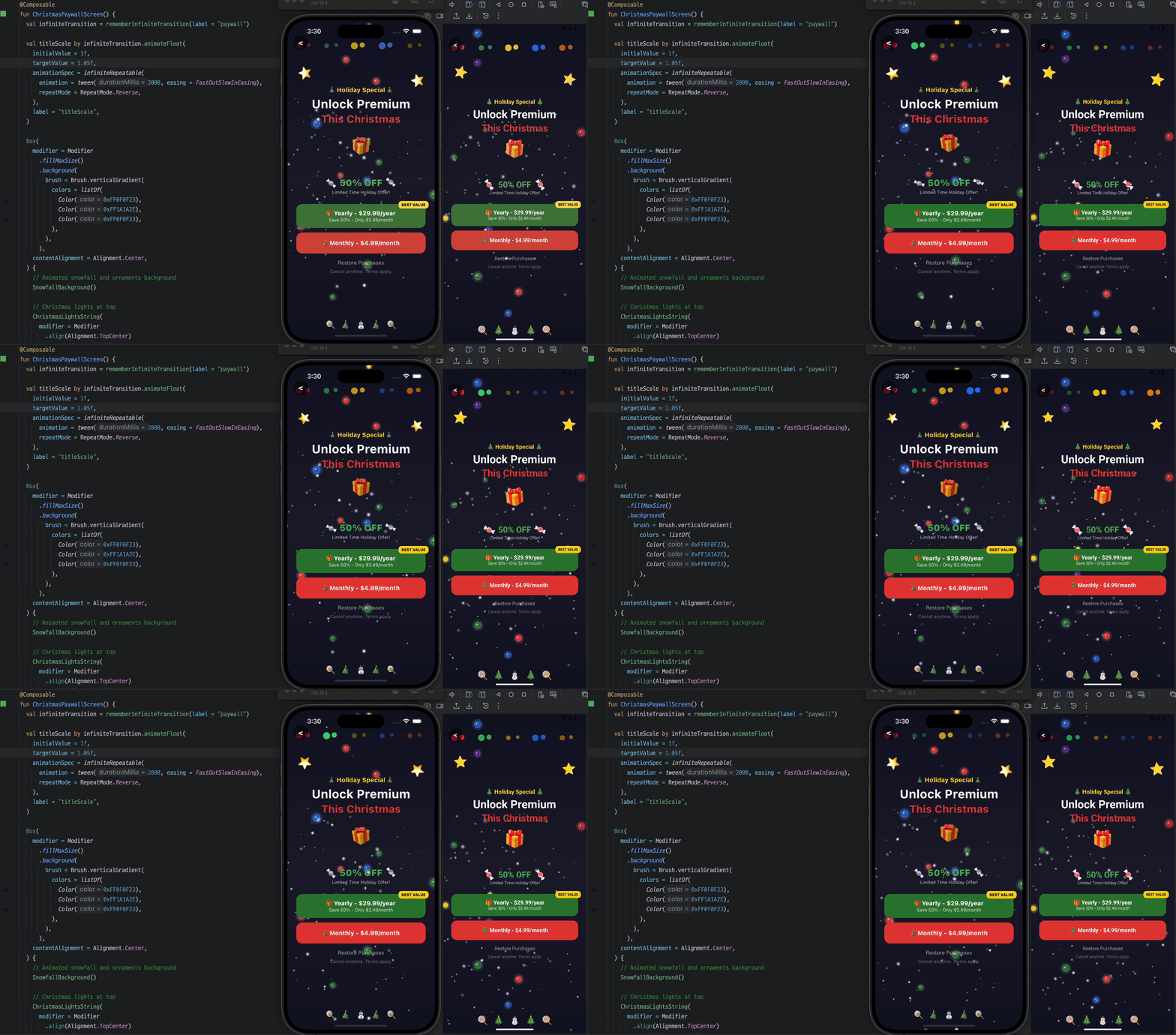
🎄 Jetpack Compose project showcasing animations that are built 100% entirely with Jetpack Compose (KMP supports) to inspire your paywalls.
The agent harness performance optimization system. Skills, instincts, memory, security, and research-first development for Claude Code, Codex, Opencode, Cursor and beyond.
Fair-code workflow automation platform with native AI capabilities. Combine visual building with custom code, self-host or cloud, 400+ integrations.
Working on Android In-App Purchases for Google Play billing library with the latest version 8.0.0+
Its last change on GitHub was on 2026-11-24. Take My Repo does not judge from that whether it is maintained.
Nobody has reviewed it on Take My Repo yet, which says nothing about its quality.
Take My Repo cannot say: it does not audit code and has not run adapty-cli. What is known comes from GitHub. It declares no license on GitHub. Public does not mean open source: without a license, nobody is granted the right to reuse it. Its last change was on 2026-11-24. It has 26 stars, which measure popularity, not safety. Nobody has reviewed it on Take My Repo yet, which says nothing about its quality. Read the source before you run it. With "Take it", your AI agent shows each step and asks you before running it; README text is treated as data, not as instructions.