
sequentity
A single-file, immediate-mode sequencer widget for C++17, Dear ImGui and EnTT
- 267
- 2 y ago
Repo alanjfs/sequentity, read from GitHub 1 min ago. alanjfs has not joined Take My Repo.
In short
alanjfs/sequentity is a public repo on GitHub by alanjfs. A single-file, immediate-mode sequencer widget for C++17, Dear ImGui and EnTT. It declares no license on GitHub. Public does not mean open source: without a license, nobody is granted the right to reuse it. It is written mainly in C++, has 267 stars and last changed on 2024-09-17. Nobody has reviewed it on Take My Repo yet, which says nothing about its quality. Read from GitHub on 2026-11-24.
Similar repos
entt
Gaming meets modern C++ - a fast and reliable entity component system (ECS) and much more


A single-file, immediate-mode sequencer widget for C++17, Dear ImGui and EnTT
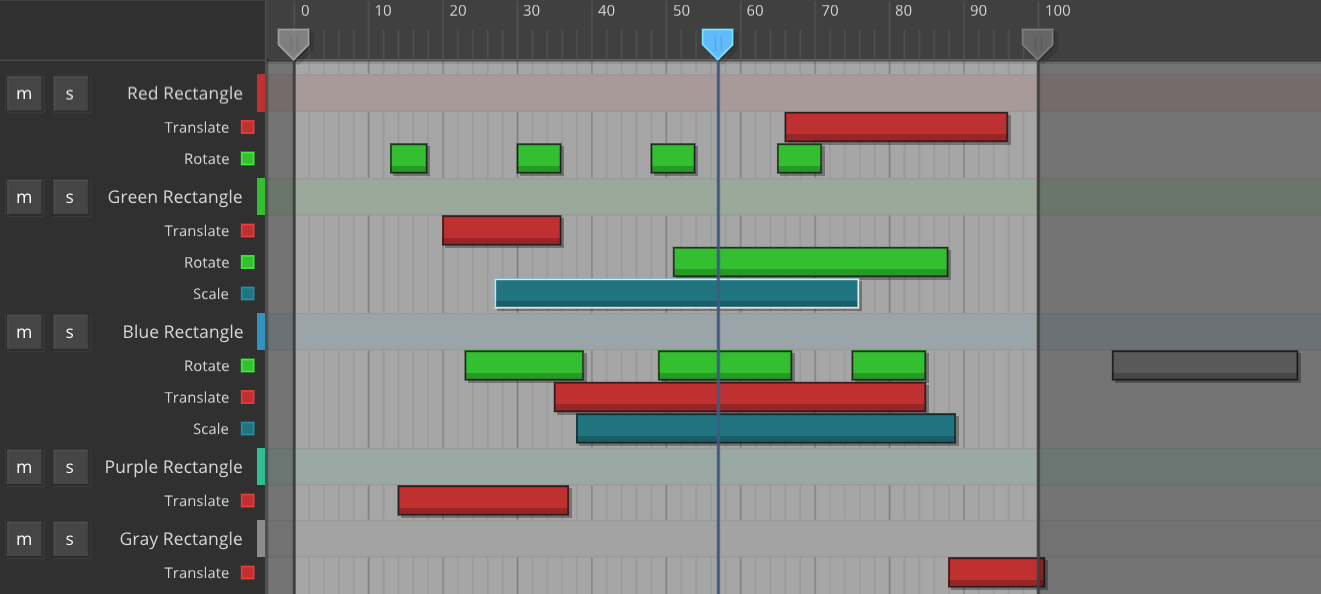
Table of Contents
- Overview
- Features
- Design Decisions
- Todo
- Open Questions
- Documentation
- Example
Try it
You could build it, or you can download a pre-built version and fool around.
Quickstart
| Key | Description |
|---|---|
| QWER | Switch between tools |
| Click + Drag | Manipulate the coloured squares |
| Click + Drag | Move events around in time |
| Alt + Click + Drag | Pan in the Event Editor |
| Delete | Delete all events |
| Space | Play and pause |
| F1 | Toggle the ImGui performance window |
| F2 | Toggle the Theme Editor |
| Backspace | (debug) Pause the rendering loop |
| Enter | (debug) Redraw one frame |
Overview
It's an sequence editor, in the spirit of MIDI authoring software like Ableton Live, Bitwig and FL Studio, where each event carry a start time, a duration and handle to your custom application data.
Heads up!
This is a work in progress, alpha at best, and is going through changes (that you are welcome to participate in!)
What makes Sequentity different, and inspired its name, is that it is built as an Entity-Component-System (ECS), and events are a combination of start time, length and custom application data; as opposed to individual events for start and end; suitable for e.g. (1) create a dynamic rigid body, (2) edit said body, whilst maintaining reference to what got created and (3) delete the body at the end of the event.
entt::registry& registry;

auto entity = registry.create();
auto& track = registry.assign<Sequentity::Track>(entity, "My first track");
auto& channel = Sequentity::PushChannel(track, MyEventType, "My first channel");
auto& event = Sequentity::PushEvent(channel, 10, 5); // time, length

while (true) {
    ImGui::Begin("Event Editor");
    Sequentity::EventEditor(registry);
    ImGui::End();
}
What can I use it for?
If you need to record anything in your application, odds are you need to play something back. If so, you may also need to edit what got recorded, in which case you can use something like Sequentity.
I made this for recording user input in order to recreate application state exactly such that I could record once more, on-top of the previous recording; much like how musicians record over themselves with various instruments to produce a complete song. You could theoretically decouple the clock-time aspect and use this as playback mechanism for undo/redo, similar to what ZBrush does, and save that with your scene/file. Something I intend on experimenting with!
Goals
- Build upon the decades of UI/UX design found in DAWs like Ableton Live and Bitwig
- Visualise 1-100'000 events simultaneosuly, with LOD if necessary
- No more than 1 ms per call on an Intel-level GPU
- Fine-grained edits to properties of individual events up close
- Coarse-grained bulk-edits to thousands of events from afar
Is there anything similar?
I'm sure there are, however I was only able to find one standalone example, and only a few others embedded in open source applications.
If you know any more, please let me know by filing an issue!
- ImSequencer
- LumixEngine
- @citruslee snippet
- Your suggestion here
Finally, there are others with a similar interface but different implementation and goal.
- Helio Workstation
- Your suggestion here
Features
- Per-event application data Attach any of your application data to an event, and retrieve it later
- Per-event, channel and track coloring To stay organised with lots of incoming data
- Consolidated Events Individual events with a start and length, as opposed separate events for start and end
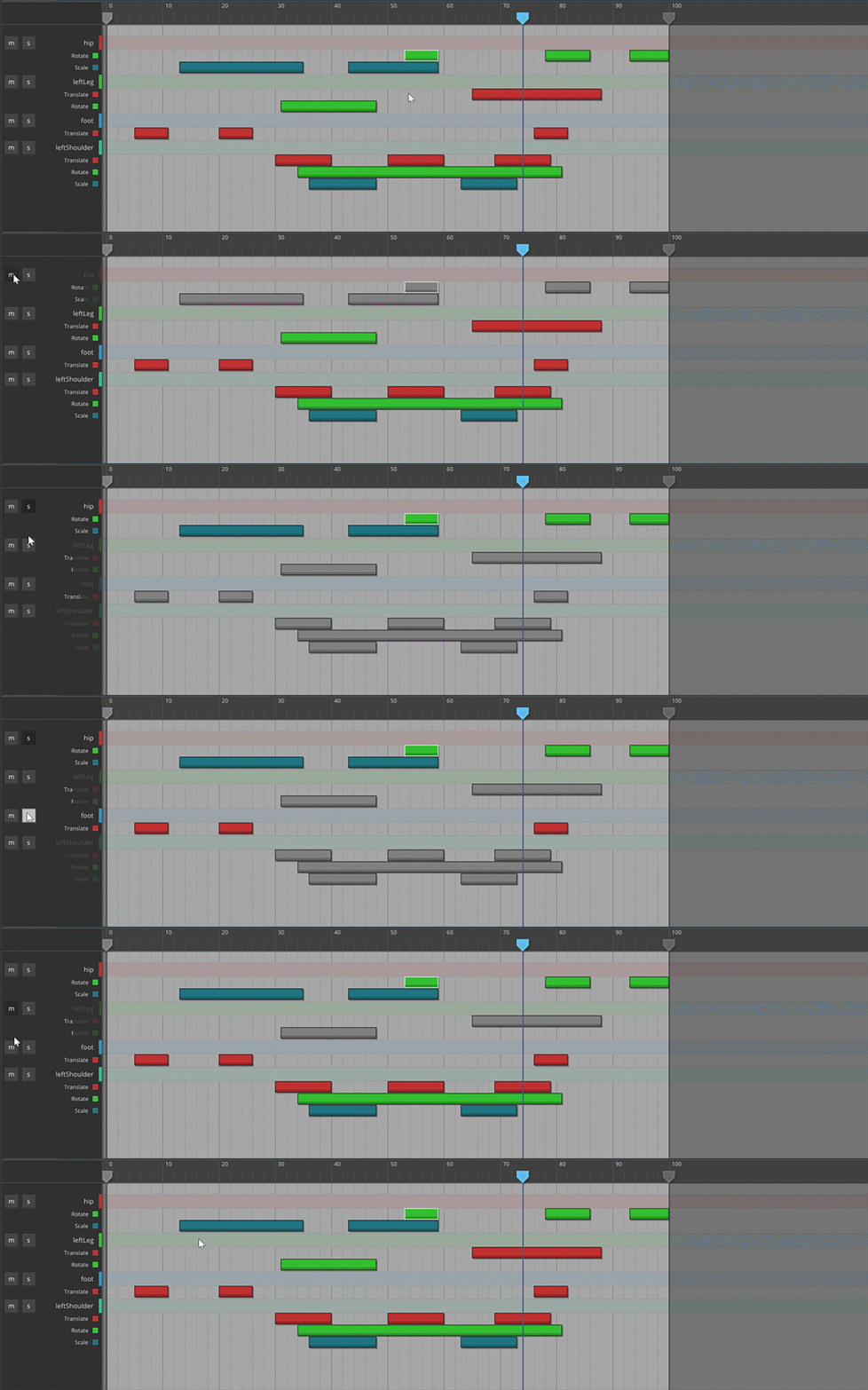
- Overlapping Events Author events
- Single-file library Distributed as a single
.hfile of~1'000lines for easy inclusion into your project - Cross-fade Overlap the end of one event with the start of another for a cross-blend, to do e.g. linear interpolation
- Event Priority When events overlap, determine the order in which they are processed
- Group Events For drawing and manipulating multiple groups of entities together
- Mini-map Like the one in Sublime Text; for when you've got lots of events
- Event Scaling Sometimes, the input is good, but could use some fine-tuning
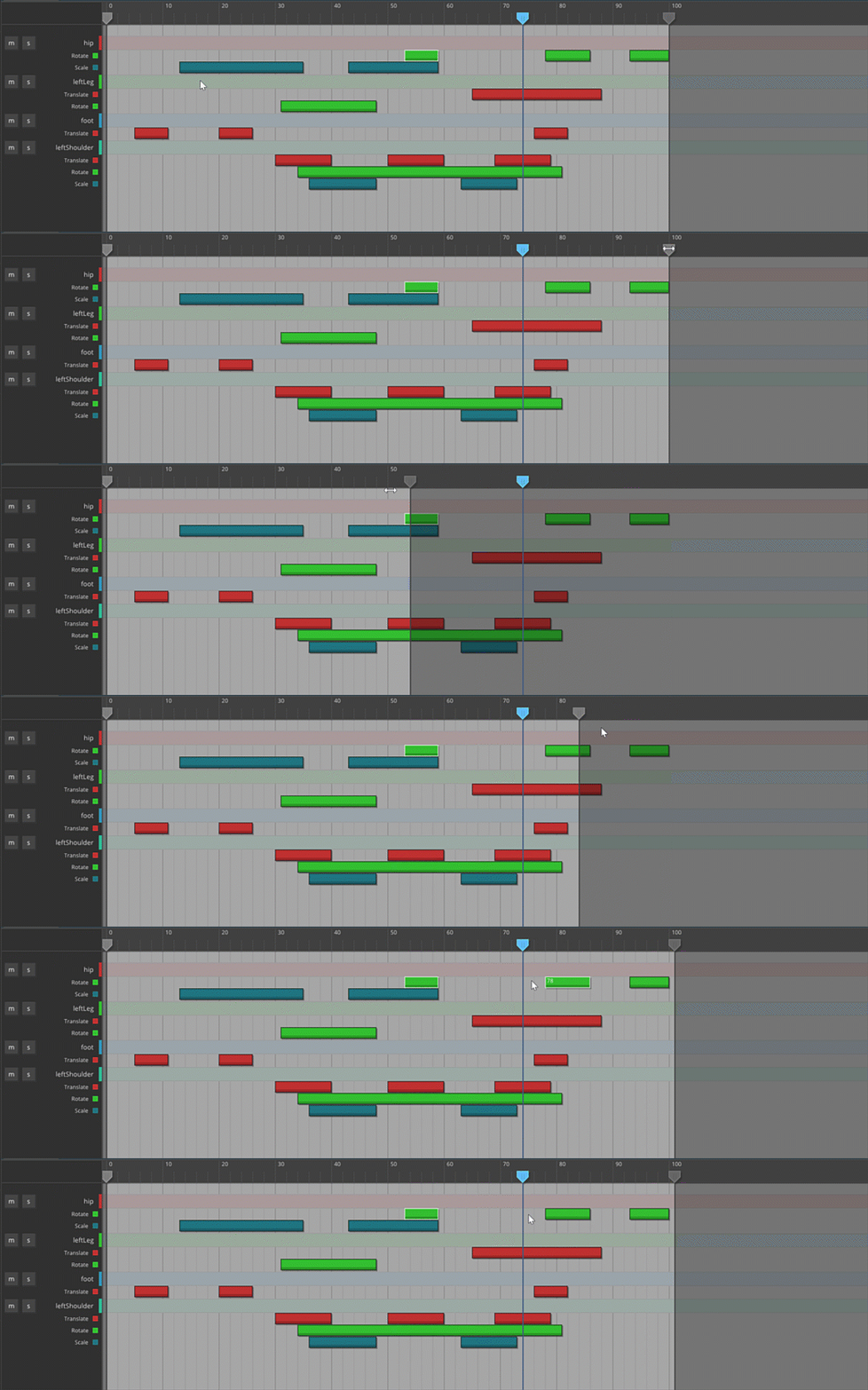
- Event Cropping Other times, part of the input isn't worth keeping
- Track Folding For when you have way too much going on
- Track, Channel and Event Renaming Get better organised
- Custom Event Tooltip Add a reminder for yourself or others about what an event is all about
- Event Vertical Move Implement moving of events between tracks (i.e. vertically)
- Zoom Panning works by holding ALT while click+dragging. Zooming needs something like that.
- One-off events Some things happen instantaneously


Design Decisions
- No class instance ImGui widgets generally don't require an instance, and neither does Sequentity
- Events -> Channels -> Tracks Events are organised into these three groups
- Integer Event Type Leaving definition and interpretation of types to the application author
- Integer Time Time is represented as samples, rather than frames
* - 1 Entity, 1 Track Events ultimately operate on components relative some entity
void*for application data In search of a better alternative, as it complicates cleanup. Let me know!- No clock time The application is responsible for managing the event loop
*The difference being that asampleis a complete snapshot of your application/game state, whereas aframeis a (potentially fractal) point in time, e.g.1.351f
Todo
These are going into GitHub issues shortly.
- Stride There are a few values that work, but make no sense, like
stride - Bug, hot-swap tool Translate something and switch tool without letting go
- Bug, event at end Click to add an event on the end frame, and it'll create one erroneously
- Cosmetics, transitions Duration of transitions is based on a solid 60 fps, should be relative wallclock time
- Refactor, Unify data types Data types in Sequentity is a mixture of native, Magnum and ImGui.
- Smooth Panning and Zooming Any change to these have a nice smoothing effect
- Drag Current Time You can, but it won't trigger the time-changed callback
Open Questions
I made Sequentity for another (commercial) project, but made it open source in order to seek help from the open source community. This is my first sequencer-like project and in fact my first C++ project (with <4 months of experience using the language), so I expect lots of things to be ripe for improvement.
Here are some of the things I'm actively looking for answers to and that you are welcome to strike up a dialog about in a new issue. (Thank you!)
- Start, End and Beyond Events are currently authored and stored in memory like they appear in the editor; but in your typical MIDI editor the original events don't look like this. Instead, events are standalone, immutable. An editor, like Cubase, then draws each consecutive start and end pair as a single bar for easy selection and edits. But do they store it in memory like this? I found it challenging to keep events coming in from the application together. For example, if I click and drag with the mouse, and then click with my Wacom tabled whilst still holding down the mouse, I would get a new click event in the midst of drag events, without any discernable way to distinguish the origin of each move event. MIDI doesn't have this problem, as an editor typically pre-selects from which device to expect input. But I would very much like to facilitate multiple mice, simultaneous Wacom tablets, eye trackers and anything capable of generating interesting events.
- How do we manage selection? Sequentity manages the currently selected event using a raw pointer in its own
Statecomponent, is there a better way? We couldn't store selection state in an event itself, as they aren't the ones aware of whether their owner has got them selected or not. It's outside of their responsibility. And besides, it would mean we would need to iterate over all events to deselect before selecting another one, what a waste.
On top of these, there are some equivalent Application Open Questions for the Tools and Input handling which I would very much like your feedback on.
Install
Sequentity is distributed as a single-file library, with the .h and .cpp files combined.
- Copy
Sequentity.hinto your project
Questions
What is sequentity?
alanjfs/sequentity is a public repo on GitHub by alanjfs. A single-file, immediate-mode sequencer widget for C++17, Dear ImGui and EnTT.
Is sequentity open source?
It declares no license on GitHub. Public does not mean open source: without a license, nobody is granted the right to reuse it.
Does sequentity run on macOS, Windows or Linux?
Its maker tagged it for Windows. That is declared by the maker; Take My Repo has not tested it.


