Express-TS-To-Do-List-REST-API
A small Express + TypeScript REST API that manages a to-do list using PostgreSQL database
- 0
- 3 mo ago
Repo ambientWave/Express-TS-To-Do-List-REST-API, read from GitHub 18 min ago. ambientWave has not joined Take My Repo.
In short
ambientWave/Express-TS-To-Do-List-REST-API is a public repo on GitHub by ambientWave. A small Express + TypeScript REST API that manages a to-do list using PostgreSQL database. It declares no license on GitHub. Public does not mean open source: without a license, nobody is granted the right to reuse it. It is written mainly in TypeScript, has 0 stars and last changed on 2026-08-22. Nobody has reviewed it on Take My Repo yet, which says nothing about its quality. Read from GitHub on 2026-11-22.
To-Do List API
A small Express + TypeScript REST API that manages a to-do list backed by PostgreSQL (pg).
It supports the four CRUD operations — create, read, update, and delete — on tasks, search, filtering, and stats, and ships with interactive Swagger UI documentation at /docs.
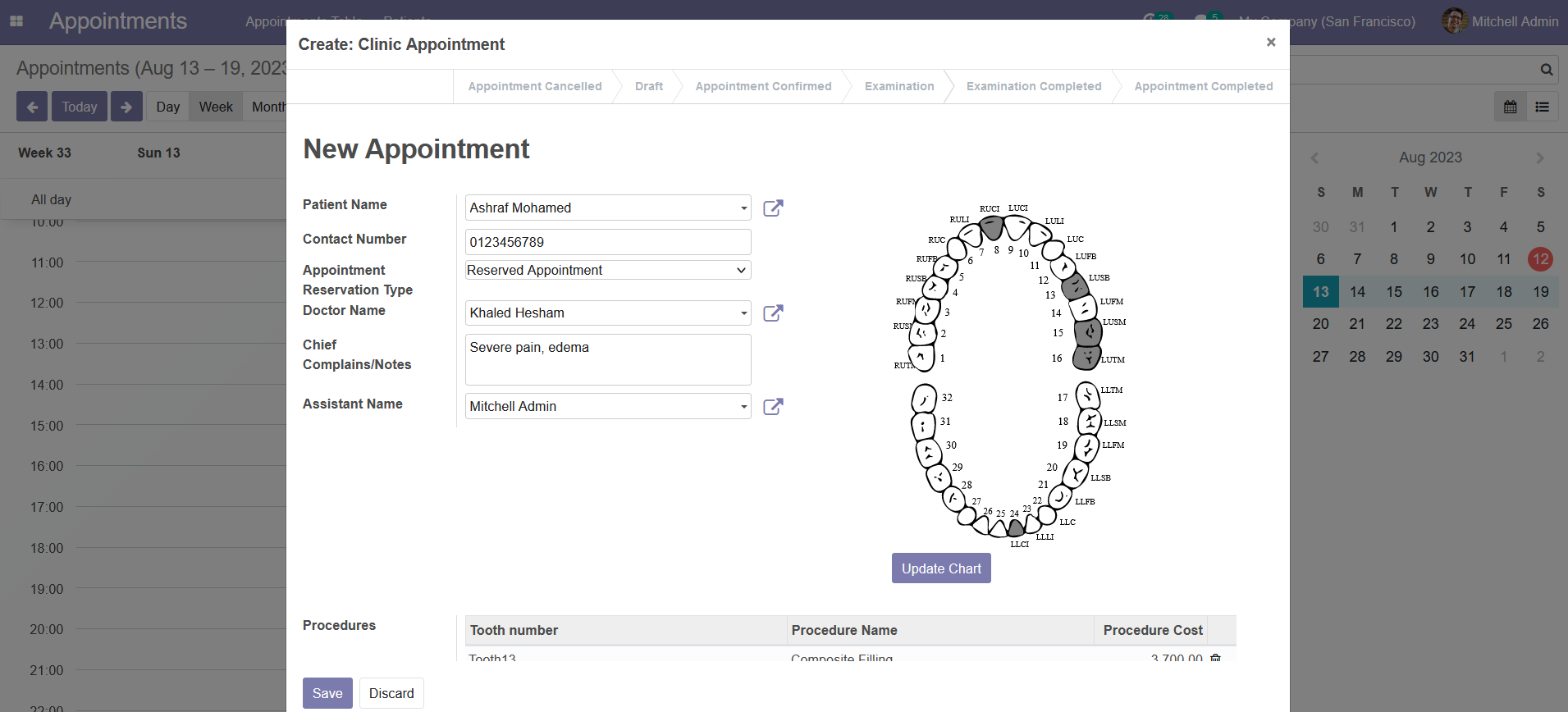
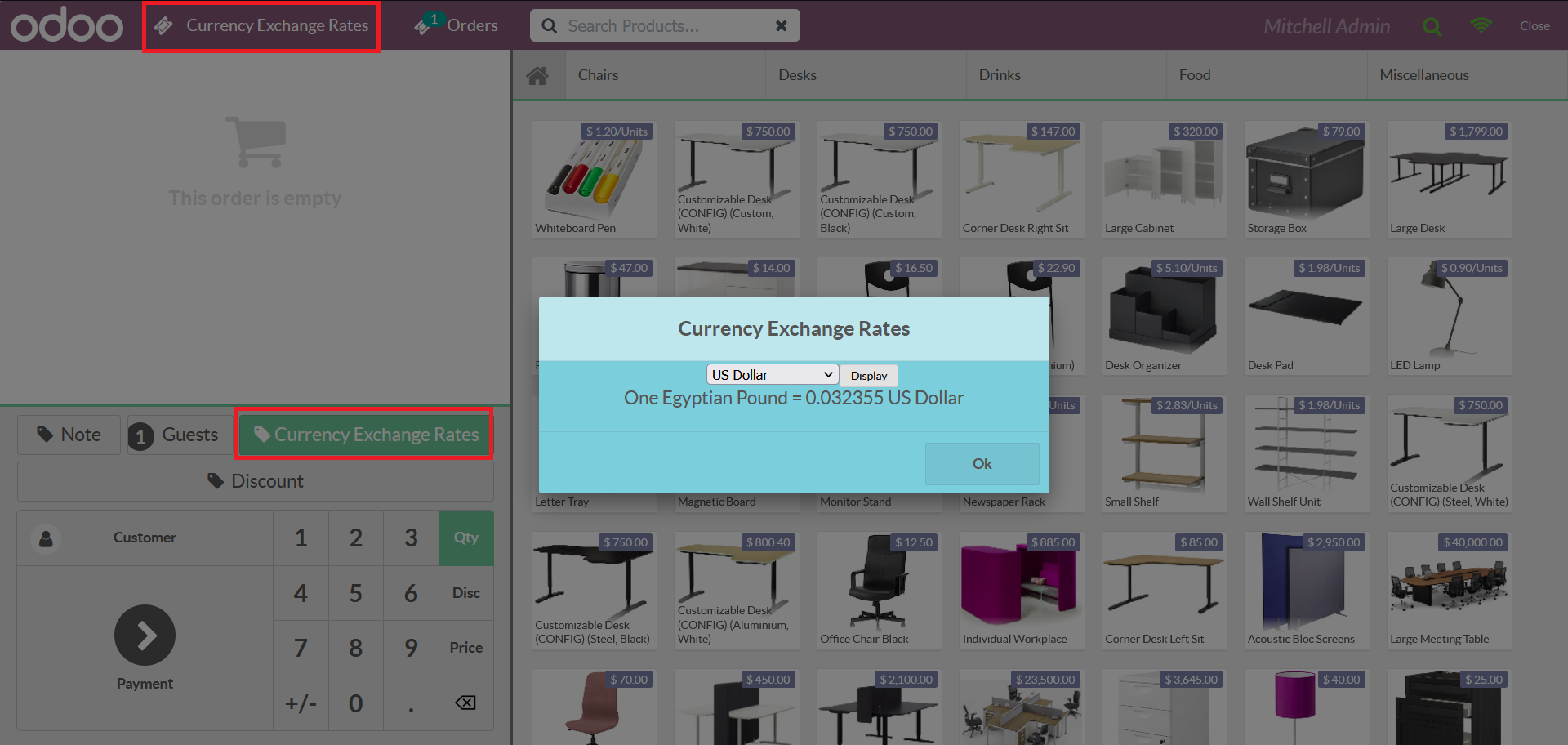
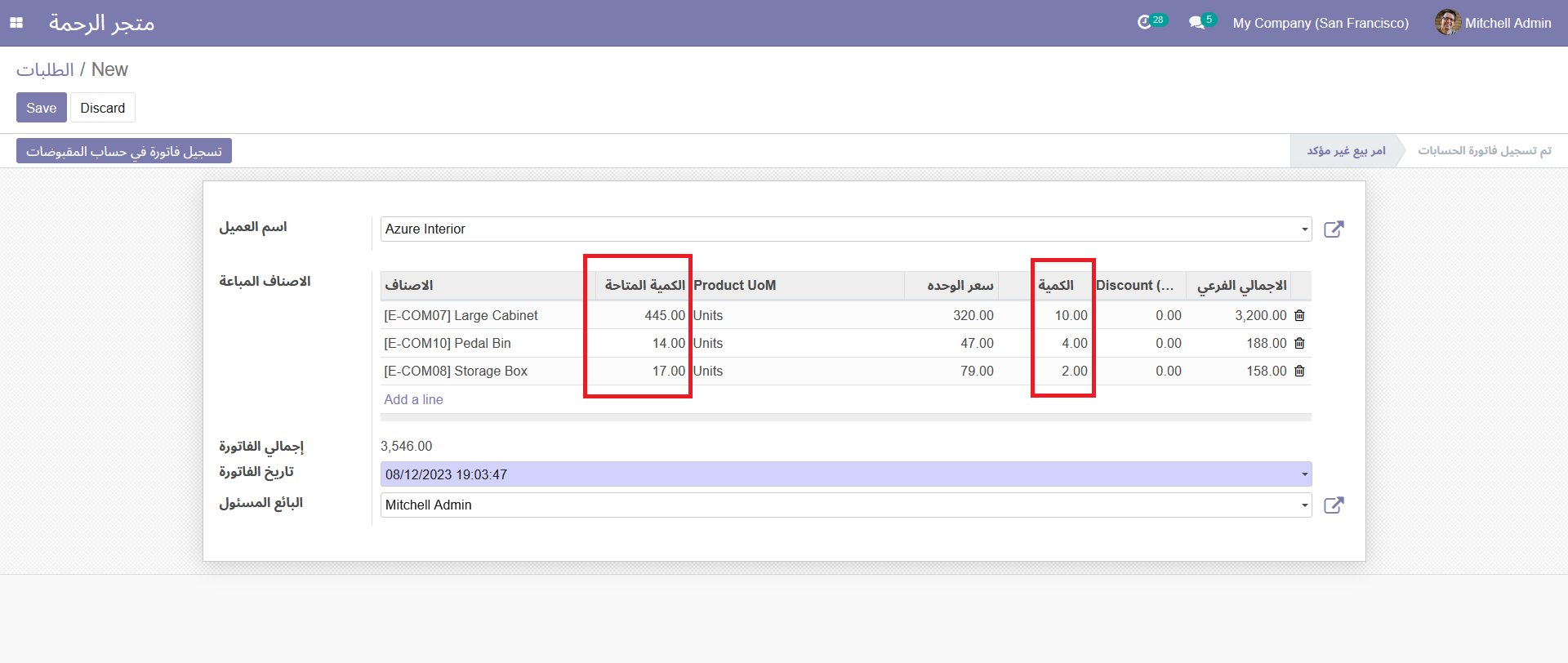
Screenshots
Why PostgreSQL is Superior to SQLite in Production
While SQLite is exceptional for local prototyping, testing, embedded systems, and mobile applications, PostgreSQL is the standard industry choice for production web services. Here is why PostgreSQL is superior in production environments:
| Feature / Capability | SQLite | PostgreSQL (Production Standard) |
|---|---|---|
| Concurrency & Locking | Database-level file locking. Only one write transaction can execute at a time. High concurrent write traffic causes SQLITE_BUSY bottlenecks. |
MVCC (Multi-Version Concurrency Control) & row-level locking. Hundreds of concurrent read and write transactions execute simultaneously without blocking each other. |
| Multi-Instance Scaling | Single file on local filesystem. Cannot be shared across multiple horizontal instances (Kubernetes, AWS ECS, multiple API pods) without network filesystem issues. | Client-Server Architecture. Multiple distributed application servers/containers can connect concurrently to a single database cluster. |
| Data Types & Integrity | Manifest typing (weak typing). Any column (except INTEGER PRIMARY KEY) can store any data type. |
Strict static typing & rich data types (UUID, JSONB, TIMESTAMPTZ, INET, arrays, custom enums) with comprehensive constraints. |
| High Availability & Replication | Complex to replicate in real-time across multiple nodes. | Native streaming replication, read replicas, automated failover, and clustering solutions (e.g., Patroni). |
| Backups & Point-in-Time Recovery | Requires copying the file or vacuuming; no native WAL streaming across network. | Continuous WAL archiving & Point-in-Time Recovery (PITR) to restore the database to any exact millisecond. |
| Access Control & Security | File-system permissions only. No granular roles, user authentication, or row-level security. | Granular Role-Based Access Control (RBAC), connection encryption (SSL/TLS), and Row-Level Security (RLS). |
Advantages of .env Files (Environment Configuration)
Following the Twelve-Factor App methodology (Config), storing application configuration in environment variables / .env files provides several critical advantages:
- Security & Credential Protection:
- Keeps secrets, database passwords, API tokens, and private keys out of the source code repository.
- Prevents accidental exposure of sensitive credentials on public or shared git repositories when
.envis properly included in.gitignore.
- Environment Parity & Flexibility:
- Allows the exact same codebase and build artifact to run in development, testing, staging, and production simply by supplying different environment variables (e.g.,
DATABASE_URL,PORT,NODE_ENV).
- Allows the exact same codebase and build artifact to run in development, testing, staging, and production simply by supplying different environment variables (e.g.,
- Easy Configuration in CI/CD & Cloud Providers:
- Environment variables are natively supported by Docker, Kubernetes, AWS, GCP, Azure, GitHub Actions, and container orchestrators without requiring code changes or rebuilds.
- Centralized & Clean Configuration:
- Provides a single, clear place (
.env.example) to document all required environment settings for onboarding new team members. On a clean clone, executingcp .env.example .env && docker compose upstarts the whole stack and GET /tasks returns the seeded tasks.
- Provides a single, clear place (
Advantages of Using Docker Containers
Packaging the application and its dependencies into Docker containers provides significant benefits for development and deployment:
- Elimination of "Works on My Machine" Syndrome:
- Standardizes the runtime environment (Node.js version, OS libraries, C/C++ build tools) across macOS, Windows, and Linux machines.
- Isolated & Reproducible Dependencies:
- The application runs in its own isolated filesystem and network namespace, avoiding conflicts with host packages or differing local software versions.
- Multi-Service Orchestration with Docker Compose:
- Spins up both the API and the PostgreSQL database with a single command (
docker compose up --build), including private internal networking, volume persistence, and startup health checks.
- Spins up both the API and the PostgreSQL database with a single command (
- Portability & Cloud-Ready Deployment:
- Container images are immutable, self-contained artifacts that can be pushed to container registries (Docker Hub, AWS ECR, GCP GCR) and deployed seamlessly to Kubernetes, ECS, Cloud Run, or VPS instances.
- Fast Onboarding & Ephemeral Testing:
- New contributors can clone the repo and run the full stack in seconds without manually installing PostgreSQL or setting up local database users and ports.
Database Initialization & Seed Data
- When running via Docker Compose or local PostgreSQL, the app connects to the database via
DATABASE_URL. - Docker won't run any healthchecks for the first 60 seconds after the container
dbstarts, allowing PostgreSQL to complete initialization, shut down gracefully, restart, and be ready — all without the healthcheck interfering. - The database schema is initialized automatically on startup with
CREATE TABLE IF NOT EXISTS "tasks". - Initial seed tasks are inserted automatically only on the first run (when the table is empty).
Redis for Caching
Redis is an in-memory data store used for caching to reduce database load and improve response times. It stores key-value pairs with optional expiration. It's an excellent choice for webhook idempotency.
Cache Hit
A cache hit occurs when requested data is found in Redis. This returns the result immediately without querying the database, significantly improving performance.
Cache Miss
A cache miss occurs when requested data is not found in Redis. The application must fetch the data from the database, then store it in Redis for future requests.
TTL (Time-to-Live)
TTL defines how long a cached value remains valid before expiring. After the TTL expires, the key is automatically deleted and the next request becomes a cache miss.
Eviction
Eviction is the automatic removal of keys when Redis memory reaches its limit. The eviction policy determines which keys are removed.
Layered Monolithic Architecture & DAO vs Repository
In this task, I aimed to learn and practice layered monolithic architecture. I even refactored my codebase into DTOs and DAOs. Finally, I clarified the distinction between the Repository and DAO layers, and when to use each separately or in combination. The following table highlights the differences clearly:
| Aspect | DAO (Data Access Object) | Repository |
|---|---|---|
| Abstraction level | Low—mirrors database structure closely | High—models domain concepts |
| Concern | How data is persisted (SQL, queries) | What data is needed for business logic |
| Design focus | Database-centric | Domain-centric (DDD influence) |
| Typical use | CRUD operations on tables | Business aggregate operations |
| Query complexity | Often exposes raw queries | Encapsulates complex queries into named methods |
High-Level Architectural Schematic Diagram
flowchart TD
    Client(["🌐 Client / Front-end"])

    subgraph TransportLayer ["1. Presentation & Transport Layer"]
        MW["🛡️ Middleware Layer\n(Auth, Logging, Validation, Rate Limiting)"]
        Ctrl["🎮 Controllers / Routes\n(HTTP / REST / GraphQL Endpoints)"]
        ReqDTO["📦 Request DTO\n(Validated & Sanitized Input)"]
        ResDTO["📦 Response DTO / View Model\n(Filtered & Formatted Output)"]
    end

    subgraph DomainLayer ["2. Business Logic Layer"]
        Service["⚙️ Service Layer\n(Business Rules, Orchestration, Transactions)"]
        DomainModel["💎 Domain Models / Business Entities"]
    end

    subgraph PersistenceLayer ["3. Data Access & Persistence Layer"]
        Repo["📚 Repository Layer\n(Collection-oriented abstraction,\nDomain Entity mapping)"]
        DAO["💾 DAO Layer (Data Access Object)\n(Low-level CRUD, SQL / Query generation)"]
        DBEntity["🗄️ Raw Data / DB Entities"]
    end

    subgraph DataStorage ["4. Database / External Storage"]
        DB[("🗃️ Database (RDBMS / NoSQL)")]
    end

    %% Inbound flow
    Client -->|"1. HTTP Request (JSON/Params)"| MW
    MW -->|"2. Validated payload"| ReqDTO
    ReqDTO -->|"3. Injected into handler"| Ctrl
    Ctrl -->|"4. Calls domain logic (pass DTO / Domain Model)"| Service
    Service -.->|"Manipulates"| DomainModel
    Service -->|"5. Requests domain data"| Repo
    Repo -->|"6. Invokes low-level queries"| DAO
    DAO -->|"7. Executes SQL / Driver queries"| DB

    %% Outbound flow
    DB -->|"8. Raw Records / Rows"| DAO
    DAO -->|"9. DB Entities / Raw Data"| Repo
    Repo -->|"10. Maps to Domain Entities"| Service
    Service -->|"11. Returns Business Result"| Ctrl
    Ctrl -->|"12. Transforms to Response DTO"| ResDTO
    ResDTO -->|"13. HTTP Response (JSON)"| Client

    %% Styles
    classDef transport fill:#e1f5fe,stroke:#0288d1,stroke-width:2px,color:#01579b;
    classDef domain fill:#f3e5f5,stroke:#7b1fa2,stroke-width:2px,color:#4a148c;
    classDef persistence fill:#e8f5e9,stroke:#388e3c,stroke-width:2px,color:#1b5e20;
    classDef dtos fill:#fff3e0,stroke:#f57c00,stroke-width:1.5px,stroke-dasharray: 5 5,color:#e65100;
    classDef storage fill:#eceff1,stroke:#455a64,stroke-width:2px,color:#263238;

    class MW,Ctrl transport;
    class ReqDTO,ResDTO dtos;
    class Service,DomainModel domain;
    class Repo,DAO,DBEntity persistence;
    class DB storage;
End-to-End Request/Response Lifecycle
sequenceDiagram
    autonumber
    actor Client as 🌐 Client
    participant MW as 🛡️ Middleware
    participant Controller as 🎮 Controller / Route
    participant DTO as 📦 DTO (Req/Res)
    participant Service as ⚙️ Service
    participant Repo as 📚 Repository
    participant DAO as 💾 DAO
    participant DB as 🗄️ Database

    Client->>MW: HTTP Request (Headers + Body)
    Note over MW: Auth check, Rate limiting, Schema validation
    MW->>DTO: Deserialize & Validate into RequestDTO
    MW->>Controller: Route to handler (with RequestDTO)

    Controller->>Service: executeBusinessLogic(RequestDTO)
    Note over Service: Apply domain rules, calculate state, coordinate workflows

    Service->>Repo: findByCriteria(DomainFilter)
    Note over Repo: Abstract collection semantics (hides storage engine details)

    Repo->>DAO: executeQuery(querySpec / tableParams)
    Note over DAO: Table/Collection specific CRUD & raw queries

    DAO->>DB: SQL Query (SELECT / INSERT / UPDATE)
    DB-->>DAO: Raw Result Set / Row Data
    DAO-->>Repo: Raw DB Entity

    Note over Repo: Maps DB Entity ➔ Domain Model
    Repo-->>Service: Domain Model

    Note over Service: Completes business logic & invariants
    Service-->>Controller: Service Result / Domain Entity

    Note over Controller: Maps Domain Model ➔ ResponseDTO (masks sensitive fields)
    Controller-->>Client: HTTP 200 OK (ResponseDTO JSON)
Layer Responsibilities & Separation of Concerns
| Layer / Component | Primary Responsibility | Input / Output | Key Patterns & Technologies |
|---|---|---|---|
| Middleware | Interception, authentication, CORS, rate-limiting, and input sanitization. | Raw HTTP Request ➔ Enriched Context |
Chain of Responsibility, Interceptor |
| DTO (Data Transfer Object) | Decouples internal database/domain structures from public API contracts; enforces validation schemas. | JSON/Query ➔ Typed Object (and vice versa) |
Data Transfer Object, Schema Validators (Zod, Joi, class-validator) |
| Controller / Routes | Parses HTTP status codes, handles headers/cookies, and maps requests to services. | Request DTO ➔ Response DTO |
MVC, Front Controller |
| Service Layer | Implements core business logic, transaction boundaries, and orchestration. | DTO / Domain Model ➔ Domain Result |
Transaction Script, Domain Service |
| Repository Layer | Emulates an in-memory collection of domain objects; mediates between domain models and data mapping. | Domain Model ➔ Domain Model |
Repository Pattern, Data Mapper |
| DAO Layer | Direct low-level persistence operations (SQL/NoSQL query execution, table schemas). | Domain/Query Params ➔ Raw DB Rows / Entities |
Data Access Object, Table Data Gateway |
| Database | Permanent storage engine. | SQL / BSON / CQL ➔ Storage I/O |
PostgreSQL, MySQL, MongoDB, Redis |
Install & Run
One documented command to install dependencies and start the server:
npm install && node src/app.ts
The server starts on http://localhost:3000.
Interactive API docs are available at http://localhost:3000/docs.
Endpoints
| Method | Path | Description | Success |
|---|---|---|---|
GET |
/ |
API info (name, version, endpoints) | 200 |
GET |
/health |
Health check ({ "status": "ok" }) |
200 |
GET |
/tasks |
List tasks (supports ?done=true/false and ?search=<query>) |
200 |
POST |
/tasks |
Create a new task ({ "title": "...", "done": false }) |
201 |
GET |
/tasks/:id |
Get a single task by ID | 200 |
PUT |
/tasks/:id |
Update a task's title and/or done |
200 |
DELETE |
/tasks/:id |
Delete a task | 204 |
GET |
/stats |
Task statistics via SQL COUNT() ({ total, done, open }) |
200 |
POST |
/reset |
Reset database to the initial 3 seed tasks | 200 |
Example
$ curl -i http://localhost:3000/tasks

HTTP/1.1 200 OK
Connection: keep-alive
Keep-Alive: timeout=5
Content-Length: 117
Content-Type: text/html; charset=utf-8
Date: Mon, 27 Jul 2026 01:42:05 GMT
ETag: W/"75-7hvHNFe4C9UBIYQ/i1+IZv+x3F..."

[{"id":1,"title":"Task 1","done":false},{"id":2,"title":"Task 2","done":true},{"id":3,"title":"Task 3","done":false}]
References
Questions
What is Express-TS-To-Do-List-REST-API?
ambientWave/Express-TS-To-Do-List-REST-API is a public repo on GitHub by ambientWave. A small Express + TypeScript REST API that manages a to-do list using PostgreSQL database.
Is Express-TS-To-Do-List-REST-API open source?
It declares no license on GitHub. Public does not mean open source: without a license, nobody is granted the right to reuse it.
Does Express-TS-To-Do-List-REST-API run on macOS, Windows or Linux?
Its maker has not tagged a system, so it is unknown here. Its README says what it needs.
How do I install Express-TS-To-Do-List-REST-API?
Open "Take it" on its page: Take My Repo writes an install plan for your machine and hands it to your AI agent (Claude Code, Codex or Cursor), which asks you before each step. Take My Repo has not tested it on any machine.