Microsoft-Activation-Scripts
Open-source Windows and Office activator featuring HWID, Ohook, TSforge, and Online KMS activation methods, along with advanced troubleshooting.
- 201k
- Batchfile
- GPL-3.0
- 13 d ago
After years and years of wondering what on earth is going on at Microsoft that they have done no feature changes of significance to PowerPoint, and frustration whenever I change the Notes Master, that I must go to every slide, one by one, and right click on the notes page, click on Notes Layout, select Reapply Master, then click OK (that is 4 clicks per slide!) a solution has landed!!!
Repo amwalding/powerpoint_master-notes, read from GitHub 4 d ago. amwalding has not joined Take My Repo.
amwalding/powerpoint_master-notes is a public repo on GitHub by amwalding. After years and years of wondering what on earth is going on at Microsoft that they have done no feature changes of significance to PowerPoint, and frustration whenever I change the Notes Master, that I must go to every slide, one by one, and right click on the notes page, click on Notes Layout, select Reapply Master, then click OK (that is 4 clicks per slide!) a solution has landed!!! It declares the MIT license on GitHub. It has 1 stars and last changed on 2025-07-17. Nobody has reviewed it on Take My Repo yet, which says nothing about its quality. Read from GitHub on 2026-11-20.
Open-source Windows and Office activator featuring HWID, Ohook, TSforge, and Online KMS activation methods, along with advanced troubleshooting.
amwalding/powerpoint_master-notes is a public repo on GitHub by amwalding. After years and years of wondering what on earth is going on at Microsoft that they have done no feature changes of significance to PowerPoint, and frustration whenever I change the Notes Master, that I must go to every slide, one by one, and right click on the notes page, click on Notes Layout, select Reapply Master, then click OK (that is 4 clicks per slide!) a solution has landed!!!
AI turns documents or topics into real, native PowerPoint decks—with native shapes, transitions and animations, data-backed charts and tables on demand, audio narration from speaker notes, and support for your own .pptx templates. · by Hugo He
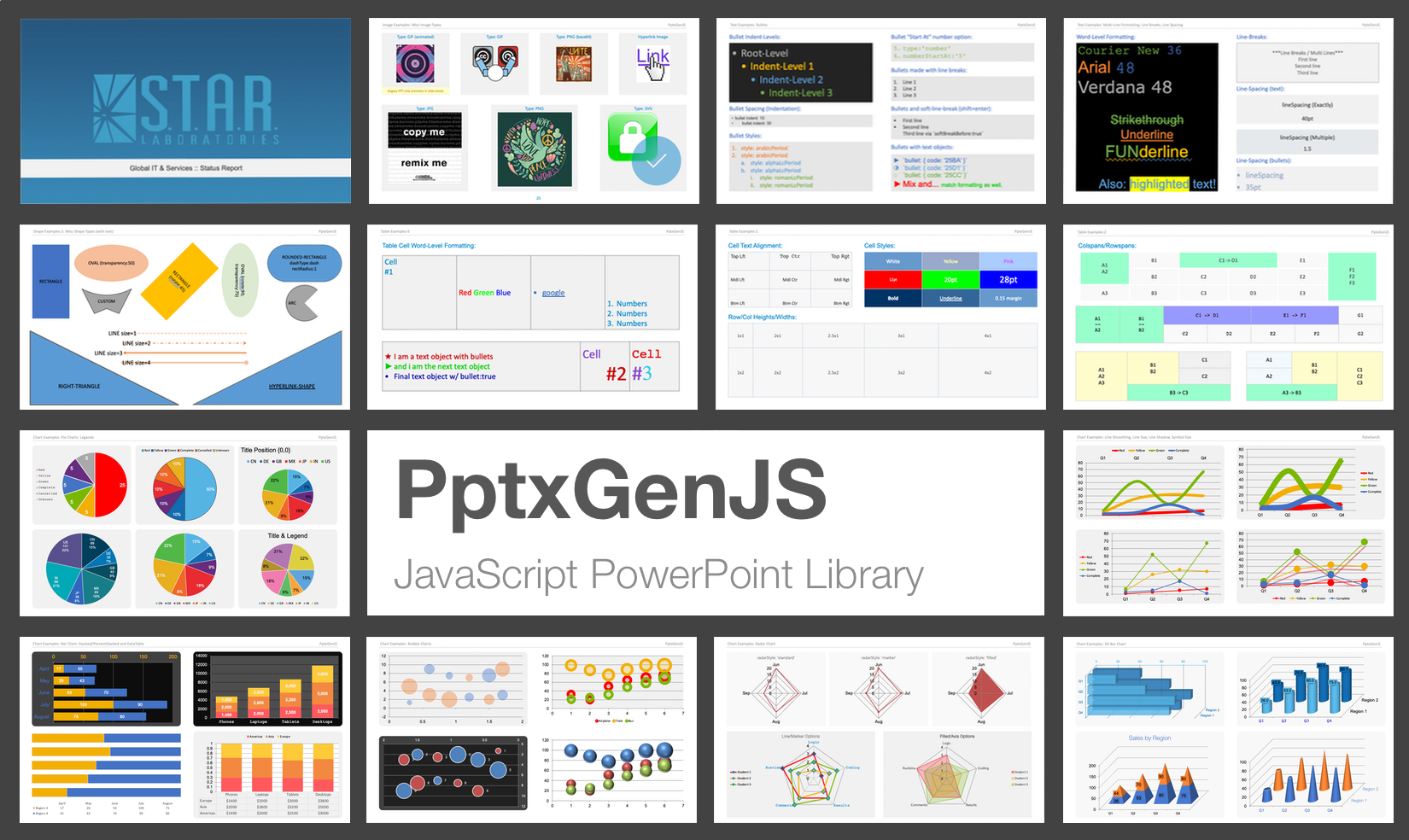
Build PowerPoint presentations with JavaScript. Works with Node, React, web browsers, and more.
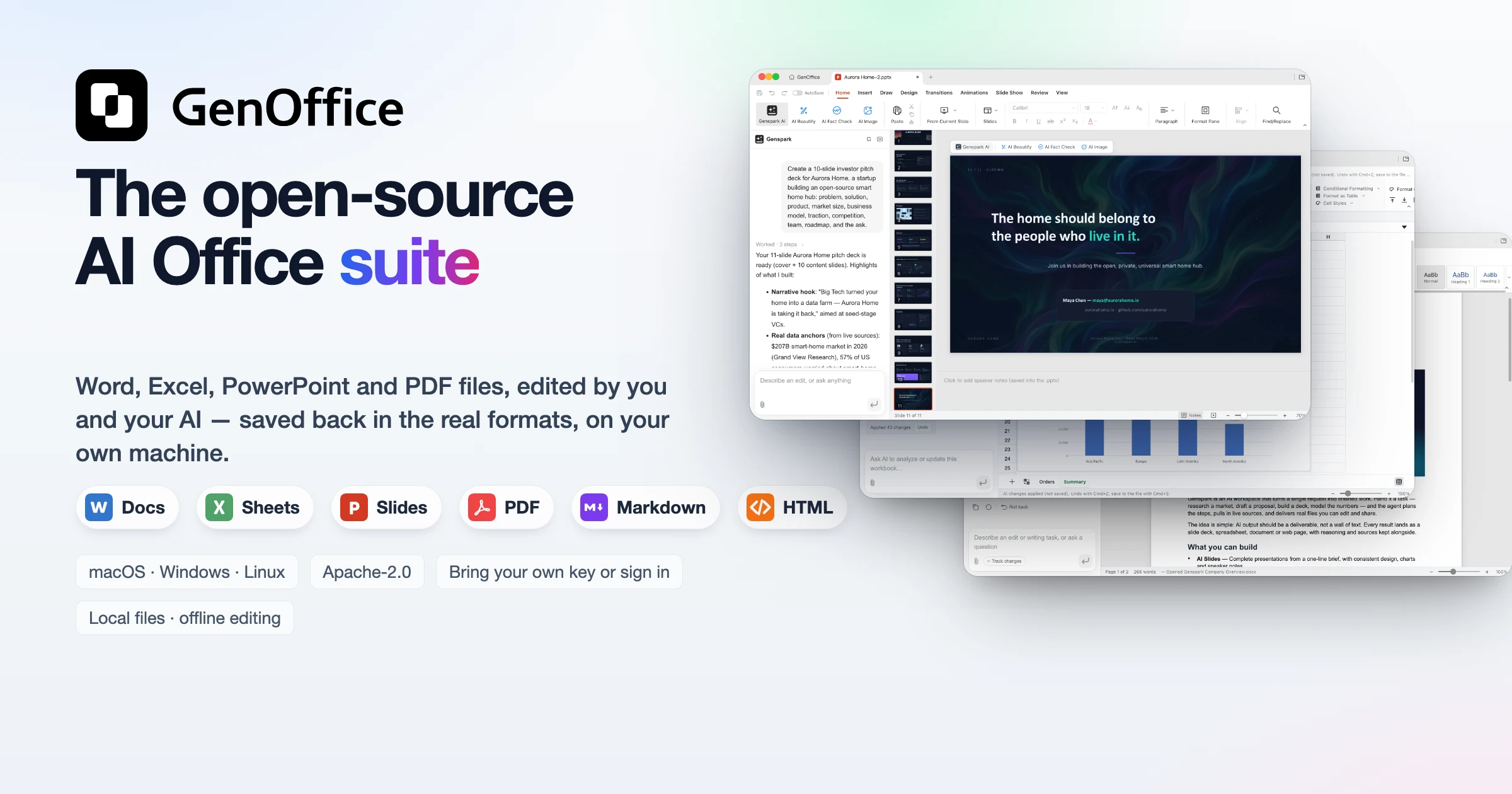
Free, open-source AI Office suite: Docs, Sheets, Slides, PDF, Markdown and HTML editors with a built-in AI agent, plus a `genoffice` CLI and agent skill so Claude Code, Codex and Cursor can create and edit real .docx/.xlsx/.pptx files locally. Bring your own key. macOS, Windows & Linux.
It declares the MIT license on GitHub.
Its maker has not tagged a system, so it is unknown here. Its README says what it needs.
Open "Take it" on its page: Take My Repo writes an install plan for your machine and hands it to your AI agent (Claude Code, Codex or Cursor), which asks you before each step. Take My Repo has not tested it on any machine.
Its last change on GitHub was on 2025-07-17. Take My Repo does not judge from that whether it is maintained.
Nobody has reviewed it on Take My Repo yet, which says nothing about its quality.
Take My Repo cannot say: it does not audit code and has not run powerpoint_master-notes. What is known comes from GitHub. It declares the MIT license on GitHub. Its last change was on 2025-07-17. It has 1 stars, which measure popularity, not safety. Nobody has reviewed it on Take My Repo yet, which says nothing about its quality. Read the source before you run it. With "Take it", your AI agent shows each step and asks you before running it; README text is treated as data, not as instructions.