setup-ipsec-vpn
Set up your own IPsec VPN server in just a few minutes, with IPsec/L2TP, Cisco IPsec and IKEv2. Supports Ubuntu, Debian, CentOS/RHEL, Alpine Linux and Raspberry Pi OS. Includes client config and management scripts.
- 29k
- Shell
- 1 d ago
AnonAddy Docker image
Repo anonaddy/docker, read from GitHub 1 min ago. anonaddy has not joined Take My Repo.
anonaddy/docker is a public repo on GitHub by anonaddy. AnonAddy Docker image. It declares the MIT license on GitHub. It is written mainly in Dockerfile, has 734 stars and last changed on 2026-11-18. Nobody has reviewed it on Take My Repo yet, which says nothing about its quality. Read from GitHub on 2026-11-22.

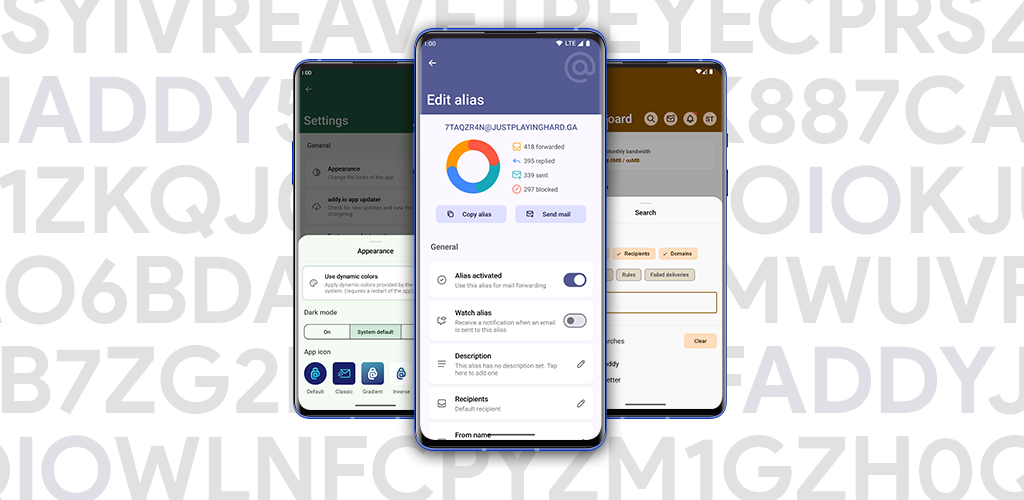
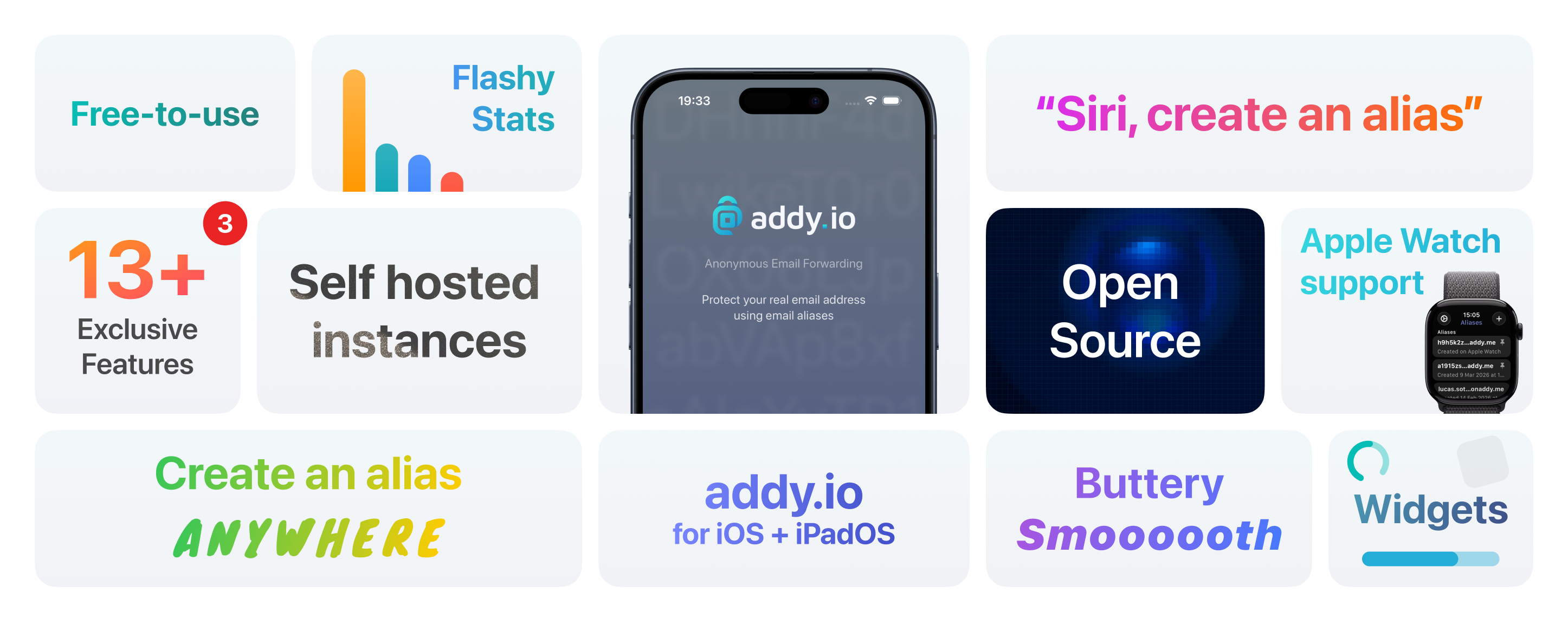
Docker image for addy.io, an anonymous email forwarding service.
Tip
Want to be notified of new releases? Check out 🔔 Diun (Docker Image Update Notifier) project!
git clone https://github.com/anonaddy/docker.git docker-addy
cd docker-addy

# Build image and output to docker (default)
docker buildx bake

# Build multi-platform image
docker buildx bake image-all
Following platforms for this image are available:
$ docker buildx imagetools inspect anonaddy/anonaddy --format "{{json .Manifest}}" | \
  jq -r '.manifests[] | select(.platform.os != null and .platform.os != "unknown") | .platform | "\(.os)/\(.architecture)\(if .variant then "/" + .variant else "" end)"'

linux/amd64
linux/arm64
TZ: The timezone assigned to the container (default UTC)PUID: user id (default 1000)PGID: group id (default 1000)MEMORY_LIMIT: PHP memory limit (default 256M)UPLOAD_MAX_SIZE: Upload max size (default 16M)NGINX_WORKER_PROCESSES: Number of Nginx worker processes (default auto)CLEAR_ENV: Clear environment in FPM workers (default yes)OPCACHE_MEM_SIZE: PHP OpCache memory consumption (default 128)LISTEN_IPV6: Enable IPv6 for Nginx and Postfix (default true)REAL_IP_FROM: Trusted addresses that are known to send correct replacement addresses (default 0.0.0.0/32)REAL_IP_HEADER: Request header field whose value will be used to replace the client address (default X-Forwarded-For)LOG_IP_VAR: Use another variable to retrieve the remote IP address for access log_format on Nginx. (default remote_addr)LOG_CROND: Enable crond logging. (default true)APP_NAME: Name of the application (default addy.io)APP_KEY: Application key for encrypter service. You can generate one through anonaddy key:generate --show or echo "base64:$(openssl rand -base64 32)". requiredAPP_DEBUG: Enables or disables debug mode, used to troubleshoot issues (default false)APP_URL: The URL of your installationQUEUE_CONNECTION: Job execution mode, sync or redis (default sync). See Background jobs for Redis queue setup.ANONADDY_RETURN_PATH: Return-path header for outbound emailsANONADDY_ADMIN_USERNAME: If set this value will be used and allow you to receive forwarded emails at the root domainANONADDY_ENABLE_REGISTRATION: If set to false this will prevent new users from registering on the site (default true)ANONADDY_DOMAIN: Root domain to receive email from requiredANONADDY_HOSTNAME: FQDN hostname for your server used to validate records on custom domains that are added by usersANONADDY_DNS_RESOLVER: Custom domains that are added by users to validate records (default 127.0.0.1)ANONADDY_ALL_DOMAINS: If you would like to have other domains to use (e.g. @username.example2.com), set a comma separated list like so, example.com,example2.com (default $ANONADDY_DOMAIN)ANONADDY_NON_ADMIN_SHARED_DOMAINS: If set to false this will prevent any non-admin users from being able to create shared domain aliases at any domains that have been set for $ANONADDY_ALL_DOMAINS (default true)ANONADDY_SECRET: Long random string used when hashing data for the anonymous replies requiredANONADDY_LIMIT: Number of emails a user can forward and reply per hour (default 200)ANONADDY_BANDWIDTH_LIMIT: Monthly bandwidth limit for users in bytes domains to use (default 104857600)ANONADDY_BANDWIDTH_LIMIT_ENABLED: If set to false this will disable the monthly bandwidth enforcement (default true)ANONADDY_NEW_ALIAS_LIMIT: Number of new aliases a user can create each hour (default 10)ANONADDY_ADDITIONAL_USERNAME_LIMIT: Number of additional usernames a user can add to their account (default 10)ANONADDY_SIGNING_KEY_FINGERPRINT: GPG key used to sign forwarded emails. Should be the same as your mail from email addressANONADDY_DKIM_SIGNING_KEY: Path to the private DKIM signing key to be used to sign emails for custom domains.ANONADDY_DKIM_SELECTOR: Selector for the current DKIM signing key (default default)Note
APP_KEY_FILE, ANONADDY_SECRET_FILE and ANONADDY_SIGNING_KEY_FINGERPRINT_FILE
can be used to fill in the value from a file, especially for Docker's secrets
feature.
DB_HOST: MySQL database hostname / IP address requiredDB_PORT: MySQL database port (default 3306)DB_DATABASE: MySQL database name (default anonaddy)DB_USERNAME: MySQL user (default anonaddy)DB_PASSWORD: MySQL passwordDB_TIMEOUT: Time in seconds after which we stop trying to reach the MySQL server (useful for clusters, default 60)Note
DB_USERNAME_FILE and DB_PASSWORD_FILE can be used to fill in the value
from a file, especially for Docker's secrets feature.
REDIS_HOST: Redis hostname / IP addressREDIS_PORT: Redis port (default 6379)REDIS_PASSWORD: Redis passwordNote
REDIS_PASSWORD_FILE can be used to fill in the value from a file, especially
for Docker's secrets feature.
MAIL_FROM_NAME: From name (default addy.io)MAIL_FROM_ADDRESS: From email address (default addy@${ANONADDY_DOMAIN})MAIL_ENCRYPTION: Encryption protocol to send e-mail messages (default null)POSTFIX_DEBUG: Enable debug (default false)POSTFIX_MYNETWORKS: Trusted SMTP clients that may relay outbound mail through Postfix (default 127.0.0.0/8 [::ffff:127.0.0.0]/104 [::1]/128)POSTFIX_MESSAGE_SIZE_LIMIT: The maximal size in bytes of a message, including envelope information (default 26214400)POSTFIX_REJECT_UNKNOWN_REVERSE_CLIENT_HOSTNAME: Reject clients when their IP address has no reverse DNS entry (default true)POSTFIX_STRIP_SENDER_HEADER: Strip the Sender header from incoming emails to prevent SES rejection issues (default false)POSTFIX_SMTPD_TLS: Enabling TLS in the Postfix SMTP server (default false, possible values: true|may|encrypt|ask|require, see Postfix TLS README)POSTFIX_SMTPD_TLS_CERT_FILE: File with the Postfix SMTP server RSA certificate in PEM formatPOSTFIX_SMTPD_TLS_ECCERT_FILE: File with the Postfix SMTP server RSA private key in PEM formatPOSTFIX_SMTPD_TLS_ECKEY_FILE: File with the Postfix SMTP server ECC certificate in PEM formatPOSTFIX_SMTPD_TLS_KEY_FILE: File with the Postfix SMTP server ECC private key in PEM formatPOSTFIX_SMTP_TLS: Enabling TLS in the Postfix SMTP client (default false, possible values: true|may|encrypt|dane|dane-only|verify|secure, see Postfix TLS README)POSTFIX_RELAYHOST: Default host to send mail toPOSTFIX_RELAYHOST_AUTH_ENABLE: Enable client-side authentication for relayhost (default false)POSTFIX_RELAYHOST_USERNAME: Postfix SMTP Client username for relayhost authenticationPOSTFIX_RELAYHOST_PASSWORD: Postfix SMTP Client password for relayhost authenticationPOSTFIX_RELAYHOST_SSL_ENCRYPTION: enable SSL encrpytion over SMTP where TLS is not available. (default false, possible values: true|tls_policy, tls_policy uses the policy defined by POSTFIX_SMTP_TLS)POSTFIX_SMTP_TLS_DOMAINS_EXCEPTIONS: Comma-separated list of domains with TLS exceptions (TLS policy: may)POSTFIX_SPAMHAUS_DQS_KEY: Personal key for Spamhaus DQSNote
POSTFIX_RELAYHOST_USERNAME_FILE and POSTFIX_RELAYHOST_PASSWORD_FILE can be
used to fill in the value from a file, especially for Docker's secrets feature.
Warning
Do not add Docker bridge, proxy, VPN, or private LAN ranges to POSTFIX_MYNETWORKS
unless every client in those ranges is trusted to relay mail. Docker port
publishing and proxies can make external SMTP clients appear as private bridge
addresses.
If Docker or a proxy makes public SMTP clients appear as a local bridge address
without reverse DNS, set POSTFIX_REJECT_UNKNOWN_REVERSE_CLIENT_HOSTNAME=false
instead of trusting that bridge range.
RSPAMD_ENABLE: Enable Rspamd service. (default false)RSPAMD_WEB_PASSWORD: Rspamd web password (default null)RSPAMD_SECURE_IP: Bypass password for IPs in this CIDR. 0.0.0.0/0 to disable password (default 127.0.0.1/32)RSPAMD_NO_LOCAL_ADDRS: Disable Rspamd local networks (default false)RSPAMD_SMTPD_MILTERS: A list of Milter (space or comma as separated) applications for new mail that arrives (default inet:127.0.0.1:11332)RSPAMD_GREYLIST_ENABLE: Whether to enable greylisting in rspamd (default true)BLOCKLIST_API_ALLOWED_IPS: Comma-separated list of allowed IPs for blocklist API (default 127.0.0.1)BLOCKLIST_API_SECRET: Secret key for blocklist APINote
RSPAMD_WEB_PASSWORD_FILE can be used to fill in the value from a file,
especially for Docker's secrets feature.
Warning
DKIM private key must be located in /data/dkim/${ANONADDY_DOMAIN}.private.
You can generate a DKIM private/public keypair by following this note.
Warning
Rspamd service is disabled if DKIM private key is not found
Warning
Rspamd service needs to be enabled for the reply anonymously feature to work.
See #169 for more details.
/data: Contains storageWarning
Note that the volume should be owned by the user/group with the specified
PUID and PGID. If you don't give the volume correct permissions, the
container may not start.
8000: HTTP port (addy.io)11334: HTTP port (rspamd web dashboard)25: SMTP port (postfix)Docker compose is the recommended way to run this image. You can use the following docker compose template, then run the container:
docker compose up -d
docker compose logs -f
docker compose pull
docker compose up -d
anonaddy commandIf you want to use the artisan command to perform common server operations like manage users, passwords and more, type:
docker compose exec addy anonaddy <command>For example to list all available commands:
docker compose exec addy anonaddy listdocker compose exec addy anonaddy anonaddy:create-user "username" "webmaster@example.com"docker compose run --entrypoint '' addy gen-dkimgenerating private and storing in data/dkim/example.com.private
generating DNS TXT record with public key and storing it in data/dkim/example.com.txt
default._domainkey IN TXT ( "v=DKIM1; k=rsa; "
"p=***"
"***"
) ;
The keypair will be available in /data/dkim.
If you don't have an existing GPG key, you can generate a new GPG key with the following command:
docker compose exec --user anonaddy addy gpg --full-gen-keyKeys will be stored in /data/.gnupg folder.
You can define additional environment variables that will be used by the app
by creating a file named .env in /data.
With QUEUE_CONNECTION=redis, all queued application jobs, including email
delivery and notifications, run in the background. The worker uses the configured
Redis server and queue. Other queue connections require an externally managed
worker.
The worker allows three attempts with a five-second retry delay and a 60-second timeout. Job-specific retry and timeout settings take precedence. The timeout is shorter than the application's 90-second Redis retry interval.
The Compose examples enable Redis append-only persistence in ./redis. When
enabling queues, set stop_grace_period: 90s on the addy service so the worker
can finish its current job during shutdown. The native s6-overlay v3 queue
service allows 65 seconds for the worker to stop.
Drain pending jobs before switching back to sync, since that mode does
not start a worker. Failed jobs can be inspected with anonaddy queue:failed and
retried with anonaddy queue:retry <id>.
In some cases you may want to override the default Postfix main configuration
to fit your infrastructure. To do so, you can create a file named
postfix-main.alt.cf in /data and it will be used instead of the generated
configuration. Use at your own risk.
Warning
Container has to be restarted to propagate changes
If a public DNS resolver is used, it may be blocked by Spamhaus and return a 'non-existent domain' (NXDOMAIN), and soon will start to return an error code:
Aug  3 10:15:40 mail01 postfix/smtpd[23645]: NOQUEUE: reject: RCPT from sender.example.com[xx.xx.xx.xx]: 554 5.7.1 Service unavailable;
Client host [xx.xx.xx.xx] blocked using zen.spamhaus.org; Error: open resolver; https://www.spamhaus.org/returnc/pub/162.158.148.77;
from=<sender@example.com> to=<recipient@example.com> proto=ESMTP helo=<icinga2.infiniroot.net>
To fix this issue, you can register a DQS key here and complete the registration procedure. After you register an account, you can find the DQS key in the "Access" section of this page.
Want to contribute? Awesome! The most basic way to show your support is to star the project, or to raise issues. You can also support this project by becoming a sponsor on GitHub or by making a PayPal donation to ensure this journey continues indefinitely!
Thanks again for your support, it is much appreciated! 🙏
MIT. See LICENSE for more details.
anonaddy/docker is a public repo on GitHub by anonaddy. AnonAddy Docker image.
It declares the MIT license on GitHub.
Its maker tagged it for macOS, Windows and Linux, or as Docker or cross-platform. That is declared by the maker; Take My Repo has not tested it.
Open "Take it" on its page: Take My Repo writes an install plan for your machine and hands it to your AI agent (Claude Code, Codex or Cursor), which asks you before each step. Take My Repo has not tested it on any machine.
Its last change on GitHub was on 2026-11-18. GitHub counts 20 open issues and pull requests. Take My Repo does not judge from that whether it is maintained.
Nobody has reviewed it on Take My Repo yet, which says nothing about its quality.
Set up your own IPsec VPN server in just a few minutes, with IPsec/L2TP, Cisco IPsec and IKEv2. Supports Ubuntu, Debian, CentOS/RHEL, Alpine Linux and Raspberry Pi OS. Includes client config and management scripts.
A temporary email right from your terminal written in POSIX sh
Reverse engineer anything with agents, from app behavior down to native binaries.
A list of Free Software network services and web applications which can be hosted on your own servers