
intent-pilot
What can be said can be automated
- 37
- MIT
- 2 y ago
Repo askui/intent-pilot, read from GitHub 2 d ago. askui has not joined Take My Repo.
In short
askui/intent-pilot is a public repo on GitHub by askui. What can be said can be automated. It declares the MIT license on GitHub. It is written mainly in Python, has 37 stars and last changed on 2024-09-23. It is archived: its maker no longer maintains it. Nobody has reviewed it on Take My Repo yet, which says nothing about its quality. Read from GitHub on 2026-11-24.
⧐ Intent Pilot
What can be said can be solved.
Get early access to the PTA model | Scale on our shoulders
Intent Pilot
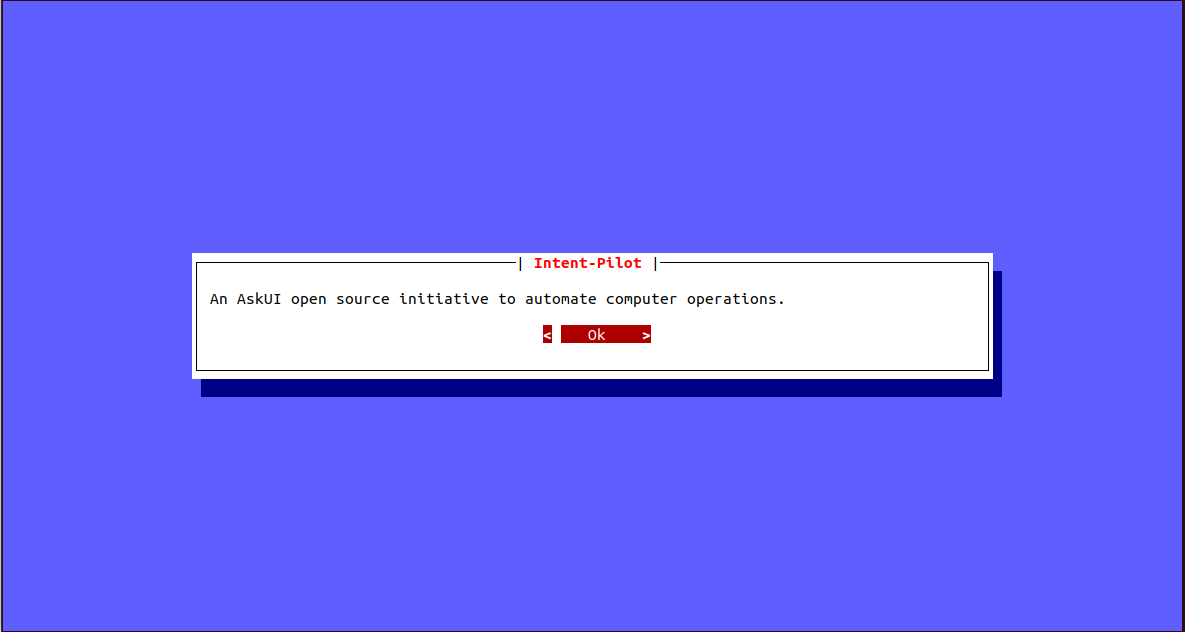
IntentPilot is an orchestration of two tools: AskUI's object detector with OpenAI's GPT-4v to achieve automation. It is designed to automate repetitive tasks, and to assist users in performing complex tasks with ease. This repository is our attempt to understand the GPT-4v's potential in automation and building an end-to-end automation tool.
We are inspired by and improve upon Self-Operating-Computer by a more accurate object detection model and an improved prompting strategy. We also provide a more user-friendly interface, and a more intuitive way to interact with the tool. For example, the notification feature to let users know what is happening and what to do next. Also, our tool works across all keyboard layouts - US, German, etc, which was one of the limitations of similar tools.
Demo
https://github.com/askui/intent-pilot/assets/106730702/582d7dec-e3ff-43fd-9ab7-0cad9103b366
Quick Start
Setup
- Python 3.11 or later
- OpenAI Key
- AskUI credentials
ASKUI_WORKSPACE_IDandASKUI_TOKENare needed in.envfile to get the product running.- You can get your own AskUI credentials by signing up at AskUI
- You can also copy the
.env.examplefile to.envand fill in the required details OR You can enter the credentials in the terminal when you start the app.
⚠️IMPORTANT: If you saved the credentials with the flag -c --config, you MUST delete them with the flag -d --deleteconfig again for the local .env file to be read again.
Linux
- In case of linux, you may need to install the following packages:
sudo apt-get install xsel xclip python3-tk python3-dev
macOS
- In case of MacOS, you will have to grant permissions to the terminal to access the clipboard. You can do this by going to
System Preferences->Security & Privacy->Privacy->Accessibilityand then adding the terminal to the list of apps that can control your computer.
Windows
We are currently working on the Windows version of the tool. It will be available soon.
Quick Fix: The package also works on Windows but the Windows Defender is deleting the src/intent_pilot/utils/screenshot.py file. You have to restore the file from the quarantine and add it to the exclusion list.
Installation
pip install intent-pilot
Terminal
After installation, run intent in your terminal:
intent
In case, you are unable to run the command, try running the following command:
python -m intent_pilot
Build from Source
We recommend using PDM to build and run Intent Pilot
Step 0: Install PDM
Run the following command in a terminal to install PDM:
curl -sSL https://pdm-project.org/install-pdm.py | python3 -
Step 1: Install Dependencies for Intent Pilot
Run the following command to install all the dependencies needed for Intent Pilot:
pdm install
Step 2: Run Intent Pilot
Start the Intent Pilot by running this command:
pdm run intent
Flags
--debug: Prints debug output to the console--model -m <modelname>: The model to use -llavaor defaultgpt4v-c --config: Prompts to save the credentials configuration to~/.askui/intent-pilot.env-d --deleteconfig: Prompts to delete the credentials from~/.askui/intent-pilot.env
Use Local llava Model Instead of gpt4-Vision
Install Ollama for your system from their Website.
ollama serveto start the API locallyollama run llavato start the model locally- Start the Intent Pilot with the flag
-m llava
Join Our Discord Community
For real-time discussions and community support, join our Discord server:
- Join our Discord Server and then navigate to the #intent-pilot channel.
Contributing
Thank you for your interest in contributing! We welcome involvement from the community.
Roadmap
We are currently in the process of building PTA (Prompt-to-Automation) model, a Multi-Modal Model that can understand and execute commands in natural language, in real-time and faster than any Virtual Personal Assistant (VPA) in the market.
Questions
What is intent-pilot?
askui/intent-pilot is a public repo on GitHub by askui. What can be said can be automated.
Is intent-pilot open source?
It declares the MIT license on GitHub.
Does intent-pilot run on macOS, Windows or Linux?
Its maker has not tagged a system, so it is unknown here. Its README says what it needs.
How do I install intent-pilot?
Open "Take it" on its page: Take My Repo writes an install plan for your machine and hands it to your AI agent (Claude Code, Codex or Cursor), which asks you before each step. Take My Repo has not tested it on any machine.
Is intent-pilot still maintained?
No. It is archived on GitHub: its maker no longer maintains it.