ECC
The agent harness performance optimization system. Skills, instincts, memory, security, and research-first development for Claude Code, Codex, Opencode, Cursor and beyond.
- 310k
- JavaScript
- MIT
- 1 d ago
A Neovim bridge plugin for Claude Code CLI, providing seamless integration between your editor and Claude's AI capabilities.
Repo avifenesh/claucode.nvim, read from GitHub 6 h ago. avifenesh has not joined Take My Repo.
avifenesh/claucode.nvim is a public repo on GitHub by avifenesh. A Neovim bridge plugin for Claude Code CLI, providing seamless integration between your editor and Claude's AI capabilities. It declares the MIT license on GitHub. It is written mainly in Lua, has 25 stars and last changed on 2026-10-31. Nobody has reviewed it on Take My Repo yet, which says nothing about its quality. Read from GitHub on 2026-11-24.
The agent harness performance optimization system. Skills, instincts, memory, security, and research-first development for Claude Code, Codex, Opencode, Cursor and beyond.
A Neovim bridge plugin for Claude Code CLI, providing seamless integration between your editor and Claude's AI capabilities.
🌟 Love this plugin? Give it a star! It helps others discover it.
A lightweight Neovim plugin that bridges your editor with Claude Code CLI, bringing AI assistance directly into your coding workflow.
:Claude without arguments opens an input promptvim.system, vim.uv, and modern vim.health)npm install -g @anthropic-ai/claude-code)ANTHROPIC_API_KEY environment variable or a logged-in Claude CLI sessionUsing lazy.nvim (recommended)
{
  "avifenesh/claucode.nvim",
  config = function()
    require("claucode").setup()
  end,
}
Using packer.nvim
use {
  "avifenesh/claucode.nvim",
  config = function()
    require("claucode").setup()
  end
}
require("claucode").setup({
  -- Claude Code CLI command (default: "claude")
  -- Use full path if claude is not in your PATH
  command = "claude",  -- or "/home/username/.claude/local/claude"

  -- Auto-start file watcher on setup
  auto_start_watcher = true,

  -- Enable default keymaps
  keymaps = {
    enable = true,
    prefix = "<leader>ai",  -- AI prefix to avoid conflicts
  },

  -- File watcher settings
  watcher = {
    debounce = 100,  -- milliseconds
    ignore_patterns = { "%.git/", "node_modules/", "%.swp$", "%.swo$" },
  },

  -- Bridge settings
  bridge = {
    timeout = 30000,     -- milliseconds
    max_output = 1048576, -- 1MB
    show_diff = true,    -- Enable diff preview (requires MCP, default: true)
    auto_claude_md = true, -- Add diff instructions to CLAUDE.md (default: true)
    auto_accept = false, -- Write files without the diff UI (default: false)
  },

  -- MCP settings
  mcp = {
    enabled = true,         -- Enable MCP server (default: true)
    auto_build = true,      -- Auto-build MCP server if not found (default: true)
    cleanup_on_exit = true, -- Remove MCP server when Neovim exits (default: true)
  },

  -- UI settings
  ui = {
    diff = {
      width = 0.8,
      height = 0.8,
      border = "rounded",
    },
    terminal = {
      height = 0.5, -- Terminal height as fraction of screen (0.5 = 50%)
    },
    icons = {
      enabled = true, -- Set to false to disable icons/emojis
    },
  },

  -- Notification settings
  notifications = {
    silent_watcher = true,    -- Don't notify on watcher start/stop
    silent_claude_md = true,  -- Don't notify on CLAUDE.md updates
  },
})
This plugin includes an MCP (Model Context Protocol) server that provides seamless diff preview functionality. When enabled, you'll see exactly what changes Claude wants to make before they're applied to your files.
Enable diff preview:
require("claucode").setup({
  mcp = {
    enabled = true,     -- Enable MCP server (default: true)
    auto_build = true,  -- Auto-build MCP server if not found (default: true)
  },
  bridge = {
    show_diff = true,   -- Enable diff preview (requires MCP, default: true)
  }
})
How it works:
claude mcp addnvim_edit_with_diff and nvim_write_with_diff instead of standard file operationsa to accept the changesr to reject the changesq or <Esc> to close (same as reject)Tab, <C-h>, or <C-l> to switch between windowsmcp.cleanup_on_exit)Requirements:
Multi-session support:
When diff preview is enabled, the plugin automatically adds instructions to your project's CLAUDE.md file. This ensures Claude will use the Neovim diff preview tools in both command mode and terminal mode.
Automatic behavior:
show_diff = true, the plugin automatically adds diff preview instructions to CLAUDE.mdbridge.auto_claude_md = falseBenefits:
:Claude commands and :ClaudeTerminal automaticallyYou can toggle diff preview functionality at any time without restarting Neovim using:
:ClaudeDiffToggle
This command will:
Important: After toggling, you must restart any active Claude terminal sessions for the changes to take full effect. This is because:
Note: Diff preview requires mcp.enabled = true in your configuration. If MCP is disabled, the toggle command will show a warning.
Sometimes you want Claude to just apply edits without the review step — e.g. during an autonomous run. Toggle it mid-session, no restart required:
:ClaudeAutoAccept          " flip current state
:ClaudeAutoAccept on       " explicitly enable
:ClaudeAutoAccept off      " explicitly disable (back to diff preview)
Or set it at startup:
require("claucode").setup({
  bridge = { auto_accept = true },
})
Unlike :ClaudeDiffToggle, this does not tear down the MCP server or rewrite CLAUDE.md. The very next nvim_edit_with_diff / nvim_write_with_diff call will honor the new state. The flag is cleared automatically when Neovim exits.
:Claude [prompt] - Send a prompt to Claude (shows response in popup). Without arguments, opens an input prompt.:Claude --file <prompt> (or -f) - Include current file context with prompt:Claude -c <prompt> - Continue the previous conversation:ClaudeTerminal [cli_args] - Open Claude in a terminal split with optional CLI parameters:ClaudeTerminalToggle - Toggle Claude terminal visibility:ClaudeDiffToggle - Toggle diff preview on/off (tears down MCP; requires Claude session restart):ClaudeAutoAccept [on|off] - Toggle MCP auto-accept (passthrough); takes effect on the next tool callWith default prefix <leader>ai:
Normal mode:
<leader>aic - Send prompt to Claude<leader>aif - Send current file to Claude for review<leader>aie - Explain code (selection or file)<leader>aix - Fix issues in code<leader>ait - Generate tests<leader>aia - Complete code at cursor<leader>aio - Open Claude terminal<leader>aiT - Toggle Claude terminalVisual mode:
<leader>aic - Send selection with prompt<leader>aiT - Send selection to terminal" Open input prompt to ask Claude a question
:Claude
" Ask Claude a question directly
:Claude How do I implement a binary search in Lua?
" Review current file
:Claude --file Please review this code and suggest improvements
" Visual mode: select code and ask for explanation
" Select code in visual mode, then:
:Claude Explain this code
" Fix issues in current file
:Claude --file Fix any bugs or issues in this file
" Open Claude terminal with CLI parameters
:ClaudeTerminal --continue
:ClaudeTerminal --mcp-config ../.mcp.json
:ClaudeTerminal --continue --mcp-config ../.mcp.json
If you prefer a cleaner look without emojis in notifications and UI:
require("claucode").setup({
  ui = {
    icons = {
      enabled = false,
    },
  },
})
Control notification verbosity for routine operations:
require("claucode").setup({
  notifications = {
    silent_watcher = true,    -- Silence watcher start/stop notifications (default: true)
    silent_claude_md = true,  -- Silence CLAUDE.md update notifications (default: true)
  },
})
Errors and warnings are always shown to ensure you don't miss important information.
This plugin IS:
This plugin is NOT:
It's a simple bridge - Claude does the AI work, this plugin handles the communication.
Run :checkhealth claucode to diagnose common issues. This checks:
npm install -g @anthropic-ai/claude-codeecho $ANTHROPIC_API_KEYclaude -p "test"Find Claude's location: which claude
Then update your config:
require("claucode").setup({
  command = "/path/to/claude",  -- e.g., "/home/user/.claude/local/claude"
})
mcp.enabled = true in configmcp-server/build/index.js exists in the plugin directory (or run :checkhealth claucode)cd ~/.local/share/nvim/lazy/claucode.nvim/mcp-server
npm install && npm run build
claude mcp list to see registered serverswatcher.debounce (default: 100ms)bridge.timeoutavifenesh/claucode.nvim is a public repo on GitHub by avifenesh. A Neovim bridge plugin for Claude Code CLI, providing seamless integration between your editor and Claude's AI capabilities.
It declares the MIT license on GitHub.
Its maker has not tagged a system, so it is unknown here. Its README says what it needs.
Open "Take it" on its page: Take My Repo writes an install plan for your machine and hands it to your AI agent (Claude Code, Codex or Cursor), which asks you before each step. Take My Repo has not tested it on any machine.
Reverse engineer anything with agents, from app behavior down to native binaries.
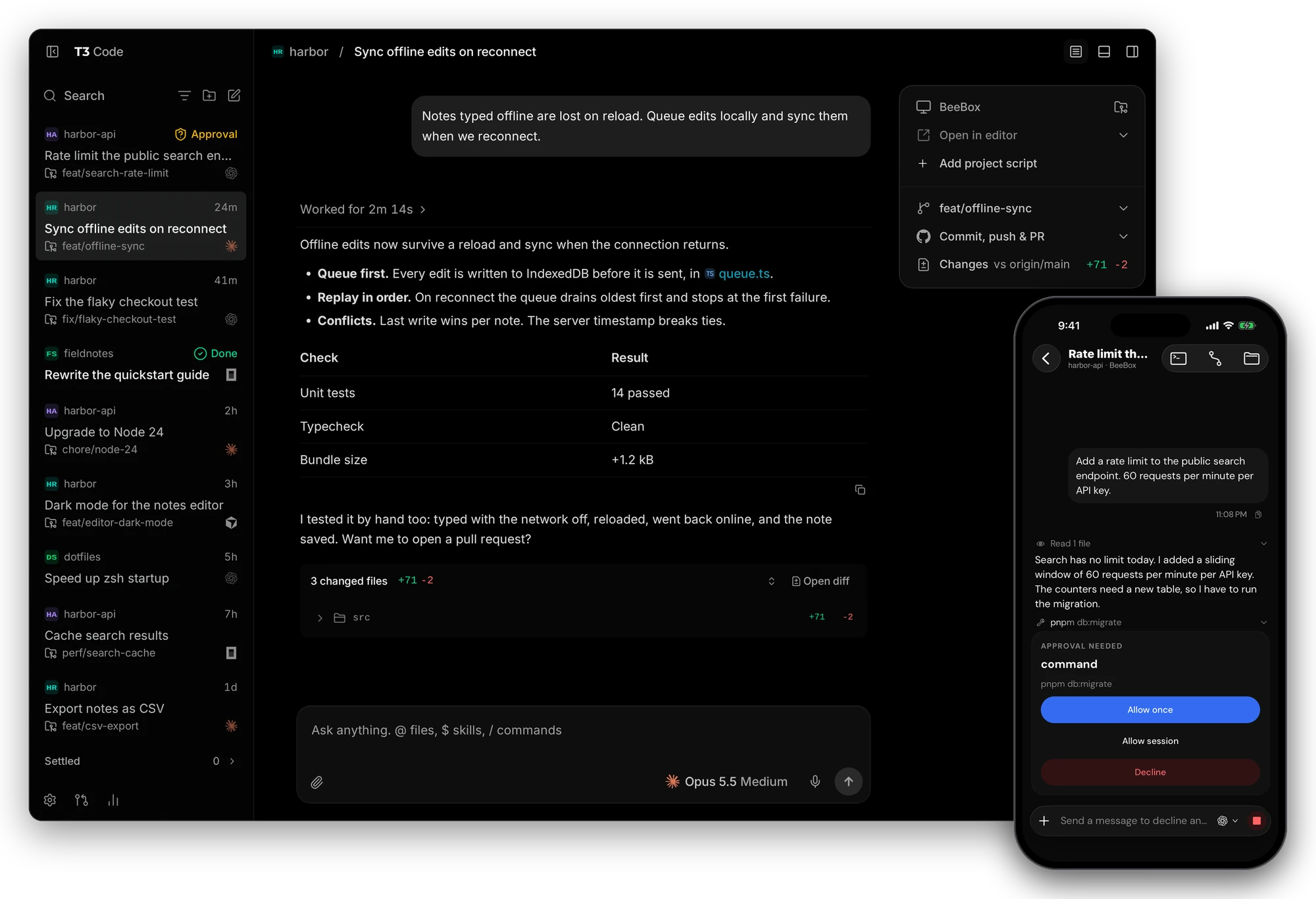
The best way to control Claude Code, Codex and more from any computer or phone
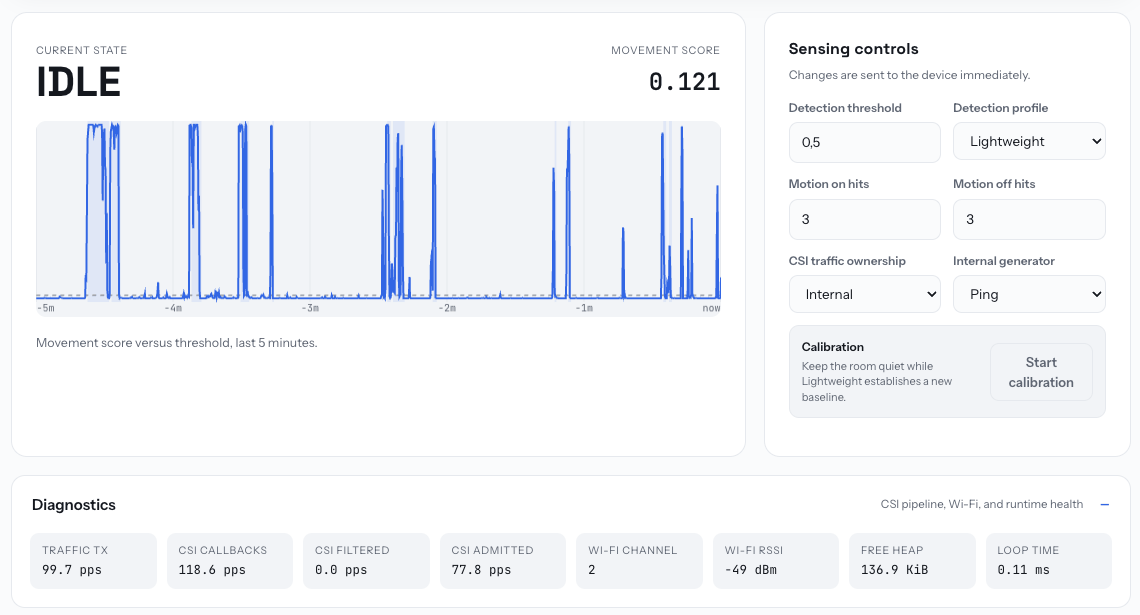
Wi-Fi motion sensing platform for ESP32. C++ SDK, ESPHome, Native, and Matter frontends, browser tools, and a CLI for the full device lifecycle. GPLv3 and commercial licensing.
Fair-code workflow automation platform with native AI capabilities. Combine visual building with custom code, self-host or cloud, 400+ integrations.
Its last change on GitHub was on 2026-10-31. Take My Repo does not judge from that whether it is maintained.
Nobody has reviewed it on Take My Repo yet, which says nothing about its quality.
Take My Repo cannot say: it does not audit code and has not run claucode.nvim. What is known comes from GitHub. It declares the MIT license on GitHub. Its last change was on 2026-10-31. It has 25 stars, which measure popularity, not safety. Nobody has reviewed it on Take My Repo yet, which says nothing about its quality. Read the source before you run it. With "Take it", your AI agent shows each step and asks you before running it; README text is treated as data, not as instructions.