
Welcome to my personalized Neovim configuration! This configuration is tailored
primarily for DevOps tasks but can also be utilized by developers working with
languages like Bash, Go, JSON, Python, Rust, Terraform, TypeScript, and more.
I've aimed to streamline the installation process by creating an installation
script based on flake.nix
scripts for your preferred distributions (you can even test it on Docker
images).
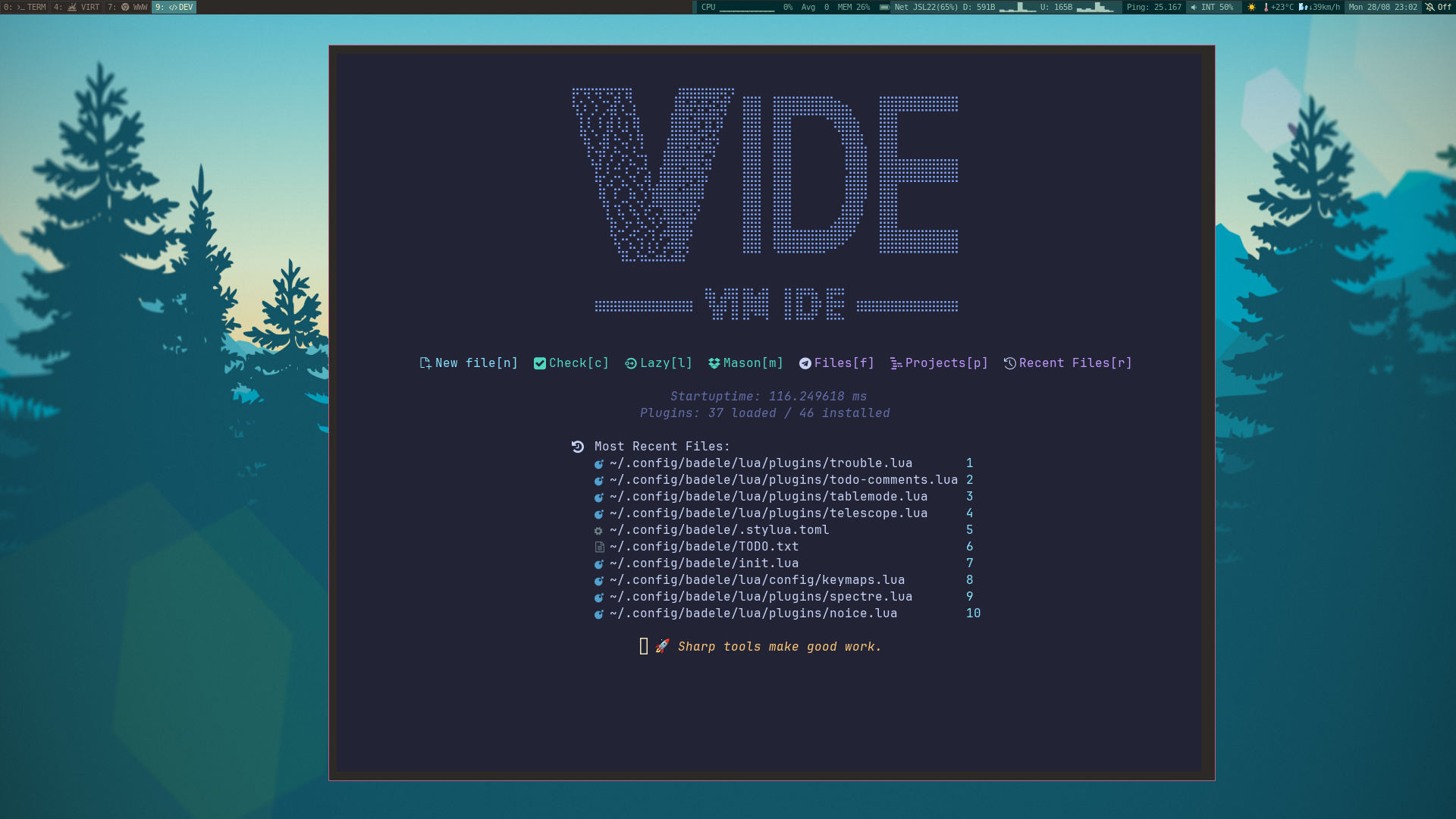
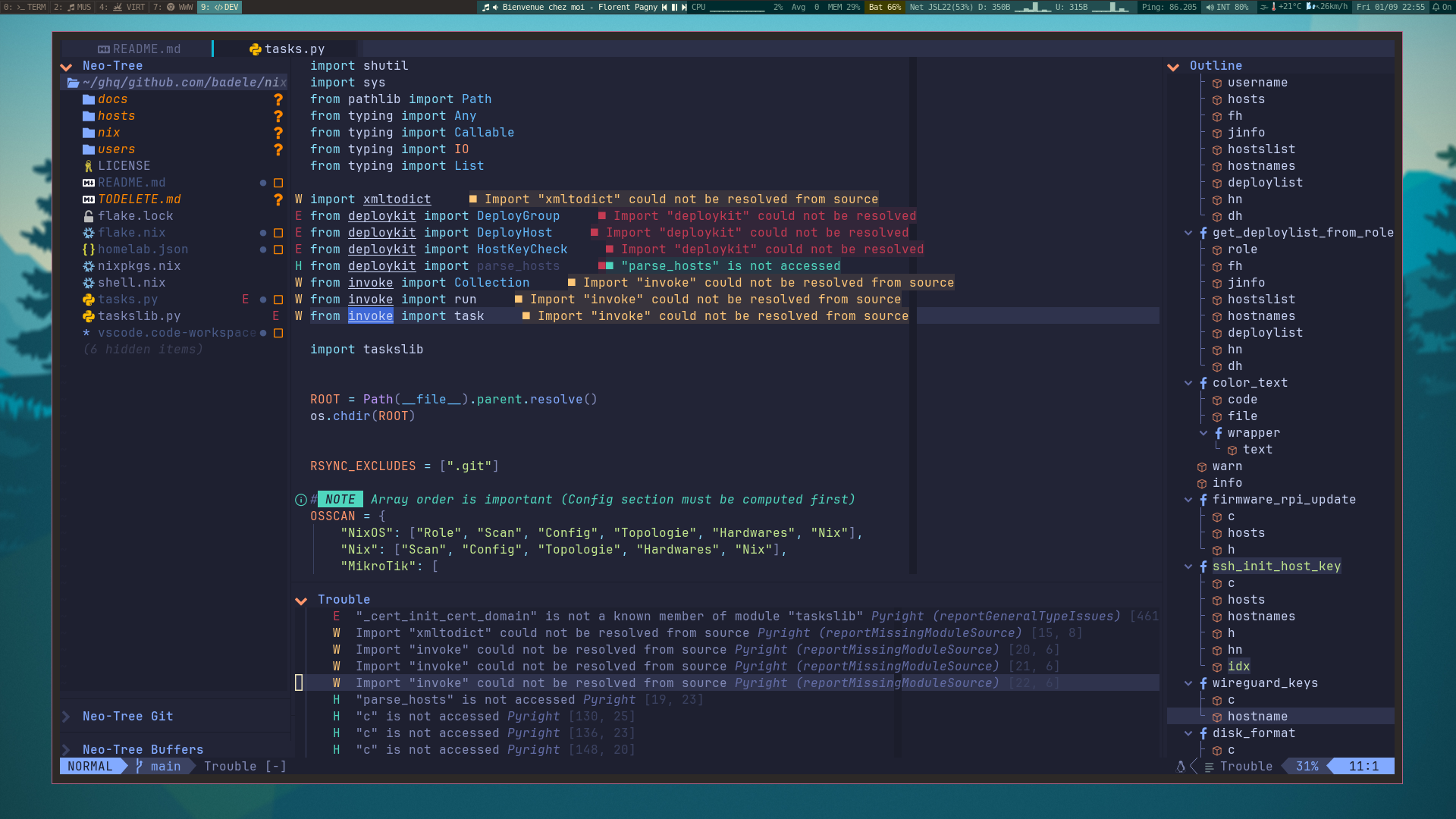
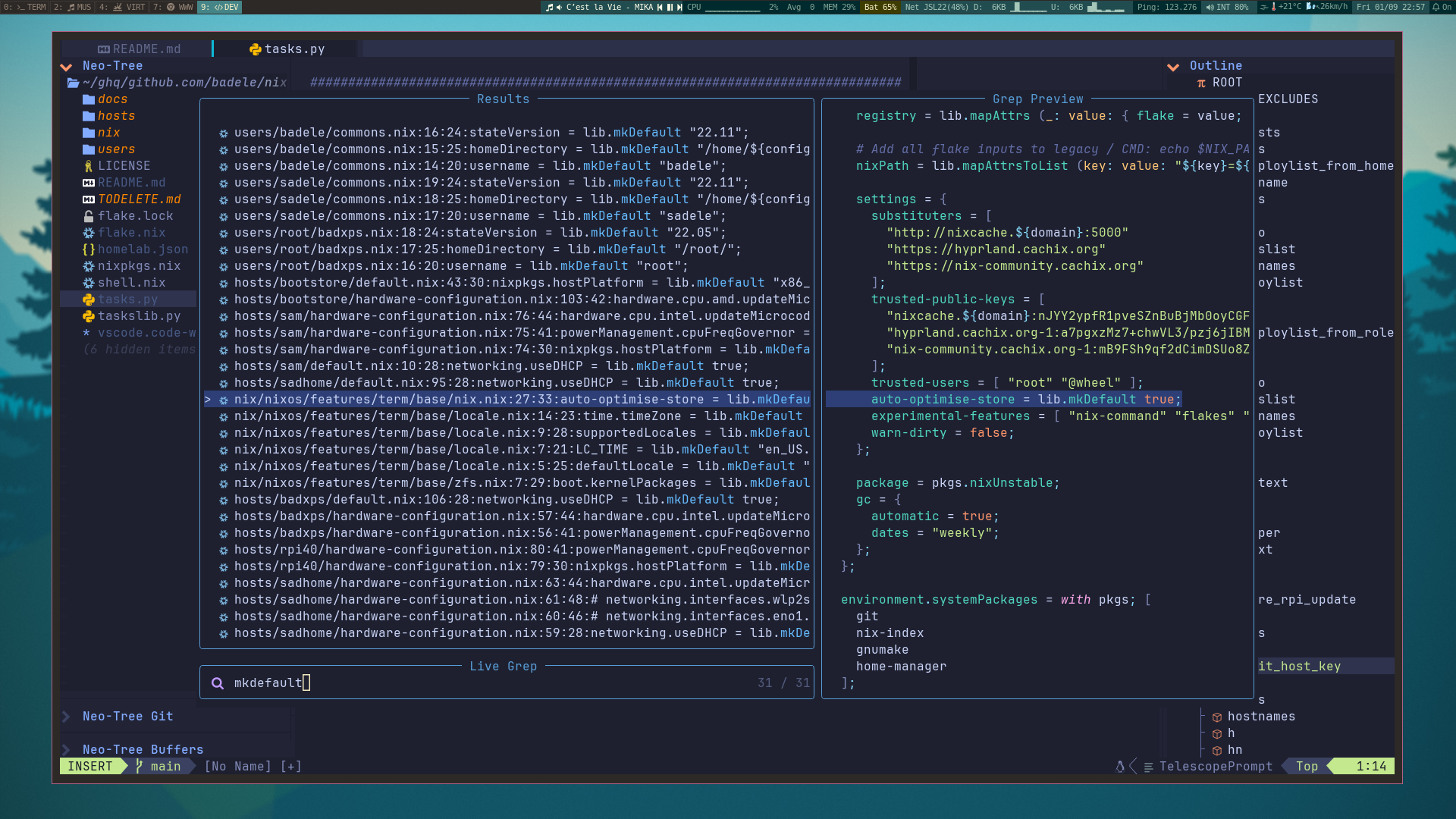
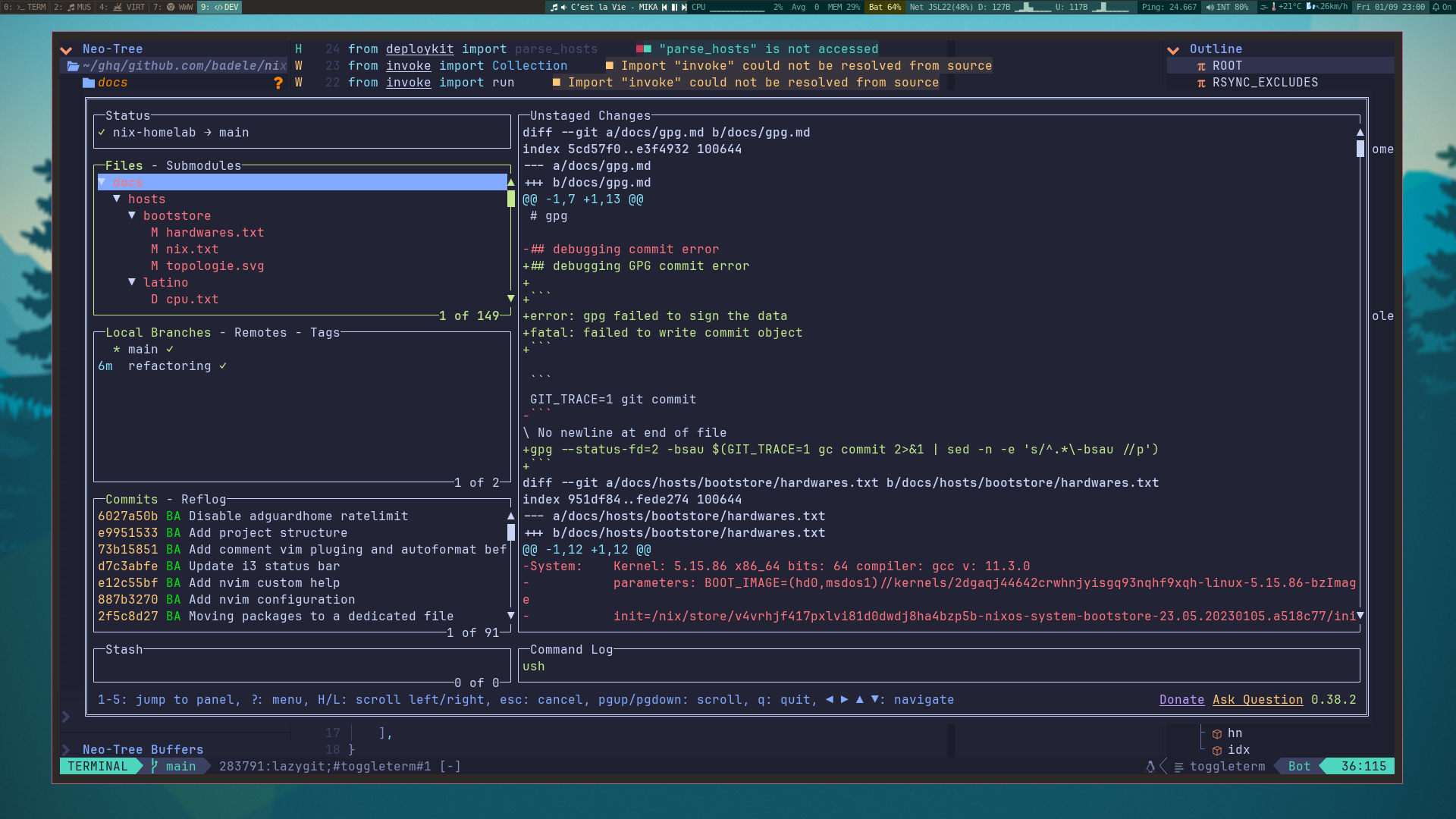
Features
- DevOps-Centric: This Neovim setup is optimized for DevOps workflows,
enhancing your efficiency in tasks related to infrastructure, automation, and
more.
- Developer-Friendly: Even if you're a developer working with various
programming languages such as Bash, Deno, Go, JSON, Nix, Python, Rust,
Terraform, TypeScript, etc., this configuration has you covered.
Plugins
- ⚙️ Core
- 🖥️ Appearance
- 🪟 IDE
- ⛏️ External
Language support
To add or remove a language, you need to modify the following files:
flake.nixlua/config/options.lualua/plugins/code/conform.lualua/plugins/code/lspconfig.lualua/plugins/code/nvim-lint.lualua/plugins/code/treesitter.lualua/plugins/editor/filetype.lua
Language marketplace list:
The below table show the languages fully supporter (LSP, highlighting, format,
lint/diagnostic, completion, action).
Fully supported
| Language |
LSP |
HL |
FO |
Lint |
cmp |
CA |
Plugins |
| deno |
✅ |
✅ |
✅ |
✅ |
✅ |
✅ |
lspconfig (denols) |
| javascript |
✅ |
✅ |
✅ |
✅ |
✅ |
✅ |
lspconfig (denols) |
| dockerfile |
✅ |
✅ |
✅ |
✅ |
✅ |
✅ |
lspconfig (dockerls) |
| lua |
✅ |
✅ |
✅ |
✅ |
✅ |
✅ |
lspconfig (lua_ls) |
| markdown |
✅ |
✅ |
✅ |
✅ |
✅ |
✅ |
lspconfig (marksman), nvim-lint(markdownlint), conform(deno_fmt) |
| nix |
✅ |
✅ |
✅ |
✅ |
✅ |
✅ |
lspconfig (nixd, nil_ls) |
| openscad |
✅ |
✅ |
✅ |
✅ |
✅ |
✅ |
lspconfig (openscad-lsp) |
| python |
✅ |
✅ |
✅ |
✅ |
✅ |
✅ |
lspconfig (ruff) |
| rust |
✅ |
✅ |
✅ |
✅ |
✅ |
✅ |
lspconfig (rust_analyzer), conform(rustfmt) |
| scala |
✅ |
✅ |
✅ |
✅ |
✅ |
✅ |
lspconfig (metals) |
| shell |
✅ |
✅ |
✅ |
✅ |
✅ |
✅ |
lspconfig (bashls), conform(shellharden) |
| terraform |
✅ |
✅ |
✅ |
✅ |
✅ |
✅ |
lspconfig(terraform, terraform-ls |
| tex/latex |
✅ |
✅ |
✅ |
✅ |
✅ |
✅ |
vimtex, lspconfig(texlab) |
| typescript |
✅ |
✅ |
✅ |
✅ |
✅ |
✅ |
lspconfig (denols) |
| yaml |
✅ |
✅ |
✅ |
✅ |
✅ |
✅ |
lspconfig(yamlls) |
Partially supported
| Language |
LSP |
HL |
FO |
Lint |
cmp |
CA |
Plugins |
| ansible |
✅ |
✅ |
❌ |
✅ |
❌ |
🔳 |
ansiblels, ansible-lint |
| d2 |
❌ |
✅ |
✅ |
❌ |
❌ |
❌ |
d2-vim |
| diagram |
🔳 |
❌ |
❌ |
❌ |
🔳 |
🔳 |
venn |
| docker-compose |
🔳 |
🔳 |
🔳 |
🔳 |
🔳 |
🔳 |
TODO |
| gnuplot |
🔳 |
✅ |
🔳 |
🔳 |
🔳 |
🔳 |
Use filetype.nvim type detection |
| go |
🔳 |
🔳 |
🔳 |
🔳 |
🔳 |
🔳 |
TODO |
| json |
✅ |
✅ |
✅ |
✅ |
🔳 |
🔳 |
lspconfig(jsonls), efm(fixjson) |
| justfile |
❌ |
✅ |
✅ |
✅ |
🔳 |
🔳 |
lspconfig(jsonls), efm(fixjson) |
| ledger |
❌ |
✅ |
❌ |
❌ |
❌ |
❌ |
vim-just |
| lua |
✅ |
✅ |
✅ |
✅ |
🔳 |
🔳 |
luacheck, selene, stylua |
| makefile |
🔳 |
✅ |
❌ |
✅ |
❌ |
🔳 |
checkmake |
| vim |
🔳 |
🔳 |
🔳 |
🔳 |
🔳 |
🔳 |
TODO |
Legend :
LSP-Language Server Protocol / HL-Highlight / FO-Format / CA-Code Action
keybinding
Main keybinding with <leader> key :
| Key |
Category |
| c |
Code |
| f |
Find/File |
| g |
Git |
| l |
LSP |
| m |
Misc |
| s |
Search |
| t |
Toogle |
| u |
User |
| x |
Diagnostic |
| ! |
Terminal |
Try
You can use this configuration with neovim >= 0.8.0
If you need install some distribution dependencies use install/<distribname>
script
Supported distributions list:
- archlinux
- debian
- fedora
- nixos
- ubuntu
Try on docker image
git clone https://github.com/badele/vide.git ~/.config/vide
cd ~/.config/vide
make docker-run DISTRIB=<distribname>
make check
nvim
Try on your distribution with nix
Before installing vide in your distribution, you must install & configure nix.
1) Select nix installation
| Distribution |
Installation command |
| archlinux |
pacman -S git nix |
| debian |
apt-get git nix |
| fedora |
dnf install git xz && manual nix installation |
| nixos |
no need installation |
| ubuntu |
apt-get git nix |
Manual nix installation :
curl -L https://nixos.org/nix/install | sh -s -- --daemon --yes
2) Configure nix
echo "extra-experimental-features = nix-command flakes" >> /etc/nix/nix.conf
Preserve your current nvim configuration
git clone https://github.com/badele/vide.git ~/.config/vide
cd ~/.config/vide
nix develop
make check
make try-nvim
Installation
Warning: This replaces your current nvim configuration, your current
configuration is backed up
mv ~/.config/nvim ~/.config/nvim.bak-$(date +%s)
git clone https://github.com/badele/vide.git ~/.config/nvim
cd ~/.config/nvim
nix develop
make check
nvim
Available commands
check          Check requirements installation
distrib-list   List supported distribution
docker-build   Build <DISTRIB> docker image
docker-run     Run <DISTRIB> docker image
help           This help
try-nvim       Try nvim without update your current nvim configuration
TODO
- vide
- Define
lazy & event option for all plugins
- search plugins for :
- try
- legendary.nvim
- neorg
- ALE
- vimwiki
- incline
Credits
Many snippets come from the following projects, thanks to the contributors of
these projects


